Race Calendar & Live Timing
モータースポーツのカレンダー、結果、ライブタイミングを自分のタイムゾーンで
Krzysztof Hendzel · スポーツ · 無料 · アプリ内課金あり
iPhone Duo での表示
iPhone スクリーンショット
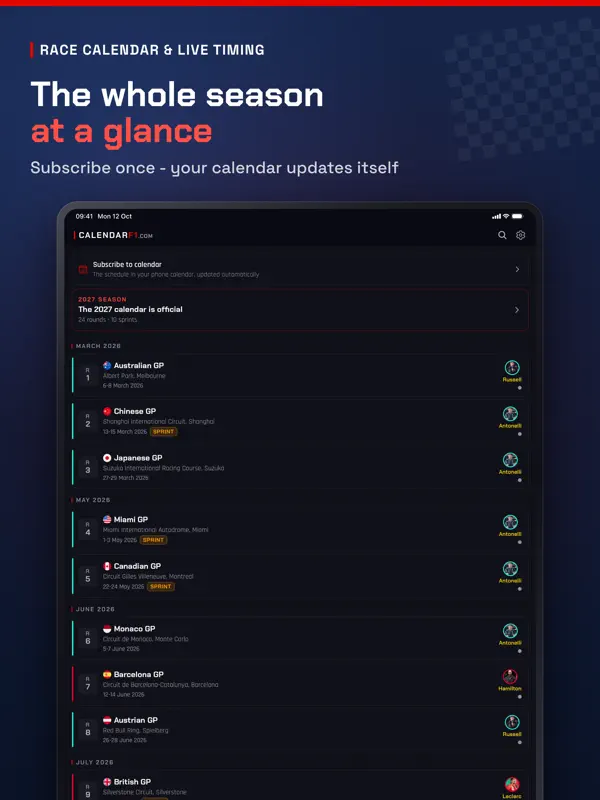
iPad スクリーンショット
iPhone Duo での活用
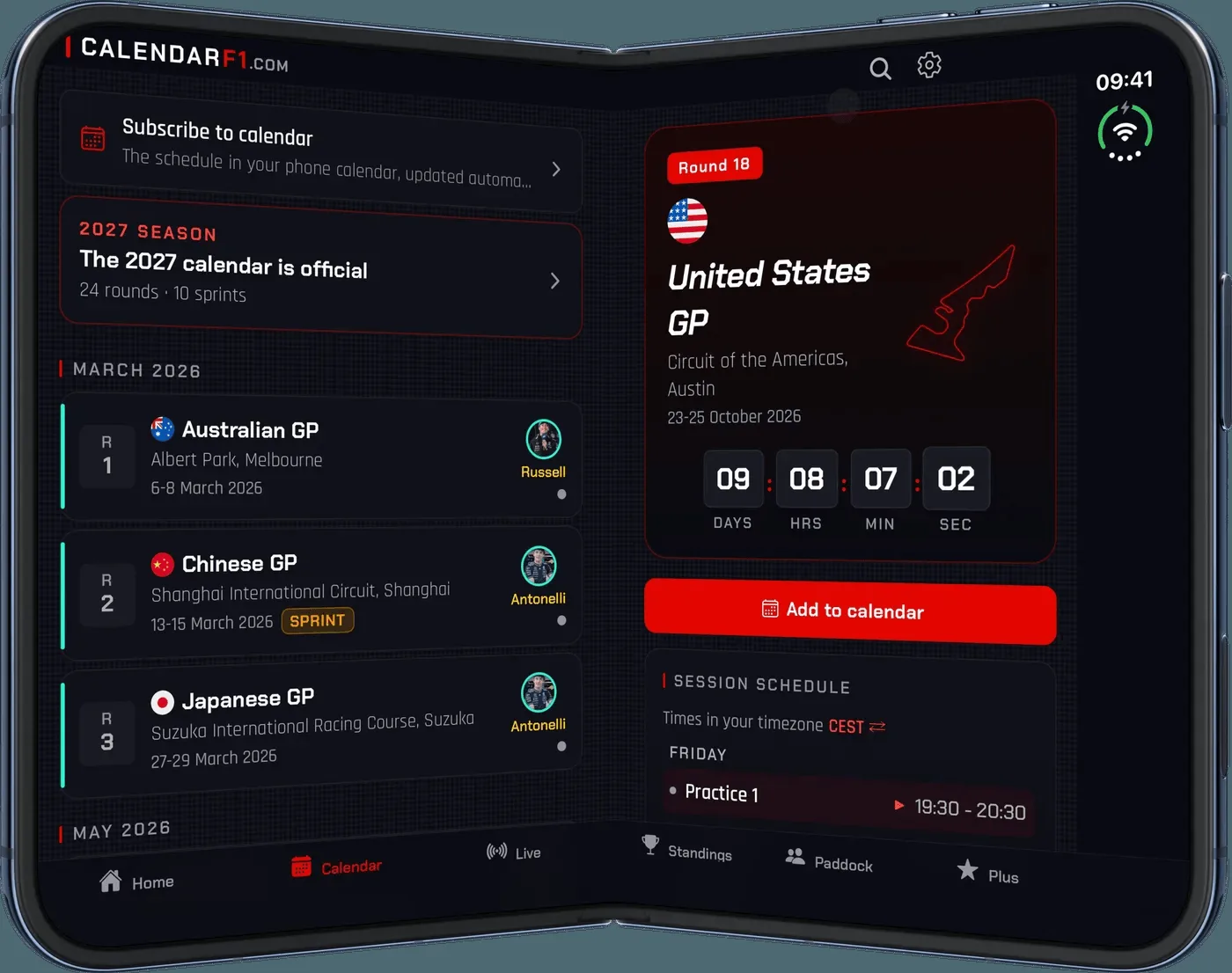
バージョン1.6.0のリリースノート(2026年10月16日)によれば、アプリは「ready for iPhone Duo」で、両方のディスプレイを使い、開くとより多くの情報を一度に表示します。開いた状態では、カレンダーはレース一覧と選択したレースを並べ、ライブはタイミングタワーを別のパネルの隣に配置してギャップ列とラップ列を分け、ドライバーズ/コンストラクターズ順位は左右に並び、ホームは2カラムに切り替わります。折りたたみ・展開しても、開いているレースと視聴中のライブセッションは維持されます。当サイトではまだ実機でテストしていません。スクリーンショットは開発元提供のものです。
新機能
バージョン 1.6.0 ·
Ready for iPhone Duo: the app fills both displays and shows more at once when you unfold it. • Calendar: the race list and the selected race side by side • Live: the timing tower next to a second panel, with separate gap and lap columns • Driver and constructor standings side by side, Home in two columns - on iPad too • Folding and unfolding keeps the open race and the live session
開発者はこの内容を日本語化していません。
このアプリについて
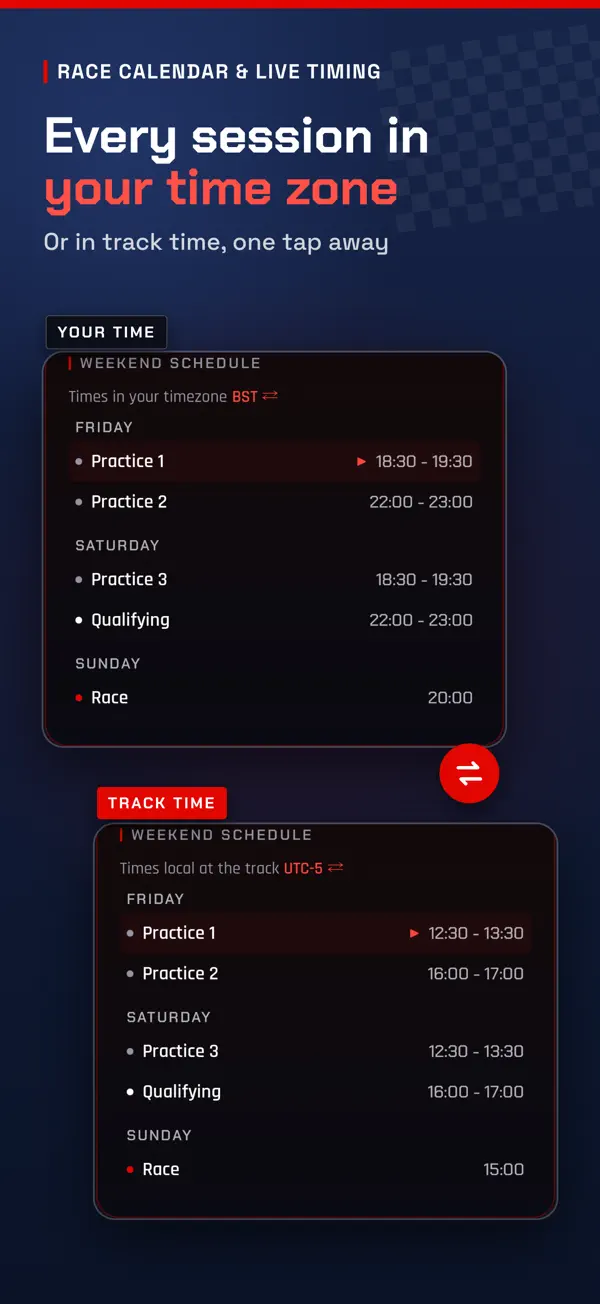
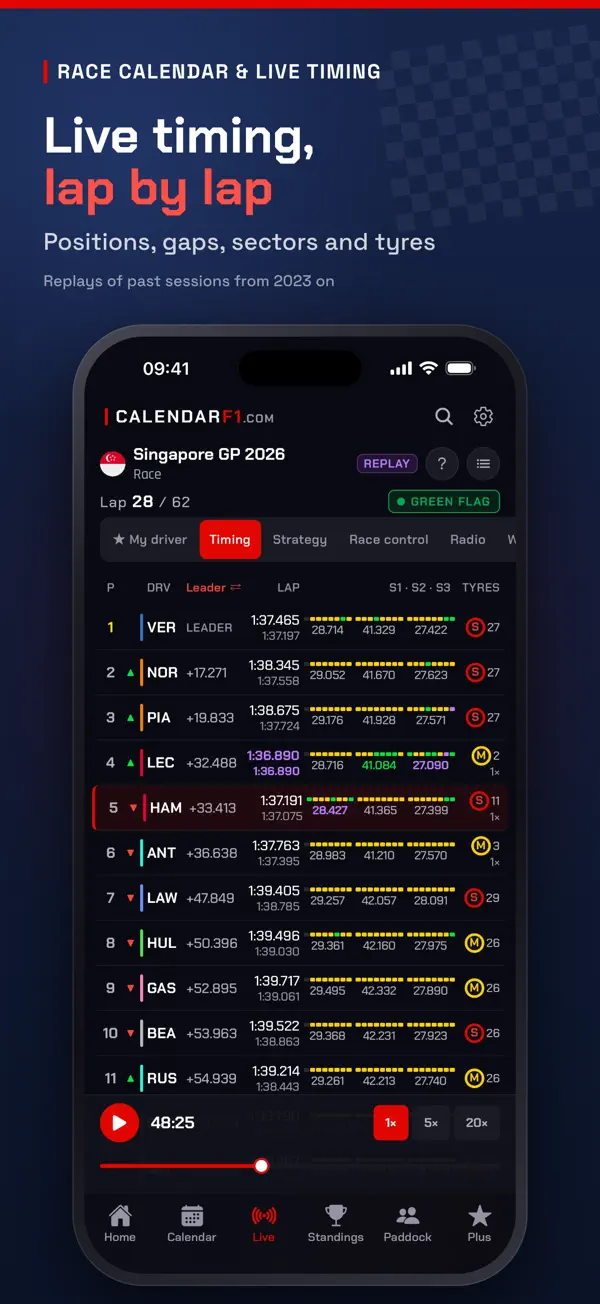
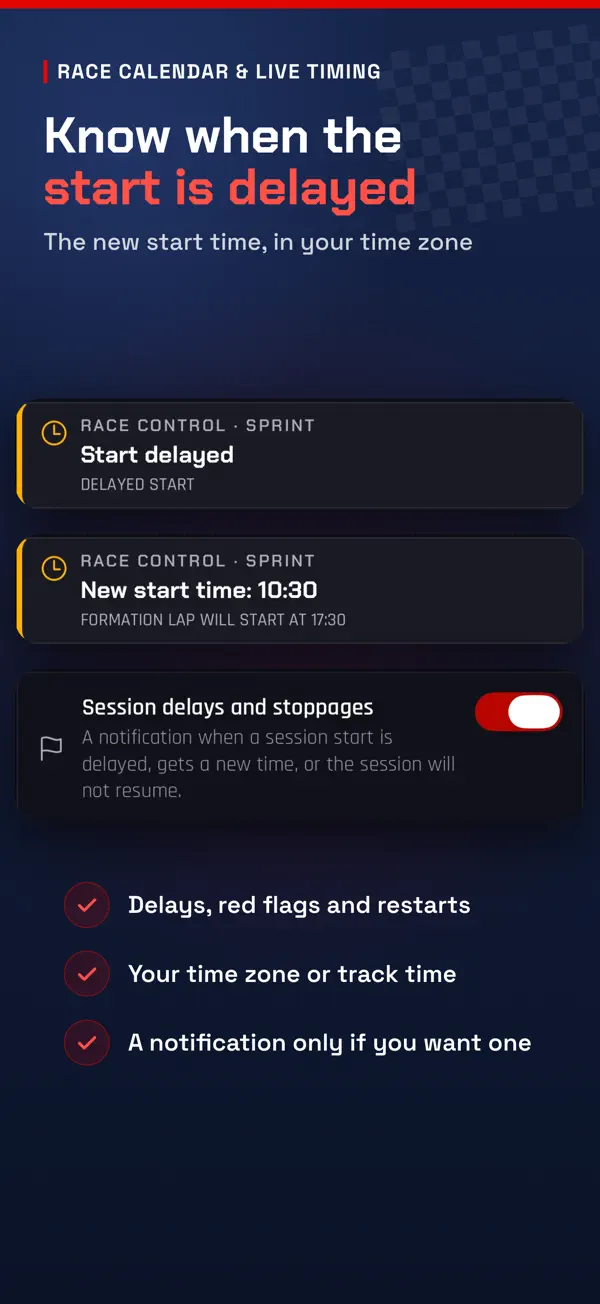
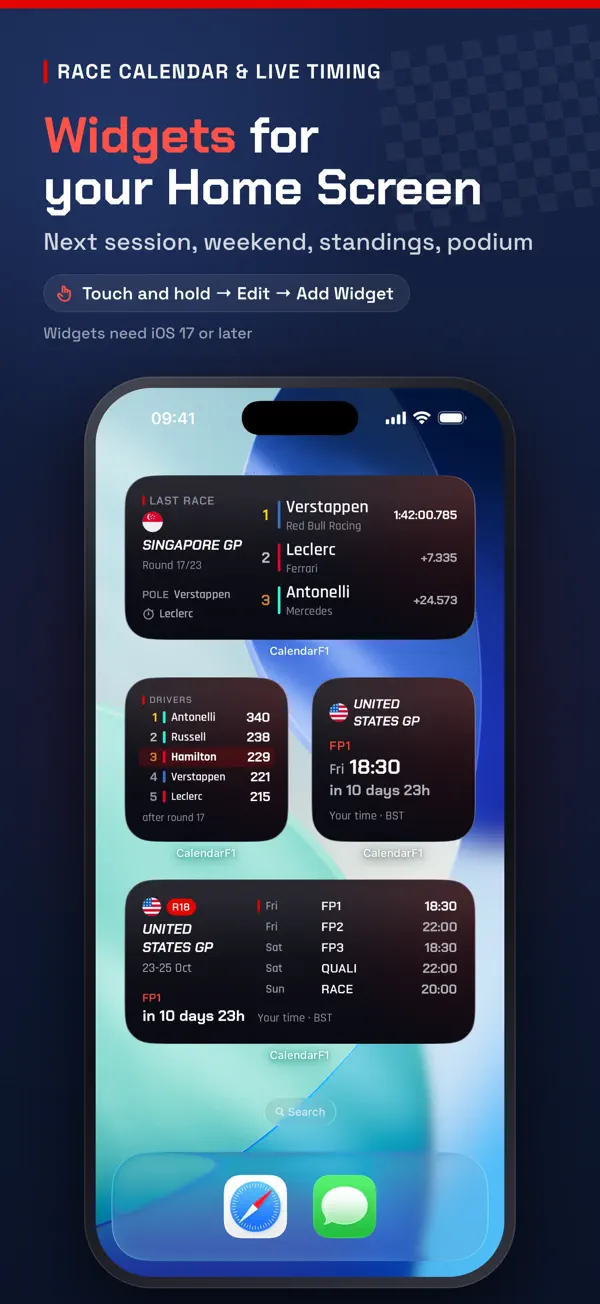
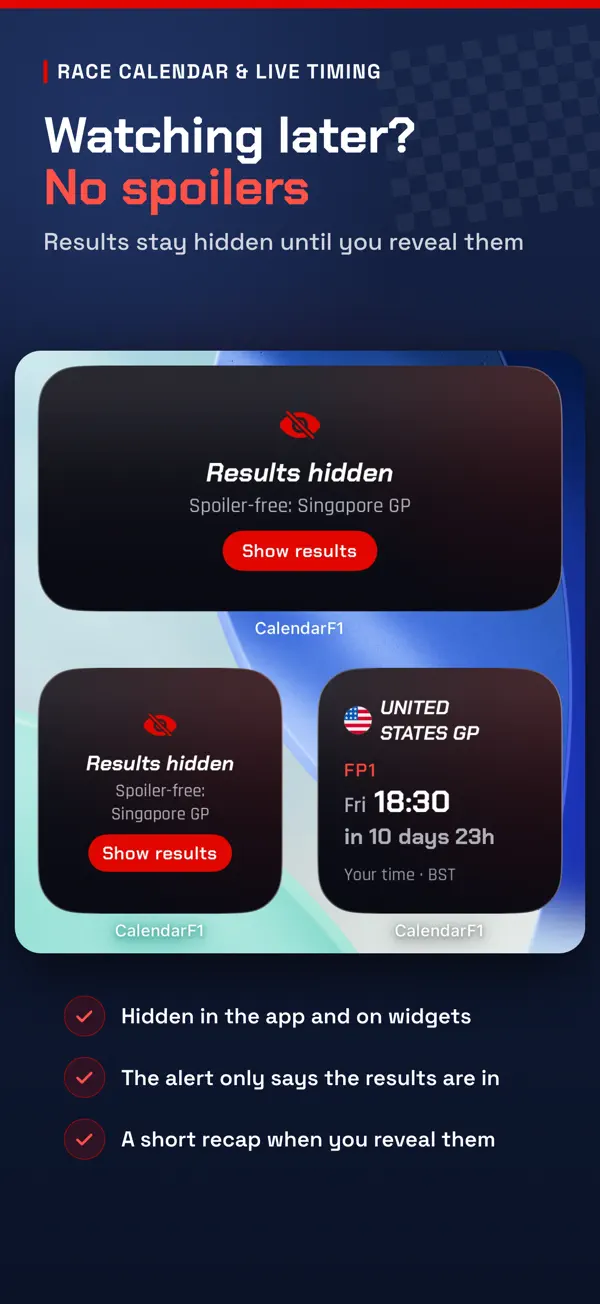
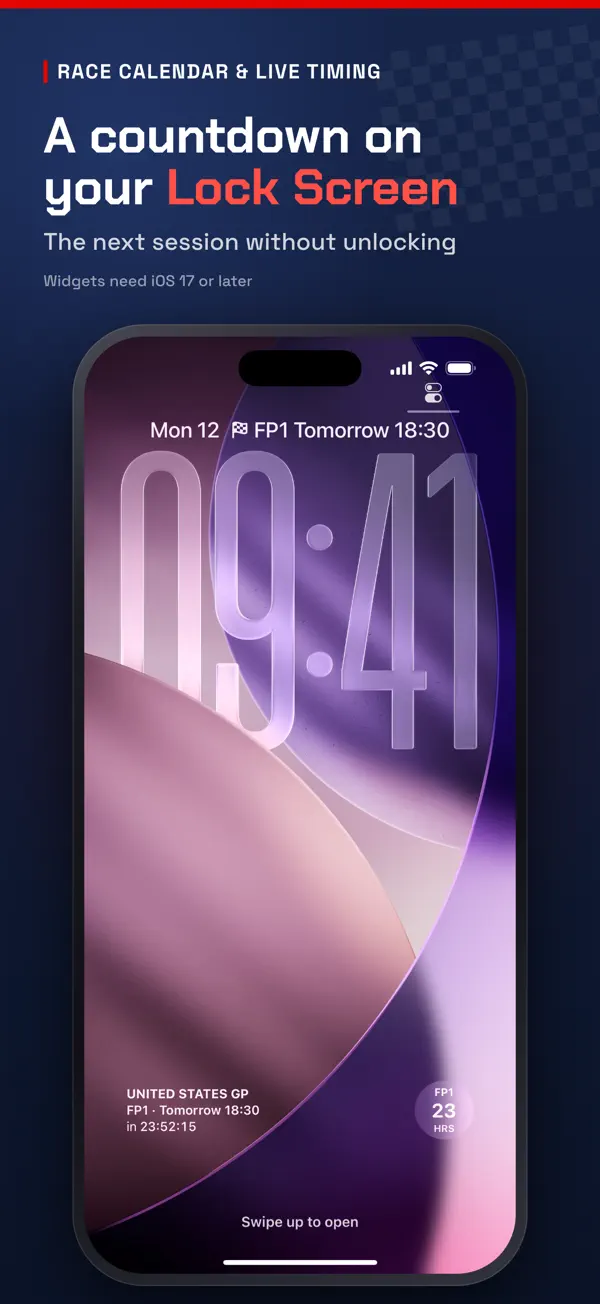
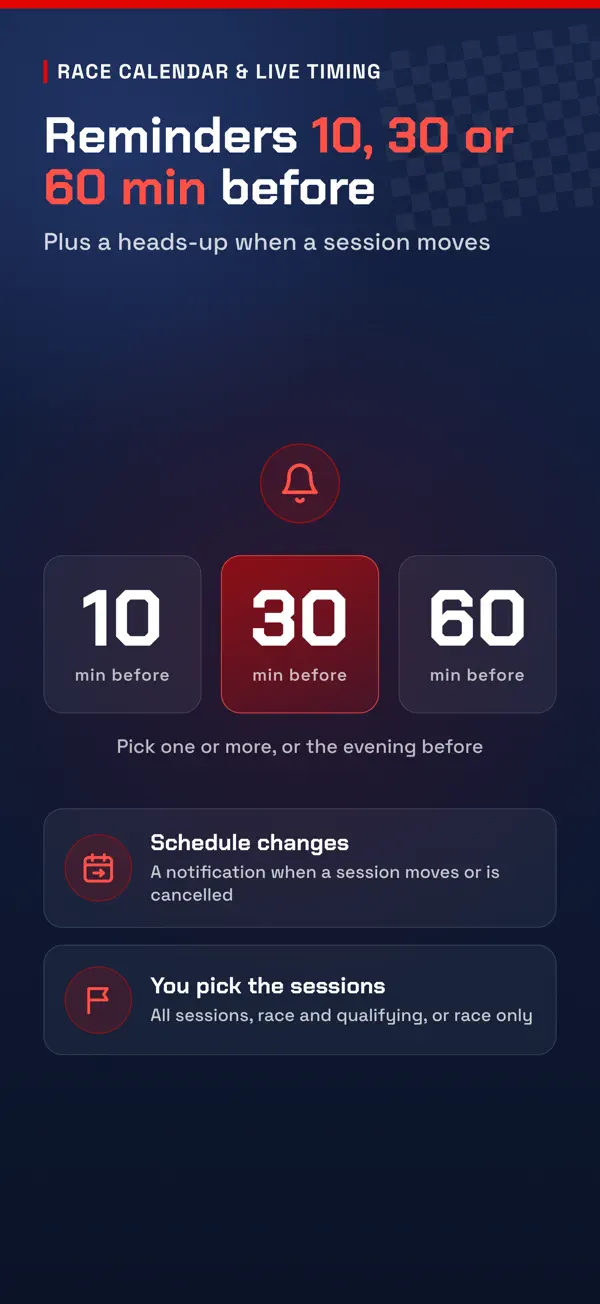
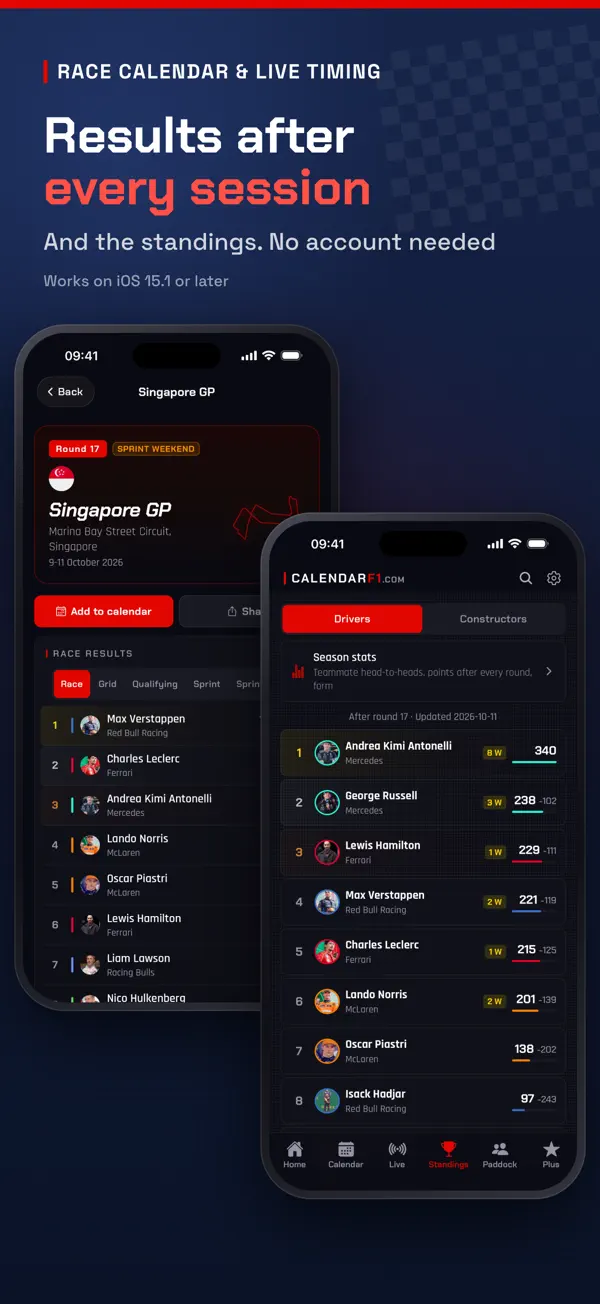
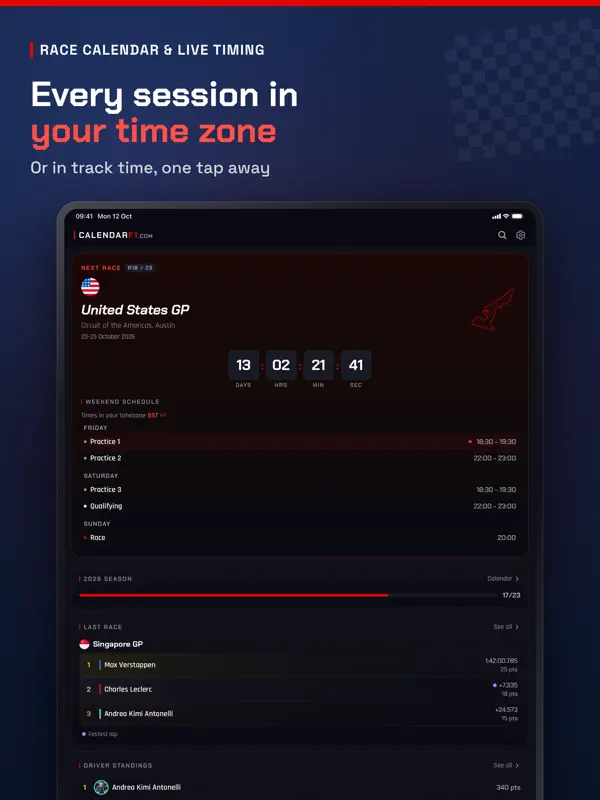
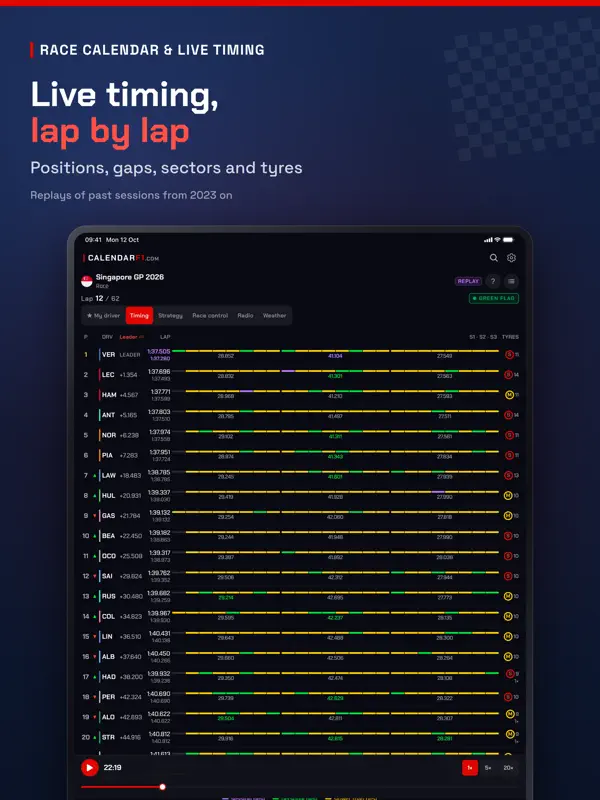
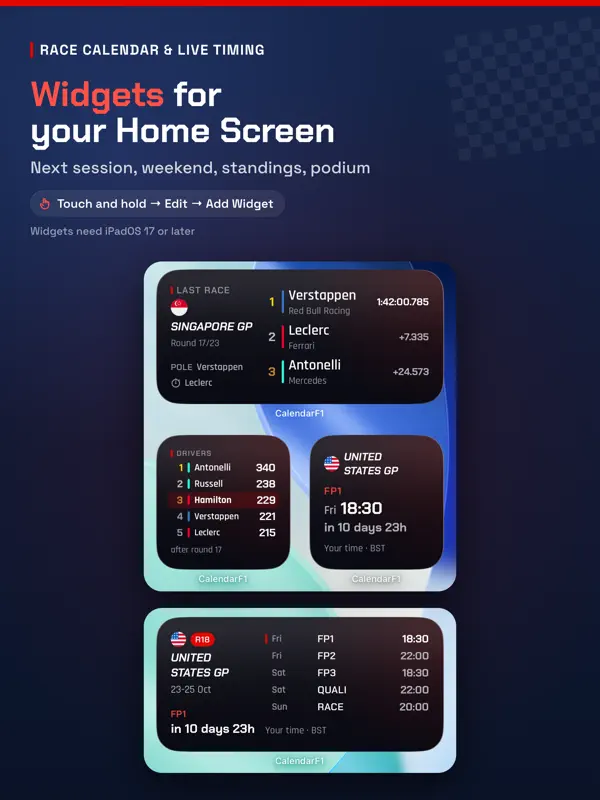
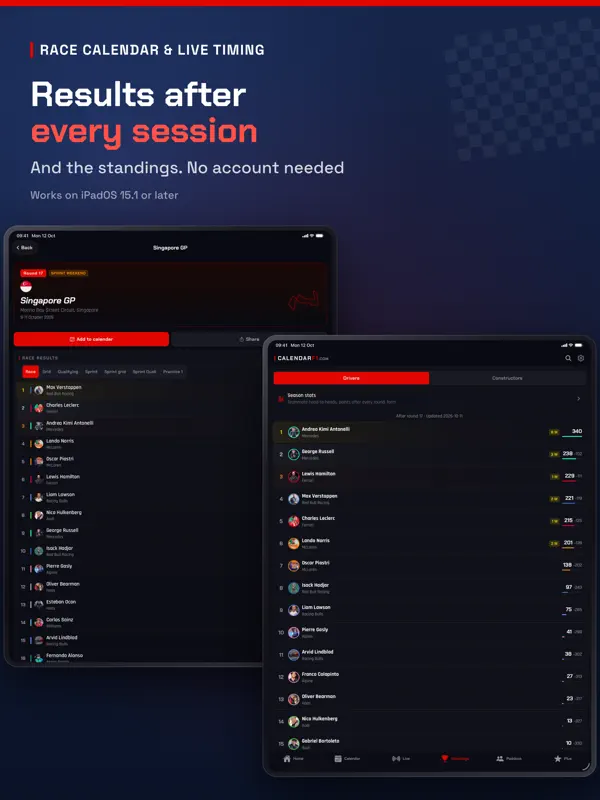
Race Calendar & Live Timingは、Krzysztof HendzelとcalendarF1.comのチームによるアプリで、フリー走行、予選、スプリント、決勝まで、シーズンをセッションごとに追えます。時刻は自分のタイムゾーンで表示され、ワンタップでサーキット現地時間に切り替えられます。2026年のカレンダー全体と、公式の2027年カレンダーを収録しています。 リマインダーはセッションの10分前、30分前、60分前、または前日の夜にまとめて1回通知でき、セッションの変更、遅延、中断も知らせてくれます。セッション中はライブタイミングで、順位、ギャップ、セクター、タイヤ、ストラテジー、レースコントロール、天候を確認でき、終了後は結果とドライバーズ/コンストラクターズ順位が見られます。2023年以降の過去セッションはリプレイでき、トラックの形状を示すドライバー、チーム、サーキットのプロフィールもあります。ネタバレ防止モードをオンにすると、自分で見ると決めるまで結果、順位、ウィジェットが隠されます。ホーム画面・ロック画面ウィジェットには、カウントダウンつきの次のセッション、レースウィークエンド、順位、直近の表彰台が表示されます。 アカウントは不要で、通知はすべてオプションです。アプリは無料で、オプションのPlusサブスクリプションでは、選んだドライバーのライブダッシュボード、複数のお気に入りドライバー、シーズン統計が追加されます。
英語版の掲載内容を翻訳しています。
App Store の説明開発者による説明です。
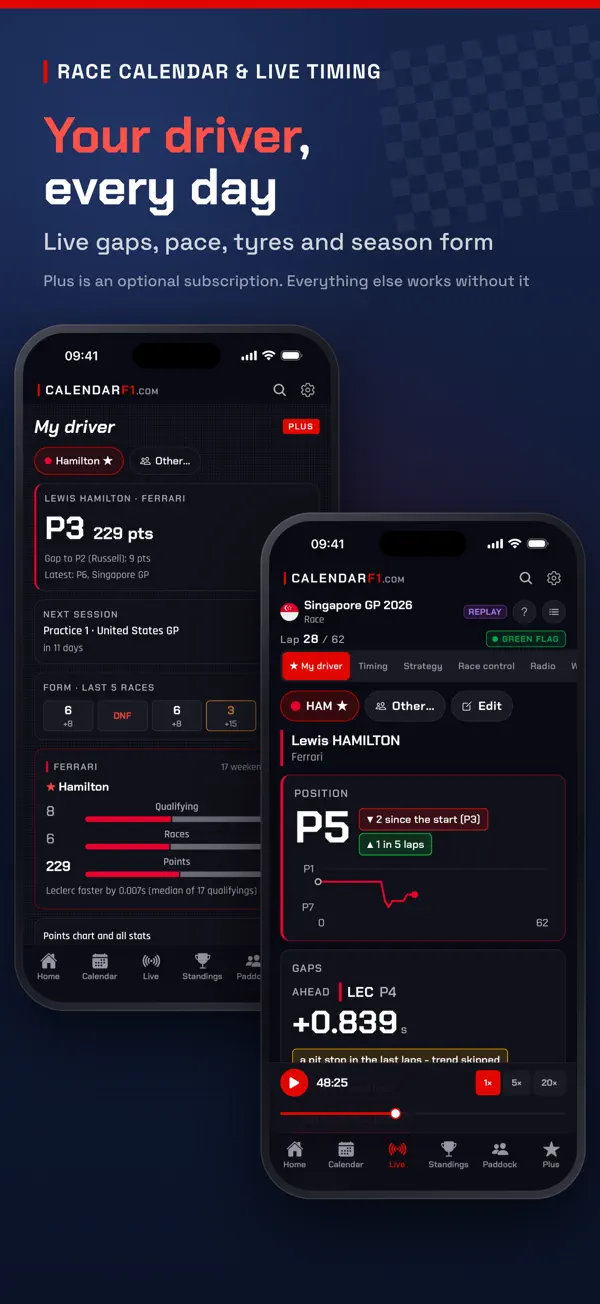
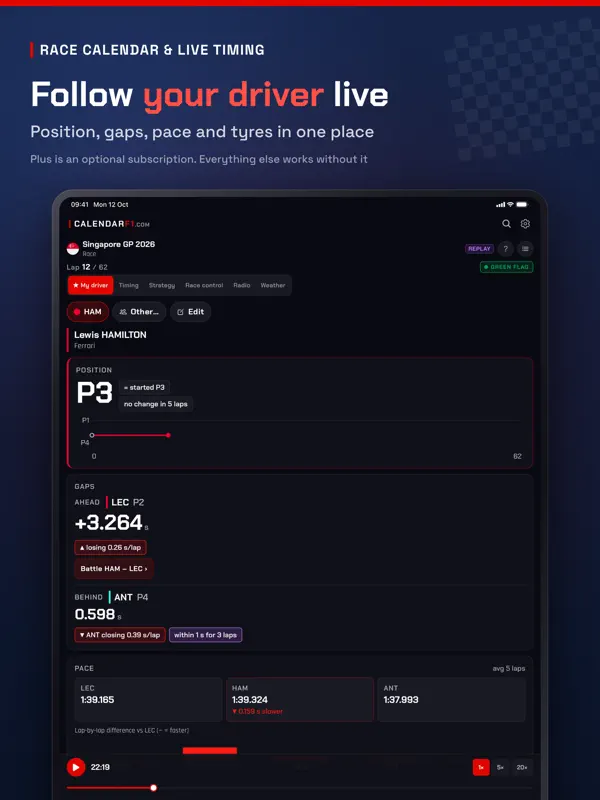
Every session of the racing season in your own time zone - practice, qualifying, sprint and race. One tap switches to the time at the track. WHAT YOU GET • The full 2026 calendar and the official 2027 calendar, every session in your time zone or in track time • Reminders 10, 30 or 60 minutes before a session - pick one or more - or a single note the evening before • A heads-up when a session moves and, if you switch it on, when a start is delayed, gets a new time or a session is stopped • Home Screen and Lock Screen widgets: the next session with a countdown, the race weekend, the standings and the last podium • Results after every session, plus the driver and constructor standings • Live timing during a session: positions, gaps, sectors, tyres, strategy, race control and weather • Replays of past sessions from 2023 onwards • Driver, team and circuit profiles with track outlines • Spoiler-free mode: results, standings and widgets stay hidden until you reveal them ONLY WHAT YOU ASK FOR No account needed. Notifications are optional and you choose them: reminders, schedule changes, delays and results - nothing else. PLUS - OPTIONAL Plus is an optional subscription, monthly or yearly: the live My driver dashboard during a session (gaps and their trend, pace, sectors, tyres, a pit-stop estimate, live qualifying and a battle with a rival), several favourite drivers at once, the My driver widget with the driver of your choice, and season stats. Everything listed above works without it. The subscription renews automatically unless you turn it off in your Apple Account settings at least 24 hours before the end of the period. YOUR LANGUAGE The app follows your iPhone's language: English everywhere, Polish on a phone set to Polish. Settings → Język / Language switches between the two. Terms of use: https://calendarf1.com/tos/ Privacy policy: https://calendarf1.com/privacy/ This is an independent app. It is not affiliated with or endorsed by Formula 1, the FIA or any team. All trademarks belong to their respective owners.
主な機能
- すべてのセッションを自分のタイムゾーンまたは現地時間で表示
- 2026年カレンダーと公式2027年カレンダー
- ライブタイミング:順位、ギャップ、セクター、タイヤ、ストラテジー、レースコントロール、天候
- 結果とドライバーズ/コンストラクターズ順位
- 2023年以降のセッションのリプレイ
- ネタバレ防止モード
- ホーム画面・ロック画面ウィジェット
- iPhone Duoでは、開くとカレンダー、ライブタイミング、順位を並べて表示
iPhone Duo での Race Calendar & Live Timing:よくある質問
Race Calendar & Live Timing は iPhone Duo に最適化されていますか?
はい。Race Calendar & Live Timing は「Duo 専用設計」で、折りたたみ、Split View、外側ディスプレイを活用しています。2026年10月16日 に確認(開発者の発表)。
iPhone Duo での Race Calendar & Live Timing はどう見えますか?
バージョン1.6.0のリリースノート(2026年10月16日)によれば、アプリは「ready for iPhone Duo」で、両方のディスプレイを使い、開くとより多くの情報を一度に表示します。開いた状態では、カレンダーはレース一覧と選択したレースを並べ、ライブはタイミングタワーを別のパネルの隣に配置してギャップ列とラップ列を分け、ドライバーズ/コンストラクターズ順位は左右に並び、ホームは2カラムに切り替わります。折りたたみ・展開しても、開いているレースと視聴中のライブセッションは維持されます。当サイトではまだ実機でテストしていません。スクリーンショットは開発元提供のものです。
Race Calendar & Live Timing の価格は?
Race Calendar & Live Timing は App Store で 無料 · アプリ内課金あり です。
その他のスポーツアプリ
すべて見る ›
サッカーのスコア、スタッツ、ニュース。開くとリストと詳細を並べて表示

テニス、ピックルボール、パデル向けのルール対応スコア記録アプリ。Duo のテーブルトップ表示にも対応

折りたたむとコンパクト表示、開くと全画面マップになるスキー記録アプリ

レースカレンダー、ライブ情報、ウィジェットを備えたF1ファン向けコンパニオンアプリ