
Chiptune
Compose NES-style music with a step sequencer and export songs as audio, MIDI or video.
Individuation Labs LLC · 음악 및 오디오 · $0.99
iPhone Duo에서
iPhone 스크린샷
iPad 스크린샷
iPhone Duo 활용 방식
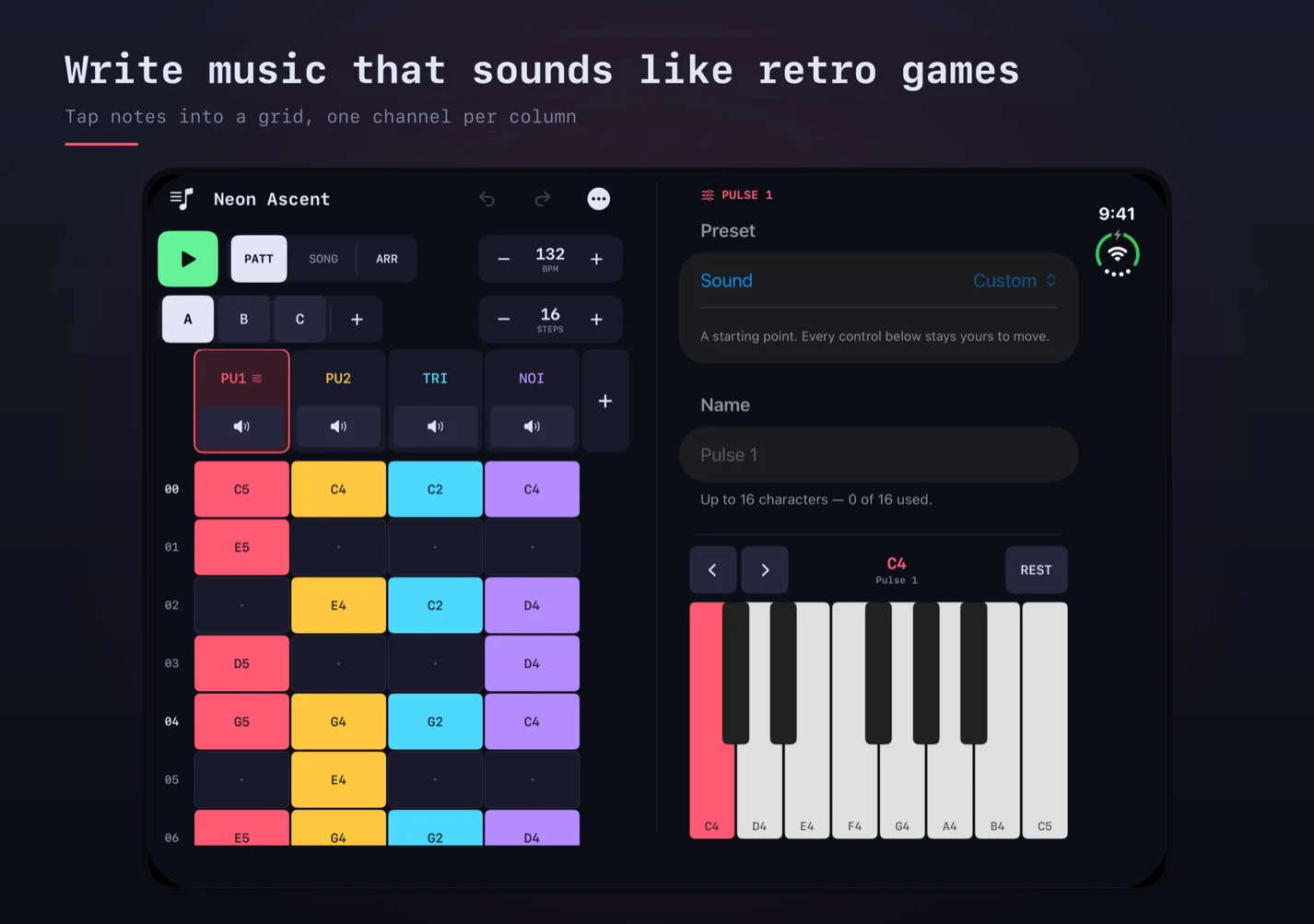
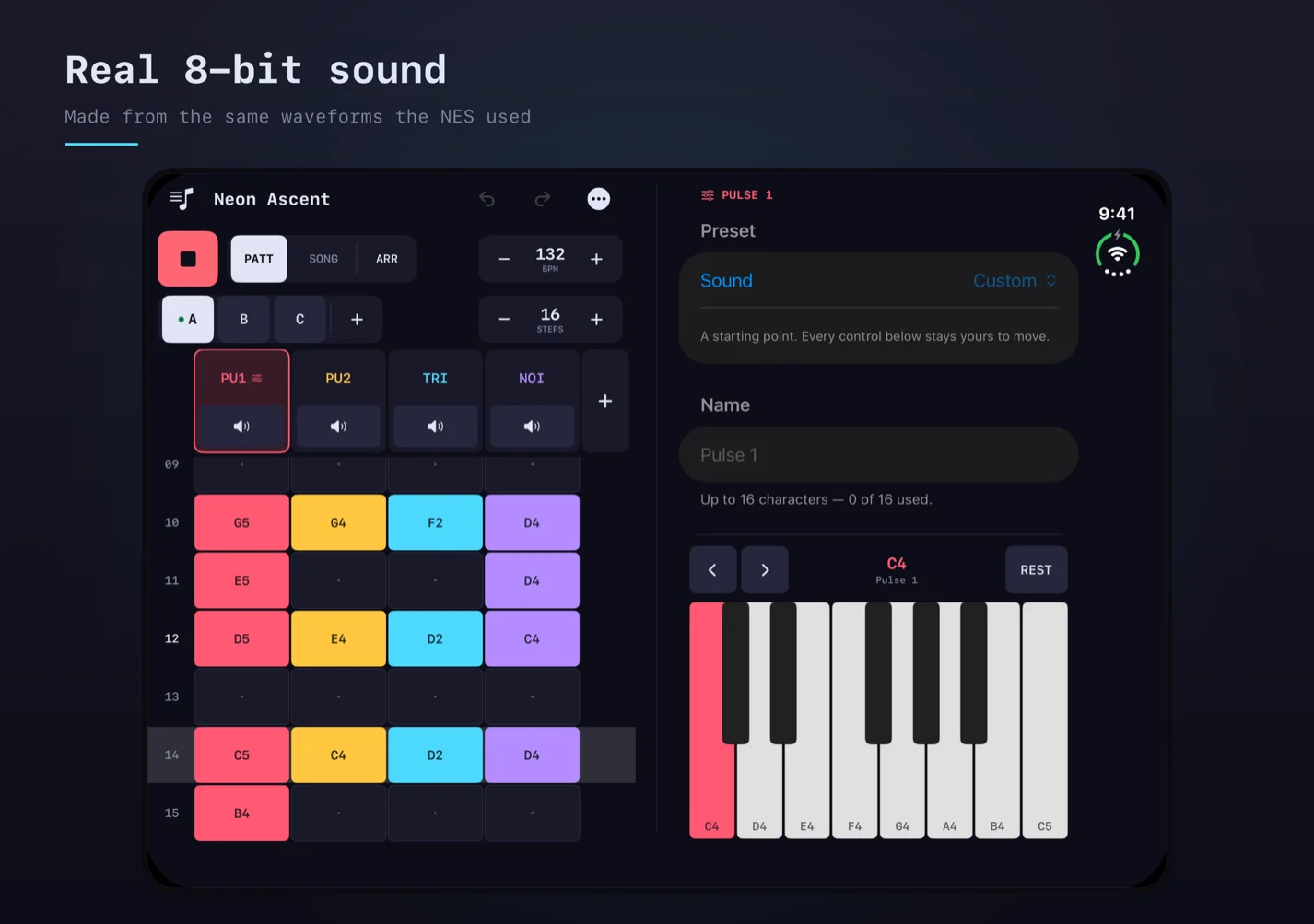
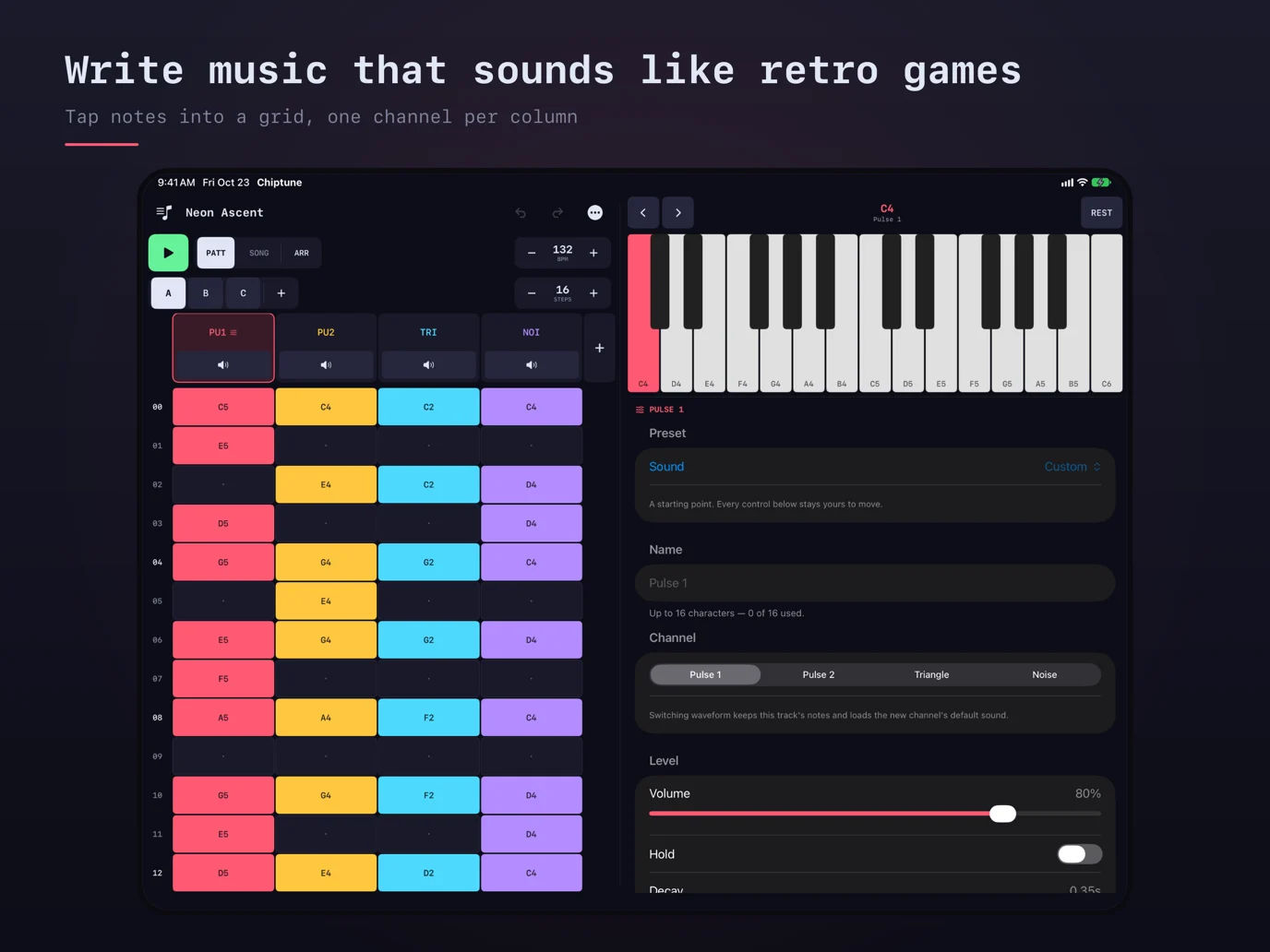
On the unfolded inner display in landscape, the developer places the pattern grid on one side of the fold and sound controls and note keys on the other.
새로운 기능
버전 1.3.1 ·
New: Chiptune fits iPhone Duo. • On the inside screen, held sideways, the grid sits on one side of the fold and the sound controls and keys on the other. • Grid videos now scroll at a steady speed, so the notes glide past the playhead instead of jumping from row to row.
개발자가 이 내용을 한국어로 제공하지 않았습니다.
앱 소개
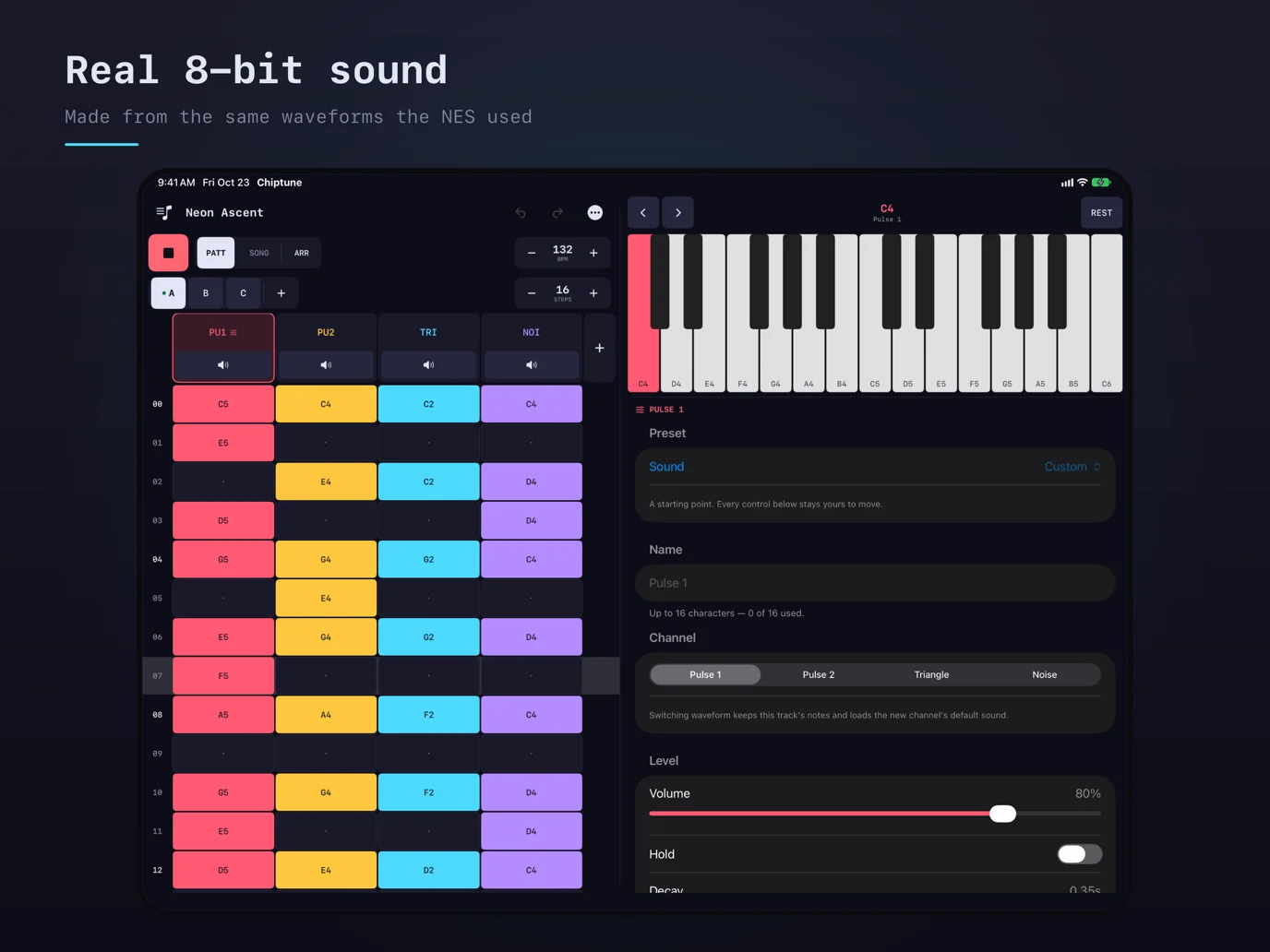
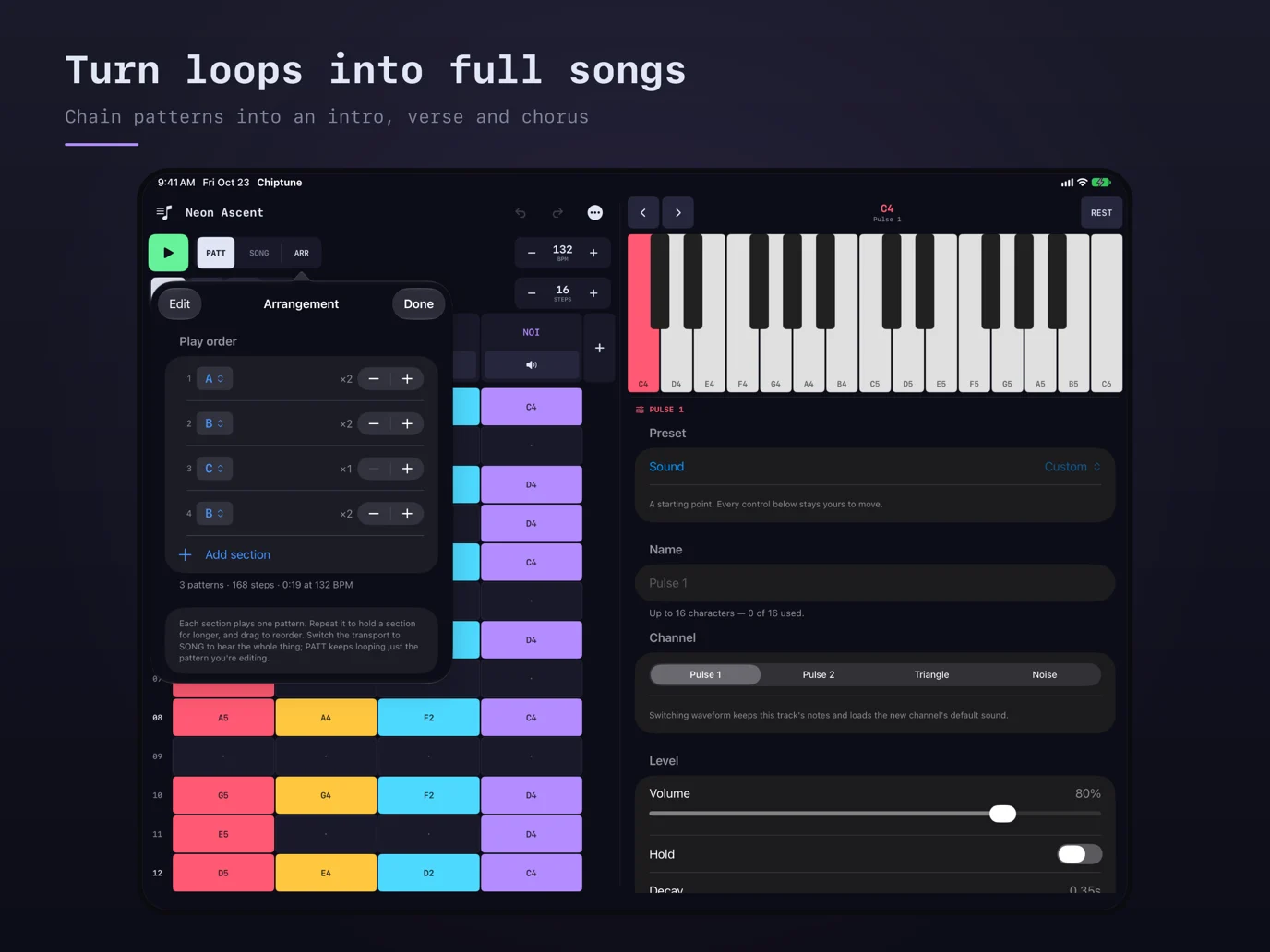
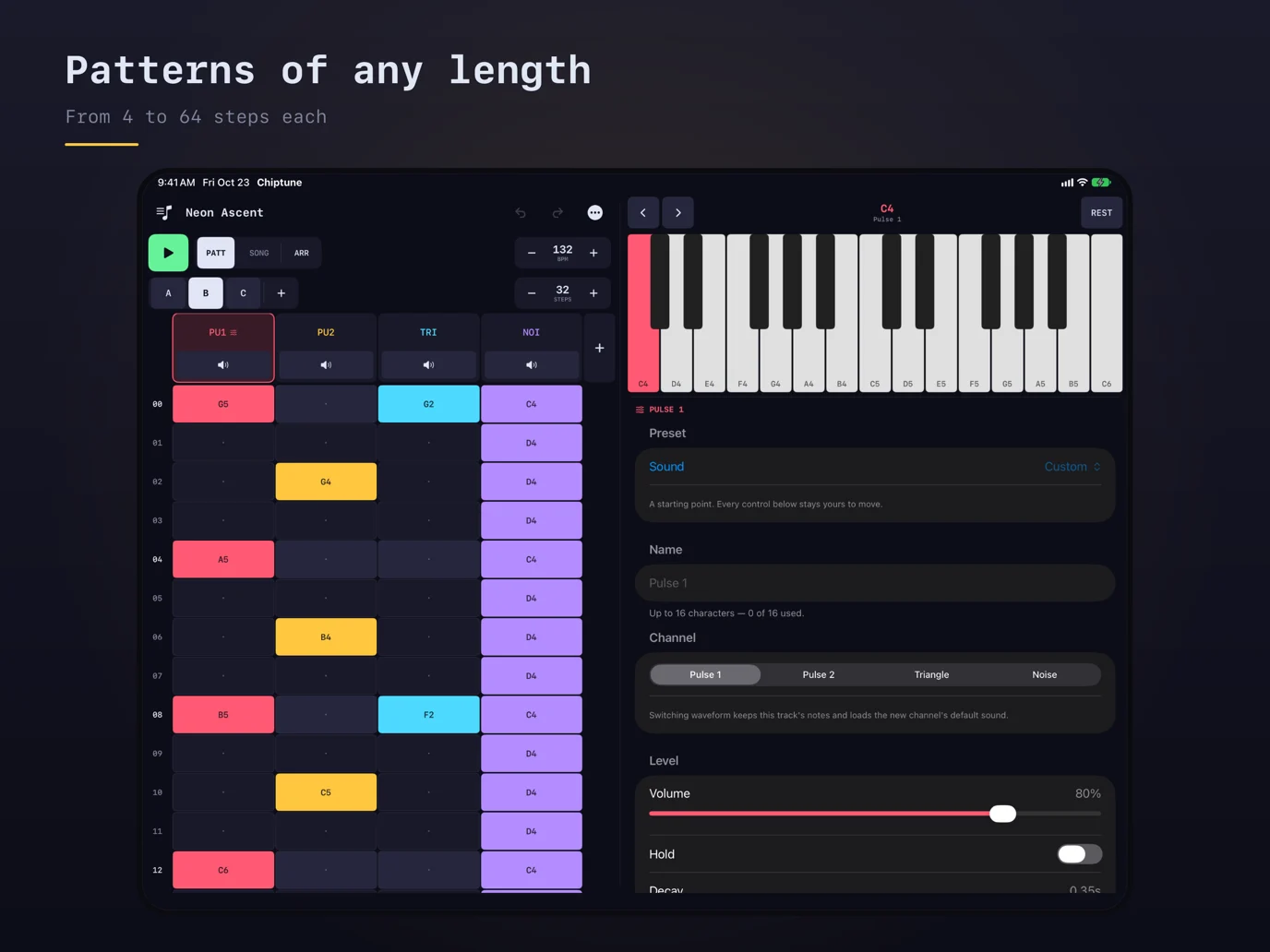
Compose NES-inspired music with a step sequencer that synthesizes two pulse channels, triangle and noise in real time. Build 4–64-step patterns, arrange them into songs, shape each sound, and export WAV, MIDI or video. The developer documents a landscape Duo layout with the pattern grid on one side of the fold and sound controls and note keys on the other. Also supports landscape iPad layouts and hardware-keyboard tracker controls.
App Store 설명개발자가 작성한 내용입니다.
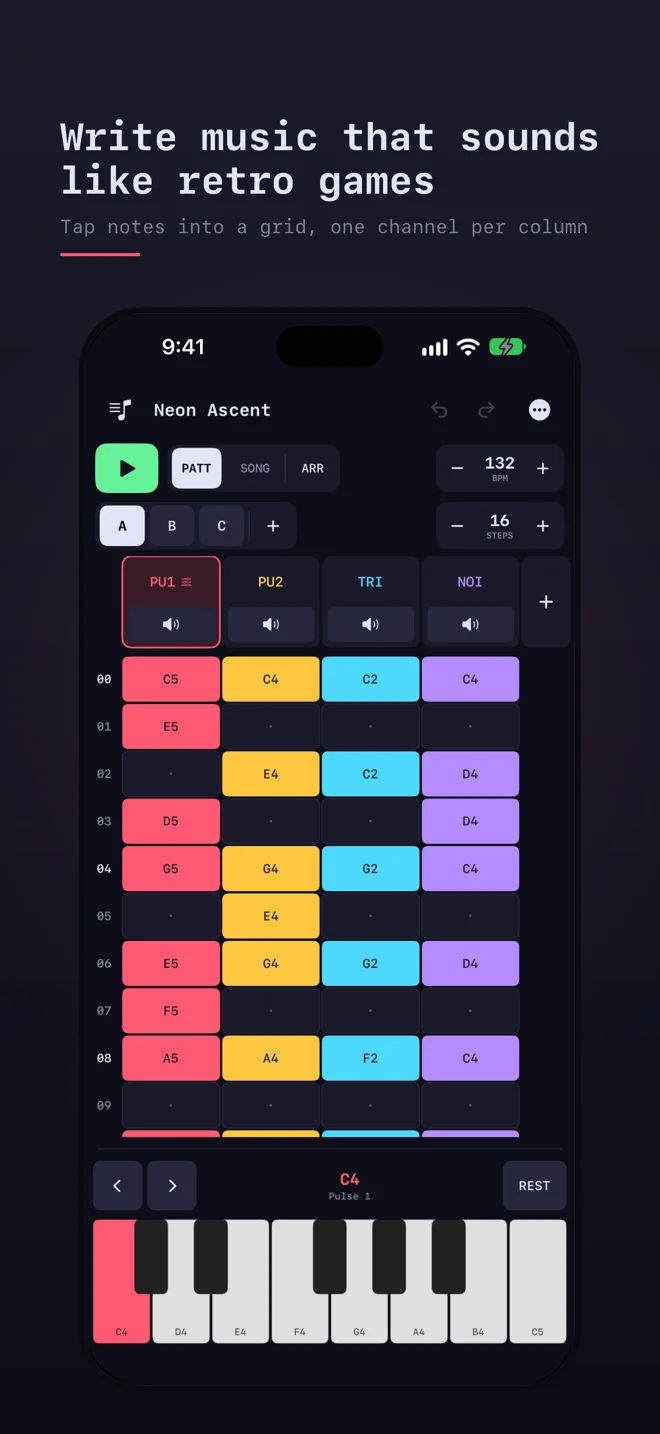
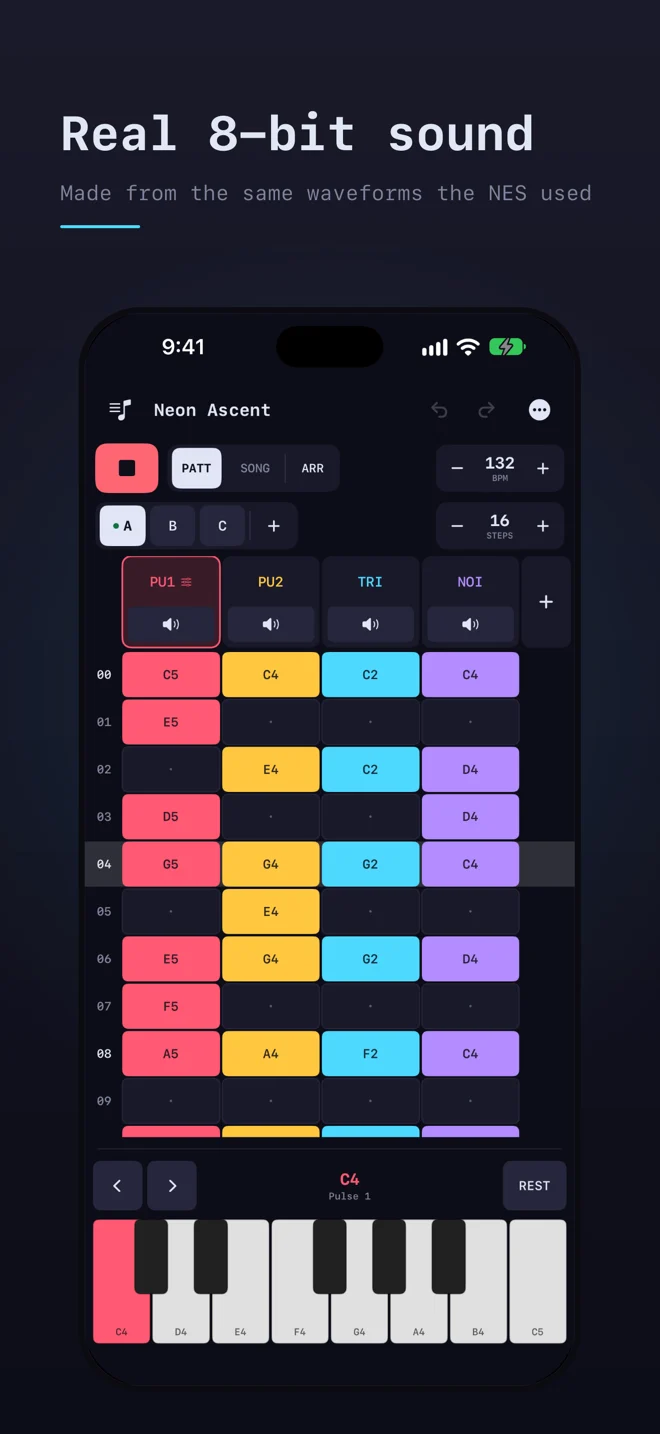
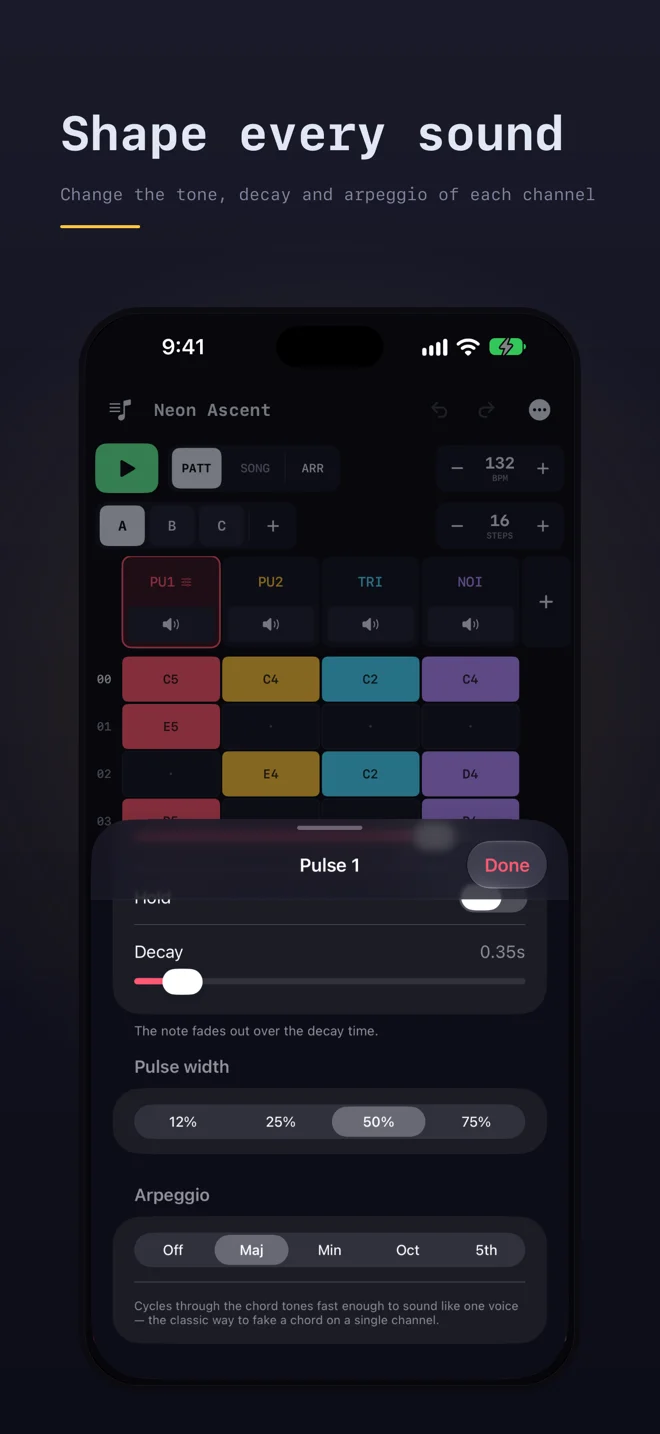
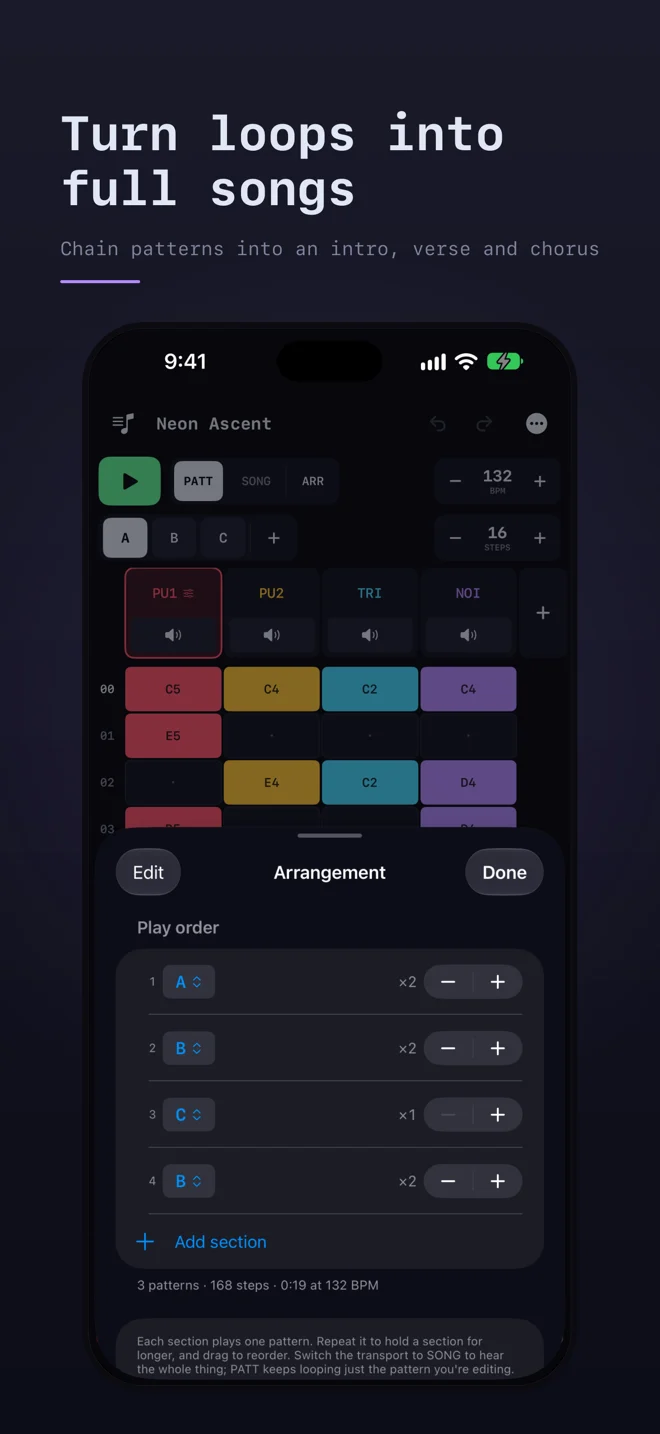
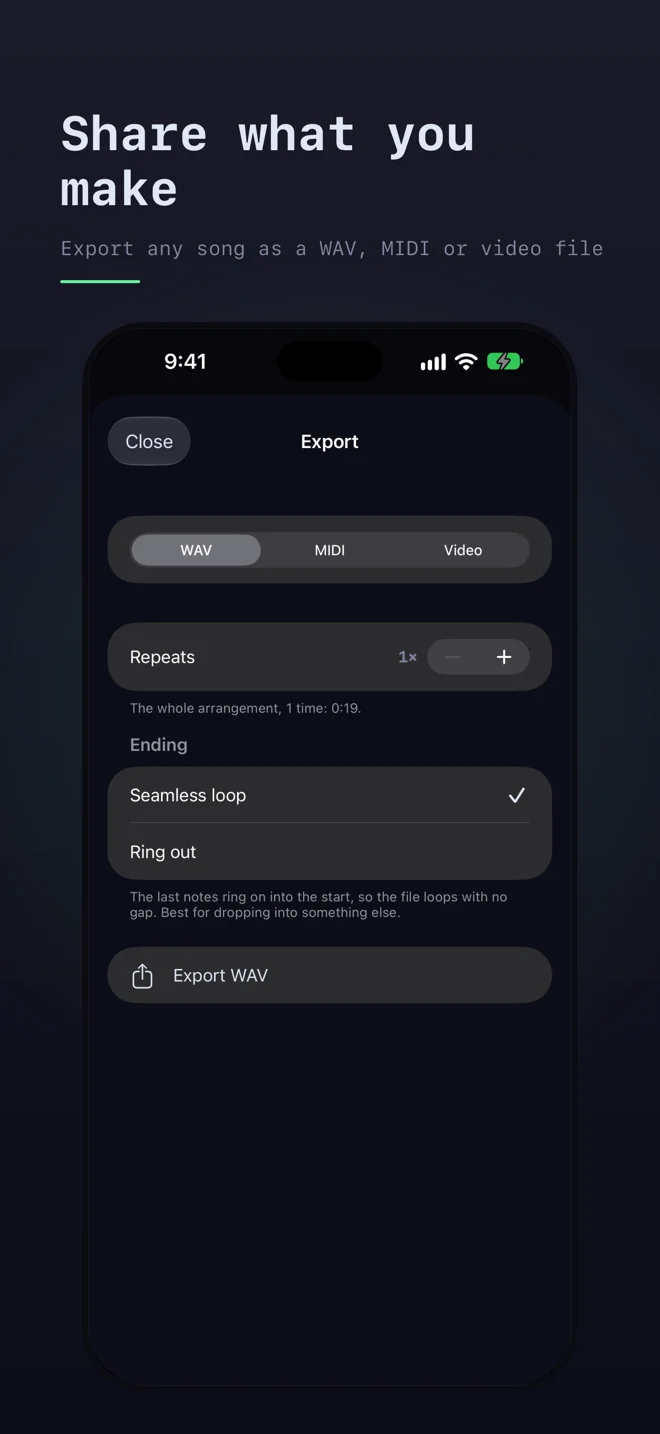
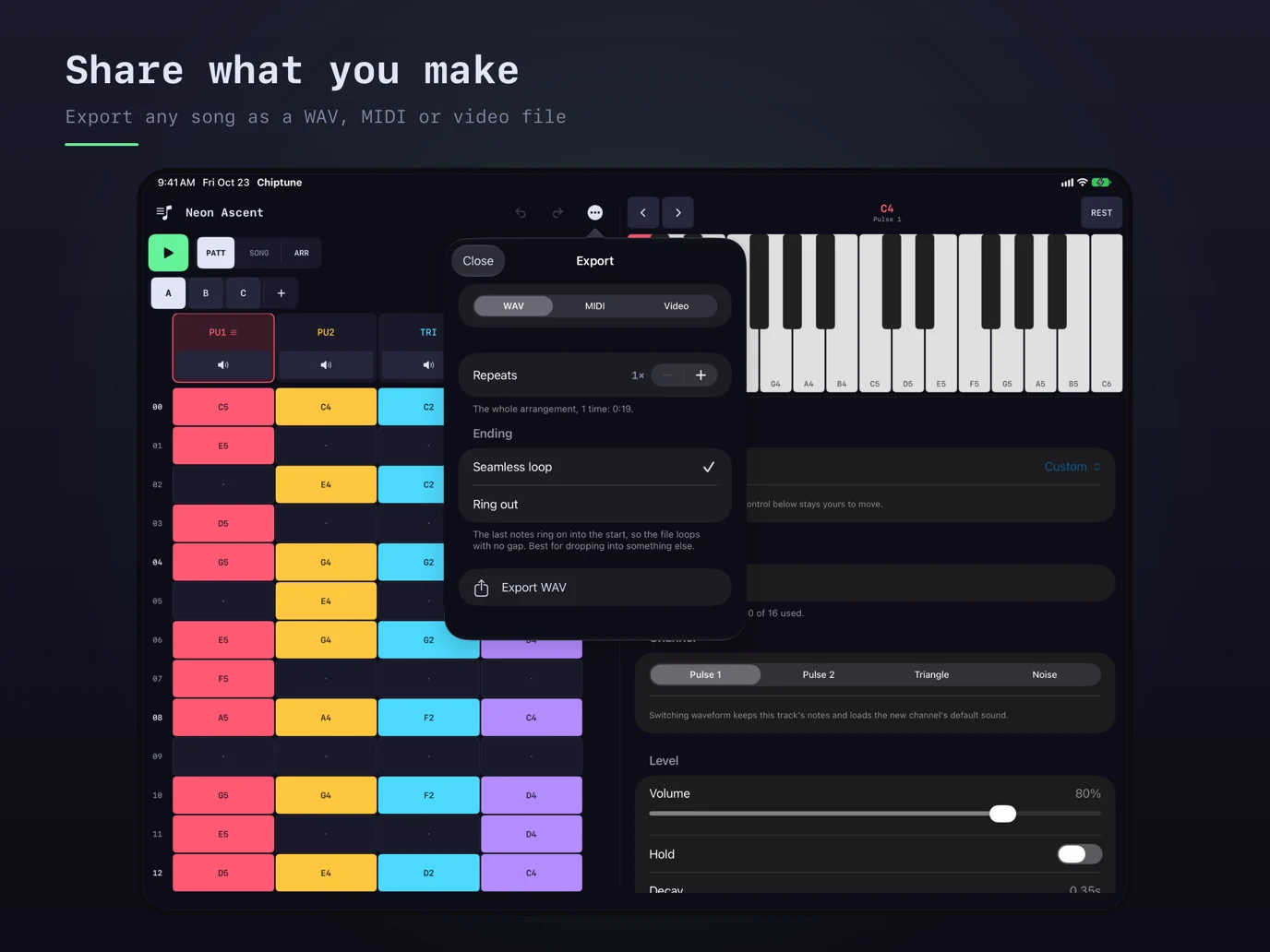
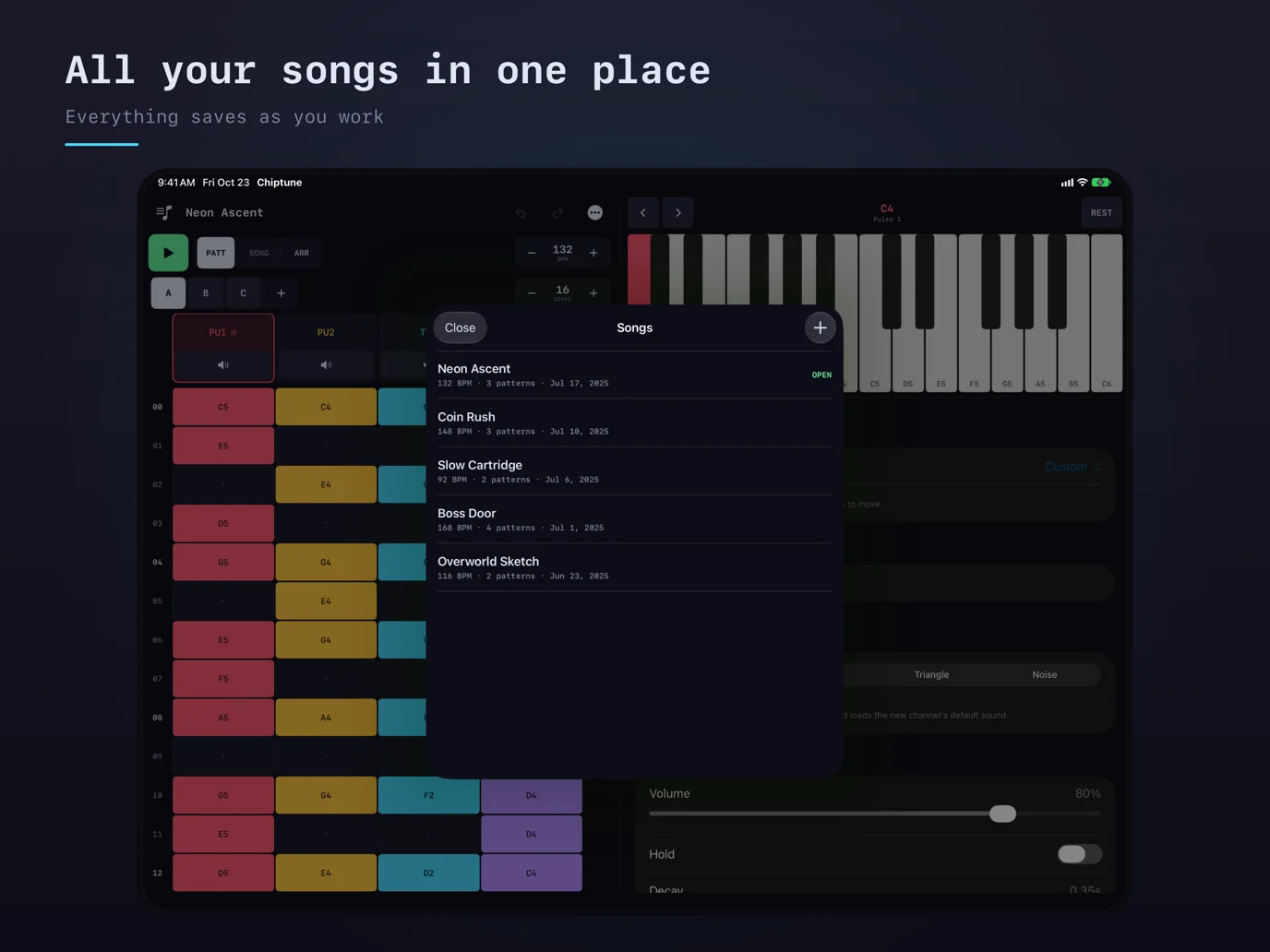
Chiptune is a step sequencer for writing music in a style of old game consoles. Simply tap a note, tap a cell in the grid, and it will play sounds from one of four NES-style channels. Chiptune has two pulses, a triangle and noise. Each channel is synthesized live rather than sampled. Patterns are customizable from 4 to 64 steps and can be chained into an arrangement. This lets a piece go from just a single loop into a full song with intros, verses, choruses, etc. WRITE • Compose on a grid of notes with 4 to 64 steps per pattern • Customize your track to cut notes short or let them ring • Set the tempo by typing it or nudging it a step at a time • Easily undo any changes SOUND • Two pulse channels with four pulse widths, from thin and nasal to full square • A triangle channel ideal for basslines • Tunable noise for drums like a hi-hat or a low rumble • Volume, decay, and arpeggio controls per channel, so one channel can fake a chord • Sounds come with basic presets ARRANGE • Create sections with a named pattern and a repeat count • Loop one pattern while editing or play the whole song • Add multiple tracks of any sound when four channels aren't enough • Custom iPad specific layout in portrait and landscape SAVE AND SHARE • Songs autosave as you work so you never lose anything • Duplicate a song to try something slightly different • Export any song as a WAV file with a seamless loop or with the last notes ringing out • Export as a MIDI file to keep working on your notes in another music app • Export a video of your song playing, as a scrolling grid or a game cartridge, to post on Instagram, TikTok or YouTube Chiptune works fully offline and never asks for a subscription. No account, no ads, no tracking.
주요 기능
- Live NES-style synthesis: two pulse waves, triangle, noise
- 4–64-step patterns and arrangement sections with repeat counts
- Volume, decay, pulse-width and arpeggio controls; presets
- Add tracks beyond the initial four channels
- WAV export with seamless looping or trailing notes; MIDI and video export
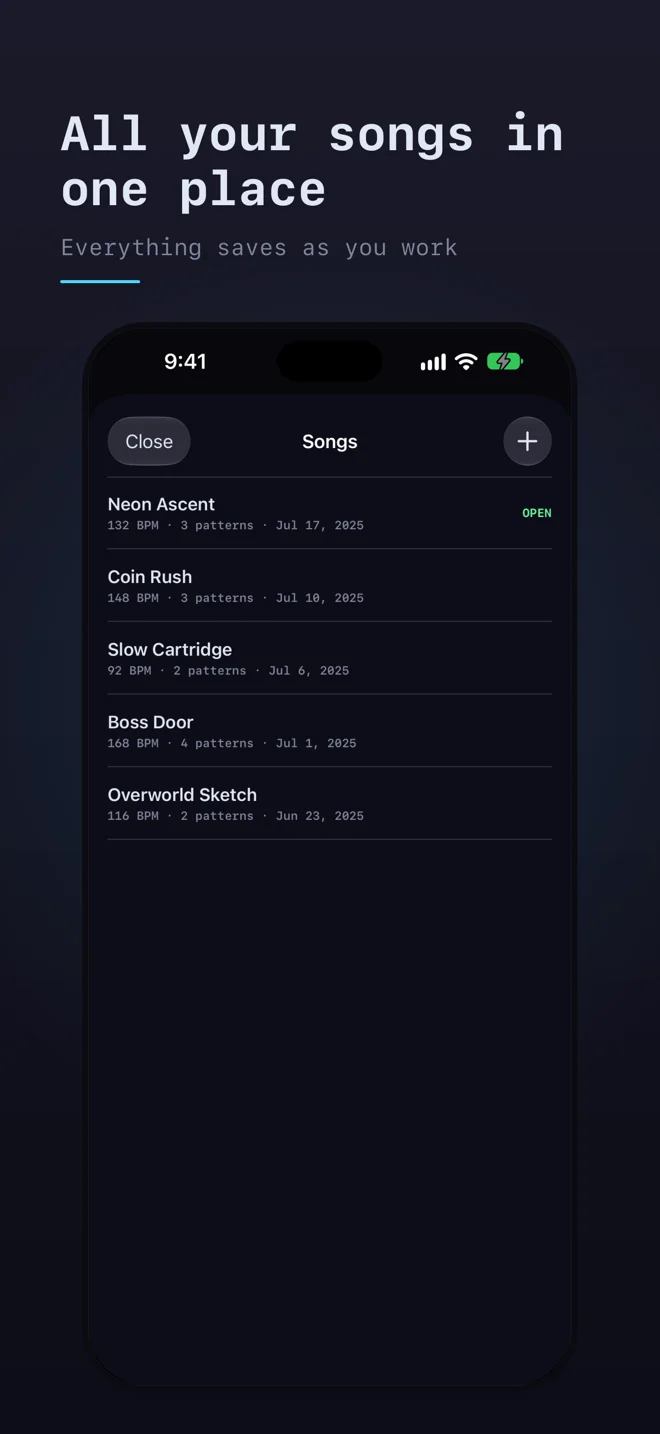
- Autosave; offline use; no account or ads
- Developer-documented Duo inner-display split and hardware-keyboard tracker controls
iPhone Duo에서의 Chiptune: 자주 묻는 질문
Chiptune은(는) iPhone Duo에 최적화되어 있나요?
네. Chiptune은(는) Duo 전용 설계 앱으로, 폴딩, Split View 또는 외부 디스플레이를 활용합니다. 2026년 10월 28일 확인(App Store 설명).
iPhone Duo에서 Chiptune은(는) 어떻게 보이나요?
On the unfolded inner display in landscape, the developer places the pattern grid on one side of the fold and sound controls and note keys on the other.
Chiptune의 가격은 얼마인가요?
Chiptune은(는) App Store에서 $0.99입니다.
다른 음악 및 오디오 앱
모두 보기 ›
내 음악과 스트리밍 라이브러리를 위한 레트로 음악 플레이어

iPhone을 아코디언으로 바꿔 풍箱을 밀고 당기며 소리를 내는 앱.

iPhone을 카세트 데크로 바꿔 릴과 키로 음악을 재생하는 앱.

Apple Music과 로컬 앨범을 레트로 카세트처럼 재생하는 음악 플레이어입니다.

Duo를 아코디언으로. 힌지를 여닫아 풀무를 움직인다.

Discogs 컬렉션을 동기화하고 레코드를 스캔해 3D로 감상하는 앱.