
iPhone 截图
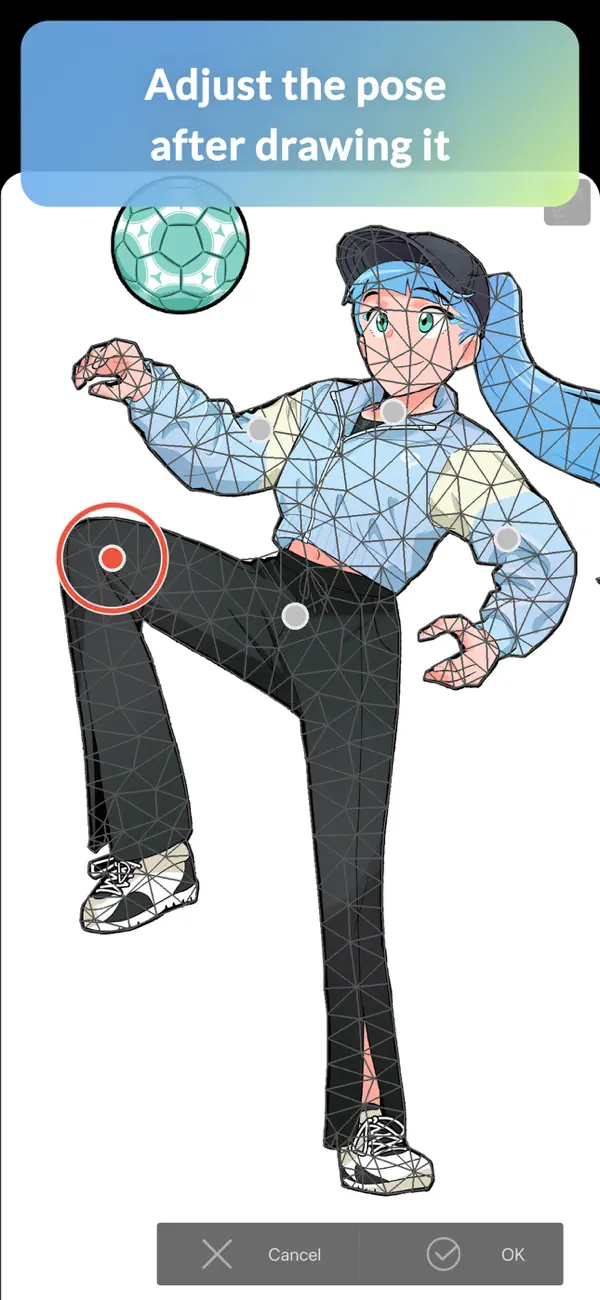
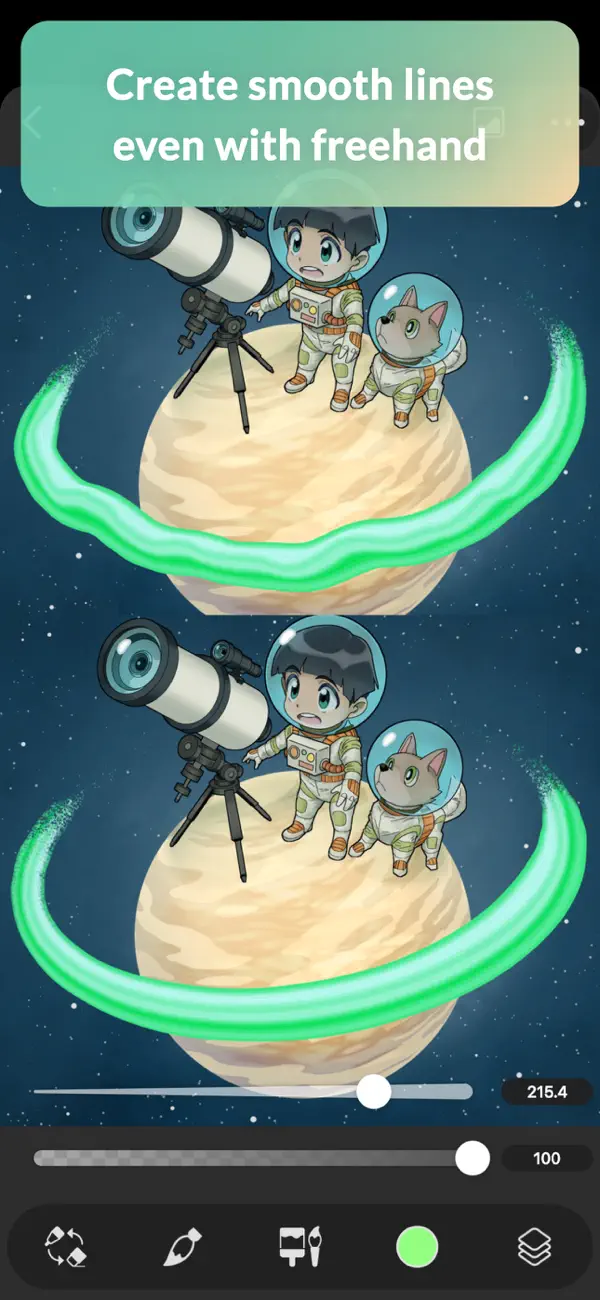
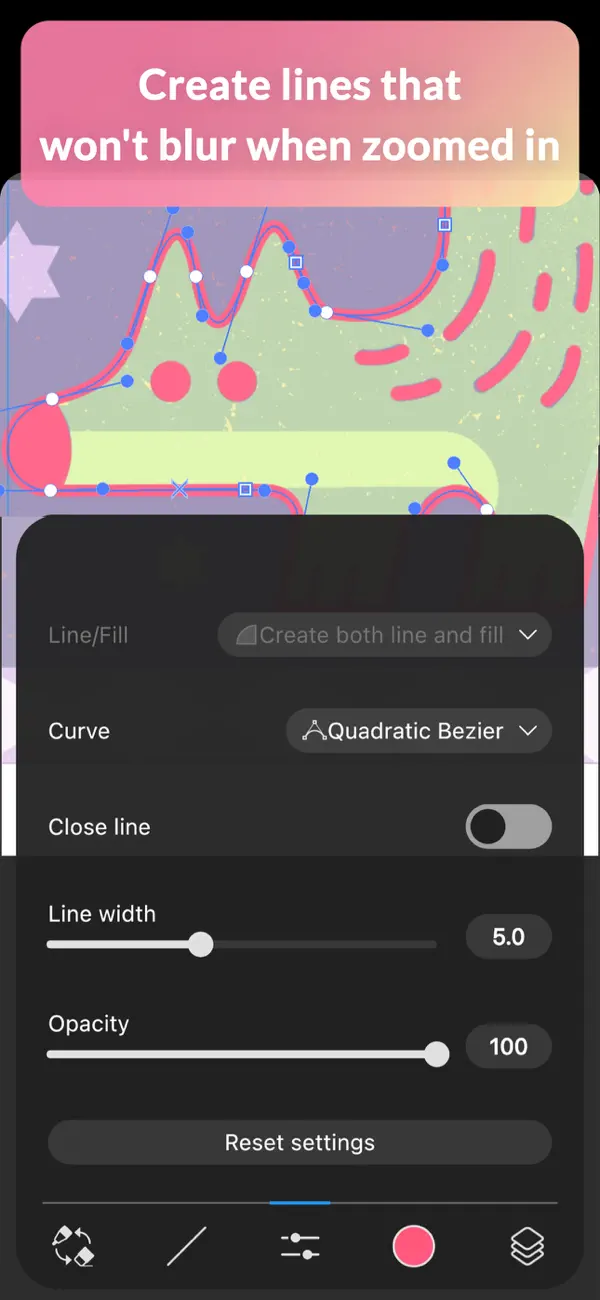
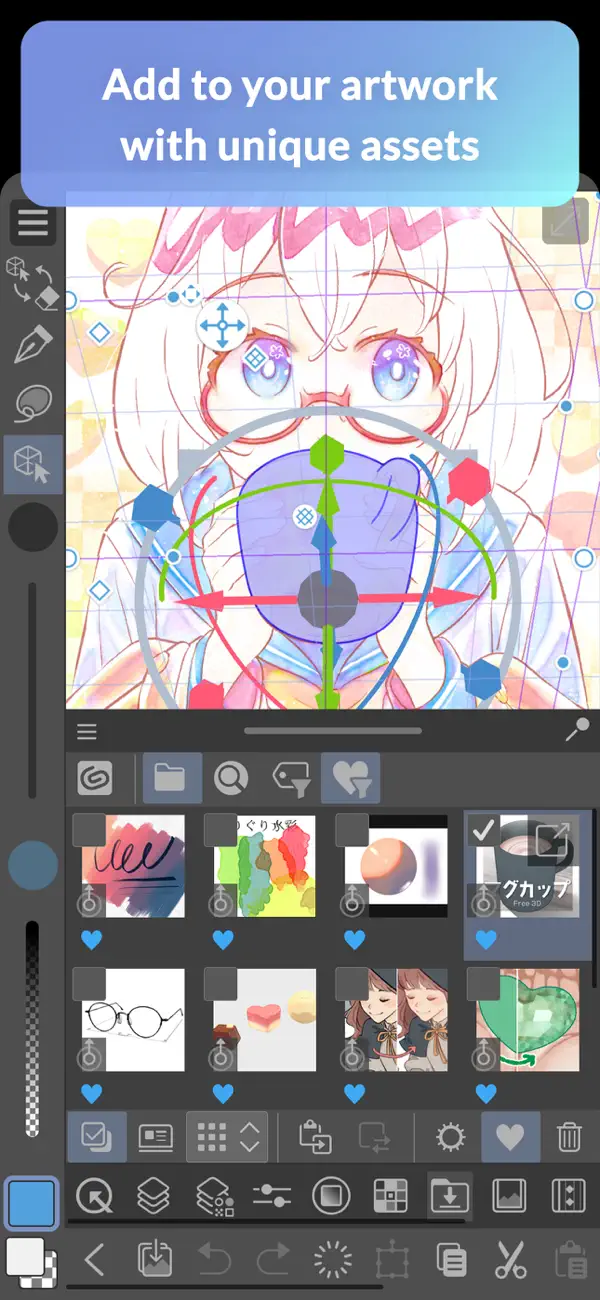
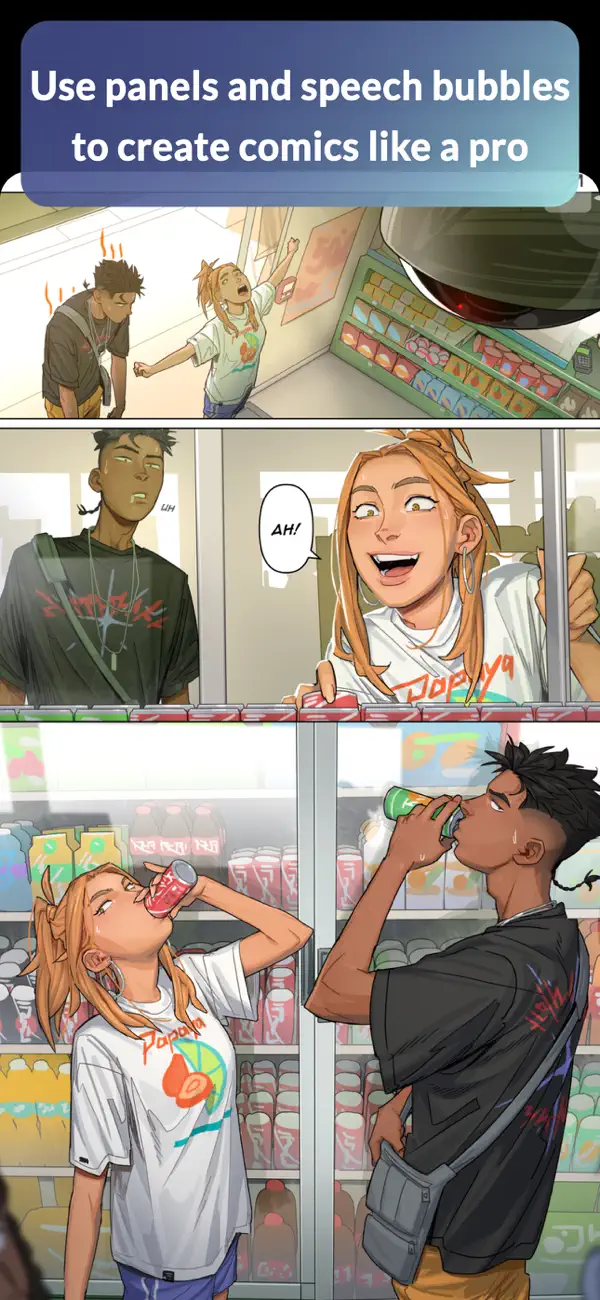
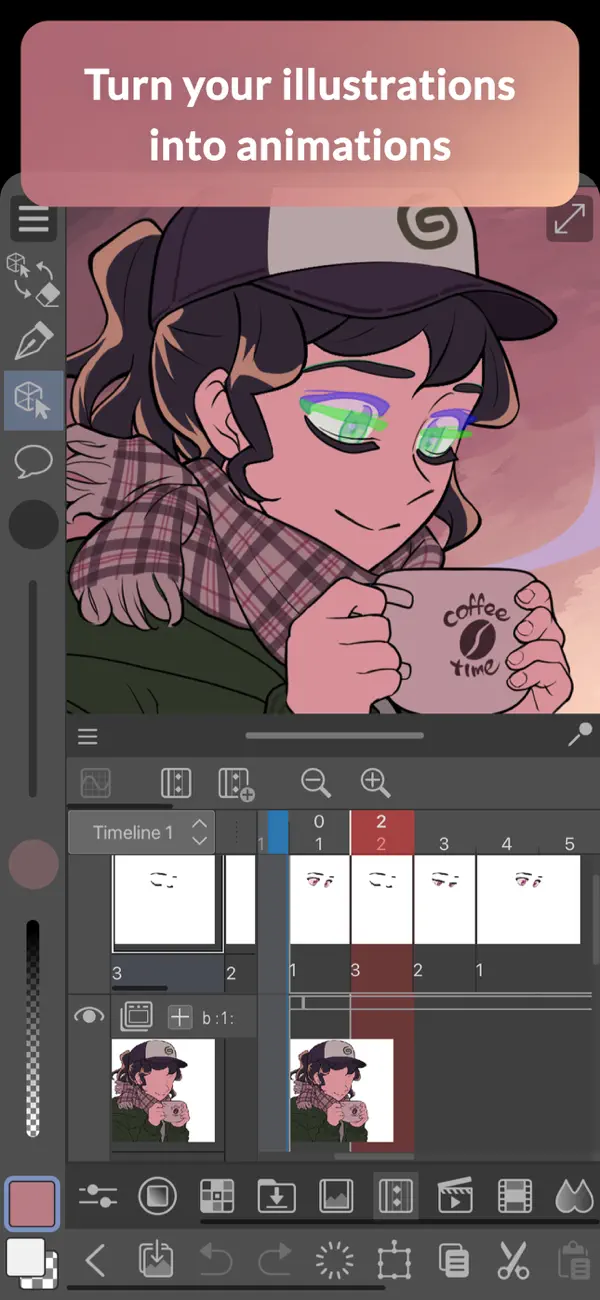
在 iPhone Duo 上的表现
5.1.7 版更新说明(2026 年 10 月 20 日)仅表示 Clip Studio Paint 现已兼容 iPhone Duo。CELSYS 没有描述内屏的布局变化,也没有提到针对折叠或外屏的功能。我们尚未在 iPhone Duo 真机上测试 Clip Studio Paint。
新功能
版本 5.1.7 ·
・ Now compatible with iPhone Duo.
开发者尚未提供此内容的中文版本。
关于这款应用
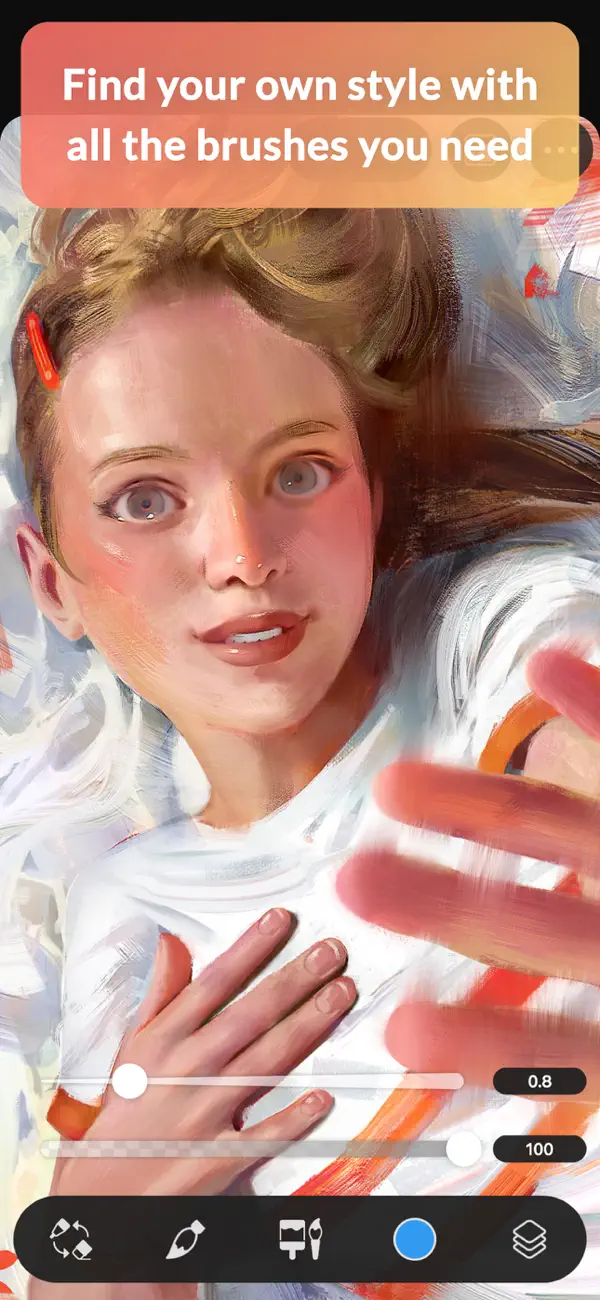
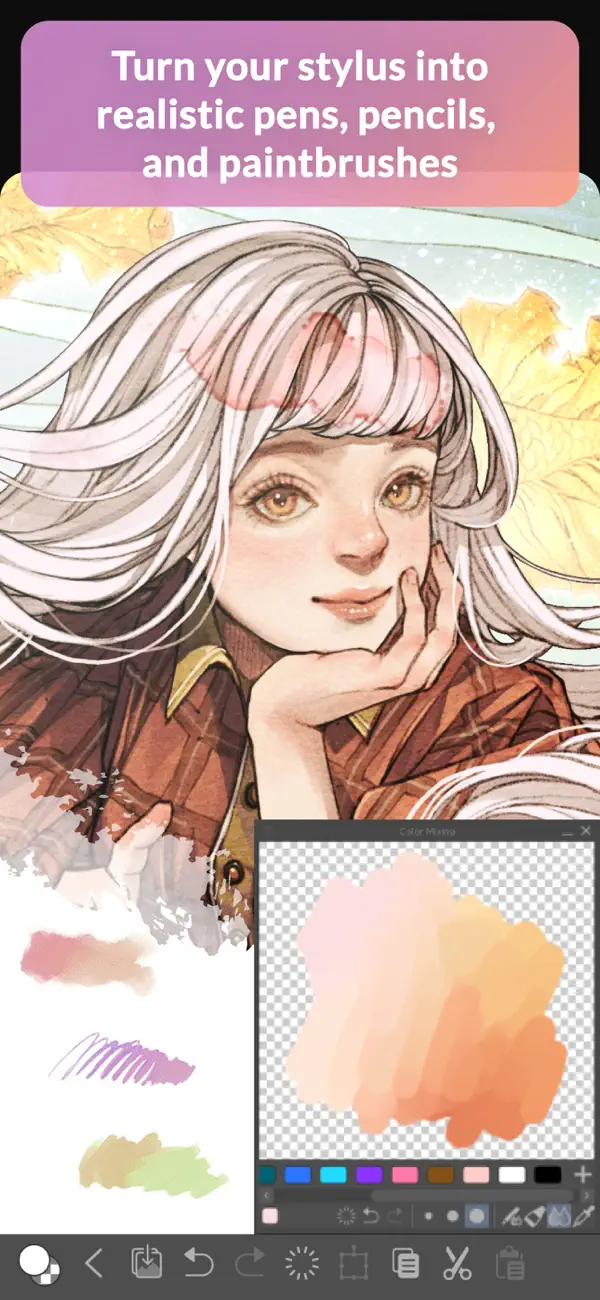
Clip Studio Paint for iPhone 是 CELSYS 插画与漫画软件的手机版,初学者和专业画师都用它来绘画、上色和创作漫画。它拥有大量模拟真实绘画材料的笔刷,笔刷形状和纸张纹理均可调节,混色效果接近传统颜料,还可以用透明色绘制来实现擦除。Clip Studio Assets 素材库提供由画师制作的背景等素材和社区笔刷。上色工具包括能处理线稿缺口的磁性套索、透明度锁定、用于设置光源的明暗辅助,以及可从参考图中提取配色的颜色匹配,还有色差、复古胶片等滤镜。应用内链接了官方教程和 Clip Studio Ask 社区。应用可免费下载,每月最多可免费无广告使用全部功能 30 小时,如需无限使用可通过内购购买订阅方案。2026 年 10 月 20 日发布的 5.1.7 版表示,应用现已兼容 iPhone Duo。
本条目译自英文原文。
App Store 简介由开发者撰写。
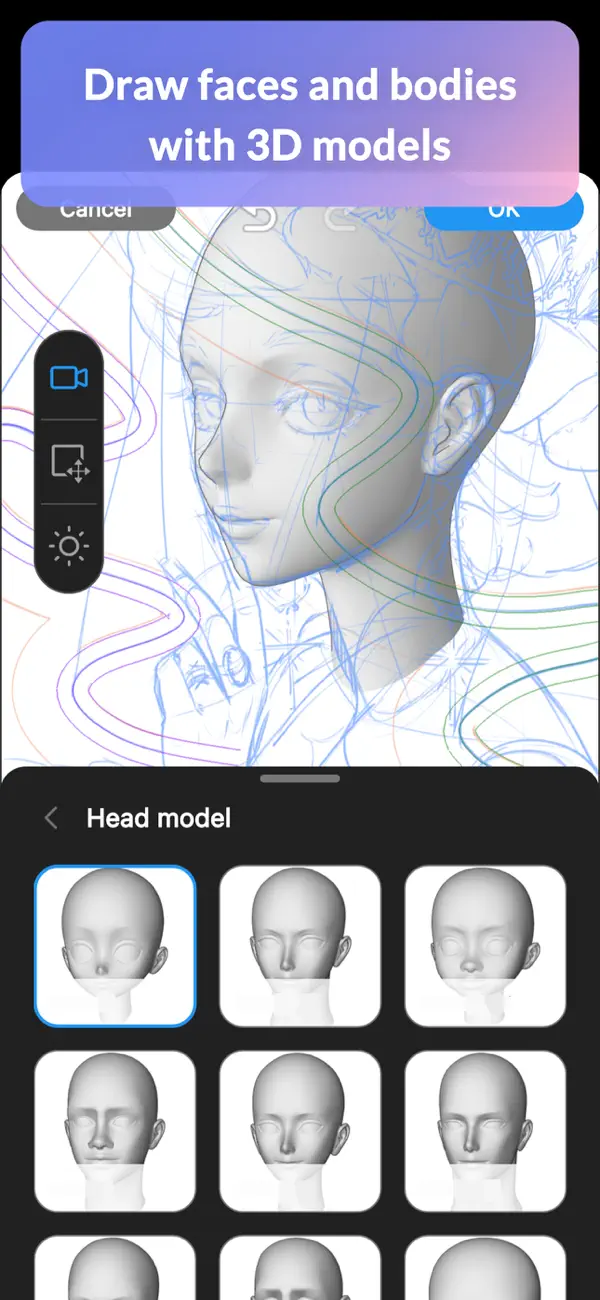
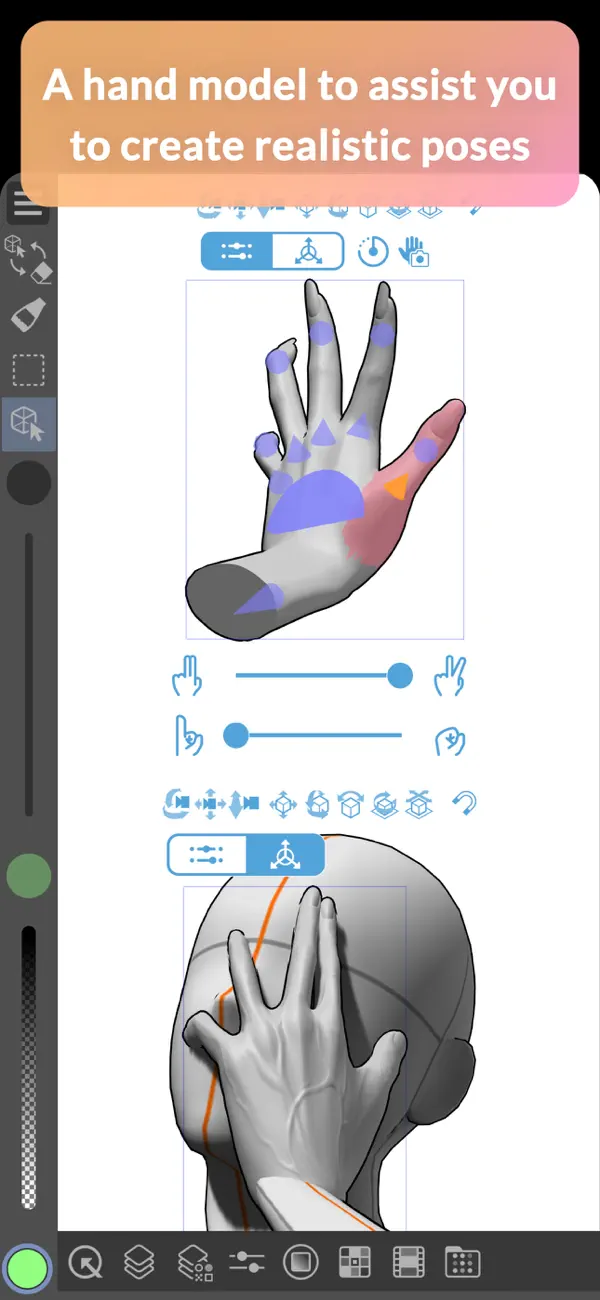
Draw with unlimited features for free for 30 hours monthly with no ads! Now with new, powerful features! Clip Studio Paint makes drawing a piece of cake, in any style! Whether you are a beginner or a pro, Clip Studio Paint will improve every aspect of your art experience, while helping you grow as an artist. Unlimited amount of brushes at your fingertips to recreate any style - Use brushes with the same textures as real art materials - Adjust details such as brush shape and paper quality to your liking - Make unique colors with realistic color mixing, like traditional paints - Draw with transparency to erase, so no need to switch brushes Countless artist-made materials - Level up your art with free materials, for backgrounds and more - Discover community-made brushes from creators worldwide - Add details with materials like frills and more Coloring made easy - Easily color even with line gaps using the magnetic lasso tool - Lock transparency to paint over layers without affecting other areas - Set light source and shadow position with Shading Assist - Instantly reference and apply colors from an image to your art using Color Match - Enhance your art with filters like Chromatic Aberration, Retro Film, Pencil, and more Learn alongside other creators - Loads of official tutorials and creator tips available - Watch tutorials on the Clip Studio Paint YouTube channel, for step-by-step advice - Ask questions on the Clip Studio Ask community Create the perfect reference with 3D models - Use 3D drawing figures to help out your anatomy - Customize character face and body models with beginner-friendly tools - Attach 3D objects like hats and shoes to characters for more specific references - Use 3D shapes to draw perspective Adjust after you draw - Liquify to make adjustments to the balance of your illustrations - Mesh Transformation allows you to transform to different shapes - Change up the poses of your character drawings with Puppet warp - Non-destructive color adjustment layers to get your art just right - Gradient maps give color to your grayscale illustrations Stress-free layer features - Assign colors and make multiple columns of layers to browse them at a glance - Enjoy the freedom of masking and clipping on multiple layers to edit and move your work - Add various effects to apply to the layer in a non-destructive way The ultimate comic creation app - All the tools you need for comic creation, from sketches to finishing touches - Panel frames, speech balloons, text, effect lines, and screen tones in an instant - Make high-resolution print data (6 GB+ memory recommended) - Manage multi-page projects Professional animation, on any device - Use all the same tools as animation studios - Unique features allow you to draw your frames as you like - Expand your drawings to 4K resolution without losing quality by saving it as vector data ●Grade features ・FREE: 30 hours/month ・PRO: All the tools you need to create stunning illustrations & short animations ・EX: All the above + multi-page functionality for comic/manga artists and unlimited animation frames *Clip Studio account needed to buy a plan. ● Target Devices and Specifications ・Minimum free storage space: 3GB, 4GB recommended ・Recommended display size: 5.5"+ Please see the following for supported devices. https://support.clip-studio.com/en-us/faq/articles/20200154 You can use the app fully for free for up to 30 hours each month. After this free period has ended, please purchase a plan to: - Save your canvas - Export your data in various file formats on iPhone and more Smartphone plan: PRO: US$0.99 per month, get an annual plan for up to 5 months' worth of savings! EX: US$2.49 per month, get an annual plan for up to 5 months' worth of savings! Clip Studio Paint End User License Agreement https://www.celsys.com/en/information/csp/ https://www.apple.com/legal/internet-services/itunes/dev/stdeula/
亮点
- 模拟真实绘画材料的笔刷
- 如同颜料般的混色
- 画师制作的素材与社区笔刷
- 可容忍缺口的磁性套索上色
- 明暗辅助与颜色匹配
- 每月 30 小时免费使用
Clip Studio Paint 在 iPhone Duo 上:常见问题
Clip Studio Paint 针对 iPhone Duo 优化了吗?
暂未优化。Clip Studio Paint 属于「兼容运行」:它以原有手机布局运行,未做改动。核验于 2026年10月20日(开发者声明)。
Clip Studio Paint 在 iPhone Duo 上是什么样子?
5.1.7 版更新说明(2026 年 10 月 20 日)仅表示 Clip Studio Paint 现已兼容 iPhone Duo。CELSYS 没有描述内屏的布局变化,也没有提到针对折叠或外屏的功能。我们尚未在 iPhone Duo 真机上测试 Clip Studio Paint。
Clip Studio Paint 多少钱?
Clip Studio Paint 在 App Store 售价 免费 · 含 App 内购买。
更多创作应用
查看全部 ›
绘画应用,支持自定义画笔和无限图层

前后摄像头同时录制

集相机、提词器与 AI 视频剪辑于一体的创作者应用

适用于 iPhone、iPad 和 Mac 的多轨视频剪辑应用

支持关键帧、特效和文字的多轨视频与照片编辑器

iPhone 主屏幕主题、壁纸与自定义小组件