
iPhone 스크린샷
iPhone Duo 활용 방식
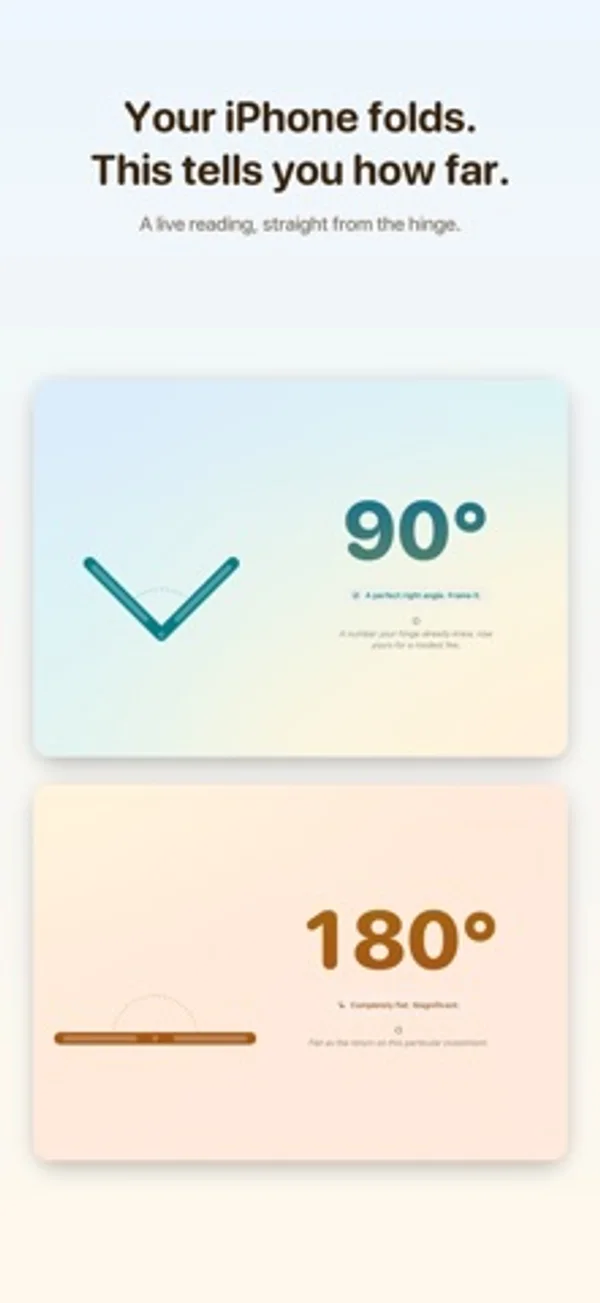
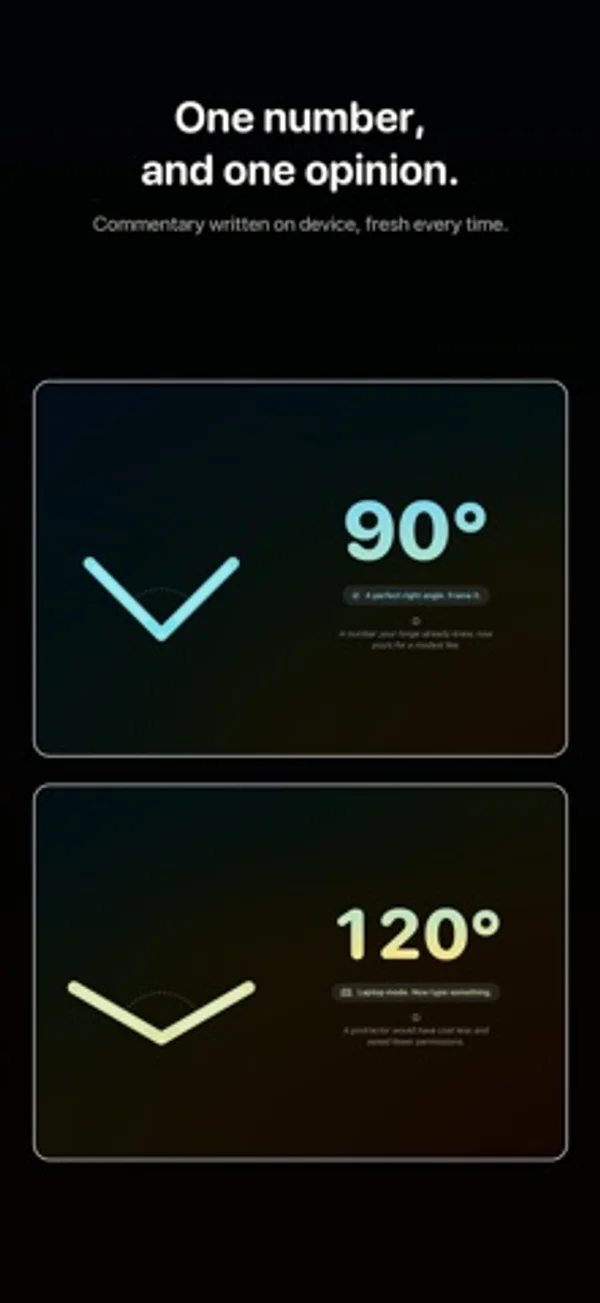
설명은 실시간 힌지 각도와 움직이는 측면 도식, 각도에 따른 색을 소개합니다.
새로운 기능
버전 1.0.2 ·
Nothing in the app has changed. This update exists so the App Store page can mention iPhone Duo by name.
개발자가 이 내용을 한국어로 제공하지 않았습니다.
App Store 설명개발자가 작성한 내용입니다.
Your iPhone folds. Ajar tells you how far. That is the whole app. One large number, live from the hinge, moving as you open and close. Underneath it, a single line of commentary about the angle you have settled on, which is rarely a compliment. WHAT IT DOES • Reads the hinge on iPhone Duo and shows its angle in degrees, live • Draws the fold from the side, opening and closing along with the real thing • Shifts its colours as the hinge moves, from shut to completely flat • Makes a small fuss of the angles worth making a fuss of — 45°, a perfect right angle, laptop mode at 120°, reclined at 135°, the agony of 179°, and flat • Writes a fresh line of commentary on device using Apple Intelligence, so nothing you do leaves your iPhone — and where Apple Intelligence isn't offered, falls back to lines the app was built with, so there is always something unkind to read • Turns any angle into a share card, square or story shaped, for people who did not ask to see it NO HINGE? Then there is nothing to read, and the app says so: the reading is labelled "Entirely made up" and you get a slider and a row of presets to set the angle yourself. Everything else works exactly the same. It is not the real thing. It is close enough. WHAT IT DOES NOT DO No account. No sign-in. No network. No adverts. No tracking. No analytics. No settings screen, because there is nothing to set. It reads the hinge, prints the number, says something unkind about it, and stops. Built for iPhone Duo and runs on any other iPhone, with VoiceOver labels throughout and a bit of haptic ceremony when the number lands somewhere tidy.
iPhone Duo에서의 Ajar: Hinge Angle: 자주 묻는 질문
Ajar: Hinge Angle은(는) iPhone Duo에 최적화되어 있나요?
네. Ajar: Hinge Angle은(는) Duo 전용 설계 앱으로, 폴딩, Split View 또는 외부 디스플레이를 활용합니다. 2026년 10월 28일 확인(개발자 발표).
iPhone Duo에서 Ajar: Hinge Angle은(는) 어떻게 보이나요?
설명은 실시간 힌지 각도와 움직이는 측면 도식, 각도에 따른 색을 소개합니다.
Ajar: Hinge Angle의 가격은 얼마인가요?
Ajar: Hinge Angle은(는) App Store에서 ₩1,100입니다.
다른 유틸리티 앱
모두 보기 ›
실시간 각도를 확인하고 목표 각도 챌린지를 시도합니다.

설명과 연습 문제, 모의시험으로 Unix 권한을 학습합니다.

오프셋과 새들 등 전선관 굽힘을 계산하고 계획합니다.

8가지 시계 디자인으로 시간을 확인하고 카운트다운과 완료 기록을 관리하는 회중시계 앱입니다.

iPhone Duo 힌지로 0.1°까지 각도를 측정하고 목표, 매칭, 수평계 도구를 제공합니다.

iPhone Duo를 경사 게이지로 바꿔 힌지 각도를 읽고, 다른 iPhone에서는 수평계로 쓴다.