
Ajar: Hinge Angle
Watch the folding angle change as you open and close the phone.
Dylan Maryk · Utilities · $0.99
iPhone screenshots
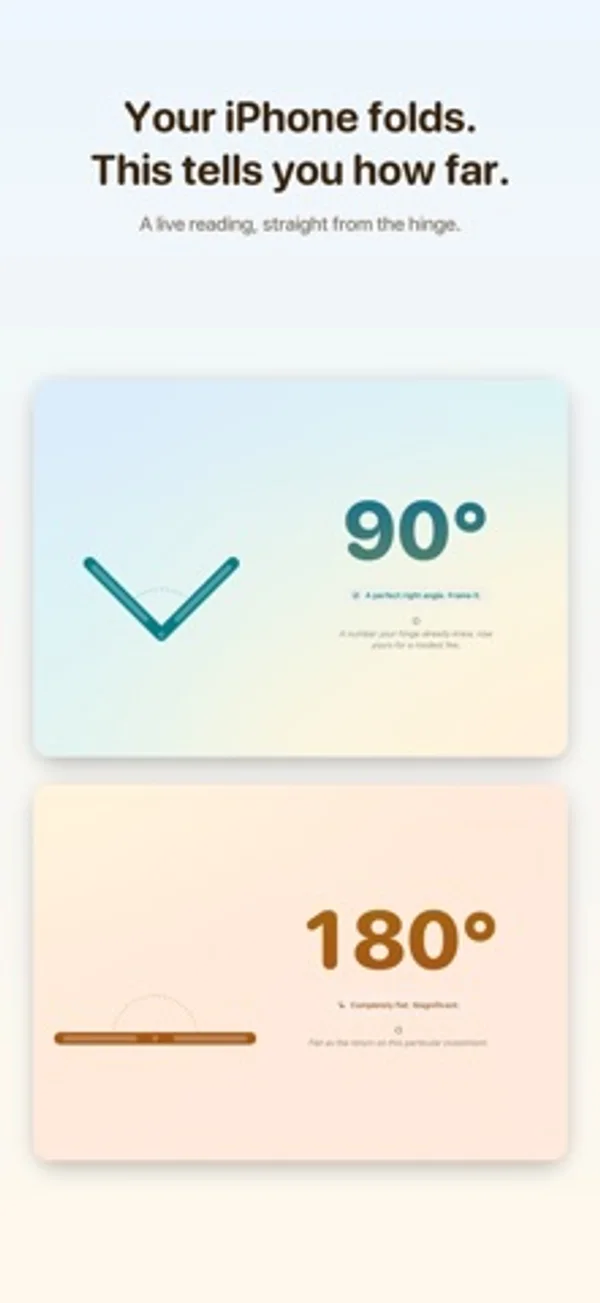
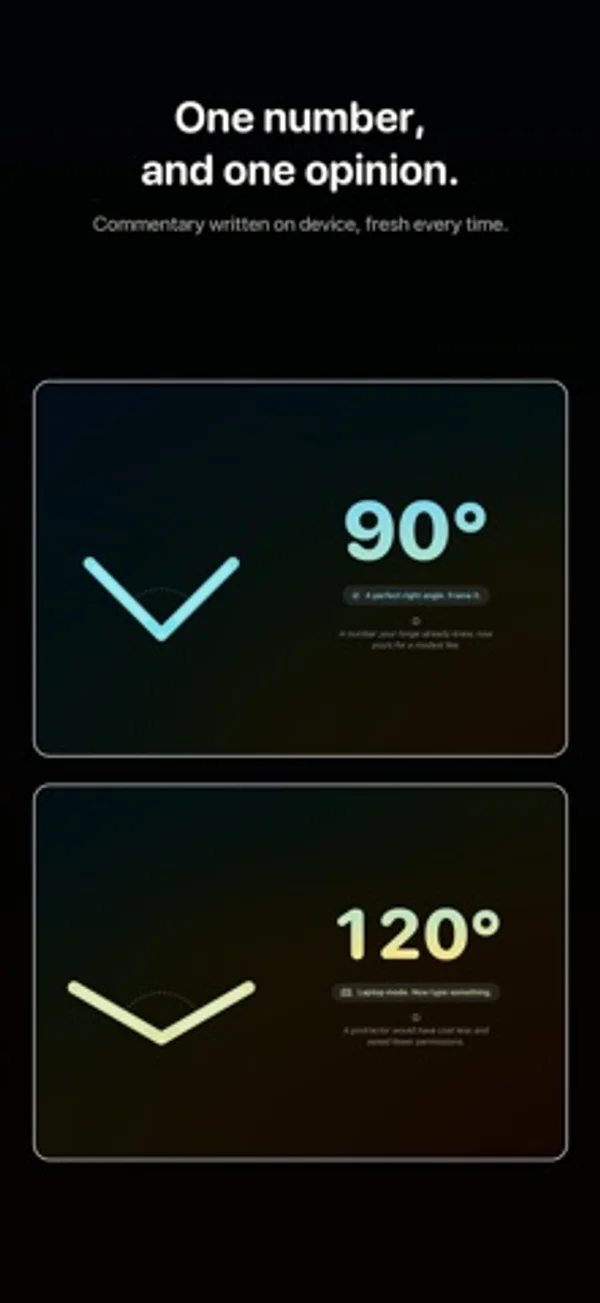
How it uses iPhone Duo
Its description pairs a live hinge-angle number with a moving side-view diagram and angle-based colors.
What’s New
Version 1.0.2 ·
Nothing in the app has changed. This update exists so the App Store page can mention iPhone Duo by name.
App Store descriptionWritten by the developer.
Your iPhone folds. Ajar tells you how far. That is the whole app. One large number, live from the hinge, moving as you open and close. Underneath it, a single line of commentary about the angle you have settled on, which is rarely a compliment. WHAT IT DOES • Reads the hinge on iPhone Duo and shows its angle in degrees, live • Draws the fold from the side, opening and closing along with the real thing • Shifts its colours as the hinge moves, from shut to completely flat • Makes a small fuss of the angles worth making a fuss of — 45°, a perfect right angle, laptop mode at 120°, reclined at 135°, the agony of 179°, and flat • Writes a fresh line of commentary on device using Apple Intelligence, so nothing you do leaves your iPhone — and where Apple Intelligence isn't offered, falls back to lines the app was built with, so there is always something unkind to read • Turns any angle into a share card, square or story shaped, for people who did not ask to see it NO HINGE? Then there is nothing to read, and the app says so: the reading is labelled "Entirely made up" and you get a slider and a row of presets to set the angle yourself. Everything else works exactly the same. It is not the real thing. It is close enough. WHAT IT DOES NOT DO No account. No sign-in. No network. No adverts. No tracking. No analytics. No settings screen, because there is nothing to set. It reads the hinge, prints the number, says something unkind about it, and stops. Built for iPhone Duo and runs on any other iPhone, with VoiceOver labels throughout and a bit of haptic ceremony when the number lands somewhere tidy.
Ajar: Hinge Angle on iPhone Duo: FAQ
Is Ajar: Hinge Angle optimized for iPhone Duo?
Yes. Ajar: Hinge Angle is Built for Duo: it uses the fold, Split View or the outer display. Verified on October 28, 2026 (Developer statement).
What does Ajar: Hinge Angle look like on iPhone Duo?
Its description pairs a live hinge-angle number with a moving side-view diagram and angle-based colors.
How much does Ajar: Hinge Angle cost?
Ajar: Hinge Angle costs $0.99 on the App Store.
More Utilities apps
See all ›
View live angle measurements and try target-angle challenges.

Learn Unix permissions with explanations, practice questions and certification-style exams.

Plan conduit bends with calculators for offsets, saddles and other pipe layouts.

A pocket-watch clock with eight dial styles, countdown timers and a completion ledger.

Measures angles to 0.1° using the iPhone Duo hinge, with target, match, and level tools.

Turns iPhone Duo into a bevel gauge that reads hinge angles, and works as a level on any iPhone.