
AngleSense
View live angle measurements and try target-angle challenges.
紫晴 王 · Utilities · Free
iPhone screenshots
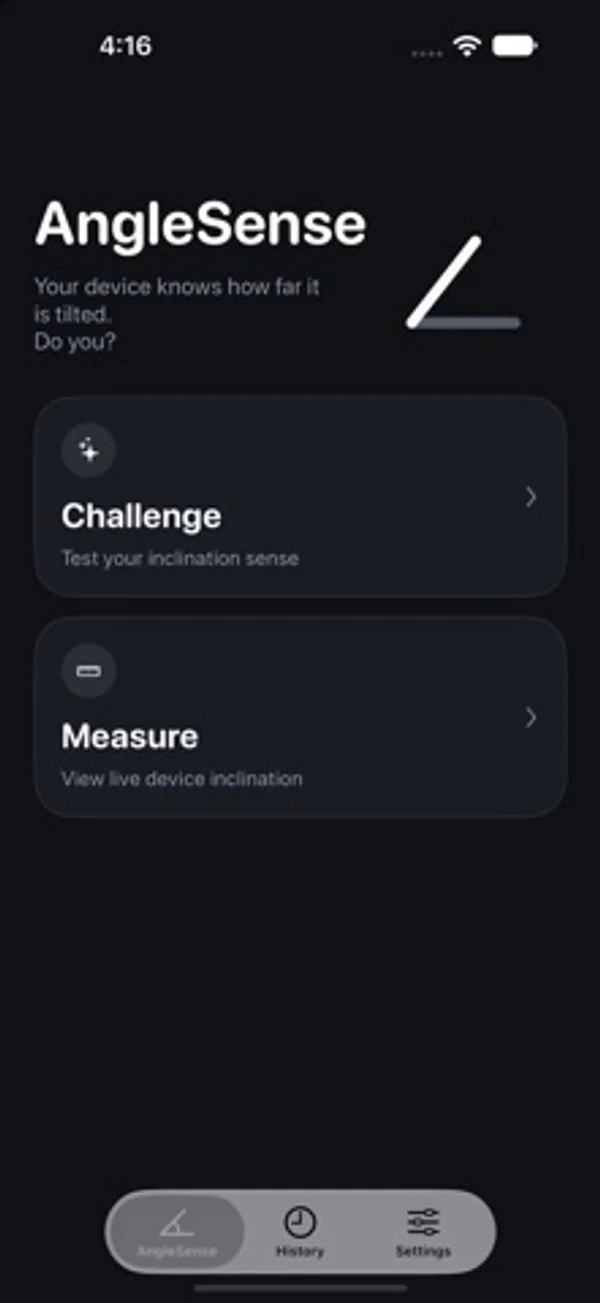
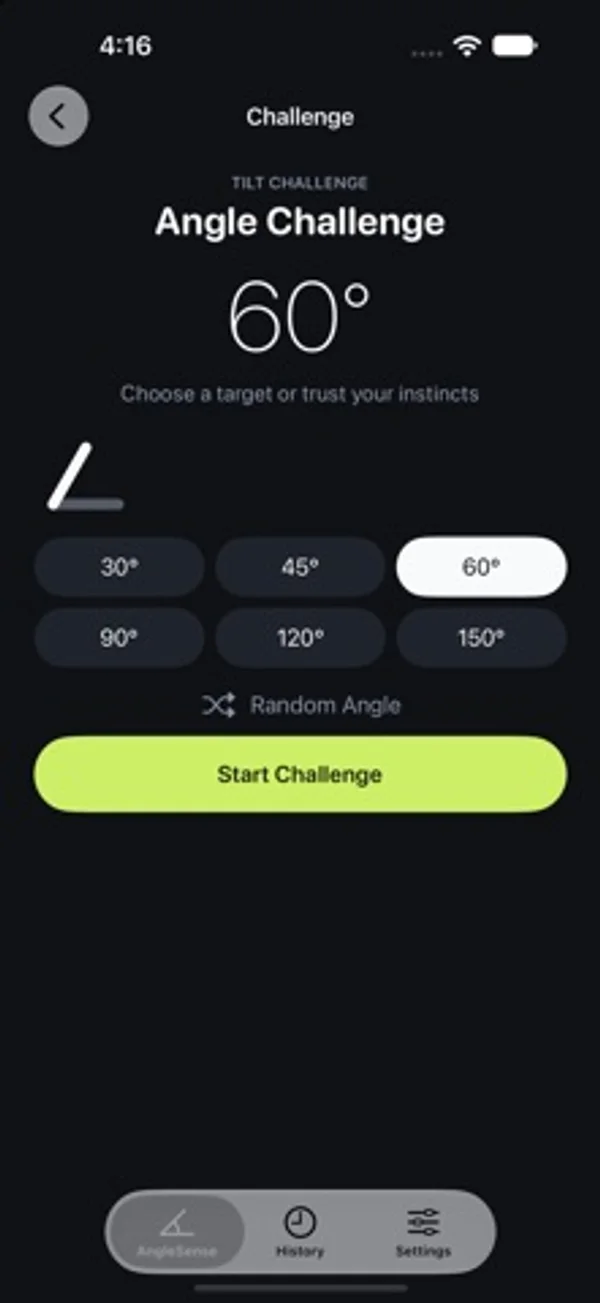
How it uses iPhone Duo
The developer describes live Duo hinge readings plus split and outer-display layouts for Measure and Challenge.
What’s New
Version 1.0.1 ·
Added iPhone Duo support with an adaptive split layout and outer-display content for Measure and Challenge. Fixed incorrect closed-device detection while folding.
App Store descriptionWritten by the developer.
AngleSense turns the posture of your device into a clear, live angle reading. On iPhone Duo, AngleSense reads the real hinge angle, turning the device into a convenient digital protractor as you open, fold, and reposition it. On other iPhone and iPad devices, AngleSense uses motion sensors to measure device inclination: 0° when lying face up, 90° when upright, and 180° when lying face down. Features: • Live angle measurement • Target-angle challenges • Automatic stability detection and result reveal • Challenge history and average error • Separate hinge and inclination records • Haptic feedback and display precision settings AngleSense requires no account, contains no ads, and works without a network connection. Angle readings and challenge history stay on your device.
AngleSense on iPhone Duo: FAQ
Is AngleSense optimized for iPhone Duo?
Yes. AngleSense is Built for Duo: it uses the fold, Split View or the outer display. Verified on October 28, 2026 (Developer statement).
What does AngleSense look like on iPhone Duo?
The developer describes live Duo hinge readings plus split and outer-display layouts for Measure and Challenge.
How much does AngleSense cost?
AngleSense is free to download on the App Store.
More Utilities apps
See all ›
Watch the folding angle change as you open and close the phone.

Learn Unix permissions with explanations, practice questions and certification-style exams.

Plan conduit bends with calculators for offsets, saddles and other pipe layouts.

A pocket-watch clock with eight dial styles, countdown timers and a completion ledger.

Measures angles to 0.1° using the iPhone Duo hinge, with target, match, and level tools.

Turns iPhone Duo into a bevel gauge that reads hinge angles, and works as a level on any iPhone.