
CalibReader: EPUB & PDF Reader
폴더나 calibre 서재의 DRM 없는 EPUB·PDF를 읽고 기기 간 읽던 위치를 동기화합니다.
Gram 1 · 독서 및 뉴스 · 무료
iPhone 스크린샷
iPhone Duo 활용 방식
펼치면 두 쪽, 닫으면 바깥에 책 표지가 나타나며 탭하면 한 쪽으로 계속 읽습니다. 펼친 세로 방향은 한 쪽이고 접어도 읽던 위치를 유지합니다.
새로운 기능
버전 1.0.2 ·
• A redesigned app icon: an open book, with Dark, Clear and Tinted versions. • Margins can now go all the way to zero, and Reset Margins puts them back. • Floating reading controls are frosted, so they stay readable over text. • Dropbox and iCloud libraries load faster, and switching libraries is safe and calm, with one status line at the top. • Plain folders of ebooks now open from your NAS, Dropbox, iCloud Drive and OneDrive, even without a calibre library. • OneDrive sign-in and folder browsing are more reliable. • Covers for more books, including series titles. • iPad in landscape opens books as a two-page spread, iPad mini included. • On two-page spreads, tap the middle for the controls and the edges to turn the page. • A sample library of 8 classics to try the app without your own books. • Fixes for iPhone Duo, dark mode and labels.
개발자가 이 내용을 한국어로 제공하지 않았습니다.
App Store 설명개발자가 작성한 내용입니다.
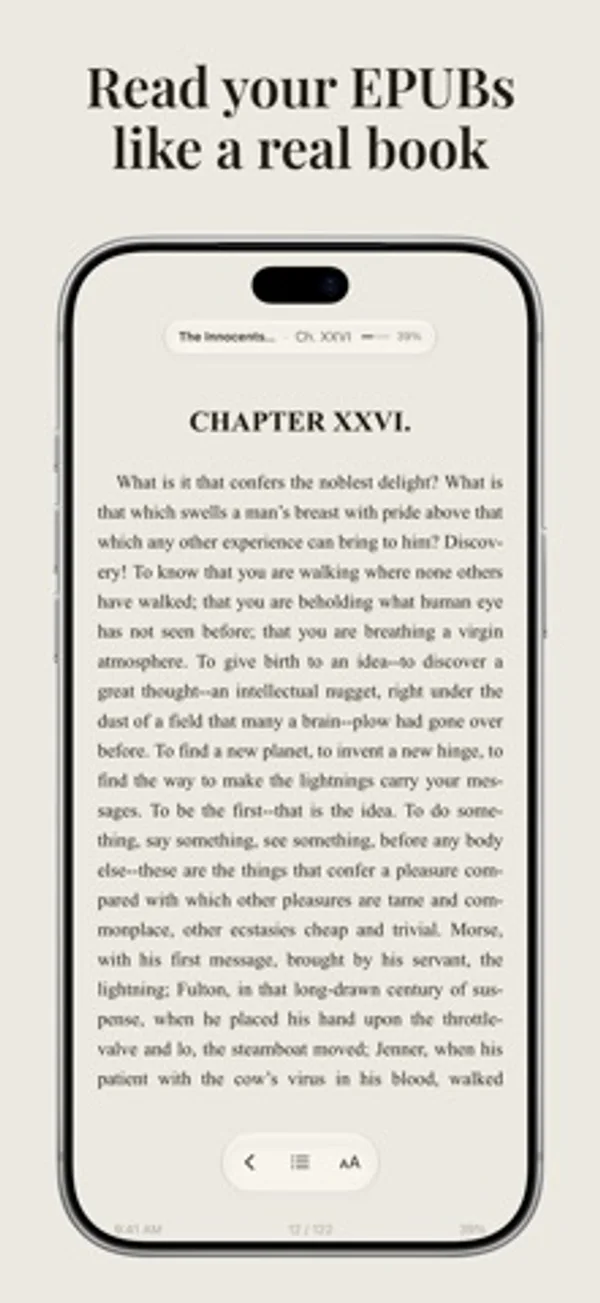
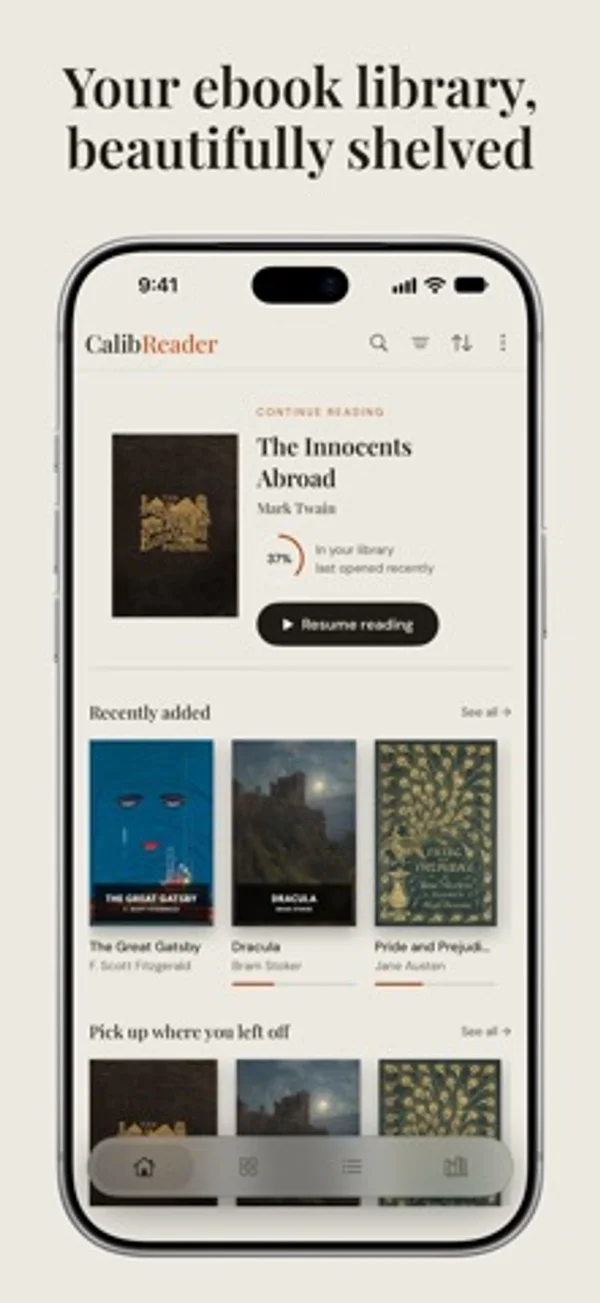
Read your EPUBs like a real book: two pages side by side on iPad and iPhone Duo, with real page curls. PDFs open as two-page spreads too. Open your ebook files straight from Files, Safari, Mail or AirDrop, or bring your whole calibre library: CalibReader shelves them with covers and series, and keeps your place on every device. BUILT FOR IPHONE DUO Open iPhone Duo and your book becomes a two-page spread, with real page curls. Close it and the book closes: the cover screen shows its cover, leather-bound with the title in gold or the original art. Tap to keep reading, one page at a time. Your place holds through every fold, and turning the open phone to portrait gives you a single page. YOUR EPUB AND PDF FILES Any folder of EPUB or PDF files becomes a library with covers, sorting and search. WORKS WITH YOUR CALIBRE LIBRARY Point CalibReader at your calibre library folder and every book, cover, series, tag and synopsis appears as you organised it. Nothing to convert, no lock-in. YOUR STORAGE, YOUR CHOICE • A folder on your device or in iCloud Drive • Dropbox and OneDrive • Your own server or NAS over SMB • Other apps that share a folder in Files A READER BUILT FOR LONG SESSIONS • Two-page spread, single page or continuous scroll, with page curl or flip • Opens on a title page that turns over like a real one • Parchment, sepia, black and navy themes, or your own colour • Font, size, spacing, margins and justification, applied live • Table of contents, chapter navigation, clock and progress footer • Built-in dictionary • A PDF reader with two-page spreads on iPad and iPhone Duo that remembers your page PICK UP WHERE YOU LEFT OFF Reading positions and read status sync across your devices through a tiny file in your library folder. Put down the iPad, pick up the iPhone. A free calibre plugin writes read status, % read and last-read date back to your desktop library. A LIBRARY THAT LOOKS LIKE A LIBRARY Home with continue reading and recently added; grid, list and series views; filters and search; cover art found automatically when a book has none, and Choose Cover to swap in another edition's cover or bind any book in leather. 3 BOOKS FREE, THEN ONE PURCHASE Read any 3 books free, and bring in, sync and browse as many as you like. Then unlock your whole library with one purchase. No subscription, no account, no ads, no tracking, and no data collected. Formats: EPUB and PDF in the built-in reader; other formats open in the app of your choice. Note: CalibReader opens EPUB and PDF files without copy protection (DRM). Books bought in other apps' stores stay in those apps. CalibReader is an independent app, not affiliated with or endorsed by the calibre project. calibre is a trademark of Kovid Goyal. Support: hello@calibreader.com · https://calibreader.com
iPhone Duo에서의 CalibReader: EPUB & PDF Reader: 자주 묻는 질문
CalibReader: EPUB & PDF Reader은(는) iPhone Duo에 최적화되어 있나요?
네. CalibReader: EPUB & PDF Reader은(는) Duo 전용 설계 앱으로, 폴딩, Split View 또는 외부 디스플레이를 활용합니다. 2026년 10월 31일 확인(개발자 발표).
iPhone Duo에서 CalibReader: EPUB & PDF Reader은(는) 어떻게 보이나요?
펼치면 두 쪽, 닫으면 바깥에 책 표지가 나타나며 탭하면 한 쪽으로 계속 읽습니다. 펼친 세로 방향은 한 쪽이고 접어도 읽던 위치를 유지합니다.
CalibReader: EPUB & PDF Reader의 가격은 얼마인가요?
CalibReader: EPUB & PDF Reader은(는) App Store에서 무료로 다운로드할 수 있습니다.
다른 독서 및 뉴스 앱
모두 보기 ›
개인 EPUB와 CHM 책을 읽고 서식과 책장을 꾸밉니다.

문제와 플래시카드, 모의시험으로 FAA 자가용 조종사 지식시험을 준비합니다.

실제 종이접기를 시뮬레이션해 접는 선을 자유롭게 끌거나 단계별 안내로 학, 비행기, 병아리를 접습니다.

답을 얼마나 드러냈는지로 카드 복습 시점을 정하고 난이도는 평가하지 않는다.

iPhone Duo를 접고 펼칠 때마다 화면이 바뀌는, 요약 기능을 갖춘 RSS 리더

접고 펼치는 데 맞춰 레이아웃이 바뀌는 RSS·뉴스 리더