
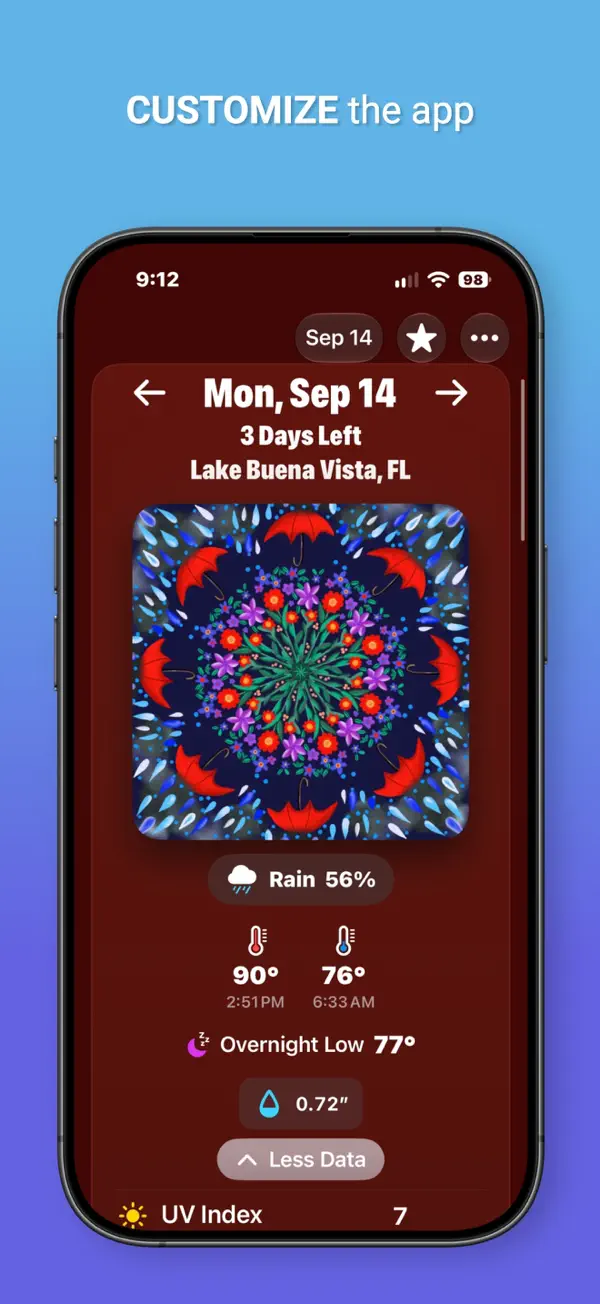
iPhone 스크린샷
iPad 스크린샷
iPhone Duo 활용 방식
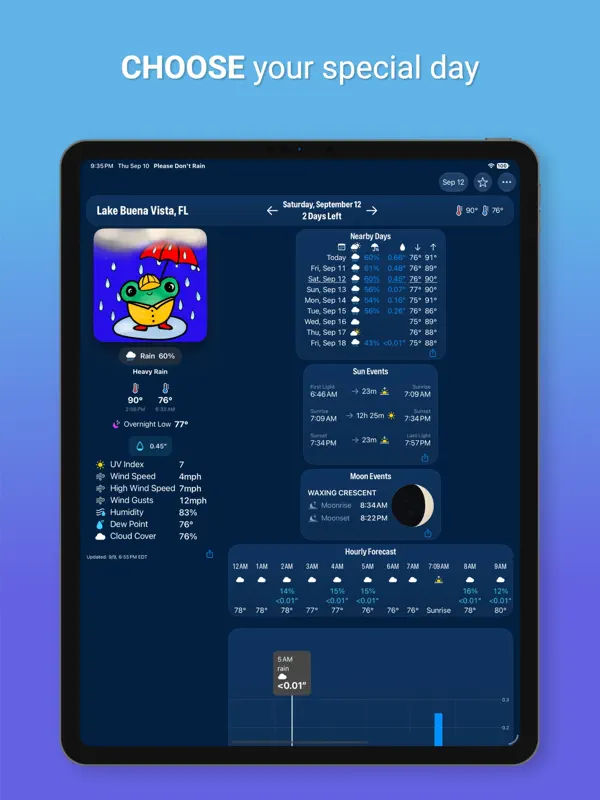
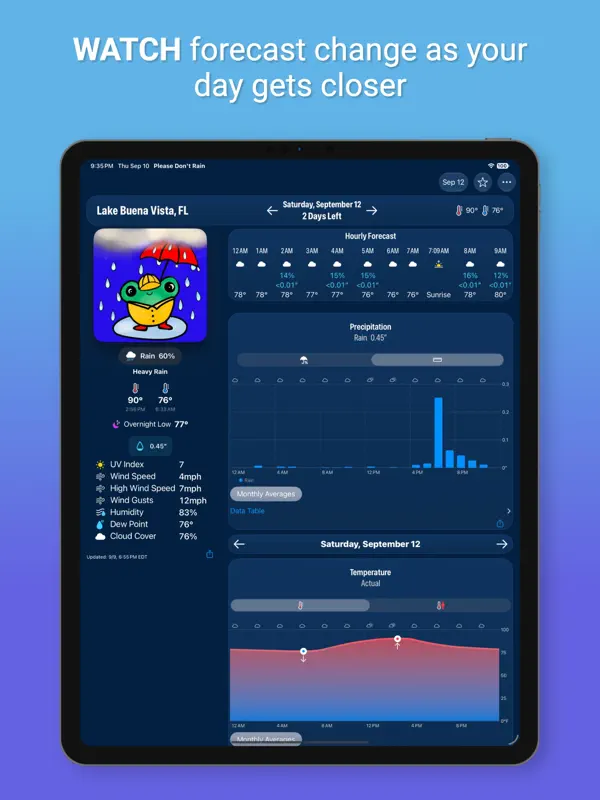
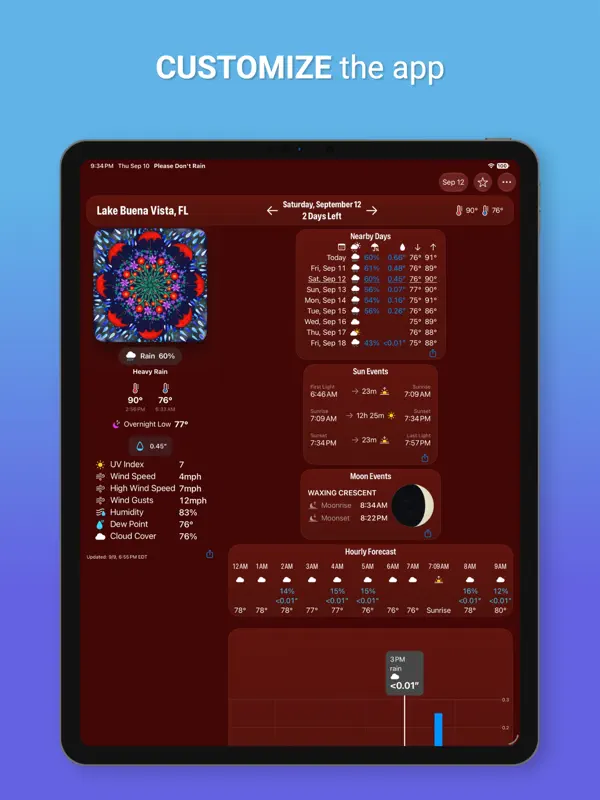
버전 5.30 릴리스 노트는 앱이 iPhone Duo에 대응하며 자세마다 고유한 레이아웃을 제공한다고 설명합니다. 평평하게 펼치면 개발사가 이전에는 iPad에서만 가능했다고 말하는 넓은 레이아웃을 쓸 수 있습니다. 책처럼 반쯤 접으면 날씨 콘텐츠를 나란히 보여 주고, 노트북처럼 접으면 원하는 차트로 바로 이동할 수 있습니다. 개발사의 보도 자료 페이지는 인터페이스가 모든 자세에 맞게 조정되며 가장 큰 텍스트 크기도 각 자세에서 제대로 맞춰진다고 밝힙니다. 아직 실기기에서 테스트하지 않았습니다.
새로운 기능
버전 5.30 ·
# iPhone Duo Support Please Don't Rain is ready for the exciting launch of the iPhone Duo. Try out all of the different pose variations! Some of most interesting variations: * Open in a wide layout – This layout that was previously limited to iPads can now fit on an iPhone! * Partially folded like a book – Side by side weather content. * Partially folded like a laptop – Quickly jump to any chart that interests you. # Version 5.30 * Improvements to starting views on iPhone Duo when weather is not being tracked.
개발자가 이 내용을 한국어로 제공하지 않았습니다.
앱 소개
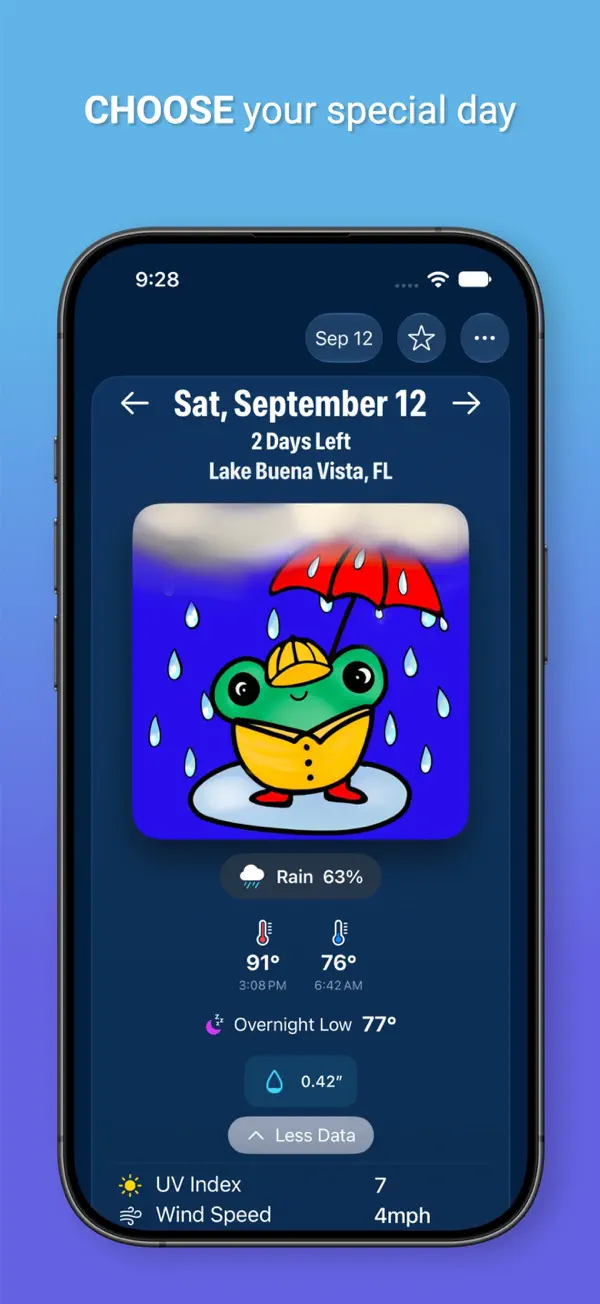
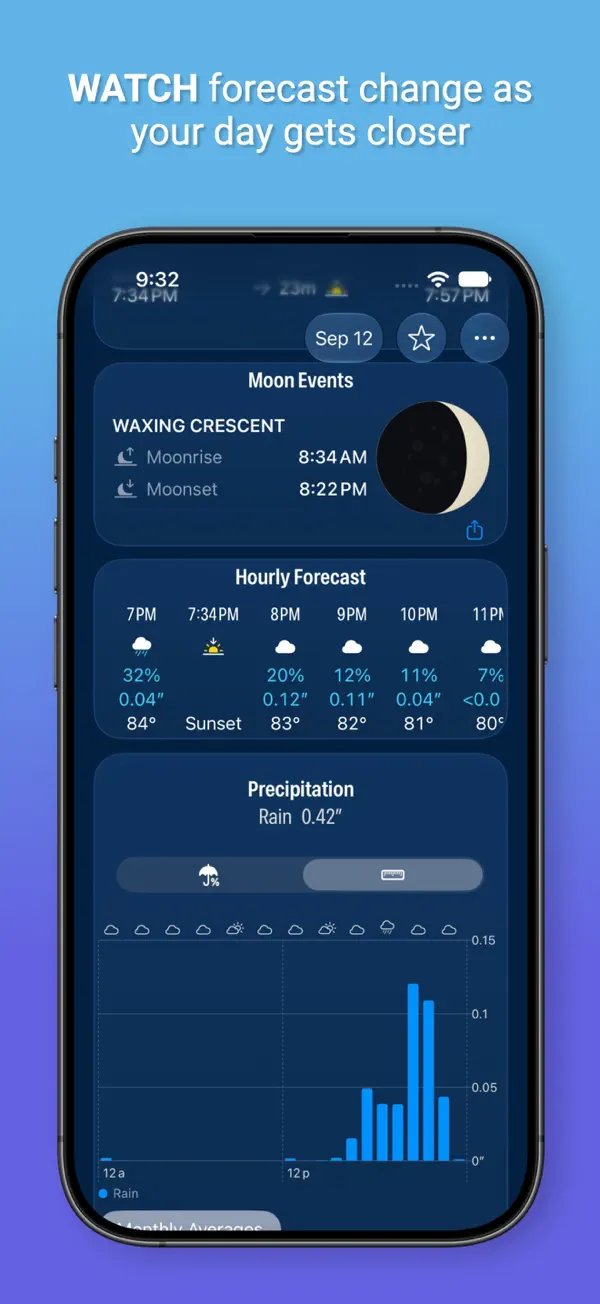
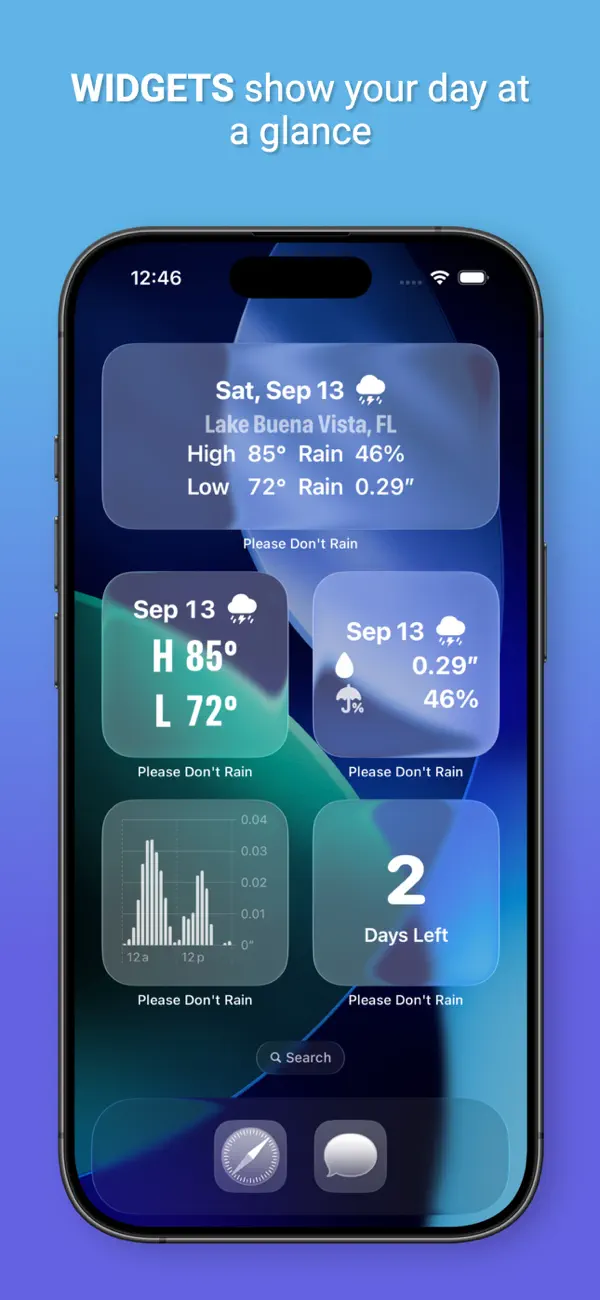
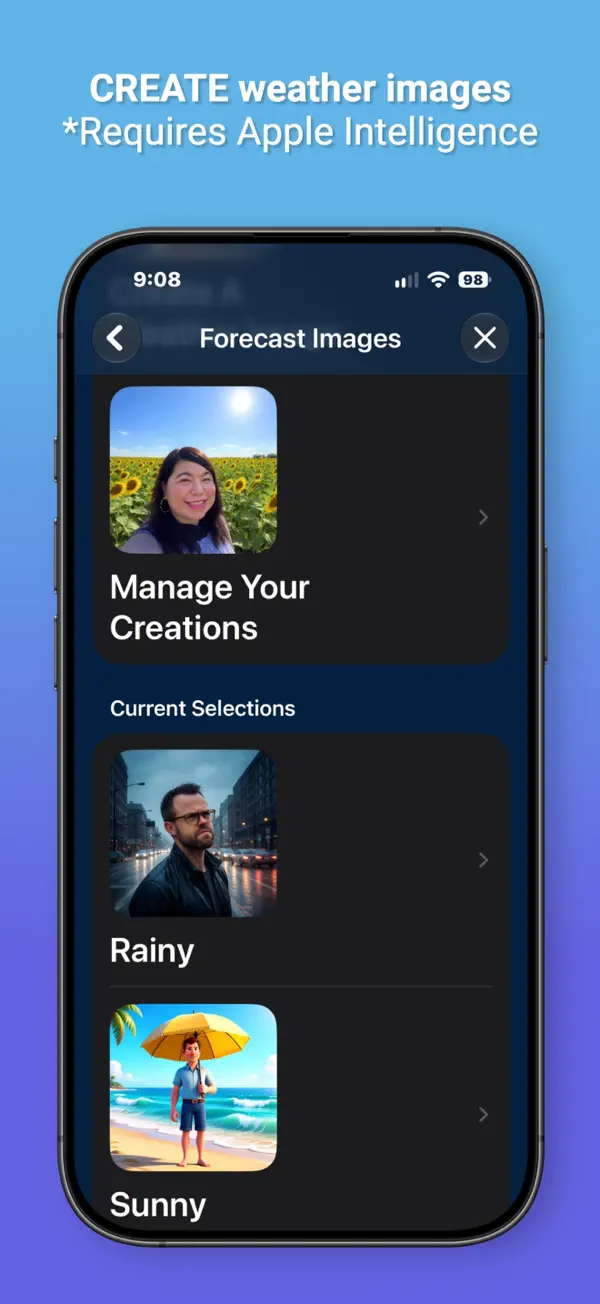
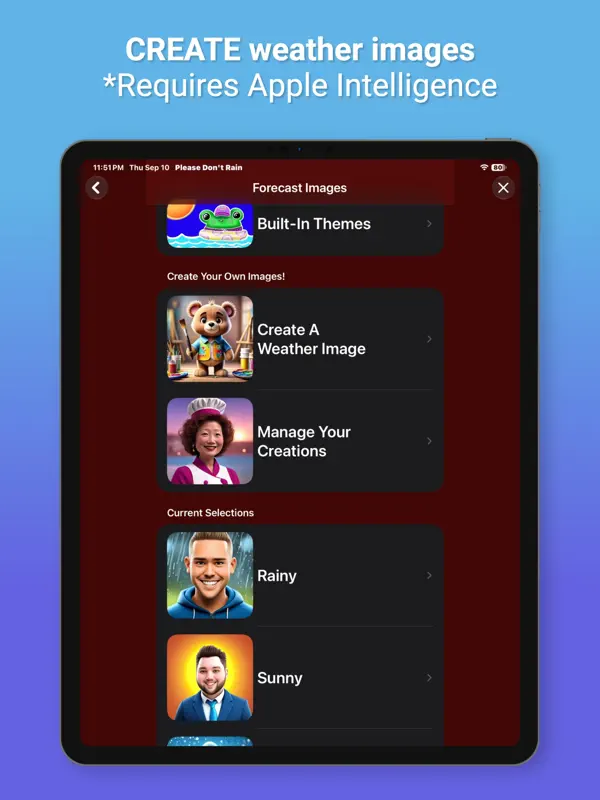
Please Don't Rain은 '내가 신경 쓰는 특정한 날에 비나 눈이 올까?'라는 하나의 질문에 맞춰 만든 날씨 앱입니다. 일반적인 7일 예보 대신 장소와 날짜를 고르면 앱이 그날의 예보를 자동으로 최신 상태로 유지해 주므로, 결혼식, 경주, 여행을 앞두고 반복해서 찾아볼 필요가 없습니다. 독립 개발자 Christopher Wu가 만들었습니다. 앱은 위치를 요청하지도 필요로 하지도 않아, 날씨 서비스에 위치를 공유하고 싶지 않은 사용자에게 어울립니다. 접근성에 중점을 두어 VoiceOver, Voice Control, Dynamic Type, Audio Graphs, 색상 없이 구별하기를 지원하며, 이 노력으로 2023 AppleVis Golden Apple 어워드 후보에 올랐습니다. 결제 전에 대부분의 기능을 체험할 수 있는 데모 모드가 있습니다. 핵심 추적, 디스플레이 설정, 다크 모드는 무료이고, Pro 구독은 예상 날씨에 따라 바뀌는 일러스트 날씨 이미지와 추가 사용자 지정 기능을 더합니다. Apple Intelligence를 지원하는 기기에서는 직접 날씨 이미지를 생성할 수 있습니다. iPhone Duo 업데이트에서 개발사는 이전에는 iPad에서만 가능했던 넓은 레이아웃을 포함해, 휴대폰을 쥐는 여러 방식에 맞춰 레이아웃을 새로 구상했습니다.
영어 원문을 번역한 내용입니다.
App Store 설명개발자가 작성한 내용입니다.
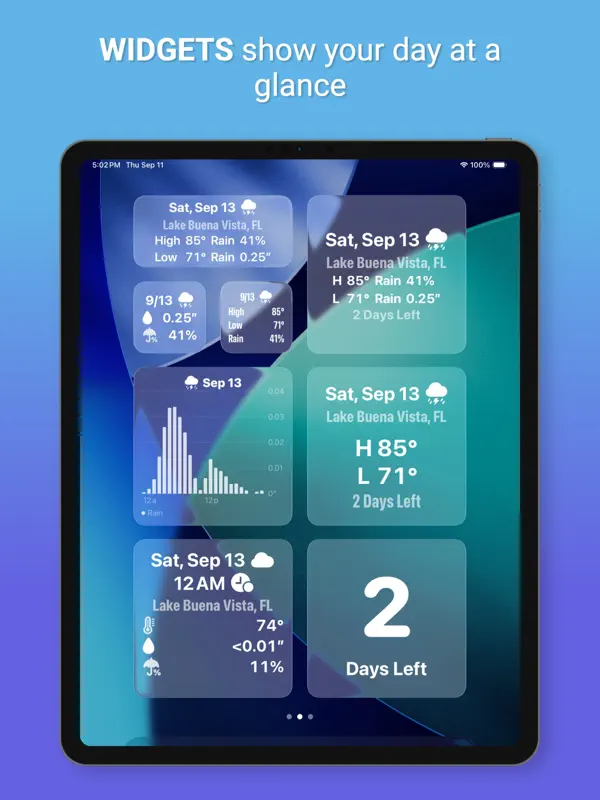
Please Don’t Rain is a fun, convenient way to track if weather will affect a day that’s important to you. When you have an important day coming up it can be cumbersome having to look up the weather for it over and over again. Not anymore! Choose a place and a day and you’ll get details about the weather for that day that will continue to update automatically. Please Don't Rain is a nominee for the 2023 AppleVis Golden Apple awards for its accessibility support. Free Features * Privacy First! - The app does not know your location, need your location, or ask for your location. * Image Creation (where available) - Create and share weather images from your friends, family, or your imagination. Requires Apple Intelligence. * Demo Mode - Lets you see what a majority of the app is like with having to start a free trial or subscription. * Strong Accessibility - VoiceOver - Voice Control - Dynamic Text - Audio Graphs - Differentiate Without Color - Multiple Font Choices * No advertising * Clean and playful design. * Dark Mode support (can be automatic). * Numerous settings to configure the user interface. Pro Features * Beautiful Weather Images - A variety of choices for each weather type that will automatically update to match the predicted weather. Standard weather symbols can also be used instead of these images. * Image Creation (where available) – Have your creations used instead of the built-in images for weather conditions. Requires Apple Intelligence. * Random Images – Can’t choose which images to use? Have them picked randomly! You can even choose to only pick from your own creations. * Themes - Easily change the weather images to a matching theme. * Widgets - Multiple Lock Screen, Home Screen, and Standby widgets. Track precipitation with a glance. * Charts - Precipitation - Temperature - Wind - UV Index - Pressure - Visibility - Humidity - Cloud Cover By Altitude - Monthly Averages * Automatic Updates – Automated forecast updates for your selected day will be reflected in the app and widgets. * Weather Alerts – If the app finds weather alerts for the currently specified location then it will provide a link to them for more details. * Weather Statistics - Numerous statistics for your selected day. * Shortcuts - See the basic forecast or the next hour for predicted rain for your selected day with shortcuts without having to open the app. * Alternate App Icons - Fun alternatives. * Favorites - Easily choose your most used locations. * Nearby Days - See some weather statistics for days close to your special day. SUPPORTED LANGUAGES English (U.S.), German, Swedish, Chinese (Simplified), Spanish (Latin America), Japanese, Korean, French Thanks to Stefan Blos for the German translation help! DEVELOPER Please Don’t Rain was made by just me, Chris, an indie developer. DETAILS Privacy Policy: http://chriswu.com/privacy/ CONTACT If you have any questions, problems, or comments please reach out! museumshuffle@gmail.com --- The Pro version of Please Don't Rain uses auto-renewing subscriptions. Your subscription will be charged to your iTunes Account once you confirm your purchase. Your iTunes account will be charged again when your subscription automatically renews at the end of your current subscription period unless auto renew is turned off at least 24 hours prior to end of the current period. You can manage or turn off auto-renew in your Apple ID Account Settings any time after purchase. Terms of Use: http://chriswu.com/terms/ Privacy Policy: http://chriswu.com/privacy/
주요 기능
- 선택한 장소와 날짜의 예보 추적
- 해당 날짜 예보 자동 업데이트
- 위치 정보를 요청하지 않음
- VoiceOver, Voice Control, Dynamic Type, Audio Graphs 지원
- 구독 전에 체험할 수 있는 데모 모드
- 예상 날씨에 맞는 Pro 날씨 이미지
- iPhone Duo의 북, 노트북, 완전히 펼친 자세별 레이아웃
iPhone Duo에서의 Please Don't Rain: 자주 묻는 질문
Please Don't Rain은(는) iPhone Duo에 최적화되어 있나요?
네. Please Don't Rain은(는) Duo 전용 설계 앱으로, 폴딩, Split View 또는 외부 디스플레이를 활용합니다. 2026년 10월 16일 확인(개발자 발표).
iPhone Duo에서 Please Don't Rain은(는) 어떻게 보이나요?
버전 5.30 릴리스 노트는 앱이 iPhone Duo에 대응하며 자세마다 고유한 레이아웃을 제공한다고 설명합니다. 평평하게 펼치면 개발사가 이전에는 iPad에서만 가능했다고 말하는 넓은 레이아웃을 쓸 수 있습니다. 책처럼 반쯤 접으면 날씨 콘텐츠를 나란히 보여 주고, 노트북처럼 접으면 원하는 차트로 바로 이동할 수 있습니다. 개발사의 보도 자료 페이지는 인터페이스가 모든 자세에 맞게 조정되며 가장 큰 텍스트 크기도 각 자세에서 제대로 맞춰진다고 밝힙니다. 아직 실기기에서 테스트하지 않았습니다.
Please Don't Rain의 가격은 얼마인가요?
Please Don't Rain은(는) App Store에서 무료 · 앱 내 구입입니다.
다른 날씨 앱
모두 보기 ›
펼친 Duo에서 좌우 분할 레이아웃을 제공하는 차트 중심 날씨 앱

게임에서 영감을 받은 3D 인터페이스와 상세한 예보를 갖춘 날씨 앱

빈정대는 로봇 진행자가 안내하는 날씨 앱, iPhone Duo 지원 추가