Please Don't Rain
Follow the forecast for one day that matters, in a layout for every Duo pose
Christopher Wu · Weather · Free · in-app purchases
iPhone screenshots
iPad screenshots
How it uses iPhone Duo
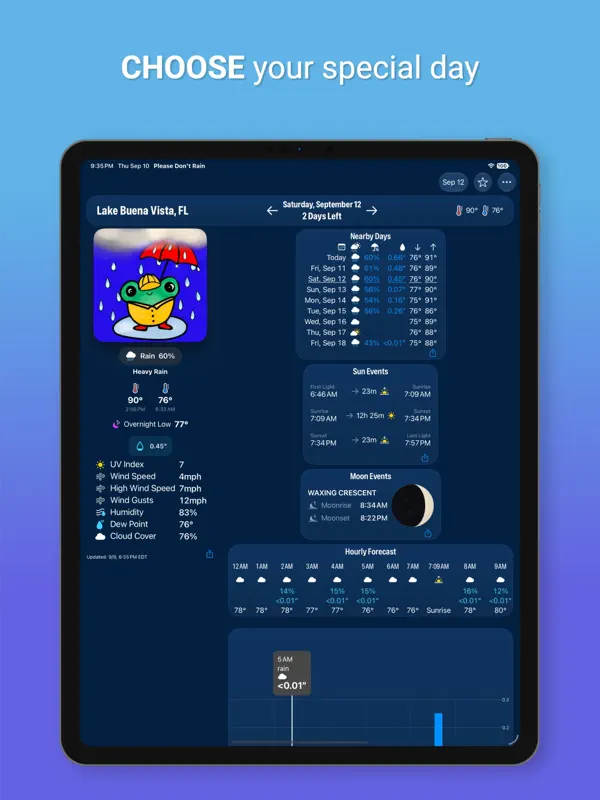
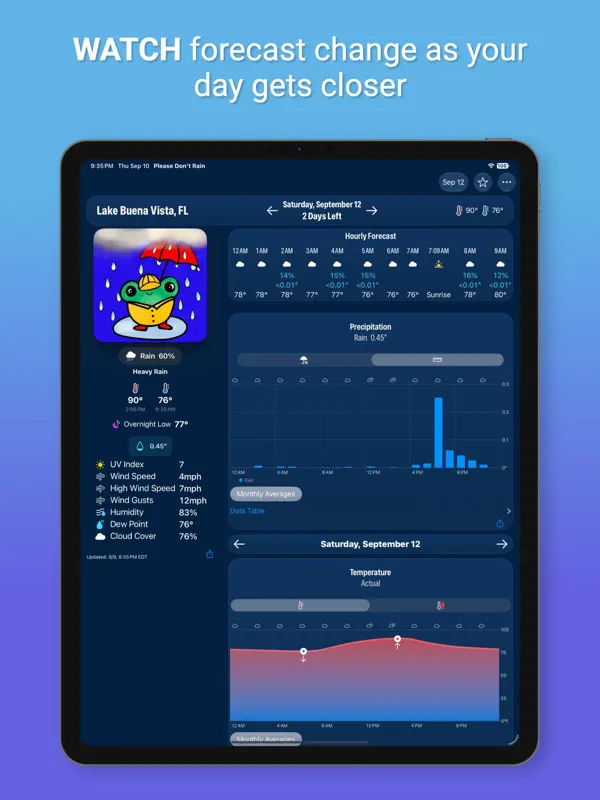
Version 5.30's release notes call the app ready for iPhone Duo and say each pose gets its own layout. Opened flat, the app can use a wide layout that the developer says used to be limited to iPad. Folded partway like a book, it shows weather content side by side. Folded like a laptop, it lets you jump straight to any chart. The developer's press page says the interface adjusts to every pose and that the largest text sizes adapt properly in each one. We have not yet tested it on a device.
What’s New
Version 5.30 ·
# iPhone Duo Support Please Don't Rain is ready for the exciting launch of the iPhone Duo. Try out all of the different pose variations! Some of most interesting variations: * Open in a wide layout – This layout that was previously limited to iPads can now fit on an iPhone! * Partially folded like a book – Side by side weather content. * Partially folded like a laptop – Quickly jump to any chart that interests you. # Version 5.30 * Improvements to starting views on iPhone Duo when weather is not being tracked.
About this app
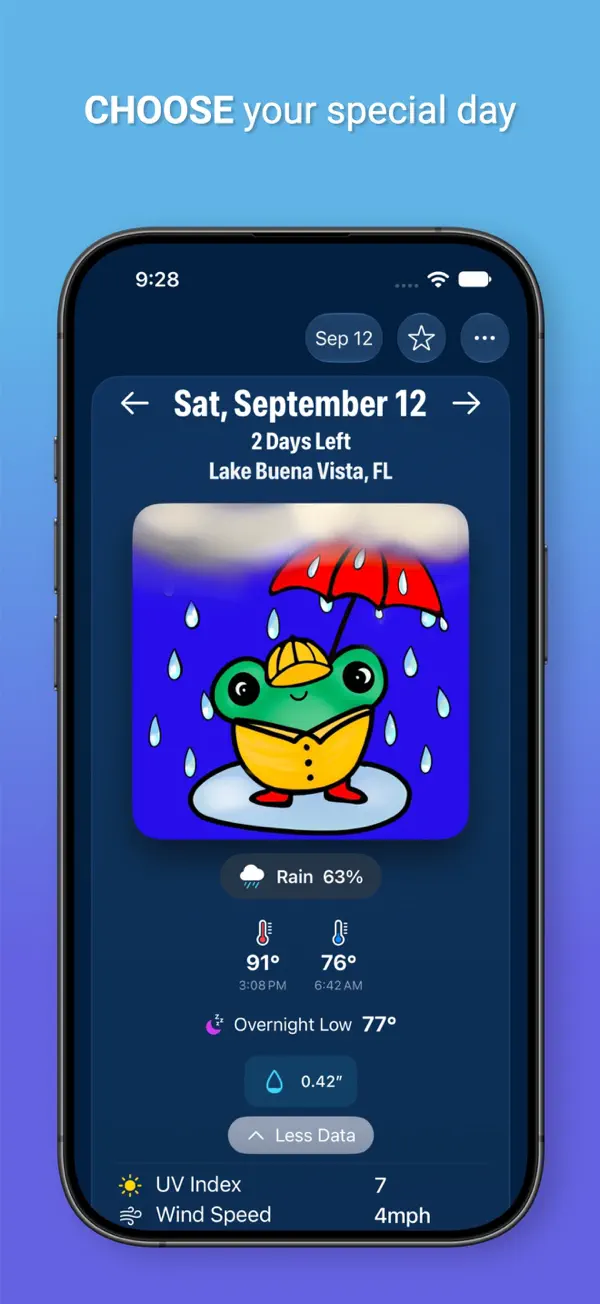
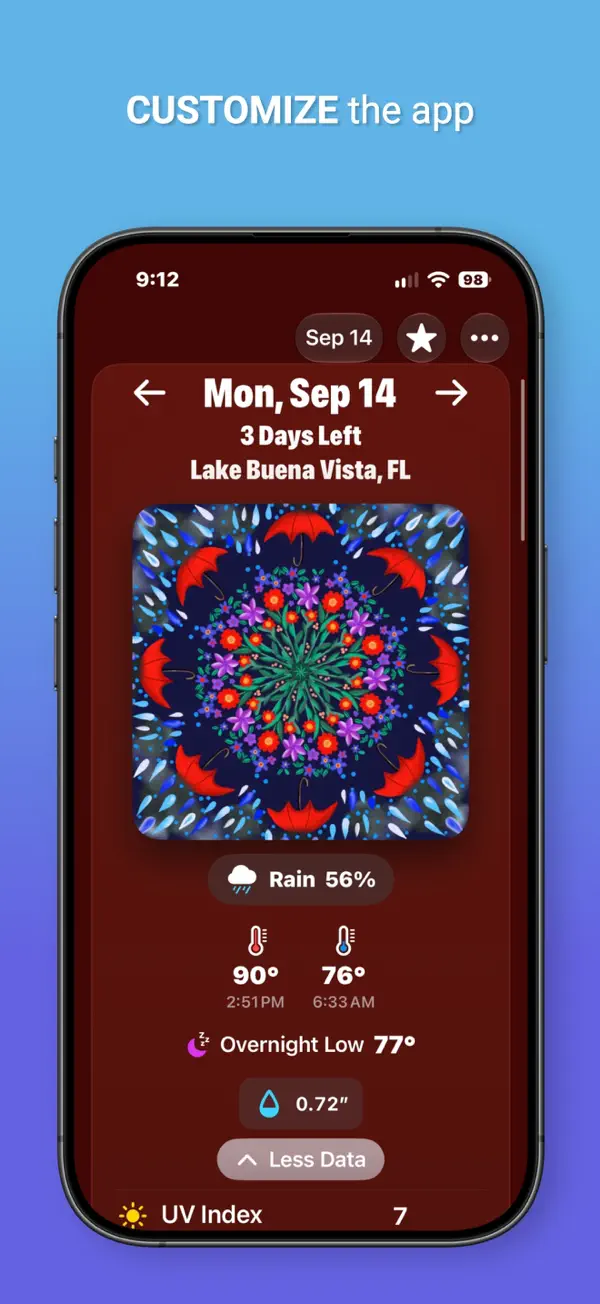
Please Don't Rain is a weather app built around a single question: will rain or snow affect a specific day you care about? Instead of a general seven-day forecast, you pick a place and a date, and the app keeps that day's forecast up to date automatically, so you don't have to look it up again and again before a wedding, a race or a trip. It is made by independent developer Christopher Wu. The app does not ask for or need your location, which suits people who would rather not share it with a weather service. Accessibility is a focus: it supports VoiceOver, Voice Control, Dynamic Type, Audio Graphs and Differentiate Without Color, and it was nominated for a 2023 AppleVis Golden Apple award for that work. There is a demo mode for trying most of the app before paying. Free features include the core tracking, display settings and dark mode, while a Pro subscription adds illustrated weather images that change with the predicted conditions, plus extra customisation. On devices with Apple Intelligence, you can generate your own weather images. With the iPhone Duo update, the developer has rethought the layout for the different ways the phone can be held, including a wide layout that used to be limited to iPad.
App Store descriptionWritten by the developer.
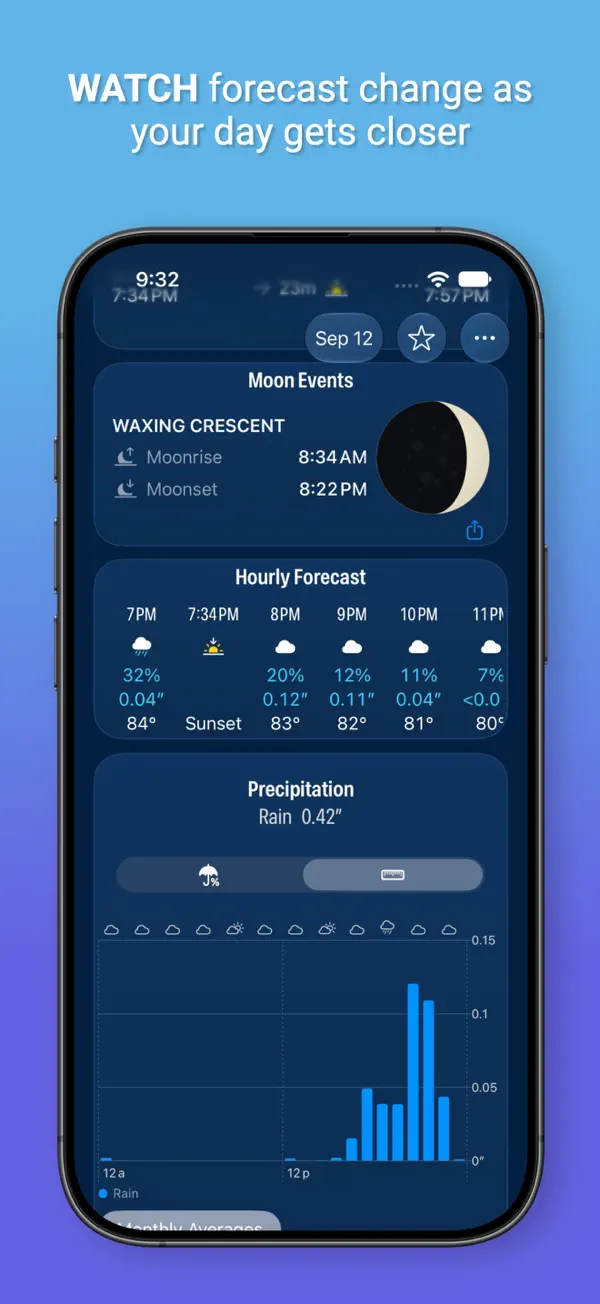
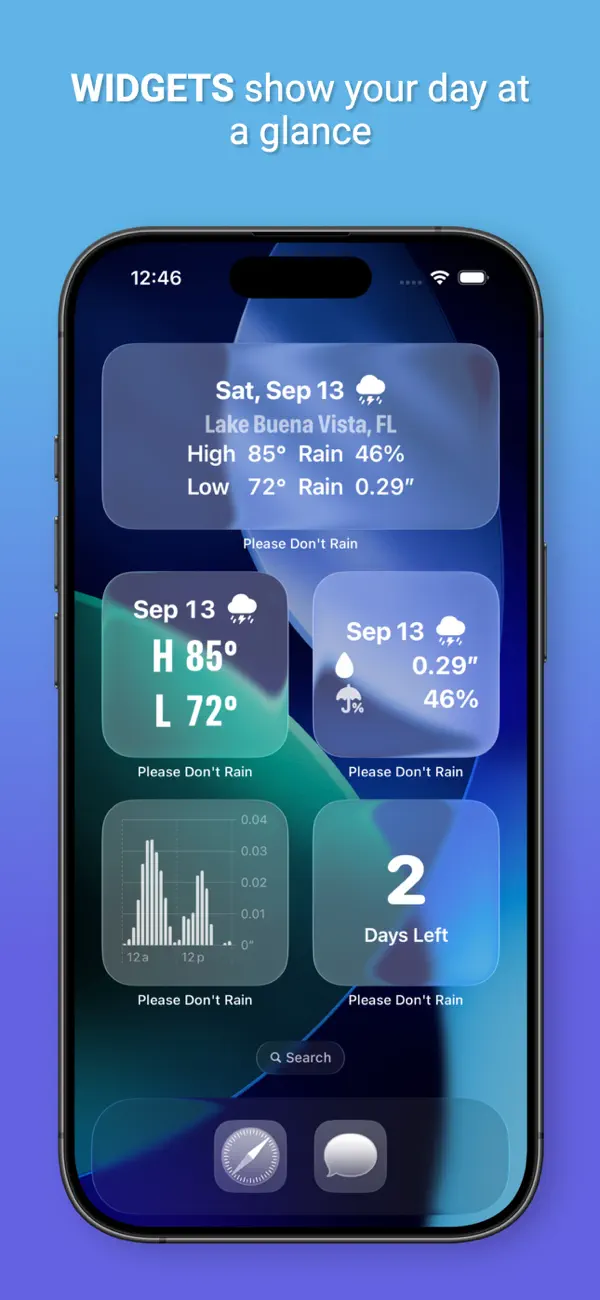
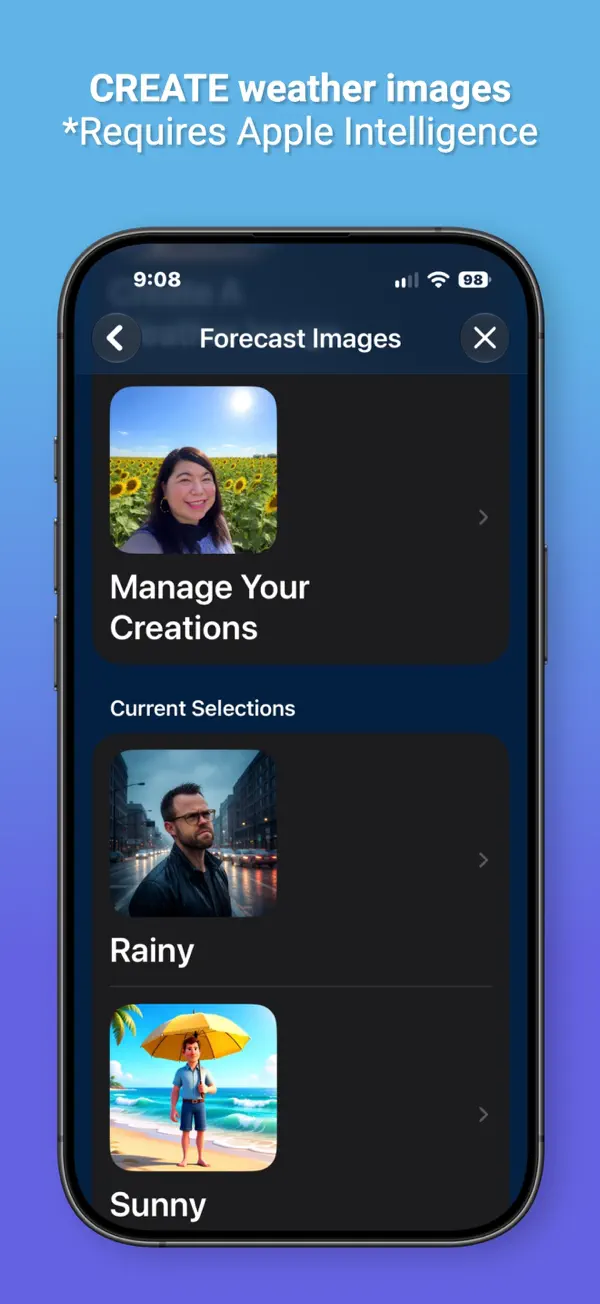
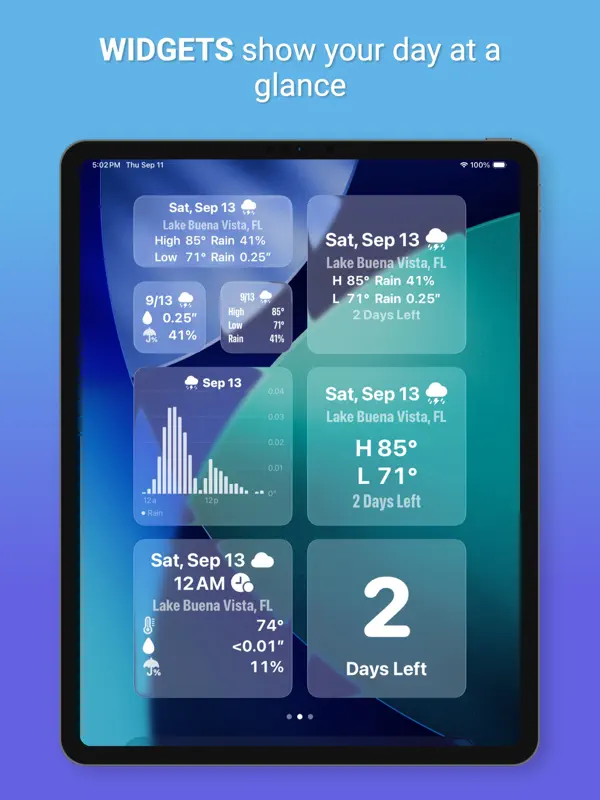
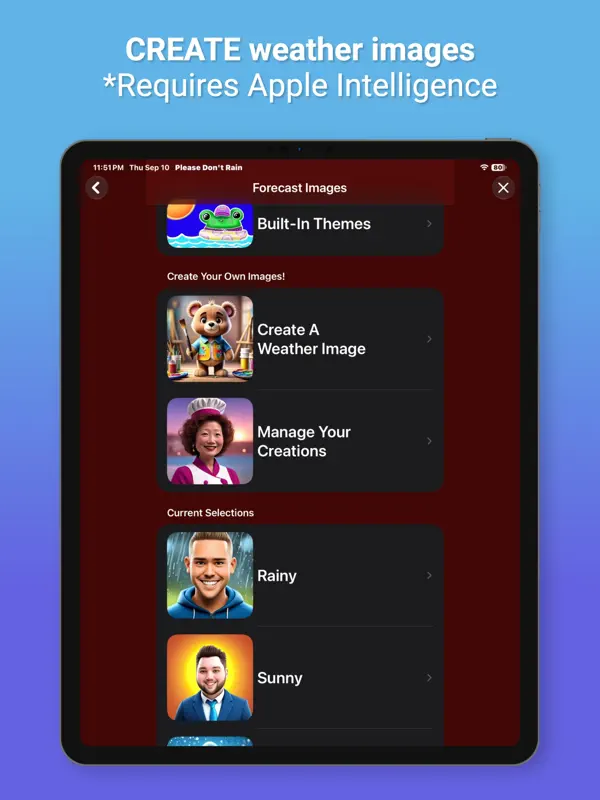
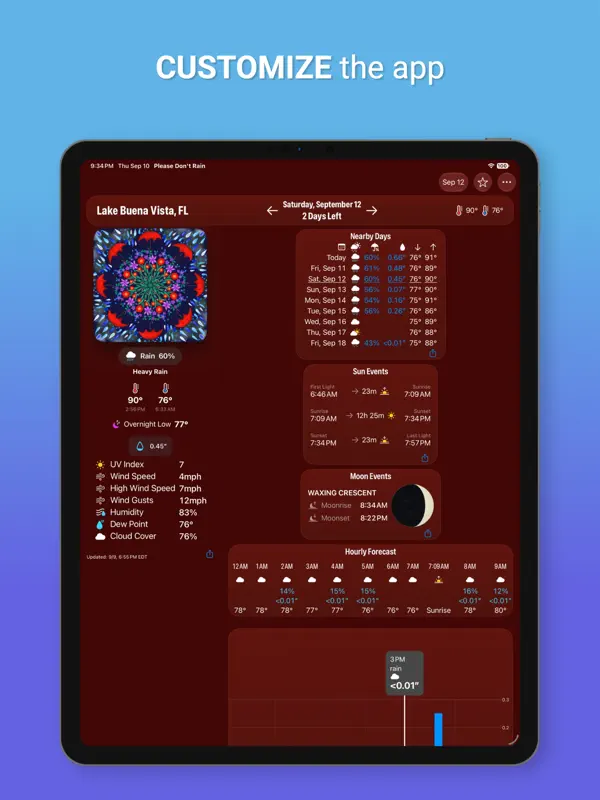
Please Don’t Rain is a fun, convenient way to track if weather will affect a day that’s important to you. When you have an important day coming up it can be cumbersome having to look up the weather for it over and over again. Not anymore! Choose a place and a day and you’ll get details about the weather for that day that will continue to update automatically. Please Don't Rain is a nominee for the 2023 AppleVis Golden Apple awards for its accessibility support. Free Features * Privacy First! - The app does not know your location, need your location, or ask for your location. * Image Creation (where available) - Create and share weather images from your friends, family, or your imagination. Requires Apple Intelligence. * Demo Mode - Lets you see what a majority of the app is like with having to start a free trial or subscription. * Strong Accessibility - VoiceOver - Voice Control - Dynamic Text - Audio Graphs - Differentiate Without Color - Multiple Font Choices * No advertising * Clean and playful design. * Dark Mode support (can be automatic). * Numerous settings to configure the user interface. Pro Features * Beautiful Weather Images - A variety of choices for each weather type that will automatically update to match the predicted weather. Standard weather symbols can also be used instead of these images. * Image Creation (where available) – Have your creations used instead of the built-in images for weather conditions. Requires Apple Intelligence. * Random Images – Can’t choose which images to use? Have them picked randomly! You can even choose to only pick from your own creations. * Themes - Easily change the weather images to a matching theme. * Widgets - Multiple Lock Screen, Home Screen, and Standby widgets. Track precipitation with a glance. * Charts - Precipitation - Temperature - Wind - UV Index - Pressure - Visibility - Humidity - Cloud Cover By Altitude - Monthly Averages * Automatic Updates – Automated forecast updates for your selected day will be reflected in the app and widgets. * Weather Alerts – If the app finds weather alerts for the currently specified location then it will provide a link to them for more details. * Weather Statistics - Numerous statistics for your selected day. * Shortcuts - See the basic forecast or the next hour for predicted rain for your selected day with shortcuts without having to open the app. * Alternate App Icons - Fun alternatives. * Favorites - Easily choose your most used locations. * Nearby Days - See some weather statistics for days close to your special day. SUPPORTED LANGUAGES English (U.S.), German, Swedish, Chinese (Simplified), Spanish (Latin America), Japanese, Korean, French Thanks to Stefan Blos for the German translation help! DEVELOPER Please Don’t Rain was made by just me, Chris, an indie developer. DETAILS Privacy Policy: http://chriswu.com/privacy/ CONTACT If you have any questions, problems, or comments please reach out! museumshuffle@gmail.com --- The Pro version of Please Don't Rain uses auto-renewing subscriptions. Your subscription will be charged to your iTunes Account once you confirm your purchase. Your iTunes account will be charged again when your subscription automatically renews at the end of your current subscription period unless auto renew is turned off at least 24 hours prior to end of the current period. You can manage or turn off auto-renew in your Apple ID Account Settings any time after purchase. Terms of Use: http://chriswu.com/terms/ Privacy Policy: http://chriswu.com/privacy/
Highlights
- Tracks the forecast for a chosen place and date
- Automatic forecast updates for that day
- Does not request your location
- VoiceOver, Voice Control, Dynamic Type and Audio Graphs support
- Demo mode to try the app before subscribing
- Pro weather images that match the predicted conditions
- Separate layouts for book, laptop and fully open poses on iPhone Duo
Please Don't Rain on iPhone Duo: FAQ
Is Please Don't Rain optimized for iPhone Duo?
Yes. Please Don't Rain is Built for Duo: it uses the fold, Split View or the outer display. Verified on October 16, 2026 (Developer statement).
What does Please Don't Rain look like on iPhone Duo?
Version 5.30's release notes call the app ready for iPhone Duo and say each pose gets its own layout. Opened flat, the app can use a wide layout that the developer says used to be limited to iPad. Folded partway like a book, it shows weather content side by side. Folded like a laptop, it lets you jump straight to any chart. The developer's press page says the interface adjusts to every pose and that the largest text sizes adapt properly in each one. We have not yet tested it on a device.
How much does Please Don't Rain cost?
Please Don't Rain costs Free · in-app purchases on the App Store.
More Weather apps
See all ›
Chart-based weather app with a side-by-side layout on the unfolded Duo
Weather app with a 3D, game-inspired interface and detailed forecasts
Weather app with a sarcastic robot host, now updated with iPhone Duo support