
iPhone 截图
新功能
版本 4.3 ·
Optimized for iOS 27 & iPhone Duo.
开发者尚未提供此内容的中文版本。
App Store 简介由开发者撰写。
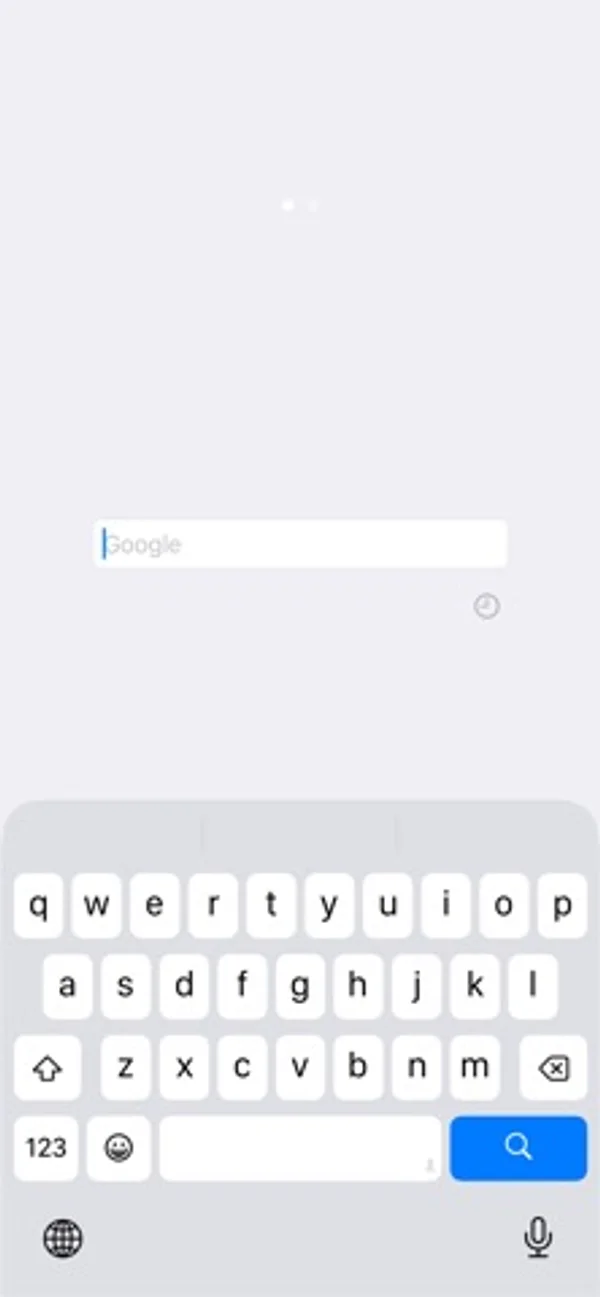
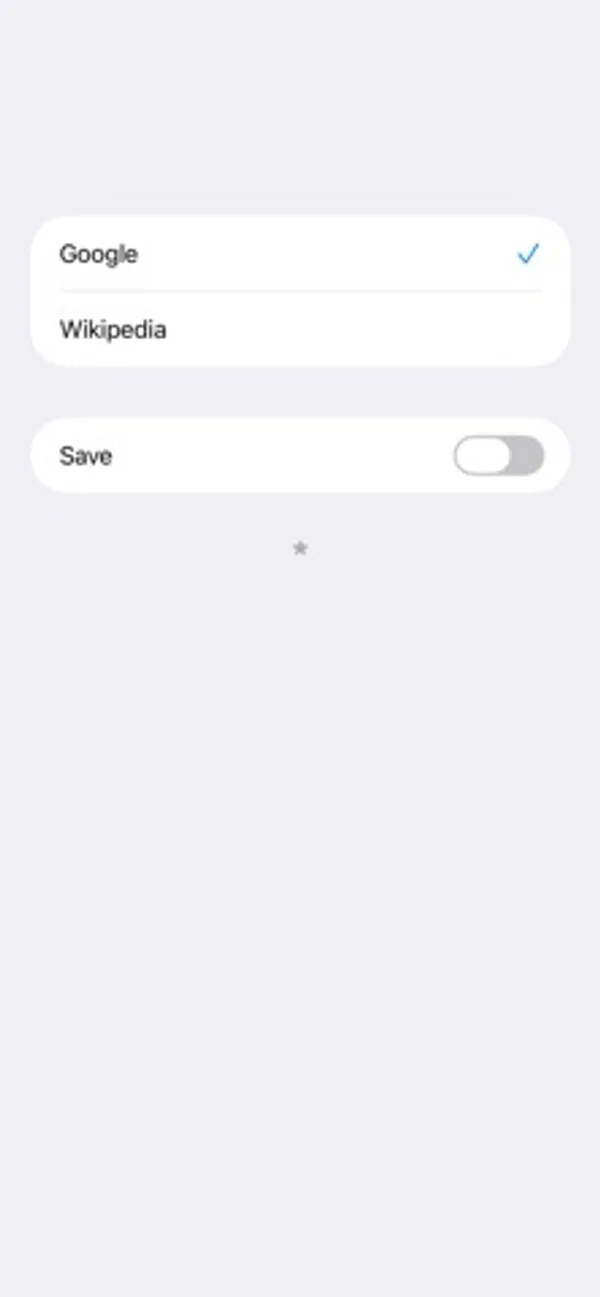
Just Quick Search is helper app to your search very quickly. # Search Targets - Google - Wikipedia - In addition to the above, you can add search targets. # You can input quickly - You don't need to scroll. - You don't need to tap the text field. - When application resumed, text field is empty and you can input immediately. # Save Switch - ON: When application launch or resume, the search target is you selected last. - OFF: When application launch or resume, the search target is the top. # History - Keywords you enter are recorded. - Max 300 items. - Can delete all. - Can delete selectively. # Autocomplete - Input candidates will be displayed in a two-stage. - Top: from History. - Bottom: from Web. # Settings - The view shows when you tap the "STAR" button at the bottom of the right screen. ## In App Browser - You can make settings related to the in app browser. - In app browser's URL Scheme is "jqs". ## Custom Search - You can customize the search targets. - The number of search targets you can add is unlimited. - For more information, please visit the support page. ## Sort - You can sort search targets. ## Wallpaper - You can set the wallpaper. - Optimal image size is the pixel size of the device. - Ex) iPhone 16 Pro: 2,622 x 1,206 pixels. ## Appearance - You can select the appearance, default or light or dark. ## Home - You can specify the URL of Home page. - In the search screen, when the text field is empty and you tap the "Search" button, the home page will be displayed. ## Paste Button - Paste button to the search screen will be displayed. - When you tap the Paste button on the search screen, the contents of the clipboard will be pasted into the text field. ## Auto Copy - When execute search, the contents of the text field will be copied to the clipboard. ## Auto Return - When select the search target, go back to the search screen automatically. ## Auto Move - Automatically displays the search target selection screen when the application is launched or restarted. ## Auto Search - When launching from the custom URL scheme or notification center, the search is execute automatically. ## Open URL - When you execute a search with the URL is entered, open the URL directly. - For more information, please visit the support page. ## Hide Page Control - Hide page control in search screen. ## Support - Jump to the support page of this app. # Custom URL Scheme - Custom URL Scheme is "justquicksearch". ## justquicksearch:// - Launch this app. ## justquicksearch://${keyword} - With the ${keyword} has been entered, this app is launched. # EULA - https://www.apple.com/legal/internet-services/itunes/dev/stdeula/
Just Quick Search 在 iPhone Duo 上:常见问题
Just Quick Search 针对 iPhone Duo 优化了吗?
暂未优化。Just Quick Search 属于「兼容运行」:它以原有手机布局运行,未做改动。资料更新于 2026年11月15日(开发者声明)。
Just Quick Search 多少钱?
Just Quick Search 可在 App Store 免费下载。
更多工具应用
查看全部 ›
用可换样式的计数器、图表和小组件查看每天及累计折叠次数。

查世界时钟和天气,用城市风景装点屏幕,或启动专注计时。

用可调节的键盘单手输入或滑行打字,也可分成两半用双手输入。

记录手机开合次数,查看每天的使用规律,并用小组件显示统计。

记录手机开合次数、查看趋势,并设定每天的次数上限。

记录开合次数、姿态时长与每日规律,并区分实时、推测和手动记录。