
iPhone 截图
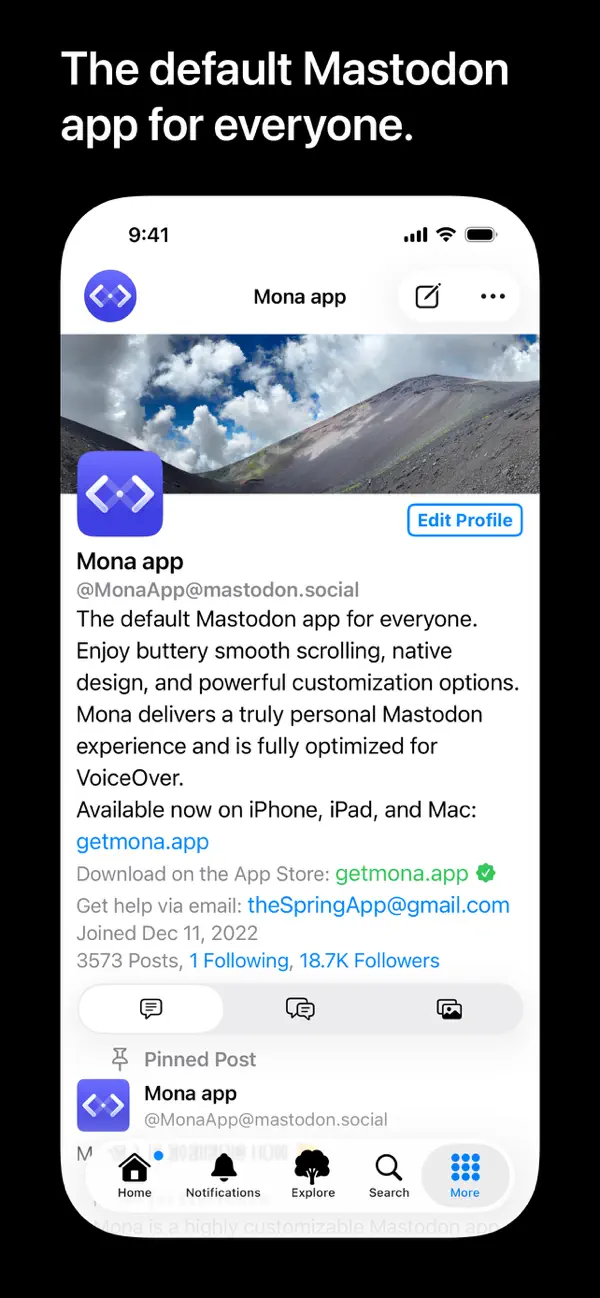
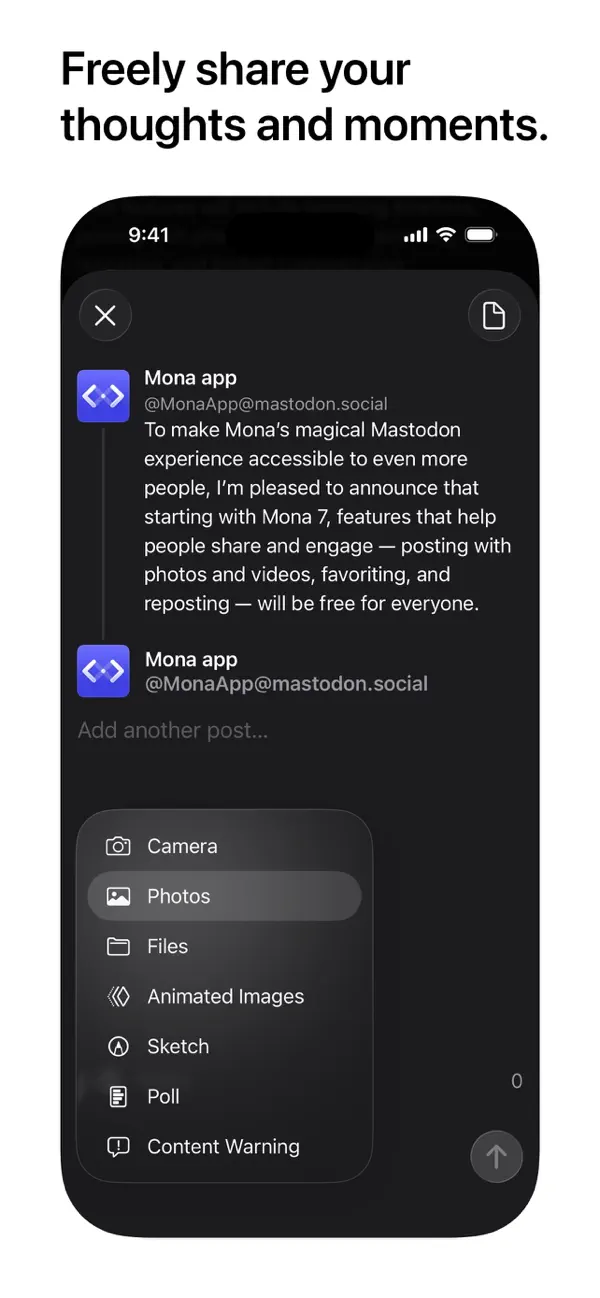
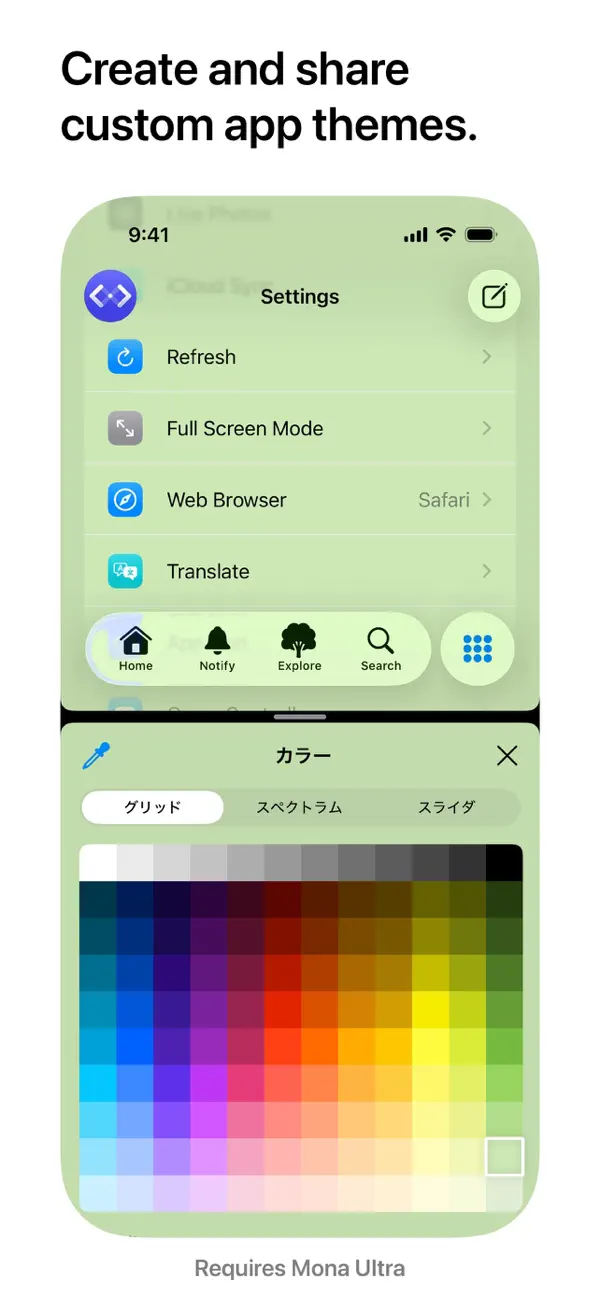
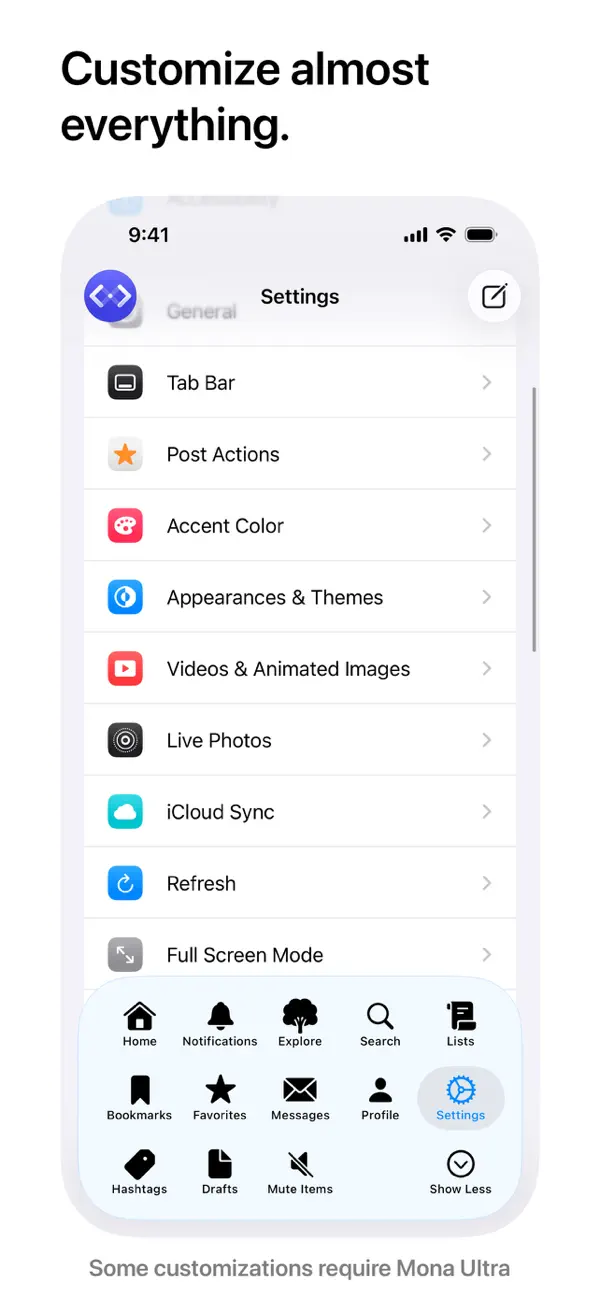
iPad 截图
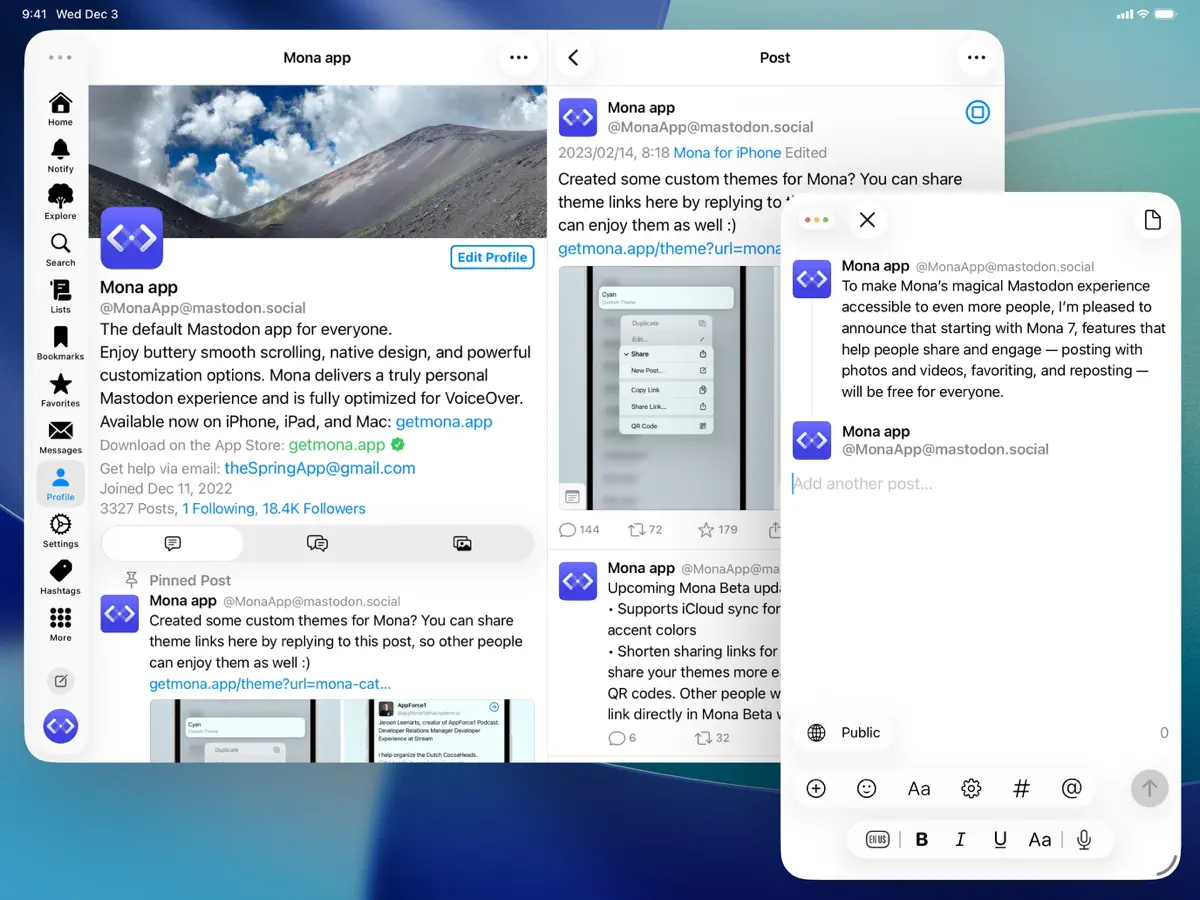
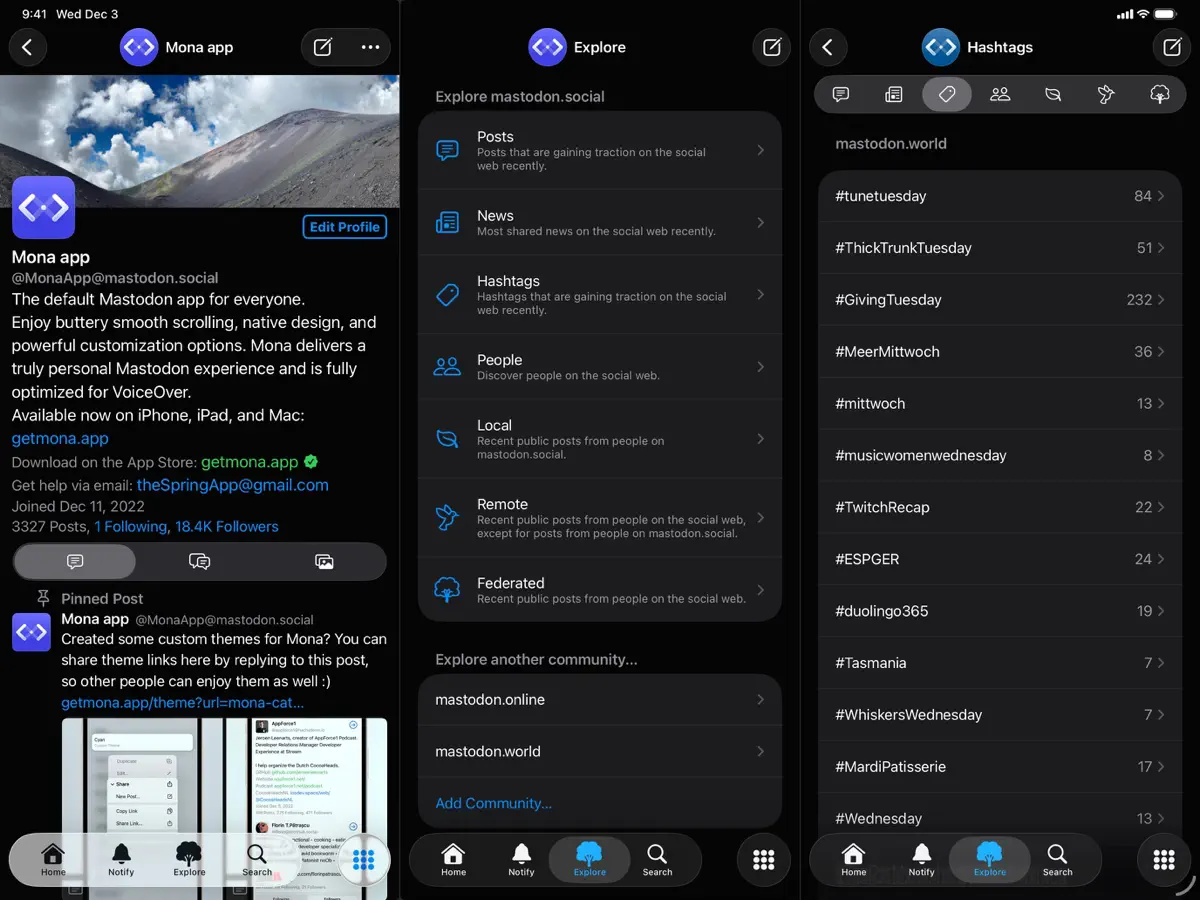
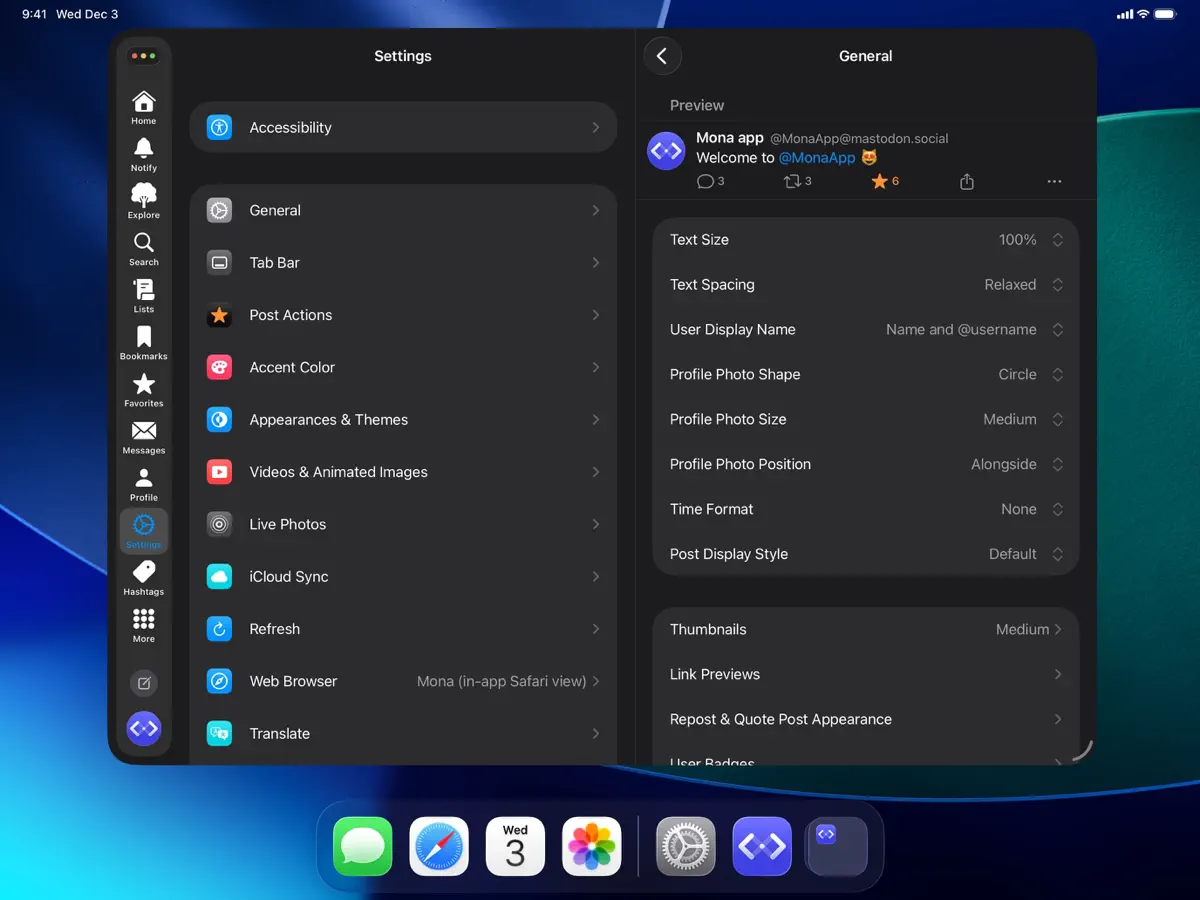
在 iPhone Duo 上的表现
Mona 27.1 的更新说明称其“新增对 iPhone Duo 的支持与优化”,开发者还在发布前通过 Mona 官方账号发布了应用在该设备上的截图。开发者没有用文字描述具体的折叠或展开行为,因此无法确认存在折叠专属功能。我们尚未在 iPhone Duo 上测试。
新功能
版本 27.1.2 ·
Mona 27.1 adds support and optimizations for iPhone Duo. This update also includes general improvements and bug fixes.
开发者尚未提供此内容的中文版本。
关于这款应用
Mona 27 是独立开发者 Junyu Kuang 为 iPhone、iPad 和 Mac 开发的 Mastodon 客户端。它涵盖 Mastodon 的标准功能,包括主页、列表和个人资料时间线,回复、转发、点赞和书签,以及热门帖子和本站、联邦时间线,开发者称其已针对旁白(VoiceOver)做了全面优化。除基础功能外,它还能跨设备同步阅读位置、静音列表、用户备注、草稿和主题,提供最新帖子和热门帖子的小组件,可将帖子分享为图片,并支持发布 HDR 照片和实况照片。在较大的屏幕上,分栏视图可同时显示多个视图。还支持游戏手柄导航。付费档位 Mona Ultra 增加了可自定义的标签栏、可配置的帖子操作和滑动选项、主题编辑器、字体选择、多账号和自动翻译等功能。开发者表示 Mona 不收集个人信息,账号令牌存储在设备端的钥匙串中。2026 年 10 月 17 日发布的 27.1 版本新增了对 iPhone Duo 的支持与优化,开发者也在应用的 Mastodon 账号上发布了公告。适合希望使用可精细定制的原生应用的活跃 Mastodon 用户。
本条目译自英文原文。
App Store 简介由开发者撰写。
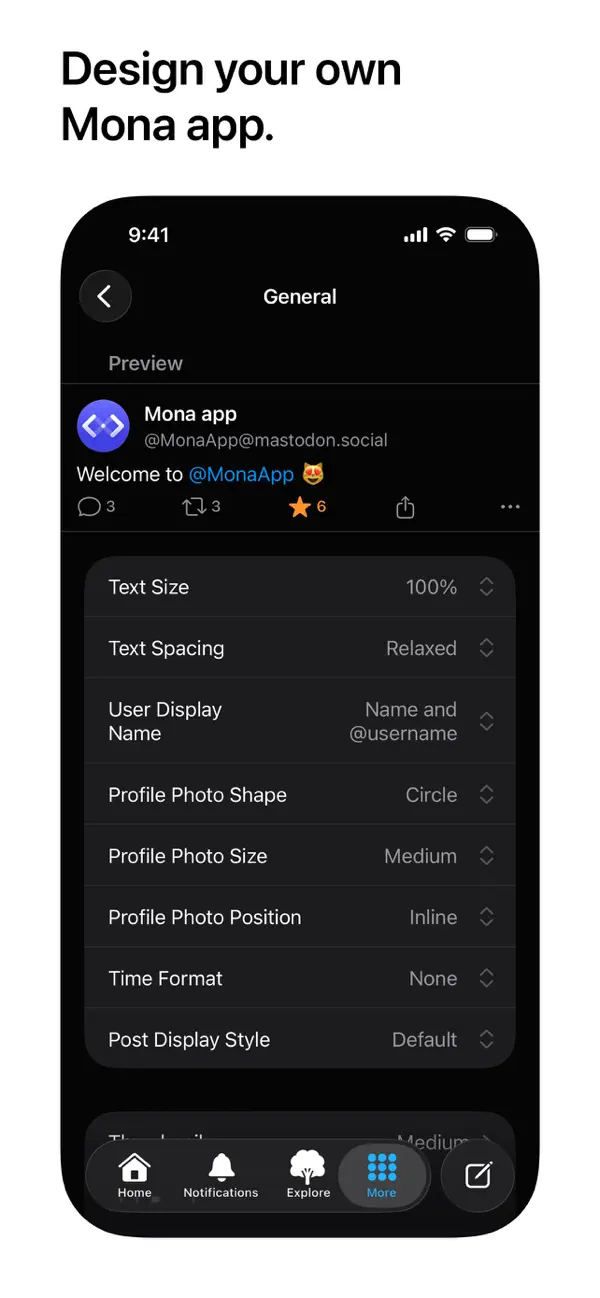
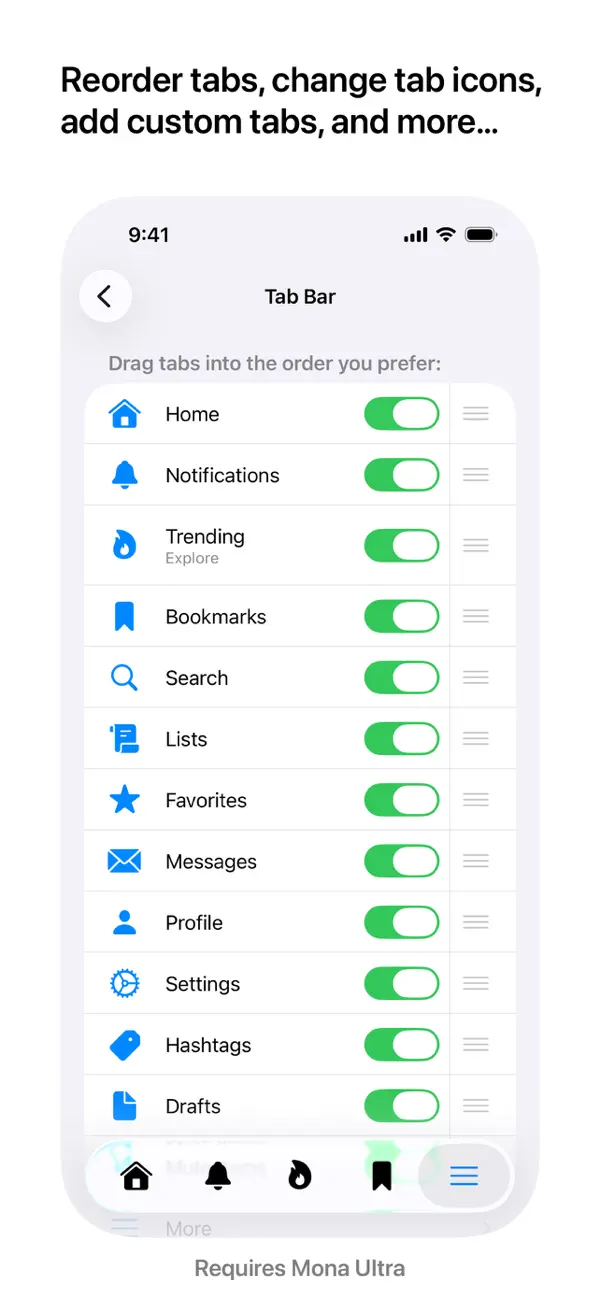
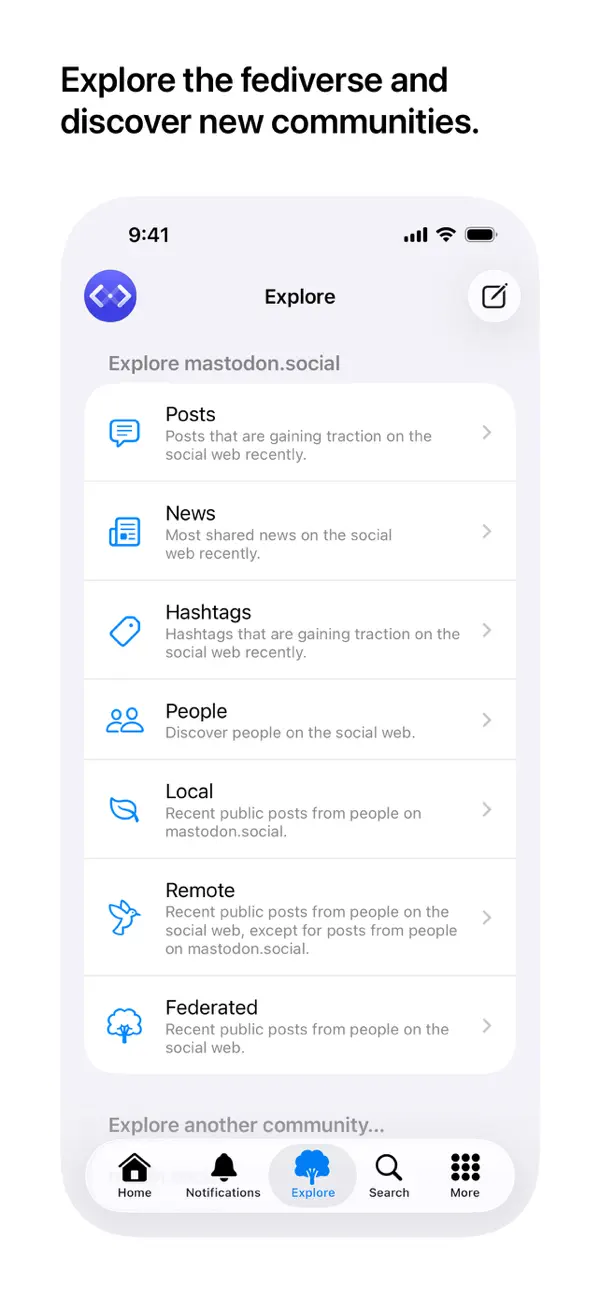
Meet Mona, the default Mastodon app for everyone. Enjoy buttery-smooth scrolling, native design, and powerful customization options. It delivers a truly personal Mastodon experience and is fully optimized for VoiceOver. All Mastodon features that everyone expects: • Browse timelines like Home, List, and Profiles • Reply, repost, favorite, bookmark posts with ease • Explore trending posts and news, plus Local and Federated timelines Mona features: • A stunning user interface with the Liquid Glass design • Check recent posts and trending news on your home screen or notification center with widgets • Sync your reading positions, mute list, user notes, drafts, search history, accent colors, and custom app themes across your iPhone, iPad, and Mac, privately and securely • Push notifications • Share a post as picture • Open multiple windows on iPad and Mac Privacy: • Mona does not collect any personal information • Your account tokens are protected by on-device Keychain • Your network connections to Mastodon servers are protected by HTTPS Other Mona features: • Post with HDR photos and Live Photos • Use Genmoji and custom emojis in your posts • Column View takes full advantage of the big screen on iPad and Mac, shows multiple views at once and allows you to navigate between views fluently and efficiently • Adjustable text spacing and text sizes • Retrieve missing posts with “Load from Remote Server” • Privately set aliases, notes and username colors for Mastodon accounts • User Notes list: browse, organize and edit all your notes in one place • Control the app and browse posts with a compatible game controller, such as a Playstation DualSense/DualShock, Nintendo Switch, Xbox or MFi controller • Customize game controller’s button functions via in-app settings Tab Bar (Mona Ultra feature): • Pin your frequently visit pages to the tab bar • Drag tabs into the order you prefer • Rename your tabs • Change your tab icons (more than a thousand of icons for you to choose) • Show/hide tab names Post Actions (Mona Ultra feature): • Drag actions into the order you prefer • Configure actions as swipe options: swipe a post horizontally to perform an action • Optionally hide some or all action buttons from post cards, while keeping them accessible via context menu, swipe options, keyboard shortcuts, and VoiceOver rotor Accent Color (Mona Ultra feature): • Configure different Accent Colors for Light and Dark mode • More than 10 built-in colors for you to choose • Design and set custom colors Theme Editor (Mona Ultra feature): • Customize the app’s color scheme • Design and set custom themes • Advanced color settings allow you to fine-tune colors for different level of views • Export and share your custom themes • Import custom themes shared by other people Font Customization (Mona Ultra feature): • Configure different fonts for body text and headings • Select from a variety of build-in fonts • Supports custom fonts installed by third-party apps Other Mona Ultra features: • Add multiple accounts: you can also opt to favorite, repost, quote post, or follow using a non-current account • Automatically translate posts on the timeline • Filter and mute: filter timelines based on post category and content; hide posts with certain words; hide posts from certain people • Customize push notifications based on notification category • Export and import settings: easily transfer your custom settings between multiple devices Customer support: • Mastodon: @MonaApp@mastodon.social • Email: theSpringApp@gmail.com Terms of use: https://apple.com/legal/internet-services/itunes/dev/stdeula
亮点
- 主页、列表、本站和联邦时间线
- 跨设备同步阅读位置、草稿和主题
- 最新帖子和热门帖子小组件
- 大屏幕上的分栏视图
- 完整支持旁白(VoiceOver)
- 游戏手柄导航
- 主题编辑器与多账号(Mona Ultra)
Mona for Mastodon 在 iPhone Duo 上:常见问题
Mona for Mastodon 针对 iPhone Duo 优化了吗?
部分优化。Mona for Mastodon 属于「已适配」:它能铺满更大的内屏,但没有针对折叠做特别设计。核验于 2026年10月17日(开发者声明)。
Mona for Mastodon 在 iPhone Duo 上是什么样子?
Mona 27.1 的更新说明称其“新增对 iPhone Duo 的支持与优化”,开发者还在发布前通过 Mona 官方账号发布了应用在该设备上的截图。开发者没有用文字描述具体的折叠或展开行为,因此无法确认存在折叠专属功能。我们尚未在 iPhone Duo 上测试。
Mona for Mastodon 多少钱?
Mona for Mastodon 在 App Store 售价 免费 · 含 App 内购买。
更多社交应用
查看全部 ›
原生 Bluesky 客户端,展开后自动切换为多栏视图

以标签页和媒体为核心的 Bluesky 客户端,提供卡片、列表和网格布局

带标签页的 Tumblr 浏览器,支持网格视图和批量保存媒体

免费的 iPhone Mastodon 客户端,带媒体浏览器和发帖编辑器