
Mona for Mastodon
Native Mastodon client with deep customisation and VoiceOver support
Junyu Kuang · Social · Free · in-app purchases
iPhone screenshots
iPad screenshots
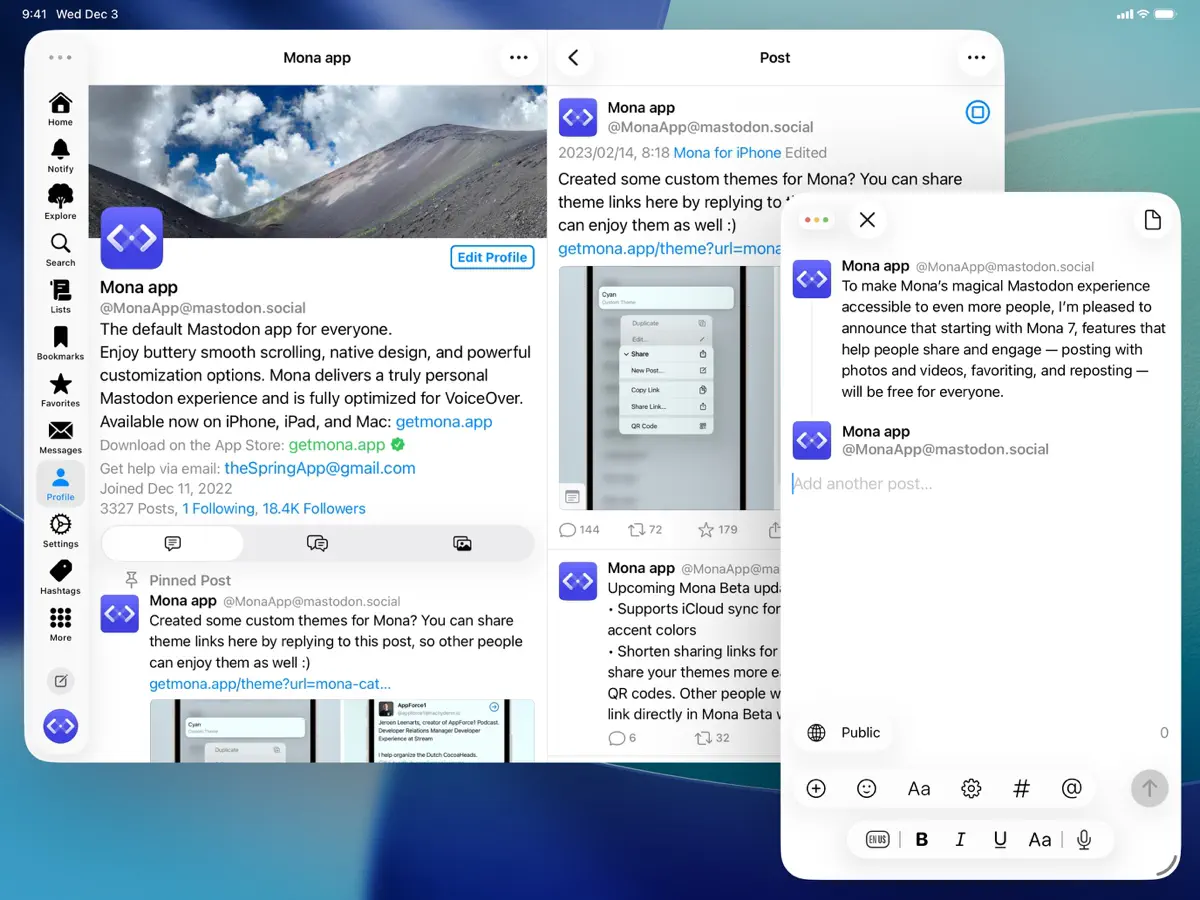
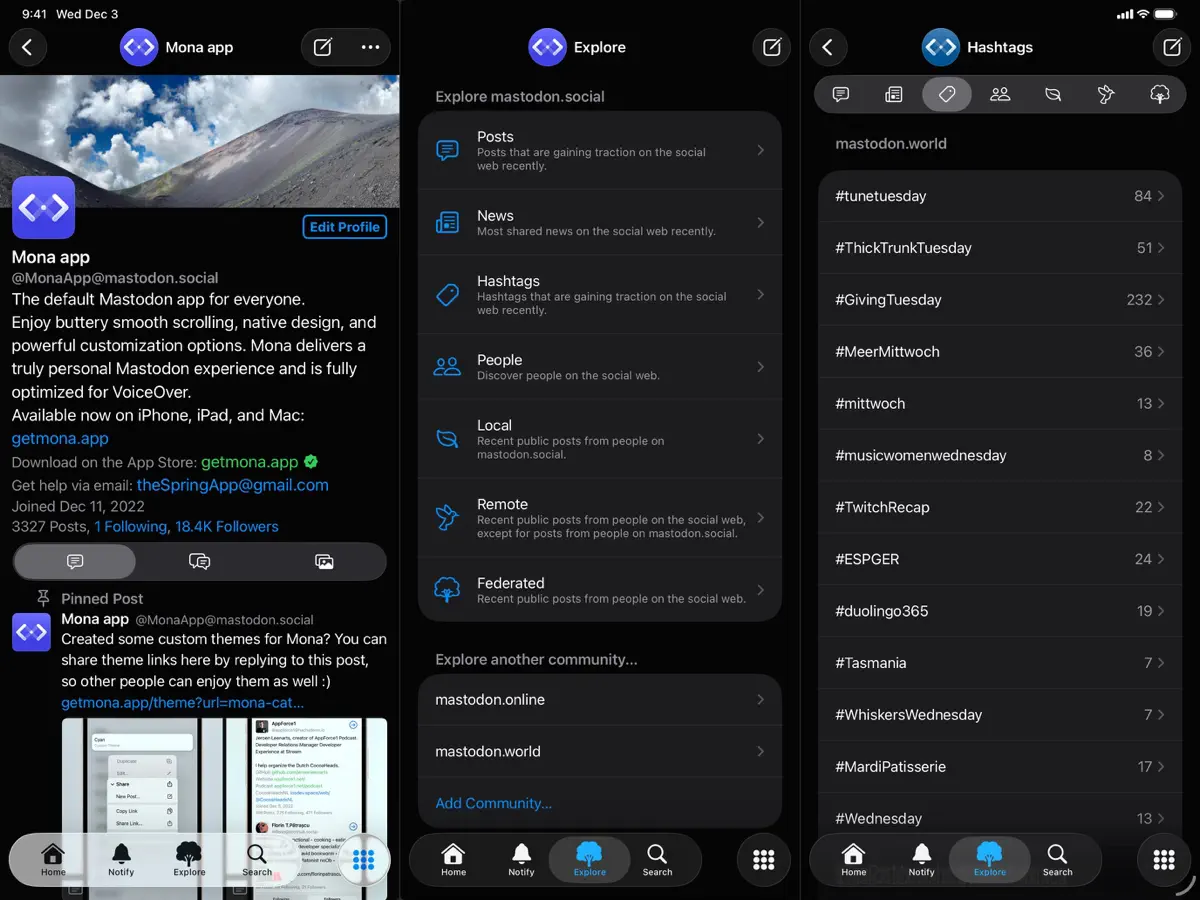
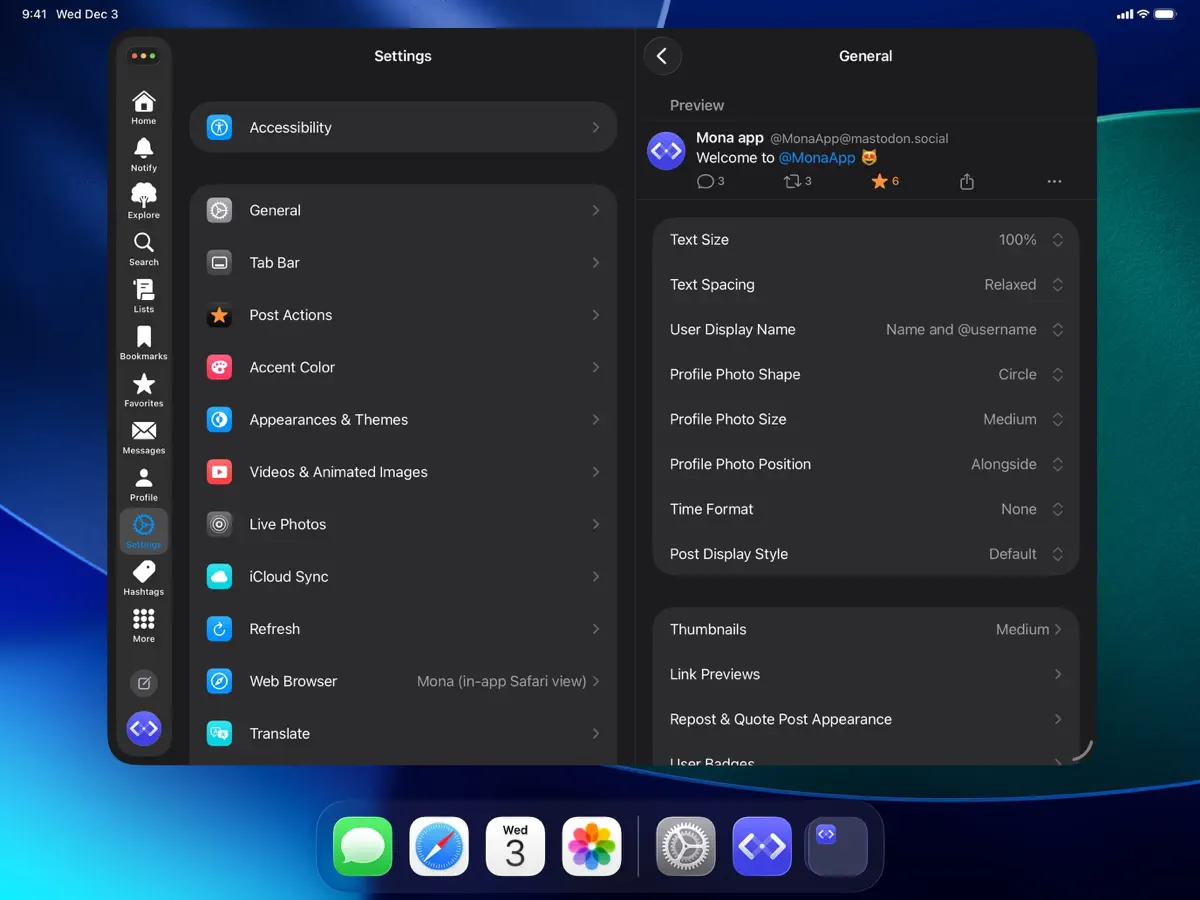
How it uses iPhone Duo
The release notes for Mona 27.1 state that it "adds support and optimizations for iPhone Duo", and the developer posted screenshots of the app on the device from the official Mona account before release. The developer has not described a specific folded or unfolded behaviour in words, so no fold-specific feature is confirmed. We have not yet tested it on an iPhone Duo.
What’s New
Version 27.1.2 ·
Mona 27.1 adds support and optimizations for iPhone Duo. This update also includes general improvements and bug fixes.
About this app
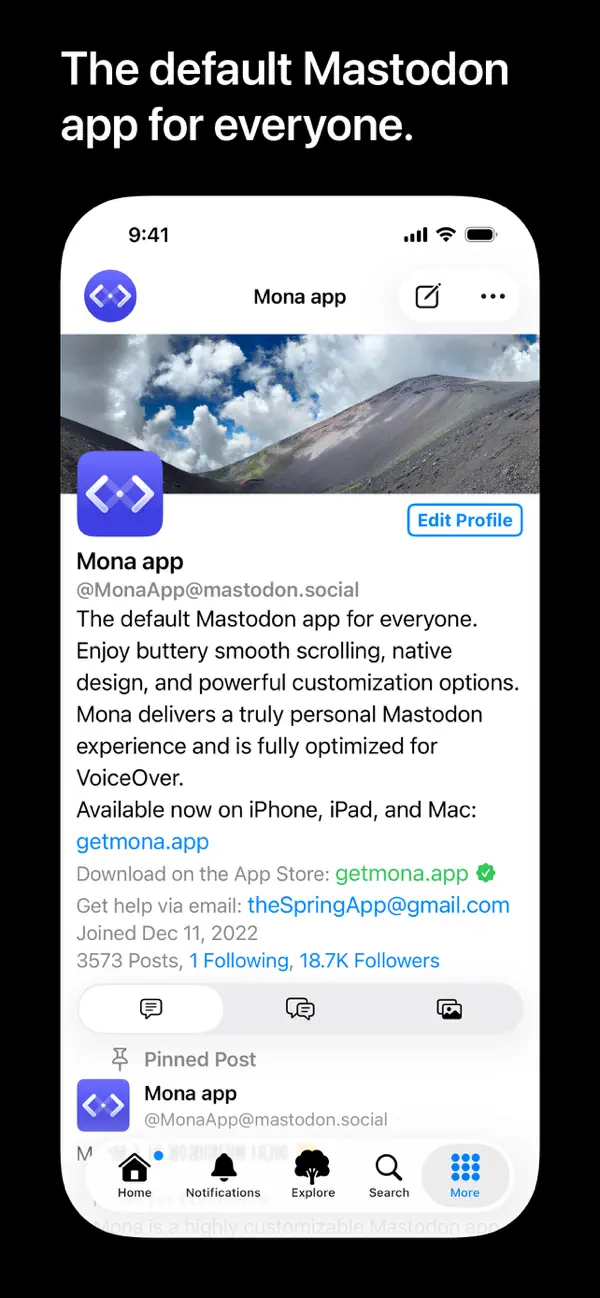
Mona 27 is a Mastodon client for iPhone, iPad and Mac from independent developer Junyu Kuang. It covers the standard Mastodon features, including Home, List and profile timelines, replies, reposts, favourites and bookmarks, and trending posts along with Local and Federated timelines, and the developer describes it as fully optimised for VoiceOver. Beyond the basics it syncs reading positions, mute lists, user notes, drafts and themes across devices, offers widgets for recent and trending posts, can share a post as an image, and supports posting HDR photos and Live Photos. On larger screens a Column View shows several views at once. Game controller navigation is also supported. A paid tier, Mona Ultra, adds features such as a customisable tab bar, configurable post actions and swipe options, a theme editor, font choices, multiple accounts and automatic translation. The developer states that Mona does not collect personal information and stores account tokens in the on-device Keychain. Version 27.1, released on 17 October 2026, adds support and optimisations for iPhone Duo, which the developer also announced on the app's Mastodon account. It suits active Mastodon users who want a native app they can tailor closely.
App Store descriptionWritten by the developer.
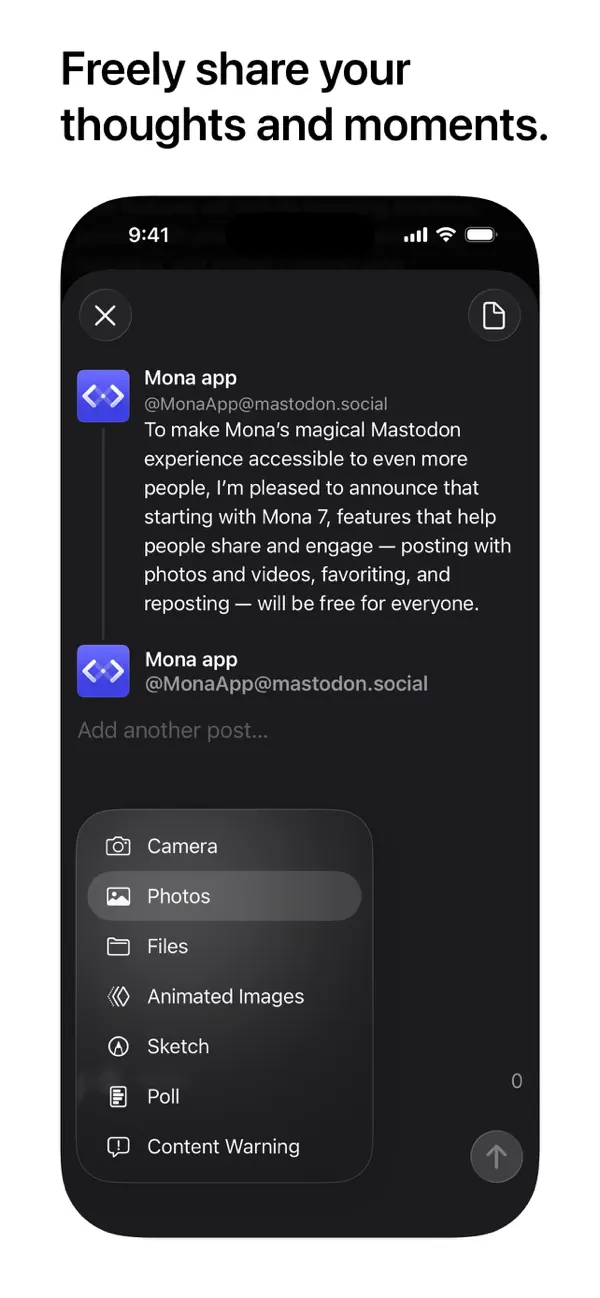
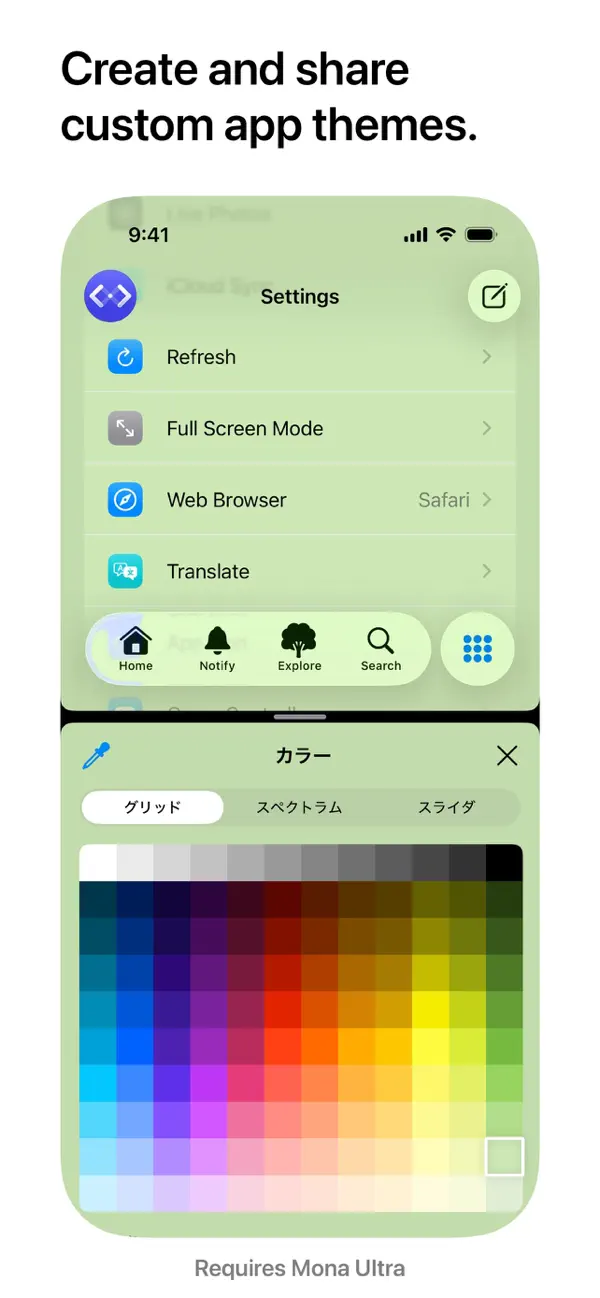
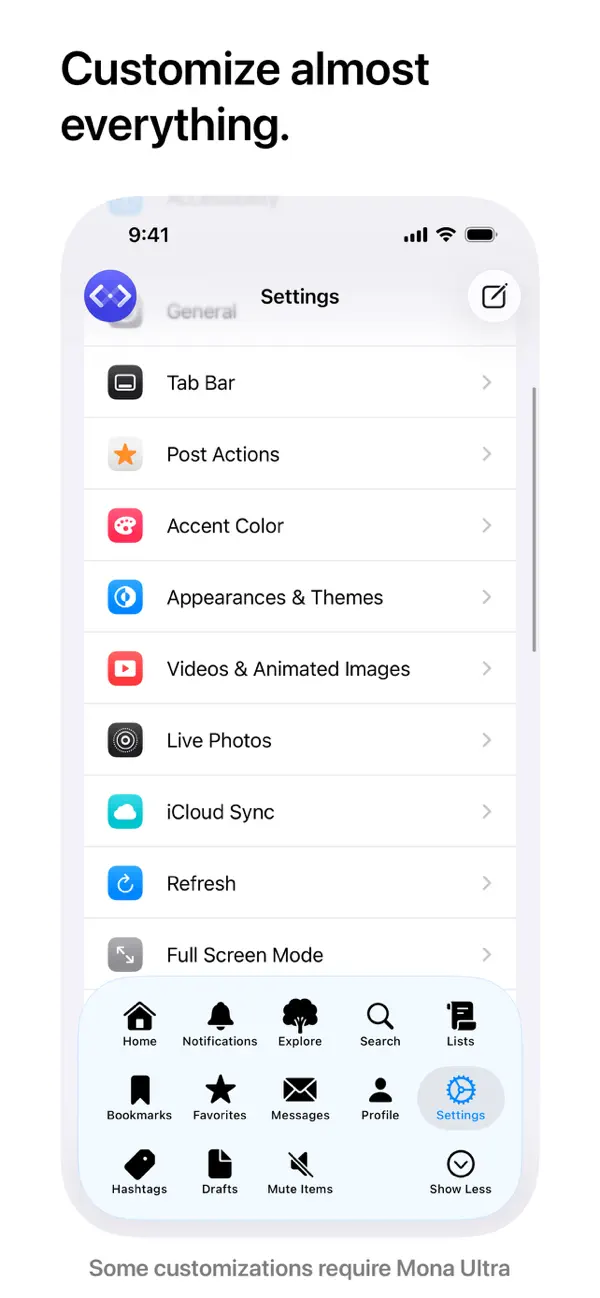
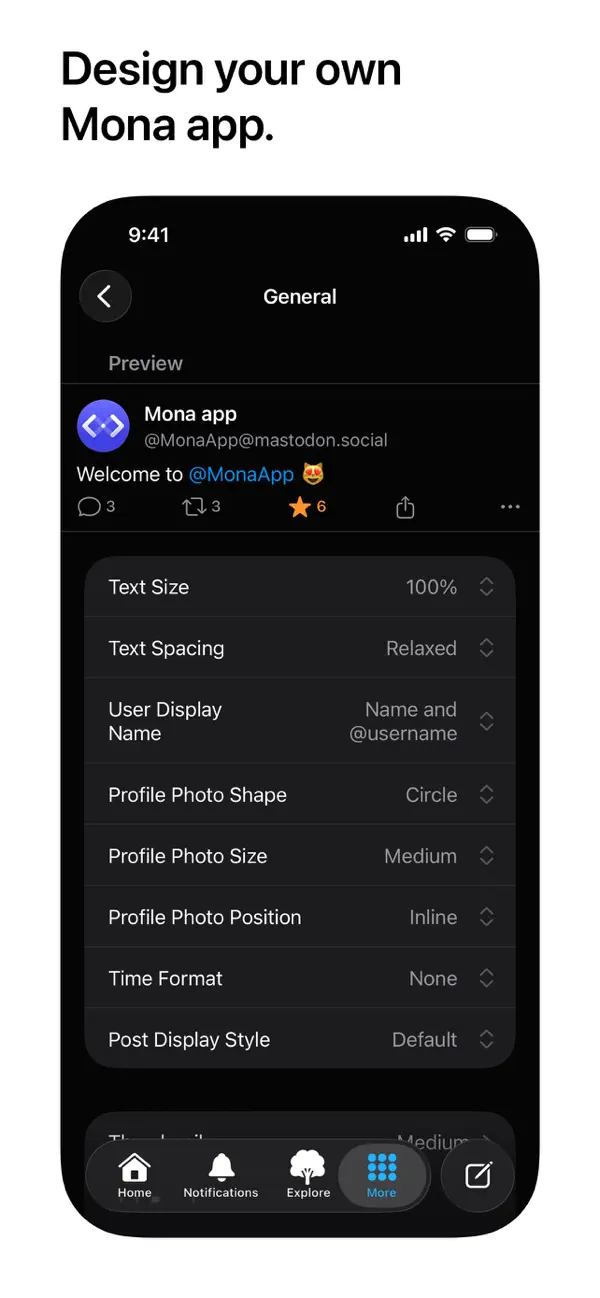
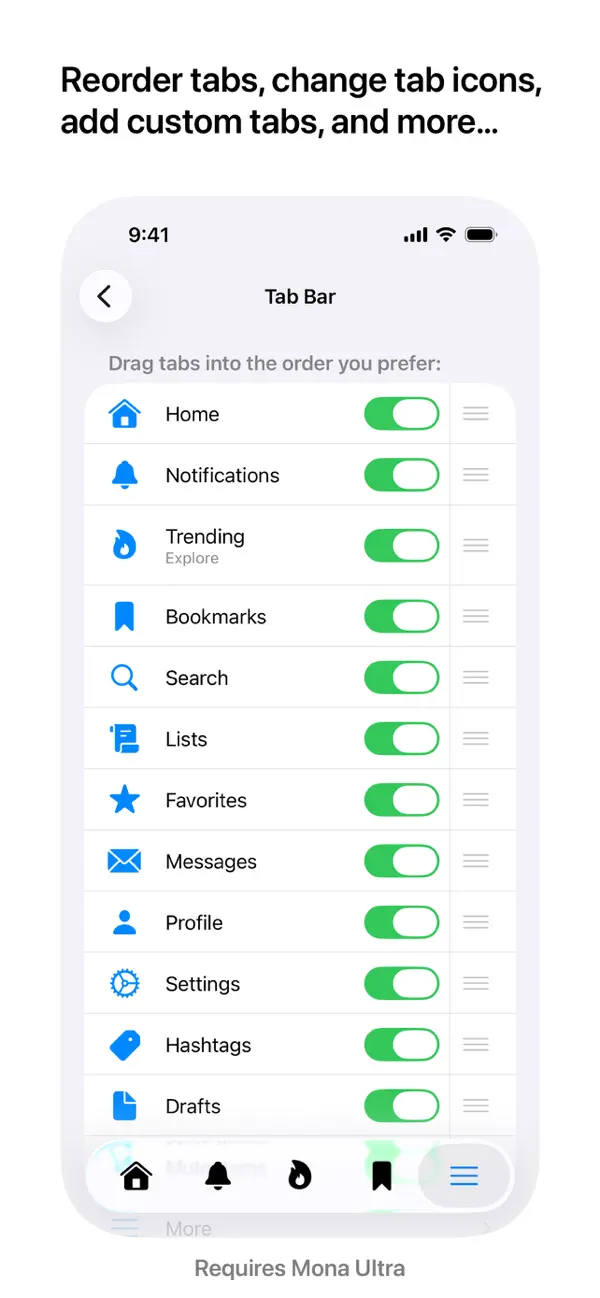
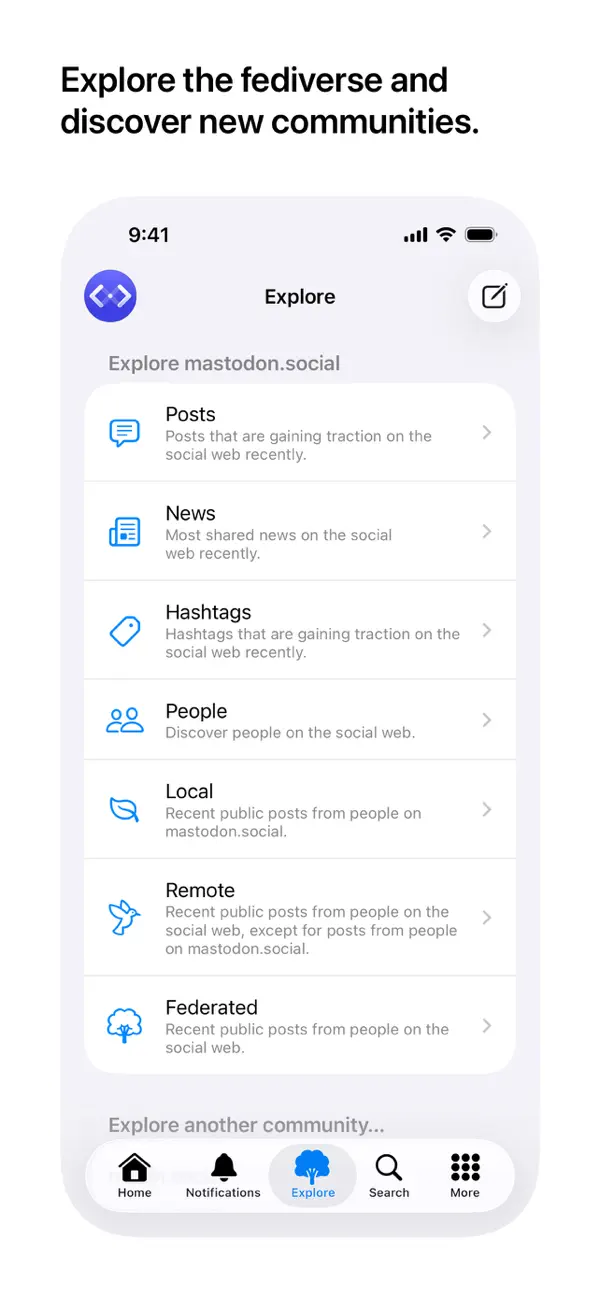
Meet Mona, the default Mastodon app for everyone. Enjoy buttery-smooth scrolling, native design, and powerful customization options. It delivers a truly personal Mastodon experience and is fully optimized for VoiceOver. All Mastodon features that everyone expects: • Browse timelines like Home, List, and Profiles • Reply, repost, favorite, bookmark posts with ease • Explore trending posts and news, plus Local and Federated timelines Mona features: • A stunning user interface with the Liquid Glass design • Check recent posts and trending news on your home screen or notification center with widgets • Sync your reading positions, mute list, user notes, drafts, search history, accent colors, and custom app themes across your iPhone, iPad, and Mac, privately and securely • Push notifications • Share a post as picture • Open multiple windows on iPad and Mac Privacy: • Mona does not collect any personal information • Your account tokens are protected by on-device Keychain • Your network connections to Mastodon servers are protected by HTTPS Other Mona features: • Post with HDR photos and Live Photos • Use Genmoji and custom emojis in your posts • Column View takes full advantage of the big screen on iPad and Mac, shows multiple views at once and allows you to navigate between views fluently and efficiently • Adjustable text spacing and text sizes • Retrieve missing posts with “Load from Remote Server” • Privately set aliases, notes and username colors for Mastodon accounts • User Notes list: browse, organize and edit all your notes in one place • Control the app and browse posts with a compatible game controller, such as a Playstation DualSense/DualShock, Nintendo Switch, Xbox or MFi controller • Customize game controller’s button functions via in-app settings Tab Bar (Mona Ultra feature): • Pin your frequently visit pages to the tab bar • Drag tabs into the order you prefer • Rename your tabs • Change your tab icons (more than a thousand of icons for you to choose) • Show/hide tab names Post Actions (Mona Ultra feature): • Drag actions into the order you prefer • Configure actions as swipe options: swipe a post horizontally to perform an action • Optionally hide some or all action buttons from post cards, while keeping them accessible via context menu, swipe options, keyboard shortcuts, and VoiceOver rotor Accent Color (Mona Ultra feature): • Configure different Accent Colors for Light and Dark mode • More than 10 built-in colors for you to choose • Design and set custom colors Theme Editor (Mona Ultra feature): • Customize the app’s color scheme • Design and set custom themes • Advanced color settings allow you to fine-tune colors for different level of views • Export and share your custom themes • Import custom themes shared by other people Font Customization (Mona Ultra feature): • Configure different fonts for body text and headings • Select from a variety of build-in fonts • Supports custom fonts installed by third-party apps Other Mona Ultra features: • Add multiple accounts: you can also opt to favorite, repost, quote post, or follow using a non-current account • Automatically translate posts on the timeline • Filter and mute: filter timelines based on post category and content; hide posts with certain words; hide posts from certain people • Customize push notifications based on notification category • Export and import settings: easily transfer your custom settings between multiple devices Customer support: • Mastodon: @MonaApp@mastodon.social • Email: theSpringApp@gmail.com Terms of use: https://apple.com/legal/internet-services/itunes/dev/stdeula
Highlights
- Home, List, Local and Federated timelines
- Sync of reading positions, drafts and themes across devices
- Widgets for recent and trending posts
- Column View on larger screens
- Full VoiceOver support
- Game controller navigation
- Theme editor and multiple accounts (Mona Ultra)
Mona for Mastodon on iPhone Duo: FAQ
Is Mona for Mastodon optimized for iPhone Duo?
Partly. Mona for Mastodon is Adapted: it fills the larger inner display, but it does not do anything special with the fold. Verified on October 17, 2026 (Developer statement).
What does Mona for Mastodon look like on iPhone Duo?
The release notes for Mona 27.1 state that it "adds support and optimizations for iPhone Duo", and the developer posted screenshots of the app on the device from the official Mona account before release. The developer has not described a specific folded or unfolded behaviour in words, so no fold-specific feature is confirmed. We have not yet tested it on an iPhone Duo.
How much does Mona for Mastodon cost?
Mona for Mastodon costs Free · in-app purchases on the App Store.
More Social apps
See all ›
A native Bluesky client that switches to multiple columns when unfolded

A tabbed, media-focused Bluesky client with card, list and grid layouts

A tabbed Tumblr browser with grid views and bulk media saving

A free Mastodon client for iPhone with a media browser and post editor