
iPhone 截图
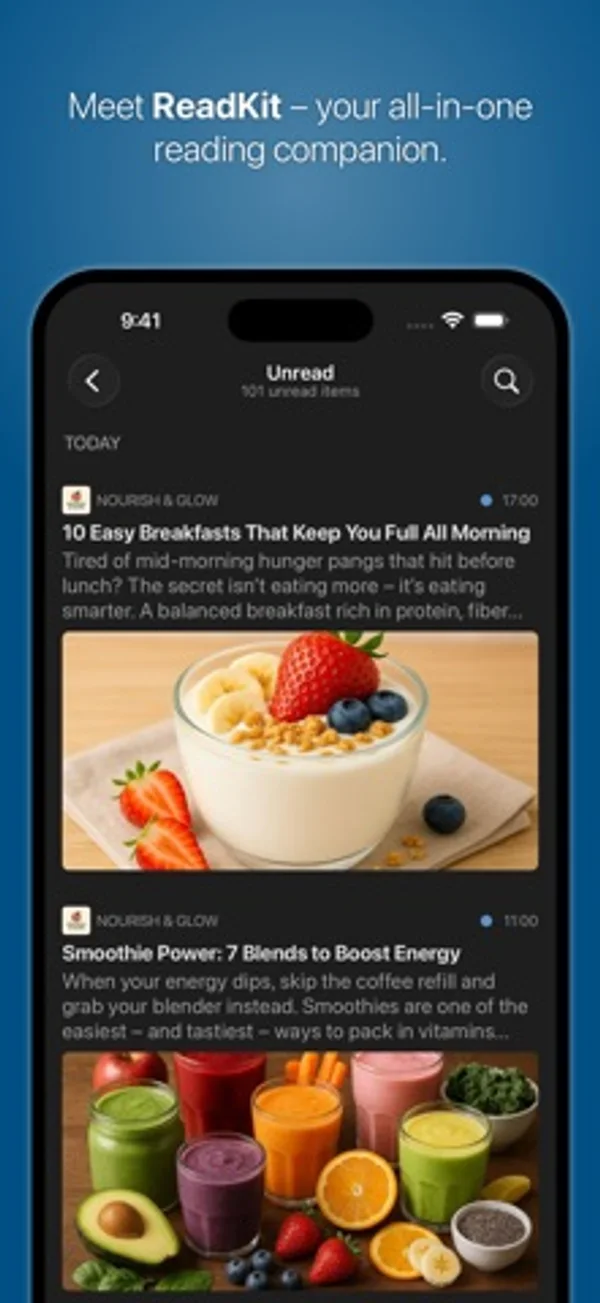
在 iPhone Duo 上的表现
4.0 版加入 Duo 支持,4.0.2 在分栏显示、隐藏和调整宽度时保留所选文章在列表中的位置。
新功能
版本 4.0.2 ·
• Improved entry-list navigation: the list maintains the selected article’s position when split-view columns are shown, hidden, or resized. • Added support for importing smart folders from account export files created for a different account type. • Fixed "Mark Above as Read" and "Mark Below as Read" to follow the entry list's visible grouping and sort order. • Fixed iCloud sync occasionally restoring starred articles as unread when syncing across devices. • Fixed an issue that could cause YouTube videos to use unwanted automatic audio dubbing. • Fixed an issue that could distort images in article view. • Fixed inconsistent padding around the content filter controls. • Fixed an issue that could prevent exporting subscriptions.
开发者尚未提供此内容的中文版本。
App Store 简介由开发者撰写。
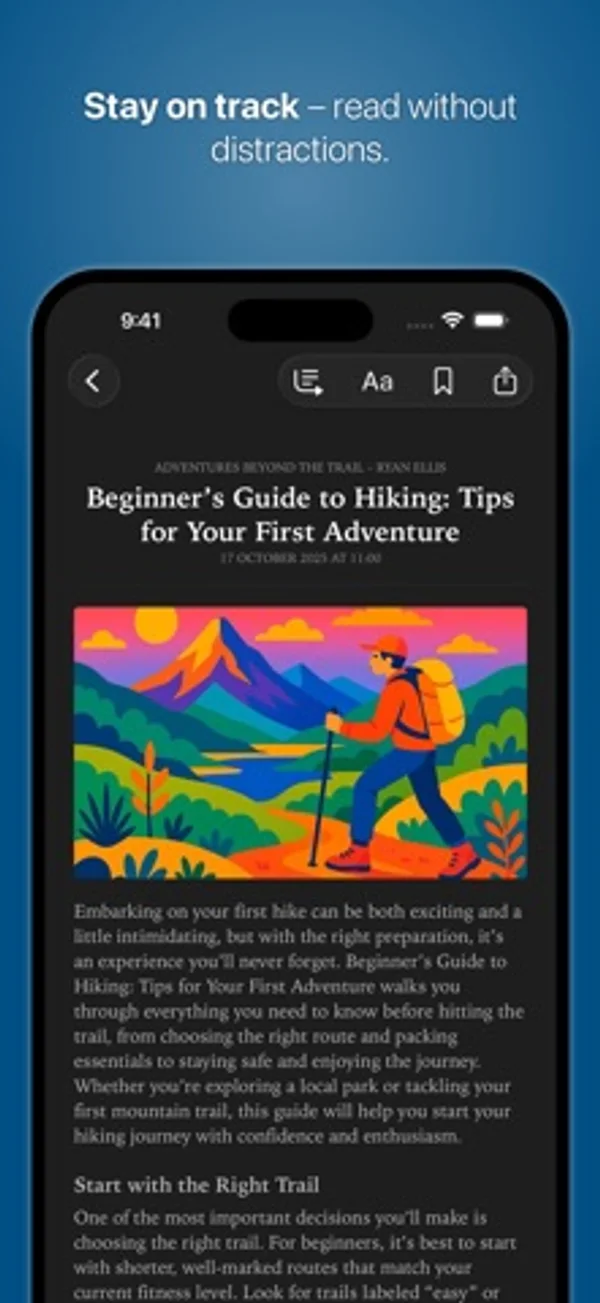
Your All-in-One Reading Companion ReadKit is a powerful, all-in-one read-later and RSS client that brings together your favorite news, articles, and feeds. With major providers and built-in iCloud RSS and Read Later sync, ReadKit lets you save and read articles later, providing a distraction-free reading experience anytime and anywhere. KEY FEATURES • All-in-One Reading Hub: Access all your accounts in one place with multi-account support. • Cross-Platform: Universal app with full feature parity on iOS and macOS. • iCloud RSS and Read Later: Built-in services with iCloud sync. • Flexible Syncing: Sync with major RSS aggregators and read-later services. • Advanced Organization: Manage feeds, folders, tags and automatically updated smart folders. • Smart Folder Actions: Mark items read or starred and filter content. • Offline Access: Read articles offline with cached images. • Enhanced Reading Experience: Built-in reader mode extracts full article content, with options for automatic activation. • Wide Gesture Support: Navigate, mark articles read and perform quick actions. • In-App Browser: View links and references without leaving the app. • App Badge Preferences: Customize the badge to display the count of unread items. • Mark as Read Options: Mark articles read while scrolling, by pulling up, or in one tap. • Contextual Marking: Quickly mark articles as read above or below directly from the context menu. • Customizable Interface: Choose themes, light or dark mode, and app icons to suit your style. • Powerful Search: Search articles by content, title, or source. • Filter Articles: Easily filter articles by read or starred status. • Background Syncing: Always stay updated with background sync. • Content Sharing: Use the share extension to save articles from Safari and other apps for later reading. • Email Articles: Send articles directly via email to share with others. • Share via Apps and Services: Share articles through the share sheet. • YouTube Channel Support: Subscribe to YouTube channels and playlists through RSS feeds. • Full Keyboard Support: Optimized for hardware keyboards on macOS and iPad. • Feed Import/Export: Import or export subscriptions via OPML files. • Application Settings Export: Export and import appearance, reading, general behavior and gesture preferences. Enjoy ReadKit’s essential features completely free — no ads, no data mining. Unlock additional features with ReadKit Premium, available via a universal subscription or a one-time lifetime purchase for iOS, macOS, or both. A free trial is also available. PREMIUM FEATURES • Multi-Account Support: Manage multiple accounts simultaneously. • Unlimited Smart Folders: Create and customize more than one smart folder per account. • Enhanced Reader Mode: Extract full-text content from articles, even when missing from the feed source. • Article Summary: summarize articles using AI on supported devices (requires ReadKit Premium, Apple Intelligence and iOS 26). • Unlimited Feeds: Remove the 20-feed limit for the built-in RSS service. • Advanced Organization Tools: Organize feeds and articles into folders or tags. • Image Caching: Enjoy offline reading with cached images. • Themes & Custom Icons: Unlock exclusive themes and choose custom app icons. • Full OPML Support: Import and export feed subscriptions with ease. • Account and Smart Folder Export: Export account settings with smart folders and import them individually. • Early Access: Enjoy upcoming premium features as they're released. SUPPORTED SERVICES • Built-in RSS and Read Later services with iCloud sync. • News Reader Services: BazQux, Feedbin, Feedly, Fever, FreshRSS, Inoreader, Miniflux, NewsBlur, The Old Reader, Tiny Tiny RSS • Read Later & Bookmarking Services: Instapaper, Wallabag and Pinboard Privacy Policy: https://readkit.app/privacy Terms of Use: https://readkit.app/terms-of-use
ReadKit - Reading Hub 在 iPhone Duo 上:常见问题
ReadKit - Reading Hub 针对 iPhone Duo 优化了吗?
部分优化。ReadKit - Reading Hub 属于「已适配」:它能铺满更大的内屏,但没有针对折叠做特别设计。资料更新于 2026年11月8日(开发者声明)。
ReadKit - Reading Hub 在 iPhone Duo 上是什么样子?
4.0 版加入 Duo 支持,4.0.2 在分栏显示、隐藏和调整宽度时保留所选文章在列表中的位置。
ReadKit - Reading Hub 多少钱?
ReadKit - Reading Hub 可在 App Store 免费下载。
更多阅读资讯应用
查看全部 ›
读取文件夹或 calibre 书库中的无 DRM EPUB 与 PDF,并在设备间同步阅读位置。

阅读个人 EPUB、CHM 电子书,自定义排版与书架。

通过题目、闪卡和模拟测验准备 FAA 私人飞行员知识考试。

模拟真实折纸,可自由拖动折线,或按分步指引折出纸鹤、纸飞机和小鸡。

根据你揭示答案的多少来安排卡片复习,无需给难度打分。

内置摘要的 RSS 阅读器,随 iPhone Duo 折叠而重排布局