
iPhone 스크린샷
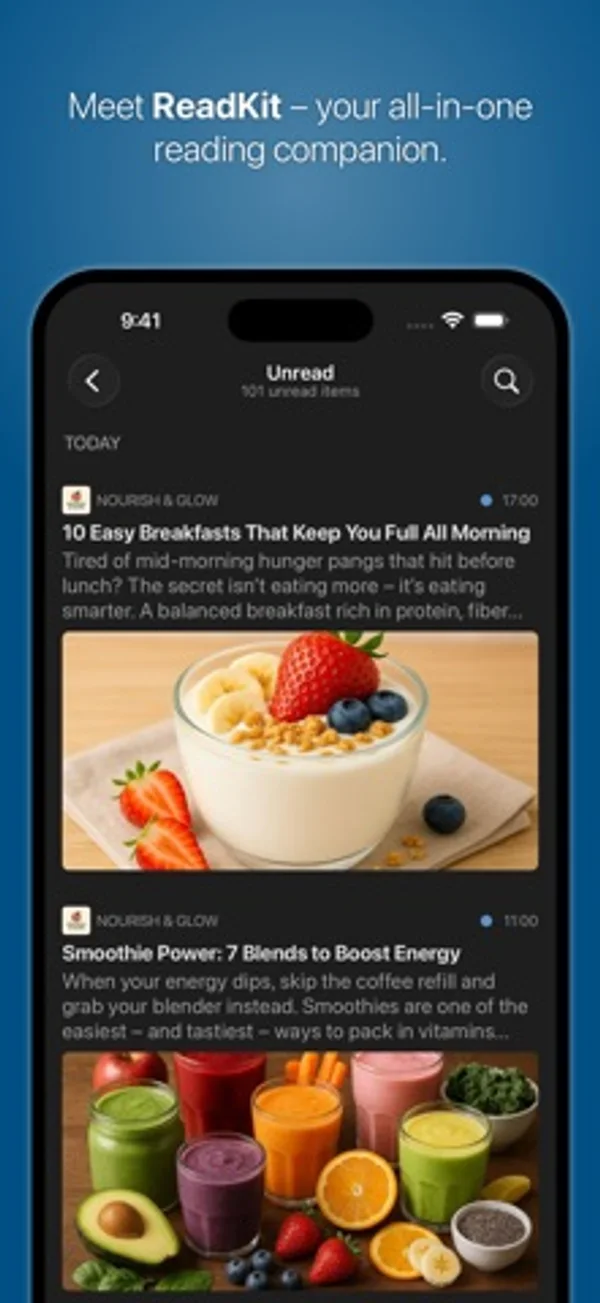
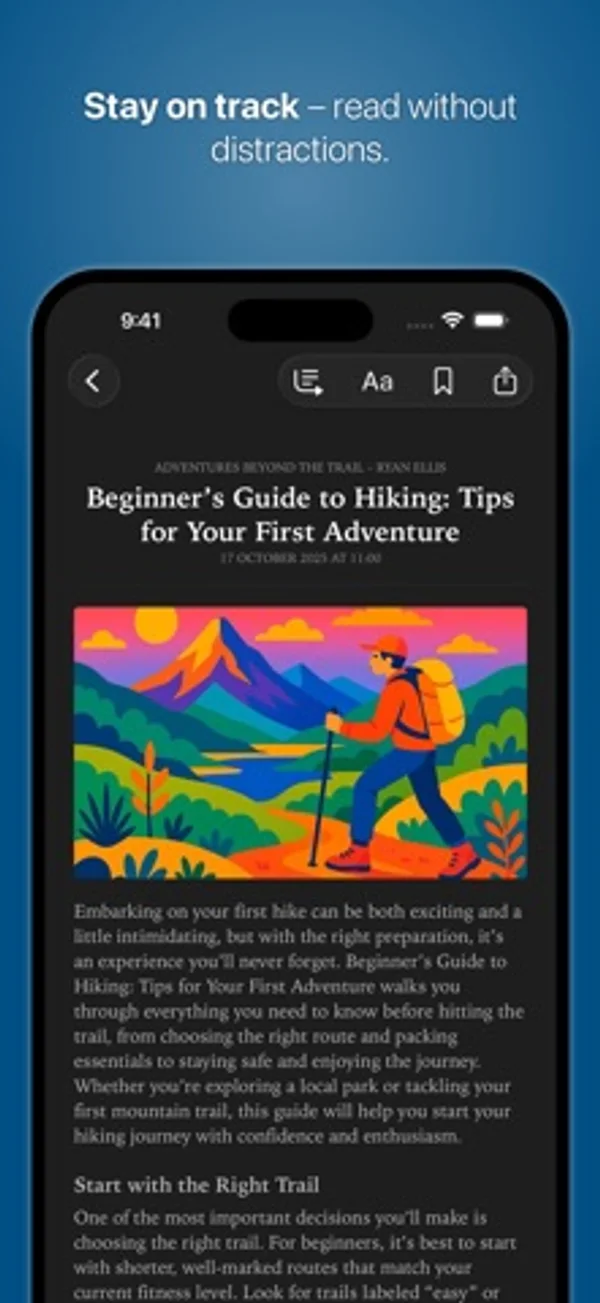
iPhone Duo 활용 방식
4.0에서 Duo를 지원하며 4.0.2는 분할 열을 표시·숨기거나 크기를 바꿔도 선택한 글의 목록 위치를 유지합니다.
새로운 기능
버전 4.0.2 ·
• Improved entry-list navigation: the list maintains the selected article’s position when split-view columns are shown, hidden, or resized. • Added support for importing smart folders from account export files created for a different account type. • Fixed "Mark Above as Read" and "Mark Below as Read" to follow the entry list's visible grouping and sort order. • Fixed iCloud sync occasionally restoring starred articles as unread when syncing across devices. • Fixed an issue that could cause YouTube videos to use unwanted automatic audio dubbing. • Fixed an issue that could distort images in article view. • Fixed inconsistent padding around the content filter controls. • Fixed an issue that could prevent exporting subscriptions.
개발자가 이 내용을 한국어로 제공하지 않았습니다.
App Store 설명개발자가 작성한 내용입니다.
Your All-in-One Reading Companion ReadKit is a powerful, all-in-one read-later and RSS client that brings together your favorite news, articles, and feeds. With major providers and built-in iCloud RSS and Read Later sync, ReadKit lets you save and read articles later, providing a distraction-free reading experience anytime and anywhere. KEY FEATURES • All-in-One Reading Hub: Access all your accounts in one place with multi-account support. • Cross-Platform: Universal app with full feature parity on iOS and macOS. • iCloud RSS and Read Later: Built-in services with iCloud sync. • Flexible Syncing: Sync with major RSS aggregators and read-later services. • Advanced Organization: Manage feeds, folders, tags and automatically updated smart folders. • Smart Folder Actions: Mark items read or starred and filter content. • Offline Access: Read articles offline with cached images. • Enhanced Reading Experience: Built-in reader mode extracts full article content, with options for automatic activation. • Wide Gesture Support: Navigate, mark articles read and perform quick actions. • In-App Browser: View links and references without leaving the app. • App Badge Preferences: Customize the badge to display the count of unread items. • Mark as Read Options: Mark articles read while scrolling, by pulling up, or in one tap. • Contextual Marking: Quickly mark articles as read above or below directly from the context menu. • Customizable Interface: Choose themes, light or dark mode, and app icons to suit your style. • Powerful Search: Search articles by content, title, or source. • Filter Articles: Easily filter articles by read or starred status. • Background Syncing: Always stay updated with background sync. • Content Sharing: Use the share extension to save articles from Safari and other apps for later reading. • Email Articles: Send articles directly via email to share with others. • Share via Apps and Services: Share articles through the share sheet. • YouTube Channel Support: Subscribe to YouTube channels and playlists through RSS feeds. • Full Keyboard Support: Optimized for hardware keyboards on macOS and iPad. • Feed Import/Export: Import or export subscriptions via OPML files. • Application Settings Export: Export and import appearance, reading, general behavior and gesture preferences. Enjoy ReadKit’s essential features completely free — no ads, no data mining. Unlock additional features with ReadKit Premium, available via a universal subscription or a one-time lifetime purchase for iOS, macOS, or both. A free trial is also available. PREMIUM FEATURES • Multi-Account Support: Manage multiple accounts simultaneously. • Unlimited Smart Folders: Create and customize more than one smart folder per account. • Enhanced Reader Mode: Extract full-text content from articles, even when missing from the feed source. • Article Summary: summarize articles using AI on supported devices (requires ReadKit Premium, Apple Intelligence and iOS 26). • Unlimited Feeds: Remove the 20-feed limit for the built-in RSS service. • Advanced Organization Tools: Organize feeds and articles into folders or tags. • Image Caching: Enjoy offline reading with cached images. • Themes & Custom Icons: Unlock exclusive themes and choose custom app icons. • Full OPML Support: Import and export feed subscriptions with ease. • Account and Smart Folder Export: Export account settings with smart folders and import them individually. • Early Access: Enjoy upcoming premium features as they're released. SUPPORTED SERVICES • Built-in RSS and Read Later services with iCloud sync. • News Reader Services: BazQux, Feedbin, Feedly, Fever, FreshRSS, Inoreader, Miniflux, NewsBlur, The Old Reader, Tiny Tiny RSS • Read Later & Bookmarking Services: Instapaper, Wallabag and Pinboard Privacy Policy: https://readkit.app/privacy Terms of Use: https://readkit.app/terms-of-use
iPhone Duo에서의 ReadKit - Reading Hub: 자주 묻는 질문
ReadKit - Reading Hub은(는) iPhone Duo에 최적화되어 있나요?
부분적으로요. ReadKit - Reading Hub은(는) 화면 대응 앱으로, 더 넓은 내부 디스플레이를 꽉 채웁니다. 다만 폴딩 전용 기능은 없습니다. 2026년 11월 8일 확인(개발자 발표).
iPhone Duo에서 ReadKit - Reading Hub은(는) 어떻게 보이나요?
4.0에서 Duo를 지원하며 4.0.2는 분할 열을 표시·숨기거나 크기를 바꿔도 선택한 글의 목록 위치를 유지합니다.
ReadKit - Reading Hub의 가격은 얼마인가요?
ReadKit - Reading Hub은(는) App Store에서 무료로 다운로드할 수 있습니다.
다른 독서 및 뉴스 앱
모두 보기 ›
폴더나 calibre 서재의 DRM 없는 EPUB·PDF를 읽고 기기 간 읽던 위치를 동기화합니다.

개인 EPUB와 CHM 책을 읽고 서식과 책장을 꾸밉니다.

문제와 플래시카드, 모의시험으로 FAA 자가용 조종사 지식시험을 준비합니다.

실제 종이접기를 시뮬레이션해 접는 선을 자유롭게 끌거나 단계별 안내로 학, 비행기, 병아리를 접습니다.

답을 얼마나 드러냈는지로 카드 복습 시점을 정하고 난이도는 평가하지 않는다.

iPhone Duo를 접고 펼칠 때마다 화면이 바뀌는, 요약 기능을 갖춘 RSS 리더