
iPhone スクリーンショット
iPhone Duo での活用
Duoを閉じるたびに外側画面の紙が一段折れます。アプリを開いていればヒンジを読み取り、使っていない間は任意のショートカット設定で閉じた回数を記録できます。
新機能
バージョン 1.1 ·
On iPhone, your steps now fold the paper while Clac! is closed. When new steps reach Health, iOS can wake Clac! for a moment, up to once an hour, so a sheet you finish on a walk is folded and Clac! can let you know. Today also shows your steps next to your folds.
開発者はこの内容を日本語化していません。
App Store の説明開発者による説明です。
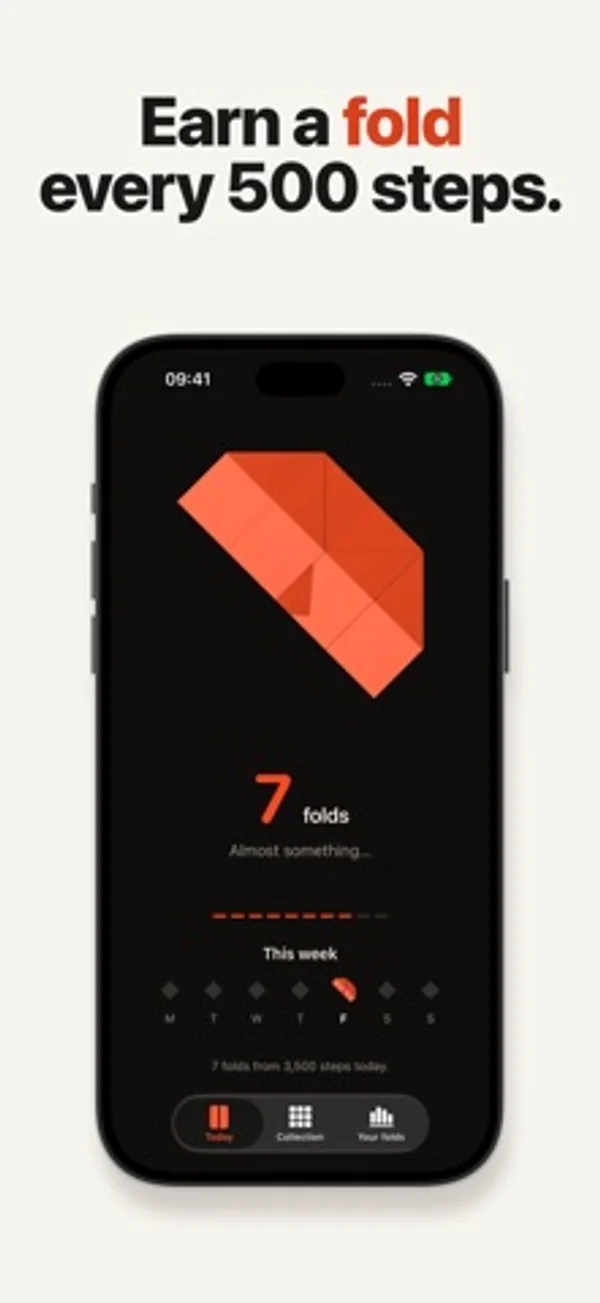
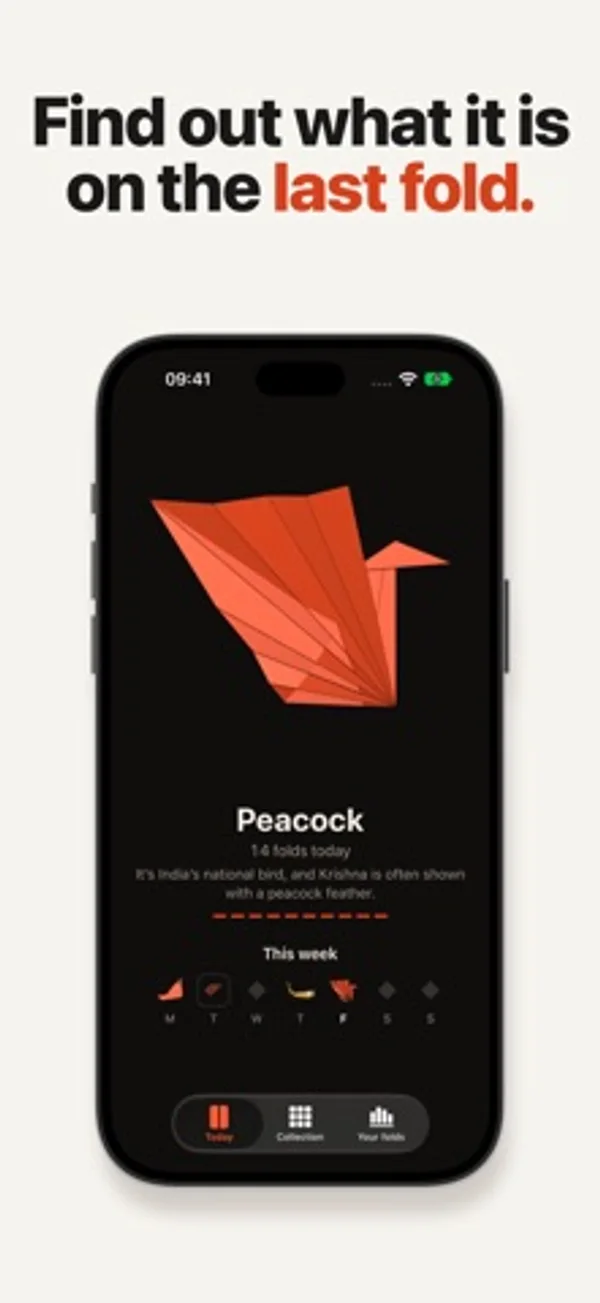
Clac! turns the way you already use your iPhone Duo into origami. Fold your iPhone Duo, and your origami folds with it. No Duo? Every 500 steps counts as a fold. Each day a new sheet of paper is waiting, with an origami hidden inside. Every time you fold your iPhone Duo, the paper takes one more fold, and the cover screen shows it happen. When the last fold lands, you see what it was: a crane, a fox, a lotus, a phoenix. Clac! never asks you to fold your phone. It just keeps up with you. THE PAPER - One sheet a day, 30 origami, each with a fun fact about what it has meant to people - Rare papers every now and then: silver and gold foil, chiyogami, gold-leaf washi, holographic - A Collection of everything you’ve finished, with every paper you’ve found - Turn a finished origami in 3D with one finger, or twist it with two - Widgets for the Home Screen and Lock Screen MADE FOR IPHONE DUO - A short paper “Clac” on the cover screen the moment you fold your phone - Folds are read from the hinge while Clac! is open. For the rest of the day, add one Shortcuts automation. Clac! walks you through it once. - Crease Check: a quiet screen test, with plain colors and a few questions about how your display looks to you. Your answers stay on your phone. NO DUO? Every 500 steps counts as a fold. Clac! reads your step count from Health (iPhone and Apple Watch) and Motion & Fitness when you open it, if allowed. FREE TO START One purchase unlocks every origami. No ads, no subscriptions. Always free: the daily sheet, 19 origami, the widgets, Crease Check on iPhone Duo and sharing what you fold. The one-time unlock adds: - The 11 other origami, including the lotus, lily, phoenix and scorpion - An extra sheet each week, with the origami you pick - Make it yourself: step-by-step instructions for every origami you finish - Wallpapers, stickers and app icons of your origami - All future origami and features, included ICLOUD SYNC Every iPhone on your Apple Account shares one fold history. Folds from a Duo and steps from another iPhone land on the same sheet, and everything comes back if you reinstall. PRIVATE No account, no ads, no tracking. Your folds stay on your iPhone and in your own iCloud. Your step count never leaves your iPhone.
iPhone Duo での Clac! Daily Origami:よくある質問
Clac! Daily Origami は iPhone Duo に最適化されていますか?
はい。Clac! Daily Origami は「Duo 専用設計」で、折りたたみ、Split View、外側ディスプレイを活用しています。2026年11月12日 に確認(開発者の発表)。
iPhone Duo での Clac! Daily Origami はどう見えますか?
Duoを閉じるたびに外側画面の紙が一段折れます。アプリを開いていればヒンジを読み取り、使っていない間は任意のショートカット設定で閉じた回数を記録できます。
Clac! Daily Origami の価格は?
Clac! Daily Origami は App Store で無料でダウンロードできます。
その他のエンターテインメントアプリ
すべて見る ›
ドット絵のレトロなパソコンでピンボールやソリティアを遊び、絵やメモも作れます。

絵で描かれた訪問客を迎え、玄関を開けてノックノックジョークのオチを楽しめます。

描いた魚を動く水槽に放ち、お気に入りを図鑑に残せます。

きしむ宝箱や勝手に曲がる銀のスプーンなど、12種類の動くハロウィーンのおもちゃで遊べます。

メッセージや記念品、ちょっとしたいたずらを選んで、手渡しできるバーチャルな贈り物を作ります。

バーチャルなフォーチュンクッキーを割り、メッセージとラッキーナンバーを読みます。