
Clac! Daily Origami
Finish one virtual origami sheet each day and collect the models and papers you discover.
Prisma · Entertainment · Free
iPhone screenshots
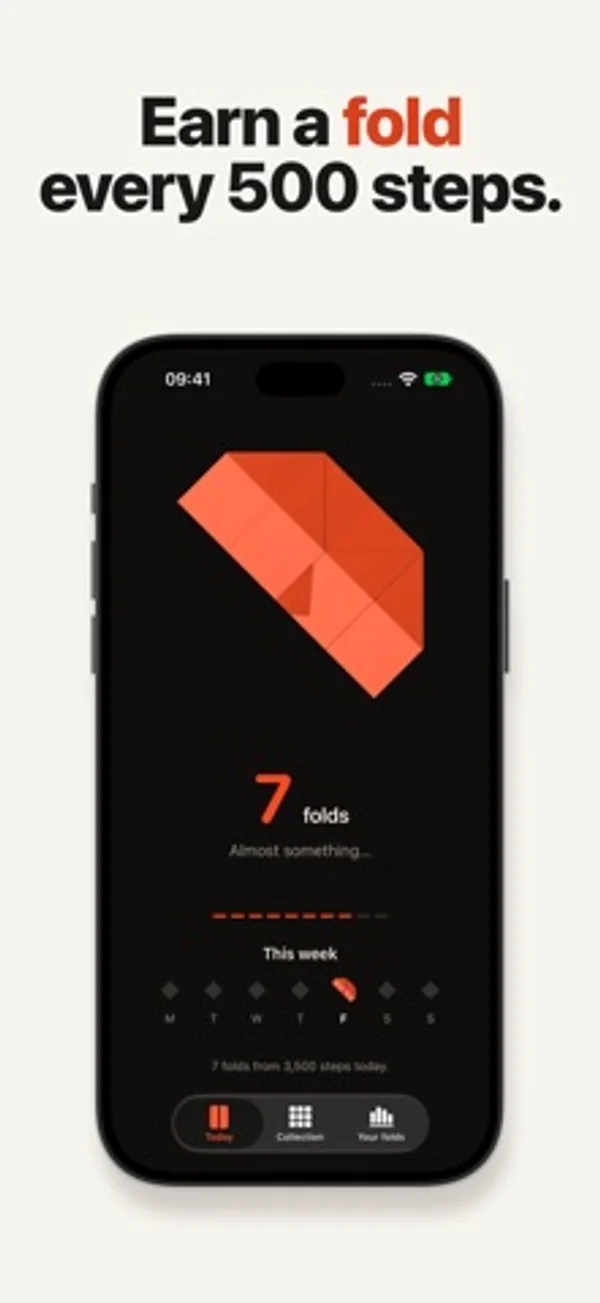
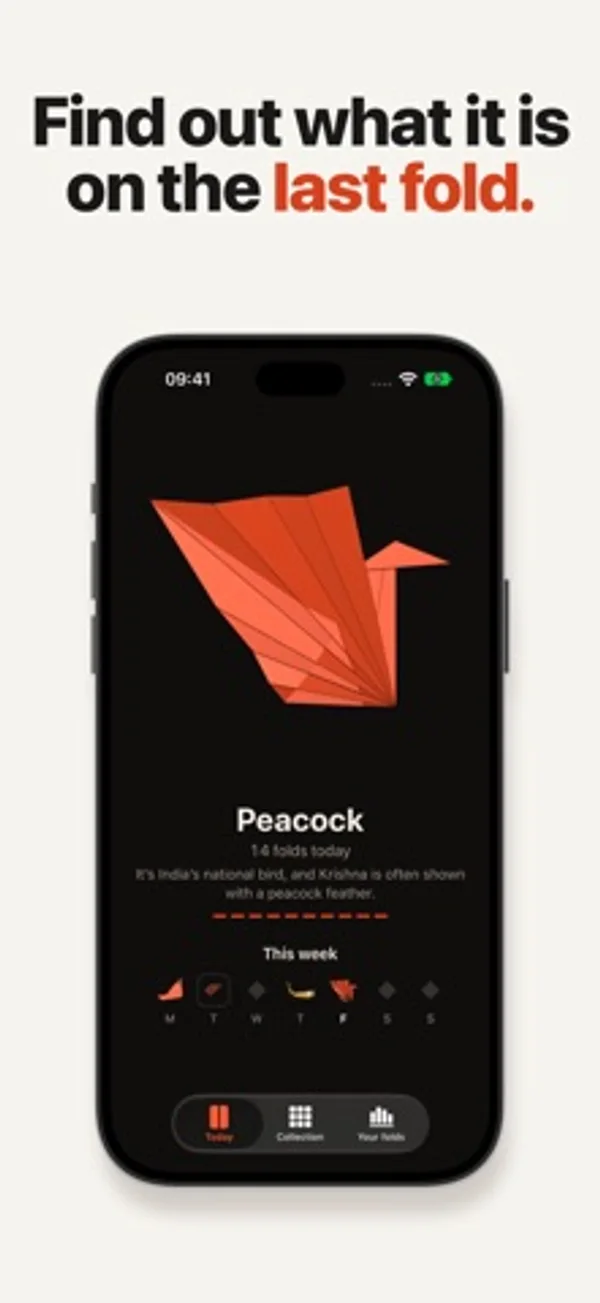
How it uses iPhone Duo
Closing the Duo adds one fold to the paper on the cover display. Clac! reads the hinge while open; optional Shortcuts setup counts closes outside the app.
What’s New
Version 1.1 ·
On iPhone, your steps now fold the paper while Clac! is closed. When new steps reach Health, iOS can wake Clac! for a moment, up to once an hour, so a sheet you finish on a walk is folded and Clac! can let you know. Today also shows your steps next to your folds.
App Store descriptionWritten by the developer.
Clac! turns the way you already use your iPhone Duo into origami. Fold your iPhone Duo, and your origami folds with it. No Duo? Every 500 steps counts as a fold. Each day a new sheet of paper is waiting, with an origami hidden inside. Every time you fold your iPhone Duo, the paper takes one more fold, and the cover screen shows it happen. When the last fold lands, you see what it was: a crane, a fox, a lotus, a phoenix. Clac! never asks you to fold your phone. It just keeps up with you. THE PAPER - One sheet a day, 30 origami, each with a fun fact about what it has meant to people - Rare papers every now and then: silver and gold foil, chiyogami, gold-leaf washi, holographic - A Collection of everything you’ve finished, with every paper you’ve found - Turn a finished origami in 3D with one finger, or twist it with two - Widgets for the Home Screen and Lock Screen MADE FOR IPHONE DUO - A short paper “Clac” on the cover screen the moment you fold your phone - Folds are read from the hinge while Clac! is open. For the rest of the day, add one Shortcuts automation. Clac! walks you through it once. - Crease Check: a quiet screen test, with plain colors and a few questions about how your display looks to you. Your answers stay on your phone. NO DUO? Every 500 steps counts as a fold. Clac! reads your step count from Health (iPhone and Apple Watch) and Motion & Fitness when you open it, if allowed. FREE TO START One purchase unlocks every origami. No ads, no subscriptions. Always free: the daily sheet, 19 origami, the widgets, Crease Check on iPhone Duo and sharing what you fold. The one-time unlock adds: - The 11 other origami, including the lotus, lily, phoenix and scorpion - An extra sheet each week, with the origami you pick - Make it yourself: step-by-step instructions for every origami you finish - Wallpapers, stickers and app icons of your origami - All future origami and features, included ICLOUD SYNC Every iPhone on your Apple Account shares one fold history. Folds from a Duo and steps from another iPhone land on the same sheet, and everything comes back if you reinstall. PRIVATE No account, no ads, no tracking. Your folds stay on your iPhone and in your own iCloud. Your step count never leaves your iPhone.
Clac! Daily Origami on iPhone Duo: FAQ
Is Clac! Daily Origami optimized for iPhone Duo?
Yes. Clac! Daily Origami is Built for Duo: it uses the fold, Split View or the outer display. Verified on November 12, 2026 (Developer statement).
What does Clac! Daily Origami look like on iPhone Duo?
Closing the Duo adds one fold to the paper on the cover display. Clac! reads the hinge while open; optional Shortcuts setup counts closes outside the app.
How much does Clac! Daily Origami cost?
Clac! Daily Origami is free to download on the App Store.
More Entertainment apps
See all ›
Play pinball or solitaire, paint and type notes inside a pixel-art desktop computer.

Meet illustrated visitors and finish knock-knock jokes by opening a cartoon front door.

Draw fish, release them into animated aquariums and collect your favorites.

Play with twelve animated Halloween toys, from a creaking chest to a silver spoon that bends as it wakes up.

Prepare a virtual gift box with a note, a keepsake or a playful surprise for someone to reveal.

Crack a virtual fortune cookie to reveal a message and lucky numbers.