
iPhone スクリーンショット
iPad スクリーンショット
iPhone Duo での活用
2026年10月10日にApp Storeで公開されたDrafts 54.1のリリースノートには、「Ready for iPhone Duo.」と記されています。開発元の変更履歴では、このリリースにiPhone Duoで動作させるための調整が多数含まれていると説明し、Duoを持つ方に不具合の報告を呼びかけています。以前のビルドでは、この端末に備えて、確認メッセージを標準のシステムシートに切り替えました。折りたたみ、外側ディスプレイ、Split Viewに特化した動作は説明されていません。当サイトではまだDraftsをiPhone Duoの実機でテストしていません。
新機能
バージョン 54.1.2 ·
Ready for iPhone Duo. For complete details on new features, bug fixes, and related documentation, visit “What’s New” in Drafts’ settings, or: https://docs.getdrafts.com/changelog
開発者はこの内容を日本語化していません。
このアプリについて
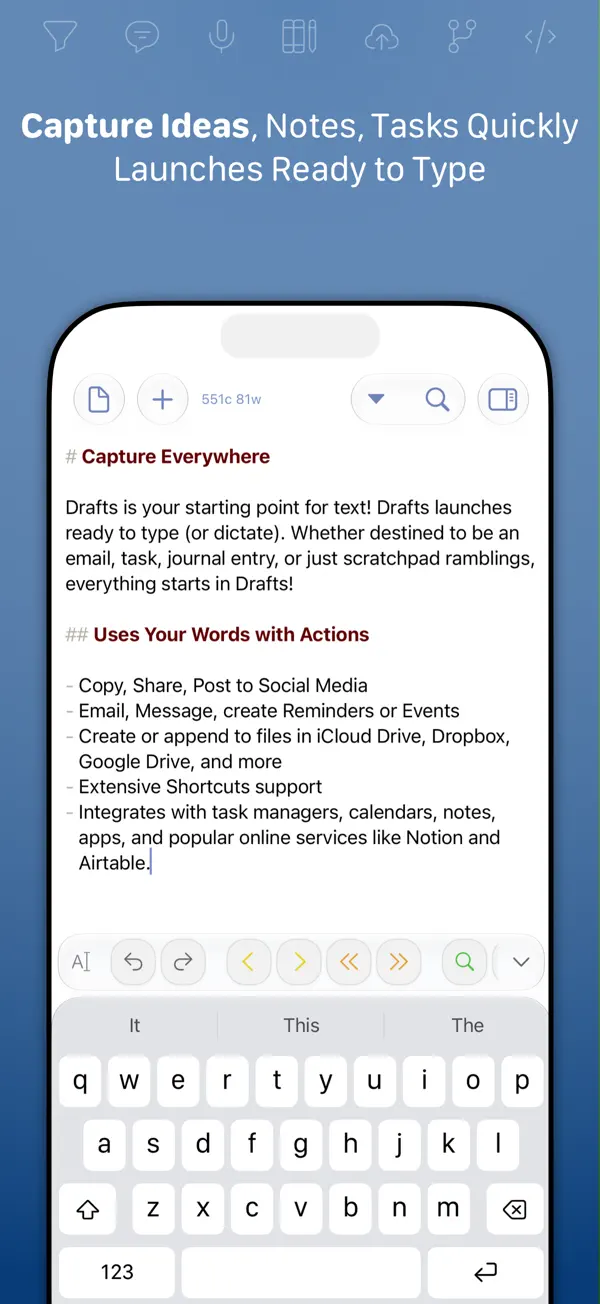
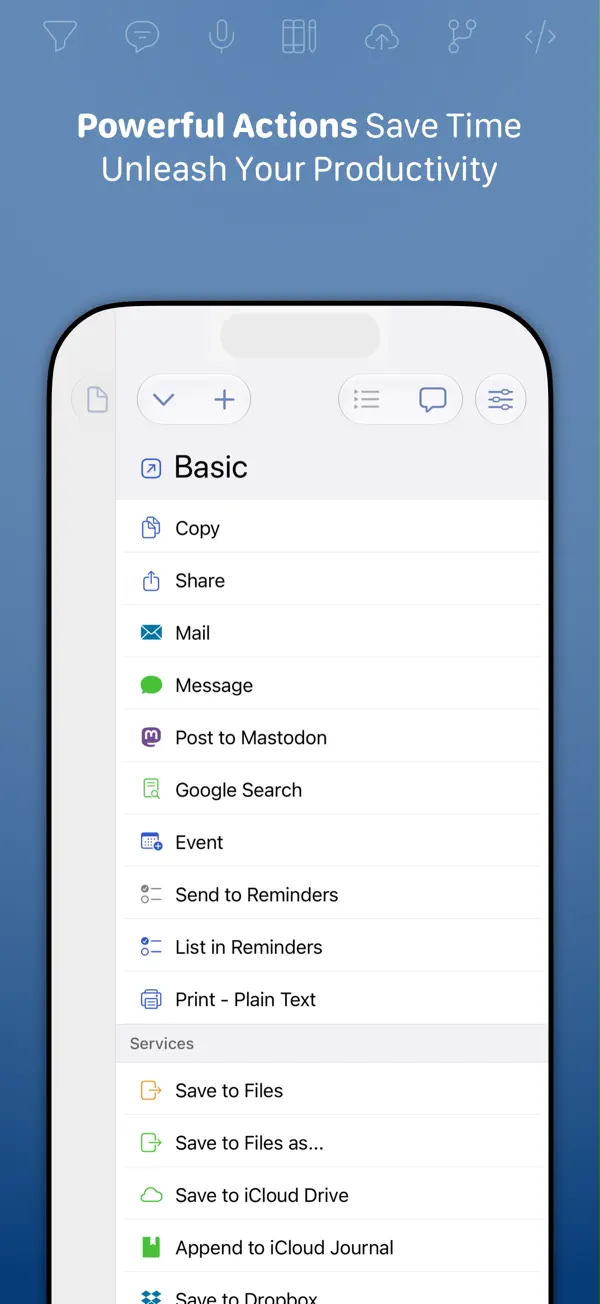
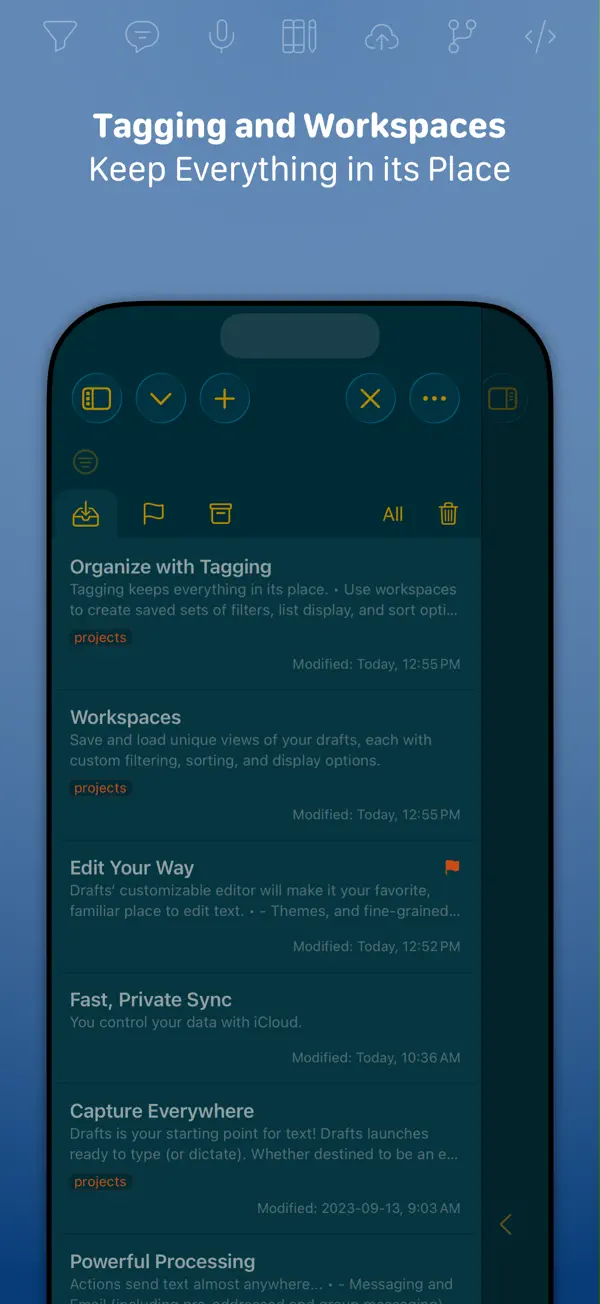
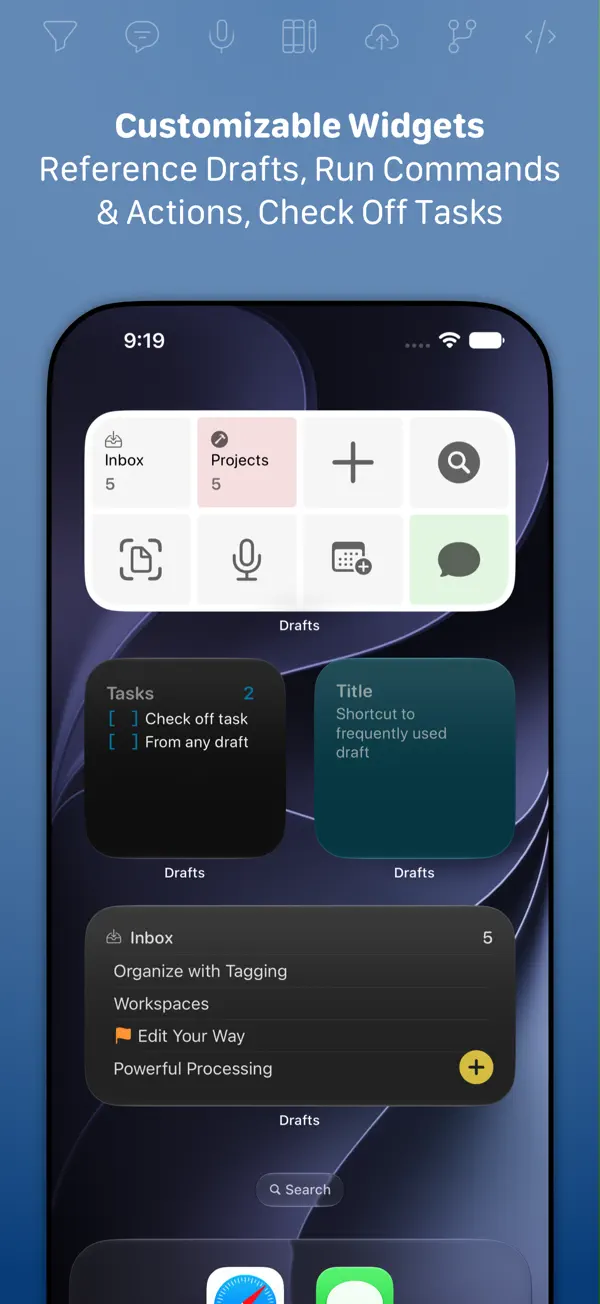
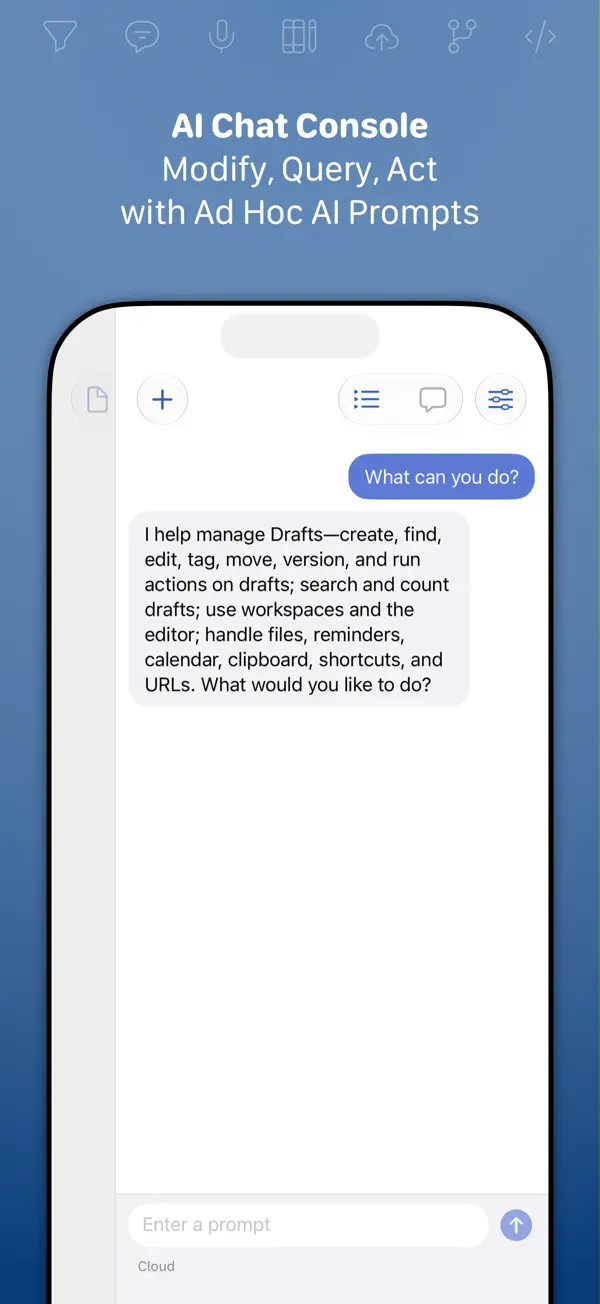
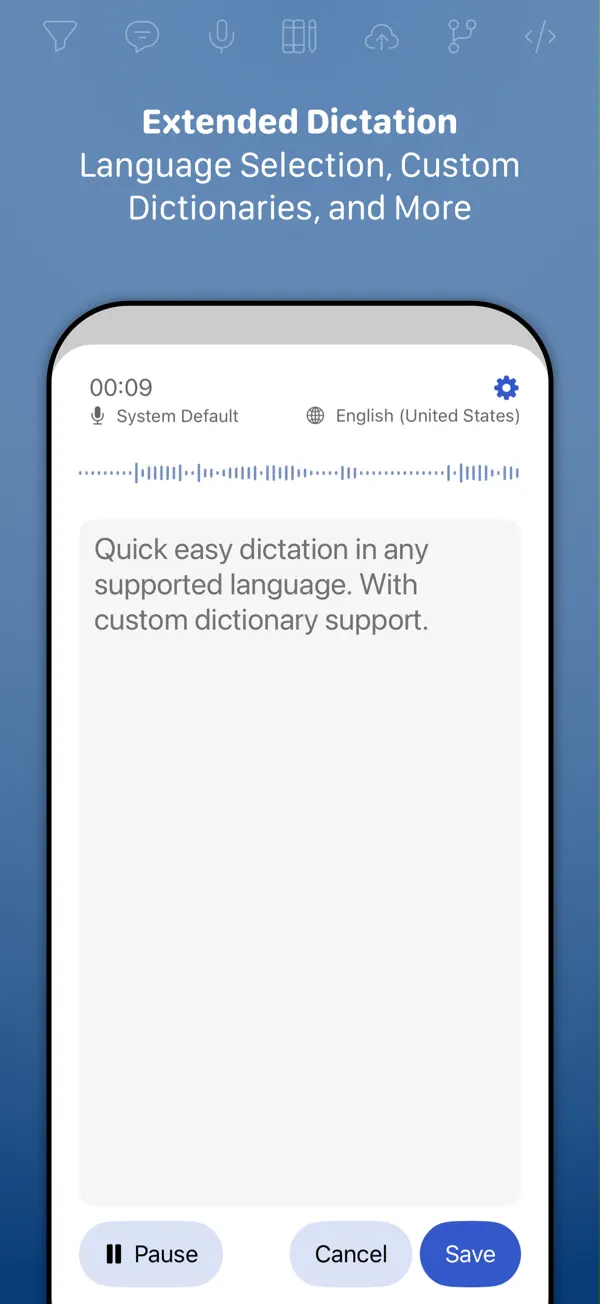
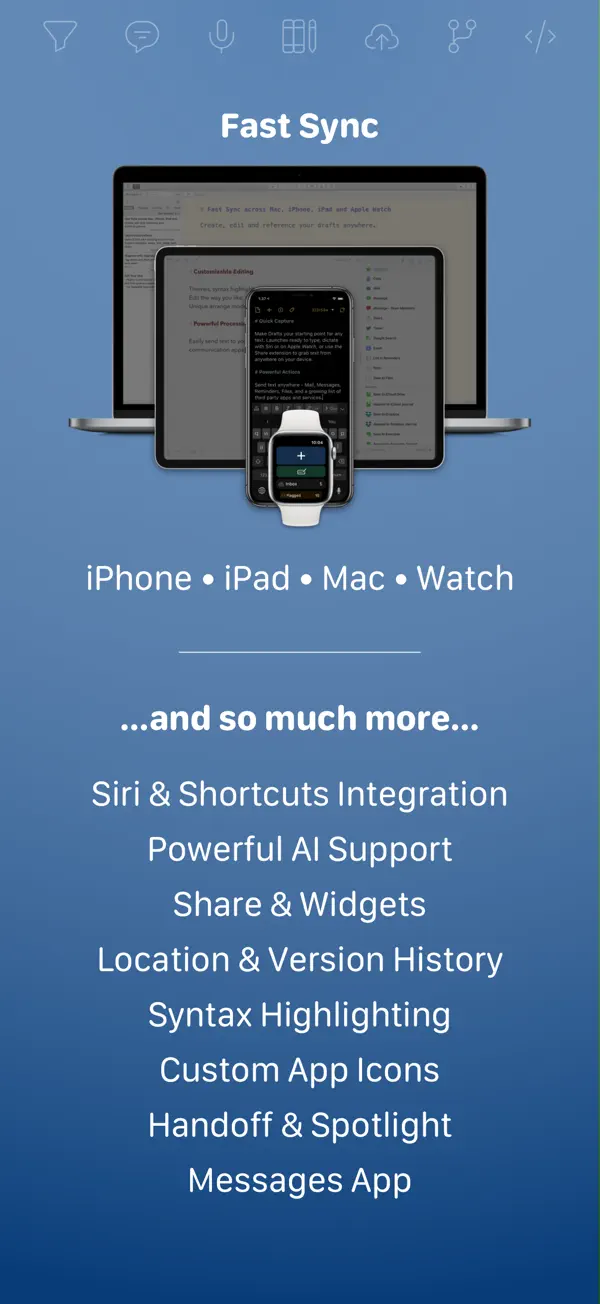
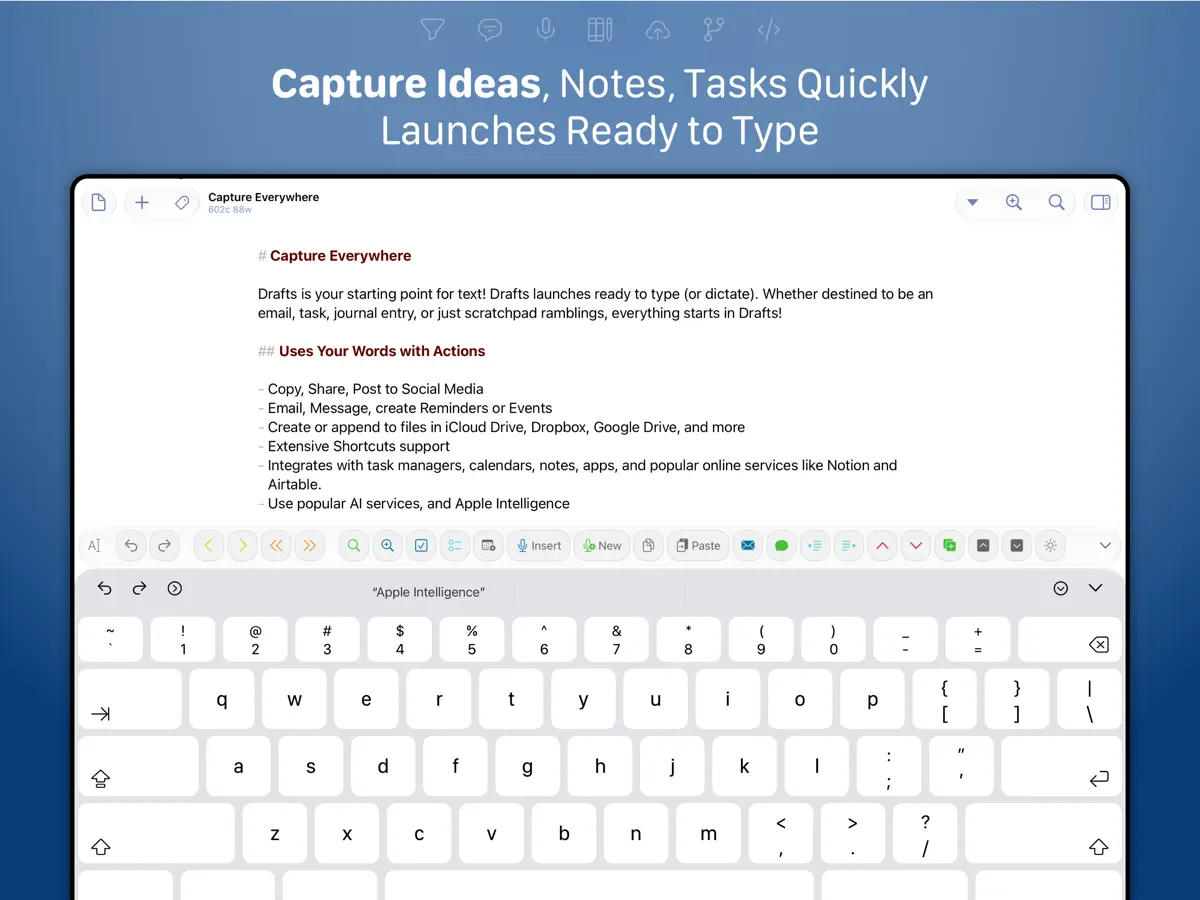
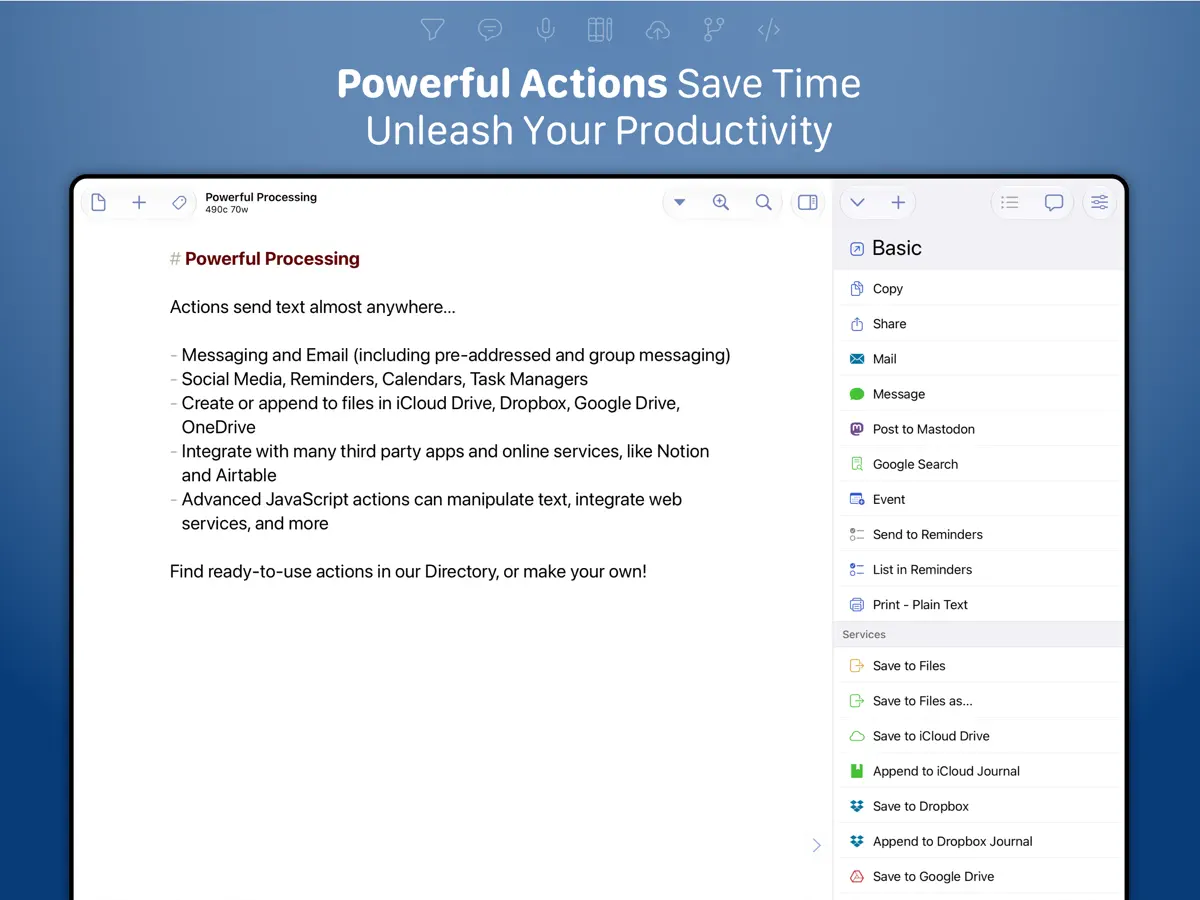
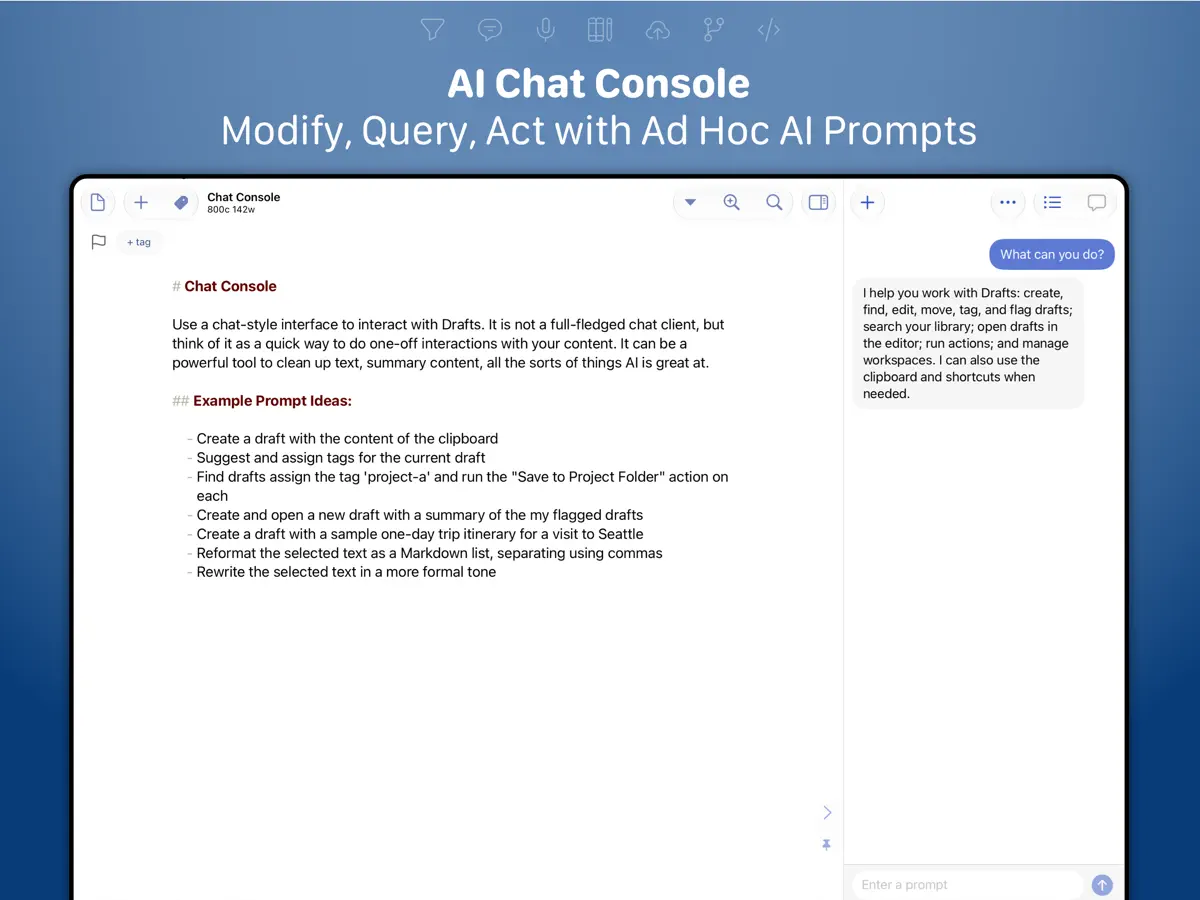
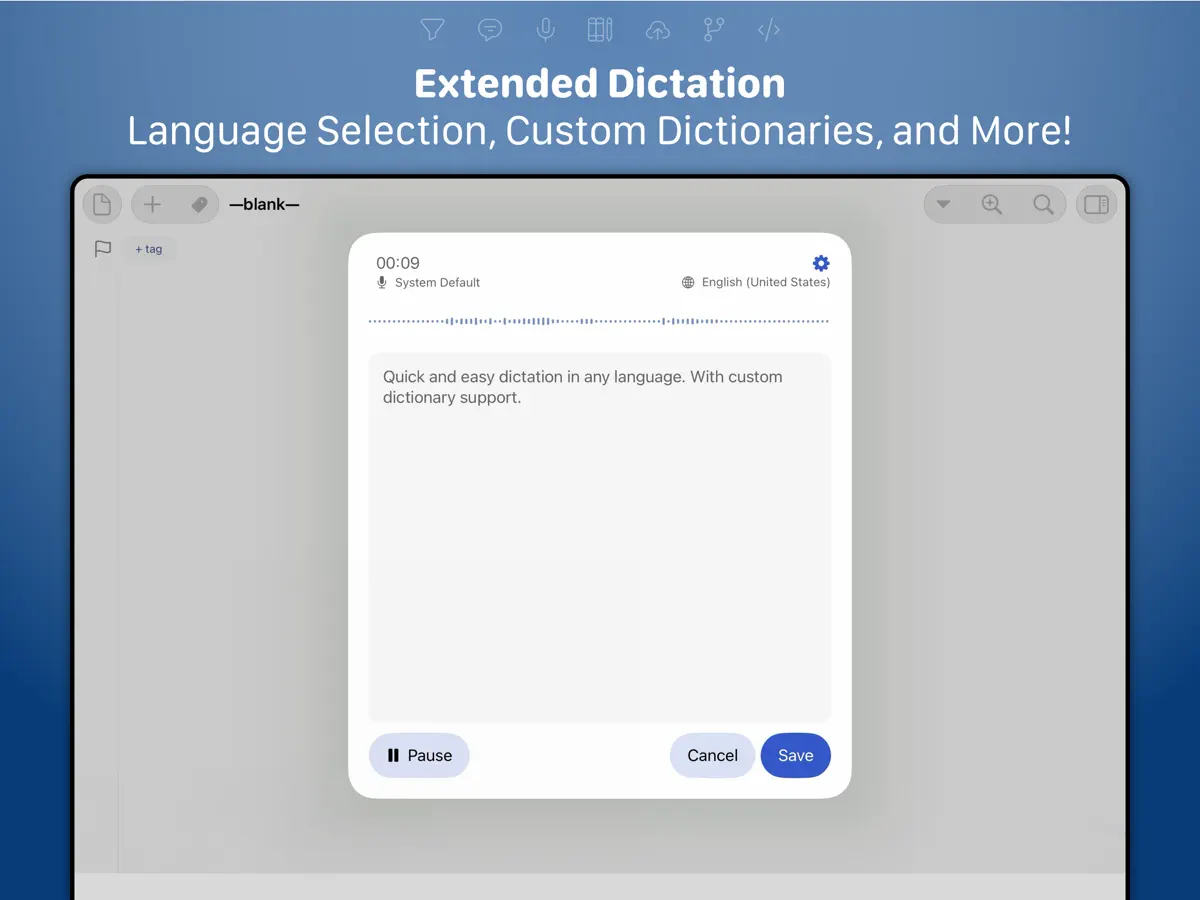
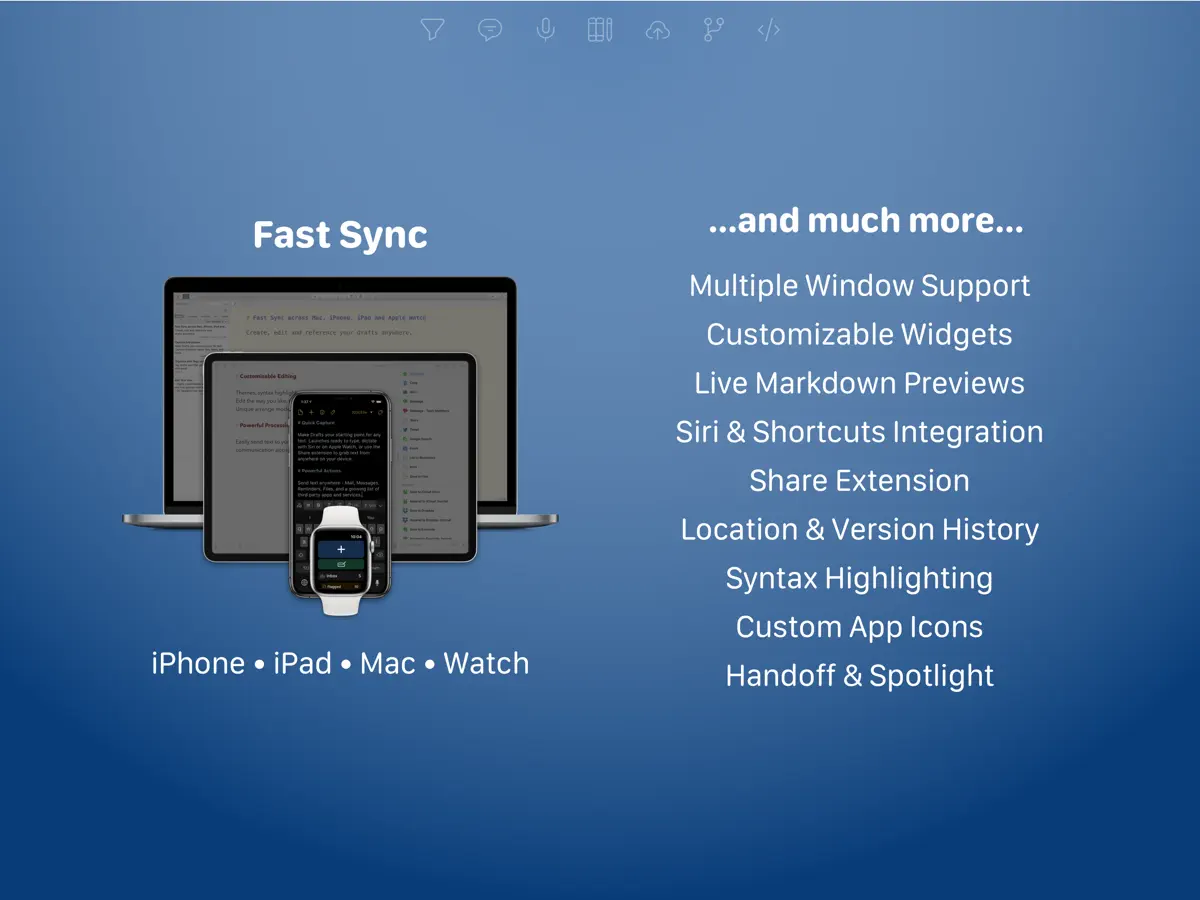
Draftsは、Agile Tortoiseが提供するテキストキャプチャアプリで、開くとキーボードが上がった白紙のページがすぐに現れ、思いつきを忘れないうちに書き留められるというシンプルな発想で作られています。書き留めたテキストは、コピー、共有、Dropboxでのファイル作成、リマインダーへの項目追加、ディープリンクによる他アプリへの受け渡しなど、アクションで別の場所へ送れます。人気のAI言語モデルに接続して、文章を整えることもできます。新しいメモは受信トレイに入り、タグ付け、フラグ付け、アーカイブが可能で、iPhone、iPad、Mac、Apple Watch間で同期されます。ハンズフリーで入力できる音声入力にも対応しています。書き手、メモを取る方、繰り返しのテキスト作業を自動化したい方に向いています。アプリは無料でダウンロードでき、Drafts Proは月額、年額、パトロン向けサブスクリプションで提供されています。iPhone Duoについては、バージョン54.1(2026年10月10日)と54.1.1のApp Storeリリースノートの両方で、DraftsがiPhone Duoに対応済みと記されています。開発元の54.1変更履歴には、この端末向けの調整が多数含まれていること、Duoで問題があれば報告してほしいことが加えて書かれています。以前のビルドでは、Duoに備えて確認メッセージを標準のシステムシート表示に変更しました。折りたたみ特有の機能は説明されていません。
英語版の掲載内容を翻訳しています。
App Store の説明開発者による説明です。
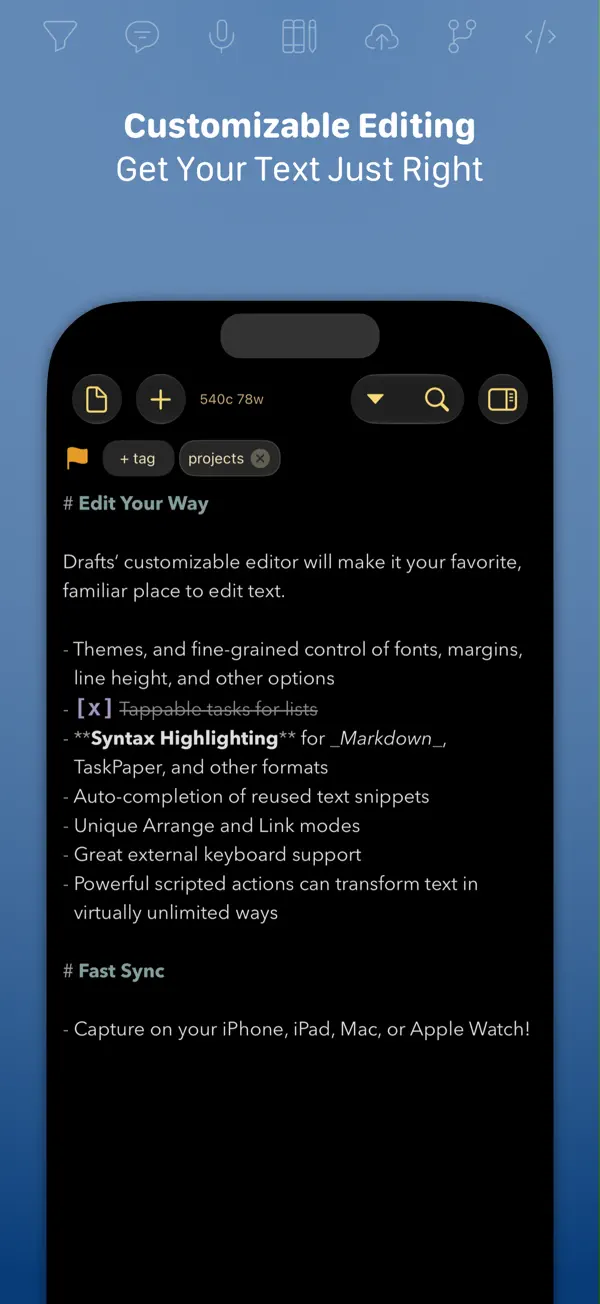
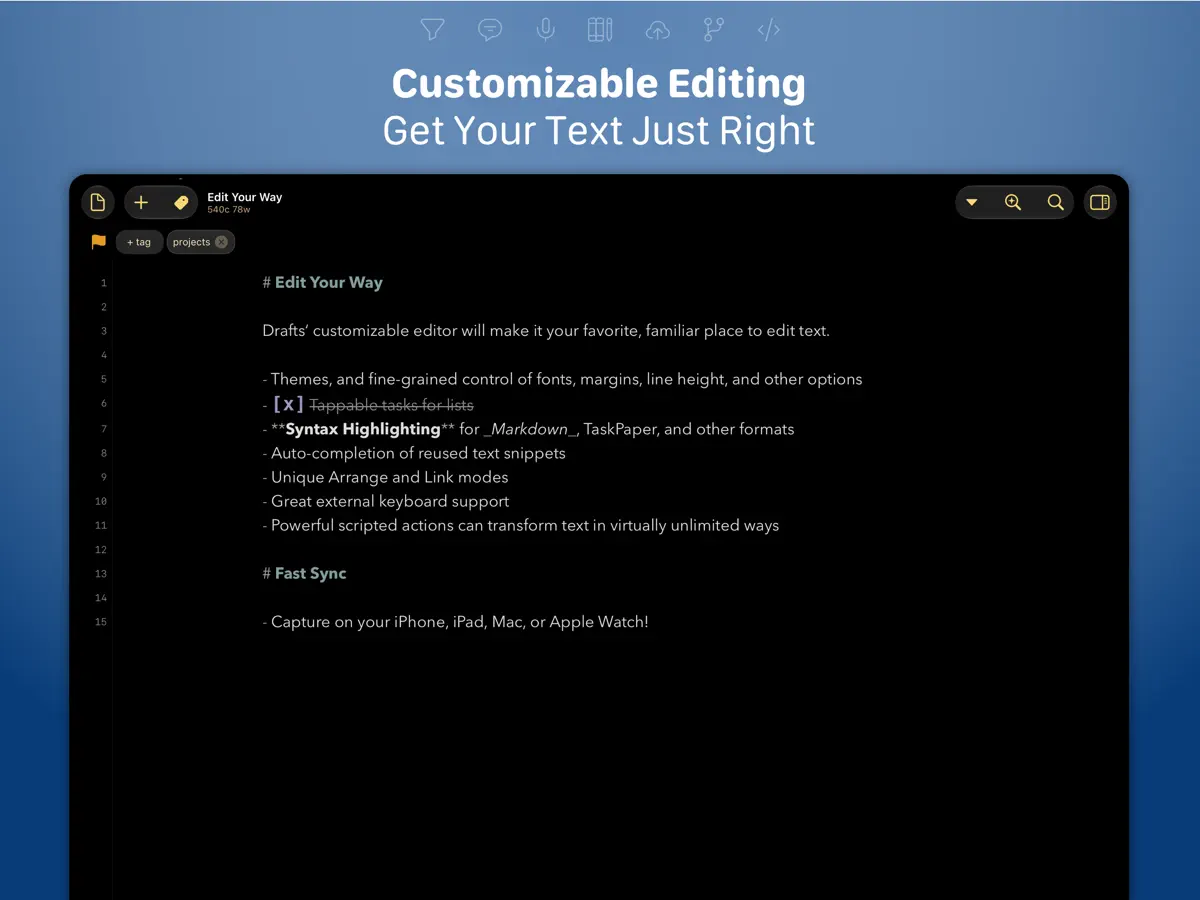
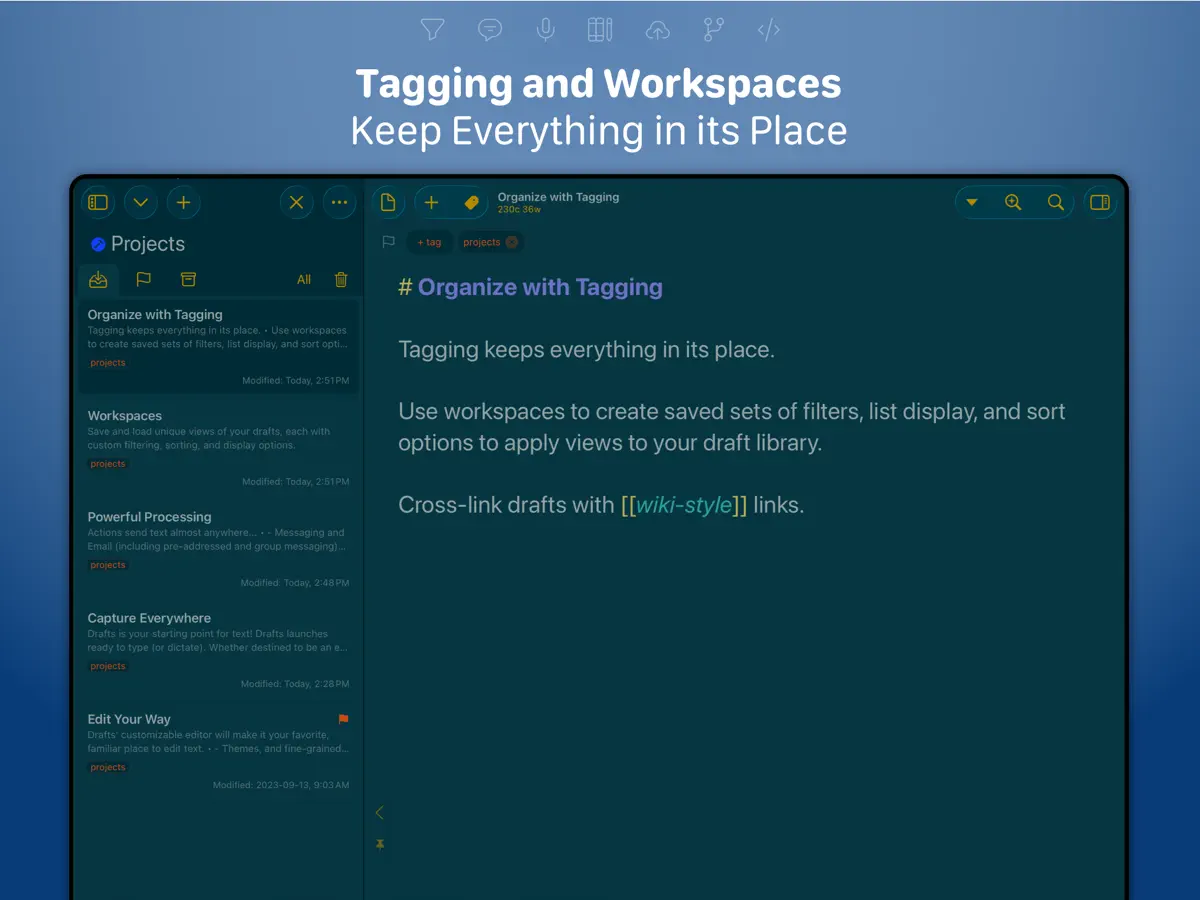
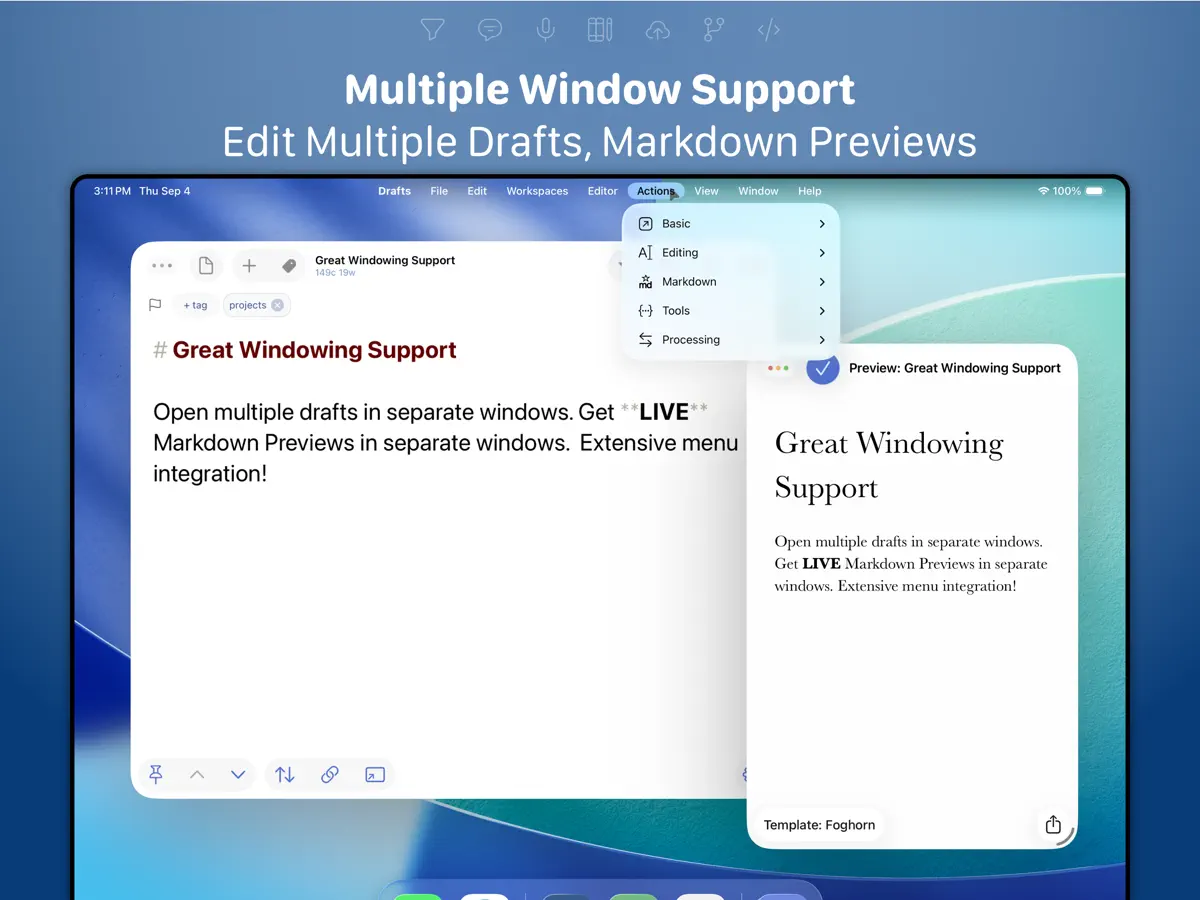
Drafts is where text starts. Quickly capture text and send it almost anywhere! Drafts turns text into action with almost limitless possibilities – it’s a quick notebook, handy editor, and writing automation tool, all in one. Capture all of your text in Drafts and send it to other apps without the extra taps. Just open it and start typing! **Drafts is a multi-award winner!** - App of the Day, TIME Magazine’s Best Apps - MacStories “Lifetime Acheivement” and “Reader’s Choice” Awards ## WHY YOU’LL LOVE DRAFTS ## CAPTURE EVERYWHERE: Drafts opens to a new page with the keyboard ready — just waiting for your words. Alternatively, go hands-free with dictation. Drafts helps you write ideas down before you can forget them so and they’ll always be there, ready and waiting. Capture on iPhone, iPad, Mac, and Apple Watch, and Drafts’ fast sync will make your text available everywhere. USE YOUR WORDS: Drafts is a jumping-off point for text — use actions to copy it, share it, or deep-link into other apps and services. Compose a tweet, draft a message, create a file in Dropbox, send a task off to Reminders – Drafts works with tons of your favorite apps and services. Hone your text through integrations with popular AI LLMs. REMEMBER IT NOW – OR LATER: New entries go into the Inbox. Once there, you can Tag them for organization, Flag them for importance, or Archive them for long-term storage. TAKE TEXT TO A NEW LEVEL: Customize Drafts to look and work the way you want with tons of interface adjustments — custom fonts and control over spacing, line height, and margins. Use the customizable buttons above the keyboard to convert, manipulate, and transform your writing quickly. Using Drafts as a global inbox for all of your text? Process everything quickly using unique features like Link Mode, Arrange Mode, and text manipulation actions. LEVERAGE THE POWER OF YOUR WRIST COMPUTER: Use your Apple Watch to quickly capture text using nothing more than your voice — and your ideas will be waiting on your iPhone, iPad, and Mac ready to be fleshed out. GETTING WORDS DOWN HAS NEVER BEEN EASIER: Drafts opens lightning fast and with support for capture via Siri, the widget, share extension, file import, and dictation - Drafts is like post-its updated for the smartphone era. ## JOIN THE COMMUNITY ## Check out our Directory (actions.getdrafts.com) for ready-to-use actions and themes. Join the Drafts Community (forums.getdrafts.com) to get help, integration guides, and a regular flow of tips & tricks. ## DRAFTS PRO ## Drafts is always free to use, but you can get more out of Drafts with a Drafts Pro subscription: • Create and Edit Actions • Themes and Icons - suit the experience to your tastes with themes, custom app icons, and more • Workspaces - Apply preferred tag, query, and sort settings for your drafts list with Workspaces • Extra widgets and better share extension options • Enhanced Automation We are always working hard to expand the capabilities of Drafts and keep it up-to-date with the latest technologies. Your support helps keep the app growing – thank you to Drafts Pro subscribers! ## SUBSCRIPTION DETAILS ## • Monthly and annual subscriptions are available • Payment will be charged to your iTunes account at confirmation of purchase • Your subscription will automatically renew unless auto-renew is disabled at least 24 hours before the end of the current subscription period • Automatic renewals will be charged at the same price you were originally charged for the subscription • Subscriptions can be managed or canceled by going to Account Settings on the App Store after purchase Have questions? Contact us on Twitter at @draftsapp or email support@getdrafts.com. Terms: https://getdrafts.com/support/terms Privacy Policy: https://getdrafts.com/support/privacy
主な機能
- 開くと入力できる白紙のページ
- 他のアプリやサービスにテキストを送るアクション
- タグ・フラグ・アーカイブ付きの受信トレイ
- iPhone、iPad、Mac、Apple Watch間の同期
- ハンズフリー入力用の音声入力
- AI言語モデルとの連携(任意)
iPhone Duo での Drafts:よくある質問
Drafts は iPhone Duo に最適化されていますか?
一部対応しています。Drafts は「画面対応済み」で、大きな内側ディスプレイいっぱいに表示されます。ただし折りたたみ専用の機能はありません。2026年10月10日 に確認(開発者の発表)。
iPhone Duo での Drafts はどう見えますか?
2026年10月10日にApp Storeで公開されたDrafts 54.1のリリースノートには、「Ready for iPhone Duo.」と記されています。開発元の変更履歴では、このリリースにiPhone Duoで動作させるための調整が多数含まれていると説明し、Duoを持つ方に不具合の報告を呼びかけています。以前のビルドでは、この端末に備えて、確認メッセージを標準のシステムシートに切り替えました。折りたたみ、外側ディスプレイ、Split Viewに特化した動作は説明されていません。当サイトではまだDraftsをiPhone Duoの実機でテストしていません。
Drafts の価格は?
Drafts は App Store で 無料 · アプリ内課金あり です。
その他の仕事効率化アプリ
すべて見る ›
所要時間でタスクを分ける、落ち着いた ToDo リスト兼ペーパー風プランナー

iPhone Duo の両ディスプレイ向けレイアウトを備えたタスク・プロジェクト管理

展開するとメッセージと受信ボックスを並べて表示できる、Readdle の統合受信ボックス

iPhone Duo のあらゆる姿勢に合わせて形を変える、Cultured Code のタスク管理アプリ

iPhone Duo を開くとノートが開く、手書き風のプライベートノートブック

ブックとテーブルトップの姿勢向けの集中タイマーを備えた、ビジュアルタイムライン式の 1 日プランナー