
iPhone 스크린샷
iPad 스크린샷
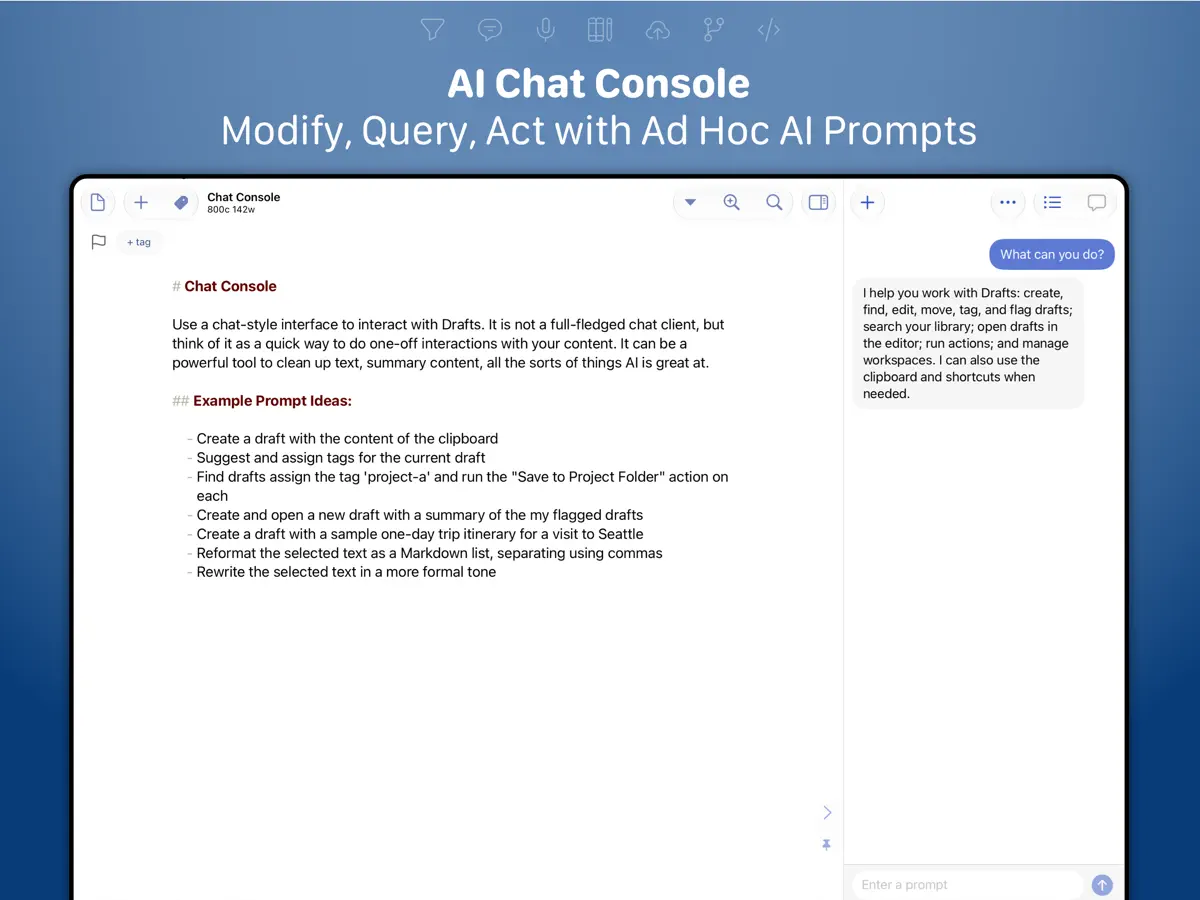
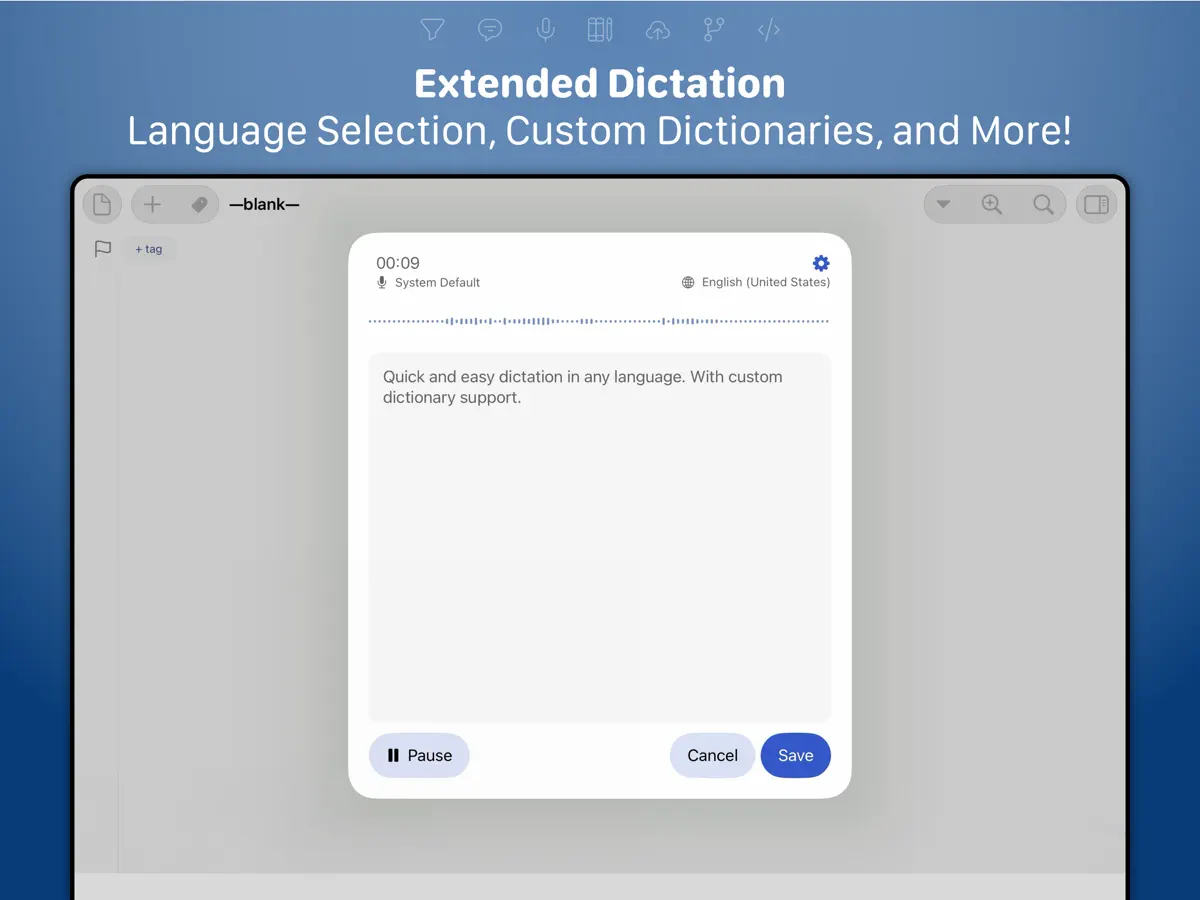
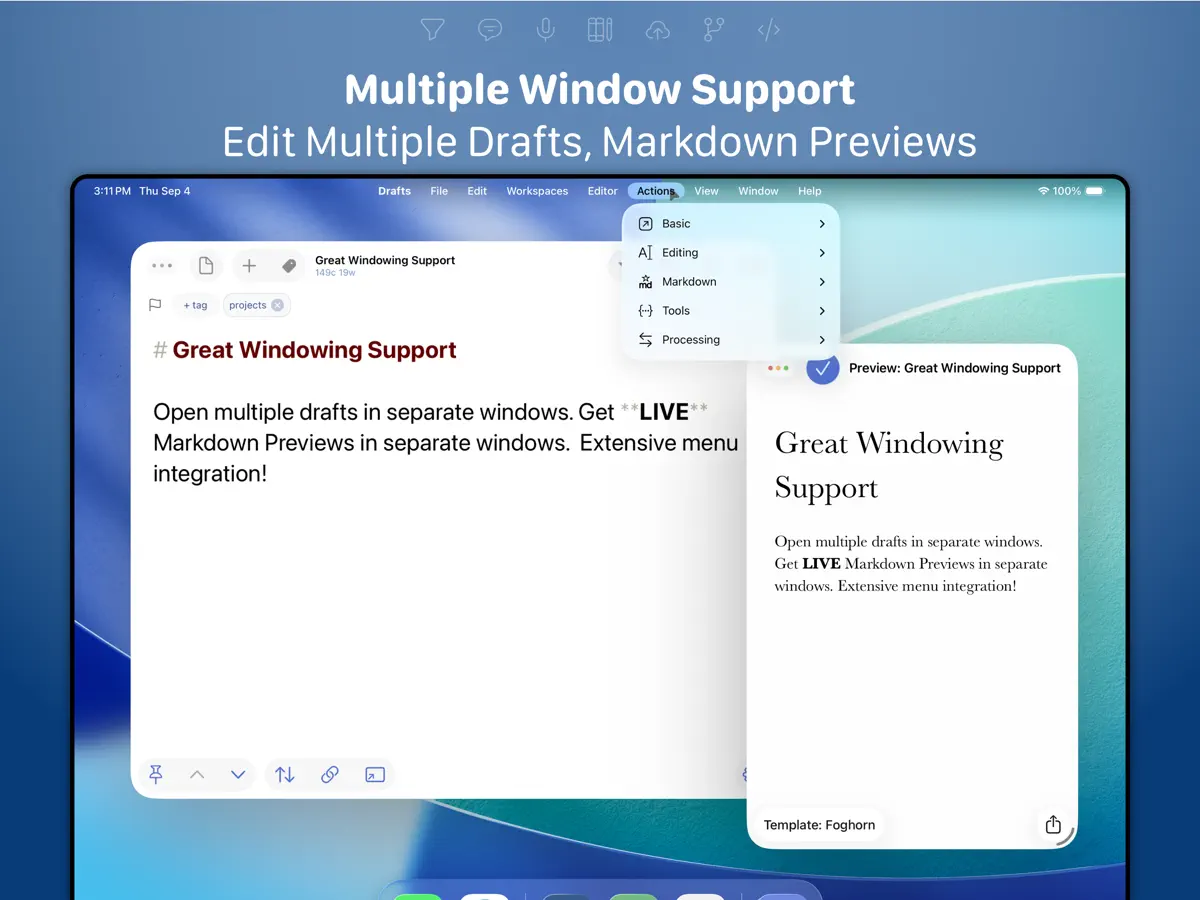
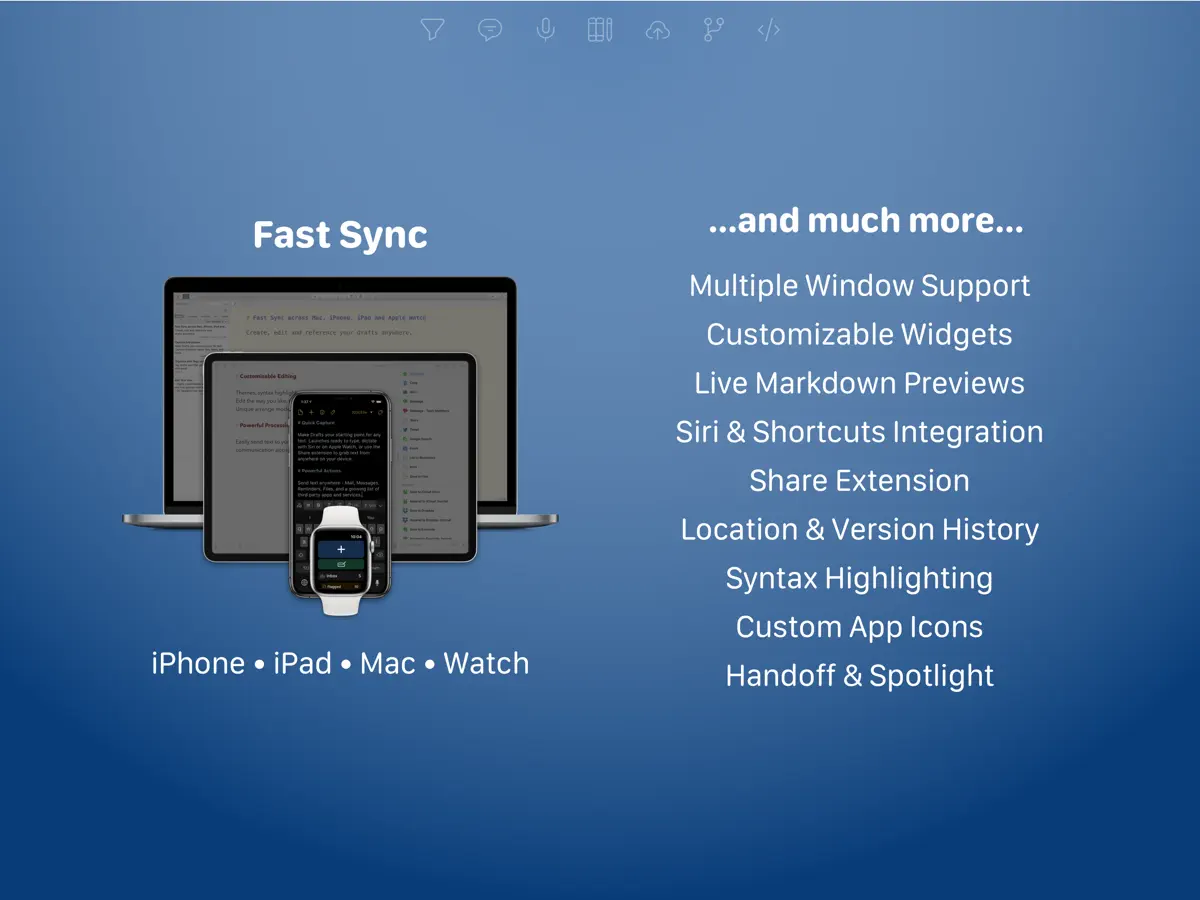
iPhone Duo 활용 방식
2026년 10월 10일 App Store에 출시된 Drafts 54.1 릴리스 노트에는 'Ready for iPhone Duo.'라고 적혀 있습니다. 개발자의 변경 내역은 이 릴리스에 iPhone Duo에서 작동하도록 한 많은 조정이 담겨 있다고 설명하며, Duo 사용자에게 문제를 알려 달라고 요청합니다. 이전 빌드에서는 이 기기를 준비하며 프롬프트를 표준 시스템 시트로 바꿨습니다. 접기, 외부 디스플레이, Split View와 관련된 동작은 설명된 바 없습니다. Drafts를 iPhone Duo 실기기에서는 아직 테스트하지 않았습니다.
새로운 기능
버전 54.1.2 ·
Ready for iPhone Duo. For complete details on new features, bug fixes, and related documentation, visit “What’s New” in Drafts’ settings, or: https://docs.getdrafts.com/changelog
개발자가 이 내용을 한국어로 제공하지 않았습니다.
앱 소개
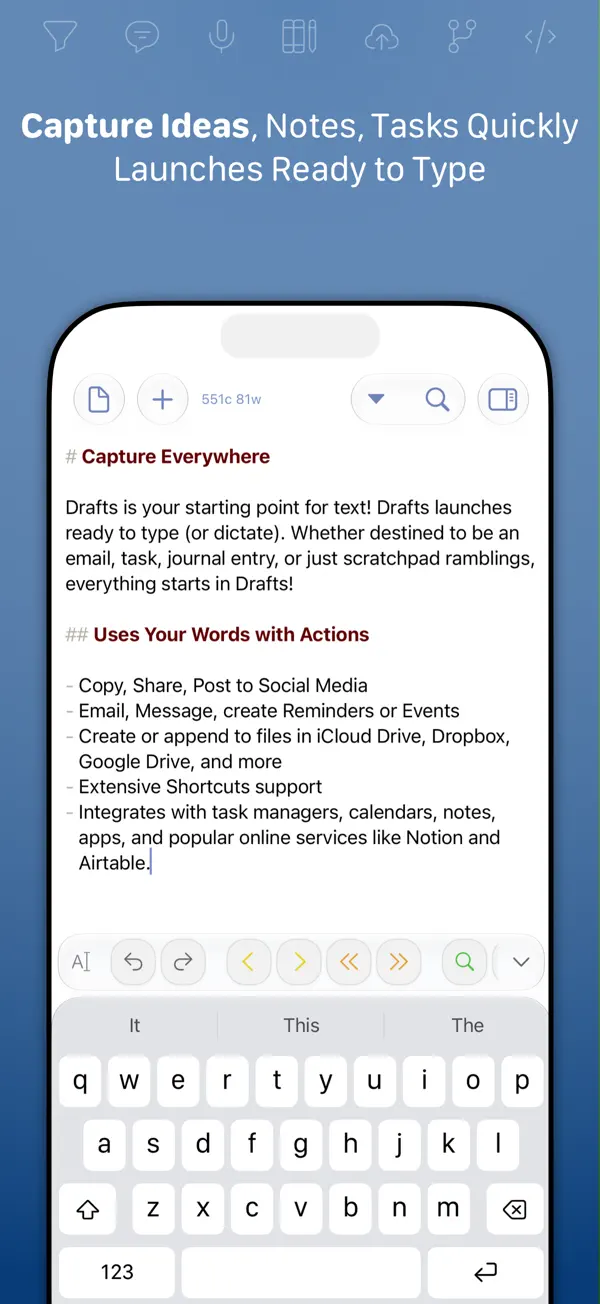
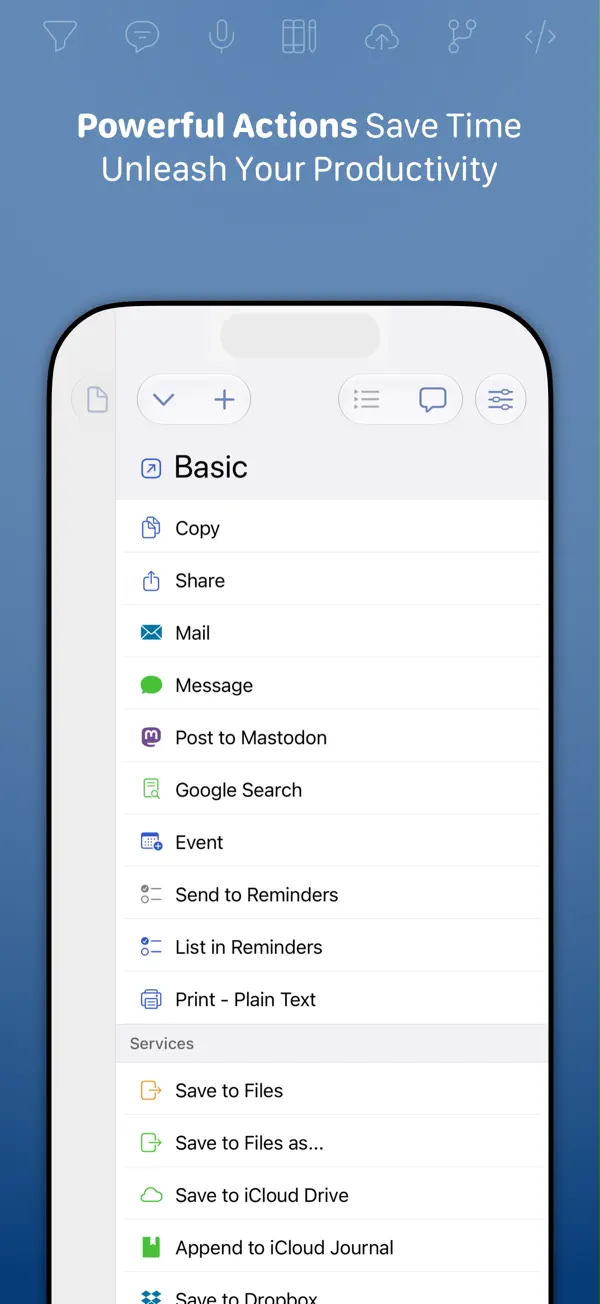
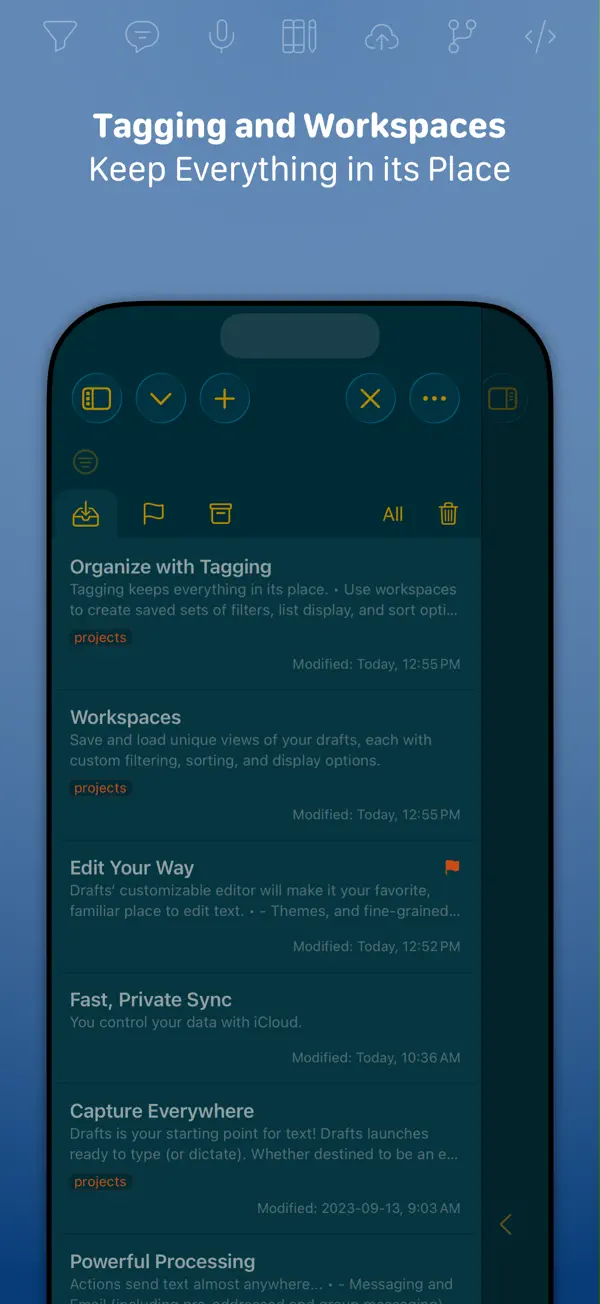
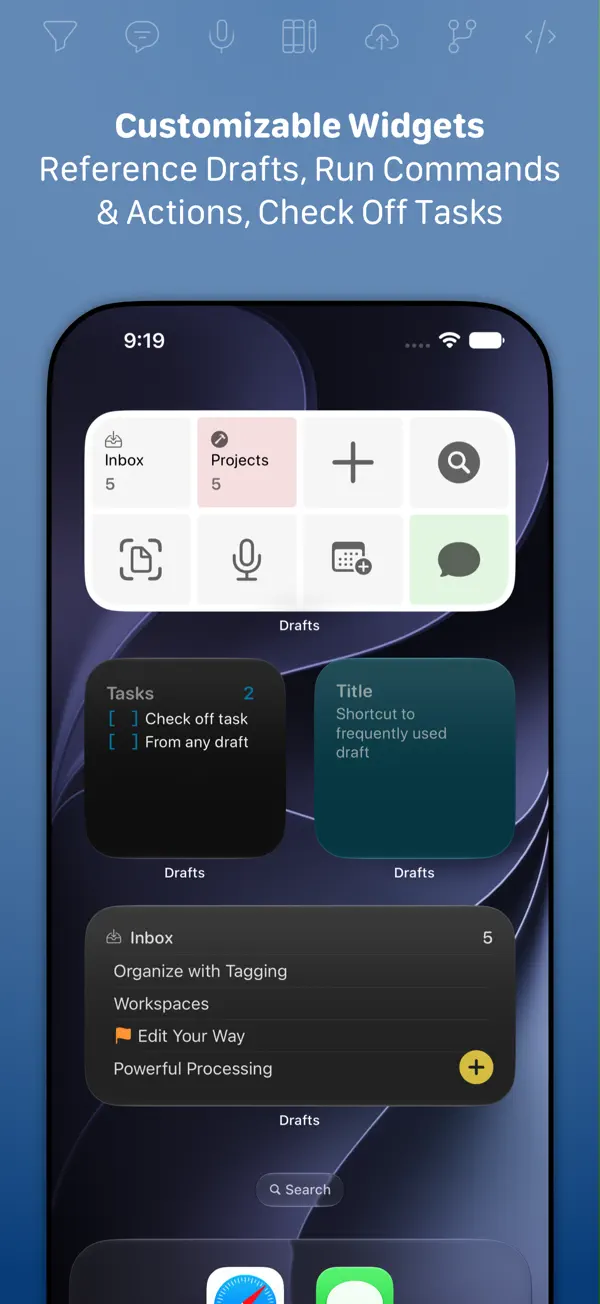
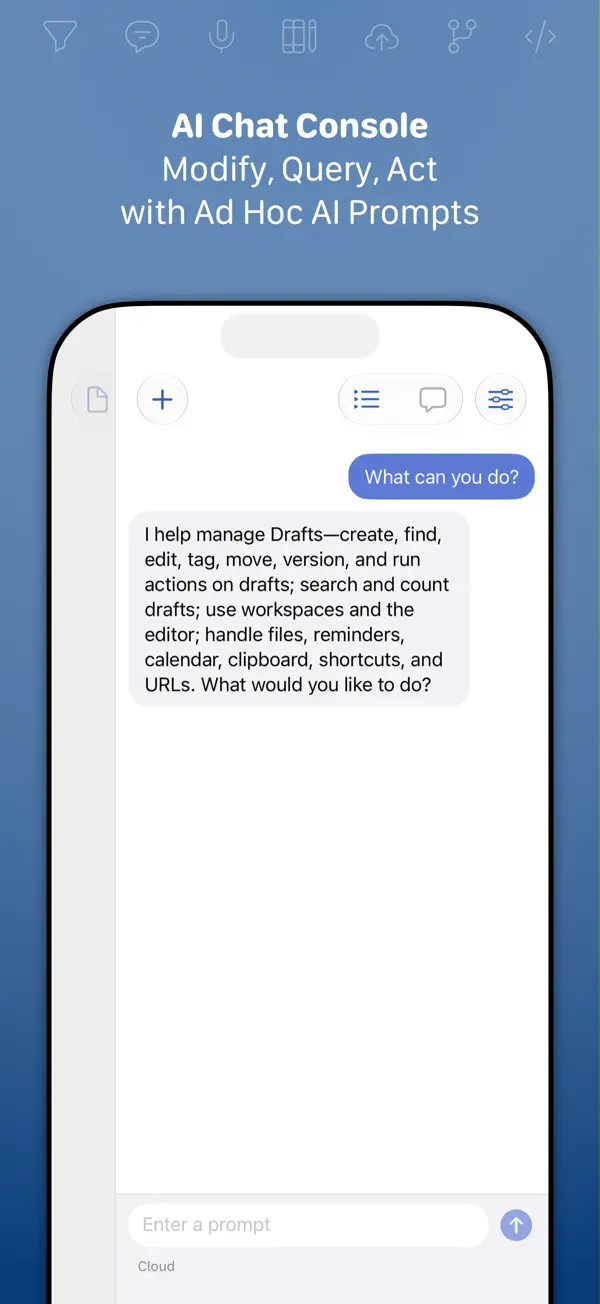
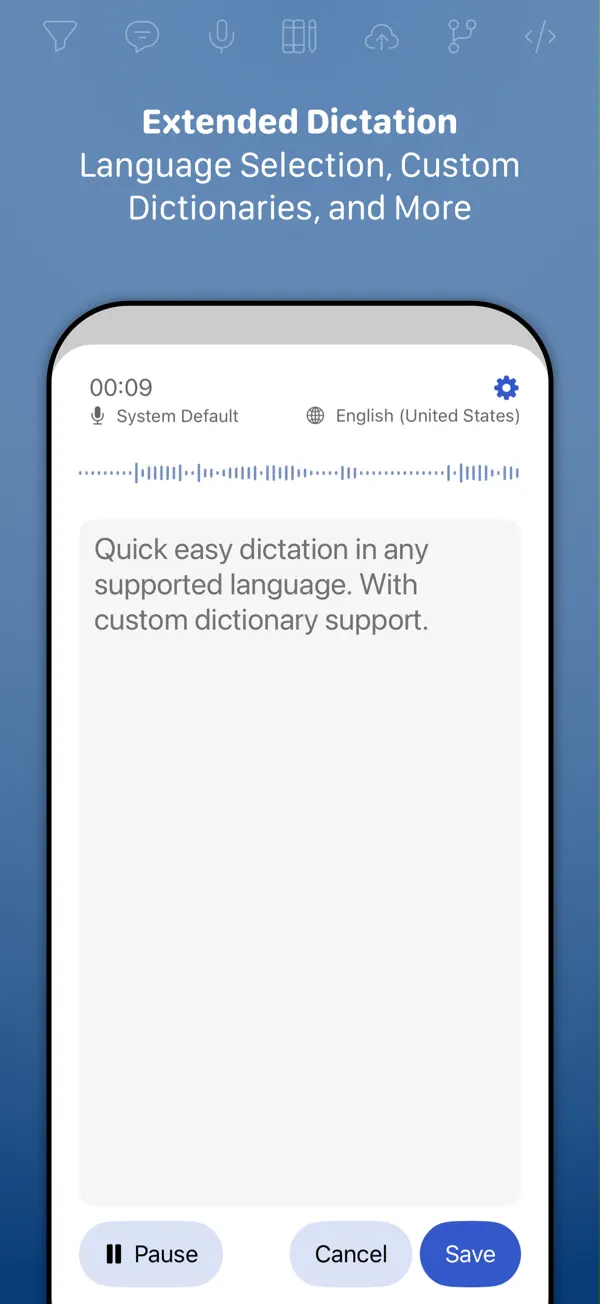
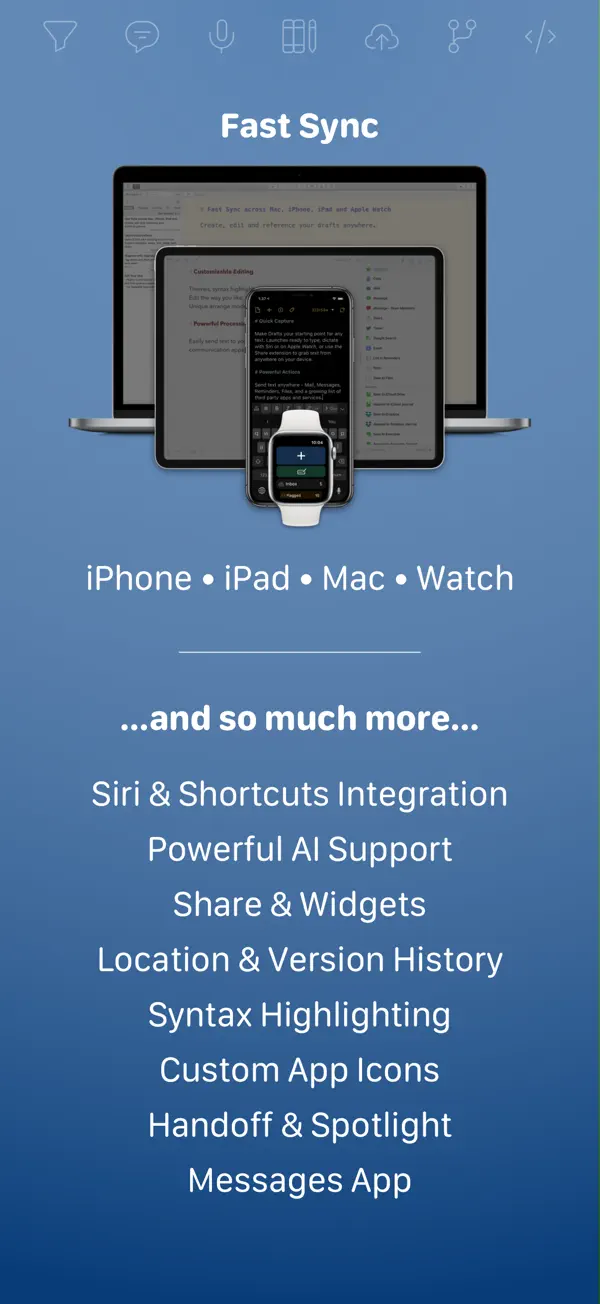
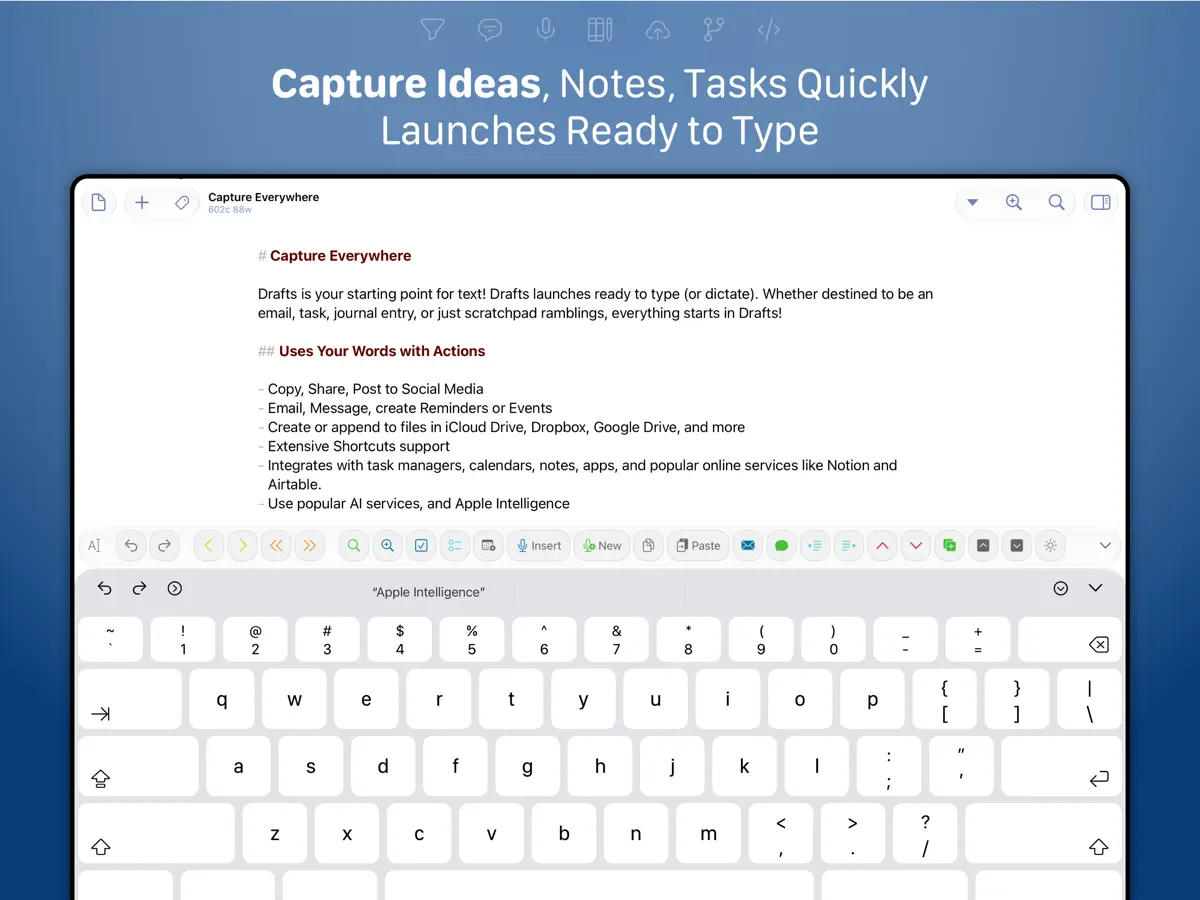
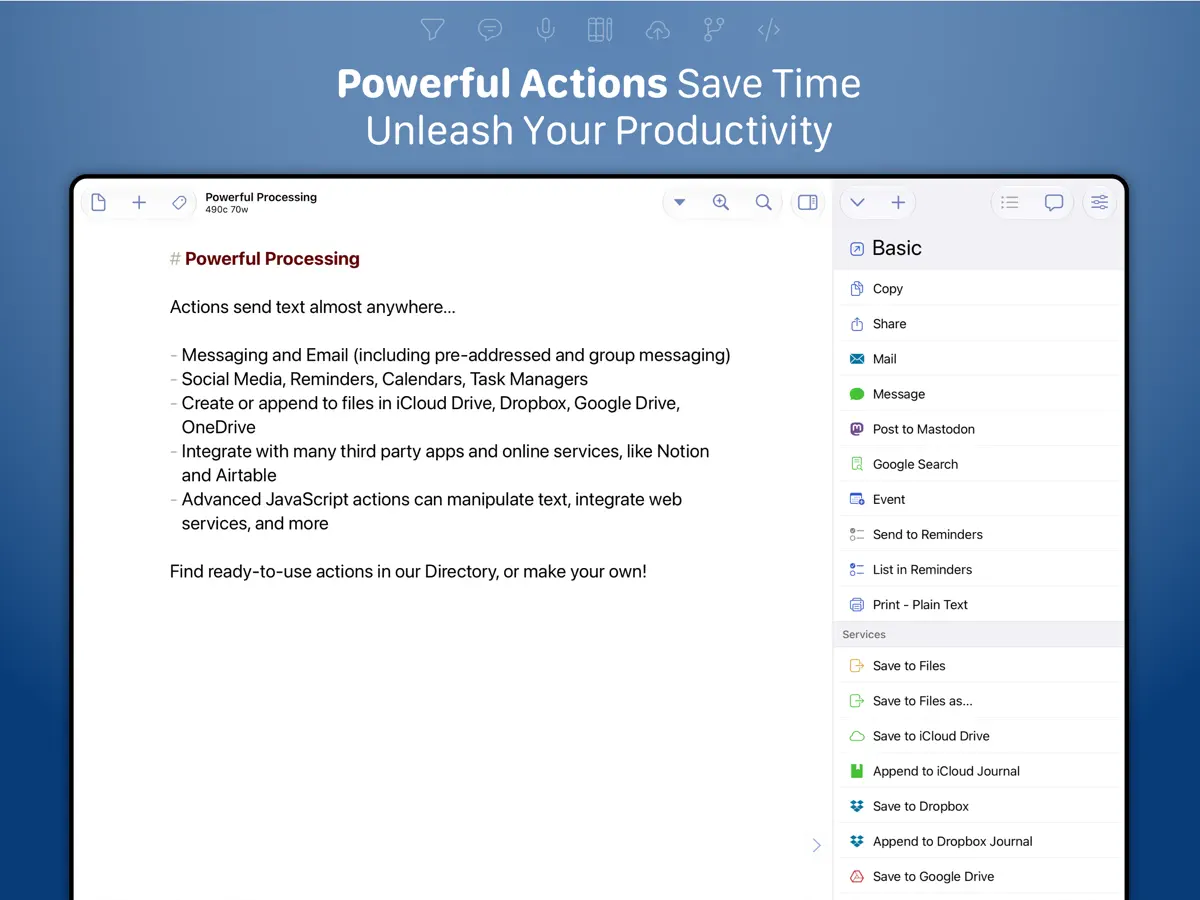
Agile Tortoise가 개발한 Drafts는 간단한 발상을 중심으로 만든 텍스트 입력 앱입니다. 앱을 열면 키보드가 올라온 빈 페이지가 바로 준비되어 있어 떠오른 생각을 놓치기 전에 적을 수 있습니다. 텍스트를 적은 뒤에는 동작(Actions)으로 다른 곳에 보낼 수 있는데, 복사, 공유, Dropbox에 파일 만들기, 미리 알림에 항목 추가, 딥 링크로 다른 앱에 전달하기 등이 그 예입니다. 인기 AI 언어 모델과 연결해 텍스트를 다듬을 수도 있습니다. 새 항목은 받은편지함(Inbox)에 쌓이며 태그, 플래그, 보관 처리를 할 수 있고, 앱은 iPhone, iPad, Mac, Apple Watch 간에 동기화됩니다. 손을 쓰지 않고 입력할 수 있는 받아쓰기도 지원합니다. 작가, 메모를 즐기는 사람, 반복적인 텍스트 작업을 자동화하고 싶은 사람에게 어울립니다. 앱은 무료로 내려받을 수 있으며 Drafts Pro는 월간, 연간, 후원자 구독으로 제공됩니다. iPhone Duo의 경우, App Store의 54.1 버전(2026년 10월 10일)과 54.1.1 버전 릴리스 노트 모두 Drafts가 iPhone Duo를 지원한다고 밝힙니다. 54.1의 개발자 변경 내역은 이 기기를 위한 많은 조정이 포함되어 있다고 덧붙이며 Duo 사용자에게 문제 제보를 부탁합니다. 이전 빌드에서도 Duo를 준비하며 프롬프트를 표준 시스템 시트 방식으로 옮겼습니다. 접기 전용 기능은 설명된 바 없습니다.
영어 원문을 번역한 내용입니다.
App Store 설명개발자가 작성한 내용입니다.
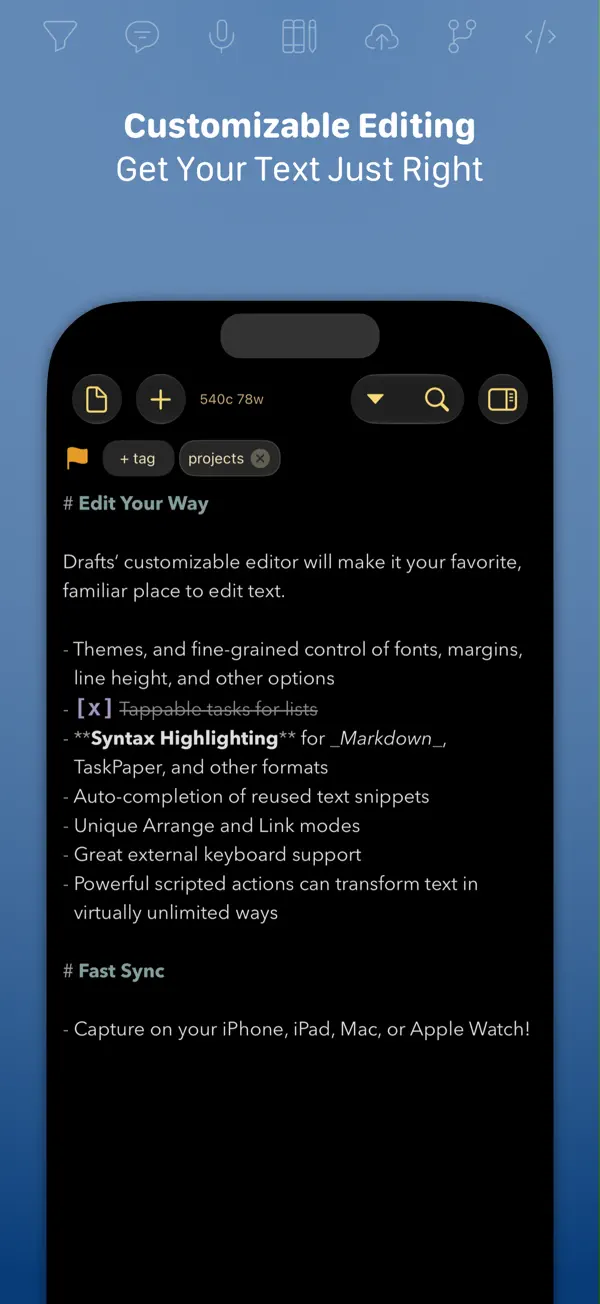
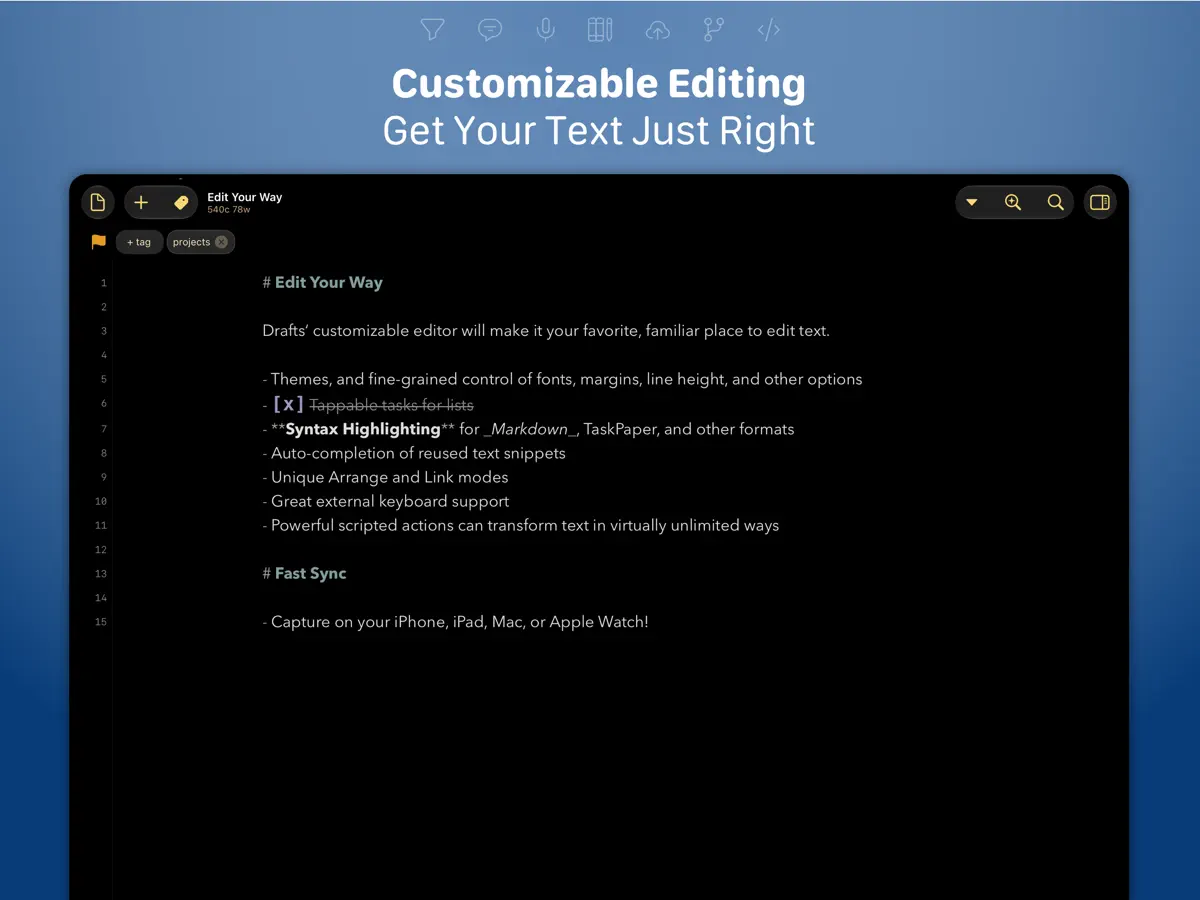
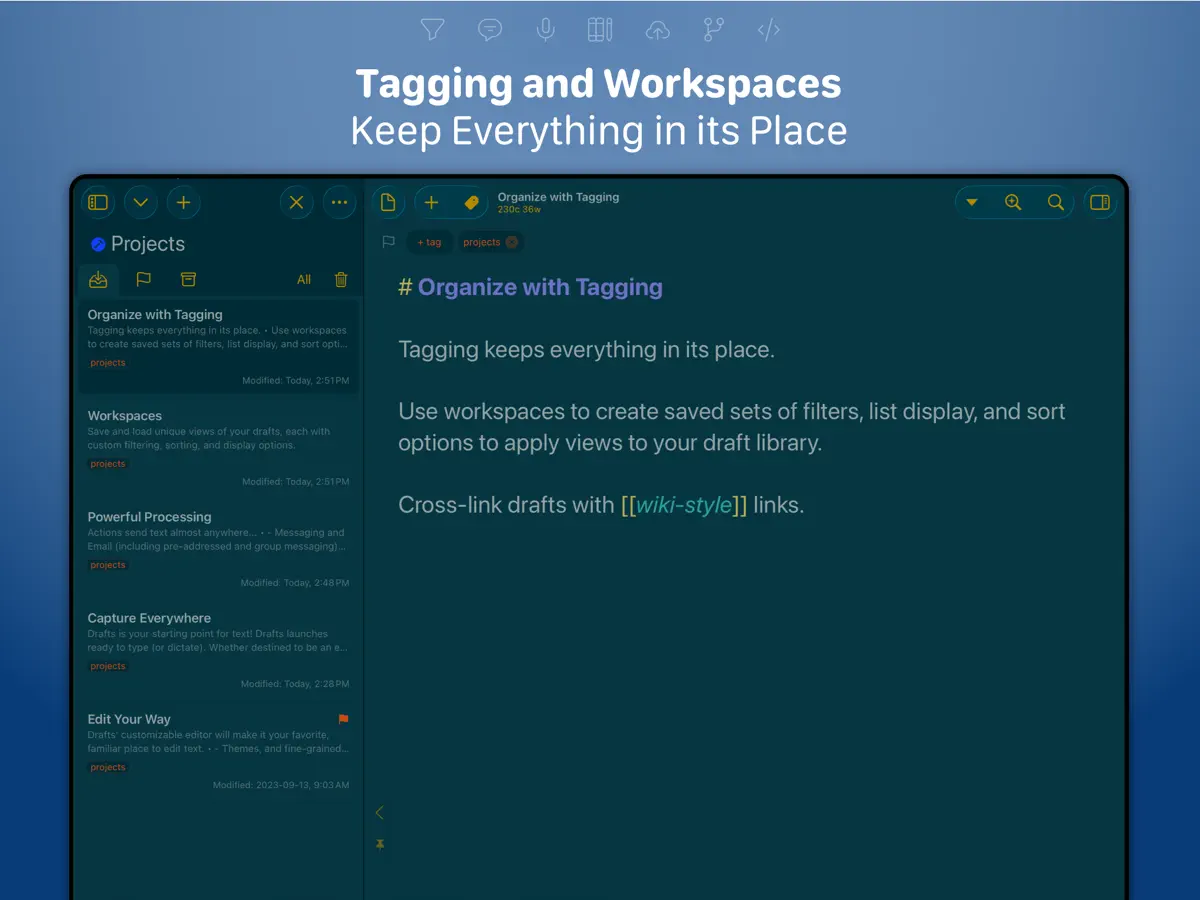
Drafts is where text starts. Quickly capture text and send it almost anywhere! Drafts turns text into action with almost limitless possibilities – it’s a quick notebook, handy editor, and writing automation tool, all in one. Capture all of your text in Drafts and send it to other apps without the extra taps. Just open it and start typing! **Drafts is a multi-award winner!** - App of the Day, TIME Magazine’s Best Apps - MacStories “Lifetime Acheivement” and “Reader’s Choice” Awards ## WHY YOU’LL LOVE DRAFTS ## CAPTURE EVERYWHERE: Drafts opens to a new page with the keyboard ready — just waiting for your words. Alternatively, go hands-free with dictation. Drafts helps you write ideas down before you can forget them so and they’ll always be there, ready and waiting. Capture on iPhone, iPad, Mac, and Apple Watch, and Drafts’ fast sync will make your text available everywhere. USE YOUR WORDS: Drafts is a jumping-off point for text — use actions to copy it, share it, or deep-link into other apps and services. Compose a tweet, draft a message, create a file in Dropbox, send a task off to Reminders – Drafts works with tons of your favorite apps and services. Hone your text through integrations with popular AI LLMs. REMEMBER IT NOW – OR LATER: New entries go into the Inbox. Once there, you can Tag them for organization, Flag them for importance, or Archive them for long-term storage. TAKE TEXT TO A NEW LEVEL: Customize Drafts to look and work the way you want with tons of interface adjustments — custom fonts and control over spacing, line height, and margins. Use the customizable buttons above the keyboard to convert, manipulate, and transform your writing quickly. Using Drafts as a global inbox for all of your text? Process everything quickly using unique features like Link Mode, Arrange Mode, and text manipulation actions. LEVERAGE THE POWER OF YOUR WRIST COMPUTER: Use your Apple Watch to quickly capture text using nothing more than your voice — and your ideas will be waiting on your iPhone, iPad, and Mac ready to be fleshed out. GETTING WORDS DOWN HAS NEVER BEEN EASIER: Drafts opens lightning fast and with support for capture via Siri, the widget, share extension, file import, and dictation - Drafts is like post-its updated for the smartphone era. ## JOIN THE COMMUNITY ## Check out our Directory (actions.getdrafts.com) for ready-to-use actions and themes. Join the Drafts Community (forums.getdrafts.com) to get help, integration guides, and a regular flow of tips & tricks. ## DRAFTS PRO ## Drafts is always free to use, but you can get more out of Drafts with a Drafts Pro subscription: • Create and Edit Actions • Themes and Icons - suit the experience to your tastes with themes, custom app icons, and more • Workspaces - Apply preferred tag, query, and sort settings for your drafts list with Workspaces • Extra widgets and better share extension options • Enhanced Automation We are always working hard to expand the capabilities of Drafts and keep it up-to-date with the latest technologies. Your support helps keep the app growing – thank you to Drafts Pro subscribers! ## SUBSCRIPTION DETAILS ## • Monthly and annual subscriptions are available • Payment will be charged to your iTunes account at confirmation of purchase • Your subscription will automatically renew unless auto-renew is disabled at least 24 hours before the end of the current subscription period • Automatic renewals will be charged at the same price you were originally charged for the subscription • Subscriptions can be managed or canceled by going to Account Settings on the App Store after purchase Have questions? Contact us on Twitter at @draftsapp or email support@getdrafts.com. Terms: https://getdrafts.com/support/terms Privacy Policy: https://getdrafts.com/support/privacy
주요 기능
- 바로 입력할 수 있는 빈 페이지로 시작
- 텍스트를 다른 앱과 서비스로 보내는 동작
- 태그, 플래그, 보관이 있는 받은편지함
- iPhone, iPad, Mac, Apple Watch 간 동기화
- 손쓰지 않는 입력을 위한 받아쓰기
- 선택적 AI 언어 모델 연동
iPhone Duo에서의 Drafts: 자주 묻는 질문
Drafts은(는) iPhone Duo에 최적화되어 있나요?
부분적으로요. Drafts은(는) 화면 대응 앱으로, 더 넓은 내부 디스플레이를 꽉 채웁니다. 다만 폴딩 전용 기능은 없습니다. 2026년 10월 10일 확인(개발자 발표).
iPhone Duo에서 Drafts은(는) 어떻게 보이나요?
2026년 10월 10일 App Store에 출시된 Drafts 54.1 릴리스 노트에는 'Ready for iPhone Duo.'라고 적혀 있습니다. 개발자의 변경 내역은 이 릴리스에 iPhone Duo에서 작동하도록 한 많은 조정이 담겨 있다고 설명하며, Duo 사용자에게 문제를 알려 달라고 요청합니다. 이전 빌드에서는 이 기기를 준비하며 프롬프트를 표준 시스템 시트로 바꿨습니다. 접기, 외부 디스플레이, Split View와 관련된 동작은 설명된 바 없습니다. Drafts를 iPhone Duo 실기기에서는 아직 테스트하지 않았습니다.
Drafts의 가격은 얼마인가요?
Drafts은(는) App Store에서 무료 · 앱 내 구입입니다.
다른 생산성 앱
모두 보기 ›
걸리는 시간별로 할 일을 분류하는 차분한 할 일 목록 겸 종이 스타일 플래너

iPhone Duo의 두 디스플레이에 맞춘 레이아웃을 갖춘 작업·프로젝트 관리 앱

펼치면 메시지와 받은 편지함을 나란히 보여 주는 Readdle의 통합 받은 편지함

Cultured Code의 작업 관리 앱, iPhone Duo의 모든 자세에 맞게 재구성

iPhone Duo를 펼치면 열리는, 손글씨 느낌의 프라이빗 노트

북 자세와 탁상 자세에 맞춘 집중 타이머를 갖춘 시각적 타임라인 일일 플래너