
Things 3
Cultured Code의 작업 관리 앱, iPhone Duo의 모든 자세에 맞게 재구성
Cultured Code GmbH & Co. KG · 생산성 · ₩17,000
iPhone 스크린샷
iPhone Duo 활용 방식
Cultured Code의 버전 3.25.1 릴리스 노트에 따르면 Things는 iPhone Duo의 모든 자세, 즉 접은 상태, 펼친 상태, 책처럼 접은 상태, 다른 앱과 Split View로 화면을 나눈 상태에 맞게 레이아웃을 바꿉니다. 휴대폰을 펼치면 새 사이드바가 모든 목록을 보여 주어 빠르게 전환할 수 있습니다. iPhone Duo에서는 Magic Plus 버튼을 포함한 앱의 컨트롤이 엄지가 닿는 화면 오른쪽 막대에 놓이며, Magic Plus 버튼을 목록으로 끌어다 놓아 새 할 일을 원하는 위치에 추가할 수 있습니다. iPhone Duo에 키보드를 연결하면 Things의 모든 키보드 기능을 쓸 수 있습니다. 아직 iPhone Duo 실기기에서 테스트하지 않았습니다.
새로운 기능
버전 3.25.1 ·
Things is ready for iPhone Duo! We’ve tailored the app for the new device, with a dynamic layout for all poses, a sidebar for your lists, and more. A DYNAMIC LAYOUT ON iPHONE DUO On iPhone Duo, Things reshapes itself to make the most of every pose – whether it’s closed, open, folded like a book, or sharing the screen with another app in Split View. Unfold it, and a new sidebar shows all your lists, so you can easily switch between them. SIDE CONTROLS ON iPHONE DUO On iPhone Duo, app controls sit in a bar down the right side of the screen, within easy reach of your thumb. That includes the Magic Plus button, which you can drag into your list to insert a to-do exactly where you want it. MORE • Connect a keyboard to your iPhone Duo and get the full suite of Things’ keyboard features. • Updated the back and tools buttons at the top of the screen on iPhone with a new glass appearance (iOS 26 or later). • Various other fixes and improvements under the hood.
개발자가 이 내용을 한국어로 제공하지 않았습니다.
앱 소개
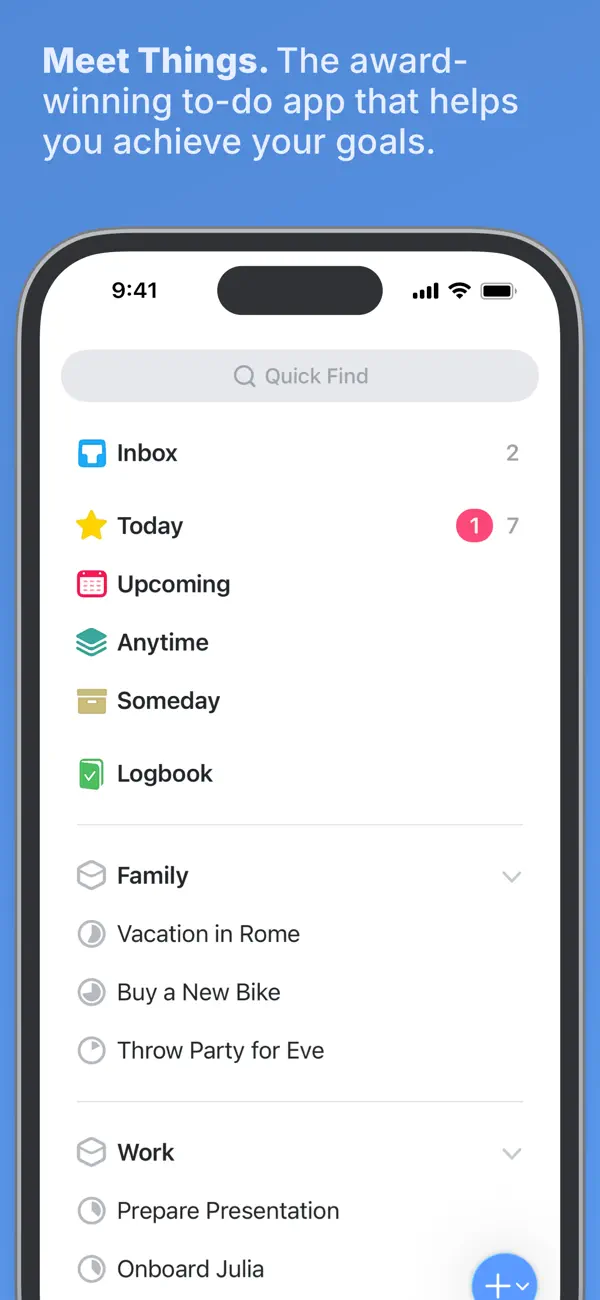
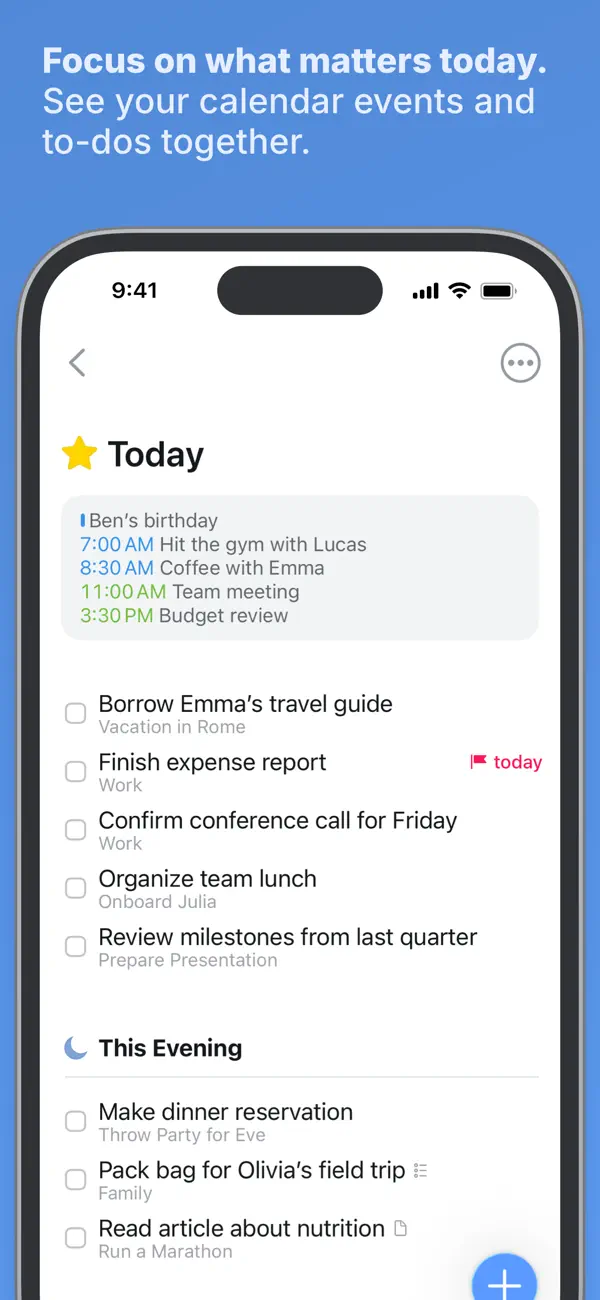
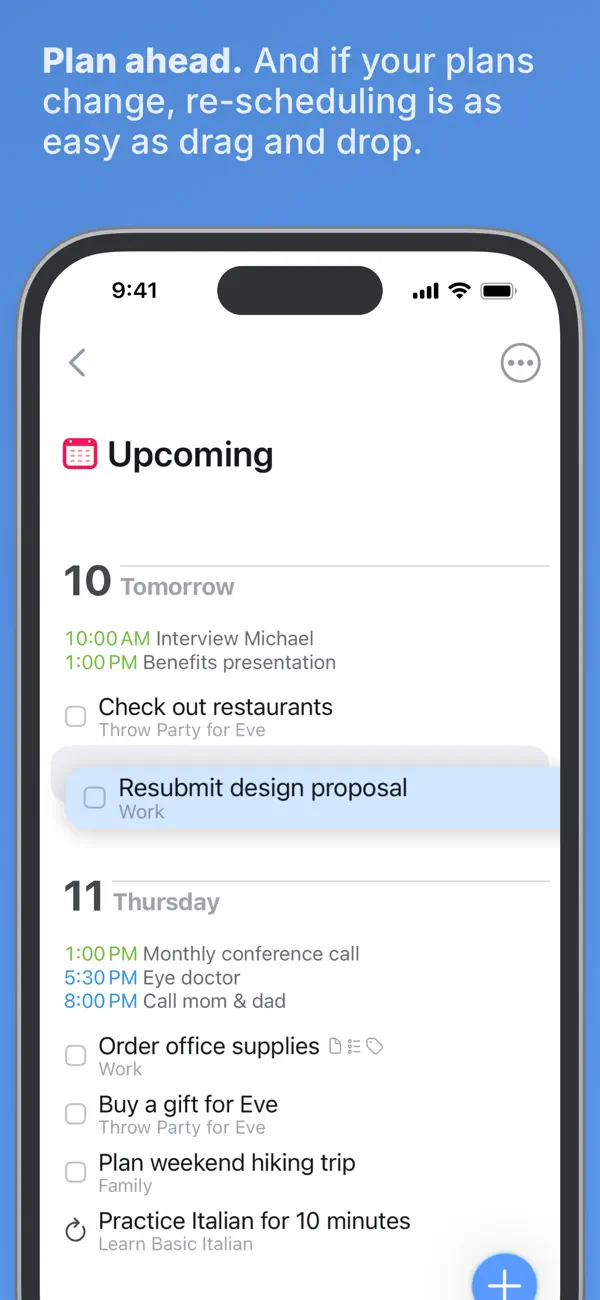
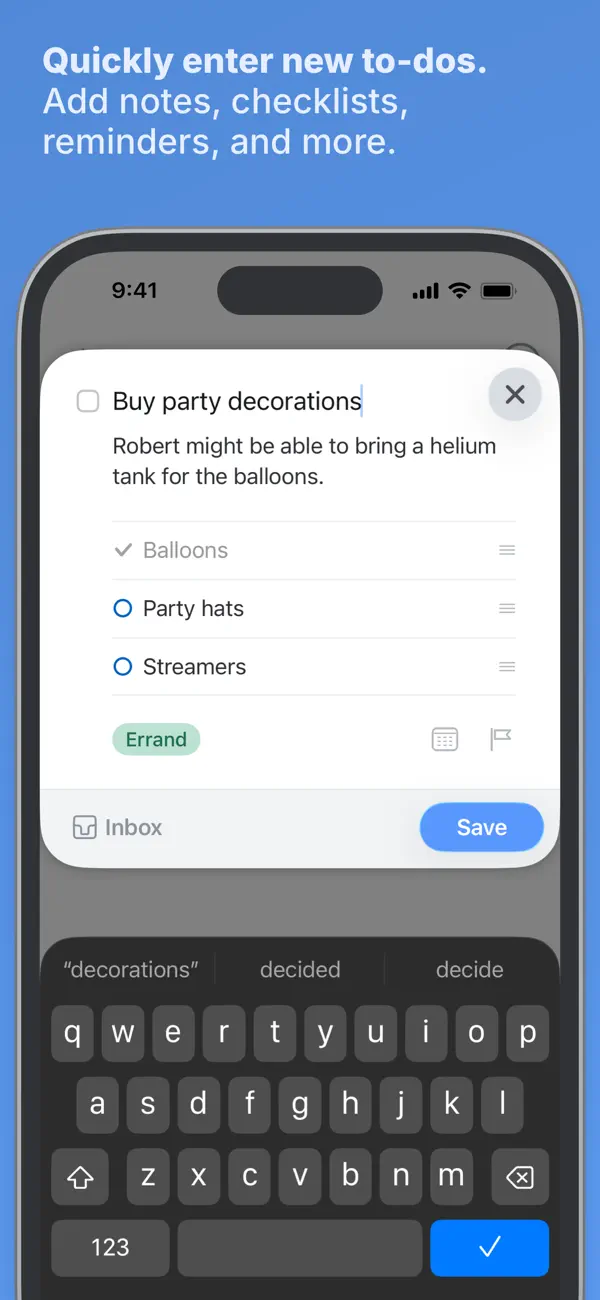
Things 3는 독일 개발사 Cultured Code의 개인용 작업 관리 앱입니다. 할 일, 프로젝트, 영역을 중심으로 구성됩니다. 할 일에는 메모, 태그, 일정, 더 작은 단계의 체크리스트를 달 수 있고, 프로젝트는 목표에 필요한 할 일을 모으며 제목으로 구분할 수 있고, 영역은 업무나 가족처럼 삶의 부분별로 프로젝트를 묶습니다. 오늘과 예정 목록은 일정이 잡힌 할 일을 캘린더 일정과 함께 보여 주고, 별도의 This Evening 섹션에는 저녁 계획이 담깁니다. 알림, 반복 할 일, 목록 어디에나 항목을 추가하는 Magic Plus 버튼이 기본 앱에 포함됩니다. Things 3는 iPhone에서 구독 없이 한 번 결제하는 유료 앱이며, Mac과 iPad 버전은 별도로 판매됩니다. 2026년 10월 22일 출시된 버전 3.25.1이 iPhone Duo 업데이트입니다. Cultured Code에 따르면 기기의 자세마다 레이아웃이 바뀌고, 휴대폰을 펼치면 모든 목록을 나열한 사이드바가 나타나며, 컨트롤은 화면 오른쪽 가장자리의 막대로 옮겨집니다. 팀 협업 도구보다는 체계적인 개인 할 일 목록을 원하는 사용자에게 어울립니다.
영어 원문을 번역한 내용입니다.
App Store 설명개발자가 작성한 내용입니다.
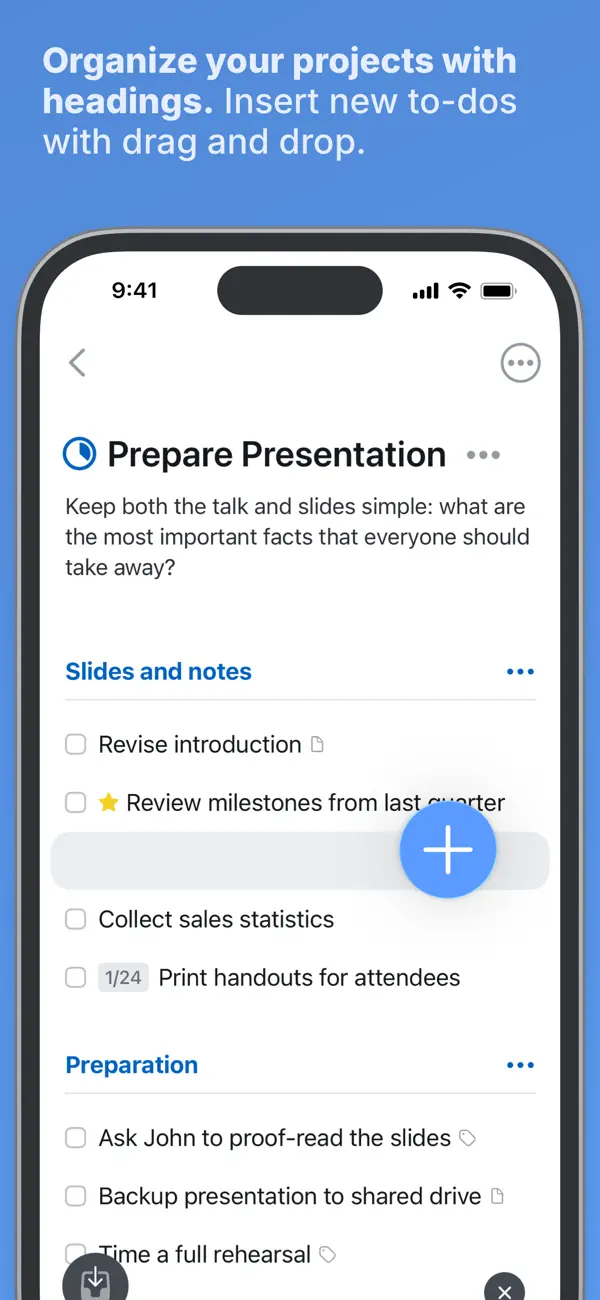
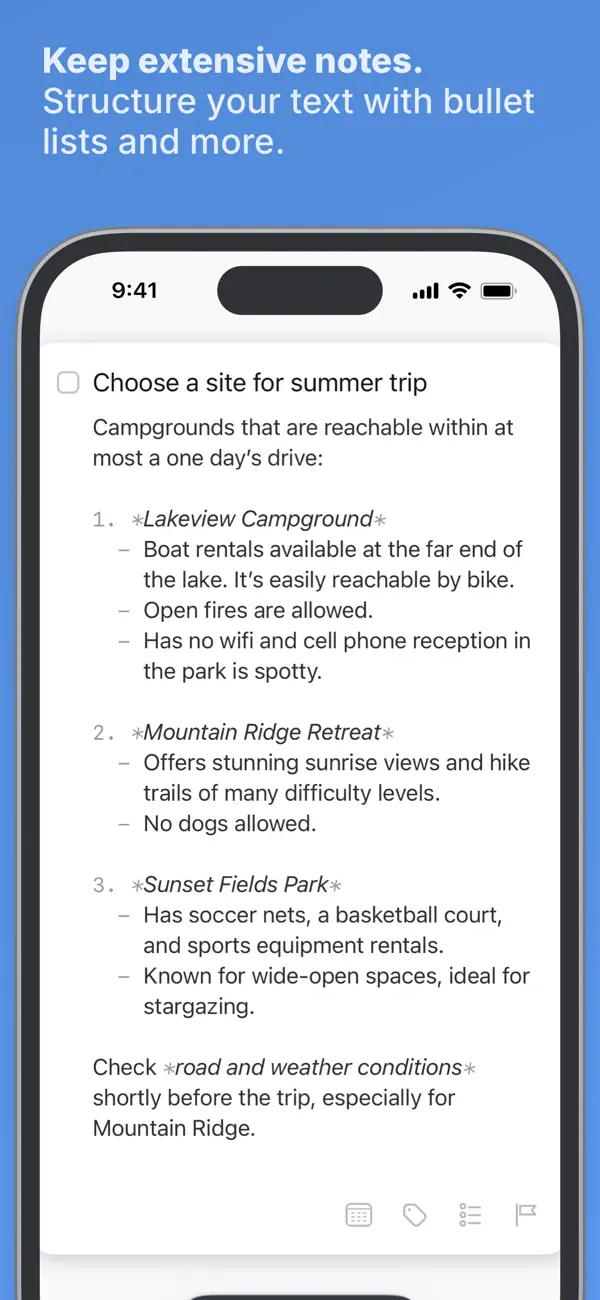
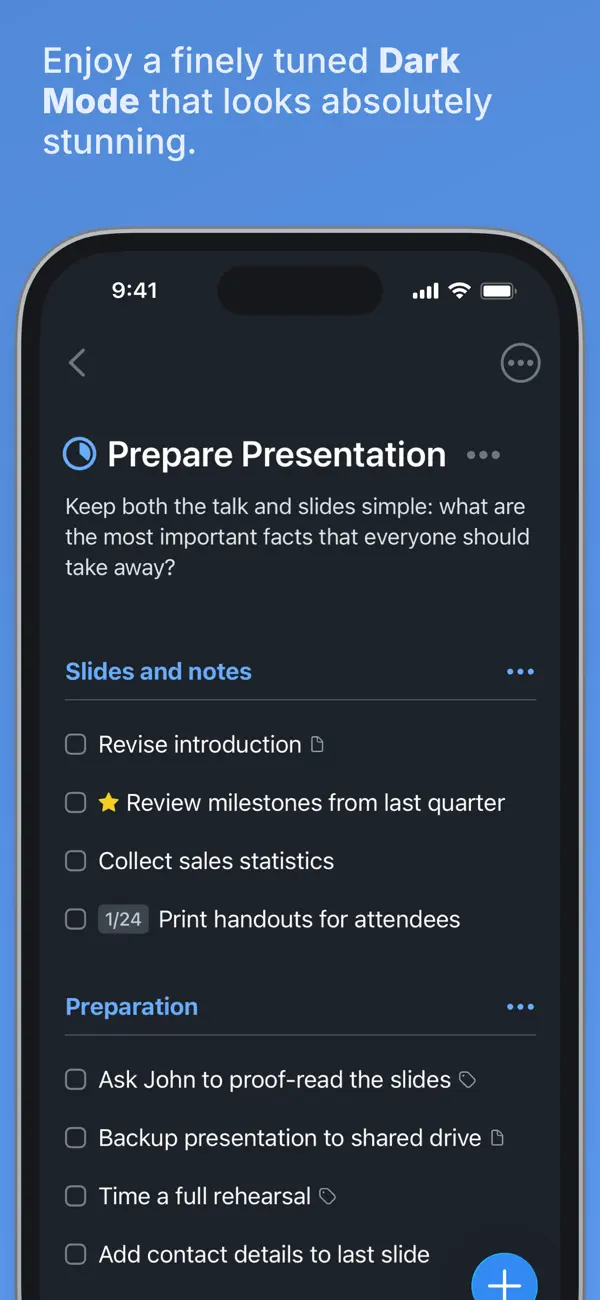
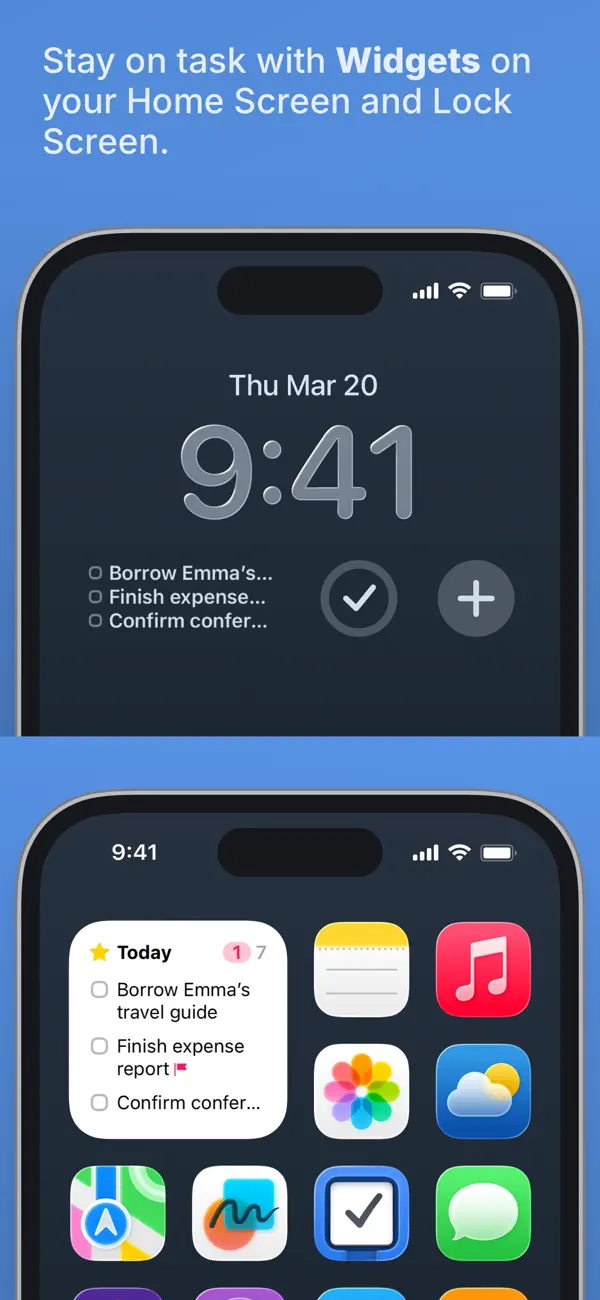
Get things done! The award-winning Things app helps you plan your day, manage your projects, and make real progress toward your goals. Best of all, it’s easy to use. Within the hour, you’ll have everything off your mind and neatly organized—from routine tasks to your biggest life goals—and you can start focusing on what matters today. “Things offers the best combination of design and functionality of any app we tested, with nearly all the features of other power user applications and a delightful interface that never gets in the way of your work.” —Wirecutter, The New York Times KEY FEATURES • Your To-Dos Your basic building block is the almighty To-Do—each a small step toward a great accomplishment. You can add notes, tag it, schedule it, and break it down into smaller steps. • Your Projects Create a Project for any big goal, then add the to-dos to reach it. Use headings to structure your list as you outline your plan. There’s also a place to jot down your notes, and a deadline to keep you on schedule. • Your Areas Create an Area for each sphere of your life, such as Work, Family, Finance, and so on. This keeps everything neatly organized, and helps you see the big picture as you set your plans in motion. • Your Plan Everything on your schedule is neatly laid out in the Today and Upcoming lists, which show your to-dos and calendar events. Each morning, see what you planned for Today and decide what you want to do. The rest is down to you :) MORE THINGS TO LOVE As you dive deeper, you’ll find Things packed with helpful features. Here are just a few: • Reminders — set a time and Things will remind you. • Repeaters — automatically repeat to-dos on a schedule you set. • This Evening — a special place for your evening plans. • Calendar integration — see your events and to-dos together. • Tags — categorize your to-dos and quickly filter lists. • Quick Find — instantly find to-dos or switch between lists. • Magic Plus — drag the + button to insert to-dos anywhere in a list. • Share extension — create to-dos with content from other apps. • Widgets — see lists on your home/lock screens. • Mail to Things — forward an email to Things; now it’s a to-do. • Markdown — structure & style your notes. • And much more! MADE FOR IPHONE Things is tailored to the iPhone with deep system integrations as well. A great example is the Share extension, which allows you to create to-dos with content from other apps, such as a link to a website you want to get back to. You can also enjoy a beautiful dark mode at sunset, connect your calendars, add a variety of widgets, create to-dos via Siri, import from Reminders—Things can do it all! There’s even Shortcuts integration if you want to automate your workflows. MADE FOR APPLE WATCH Things comes with a great app for Apple Watch. Just raise your wrist to glance at your Today list, mark to-dos complete as you go, and dictate new ones on the fly—all synced instantly with your iPhone, iPad, and Mac. AWARD-WINNING DESIGN Made in Stuttgart, with two Apple Design Awards to its name, Things is a fine example of German engineering: designed not only to look fantastic, but to be perfectly functional as well. Every detail is thoughtfully considered, then polished to perfection. “It’s like the unicorn of productivity tools: deep enough for serious work, surprisingly easy to use, and gorgeous enough to enjoy staring at.” —Apple GET THINGS TODAY Whatever it is you want to accomplish in life, Things can help you get there. Install the app today and see what you can do! • Things is also available for Mac, iPad, and Apple Vision Pro (sold separately). • Sync is provided for free via our Things Cloud service. • A free trial is available for Mac: www.things.app If you have any questions, please get in touch. We provide professional support and will be glad to help you!
주요 기능
- 메모, 태그, 일정, 체크리스트가 있는 할 일
- 제목과 마감일이 있는 프로젝트
- 프로젝트를 묶는 영역
- 캘린더 일정이 함께 표시되는 오늘·예정·This Evening 목록
- 알림과 반복 할 일
- iPhone Duo를 펼치면 모든 목록의 사이드바 표시
- iPhone Duo에서 끌어서 쓰는 Magic Plus 버튼이 있는 측면 컨트롤 막대
iPhone Duo에서의 Things 3: 자주 묻는 질문
Things 3은(는) iPhone Duo에 최적화되어 있나요?
네. Things 3은(는) Duo 전용 설계 앱으로, 폴딩, Split View 또는 외부 디스플레이를 활용합니다. 2026년 10월 22일 확인(개발자 발표).
iPhone Duo에서 Things 3은(는) 어떻게 보이나요?
Cultured Code의 버전 3.25.1 릴리스 노트에 따르면 Things는 iPhone Duo의 모든 자세, 즉 접은 상태, 펼친 상태, 책처럼 접은 상태, 다른 앱과 Split View로 화면을 나눈 상태에 맞게 레이아웃을 바꿉니다. 휴대폰을 펼치면 새 사이드바가 모든 목록을 보여 주어 빠르게 전환할 수 있습니다. iPhone Duo에서는 Magic Plus 버튼을 포함한 앱의 컨트롤이 엄지가 닿는 화면 오른쪽 막대에 놓이며, Magic Plus 버튼을 목록으로 끌어다 놓아 새 할 일을 원하는 위치에 추가할 수 있습니다. iPhone Duo에 키보드를 연결하면 Things의 모든 키보드 기능을 쓸 수 있습니다. 아직 iPhone Duo 실기기에서 테스트하지 않았습니다.
Things 3의 가격은 얼마인가요?
Things 3은(는) App Store에서 ₩17,000입니다.
다른 생산성 앱
모두 보기 ›
걸리는 시간별로 할 일을 분류하는 차분한 할 일 목록 겸 종이 스타일 플래너

iPhone Duo의 두 디스플레이에 맞춘 레이아웃을 갖춘 작업·프로젝트 관리 앱

펼치면 메시지와 받은 편지함을 나란히 보여 주는 Readdle의 통합 받은 편지함

iPhone Duo를 펼치면 열리는, 손글씨 느낌의 프라이빗 노트

북 자세와 탁상 자세에 맞춘 집중 타이머를 갖춘 시각적 타임라인 일일 플래너

iPhone Duo를 펼치면 목록과 일정을 나란히