Things 3
Task manager from Cultured Code, reshaped for every iPhone Duo pose
Cultured Code GmbH & Co. KG · Productivity · $9.99
iPhone screenshots
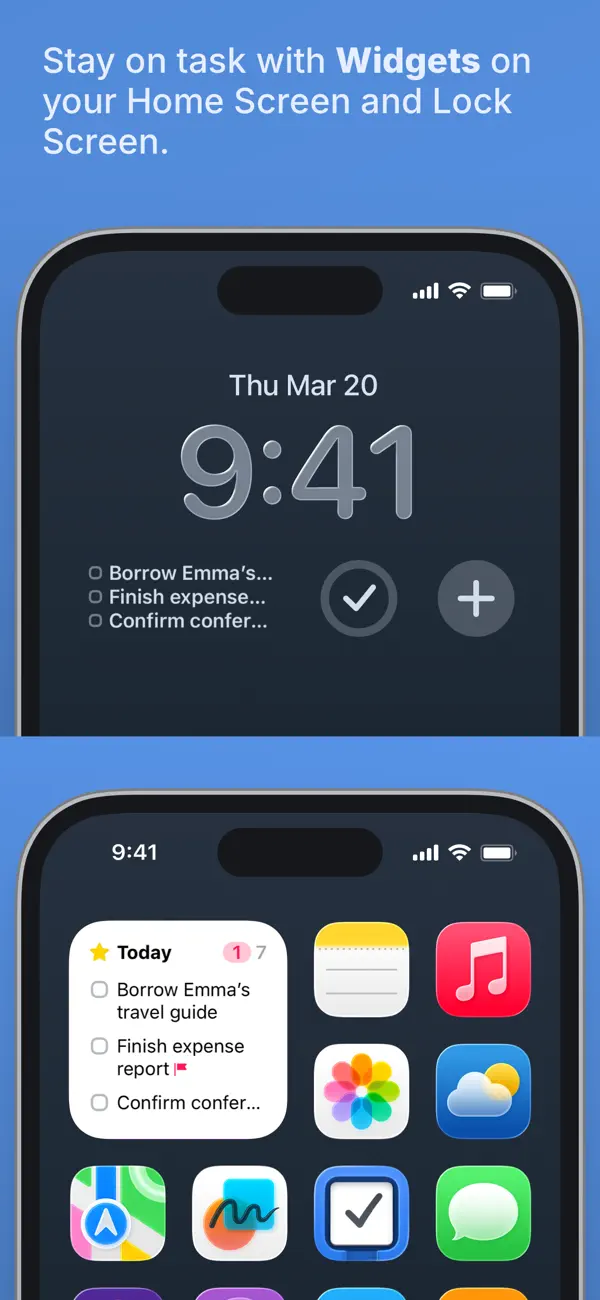
How it uses iPhone Duo
Cultured Code's release notes for version 3.25.1 say Things reshapes its layout for every iPhone Duo pose: closed, open, folded like a book, or sharing the screen with another app in Split View. When the phone is unfolded, a new sidebar shows all lists for quick switching. On iPhone Duo the app's controls, including the Magic Plus button, sit in a bar down the right side of the screen within reach of the thumb, and the Magic Plus button can be dragged into a list to place a new to-do. Connecting a keyboard to iPhone Duo enables Things' full set of keyboard features. We have not yet tested it on an iPhone Duo.
What’s New
Version 3.25.1 ·
Things is ready for iPhone Duo! We’ve tailored the app for the new device, with a dynamic layout for all poses, a sidebar for your lists, and more. A DYNAMIC LAYOUT ON iPHONE DUO On iPhone Duo, Things reshapes itself to make the most of every pose – whether it’s closed, open, folded like a book, or sharing the screen with another app in Split View. Unfold it, and a new sidebar shows all your lists, so you can easily switch between them. SIDE CONTROLS ON iPHONE DUO On iPhone Duo, app controls sit in a bar down the right side of the screen, within easy reach of your thumb. That includes the Magic Plus button, which you can drag into your list to insert a to-do exactly where you want it. MORE • Connect a keyboard to your iPhone Duo and get the full suite of Things’ keyboard features. • Updated the back and tools buttons at the top of the screen on iPhone with a new glass appearance (iOS 26 or later). • Various other fixes and improvements under the hood.
About this app
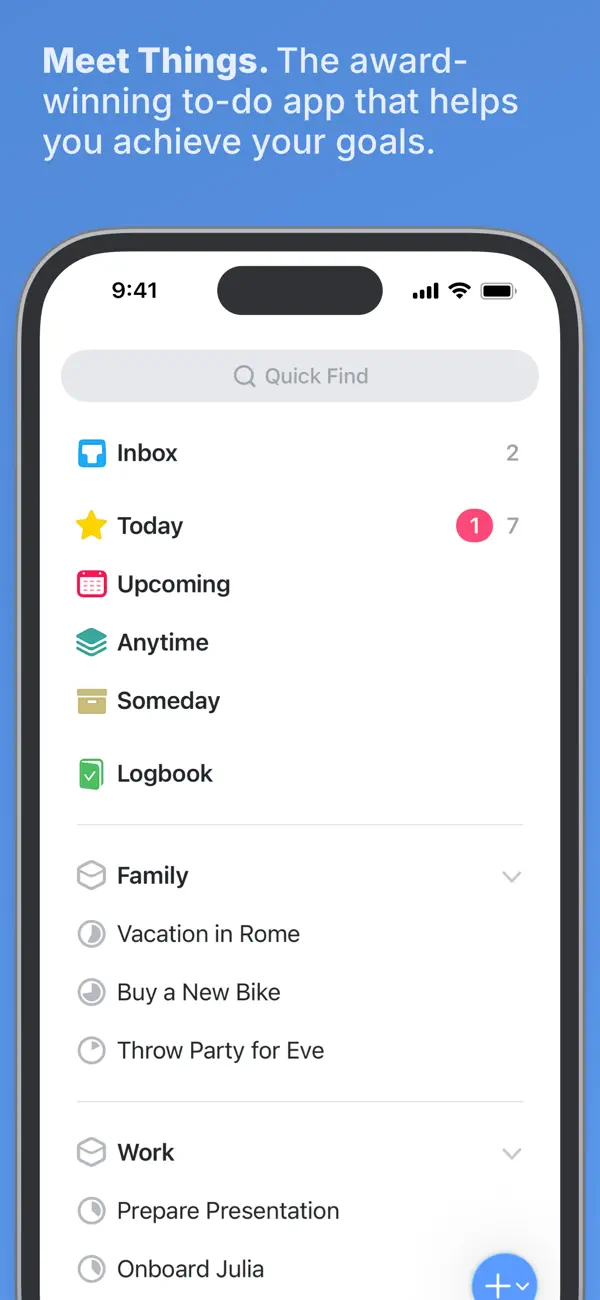
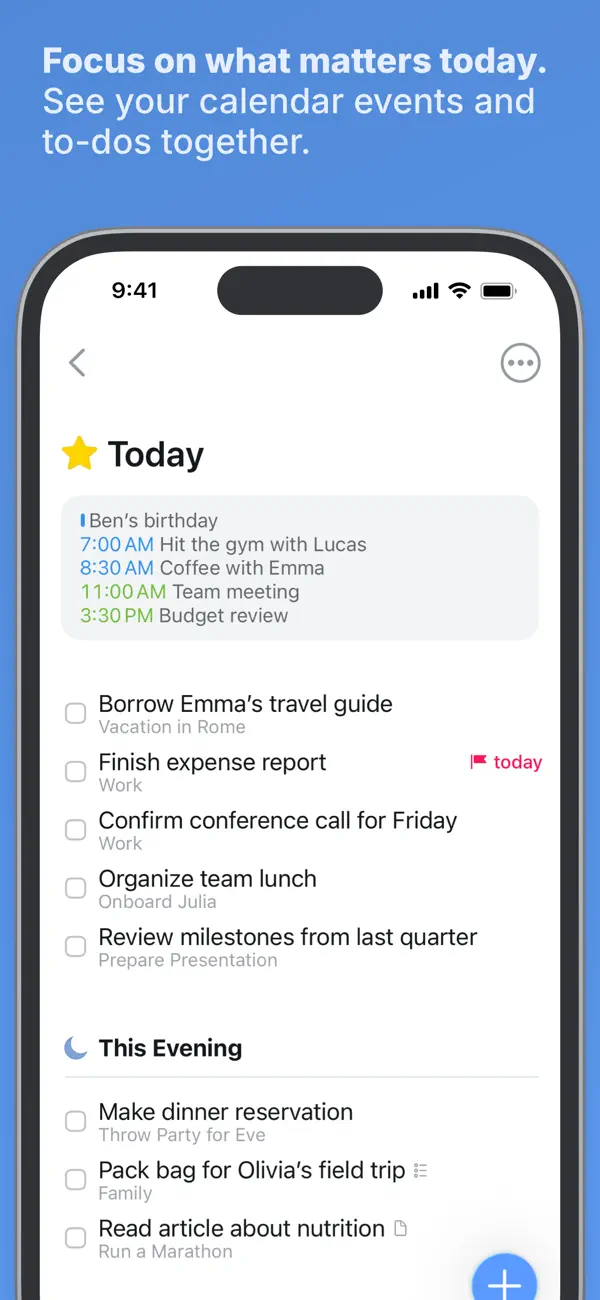
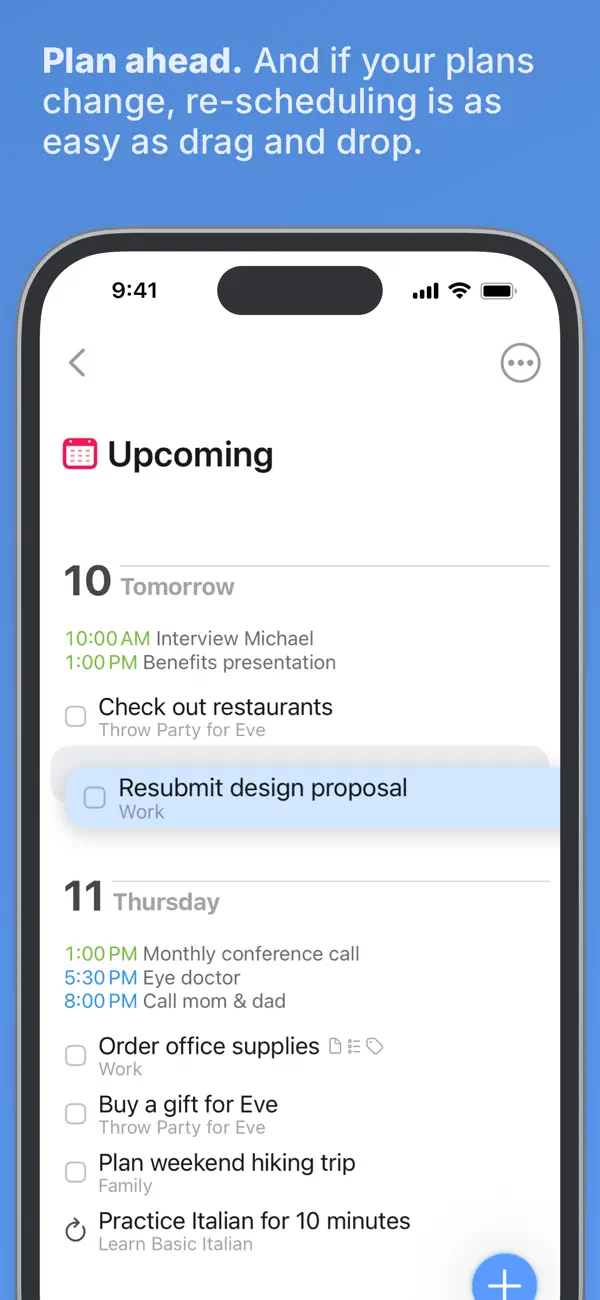
Things 3 is a personal task manager from Cultured Code, a German developer. It is organized around to-dos, projects and areas: a to-do can carry notes, tags, a schedule and a checklist of smaller steps, projects collect the to-dos needed to reach a goal and can be divided with headings, and areas group projects by part of life, such as work or family. The Today and Upcoming lists pull scheduled to-dos together with calendar events, and a separate This Evening section holds plans for later in the day. Reminders, repeating to-dos and the Magic Plus button for adding items anywhere in a list are part of the core app. Things 3 is a one-time paid download on iPhone with no subscription; the Mac and iPad versions are sold separately. Version 3.25.1, released on October 22, 2026, is the iPhone Duo update. Cultured Code says the layout changes with each pose of the device, a sidebar listing every list appears when the phone is unfolded, and the controls move to a bar along the right edge of the screen. It suits people who want a structured personal to-do list rather than a team collaboration tool.
App Store descriptionWritten by the developer.
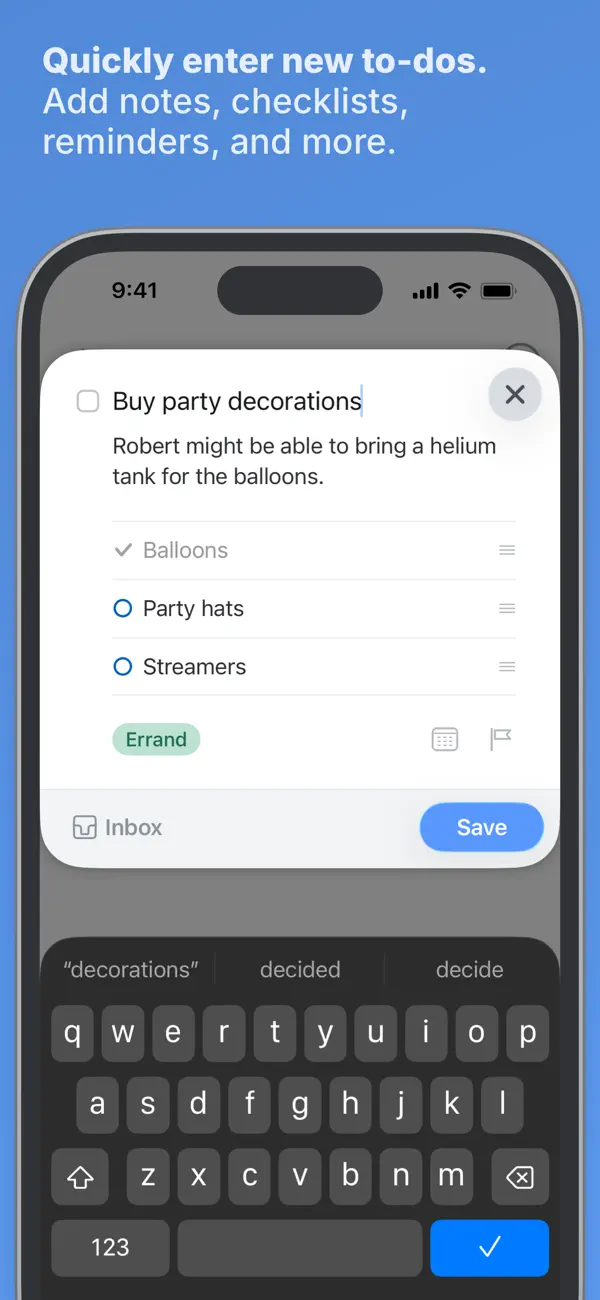
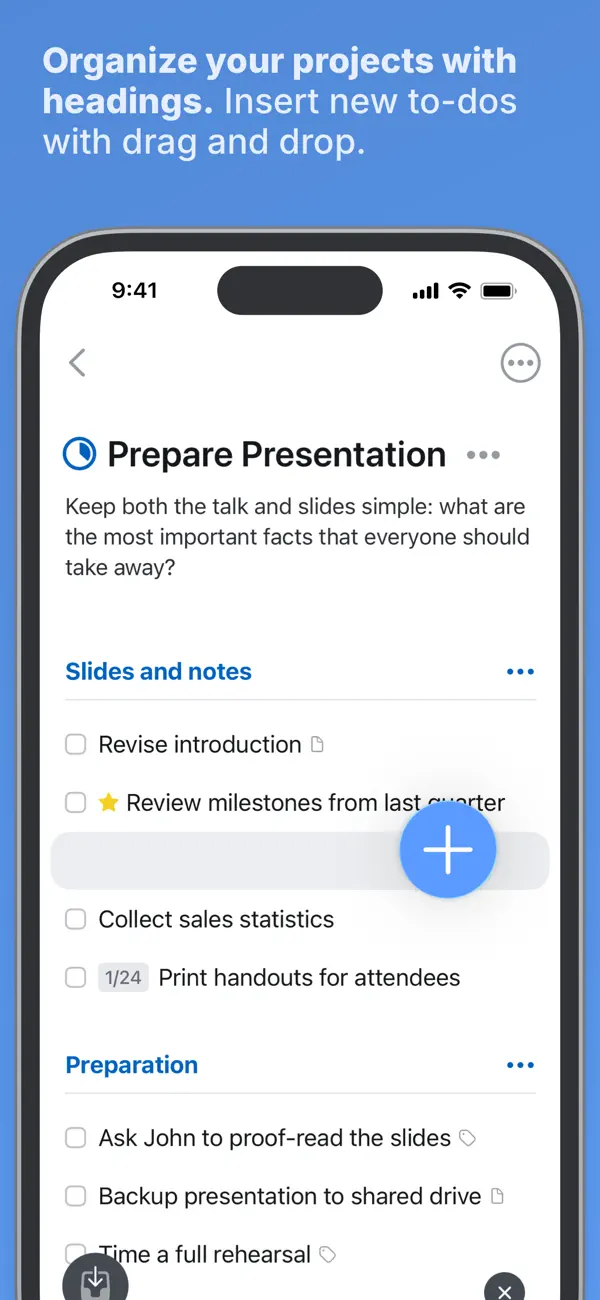
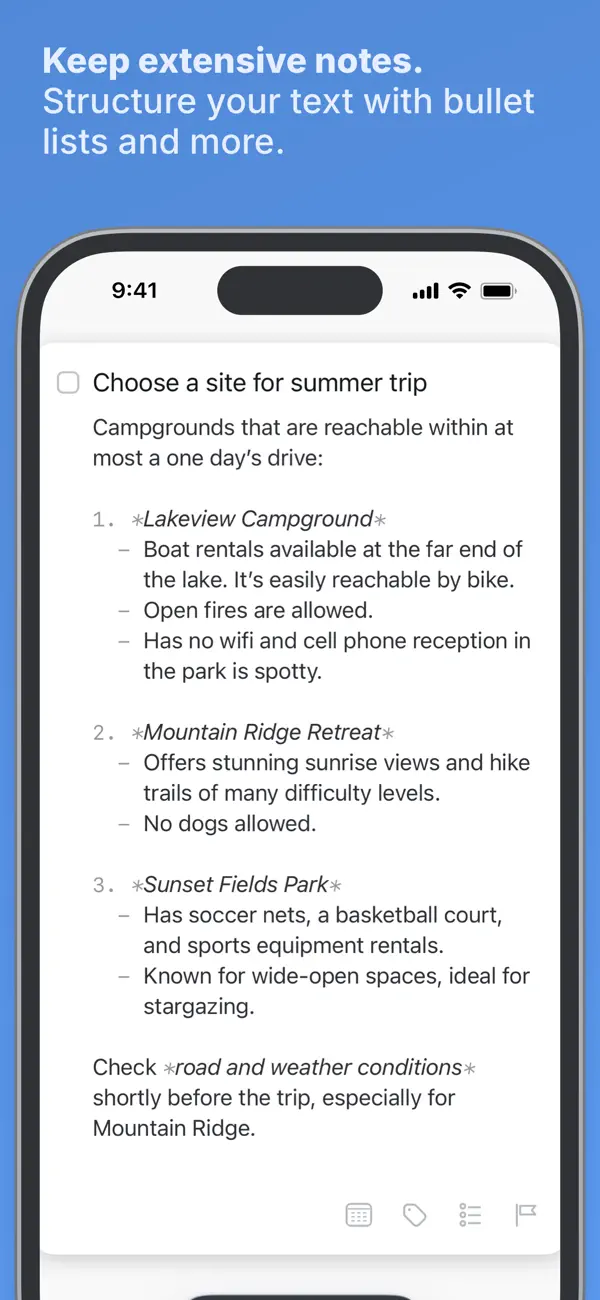
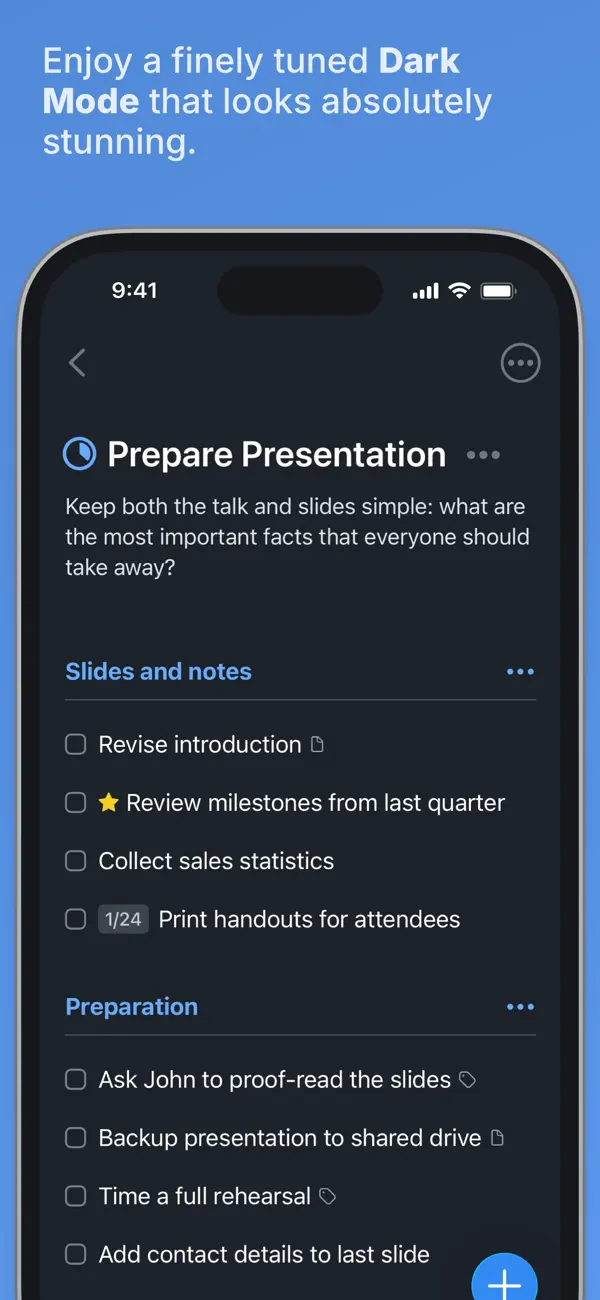
Get things done! The award-winning Things app helps you plan your day, manage your projects, and make real progress toward your goals. Best of all, it’s easy to use. Within the hour, you’ll have everything off your mind and neatly organized—from routine tasks to your biggest life goals—and you can start focusing on what matters today. “Things offers the best combination of design and functionality of any app we tested, with nearly all the features of other power user applications and a delightful interface that never gets in the way of your work.” —Wirecutter, The New York Times KEY FEATURES • Your To-Dos Your basic building block is the almighty To-Do—each a small step toward a great accomplishment. You can add notes, tag it, schedule it, and break it down into smaller steps. • Your Projects Create a Project for any big goal, then add the to-dos to reach it. Use headings to structure your list as you outline your plan. There’s also a place to jot down your notes, and a deadline to keep you on schedule. • Your Areas Create an Area for each sphere of your life, such as Work, Family, Finance, and so on. This keeps everything neatly organized, and helps you see the big picture as you set your plans in motion. • Your Plan Everything on your schedule is neatly laid out in the Today and Upcoming lists, which show your to-dos and calendar events. Each morning, see what you planned for Today and decide what you want to do. The rest is down to you :) MORE THINGS TO LOVE As you dive deeper, you’ll find Things packed with helpful features. Here are just a few: • Reminders — set a time and Things will remind you. • Repeaters — automatically repeat to-dos on a schedule you set. • This Evening — a special place for your evening plans. • Calendar integration — see your events and to-dos together. • Tags — categorize your to-dos and quickly filter lists. • Quick Find — instantly find to-dos or switch between lists. • Magic Plus — drag the + button to insert to-dos anywhere in a list. • Share extension — create to-dos with content from other apps. • Widgets — see lists on your home/lock screens. • Mail to Things — forward an email to Things; now it’s a to-do. • Markdown — structure & style your notes. • And much more! MADE FOR IPHONE Things is tailored to the iPhone with deep system integrations as well. A great example is the Share extension, which allows you to create to-dos with content from other apps, such as a link to a website you want to get back to. You can also enjoy a beautiful dark mode at sunset, connect your calendars, add a variety of widgets, create to-dos via Siri, import from Reminders—Things can do it all! There’s even Shortcuts integration if you want to automate your workflows. MADE FOR APPLE WATCH Things comes with a great app for Apple Watch. Just raise your wrist to glance at your Today list, mark to-dos complete as you go, and dictate new ones on the fly—all synced instantly with your iPhone, iPad, and Mac. AWARD-WINNING DESIGN Made in Stuttgart, with two Apple Design Awards to its name, Things is a fine example of German engineering: designed not only to look fantastic, but to be perfectly functional as well. Every detail is thoughtfully considered, then polished to perfection. “It’s like the unicorn of productivity tools: deep enough for serious work, surprisingly easy to use, and gorgeous enough to enjoy staring at.” —Apple GET THINGS TODAY Whatever it is you want to accomplish in life, Things can help you get there. Install the app today and see what you can do! • Things is also available for Mac, iPad, and Apple Vision Pro (sold separately). • Sync is provided for free via our Things Cloud service. • A free trial is available for Mac: www.things.app If you have any questions, please get in touch. We provide professional support and will be glad to help you!
Highlights
- To-dos with notes, tags, schedules and checklists
- Projects with headings and deadlines
- Areas for grouping projects
- Today, Upcoming and This Evening lists with calendar events
- Reminders and repeating to-dos
- Sidebar of all lists when iPhone Duo is unfolded
- Side control bar with draggable Magic Plus button on iPhone Duo
Things 3 on iPhone Duo: FAQ
Is Things 3 optimized for iPhone Duo?
Yes. Things 3 is Built for Duo: it uses the fold, Split View or the outer display. Verified on October 22, 2026 (Developer statement).
What does Things 3 look like on iPhone Duo?
Cultured Code's release notes for version 3.25.1 say Things reshapes its layout for every iPhone Duo pose: closed, open, folded like a book, or sharing the screen with another app in Split View. When the phone is unfolded, a new sidebar shows all lists for quick switching. On iPhone Duo the app's controls, including the Magic Plus button, sit in a bar down the right side of the screen within reach of the thumb, and the Magic Plus button can be dragged into a list to place a new to-do. Connecting a keyboard to iPhone Duo enables Things' full set of keyboard features. We have not yet tested it on an iPhone Duo.
How much does Things 3 cost?
Things 3 costs $9.99 on the App Store.
More Productivity apps
See all ›
Calm to-do list and paper-style planner that sorts tasks by how long they take

Task and project management with layouts for both iPhone Duo displays

Unified inbox from Readdle with message and inbox side by side when unfolded
A private handwriting-style notebook that opens when you unfold iPhone Duo
Visual timeline day planner with a Focus Timer for book and tabletop poses
Lists and schedule side by side when iPhone Duo is open