
OmniFocus 4
Task and project management with layouts for both iPhone Duo displays
The Omni Group · Productivity · Free · in-app purchases
iPhone screenshots
iPad screenshots
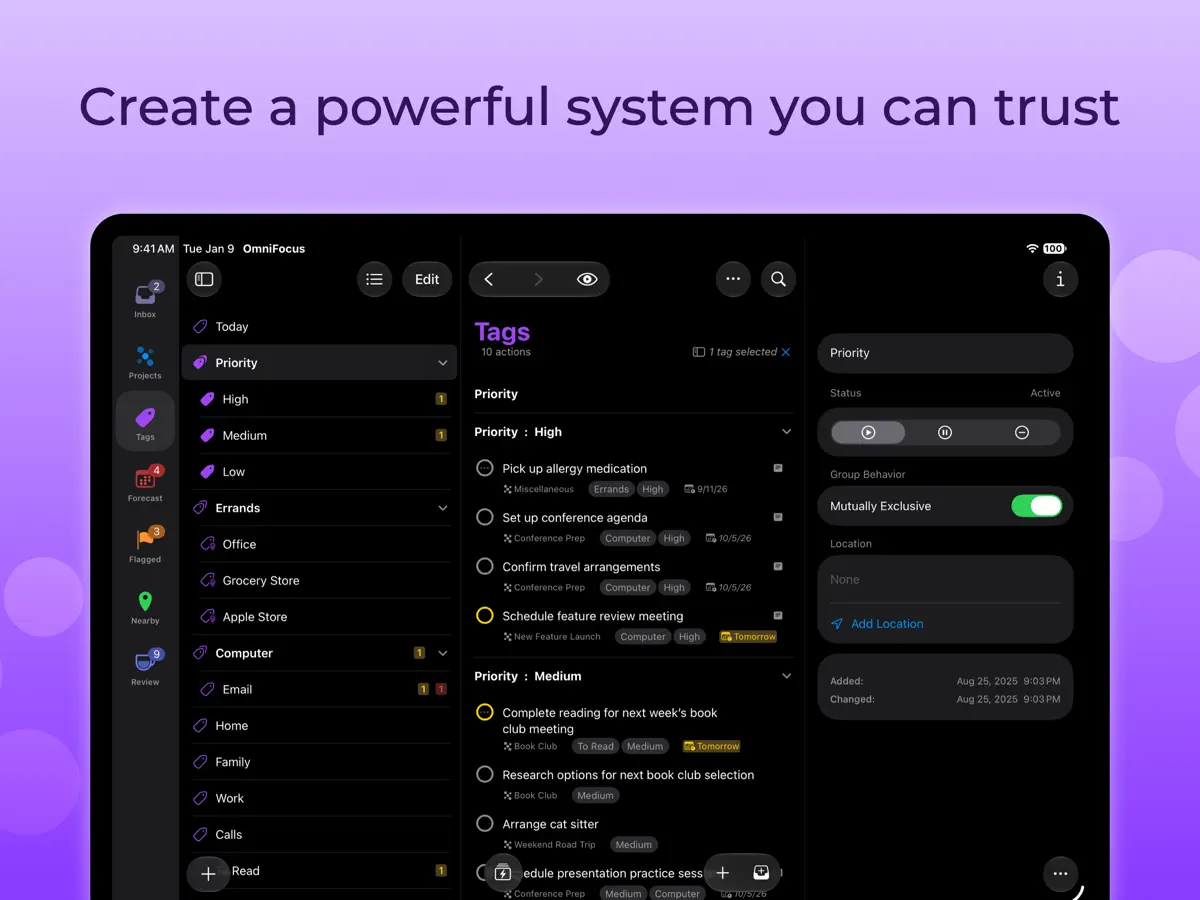
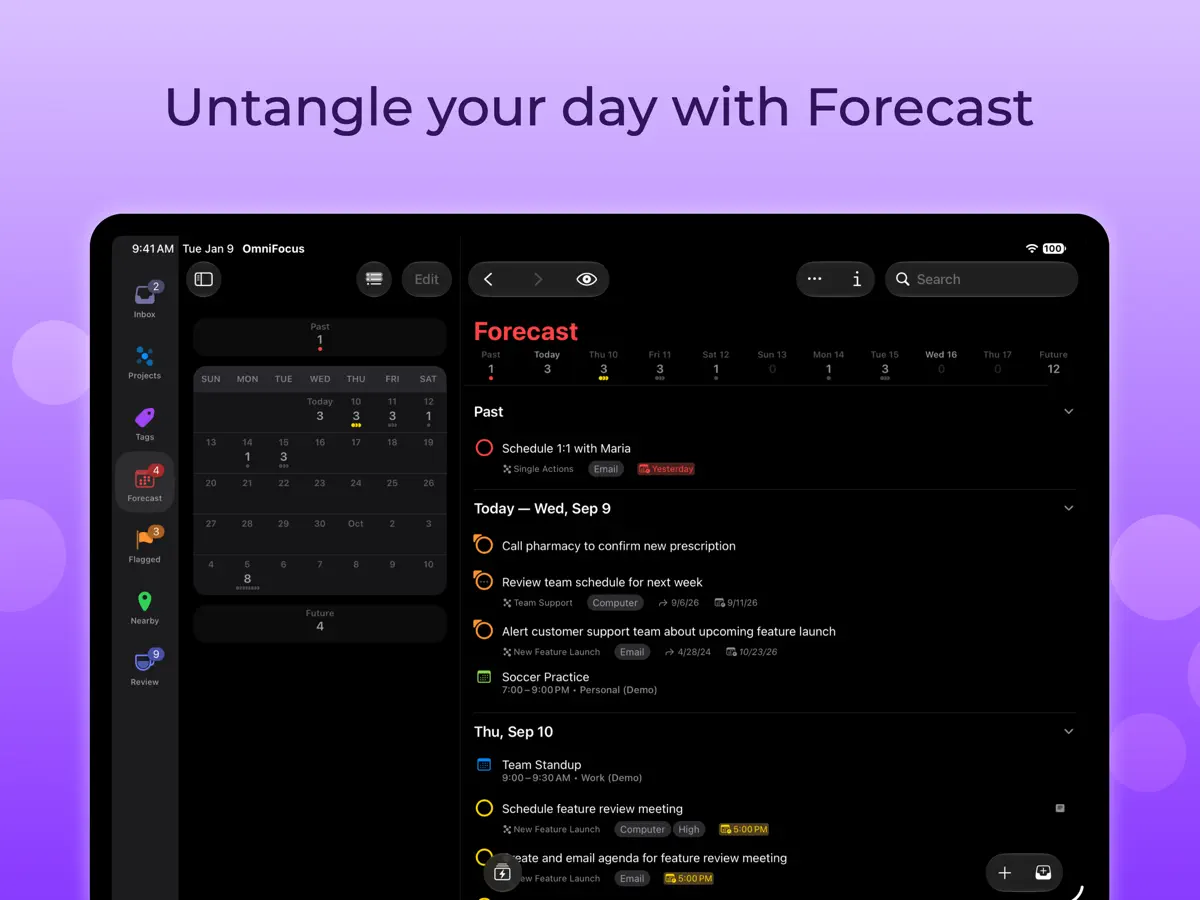
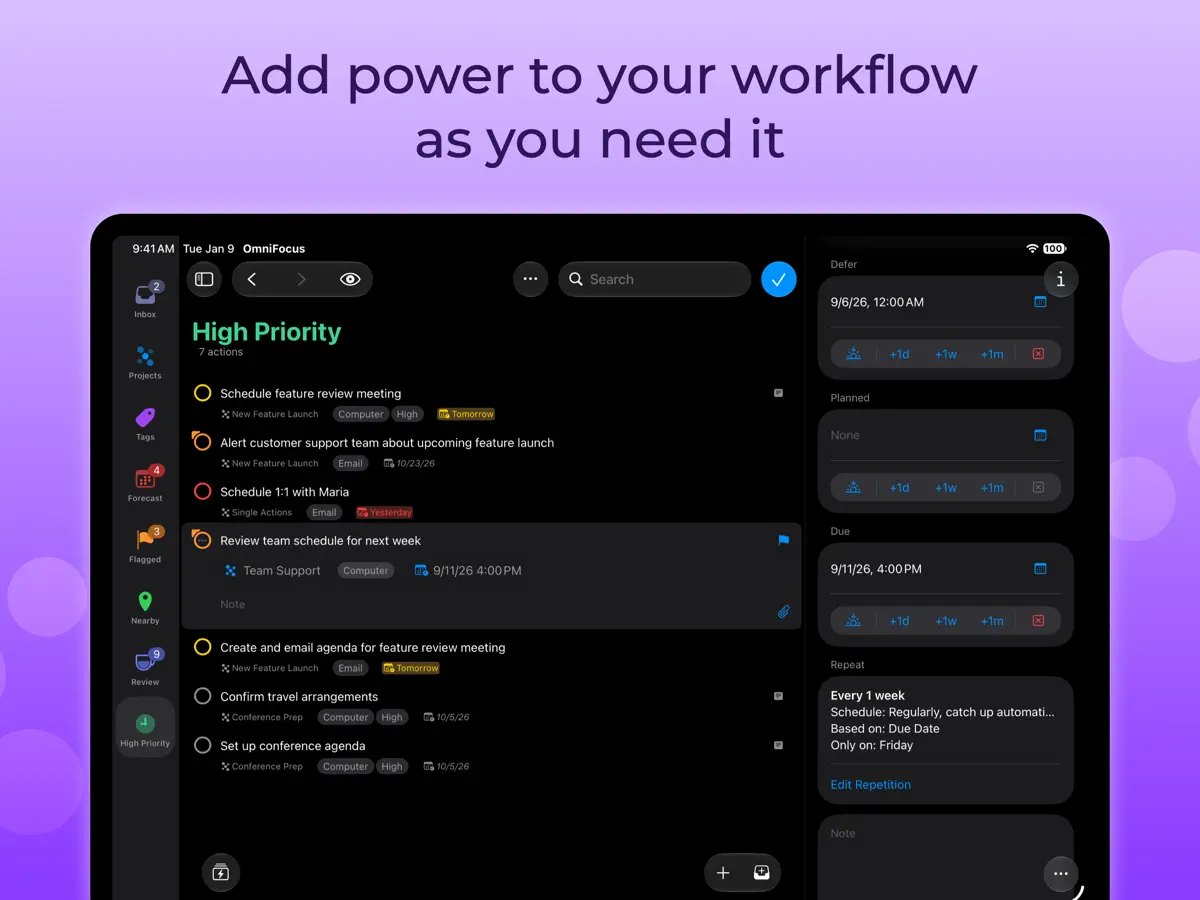
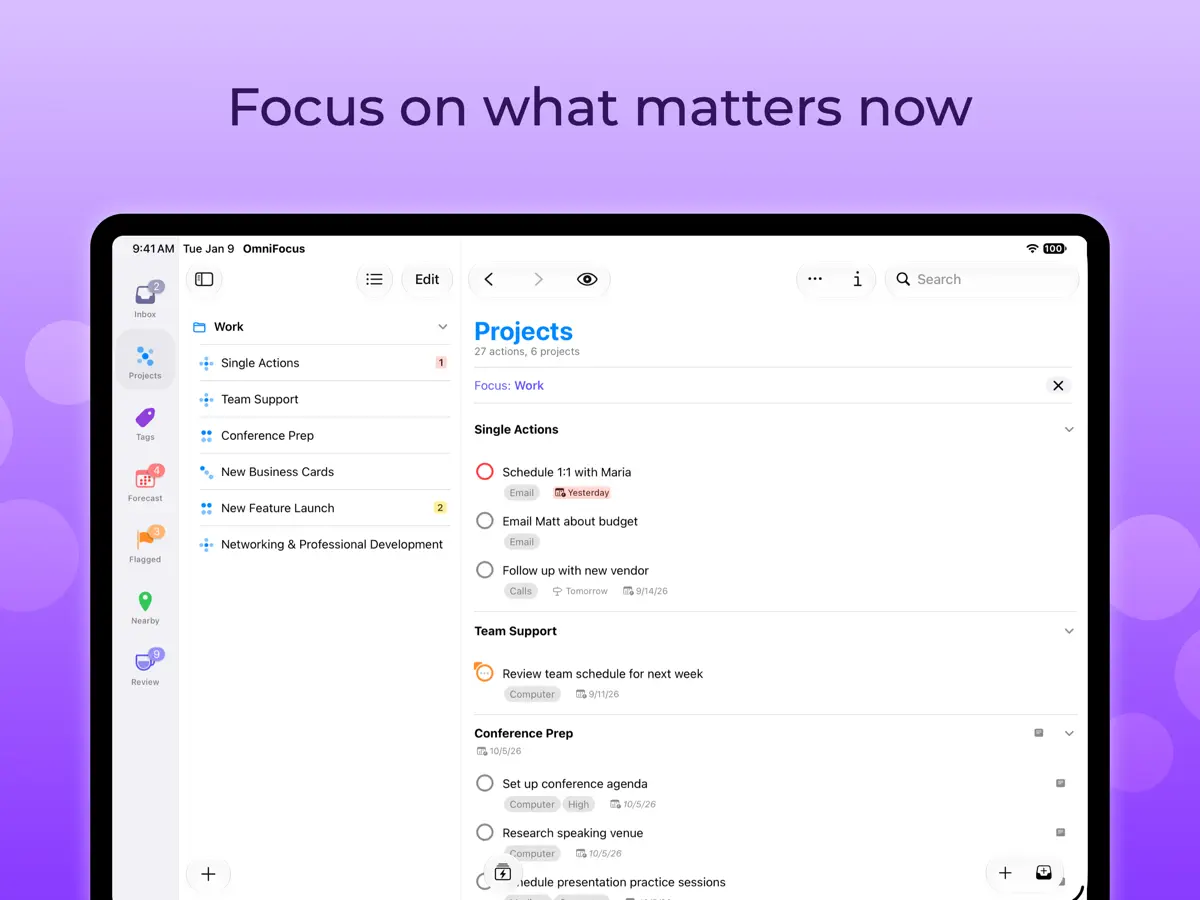
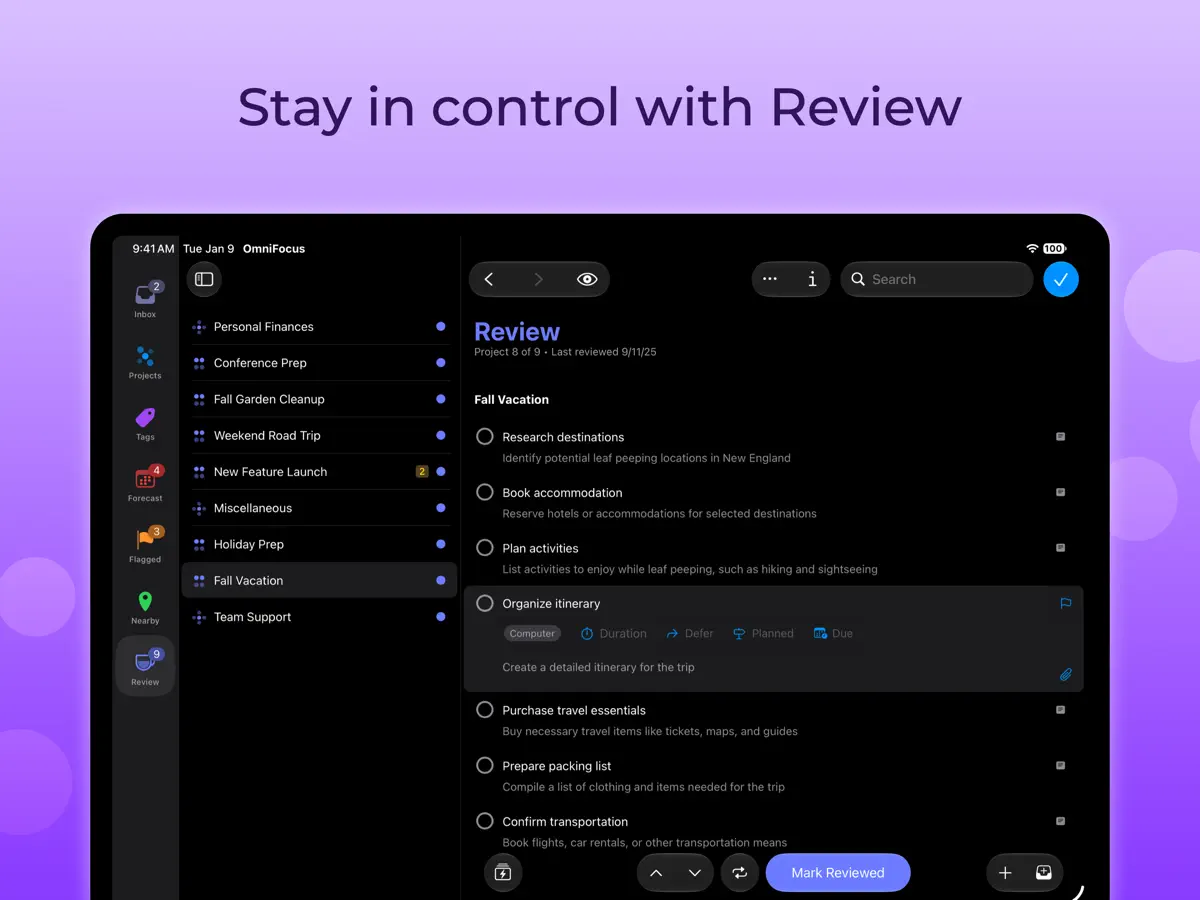
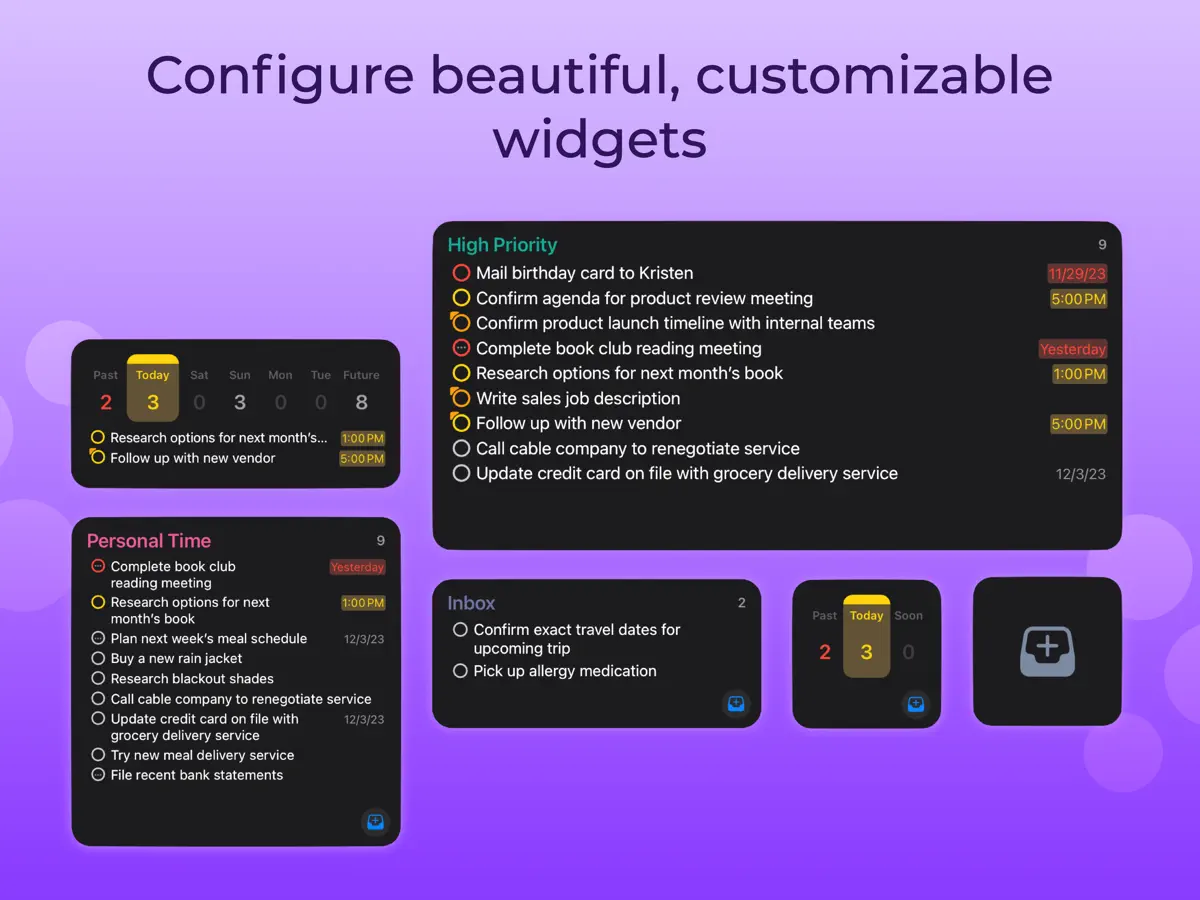
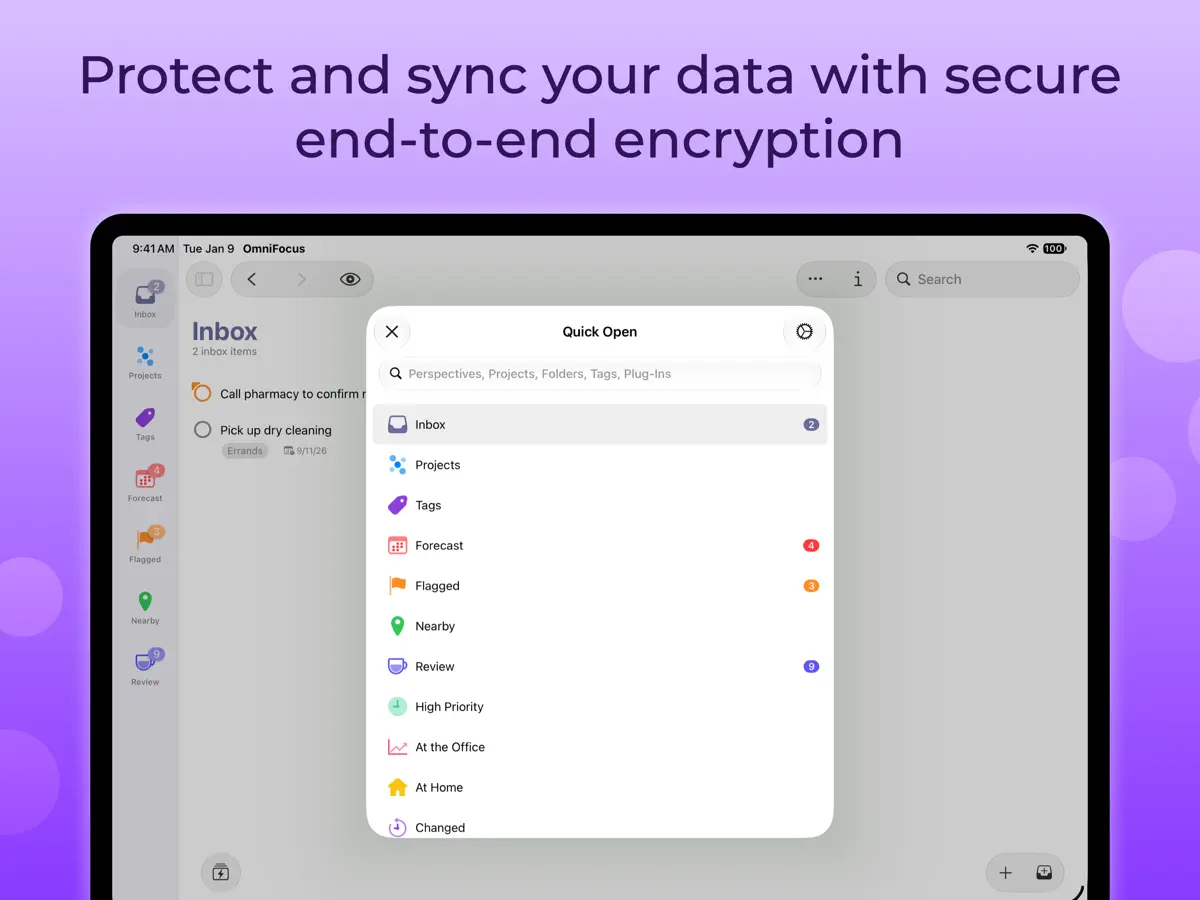
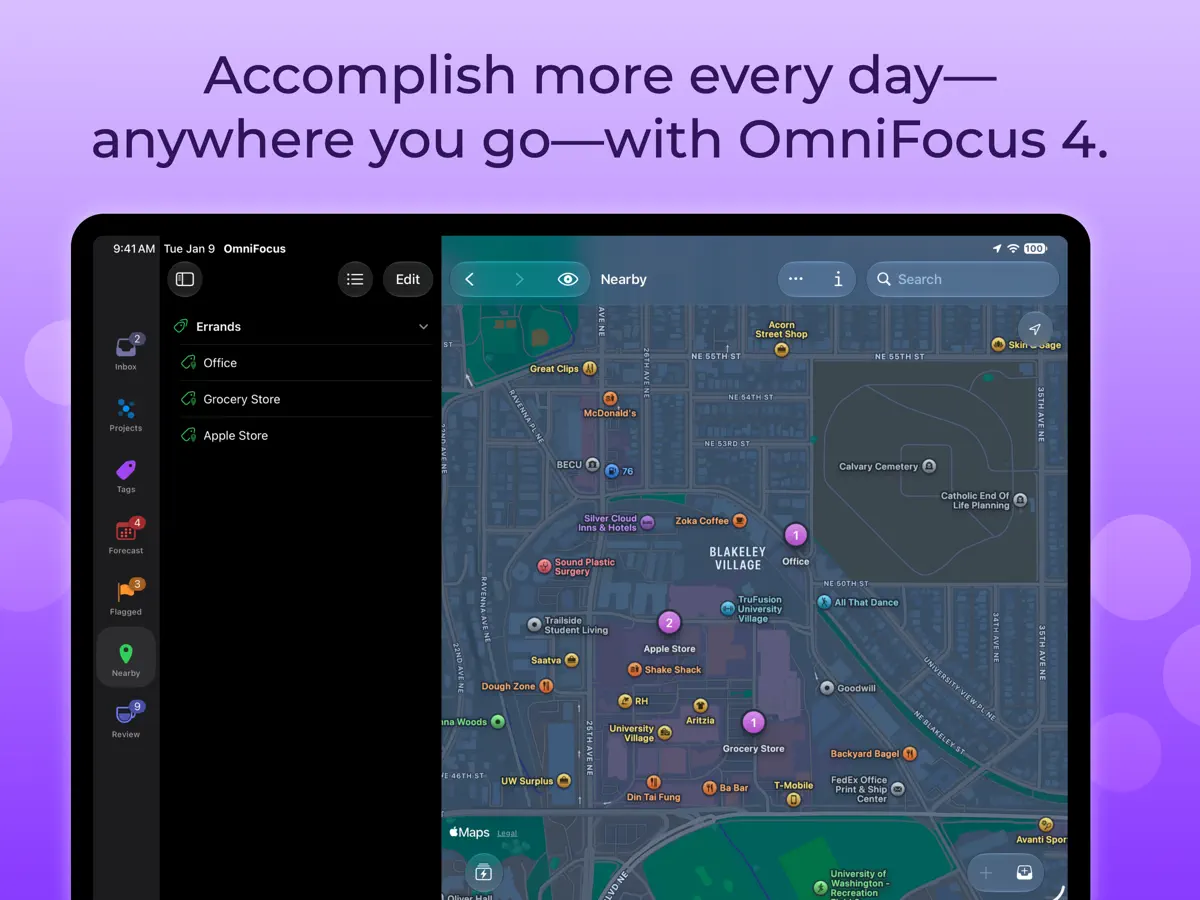
How it uses iPhone Duo
According to the version 4.10 release notes (October 22, 2026), OmniFocus displays its content and controls efficiently on the iPhone Duo's compact outer display, adapts its layout to the larger interior display, and can run in Split View alongside another app or a second OmniFocus window. The App Store event for the release describes it as optimized for iPhone Duo. We have not yet tested OmniFocus on an iPhone Duo.
What’s New
Version 4.10 ·
OmniFocus 4.10 efficiently displays content and controls on the iPhone Duo's compact outer display, adapts to the unique layout of the iPhone Duo's spacious interior display, and is ready to multitask alongside another app or OmniFocus window in Split View. Additionally, this update brings landscape orientation support to OmniFocus on all iPhones. View full release notes in-app or on our website: www.omnigroup.com/releasenotes/omnifocus. If you have any feedback or questions, we’d love to hear from you! The Omni Group offers free tech support; you can email omnifocus@omnigroup.com or call 1–206–523–4152. If OmniFocus empowers you, we would appreciate an App Store review. Your review will help other people find OmniFocus and make them more productive too.
About this app
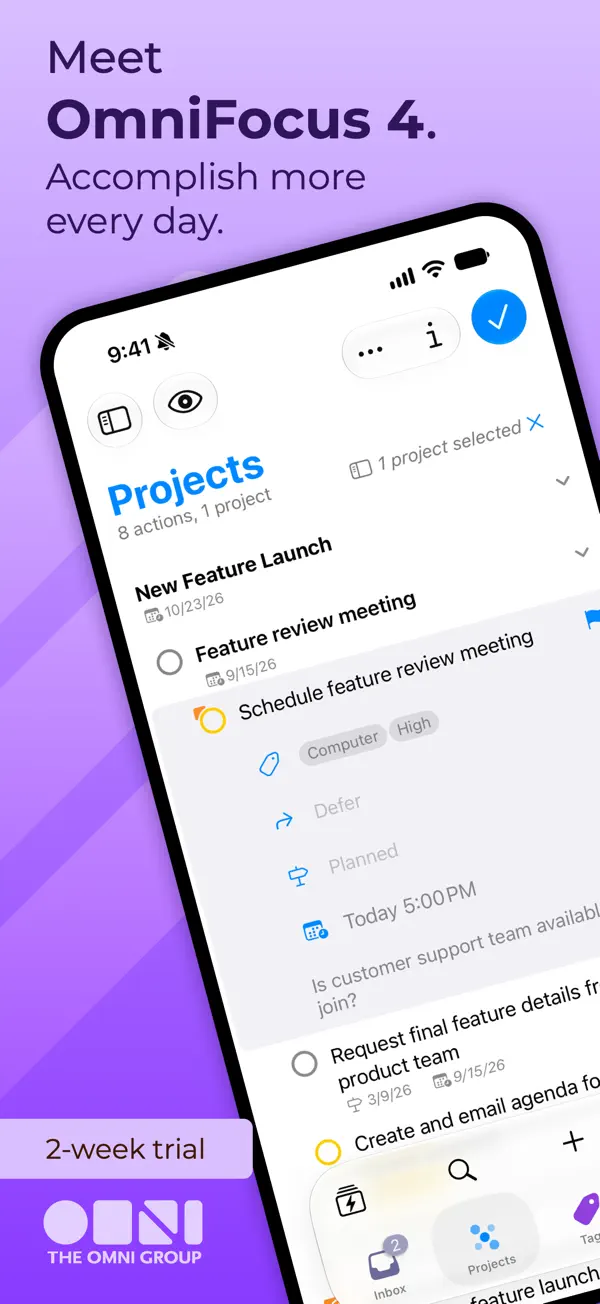
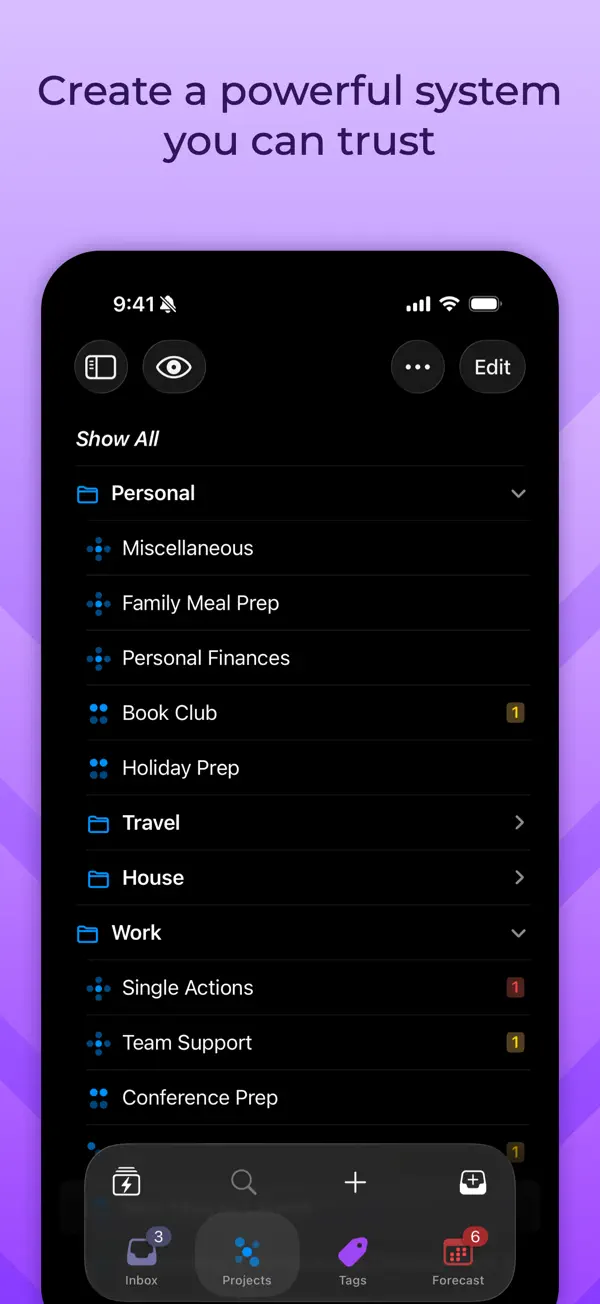
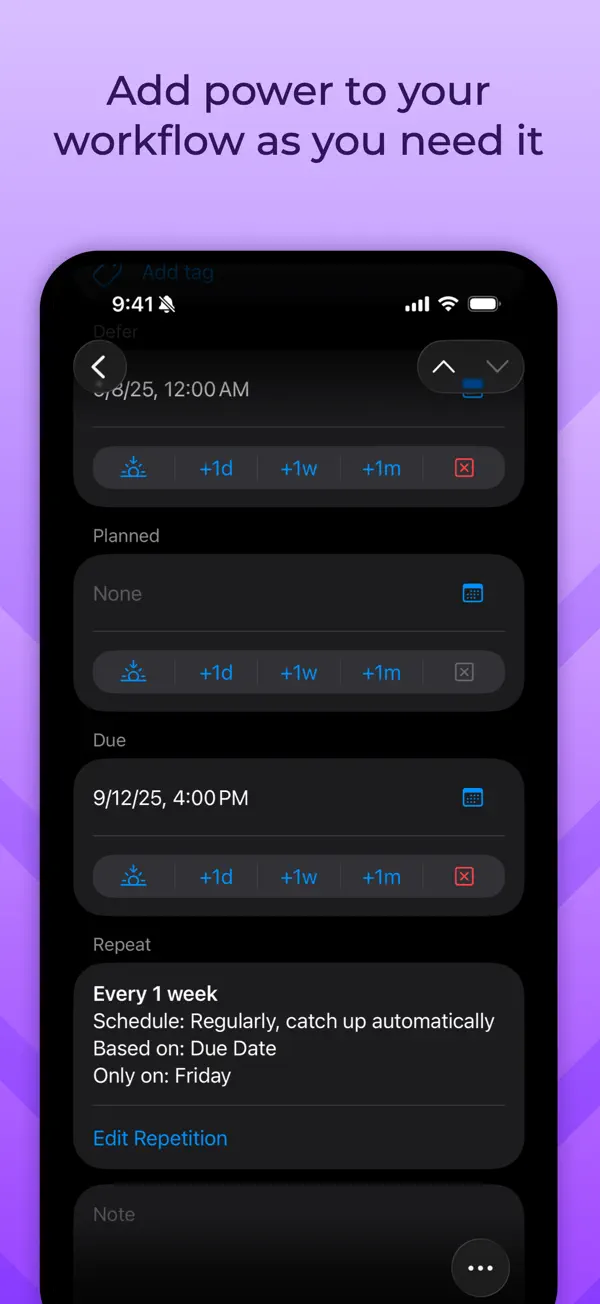
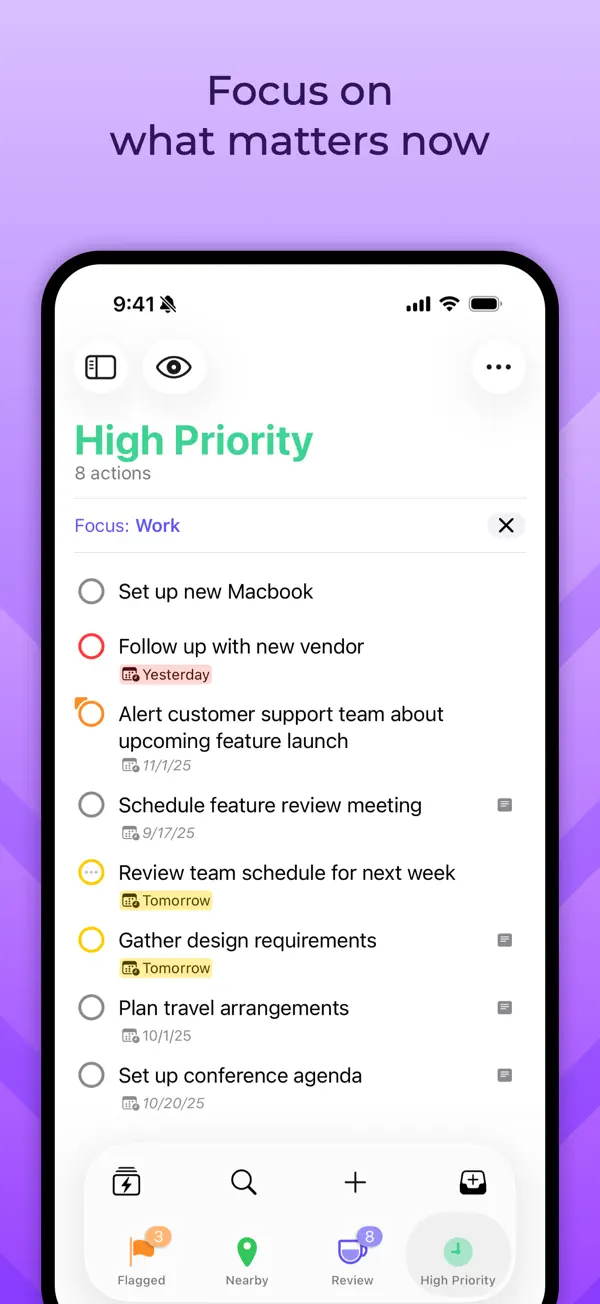
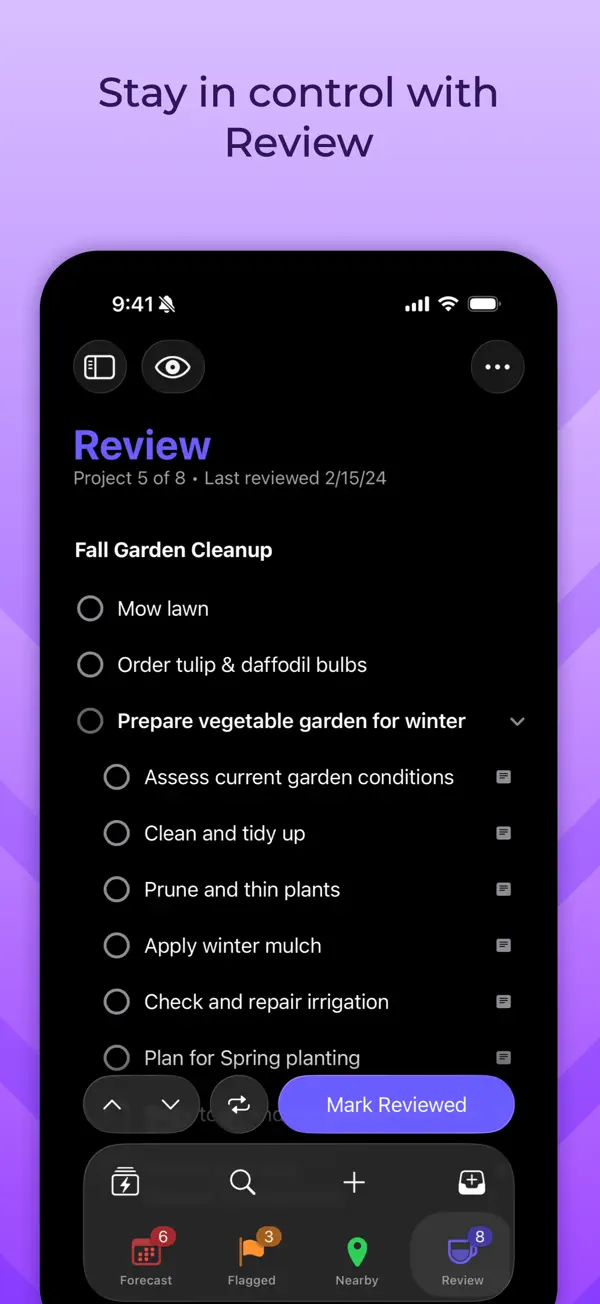
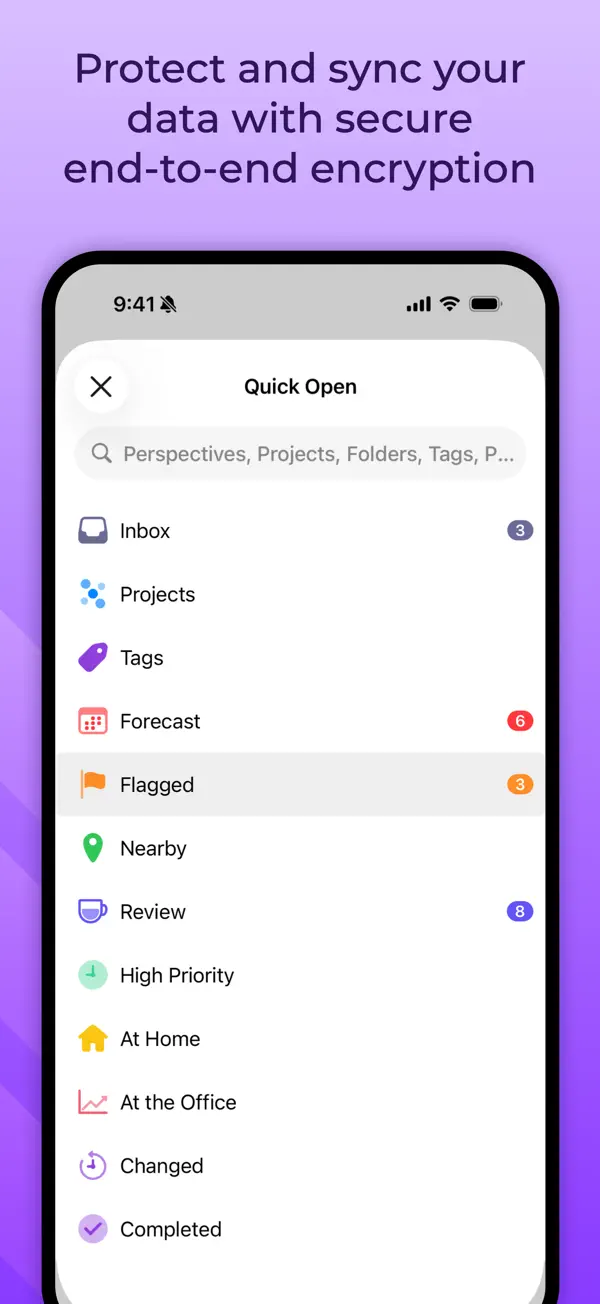
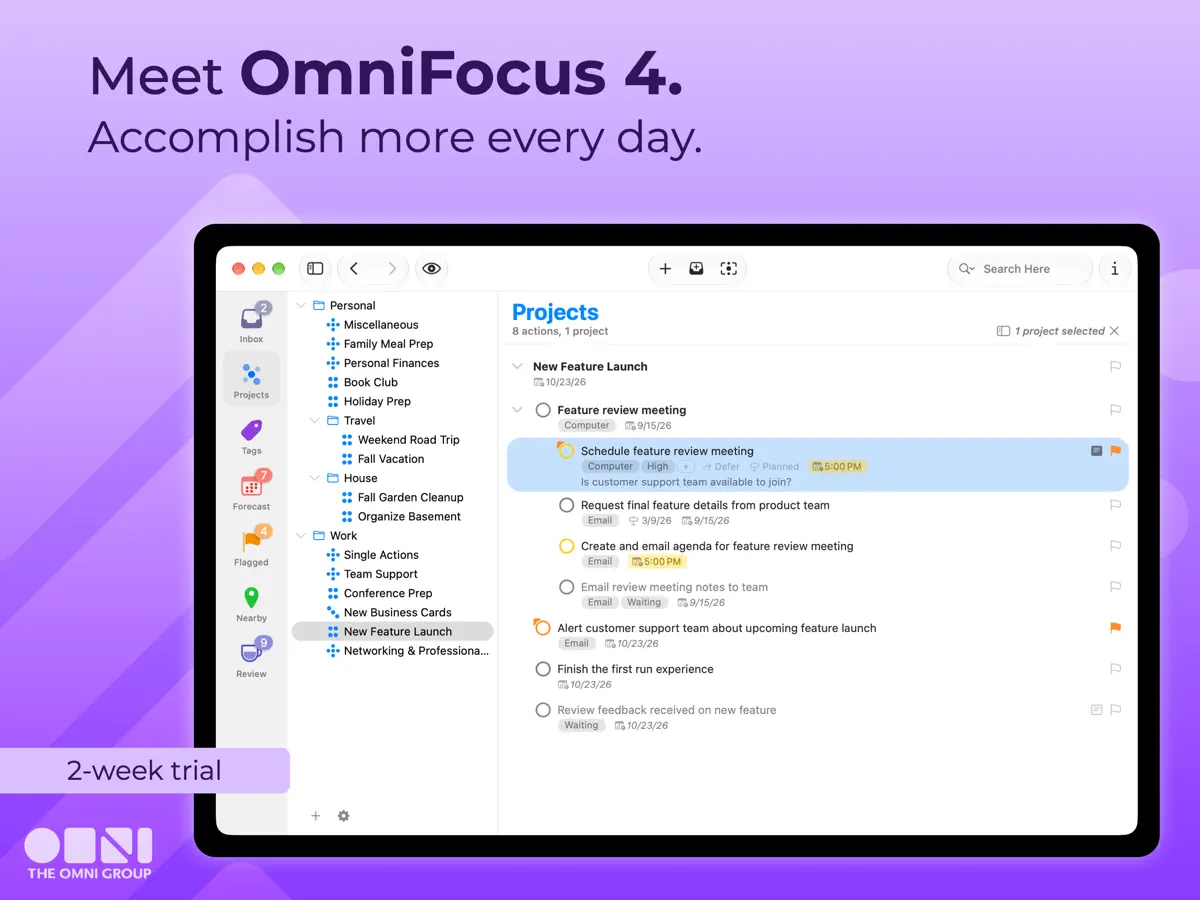
OmniFocus 4 is The Omni Group's task manager for people who juggle many projects at once. Tasks can be organised with projects, tags and dates, and the app is built around an outline of your tasks, with the same interface adapted for Mac, iPhone, iPad, Apple Watch and Apple Vision Pro. Navigation tools include the Perspectives Bar, Quick Open and back and forward history, so you can jump between views quickly. The Pro tier adds Focus, which narrows the app to selected projects or folders, along with deeper customisation of what is shown. Omni runs its own free sync service with end-to-end encryption, and OmniFocus 4 is sold as a single universal purchase that unlocks the app across all supported Apple platforms, with a two-week free trial. It suits people who already follow a structured system such as Getting Things Done, though the developer pitches the simplified interface at newcomers too. Version 4.10, released October 22, 2026, adds iPhone Duo support: the developer says it fits content and controls to the small outer display, adapts to the large inner display and works in Split View. The same update brings landscape orientation to OmniFocus on every iPhone.
App Store descriptionWritten by the developer.
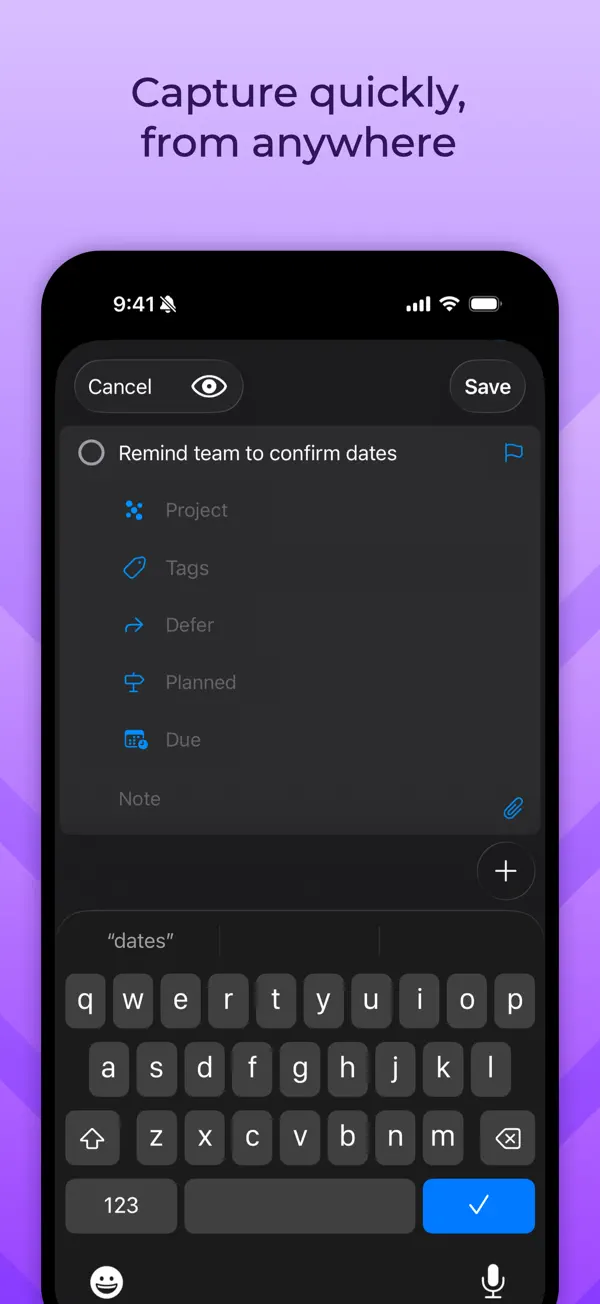
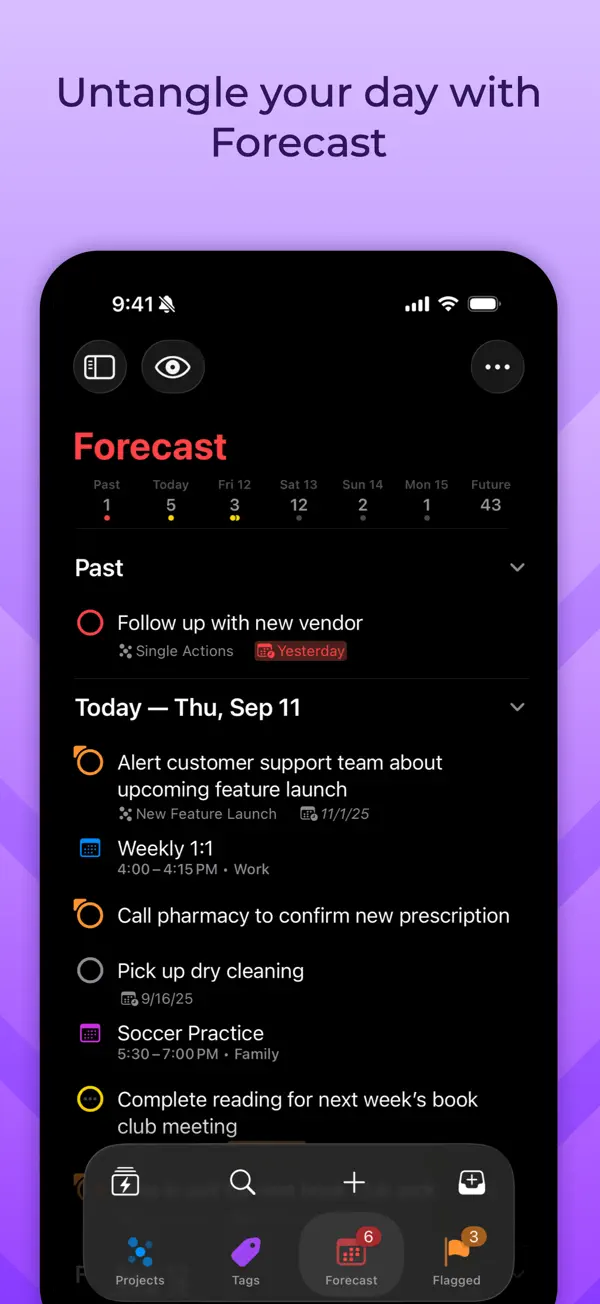
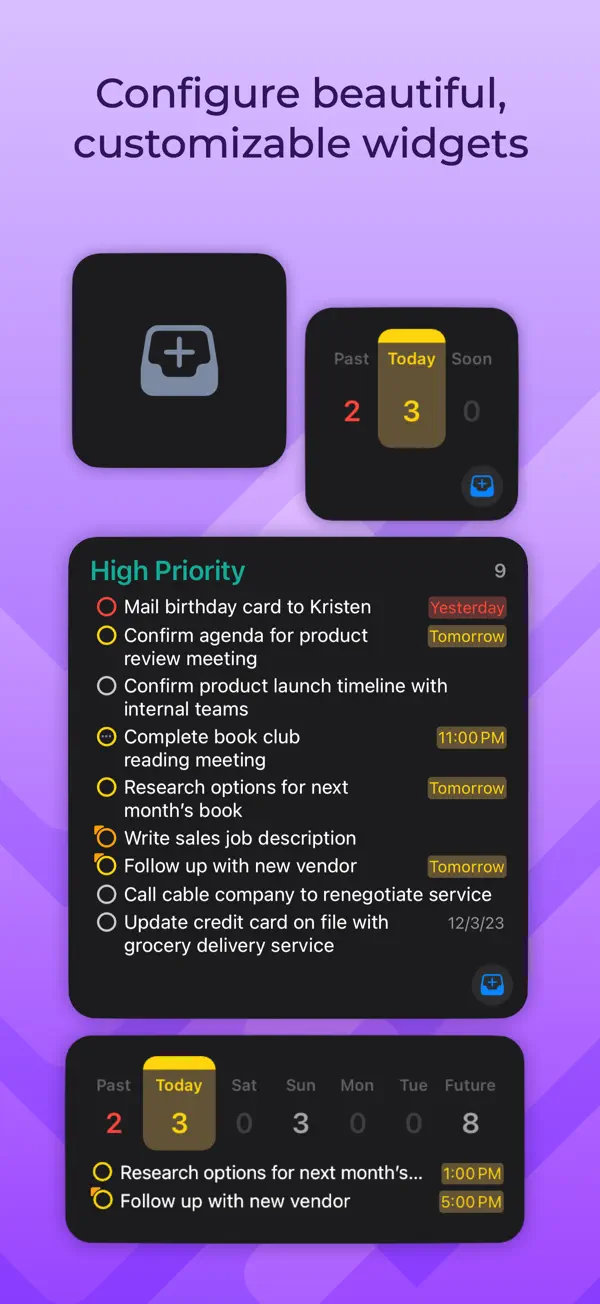
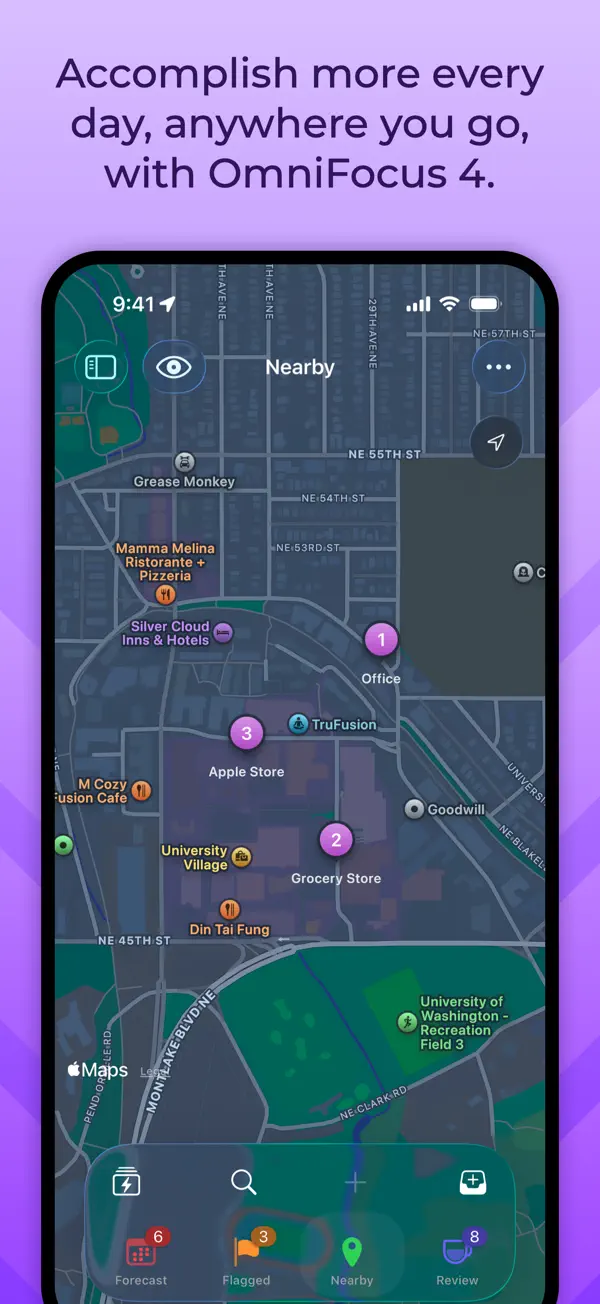
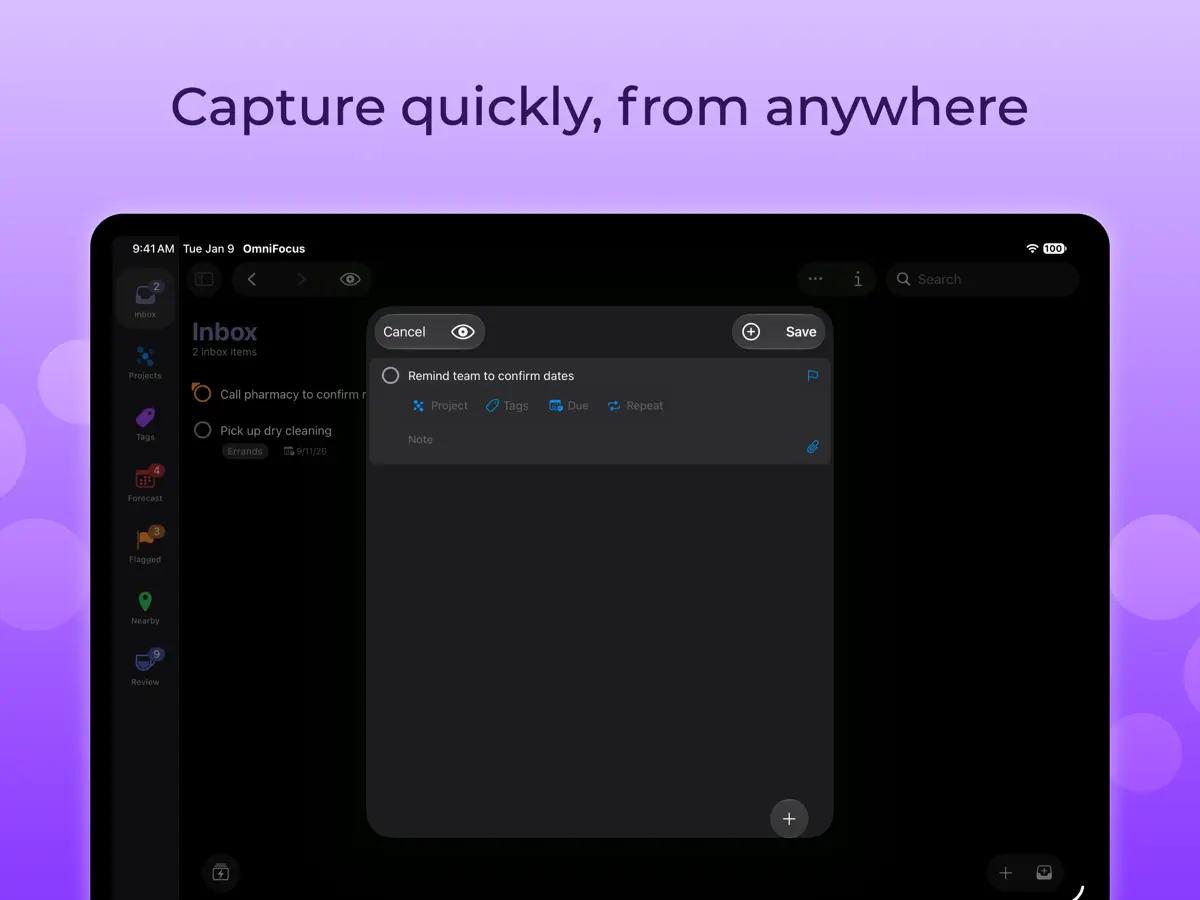
OmniFocus is powerful task management software for busy professionals. With tools to help tame the chaos, you can focus on the right tasks at the right time. Two-week free trial! OmniFocus 4 introduces a modernized, unified interface across Mac, iPhone, iPad, Apple Watch, and Apple Vision Pro. Centered around your task outline, OmniFocus 4 brings a consistent experience, optimized for each device type, to all of your Apple devices. Easily create tasks anytime–from anywhere–and organize them with projects, tags, and dates. Quickly navigate OmniFocus on any device using the Perspectives Bar, Quick Open, and Back and Forward history. With Pro, use Focus to help focus your attention on specific projects or folders, and customize OmniFocus to only display the information most relevant to you. New to OmniFocus? The simple, efficient OmniFocus 4 interface will help you discover and implement a trusted system that works and grows with you. Upgrading from a previous version of OmniFocus? In OmniFocus 4, discover enhanced versions of all the powerful task management features you already rely on, along with new features that will level-up your workflow. Omni offers a free and secure sync service, protected with end-to-end encryption, ensuring only devices you authorize can access your data. And now, for the first time ever, OmniFocus is available as a universal cross-platform purchase: get full access to OmniFocus 4 on your Mac, iPhone, iPad, Apple Watch, and Apple Vision Pro with a single license purchase. Accomplish more every day–anywhere you go–with OmniFocus 4.
Highlights
- Projects, tags and dates for organising tasks
- Perspectives Bar, Quick Open and navigation history
- Focus mode to limit the view to chosen projects (Pro)
- Free end-to-end encrypted sync from Omni
- Single universal purchase across Apple platforms
- Separate layouts for the outer and inner iPhone Duo displays
- Split View with another app or a second OmniFocus window
OmniFocus 4 on iPhone Duo: FAQ
Is OmniFocus 4 optimized for iPhone Duo?
Yes. OmniFocus 4 is Built for Duo: it uses the fold, Split View or the outer display. Verified on October 22, 2026 (Developer statement).
What does OmniFocus 4 look like on iPhone Duo?
According to the version 4.10 release notes (October 22, 2026), OmniFocus displays its content and controls efficiently on the iPhone Duo's compact outer display, adapts its layout to the larger interior display, and can run in Split View alongside another app or a second OmniFocus window. The App Store event for the release describes it as optimized for iPhone Duo. We have not yet tested OmniFocus on an iPhone Duo.
How much does OmniFocus 4 cost?
OmniFocus 4 costs Free · in-app purchases on the App Store.
More Productivity apps
See all ›
Calm to-do list and paper-style planner that sorts tasks by how long they take

Unified inbox from Readdle with message and inbox side by side when unfolded

Task manager from Cultured Code, reshaped for every iPhone Duo pose

A private handwriting-style notebook that opens when you unfold iPhone Duo

Visual timeline day planner with a Focus Timer for book and tabletop poses

Lists and schedule side by side when iPhone Duo is open