TypeDraw
A private handwriting-style notebook that opens when you unfold iPhone Duo
Trautmann & Dorre GbR Shaped Agency · Productivity · $4.99
iPhone screenshots
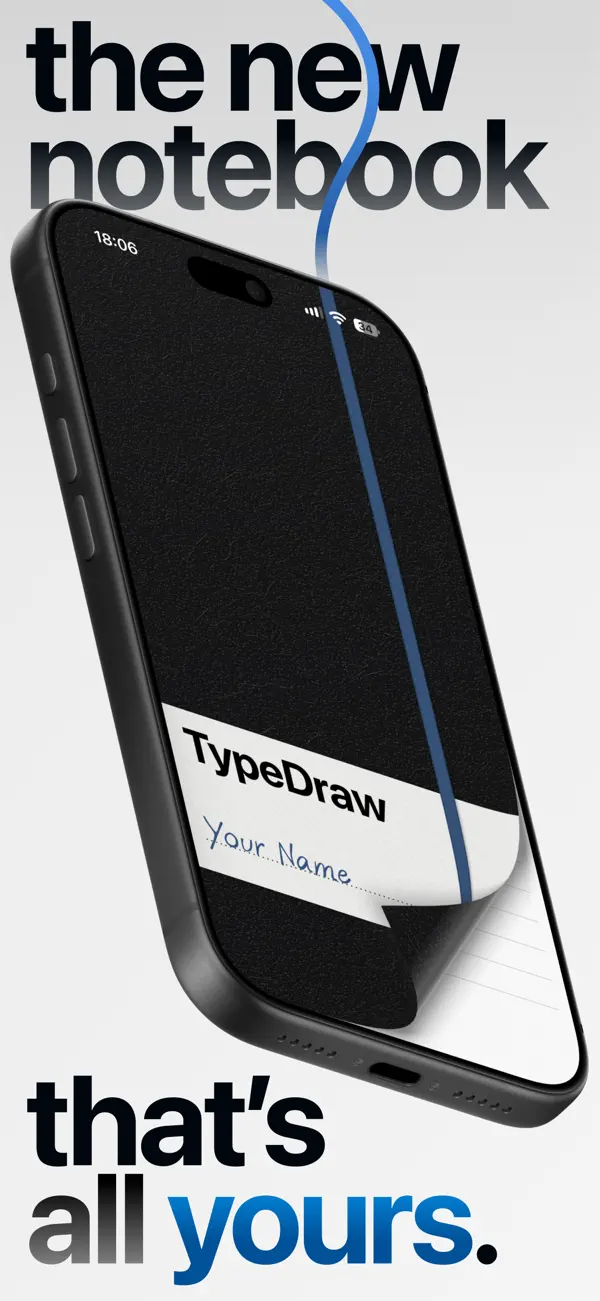
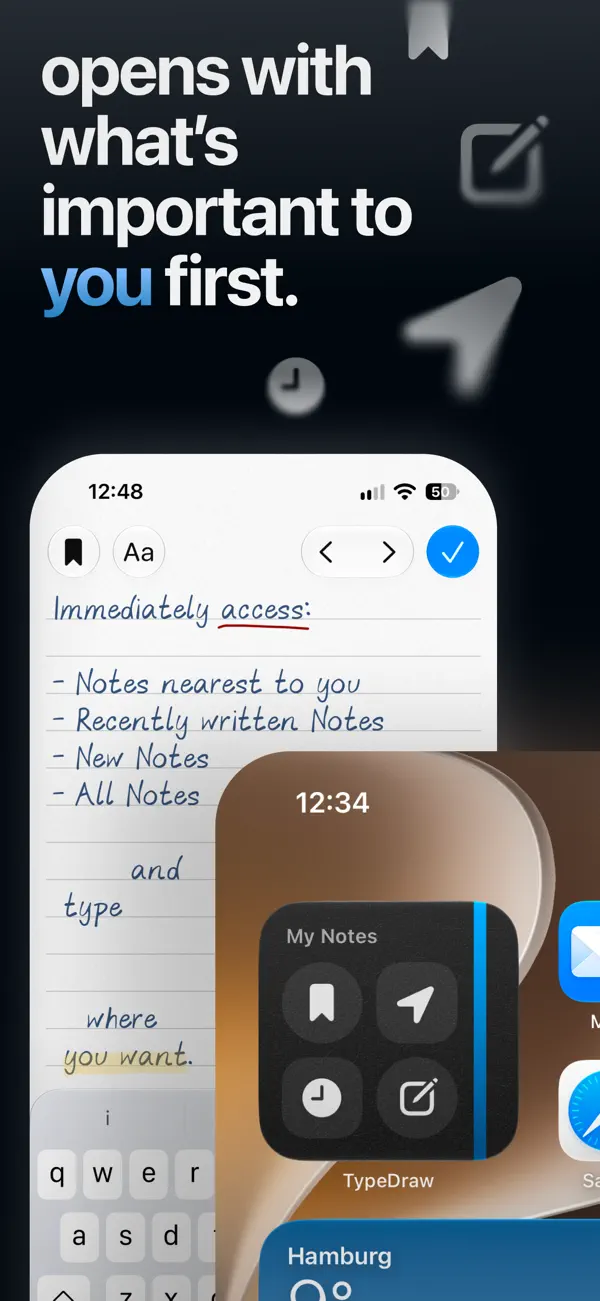
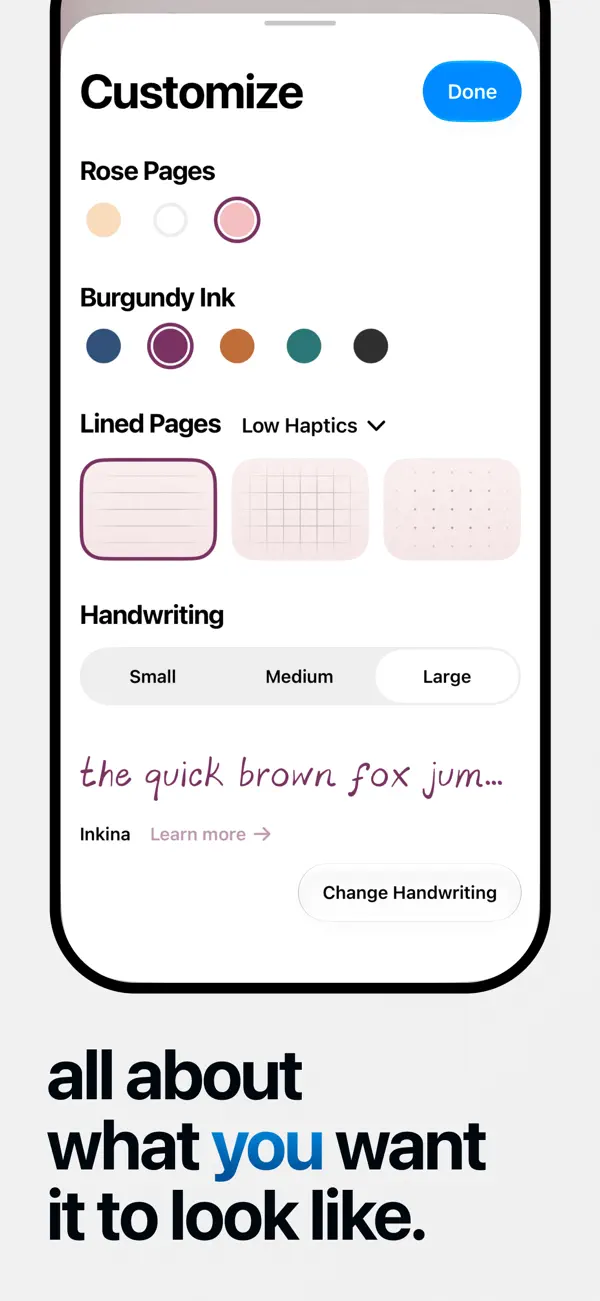
How it uses iPhone Duo
The developer's App Store description says that on iPhone Duo you can open your TypeDraw notebook by unfolding the phone, alongside the swipe-to-open cover and Home Screen widget on other iPhones. The description also says Apple Pencil support on iPhone Duo is coming later this year; that feature is not yet available. We have not yet tested TypeDraw on an iPhone Duo.
What’s New
Version 1.4 ·
Optional haptic feedback for pages, a new interactive elastic band, bug fixes, and many small improvements make this our best and most stable version yet.
About this app
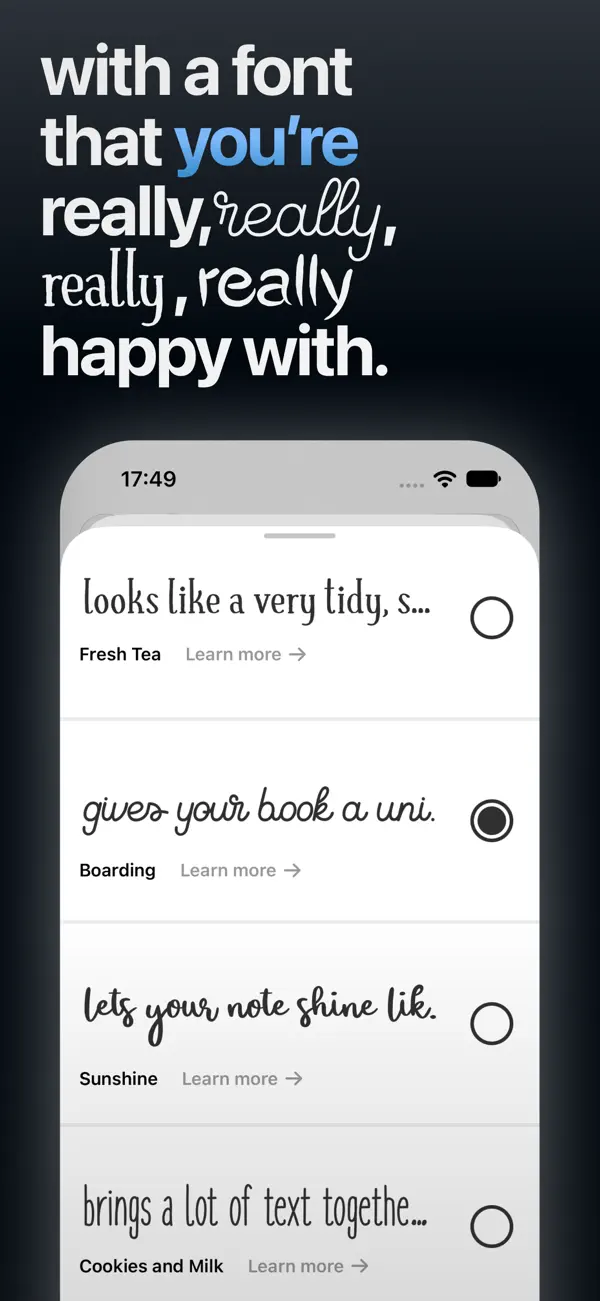
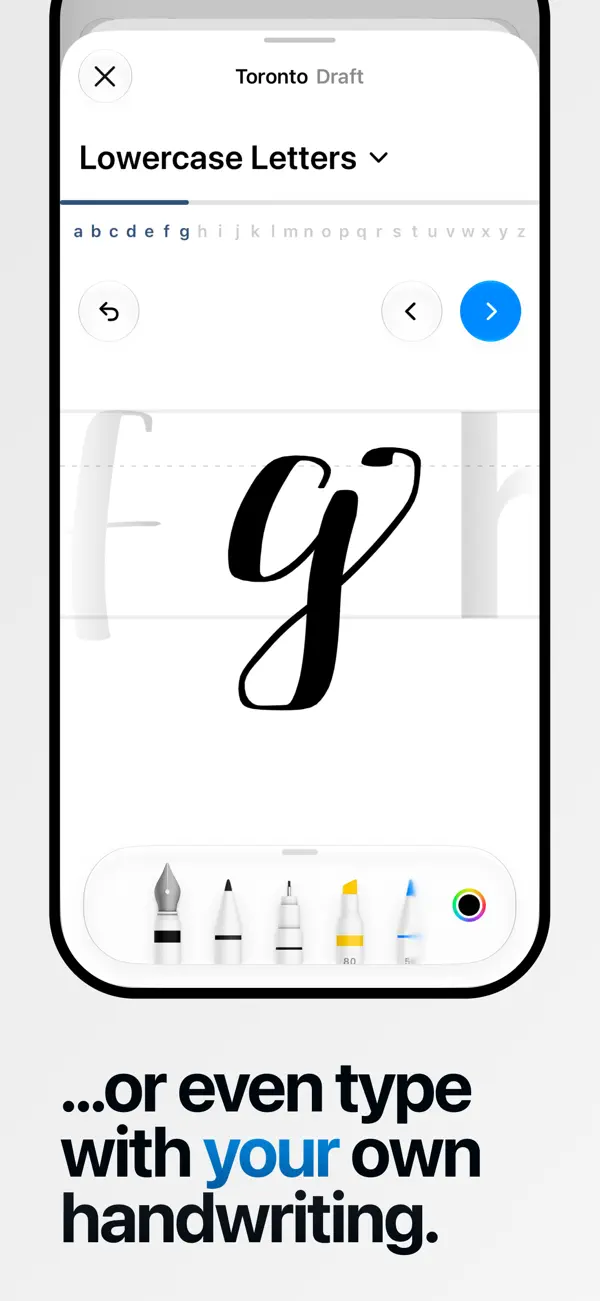
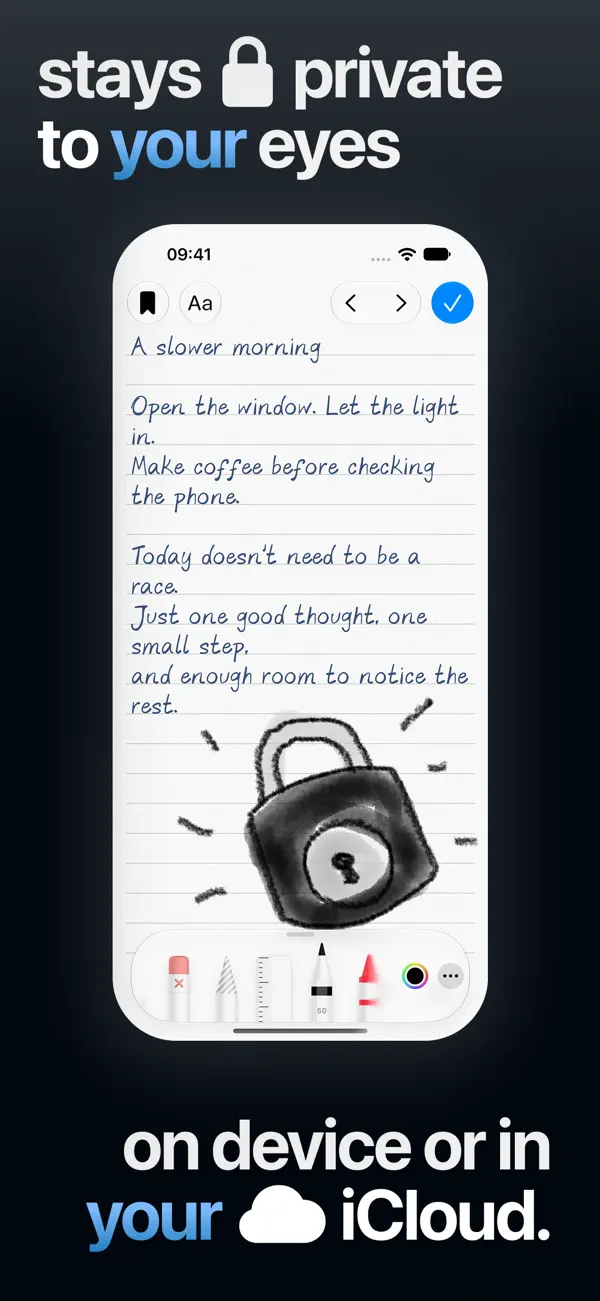
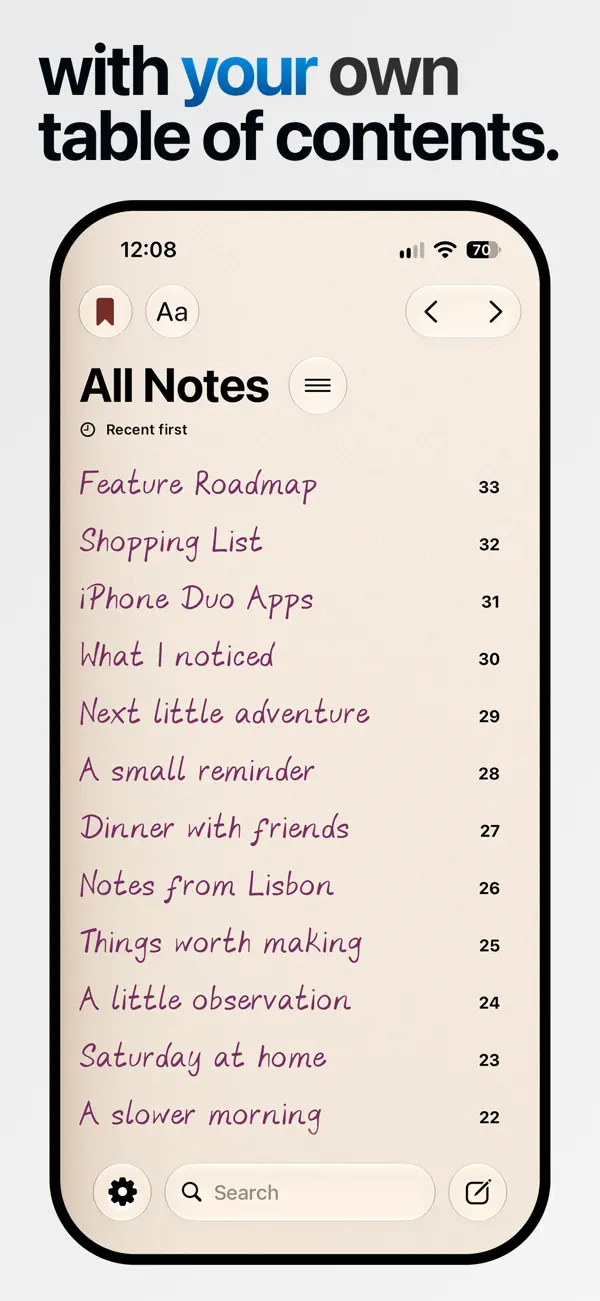
TypeDraw is a digital notebook from Shaped Fonts (Trautmann & Dorre GbR) that tries to recreate the feel of writing in a paper journal. You can choose what the notebook opens to: a fresh note, your most recent one, or a note tied to your current location. Text is set in handwritten typefaces, with a collection of 12 from Shaped Fonts, and the app can also turn your own handwriting into a font you can type with. Paper and ink colours are adjustable, and pages can be lined, gridded or dotted. You can type anywhere on a page, curl pages as you would in a real notebook and draw with your fingers. Notes stay on the device by default, with optional sync through your own iCloud account, and no account is needed to use the app. It is a paid app with no in-app purchases listed, aimed at people who keep a personal journal or quick notes and prefer something more tactile than a plain notes app. The notebook can be opened with a swipe of its cover, from a Home Screen widget, or on iPhone Duo simply by unfolding the phone. The developer also says Apple Pencil support on iPhone Duo is planned for later this year.
App Store descriptionWritten by the developer.
Imagine carrying a personal notebook that opens with whatever you want to see first: a new note, your most recent one, or a note captured at your current location. All while staying local and private on your device or, if you choose, always in sync across all your devices through your own iCloud account. Open your notebook with a swipe of the cover on your iPhone, by unfolding your iPhone Duo, or with a tap on our beautiful Home Screen widget. Personalise it with a collection of 12 handwritten typefaces from Shaped Fonts, or turn your own handwriting into a font you can type with. Choose your paper and ink colours, and decide between lined, grid, or dotted pages. Type anywhere, just like you would write in a real notebook. Curl the pages and draw with your fingers, or use Apple Pencil on iPhone Duo later this year. No account required. All your data stays private and secure.
Highlights
- Notebook that opens to a new, recent or location-based note
- 12 handwritten typefaces from Shaped Fonts
- Turn your own handwriting into a typeable font
- Lined, grid or dotted pages with custom paper and ink colours
- Page curling and finger drawing
- Local storage with optional iCloud sync, no account required
- Opens when you unfold iPhone Duo
TypeDraw on iPhone Duo: FAQ
Is TypeDraw optimized for iPhone Duo?
Yes. TypeDraw is Built for Duo: it uses the fold, Split View or the outer display. Verified on October 22, 2026 (Developer statement).
What does TypeDraw look like on iPhone Duo?
The developer's App Store description says that on iPhone Duo you can open your TypeDraw notebook by unfolding the phone, alongside the swipe-to-open cover and Home Screen widget on other iPhones. The description also says Apple Pencil support on iPhone Duo is coming later this year; that feature is not yet available. We have not yet tested TypeDraw on an iPhone Duo.
How much does TypeDraw cost?
TypeDraw costs $4.99 on the App Store.
More Productivity apps
See all ›
Calm to-do list and paper-style planner that sorts tasks by how long they take

Task and project management with layouts for both iPhone Duo displays

Unified inbox from Readdle with message and inbox side by side when unfolded

Task manager from Cultured Code, reshaped for every iPhone Duo pose

Visual timeline day planner with a Focus Timer for book and tabletop poses
Lists and schedule side by side when iPhone Duo is open