Actions
Lists and schedule side by side when iPhone Duo is open
Bonobo Pte Ltd · Productivity · Free · in-app purchases
iPhone screenshots
iPad screenshots
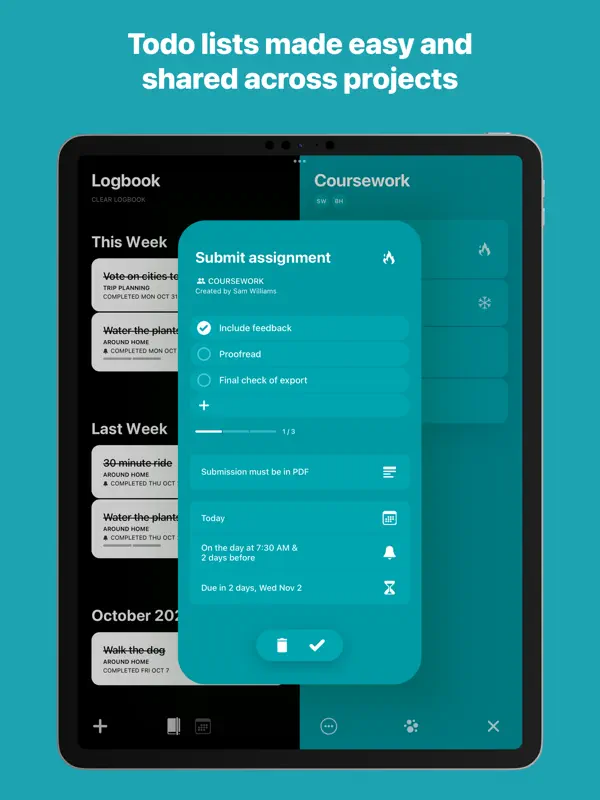
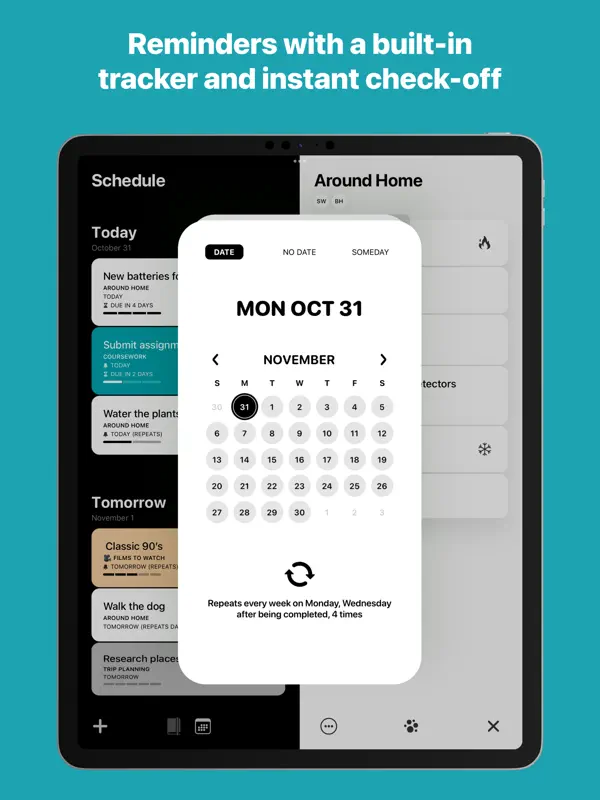
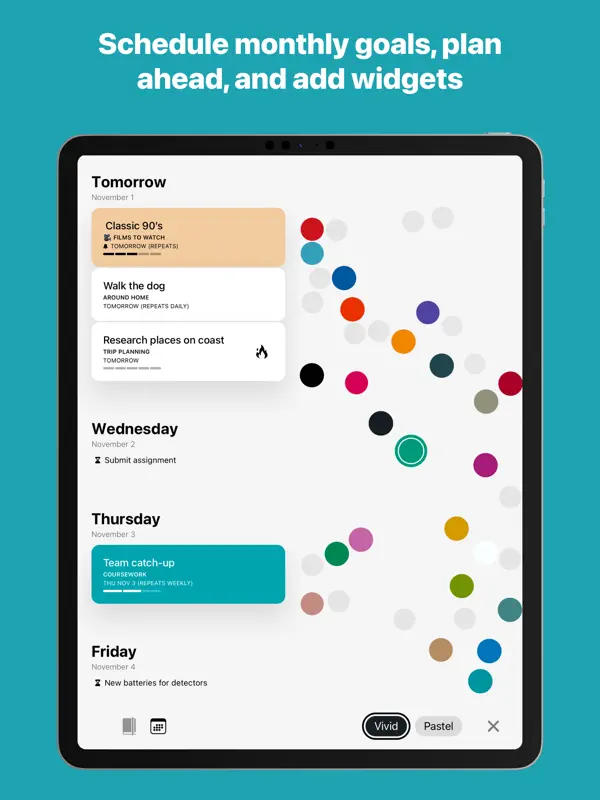
How it uses iPhone Duo
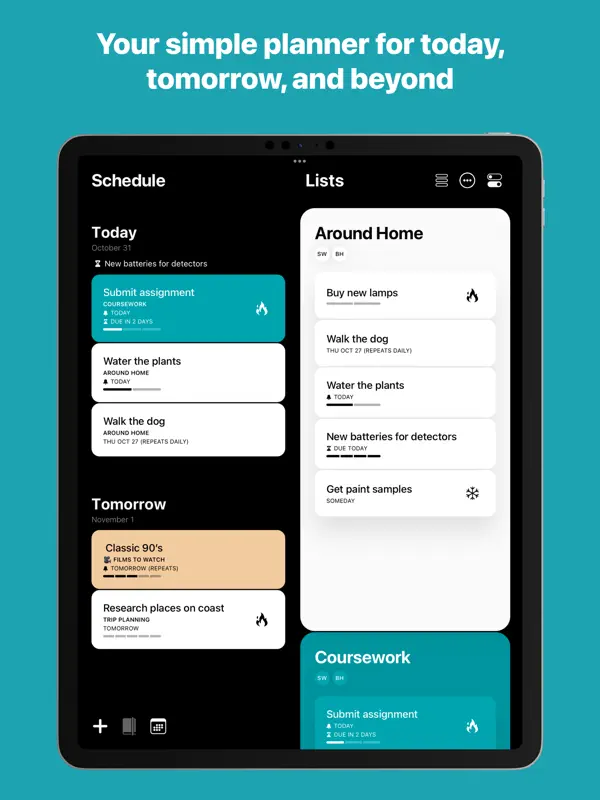
Bonobo's release notes for version 3.11.1 (October 20, 2026) say that unfolding iPhone Duo lets you plan your schedule on one side and work on your lists on the other, with today and tomorrow staying in view beside any list. The update adds all-new vertical navigation designed for iPhone Duo, and the developer says the app adapts whether the phone is open, closed or anywhere in between. We have not yet tested it on an iPhone Duo.
What’s New
Version 3.11.1 ·
Actions is here for iPhone Duo! Unfold it to plan your schedule on one side and get things out of your brain and into your lists on the other. Today and tomorrow stay in view beside any list, and the all-new vertical navigation is designed for iPhone Duo. However you hold it, open, closed or anywhere in between, Actions adapts to fit and help you get things done. Let us know what you think! You can talk to us here: actions@bonobolabs.com
About this app
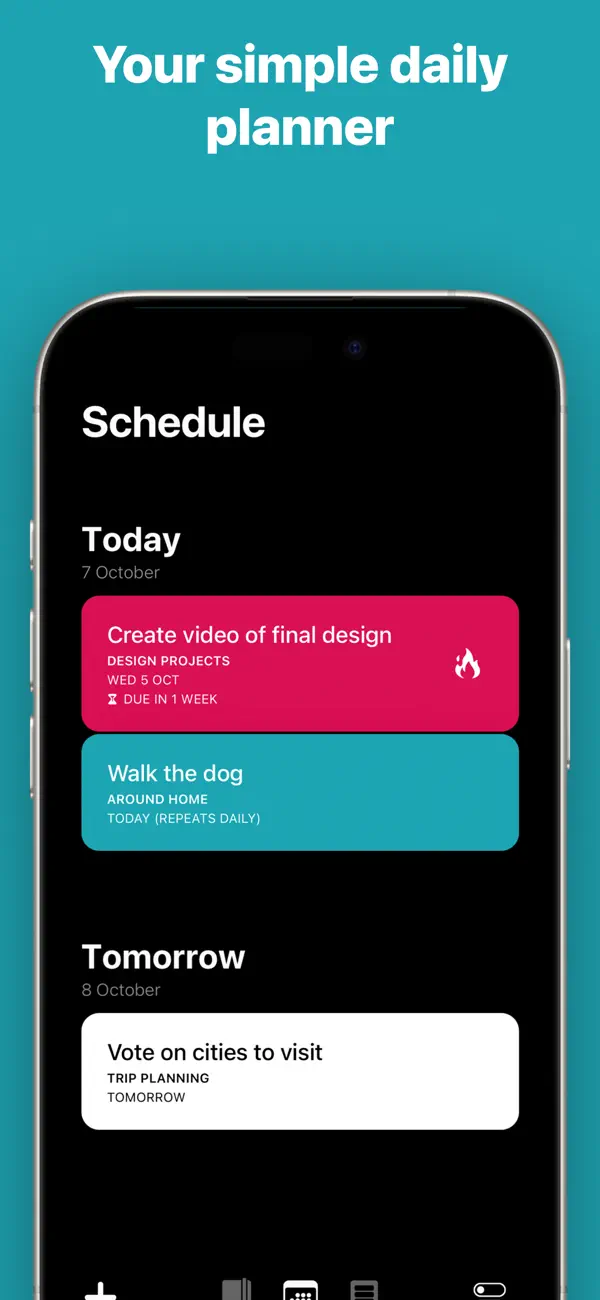
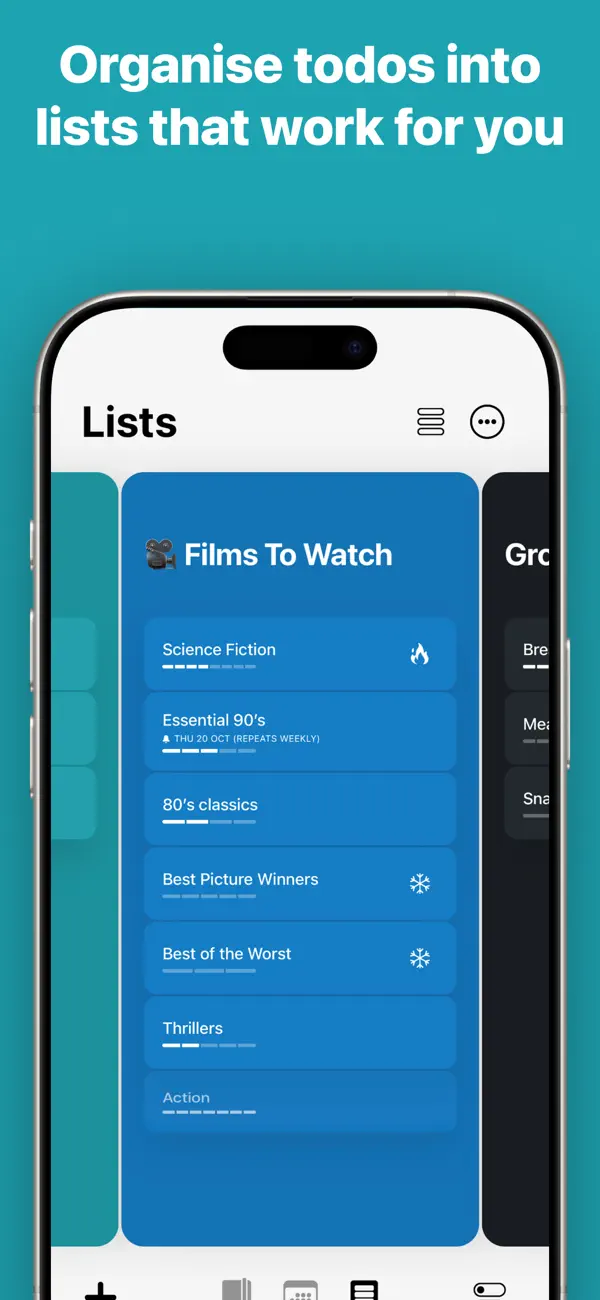
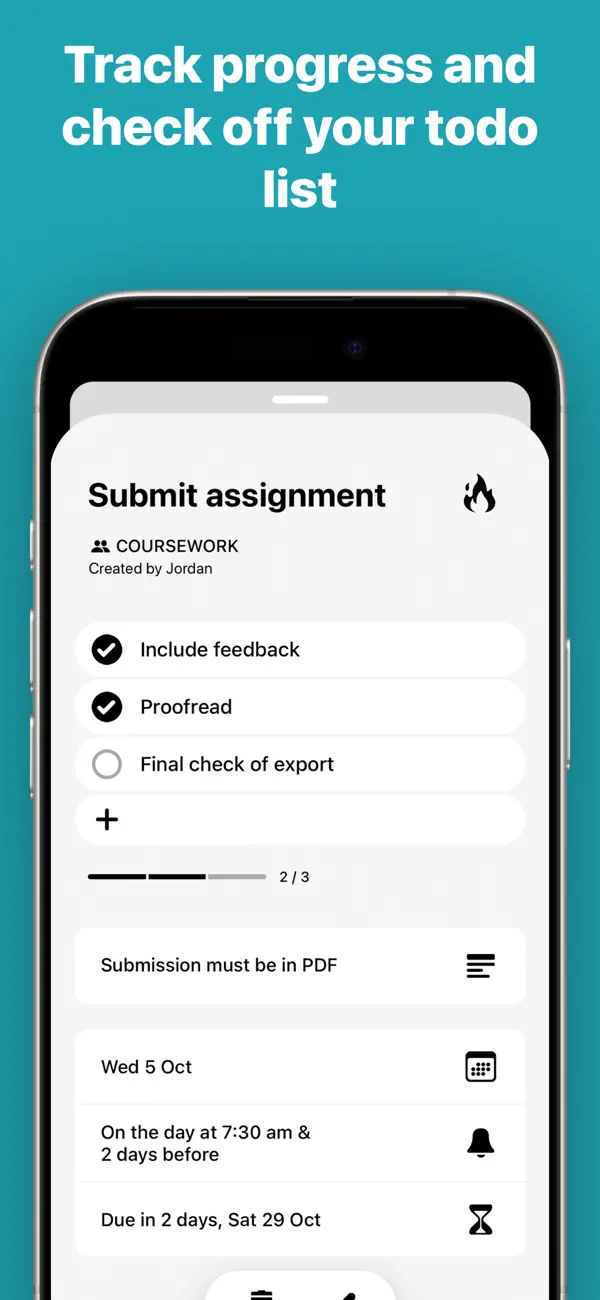
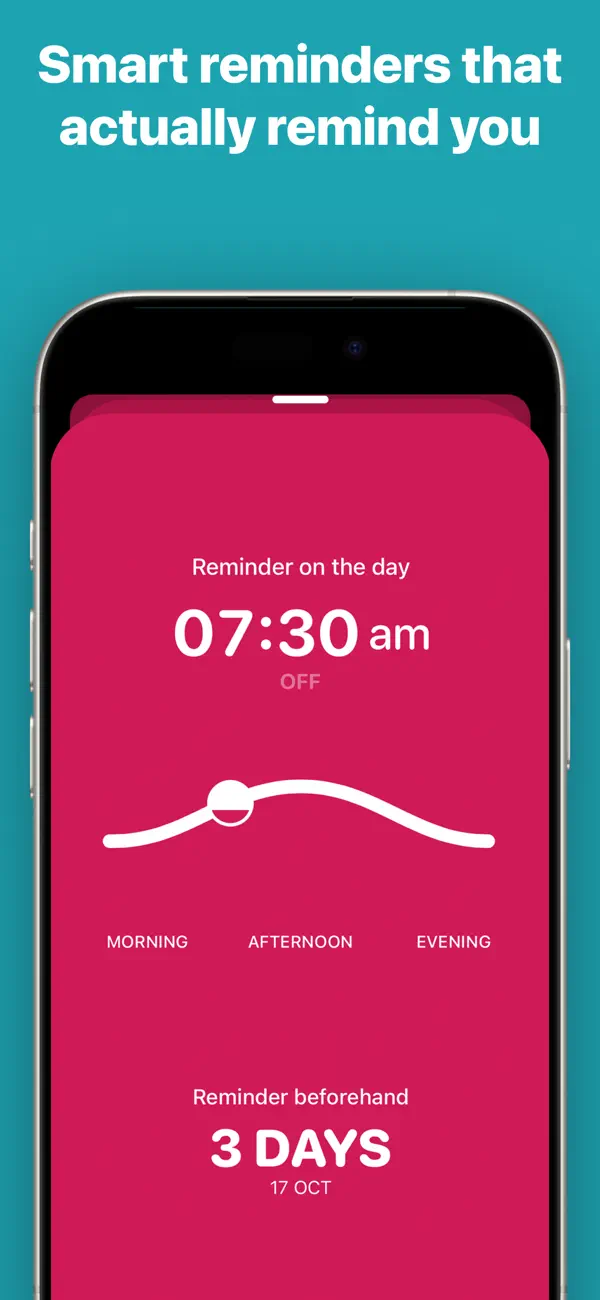
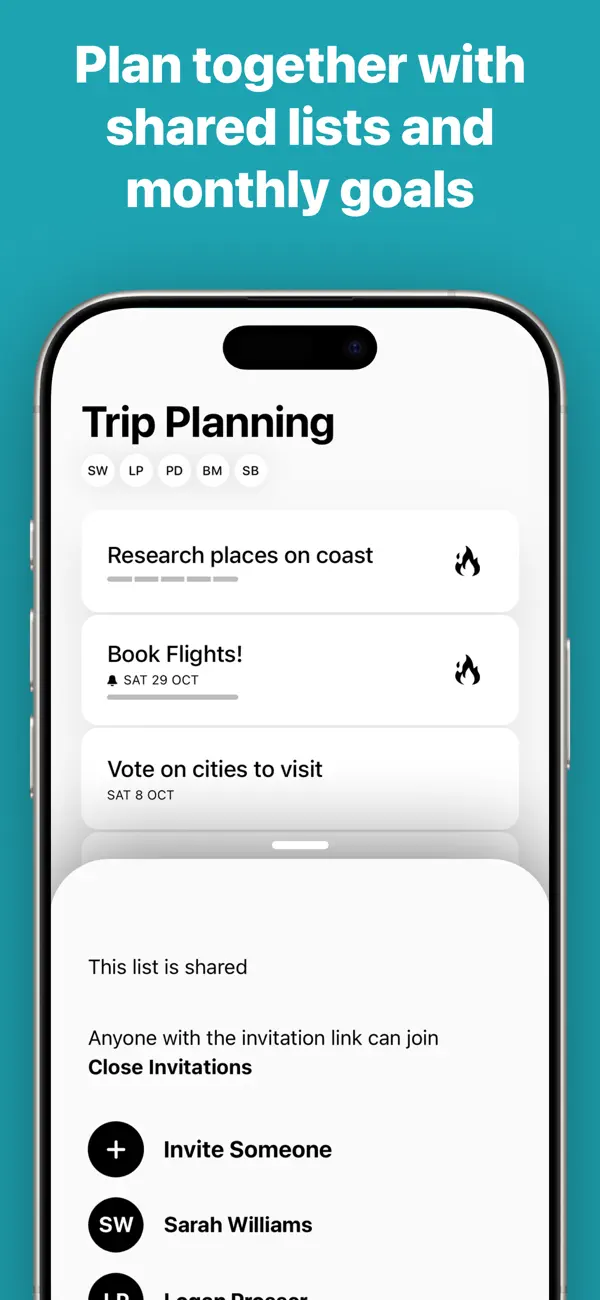
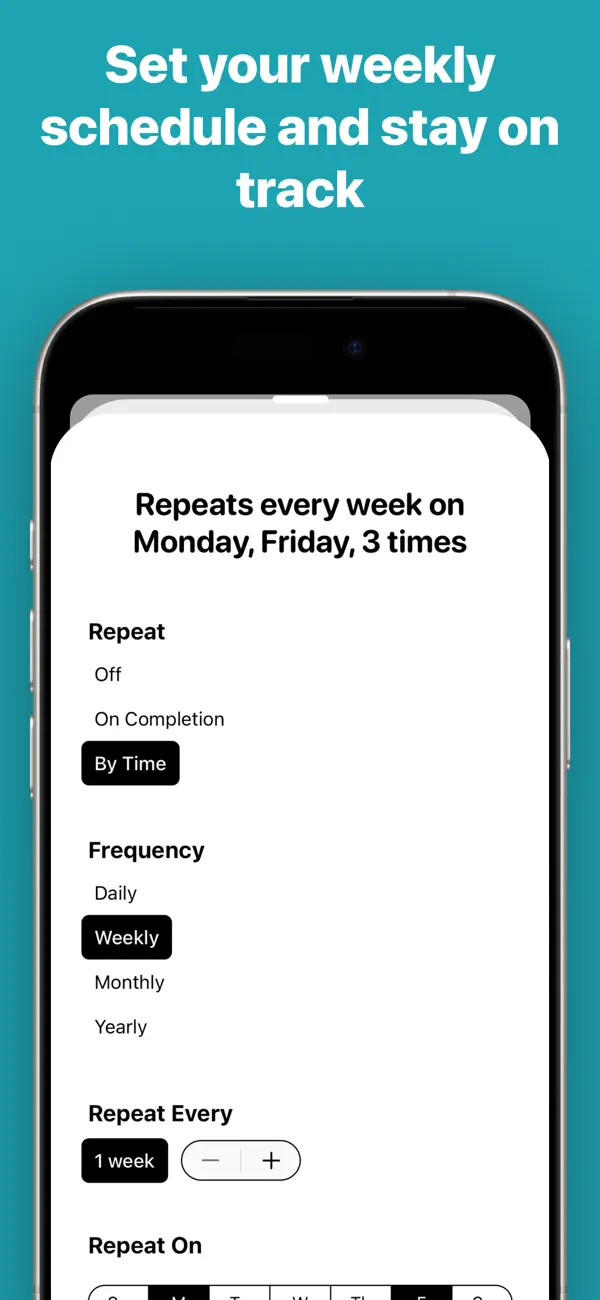
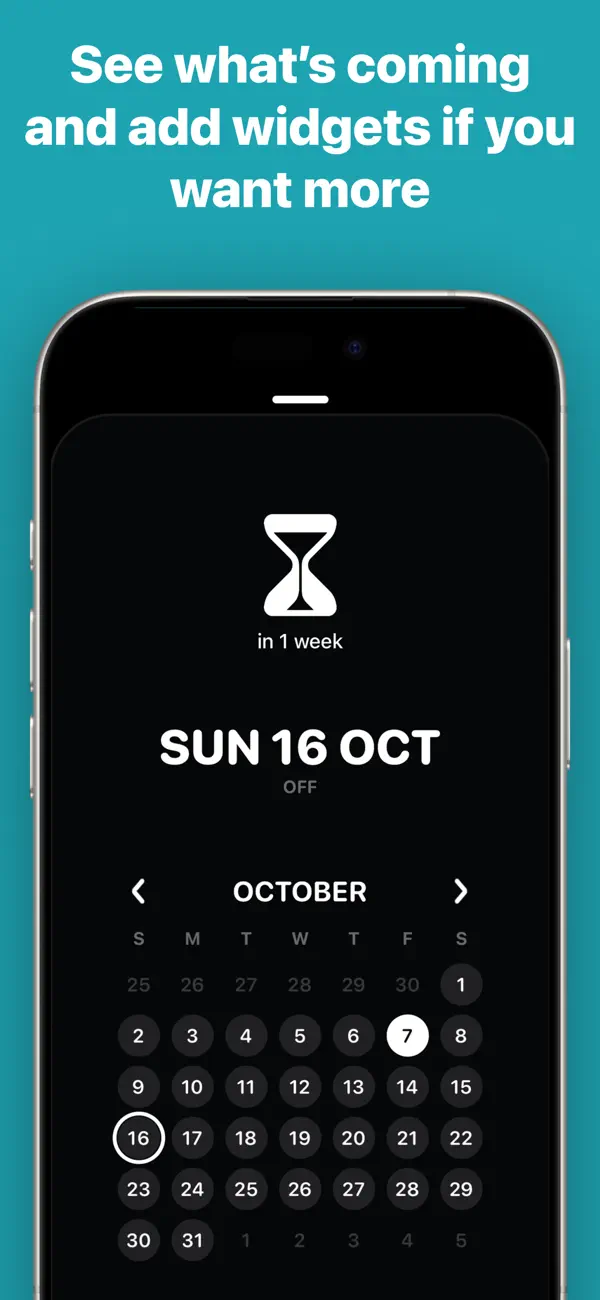
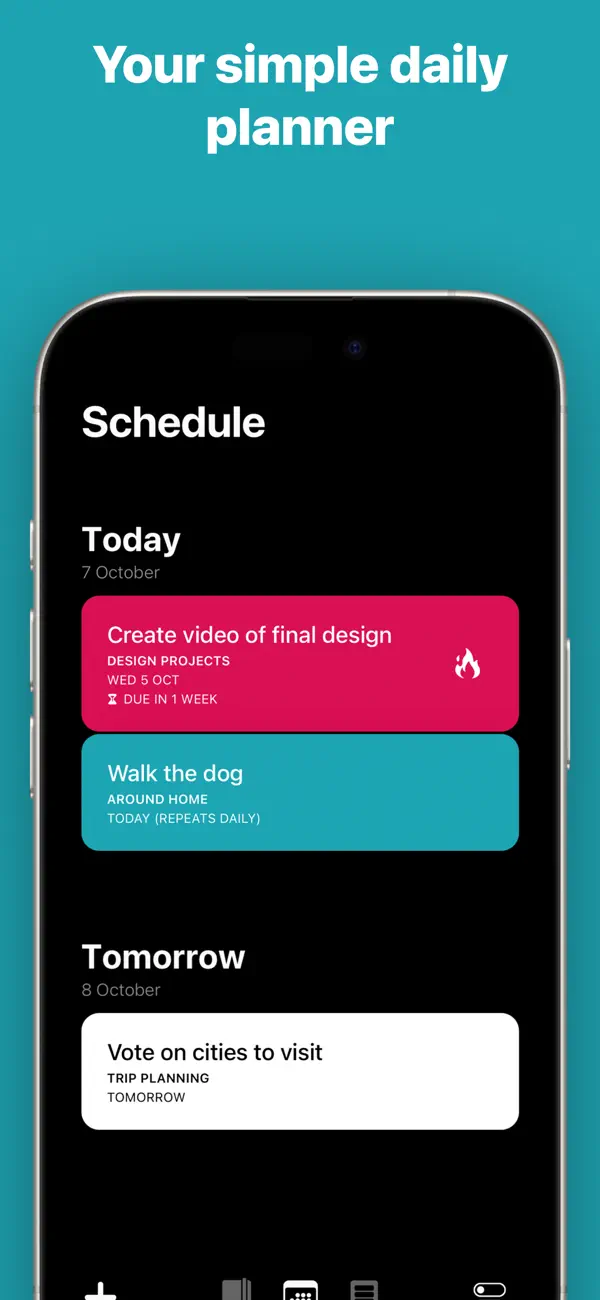
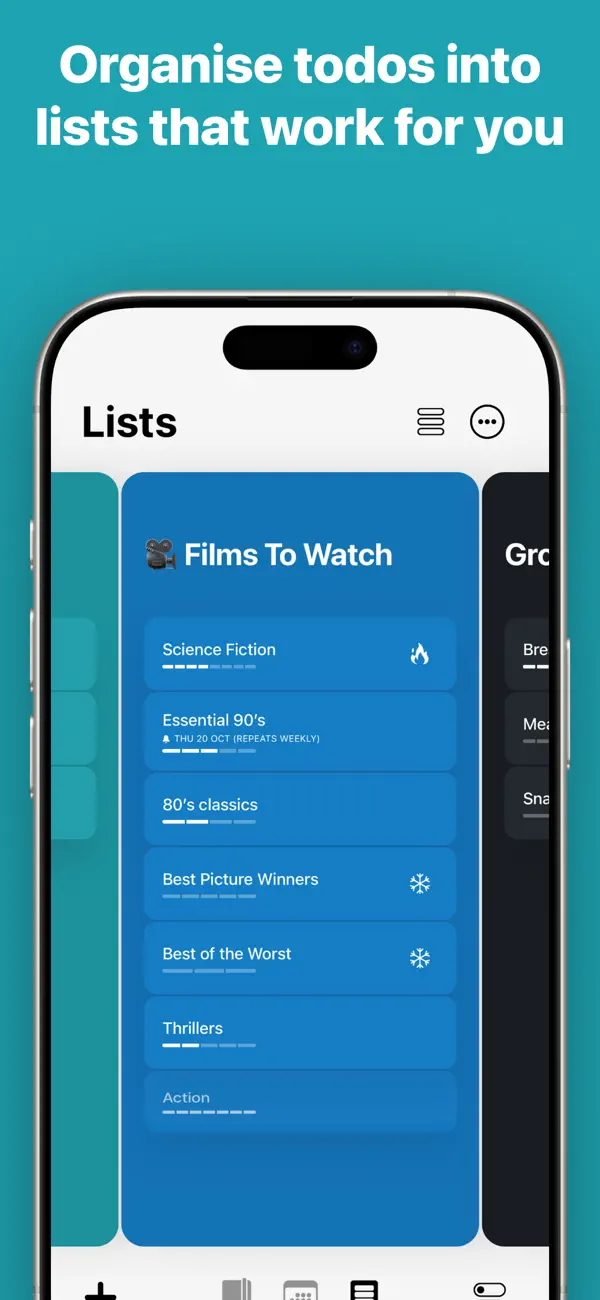
Actions is a card-based to-do app from Bonobo, the studio that makes the Timepage calendar. Each task is an Action Card that can carry free-form notes, and cards are dragged into color-coded custom lists for anything from errands to project details. Tasks are entered in plain language. Typing something like a recurring chore with a day attached sets up the schedule, reminders and notifications automatically, and repeat rules can be fairly specific. Reminders can be set for morning, afternoon, evening or a custom time, and cards are completed, deleted or snoozed with a swipe. A Schedule view lists what is coming up, and the app suggests cards that may need rescheduling or clearing out to keep lists manageable. Actions syncs through the cloud, accepts lists from other apps via the share sheet, and works with Siri. If Timepage is installed, calendar events appear in the Actions schedule, and scheduled actions appear in Timepage. Actions is a subscription app with a free trial; without an active membership it remains usable in read-only mode. Version 3.11.1, released on October 20, 2026, added support for iPhone Duo.
App Store descriptionWritten by the developer.
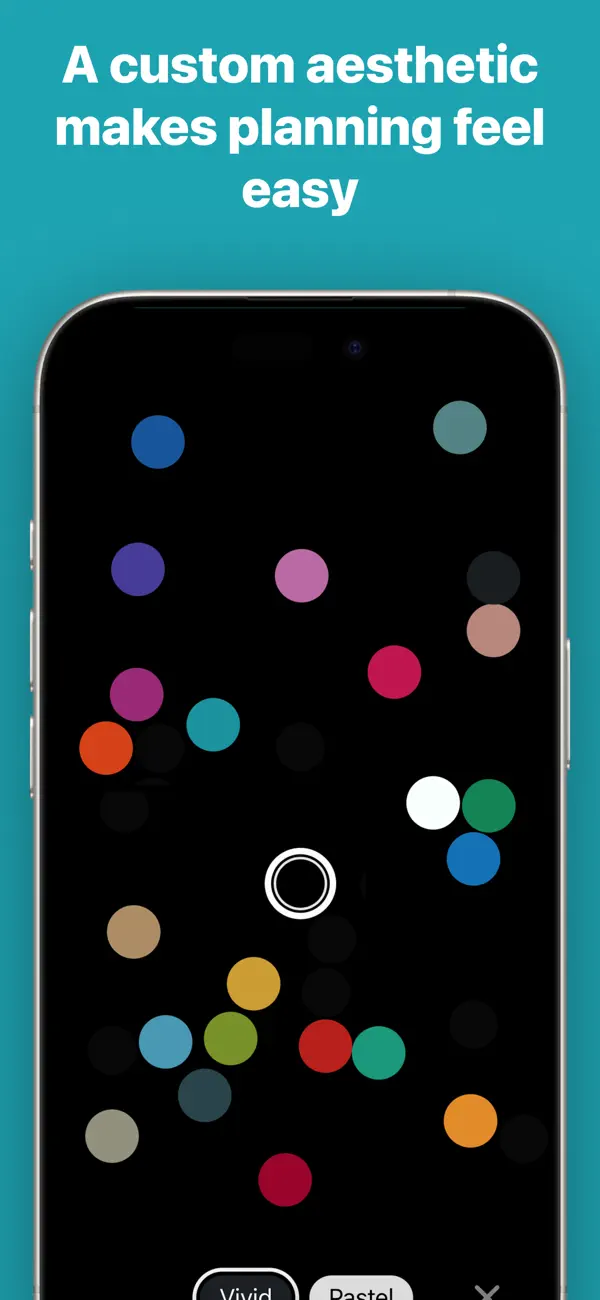
Keep on top of everything in your head, whether it’s movies to watch or the details of your next big project. Designed for busy people who live by making lists to stay on track at work and home, the digital card based design is a clutter-free way to visualise everything that needs doing. Collect your thoughts in a calm interface with simple natural language like “Water the plants every Saturday” then let Actions take care of reminding you automatically. –––FEATURES––– • Create Action Cards to note things you do not want to forget. • Type naturally like “Post status report every second Friday” and Actions takes care of the scheduling, reminders and notifications. • Drag and drop your Action Cards into custom Lists to organise them intuitively • Colour code each list to further personalise your productivity system • Use the Schedule to see all of the Actions coming up • Swipe on Action Cards to complete them, delete them and set reminders. • Add free-form notes to Action Cards for extra details like phone numbers • Get push notifications, you can quickly choose reminders for the Morning, Afternoon, Evening or custom times • Create repeating actions with advanced rules like “Call Sam every second Tuesday in June” • Automatically and securely sync all of your Actions to the cloud instantly • To keep your lists manageable, Actions will automatically suggest Action Cards that should be rescheduled or deleted • Use the iOS Share extension to bring lists from other apps into Actions easily • Use Siri to manage your actions for hands-free productivity! Actions is a sophisticated app for getting things done, but it’s even more powerful if you have Timepage. With Timepage installed, your calendar events will automatically appear in the Schedule screen in Actions so you can see everything in context. In Timepage, you can see scheduled actions alongside your events. Master your calendar events and your to-dos with the ultimate productivity app duo! –––MEMBERSHIP––– Actions is a membership service with a free trial. Download the app free to try it out without restriction or registration. After the trial period you can choose to purchase a membership which allows unlimited use across all of your devices. Without an active membership, you can still use the app in read-only mode. • Unlimited access on all your devices. • Both monthly and annual options available. Price may vary by location. Subscriptions will be charged to your iTunes Account at confirmation of purchase. Your subscription will automatically renew unless automatic renewal is turned off at least 24-hours before the end of the current period. Your account will be charged for renewal within 24-hours prior to the end of the current period. You can manage your subscriptions and automatic renewal status in Account Settings after purchase. Any unused portion of the free trial period will be forfeited when you purchase a subscription. Privacy Policy: https://bonobolabs.com/privacy Terms of Service: https://bonobolabs.com/terms –––QUESTIONS?––– If you’ve got a question or something isn’t working quite right, you can contact us directly from the Menu > Help > Contact Support. Got a feature idea? Let us know at https://bonobo.canny.io/actions –––THANK YOU––– We have put thousands of hours into creating Actions. We read every single one of your reviews. If you enjoy using Actions please take a minute to leave us a nice review, thank you!
Highlights
- Card-based tasks with notes
- Natural-language scheduling and repeats
- Color-coded custom lists
- Schedule and lists side by side when unfolded
- Vertical navigation for iPhone Duo
- Calendar integration with Timepage
Actions on iPhone Duo: FAQ
Is Actions optimized for iPhone Duo?
Yes. Actions is Built for Duo: it uses the fold, Split View or the outer display. Verified on October 20, 2026 (Developer statement).
What does Actions look like on iPhone Duo?
Bonobo's release notes for version 3.11.1 (October 20, 2026) say that unfolding iPhone Duo lets you plan your schedule on one side and work on your lists on the other, with today and tomorrow staying in view beside any list. The update adds all-new vertical navigation designed for iPhone Duo, and the developer says the app adapts whether the phone is open, closed or anywhere in between. We have not yet tested it on an iPhone Duo.
How much does Actions cost?
Actions costs Free · in-app purchases on the App Store.
More Productivity apps
See all ›
Calm to-do list and paper-style planner that sorts tasks by how long they take

Task and project management with layouts for both iPhone Duo displays

Unified inbox from Readdle with message and inbox side by side when unfolded

Task manager from Cultured Code, reshaped for every iPhone Duo pose

A private handwriting-style notebook that opens when you unfold iPhone Duo

Visual timeline day planner with a Focus Timer for book and tabletop poses