Structured
Visual timeline day planner with a Focus Timer for book and tabletop poses
unorderly GmbH · Productivity · Free · in-app purchases
iPhone screenshots
iPad screenshots
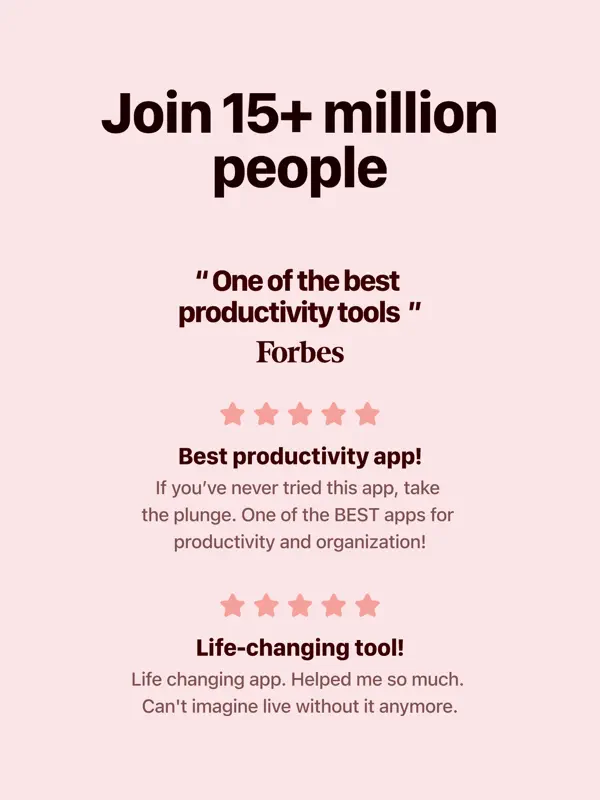
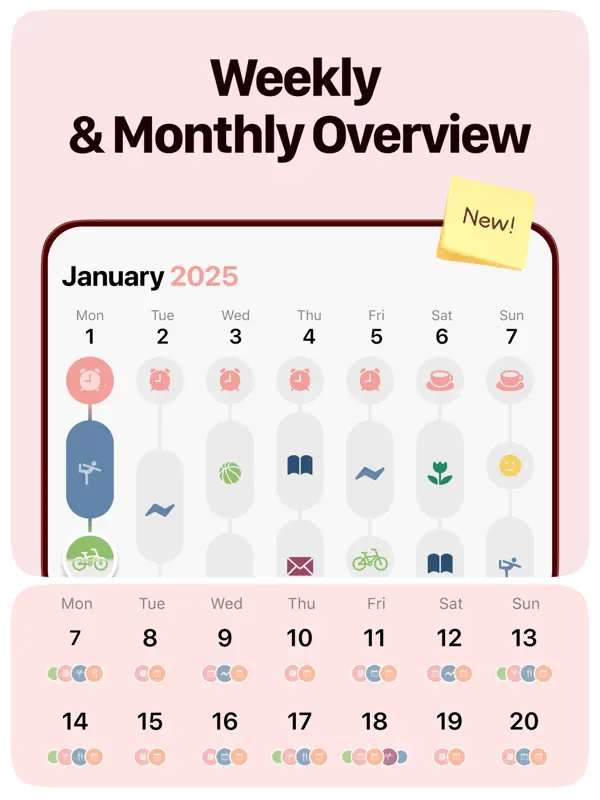
How it uses iPhone Duo
The release notes for Structured 4.6.5 say the app is ready for iPhone Duo, with layouts that adapt as the phone is folded and unfolded. The developer also says the Focus Timer was designed for the book and tabletop positions, meaning the half-folded poses where iPhone Duo can stand on its own on a desk. We have not yet tested it on an iPhone Duo.
What’s New
Version 4.6.6 ·
Structured 4.6.5 brings support for iPhone Duo, a new Smart Task Icons beta, and fixes to make everyday planning smoother. What's new: - Ready for iPhone Duo: layouts adapt as you fold and unfold, with a Focus Timer designed for book and tabletop positions. - Try Smart Task Icons 2.0 beta for updated icon suggestions. Enable it in Settings → Advanced → Smart Task Icons. - General bug fixes and improvements. Thank you for planning your days with Structured!
About this app
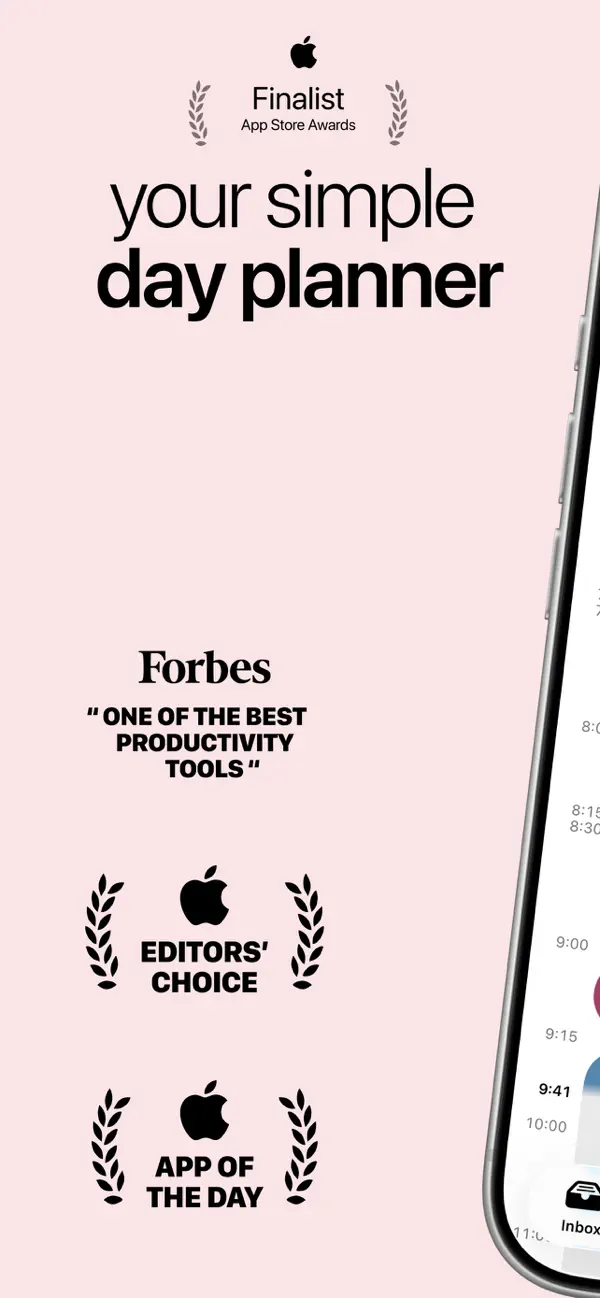
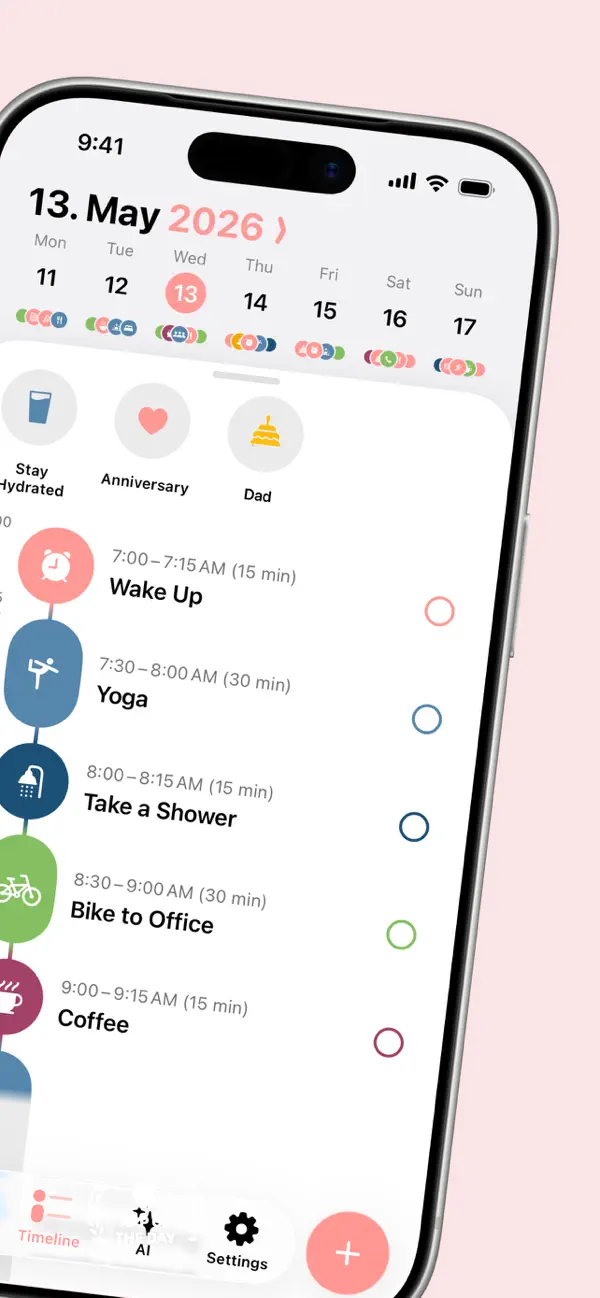
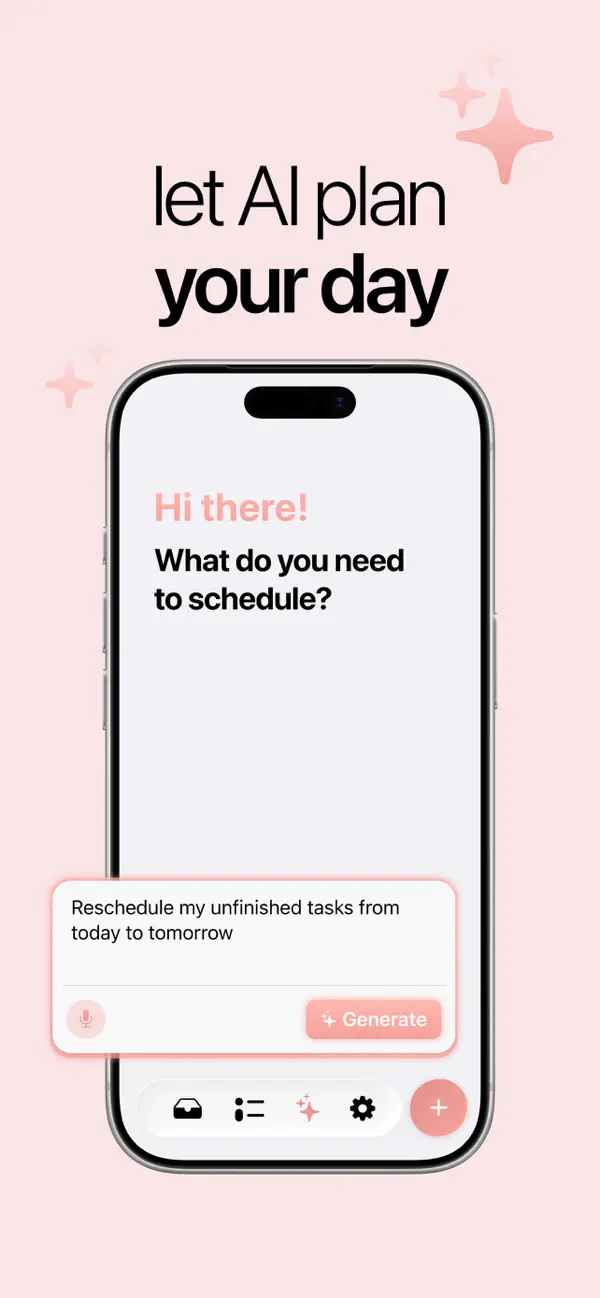
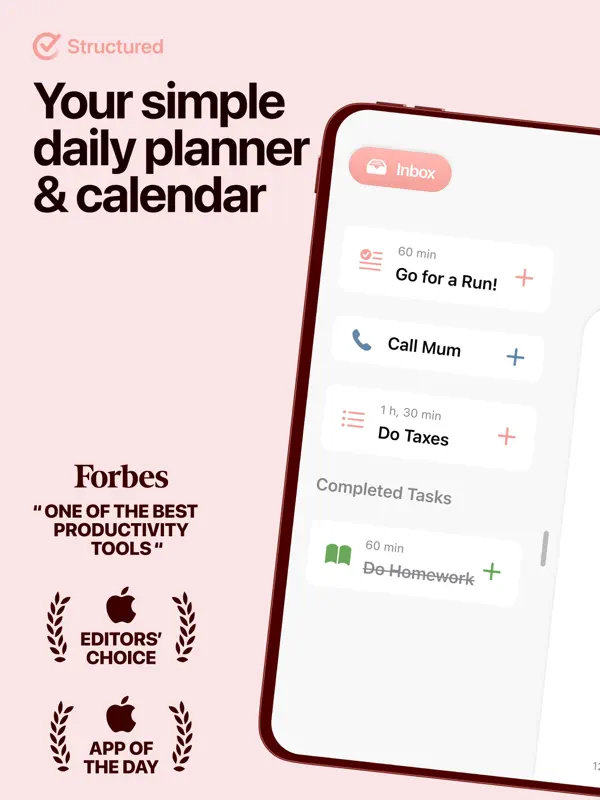
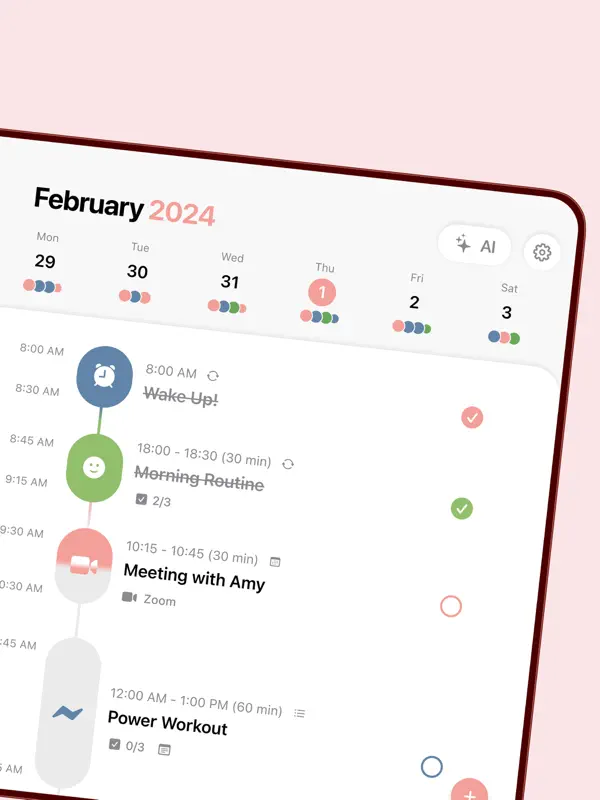
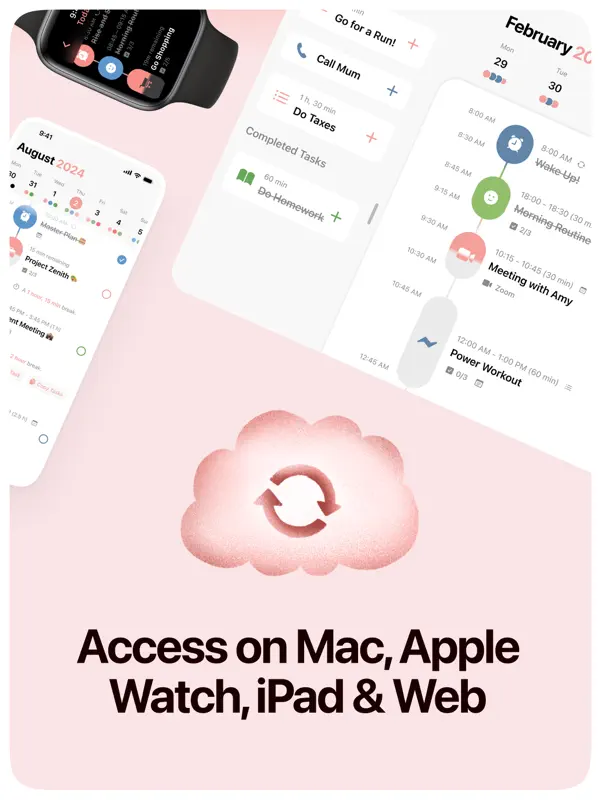
Structured is a visual day planner from unorderly GmbH that lays tasks, events and routines out on a single timeline, so the day reads from top to bottom in order. It is aimed at people who plan by time blocking, including students, professionals and people with ADHD who find a plain to-do list too open-ended. The free version includes the drag-and-drop timeline, an inbox for capturing ideas to sort later, subtasks with notes, a Pomodoro-style focus timer, Live Activities, interactive widgets, color coding and a large icon library, with sync across iPhone, iPad, Apple Watch and Mac. Accessibility support covers VoiceOver, Voice Control and a dyslexia-friendly font. A Structured Pro subscription adds calendar and Reminders integration, recurring tasks and routines, AI-assisted day planning, automatic rescheduling of missed tasks and custom notifications. Version 4.6.5, released on October 21, 2026, adds iPhone Duo support: the developer says layouts adapt as the phone folds and unfolds, and the Focus Timer has been designed for the book and tabletop positions. The same update introduces a beta of Smart Task Icons 2.0.
App Store descriptionWritten by the developer.
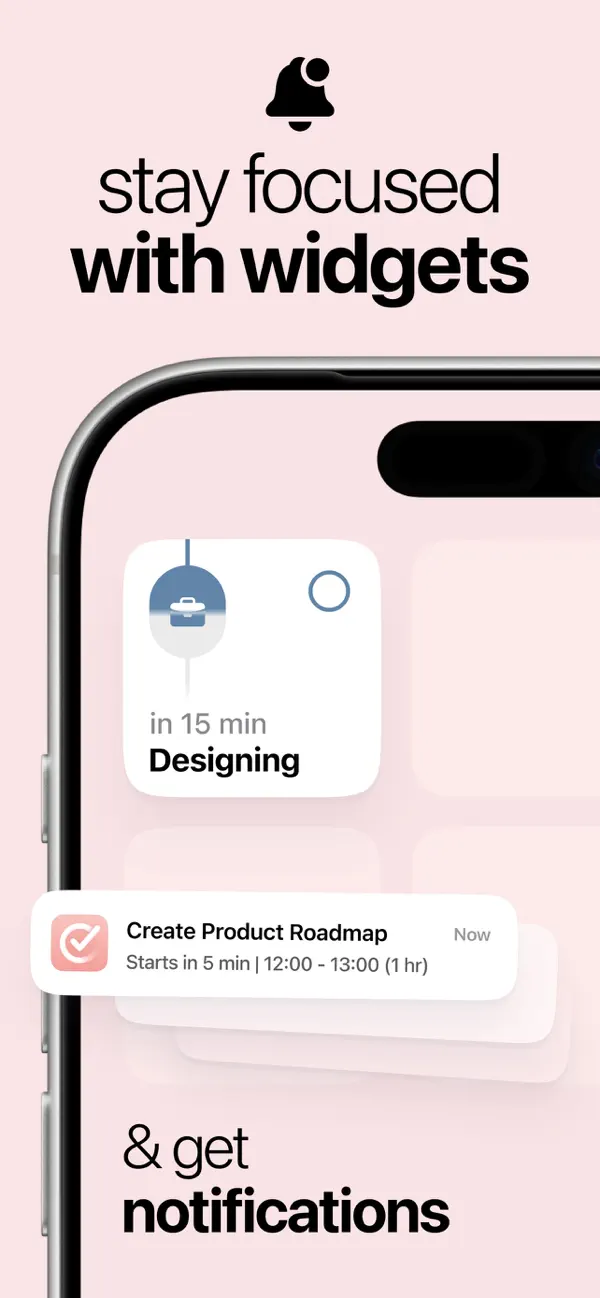
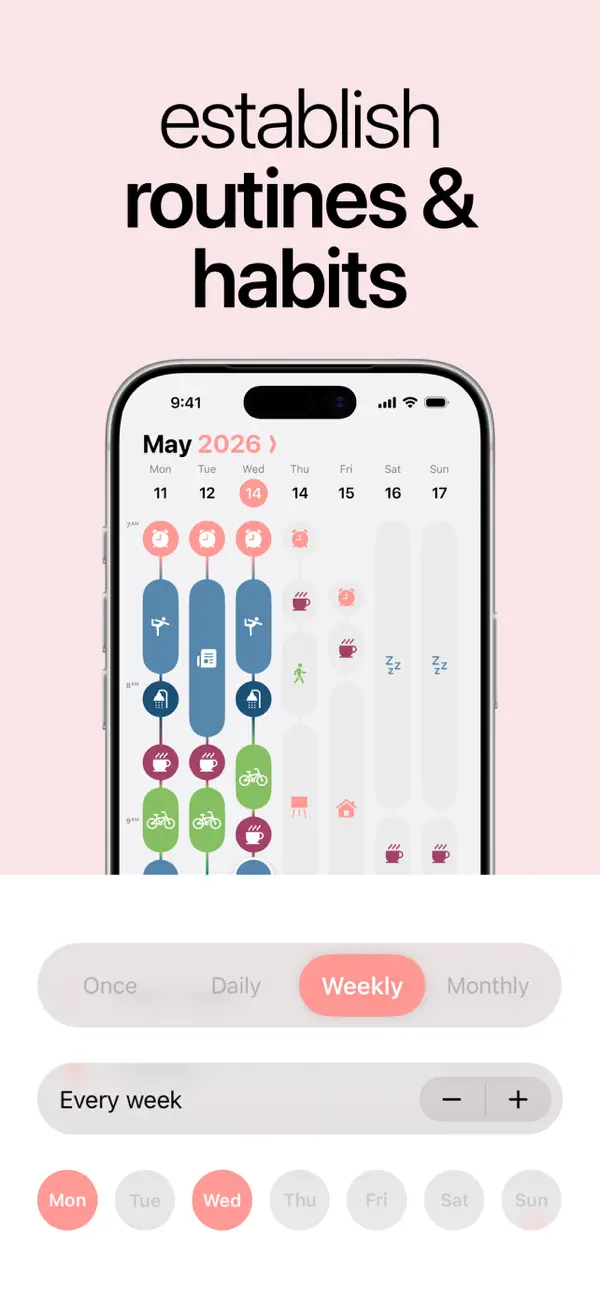
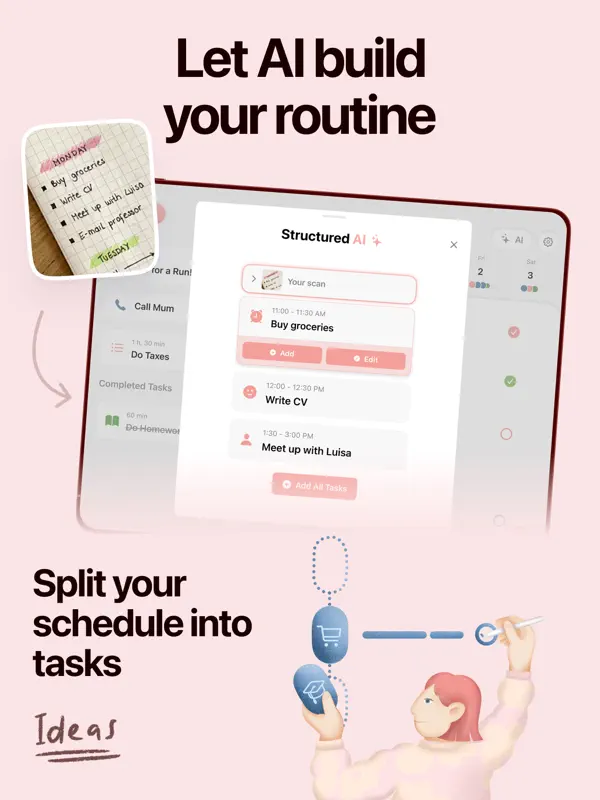
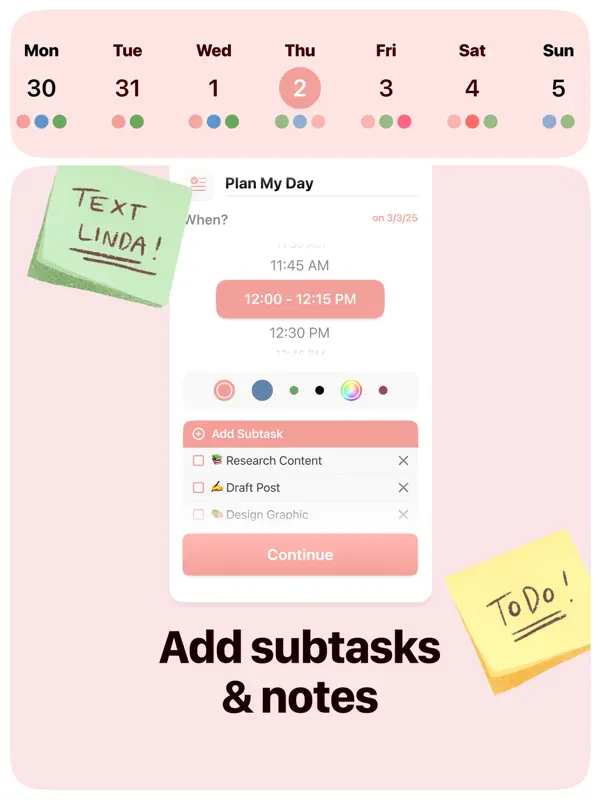
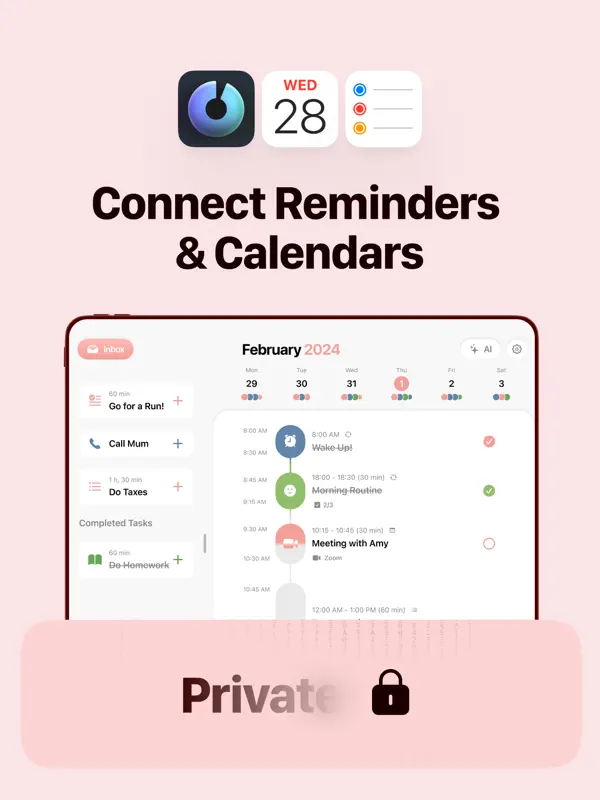
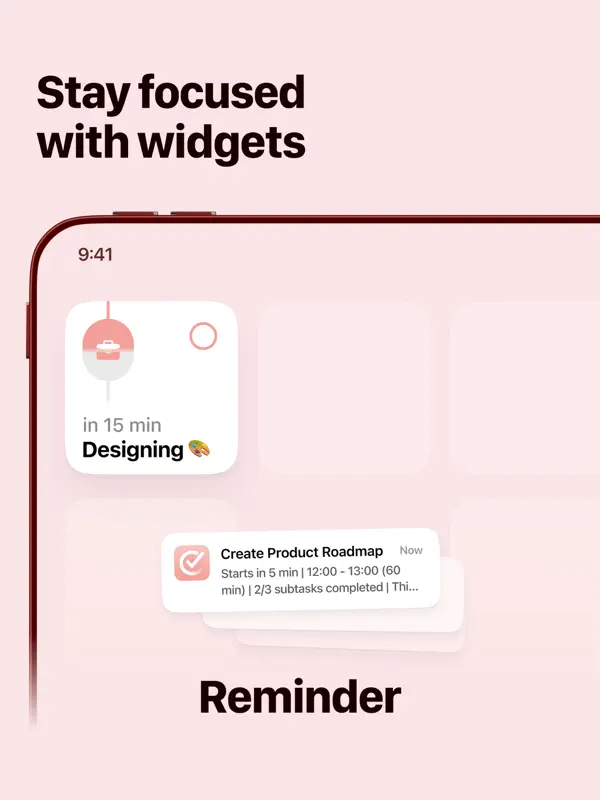
Plan your day visually. Stay focused. Get things done. 400,000+ five-star ratings · Trusted by 1.5 million active users The daily planner built for how your brain actually works. Map your tasks and calendar onto a visual timeline, block your time with intention, and finally build a routine that sticks — whether you have ADHD or just a lot on your plate. WHY STRUCTURED WORKS Most planners give you a blank page. Structured gives you a timeline. You see your whole day laid out, with every task, event, and routine in order. It's time blocking made simple. Built for ADHD minds, busy professionals, and students who need more than a to-do list. FREE FEATURES - Visual day planner with an intuitive drag-and-drop timeline - Inbox to capture ideas fast and sort them later - Syncs across iPhone, iPad, Apple Watch, and Mac - Break big projects into sub-tasks with notes - Pomodoro focus timer, Live Activities, and interactive widgets - Color-coding and hundreds of icons to personalize your schedule - Accessibility built in: VoiceOver, Voice Control, dyslexia-friendly font, and multiple languages STRUCTURED PRO - Connect your calendars and Reminders for a complete daily schedule organizer - Build recurring tasks and routines - AI-powered day planning: draft your schedule in seconds - Replan: automatically reschedules missed or forgotten tasks - Custom notifications to match your workflow PERFECT FOR - ADHD-friendly daily planning that actually sticks - Time blocking your work and study sessions - Morning routine and evening routine planning - Students managing class timetables and study tasks - Anyone who wants a simple to-do list app with a timeline view - Habit tracking alongside your daily task planner YOUR DAY, YOUR WAY Structured isn't just a task manager or a habit tracker. It's the daily planner that puts everything in one place — so you can plan your day, build better habits, and get things done without the overwhelm. Structured Pro is available monthly, annually, or as a lifetime purchase. Terms & Privacy: https://structured.app/legal
Highlights
- Drag-and-drop visual day timeline
- Inbox for quick capture
- Subtasks with notes
- Focus timer, Live Activities and widgets
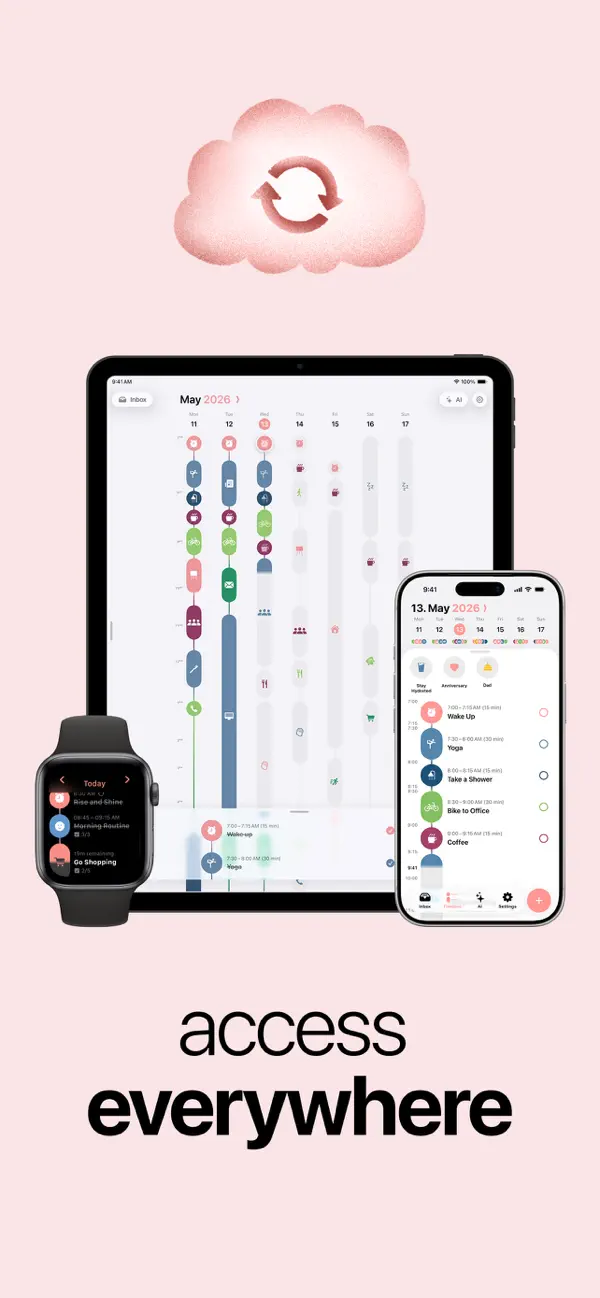
- Sync across iPhone, iPad, Apple Watch and Mac
- Focus Timer designed for iPhone Duo book and tabletop positions
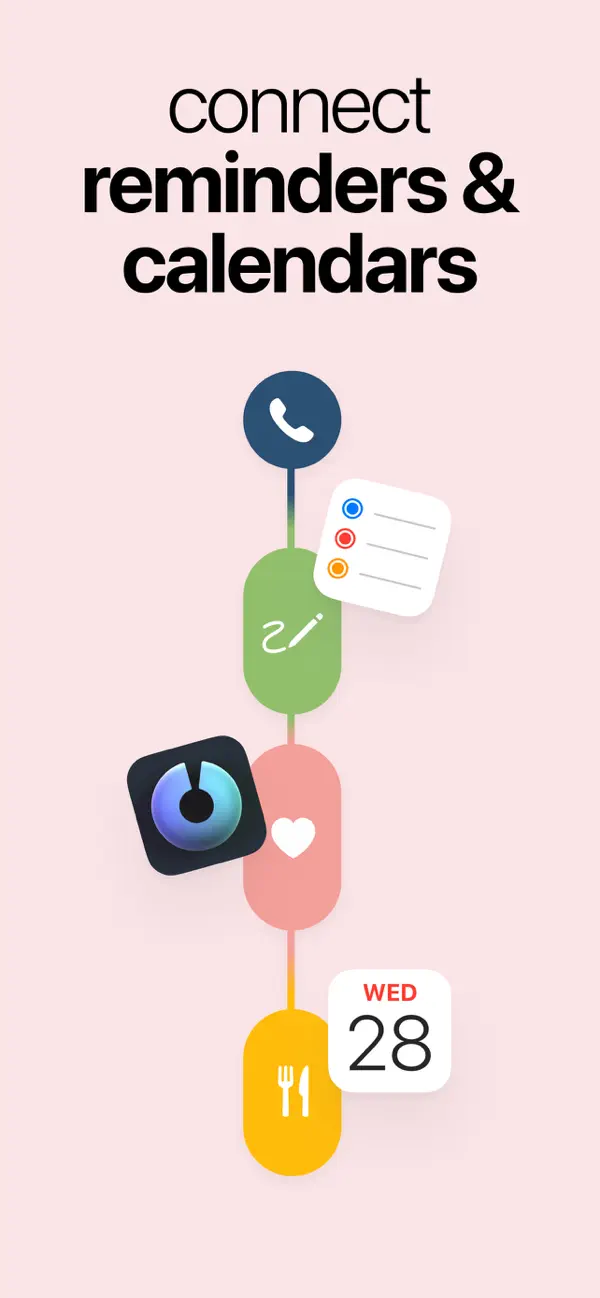
- Pro: calendar and Reminders integration, routines, automatic replanning
Structured on iPhone Duo: FAQ
Is Structured optimized for iPhone Duo?
Yes. Structured is Built for Duo: it uses the fold, Split View or the outer display. Verified on October 21, 2026 (Developer statement).
What does Structured look like on iPhone Duo?
The release notes for Structured 4.6.5 say the app is ready for iPhone Duo, with layouts that adapt as the phone is folded and unfolded. The developer also says the Focus Timer was designed for the book and tabletop positions, meaning the half-folded poses where iPhone Duo can stand on its own on a desk. We have not yet tested it on an iPhone Duo.
How much does Structured cost?
Structured costs Free · in-app purchases on the App Store.
More Productivity apps
See all ›
Calm to-do list and paper-style planner that sorts tasks by how long they take
Task and project management with layouts for both iPhone Duo displays

Unified inbox from Readdle with message and inbox side by side when unfolded
Task manager from Cultured Code, reshaped for every iPhone Duo pose
A private handwriting-style notebook that opens when you unfold iPhone Duo
Lists and schedule side by side when iPhone Duo is open