
iPhone 截图
在 iPhone Duo 上的表现
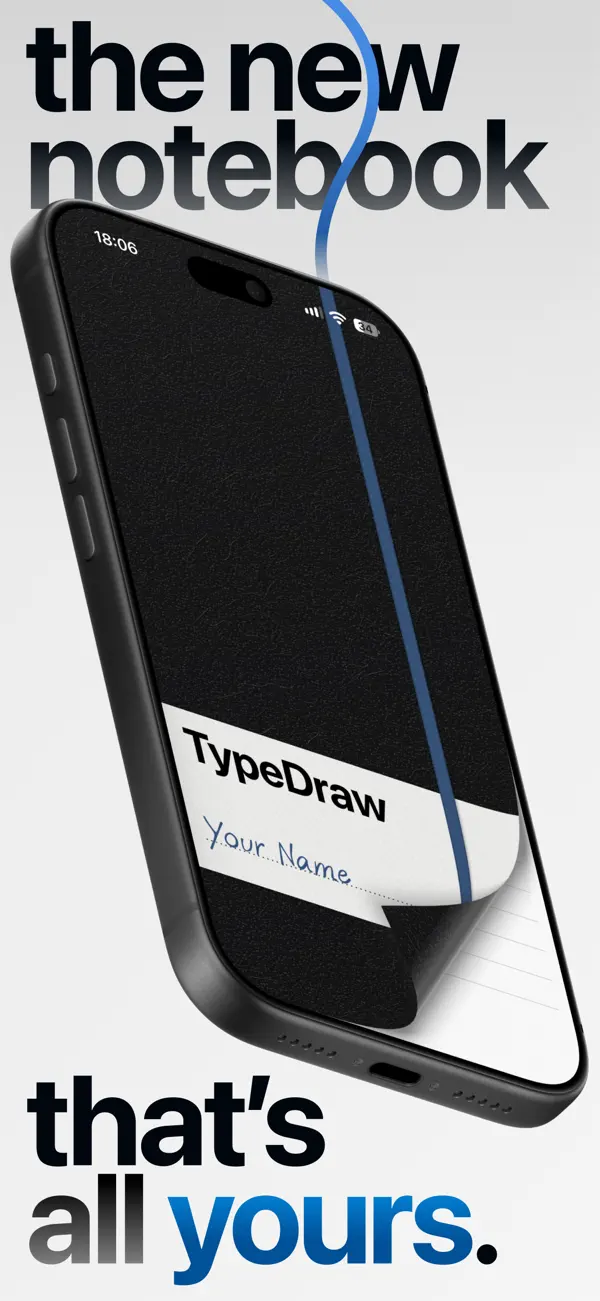
据开发者的 App Store 介绍,在 iPhone Duo 上,展开手机就能打开 TypeDraw 笔记本;在其他 iPhone 上,则可通过滑动封面或主屏幕小组件打开。介绍中还提到,iPhone Duo 上的 Apple Pencil 支持将于今年晚些时候推出,目前尚不可用。我们尚未在 iPhone Duo 真机上测试 TypeDraw。
新功能
版本 1.4 ·
Optional haptic feedback for pages, a new interactive elastic band, bug fixes, and many small improvements make this our best and most stable version yet.
开发者尚未提供此内容的中文版本。
关于这款应用
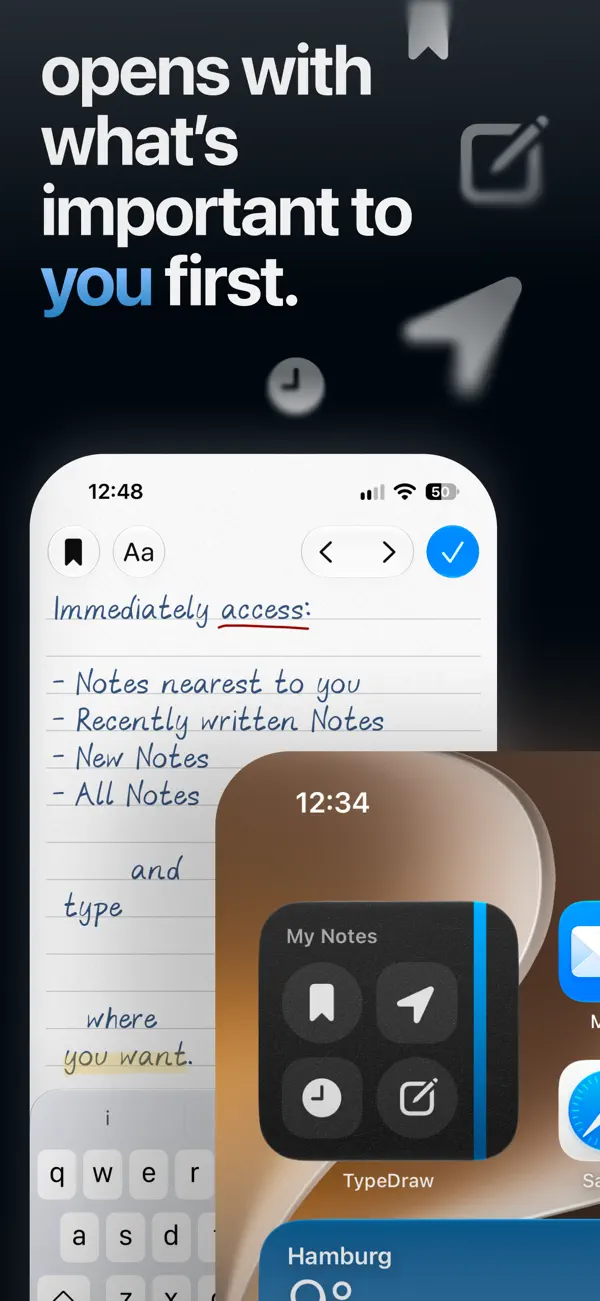
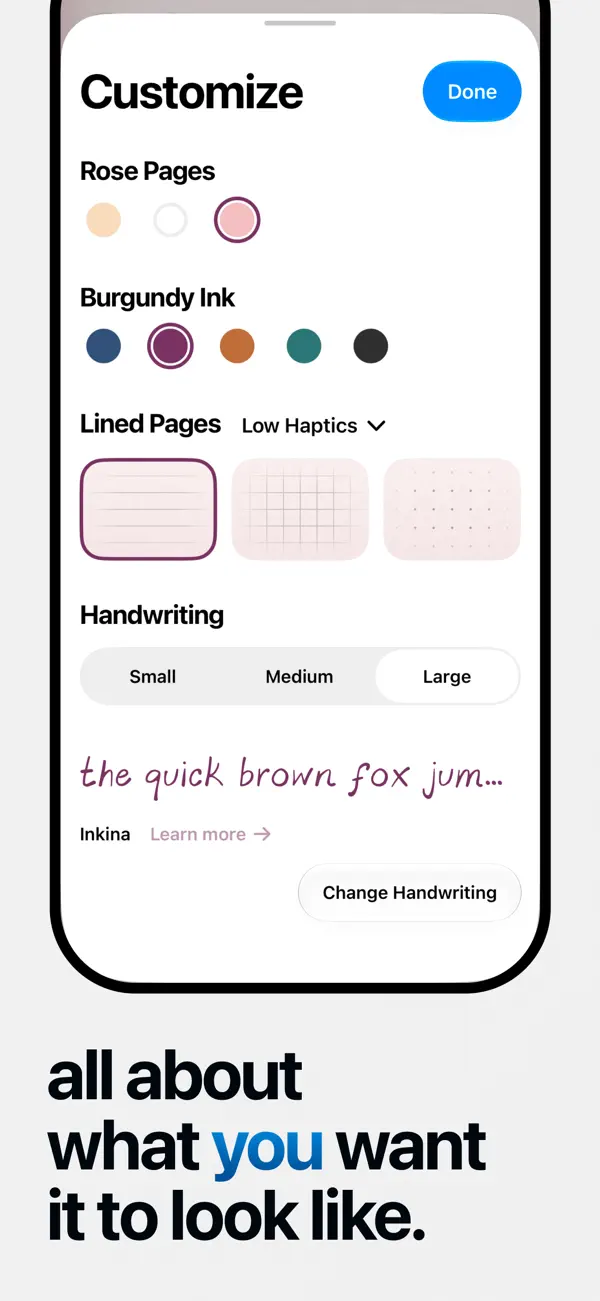
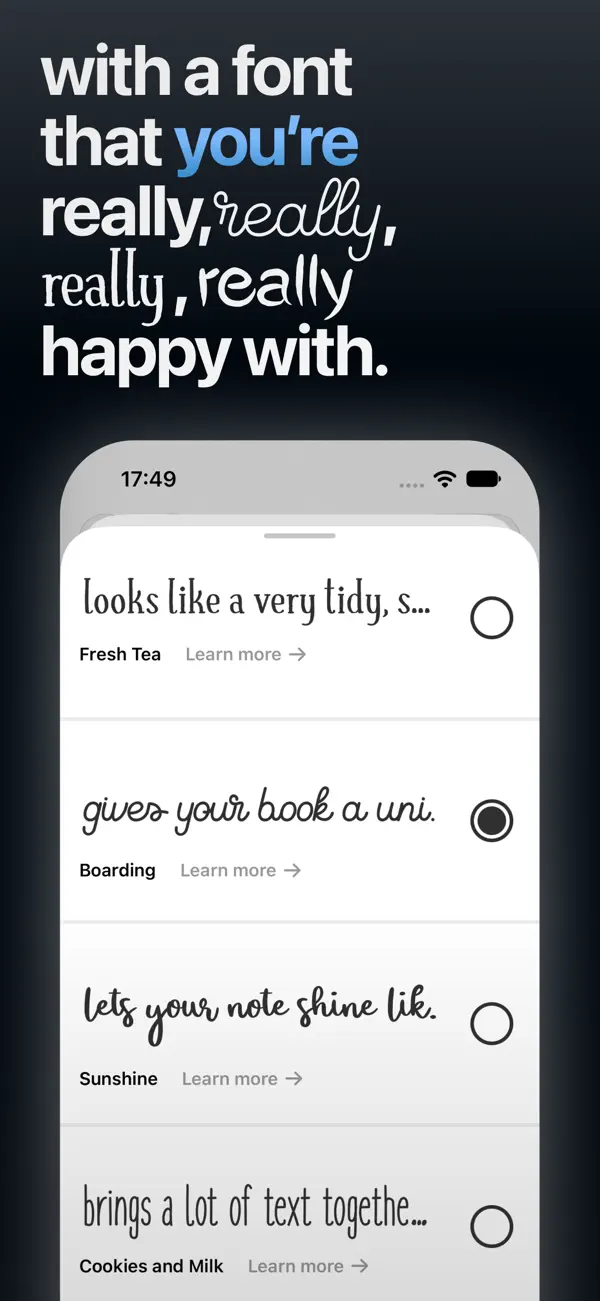
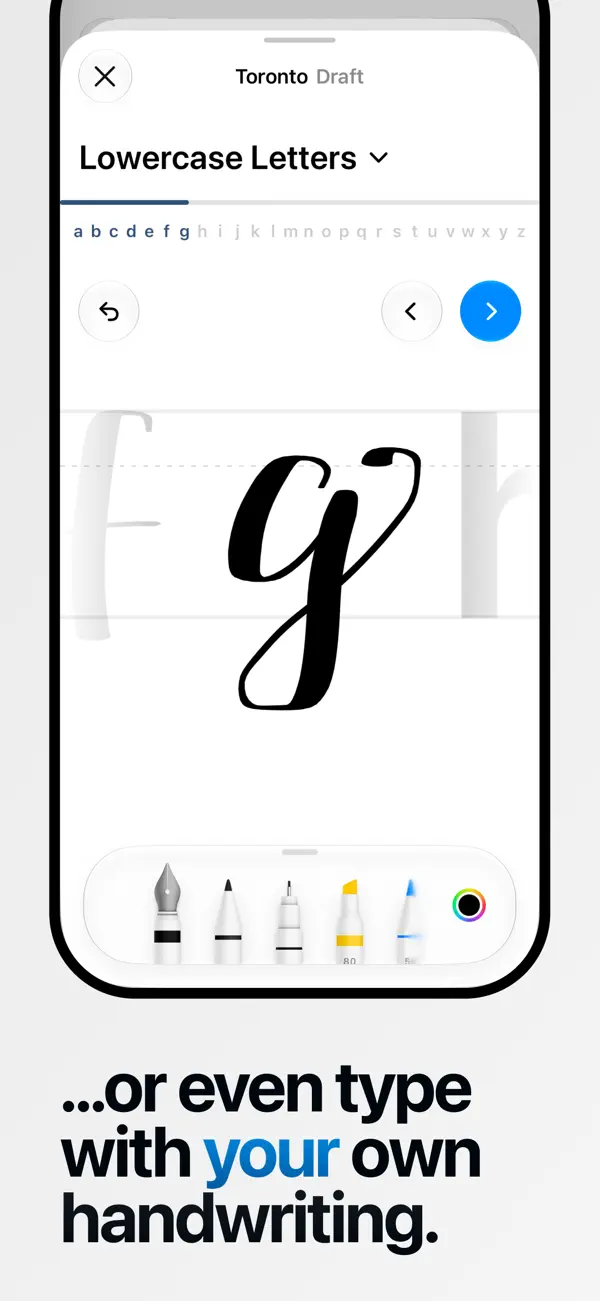
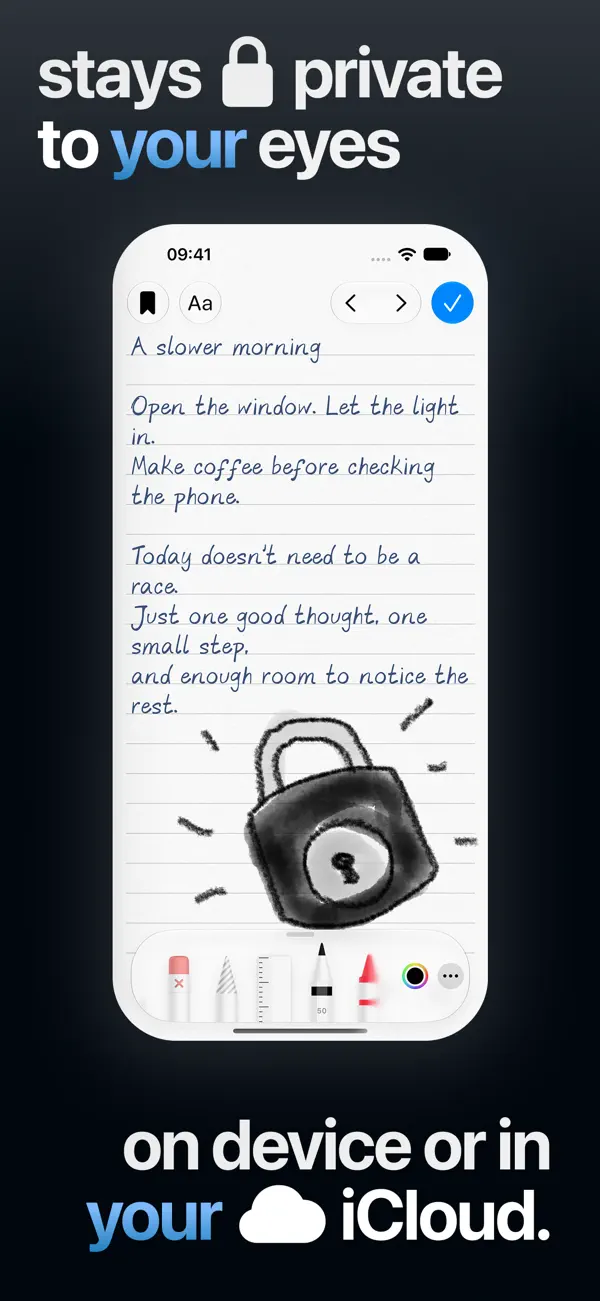
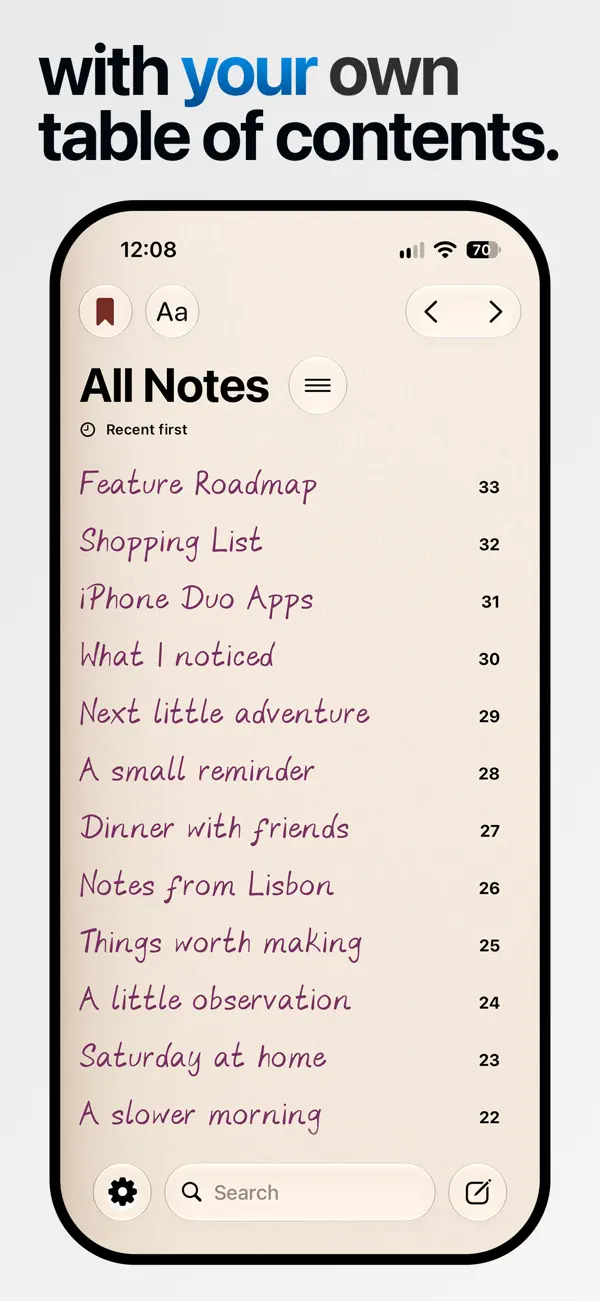
TypeDraw 是 Shaped Fonts(Trautmann & Dorre GbR)推出的数字笔记本,力求还原在纸质日记本上书写的手感。你可以自行选择笔记本打开后的内容:新建笔记、最近一篇笔记,或与当前位置绑定的笔记。文字以手写体呈现,内置 Shaped Fonts 的 12 款字体,应用还能把你自己的笔迹变成可输入的字体。纸张和墨水颜色均可调整,页面可选横线、方格或点阵。你可以在页面任意位置打字,像真笔记本一样卷起页角,也可以用手指绘画。笔记默认保存在设备本地,可选择通过你自己的 iCloud 账户同步,使用时无需注册账号。这是一款付费应用,未列出内购项目,适合记私人日记或随手笔记、又想要比普通记事应用更有质感的用户。笔记本可以通过滑开封面、主屏幕小组件打开,在 iPhone Duo 上则只需展开手机。开发者还表示,iPhone Duo 上的 Apple Pencil 支持计划于今年晚些时候推出。
本条目译自英文原文。
App Store 简介由开发者撰写。
Imagine carrying a personal notebook that opens with whatever you want to see first: a new note, your most recent one, or a note captured at your current location. All while staying local and private on your device or, if you choose, always in sync across all your devices through your own iCloud account. Open your notebook with a swipe of the cover on your iPhone, by unfolding your iPhone Duo, or with a tap on our beautiful Home Screen widget. Personalise it with a collection of 12 handwritten typefaces from Shaped Fonts, or turn your own handwriting into a font you can type with. Choose your paper and ink colours, and decide between lined, grid, or dotted pages. Type anywhere, just like you would write in a real notebook. Curl the pages and draw with your fingers, or use Apple Pencil on iPhone Duo later this year. No account required. All your data stays private and secure.
亮点
- 笔记本可打开新笔记、最近笔记或基于位置的笔记
- 内置 Shaped Fonts 的 12 款手写体
- 将你自己的笔迹变成可输入的字体
- 横线、方格或点阵页面,纸张与墨水颜色可自定义
- 卷页效果与手指绘画
- 本地存储,可选 iCloud 同步,无需账号
- 展开 iPhone Duo 即可打开
TypeDraw 在 iPhone Duo 上:常见问题
TypeDraw 针对 iPhone Duo 优化了吗?
是的。TypeDraw 属于「专为 Duo 打造」:它利用了折叠形态、Split View 或外屏。核验于 2026年10月22日(开发者声明)。
TypeDraw 在 iPhone Duo 上是什么样子?
据开发者的 App Store 介绍,在 iPhone Duo 上,展开手机就能打开 TypeDraw 笔记本;在其他 iPhone 上,则可通过滑动封面或主屏幕小组件打开。介绍中还提到,iPhone Duo 上的 Apple Pencil 支持将于今年晚些时候推出,目前尚不可用。我们尚未在 iPhone Duo 真机上测试 TypeDraw。
TypeDraw 多少钱?
TypeDraw 在 App Store 售价 ¥38.00。
更多效率应用
查看全部 ›
安静的待办清单与纸质风格计划本,按所需时长给任务分类

任务与项目管理,为 iPhone Duo 的两块屏幕分别优化布局

Readdle 的统一收件箱邮件应用,展开后收件箱与邮件并排显示

Cultured Code 的任务管理器,针对 iPhone Duo 每种姿态重新调整布局

可视化时间线日程规划应用,专门为书本和桌面姿态设计了专注计时器

iPhone Duo 展开后,清单与日程并排显示