
DuoDoodle: Retro Drawing
2つのつまみで一本の線を描き、作品を保存したり描いた手順を再生したりできます。
Cryptoniar Technologies LLC · ゲーム · 無料
iPhone スクリーンショット
iPhone Duo での活用
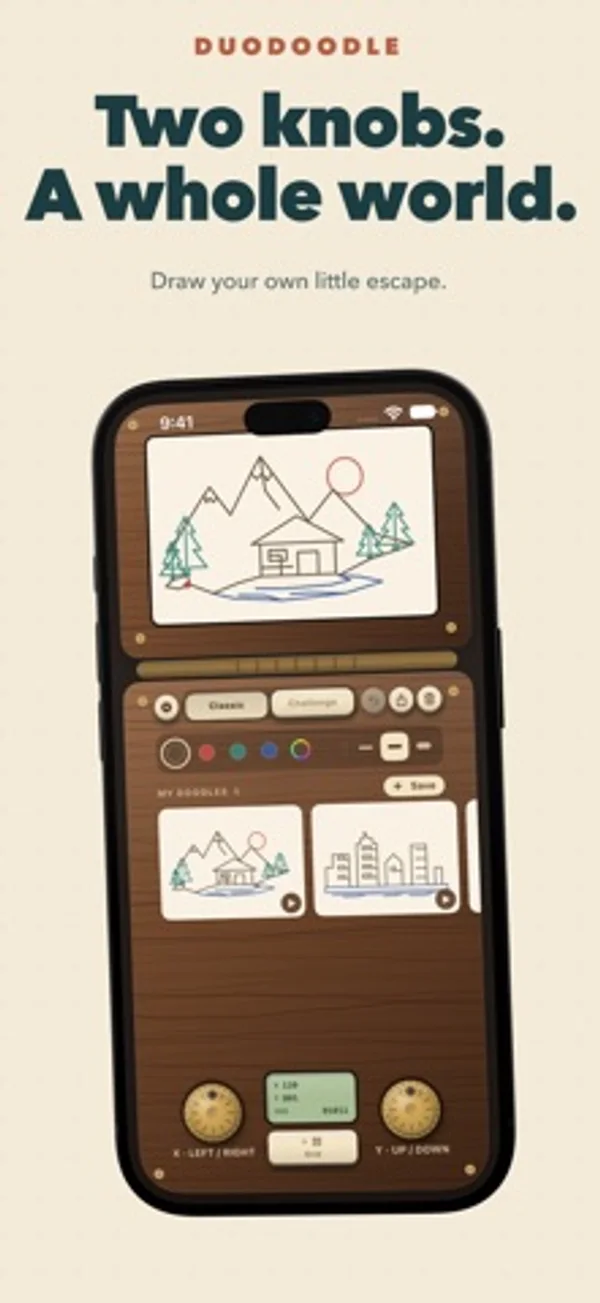
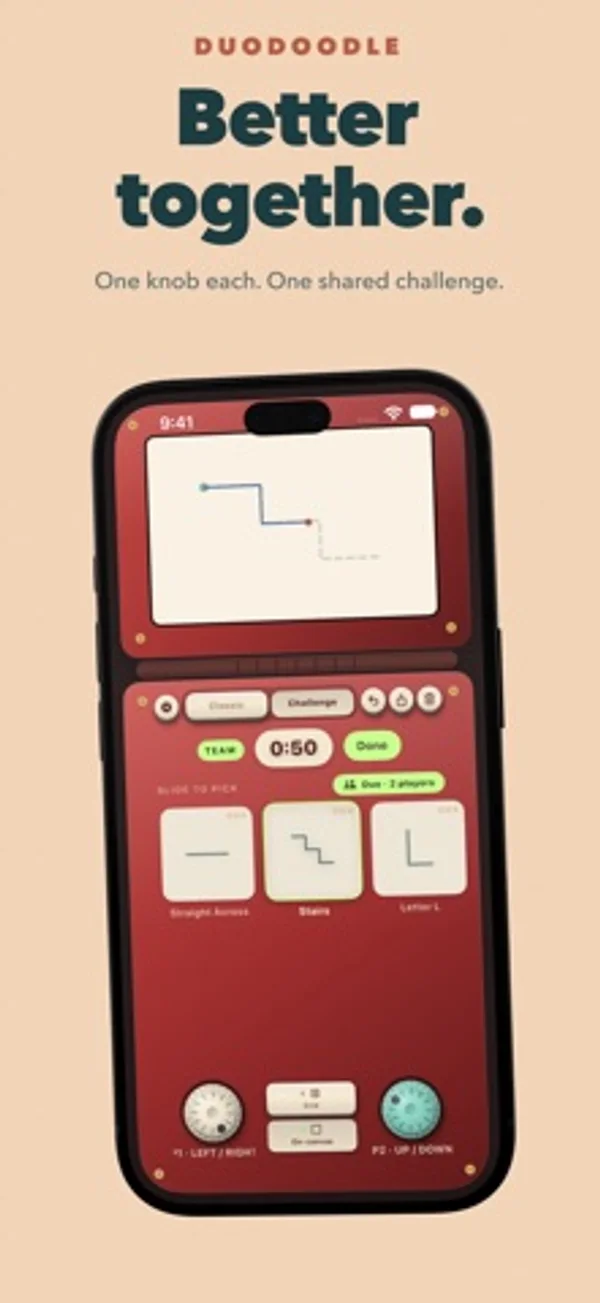
半開きで机に置くと、上にキャンバス、下に2つのつまみが並びます。つまみはそれぞれペンの横と縦の動きを受け持ちます。
App Store の説明開発者による説明です。
Rediscover the joy of drawing with two knobs. Duo Doodle brings a classic drawing toy to your iPhone and iPad, with tactile controls, playful challenges, and a place to keep your creations. One knob moves your line left and right. The other moves it up and down. Turn them together to make diagonals, curves, and wonderfully unexpected shapes. Every drawing is one continuous line, and figuring out how to get there is half the fun. • Draw at your own pace. Explore Classic mode with no timer and no target. Make tiny masterpieces, elaborate doodles, or happy accidents. Switch ink colors and line widths as you draw, and undo a movement when you need another try. • Give yourself a challenge. Follow shapes across themed chapters, beat the clock, and aim for three stars. Your score rewards how much of the shape you complete and how closely you follow its path. Turn on the optional dotted guide for a little help. • Share the controls Try Duo mode with someone beside you. One person controls the horizontal knob; the other controls the vertical knob. Tackle challenges together on the same device, then see how well you stayed in sync. • Shake and start again Ready for a fresh canvas? Shake your device to erase your drawing and make room for the next idea. • Keep the drawings you love. Save doodles to your gallery, reopen them, or share them as images. Watch a replay to see your drawing come together, one movement at a time. • Make it feel like yours. Choose your casing, paper, ink, and line width. Enjoy mechanical knob clicks, drawing sounds, and haptic feedback, with adjustable sound and vibration settings. • Put your art on display. Bring a favorite saved doodle to your Home Screen with gallery widgets. Start drawing for free. The optional DuoDoodle Lifetime upgrade adds special edition casings, advanced challenge chapters, unlimited undo, unlimited gallery storage, and iCloud sync for saved drawings and challenge progress. One purchase, no subscription. Give the knobs a twist. See where the line takes you. • Terms of Use: https://www.apple.com/legal/internet-services/itunes/dev/stdeula/ • Privacy Policy: https://duodoodle.cryptoniar.com/privacy.html
iPhone Duo での DuoDoodle: Retro Drawing:よくある質問
DuoDoodle: Retro Drawing は iPhone Duo に最適化されていますか?
はい。DuoDoodle: Retro Drawing は「Duo 専用設計」で、折りたたみ、Split View、外側ディスプレイを活用しています。2026年11月15日 に確認(開発者の発表)。
iPhone Duo での DuoDoodle: Retro Drawing はどう見えますか?
半開きで机に置くと、上にキャンバス、下に2つのつまみが並びます。つまみはそれぞれペンの横と縦の動きを受け持ちます。
DuoDoodle: Retro Drawing の価格は?
DuoDoodle: Retro Drawing は App Store で無料でダウンロードできます。
その他のゲームアプリ
すべて見る ›
画面を閉じると囚人を牢屋に閉じ込め、開くと解放する。

折り目をまたいで遊ぶ、卓上ゲーム風の海戦グリッドゲーム

iPhone Duoのヒンジが折り線になる、静かな折り紙パズル

路線図を描く静かなロジックパズル。駅が折り目をはさんで分かれて表示される

小さなピザ店を切り盛りし、トッピングから焼き上げ、接客までを楽しめます。

秘密のお題を説明し、仲間に当ててもらう多言語のパーティーゲームです。