
iPhone 스크린샷
iPad 스크린샷
iPhone Duo 활용 방식
Reeder 2026.11 릴리스 노트(2026년 10월 22일)는 새 기능으로 "Initial support for iPhone Duo"를 나열합니다. 같은 노트에는 Duo뿐 아니라 모든 iPhone에서 Reeder가 가로 방향에서 세로 막대를 사용한다고 적혀 있습니다. 접은 상태나 펼친 상태에만 해당하는 레이아웃이나 기능은 설명되어 있지 않아 「호환 실행」으로 분류했습니다. 아직 실기기에서 테스트하지 않았습니다.
새로운 기능
버전 2026.11.1 ·
NEW - Initial support for iPhone Duo. - On all iPhones (not just Duo), Reeder will now use a vertical bar when in landscape. - You can now exclude Shorts from YouTube feeds. It’s a per-feed setting: long-press a feed in your feeds list and choose “Feed Settings…”.
개발자가 이 내용을 한국어로 제공하지 않았습니다.
앱 소개
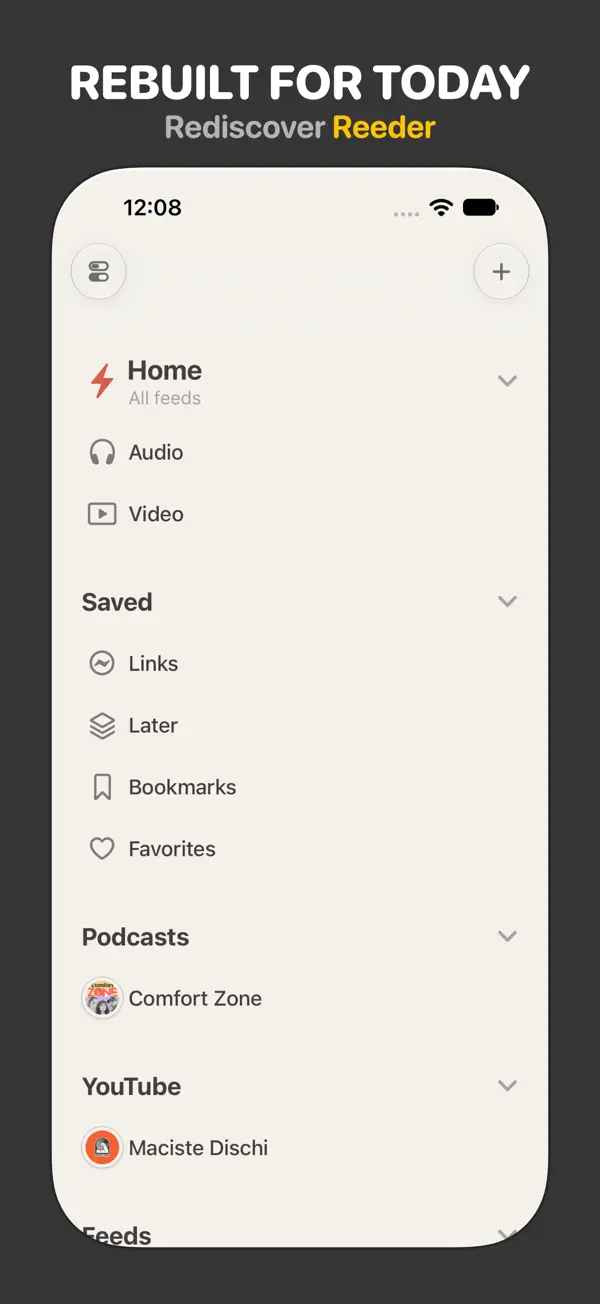
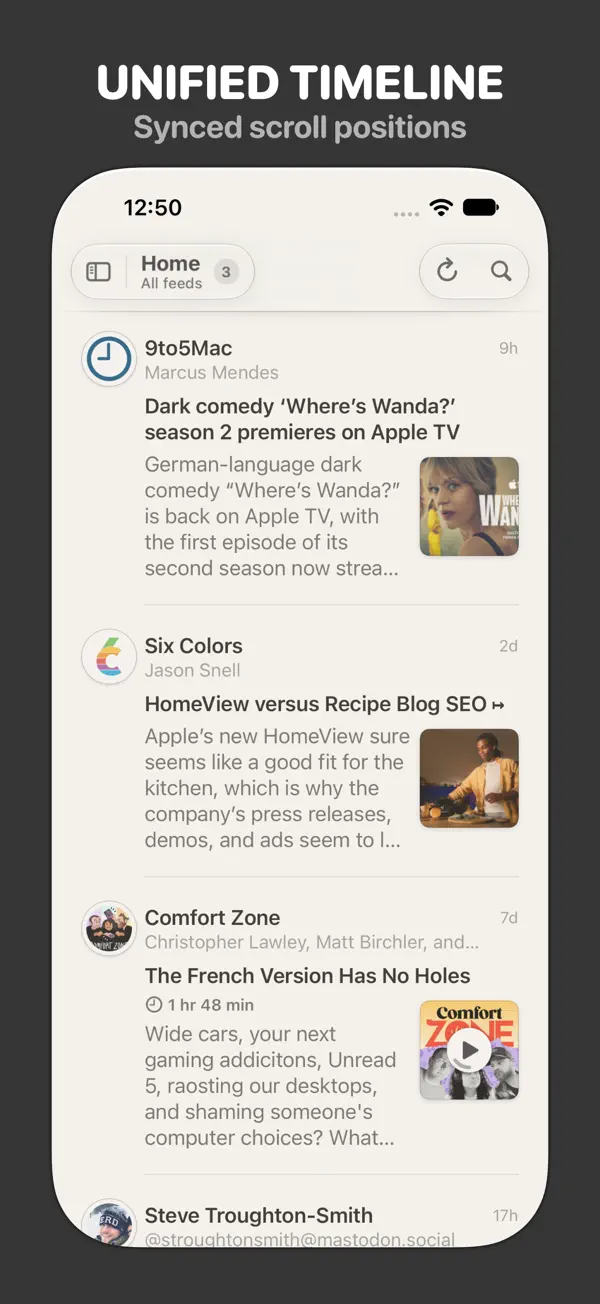
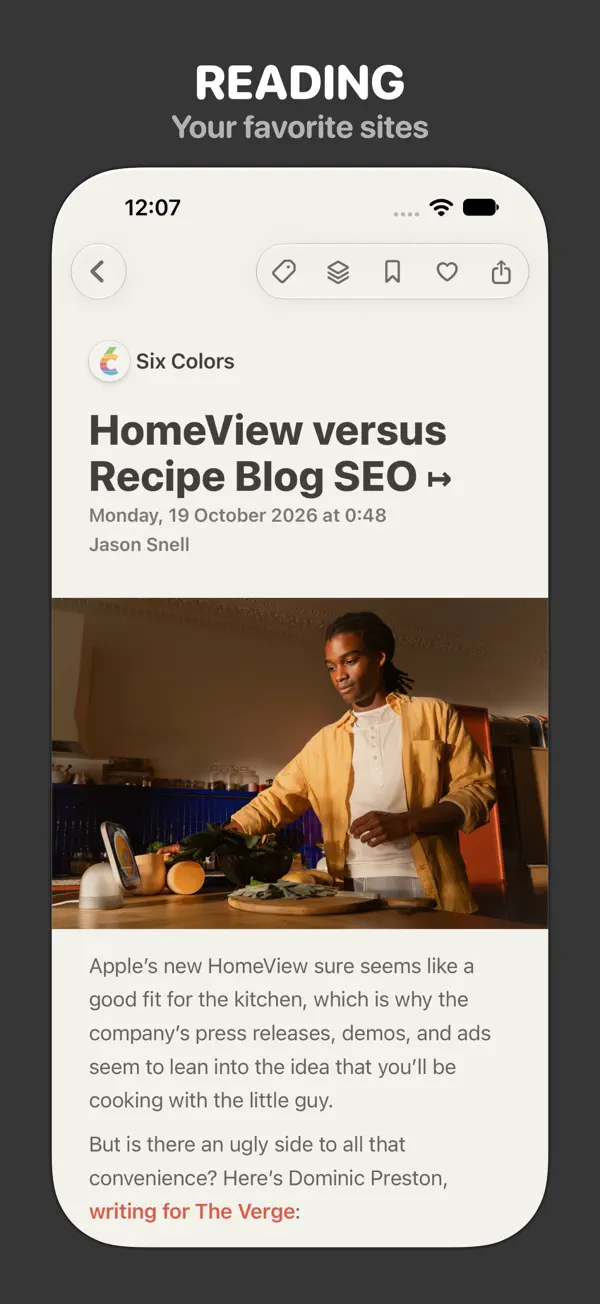
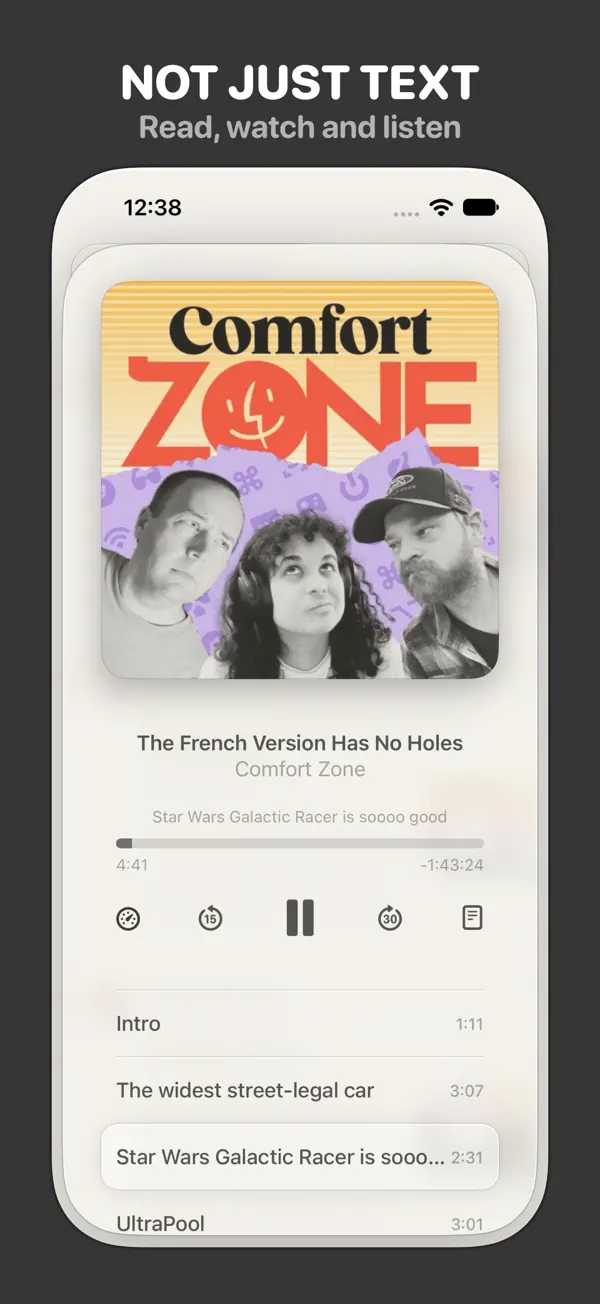
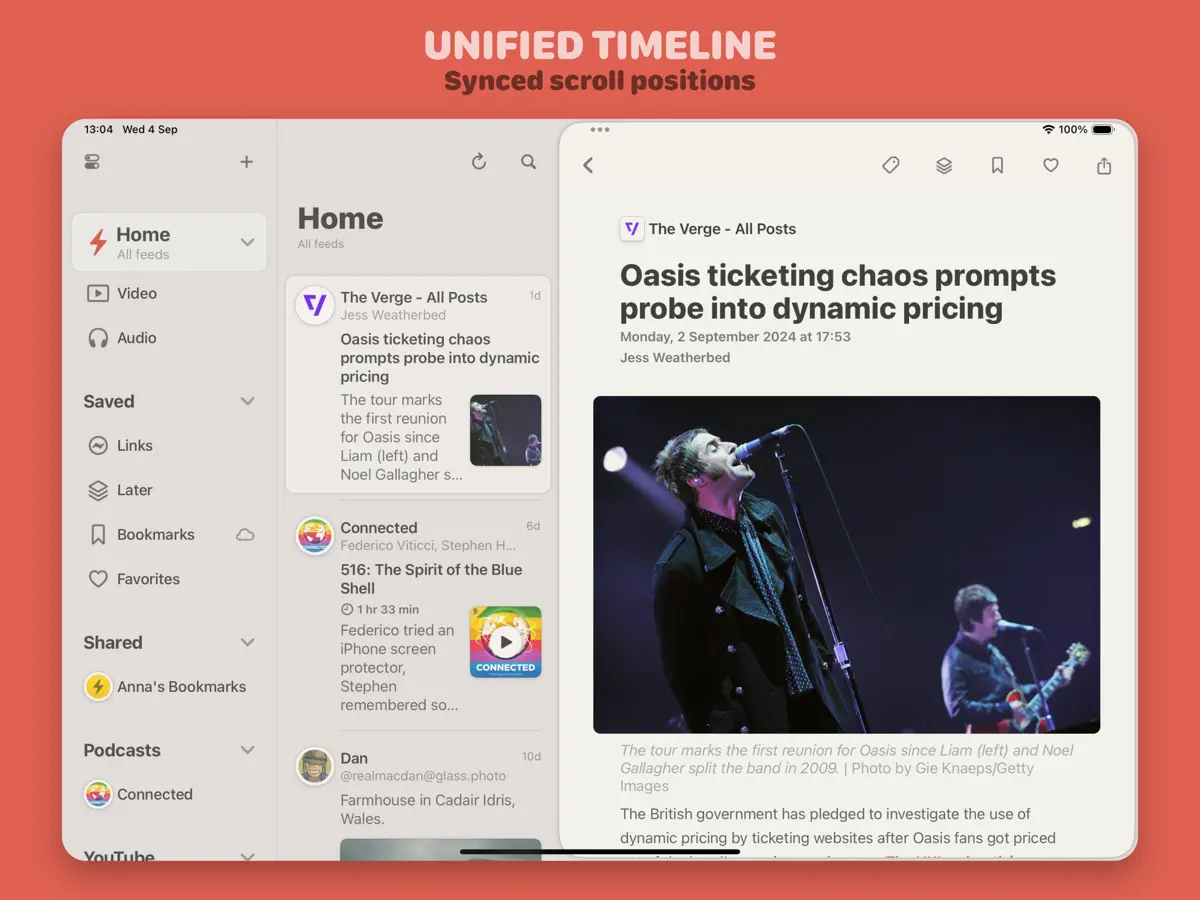
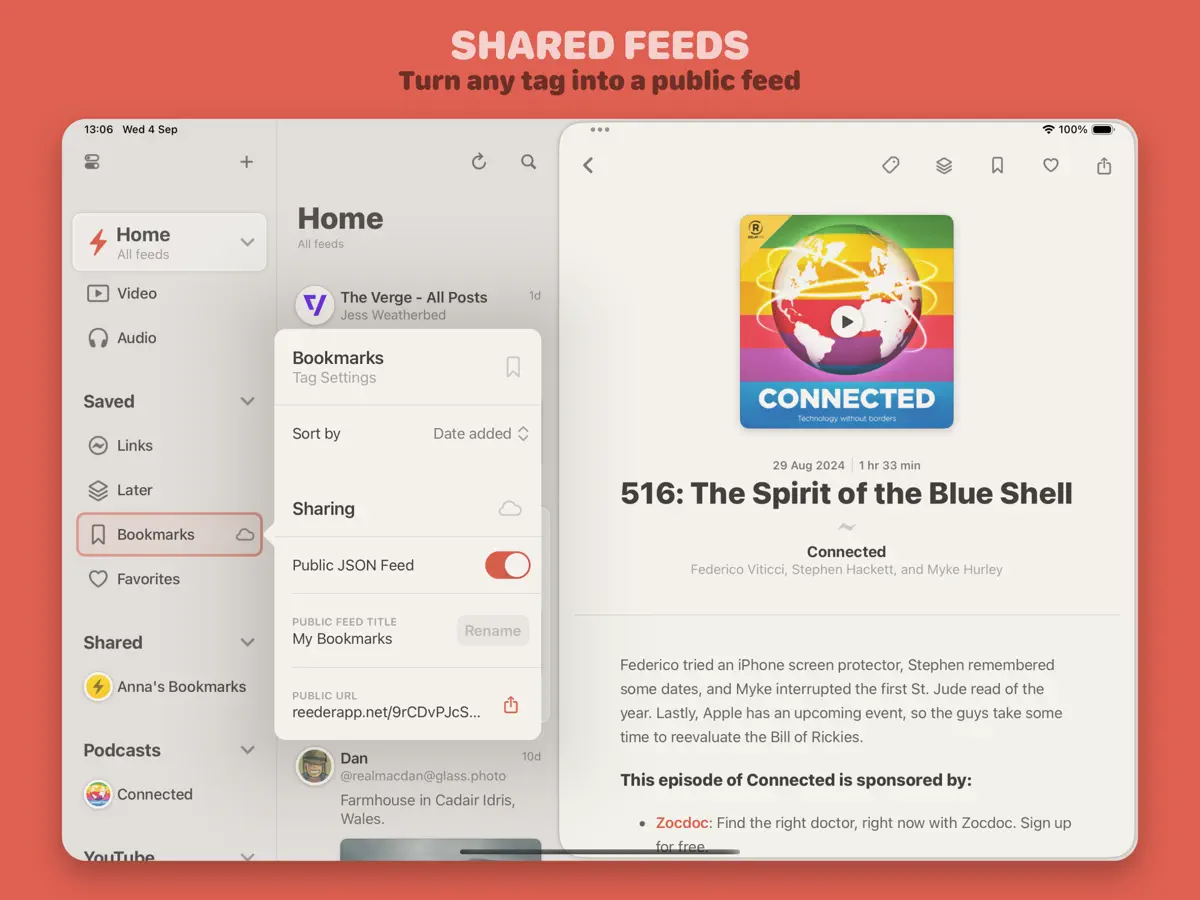
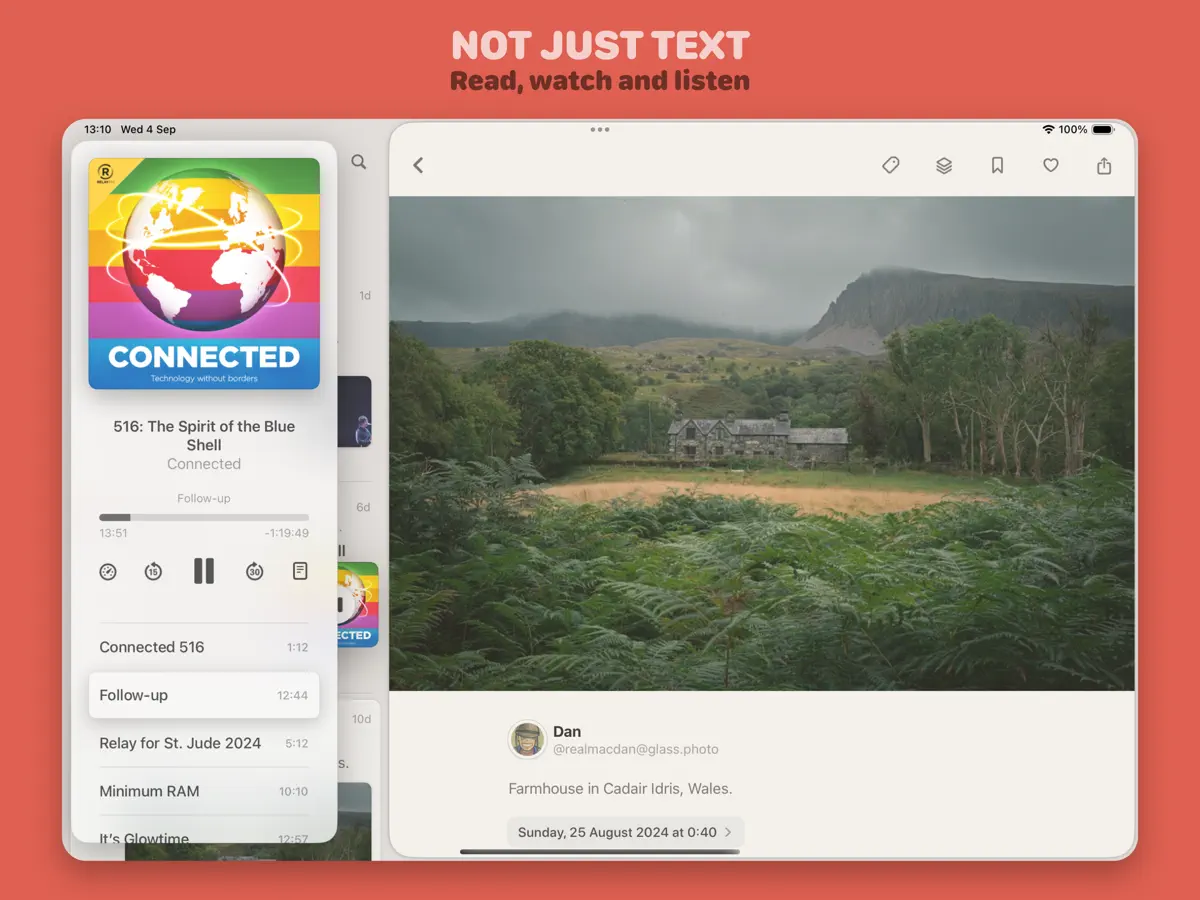
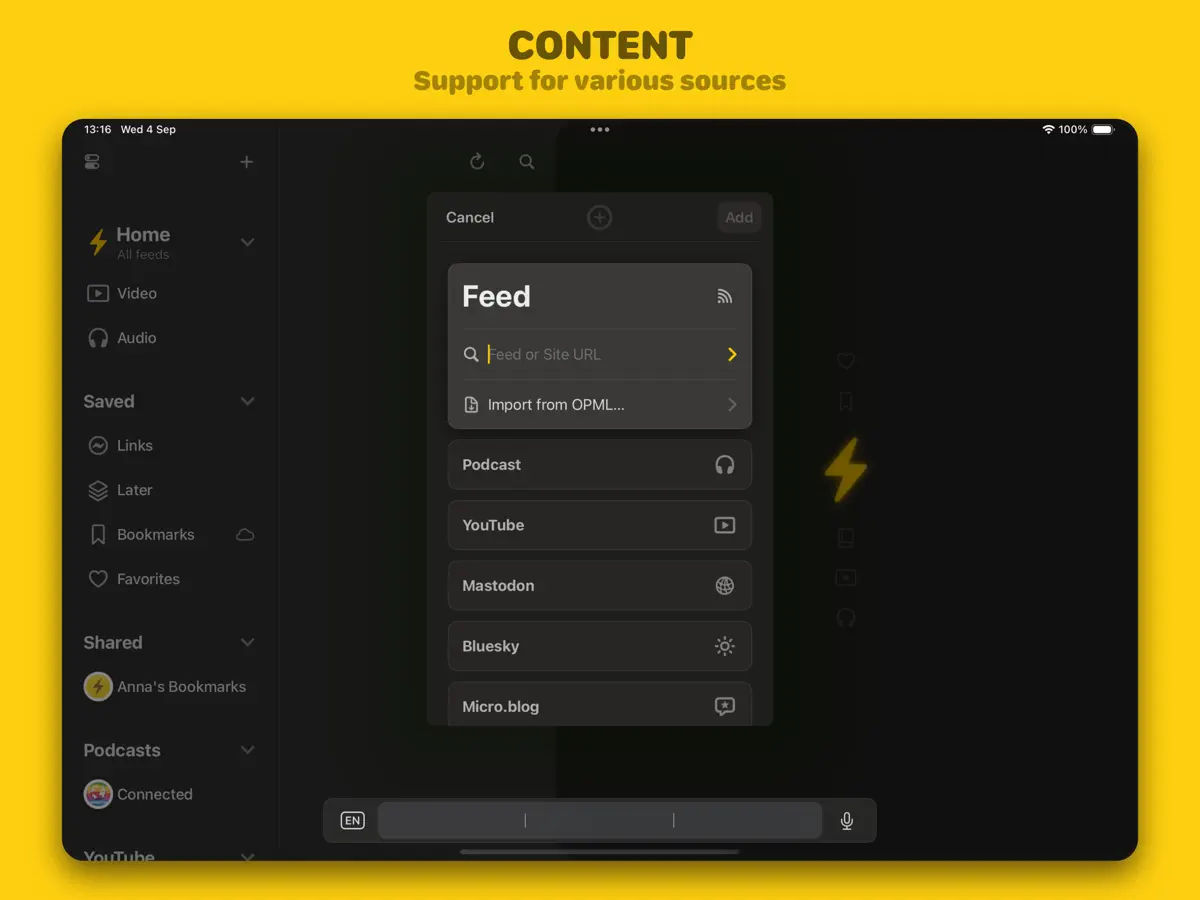
Reeder는 Silvio Rizzi의 읽기 앱으로, 읽지 않은 항목 수 대신 하나의 타임라인을 중심으로 다시 만들어졌습니다. RSS 피드를 동영상, 팟캐스트, 소셜 네트워크 게시물과 함께 가져와 팔로우하는 모든 것을 하나의 스크롤 화면에서 보여 주며, 그 타임라인에서의 위치는 iCloud를 통해 기기 간에 동기화됩니다. 전용 클라이언트를 대체하려 하기보다 소식을 따라가는 중심 공간을 제공하고, 더 깊이 보고 싶을 때는 항목을 다른 앱으로 넘길 수 있습니다. 키워드, 미디어 유형, 피드 유형 기준 필터로 맞춤 타임라인을 만들 수 있고, Safari나 다른 앱의 공유 확장을 통해 링크를 Links, Favorites, Bookmarks, Later 컬렉션에 저장할 수 있습니다. 태그는 JSON Feed 형식의 공유 피드로 게시하여 브라우저나 다른 피드 리더에서 읽게 할 수도 있습니다. 콘텐츠는 출처에서 직접 가져오며, 구독 정보, 타임라인 위치, 태그가 지정된 항목만 동기화됩니다. 최근 업데이트로 YouTube 피드에서 Shorts를 피드별로 제외하는 옵션과 모든 iPhone의 가로 방향 세로 막대가 추가되었습니다. 앱은 무료로 내려받을 수 있고 앱 내 구입이 있습니다. 2026년 10월 22일 출시된 버전 2026.11이 iPhone Duo를 처음 언급한 버전이며, 이를 초기 지원이라고 표현합니다.
영어 원문을 번역한 내용입니다.
App Store 설명개발자가 작성한 내용입니다.
Reeder is your all-in-one inbox for reading, watching and listening to content from various sources. From Unread Counts to Timeline Syncing Say goodbye to unread counts! With Reeder, your timeline position is synced across all your devices, letting you pick up right where you left off. Shared Feeds Turn any tag into a public, auto-updating feed that can be viewed in any browser or added to any RSS reader that supports JSON feeds, making it simple to share your curated content. Unified Timeline Reeder supports more than just RSS feeds. It integrates videos, podcasts and social media posts into a single, streamlined view. While it’s not meant to replace full-featured clients, Reeder offers a centralized way to keep track of everything you follow, with the option to open content in other apps (if supported) when you want to dive deeper. Filters Create custom timelines with filters based on keywords, media types or feed types. Save and Organize Links Easily save links from Safari or any other app to Reeder using its share extension, keeping everything organized and easy to find. iCloud Sync Reeder only syncs what’s important — your subscriptions, timeline position and tagged items (including Links, Favorites, Bookmarks and Later) — across all your devices using iCloud, making syncing faster and more efficient, with changes pushed to your other devices within seconds. Content is fetched directly from the sources, ensuring you always have the latest updates. Terms of Use: https://reeder.app/terms Privacy Policy: https://reeder.app/privacy
주요 기능
- RSS, 동영상, 팟캐스트, 소셜 게시물을 모은 단일 타임라인
- iCloud로 동기화되는 타임라인 위치
- 필터 기반 맞춤 타임라인
- 공유 확장으로 링크 저장
- 태그를 공유 JSON 피드로 게시
- 피드별 YouTube Shorts 제외 옵션
iPhone Duo에서의 Reeder: 자주 묻는 질문
Reeder은(는) iPhone Duo에 최적화되어 있나요?
아직은 아닙니다. Reeder은(는) 호환 실행 앱으로, 변경 없이 기존 iPhone 레이아웃으로 실행됩니다. 2026년 10월 22일 확인(개발자 발표).
iPhone Duo에서 Reeder은(는) 어떻게 보이나요?
Reeder 2026.11 릴리스 노트(2026년 10월 22일)는 새 기능으로 "Initial support for iPhone Duo"를 나열합니다. 같은 노트에는 Duo뿐 아니라 모든 iPhone에서 Reeder가 가로 방향에서 세로 막대를 사용한다고 적혀 있습니다. 접은 상태나 펼친 상태에만 해당하는 레이아웃이나 기능은 설명되어 있지 않아 「호환 실행」으로 분류했습니다. 아직 실기기에서 테스트하지 않았습니다.
Reeder의 가격은 얼마인가요?
Reeder은(는) App Store에서 무료 · 앱 내 구입입니다.
다른 독서 및 뉴스 앱
모두 보기 ›
iPhone Duo를 접고 펼칠 때마다 화면이 바뀌는, 요약 기능을 갖춘 RSS 리더

접고 펼치는 데 맞춰 레이아웃이 바뀌는 RSS·뉴스 리더

구독 중인 매체의 뉴스와 이야기를 모은 나만의 맞춤형 매거진

책을 더미와 홈 화면 위젯으로 보여 주는 독서 기록 앱

세심한 타이포그래피, 제스처, 색상 테마를 갖춘 RSS 리더

웹 기사를 저장해 두고 광고 없이 오프라인으로 읽는 나중에 읽기 앱