
Source Files
복제 없이 Files 앱에서 GitHub, GitLab, Gitea, Bitbucket 저장소 열기
Anders Borum ApS · 유틸리티 · 무료 · 앱 내 구입
iPhone 스크린샷
iPad 스크린샷
iPhone Duo 활용 방식
Source Files 버전 2026.39(2026년 10월 13일)의 App Store 릴리스 노트는 전문이 "Support for iPhone Duo." 한 줄입니다. 접는 동작에 특화된 기능은 설명되어 있지 않아 「호환 실행」으로 분류했습니다. 아직 iPhone Duo 실기기에서 테스트하지 않았습니다.
새로운 기능
버전 2026.39 ·
Support for iPhone Duo.
개발자가 이 내용을 한국어로 제공하지 않았습니다.
앱 소개
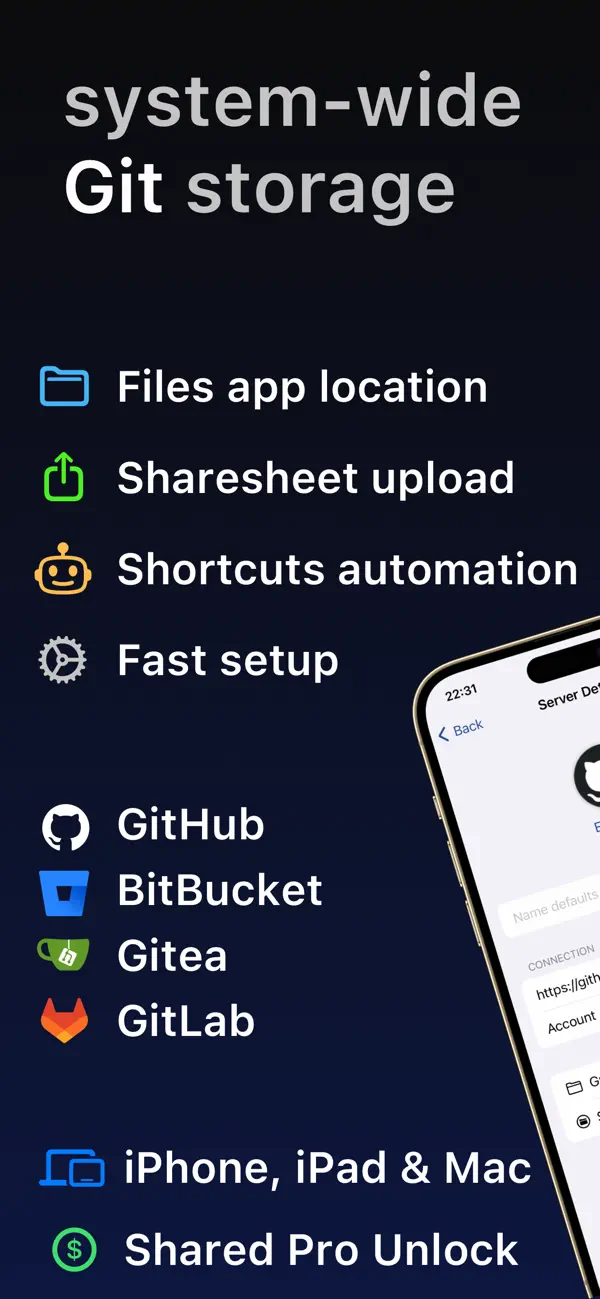
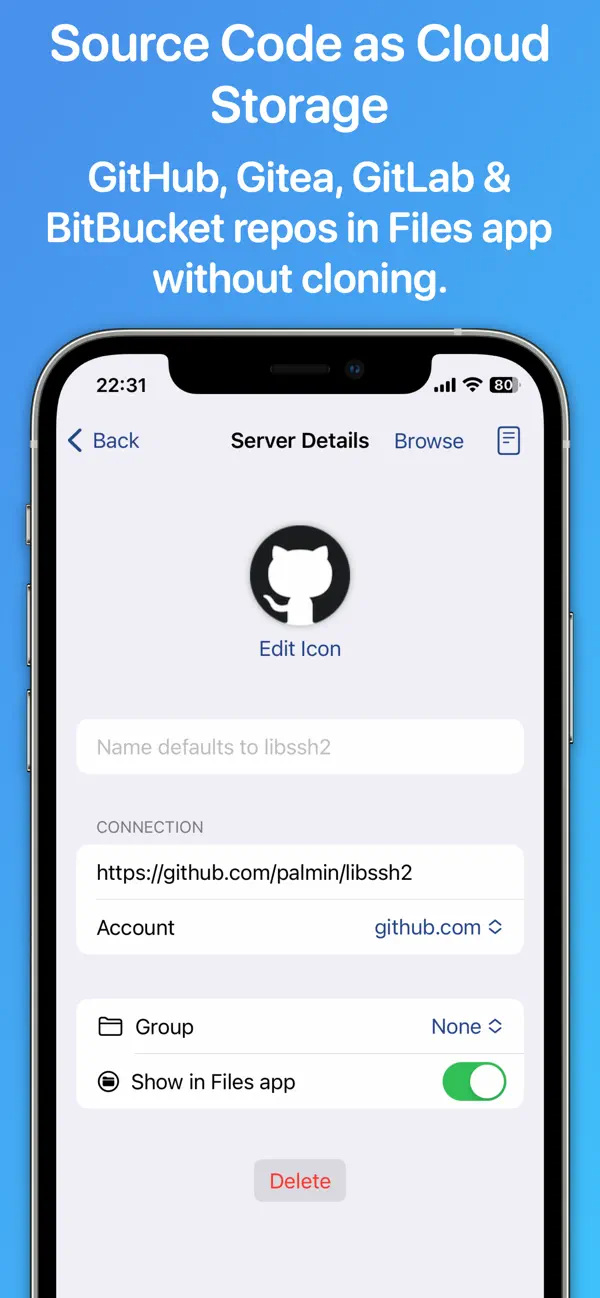
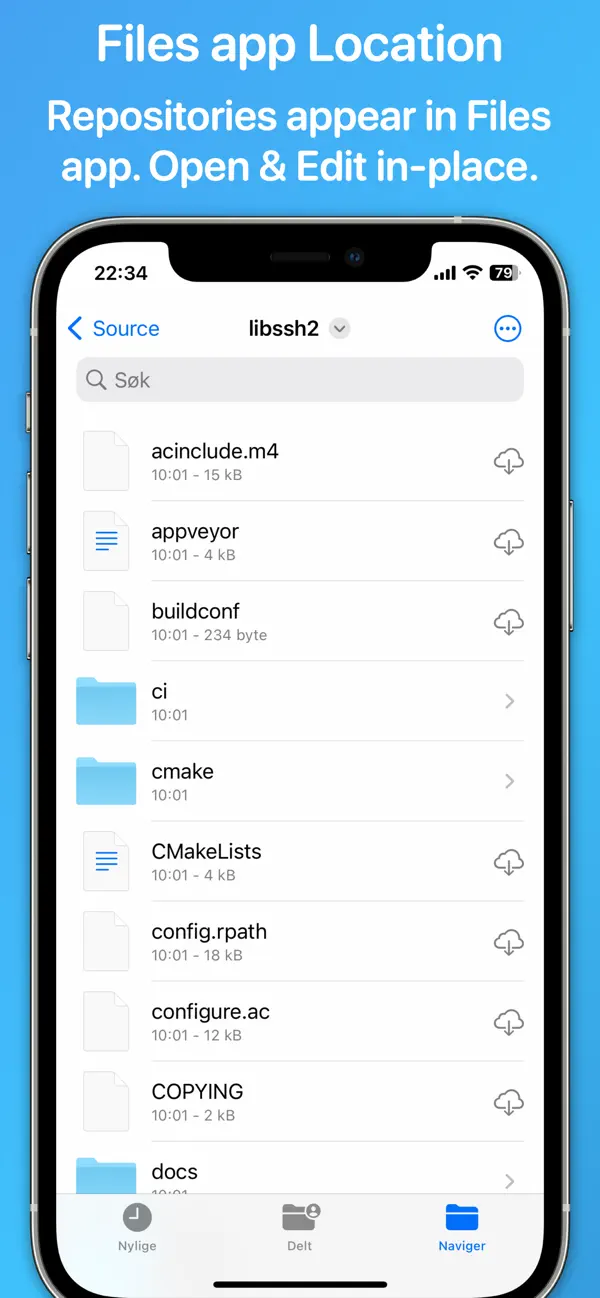
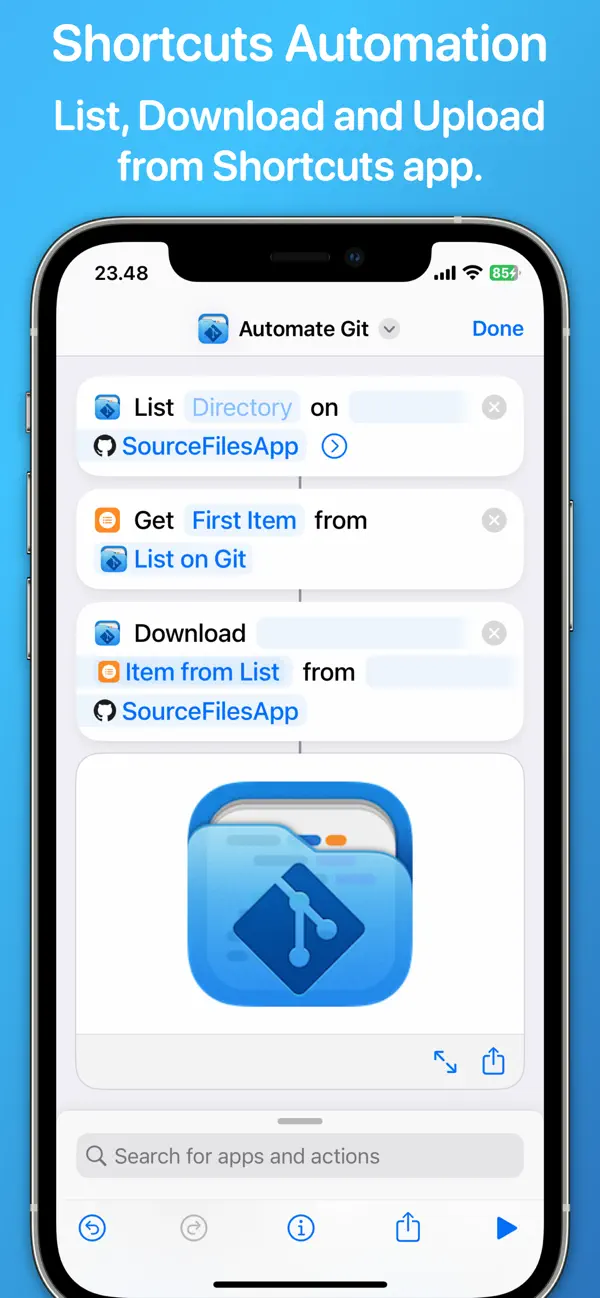
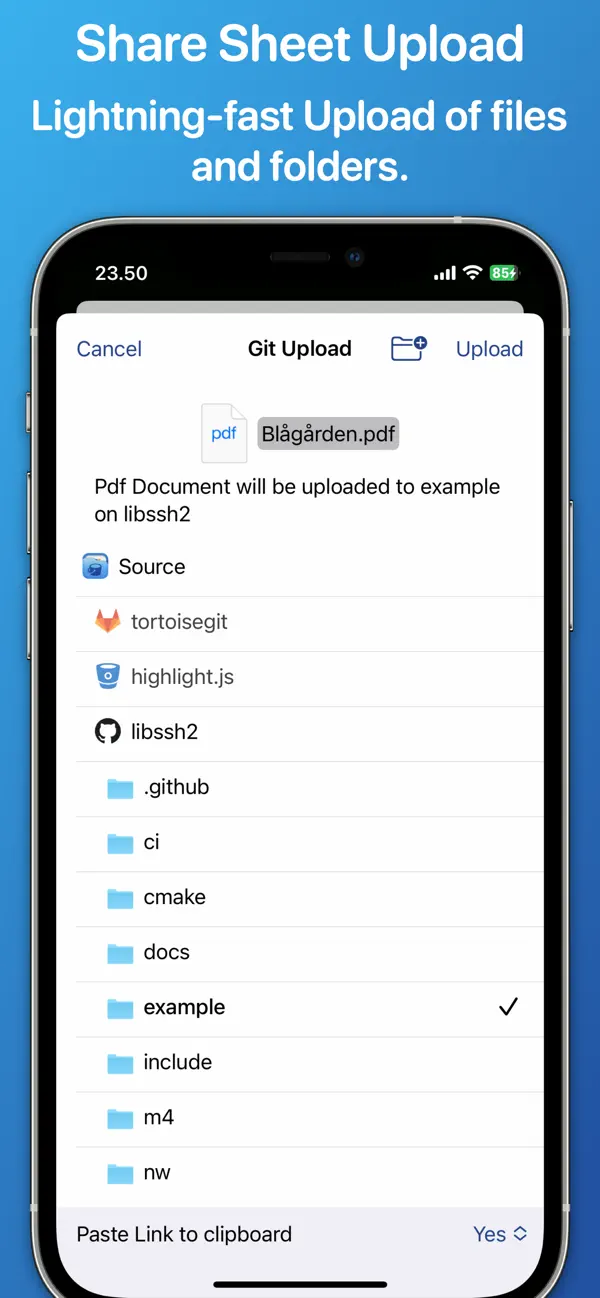
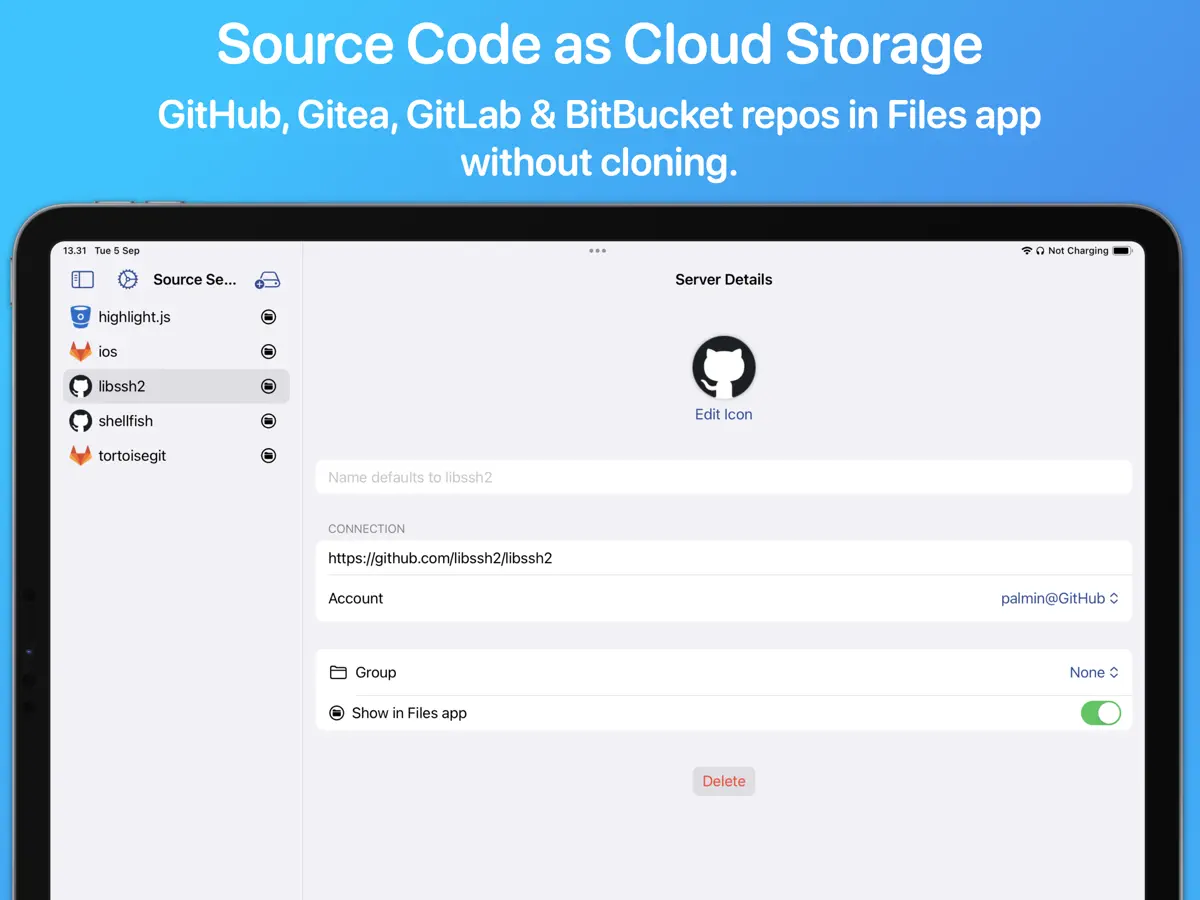
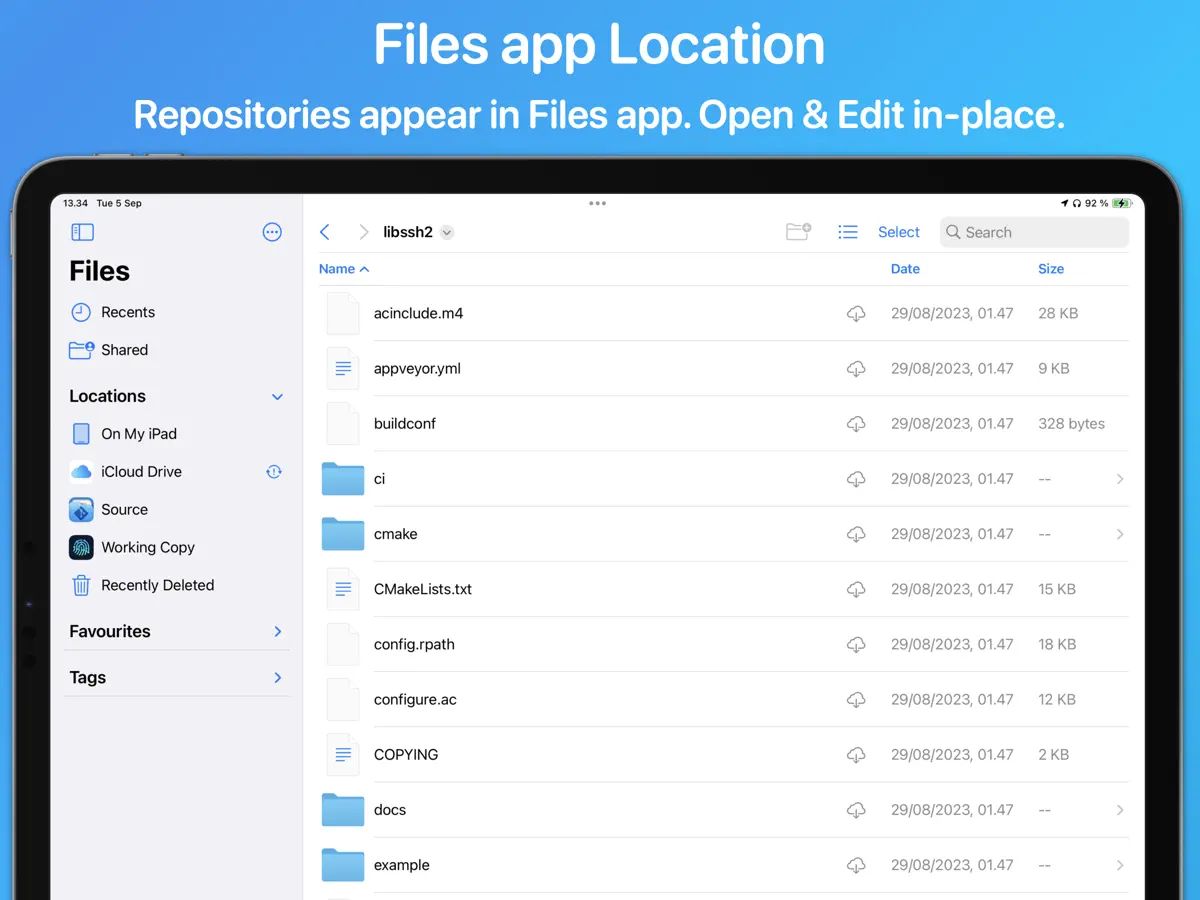
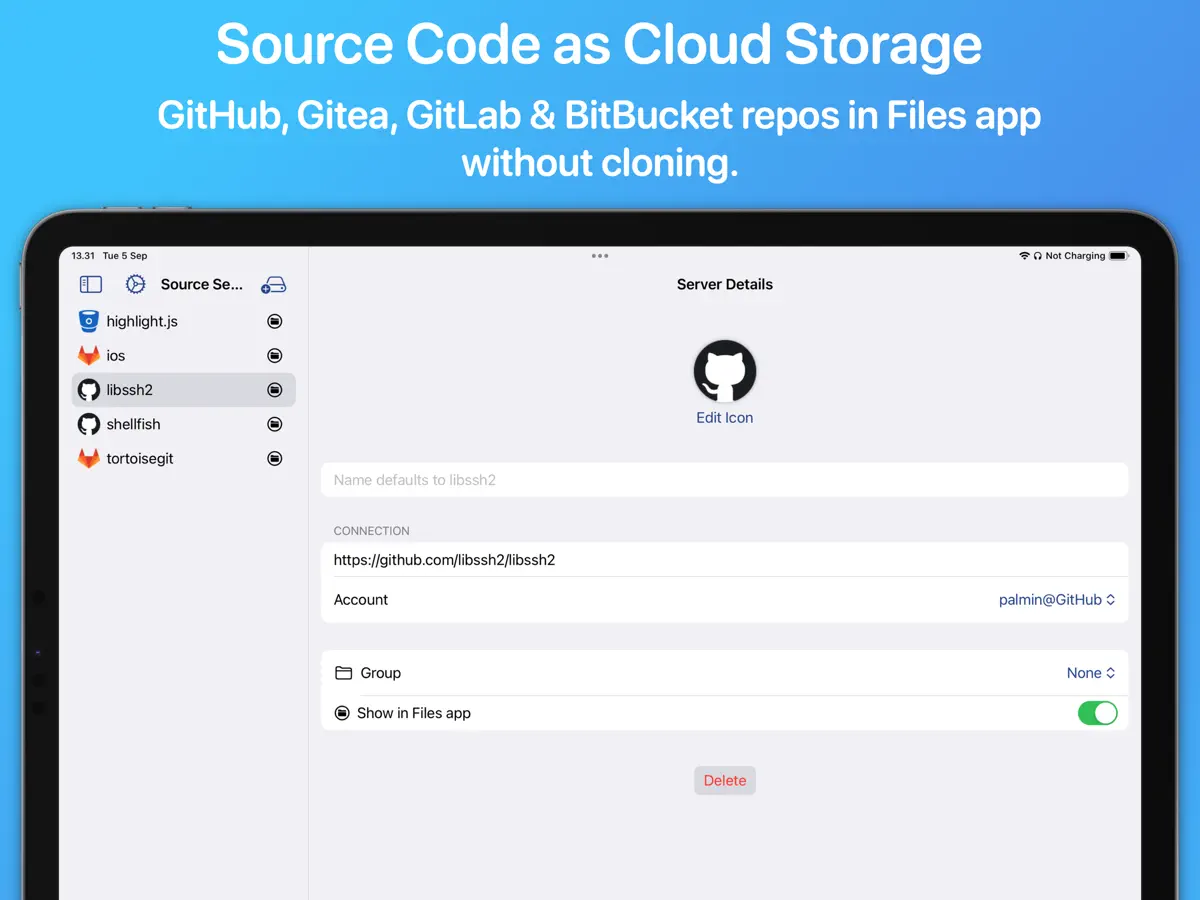
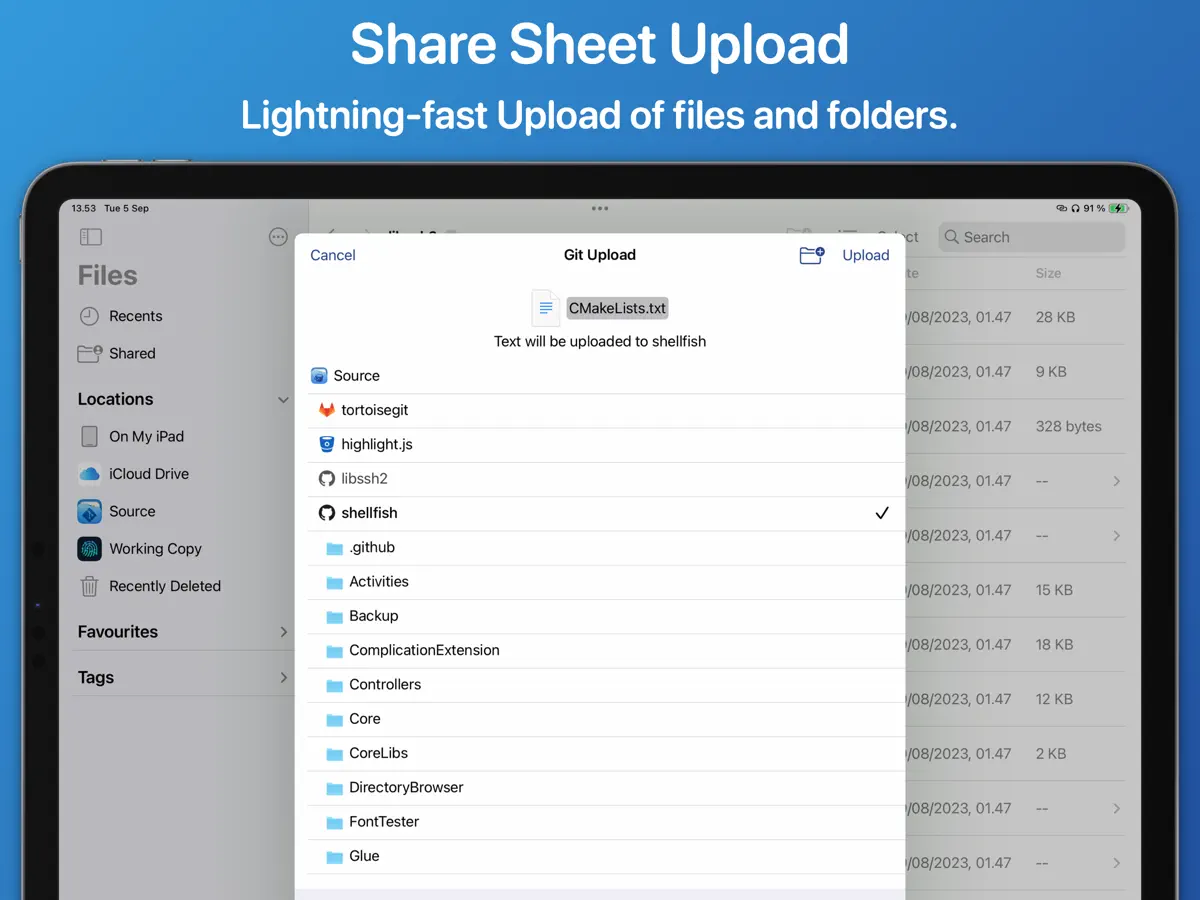
Source Files는 Git 클라이언트 Working Copy를 만든 Anders Borum의 개발자 도구입니다. 저장소를 복제하는 대신 GitHub, GitLab, Gitea, Bitbucket의 웹 API와 통신하여 저장소를 Files 앱과 Finder의 위치로 보여 줍니다. 저장소 URL을 Files로 끌어다 놓고, 나타난 폴더를 탐색하며, 원하는 앱에서 파일을 편집하면 됩니다. 저장한 파일마다 별도의 커밋이 만들어지므로, 깔끔한 기록이 중요하다면 개발자는 별도 브랜치에서 작업하고 풀 리퀘스트로 병합하기를 권하며, 그런 프로젝트에는 완전한 Git 클라이언트를 사용하라고 안내합니다. 단축어 동작으로 파일을 나열, 다운로드, 업로드, 이동할 수 있고, 공유 시트와 Mac 서비스 메뉴에서도 업로드할 수 있으며 앱은 파일 형식별로 대상 폴더를 기억합니다. 서버 하나까지는 무료이고, 여러 서버를 위한 Pro 잠금 해제는 일회성 구입 또는 구독으로 제공되며 iPhone, iPad, Mac에서 공유됩니다. 사용량은 각 서비스의 API 할당량에 따라 제한됩니다. 2026년 10월 13일 출시된 버전 2026.39에서 iPhone Duo 지원이 추가되었습니다.
영어 원문을 번역한 내용입니다.
App Store 설명개발자가 작성한 내용입니다.
Source Files is a faster way to access GitHub, Gitea, GitLab and BitBucket from the Finder and Files app without having to clone repositories or commit changes. Using REST APIs instead of the traditional Git protocol you will be editing files in even the largest repositories in seconds: • Drag a repository URL to the Files app • Browse the directory that immediately appears • Open and Edit files in your favorite app Source Files is file oriented and making edits to 3 different files will result in 3 commits. It is possible to configure the app to work in a branch where a messy commit history is acceptable and merge changes back using pull requests. Consider using traditional Git clients like Working Copy or Tower for projects that need a tidy commit history in all branches. There is rich support for automation with Shortcuts actions to List, Download, Upload and Move files. Uploading files from the Mac services menu and share sheet is supported and very fast as target directories are remembered for different file types. The app is free to use with a single server. A Pro Unlock is required for multiple servers, available as a one-time purchase or a monthly subscription, with access shared across iPhone, iPad, and Mac. A one-week free trial allows users to evaluate Pro features before purchase. Source Files is restricted by GitHub, GitLab and BitBucket API quotas that depend on your account privileges.
주요 기능
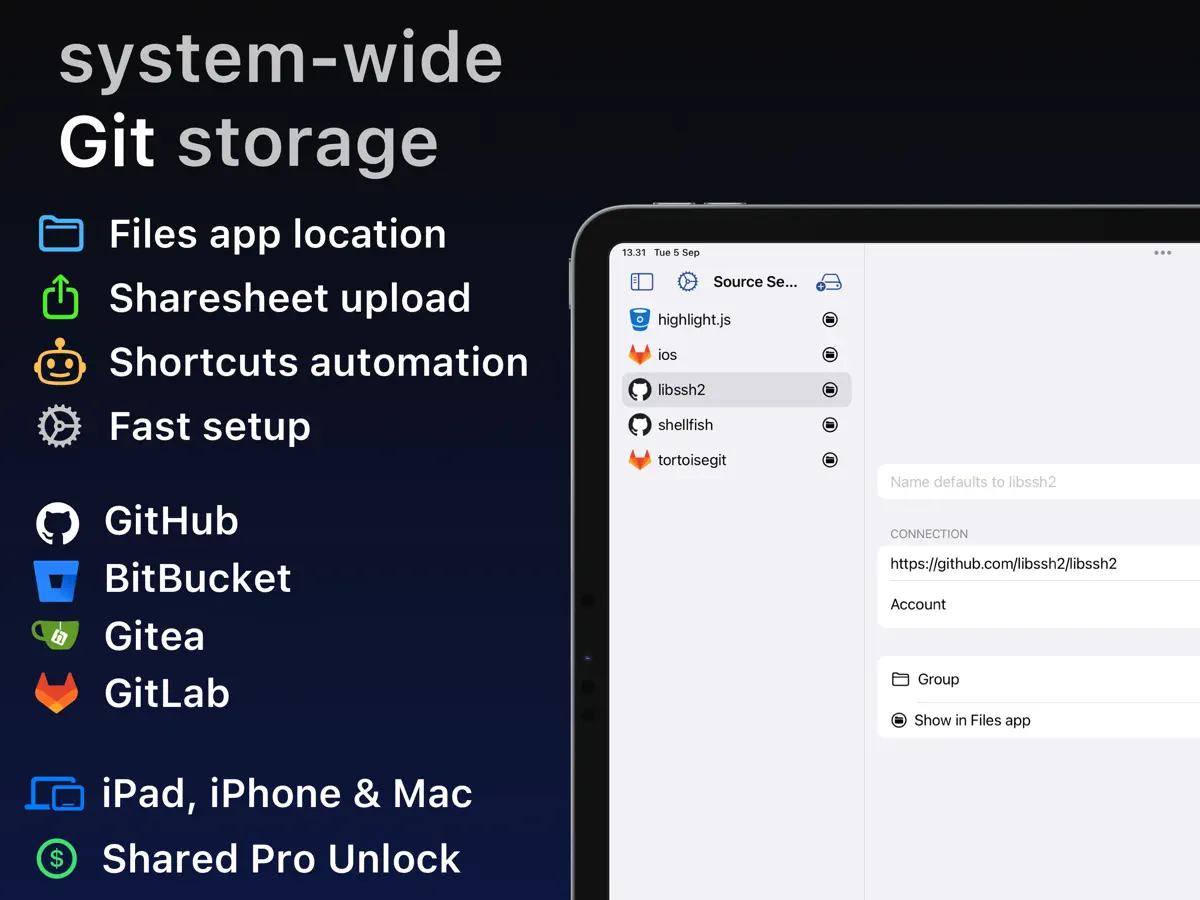
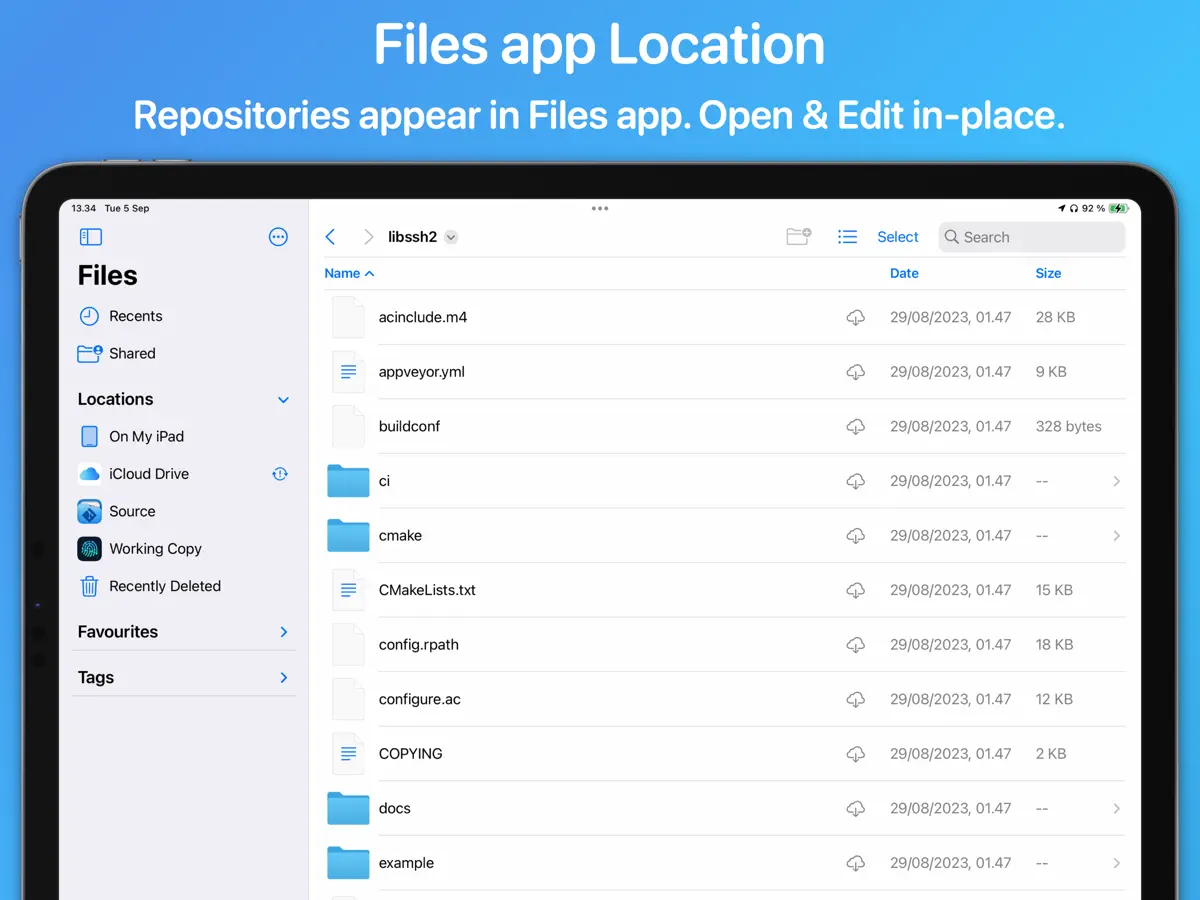
- 저장소가 Files 앱의 위치로 표시됨
- GitHub, GitLab, Gitea, Bitbucket 지원
- 웹 API로 파일 편집, 복제 불필요
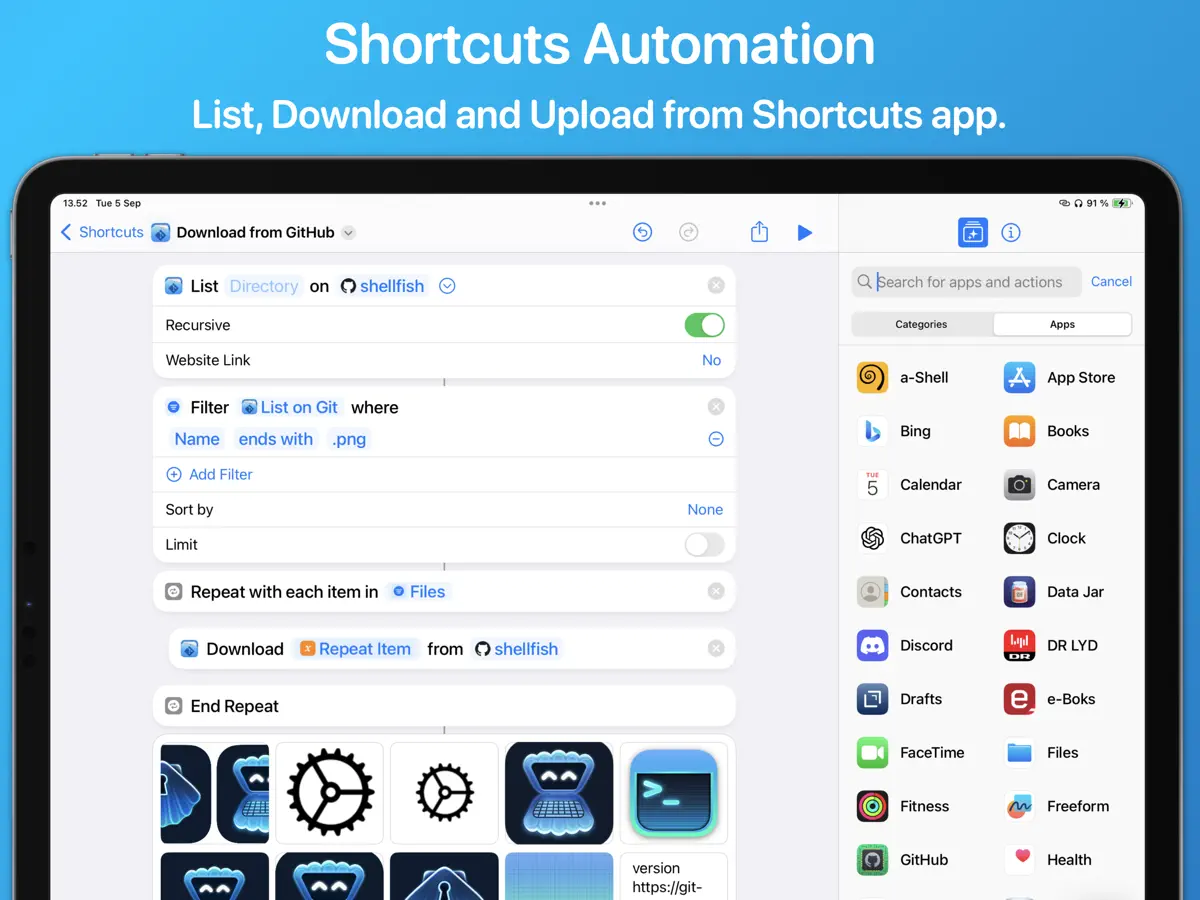
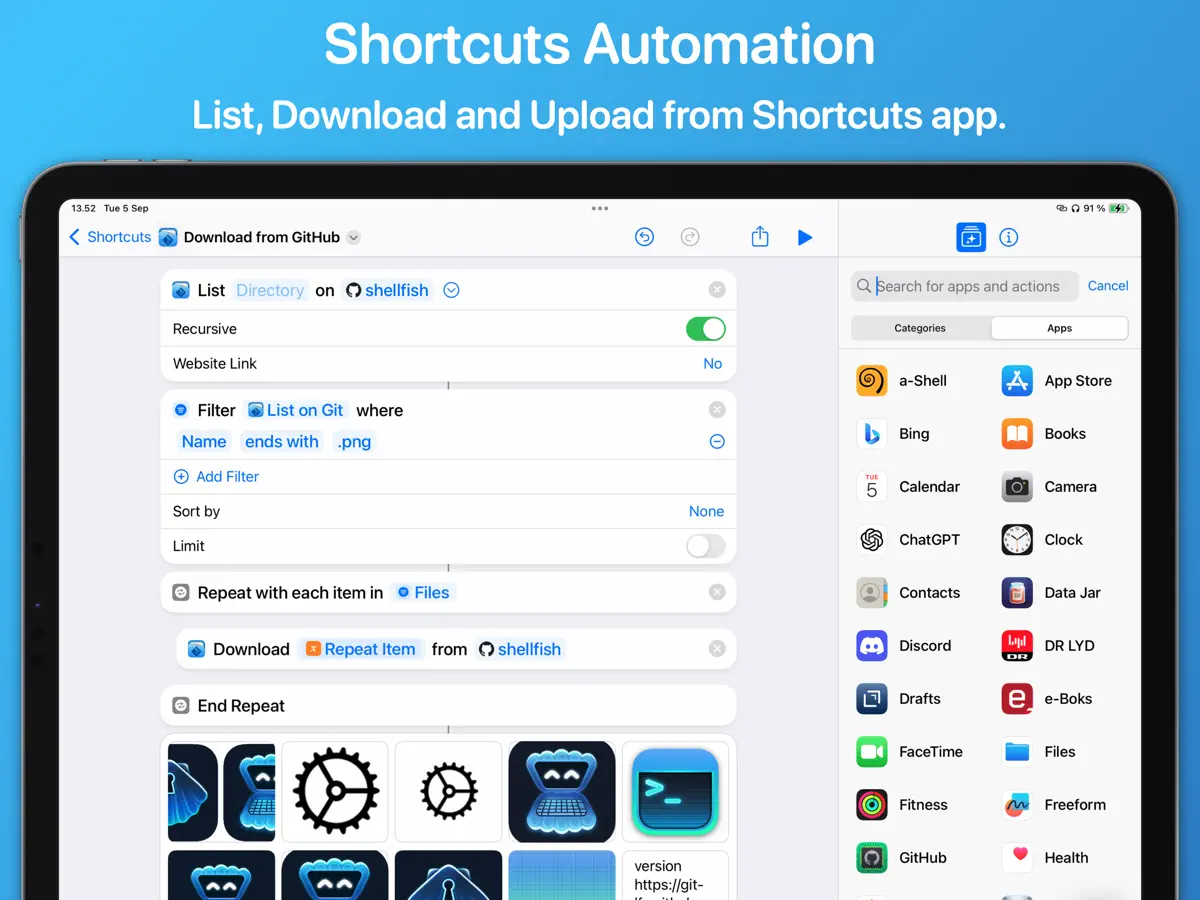
- 파일을 나열·다운로드·업로드·이동하는 단축어 동작
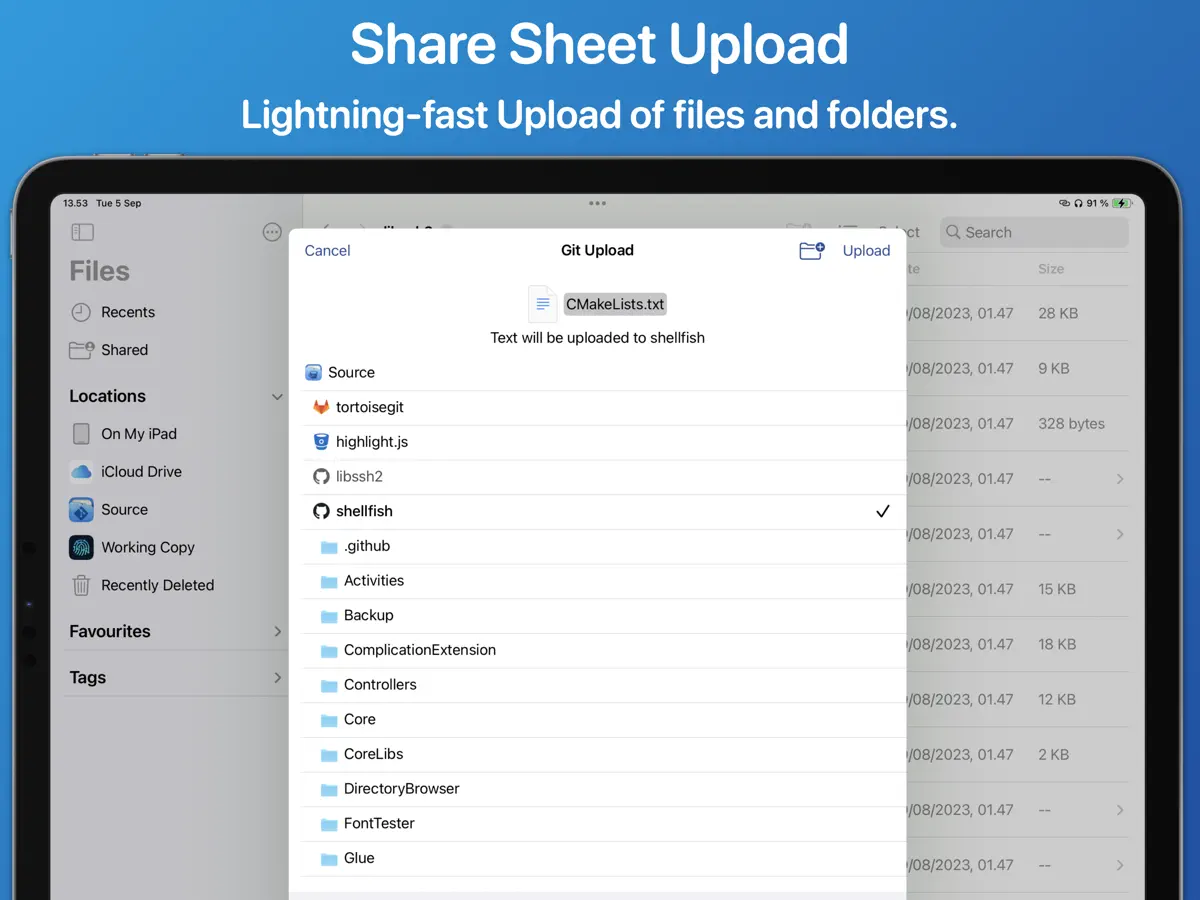
- 대상 폴더를 기억하는 공유 시트 업로드
iPhone Duo에서의 Source Files: 자주 묻는 질문
Source Files은(는) iPhone Duo에 최적화되어 있나요?
아직은 아닙니다. Source Files은(는) 호환 실행 앱으로, 변경 없이 기존 iPhone 레이아웃으로 실행됩니다. 2026년 10월 13일 확인(개발자 발표).
iPhone Duo에서 Source Files은(는) 어떻게 보이나요?
Source Files 버전 2026.39(2026년 10월 13일)의 App Store 릴리스 노트는 전문이 "Support for iPhone Duo." 한 줄입니다. 접는 동작에 특화된 기능은 설명되어 있지 않아 「호환 실행」으로 분류했습니다. 아직 iPhone Duo 실기기에서 테스트하지 않았습니다.
Source Files의 가격은 얼마인가요?
Source Files은(는) App Store에서 무료 · 앱 내 구입입니다.
다른 유틸리티 앱
모두 보기 ›
Ookla의 인터넷 속도 측정 앱, 커버리지 지도와 동영상 스트리밍 테스트 제공

보유한 모든 차량의 연료, 비용, 정비 기록 앱

테마, 위젯, 동기화되는 계산 기록을 갖춘 미니멀 계산기

NextDNS 프로필, 로그, 차단 설정을 관리하는 서드파티 앱

문제 해결, 수리, AppleCare를 위한 Apple 공식 앱

RPN, 단위 변환, 종이 테이프를 갖춘 기능 풍부한 공학용 계산기