Source Files
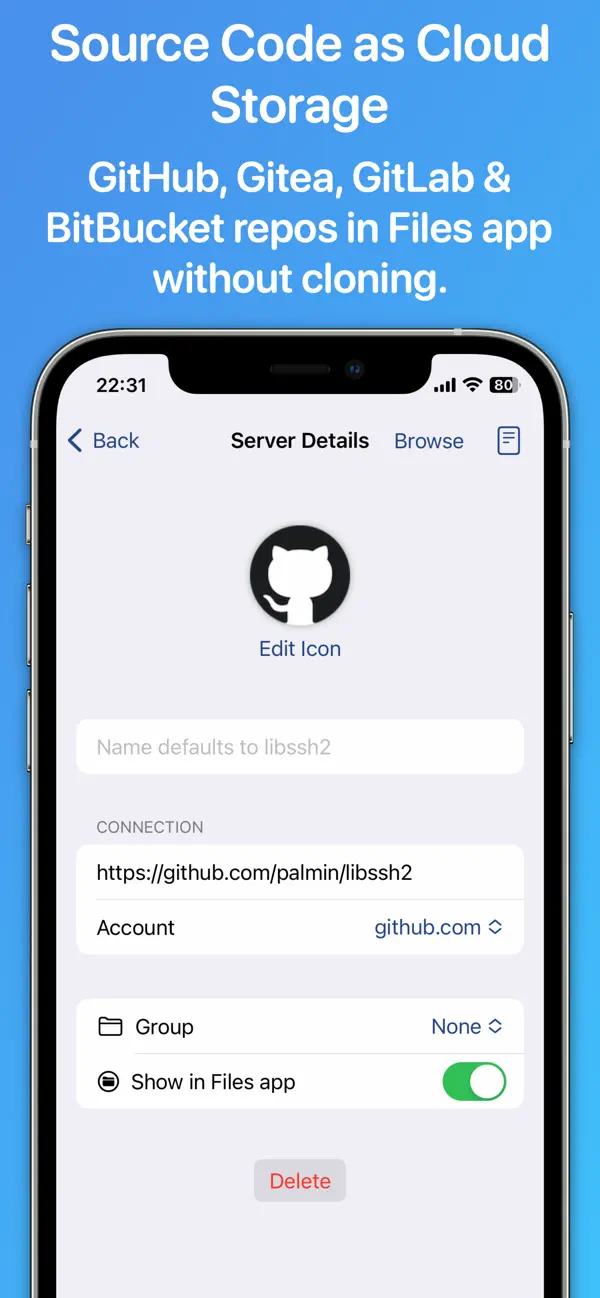
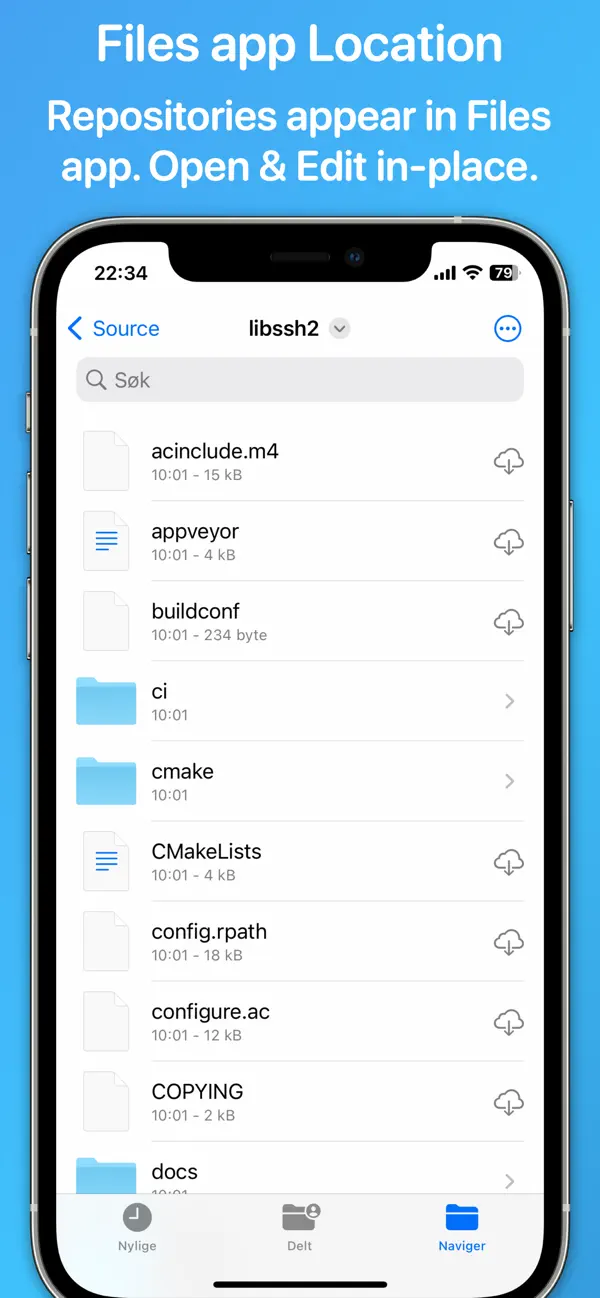
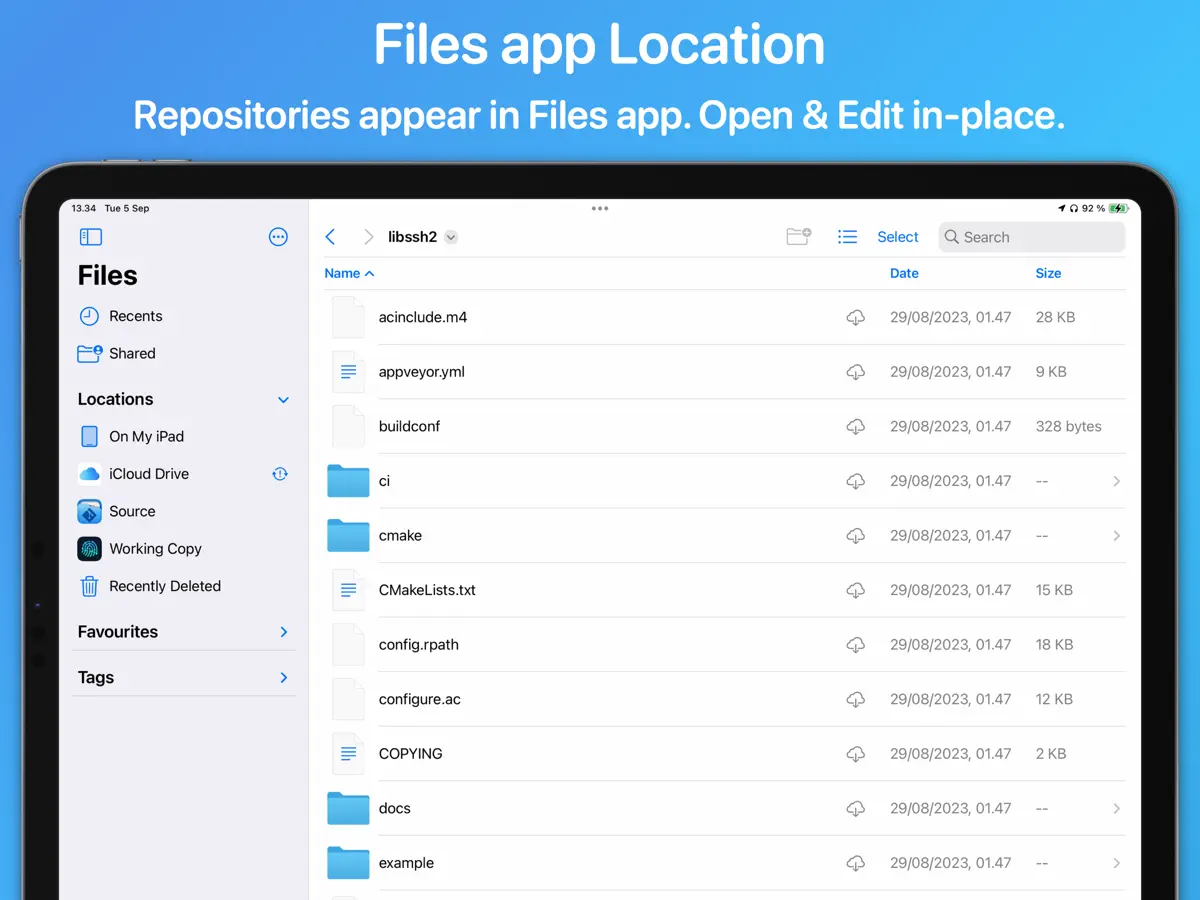
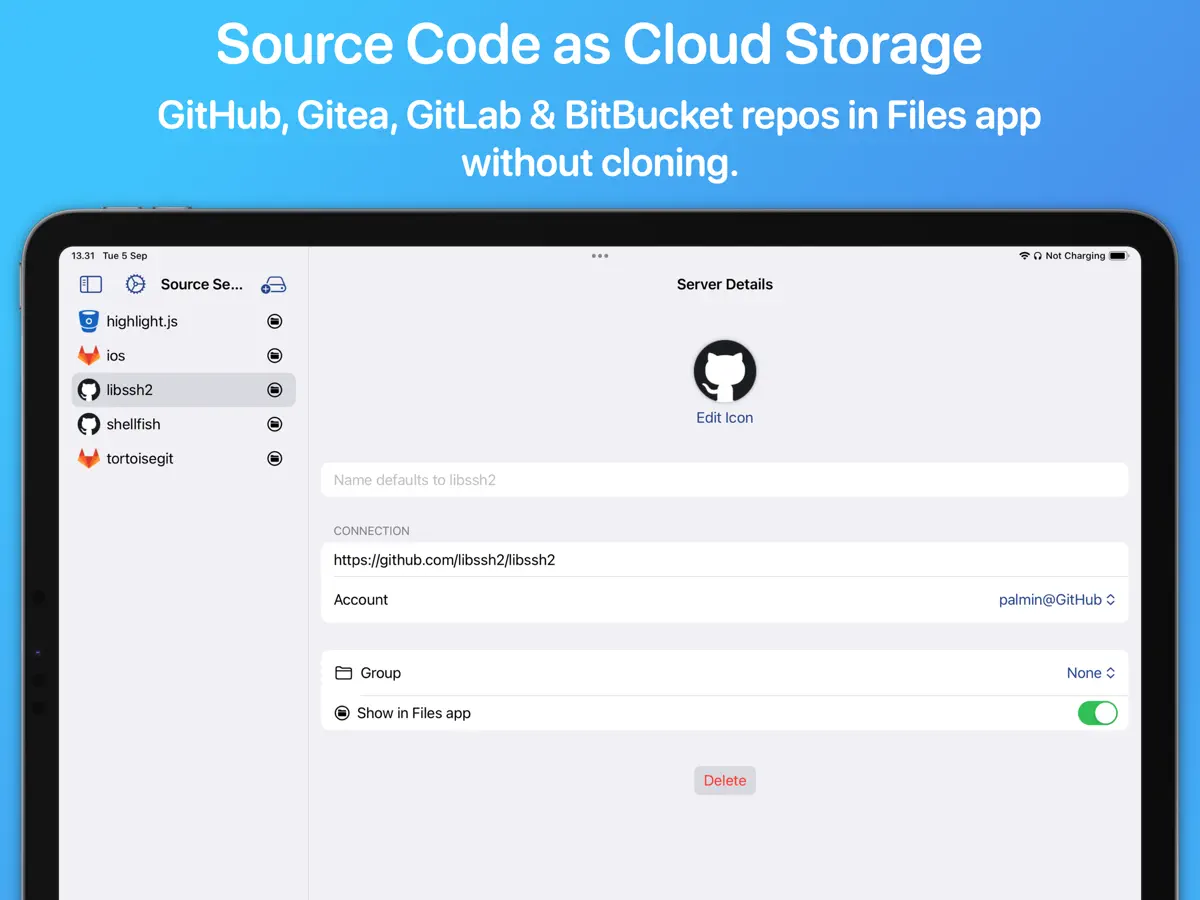
Open GitHub, GitLab, Gitea and Bitbucket repos in the Files app without cloning
Anders Borum ApS · Utilities · Free · in-app purchases
iPhone screenshots
iPad screenshots
How it uses iPhone Duo
The App Store release notes for Source Files version 2026.39, dated October 13, 2026, read in full: "Support for iPhone Duo." No fold-specific behavior is described, so we list it as Compatible. We have not yet tested it on an iPhone Duo.
What’s New
Version 2026.39 ·
Support for iPhone Duo.
About this app
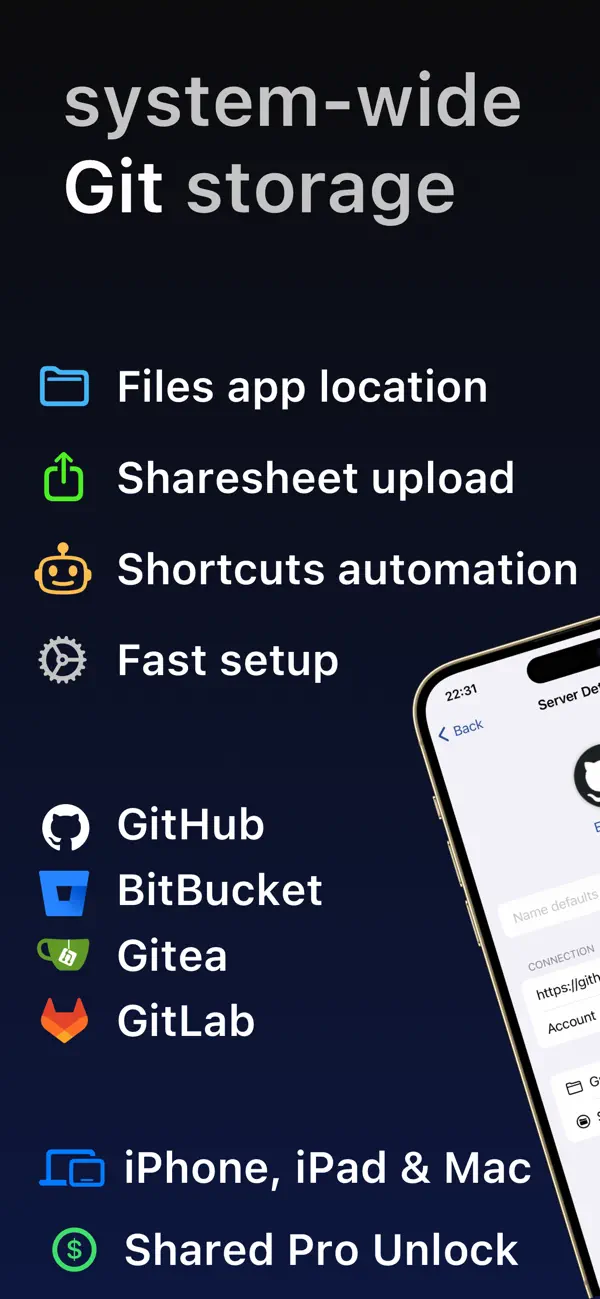
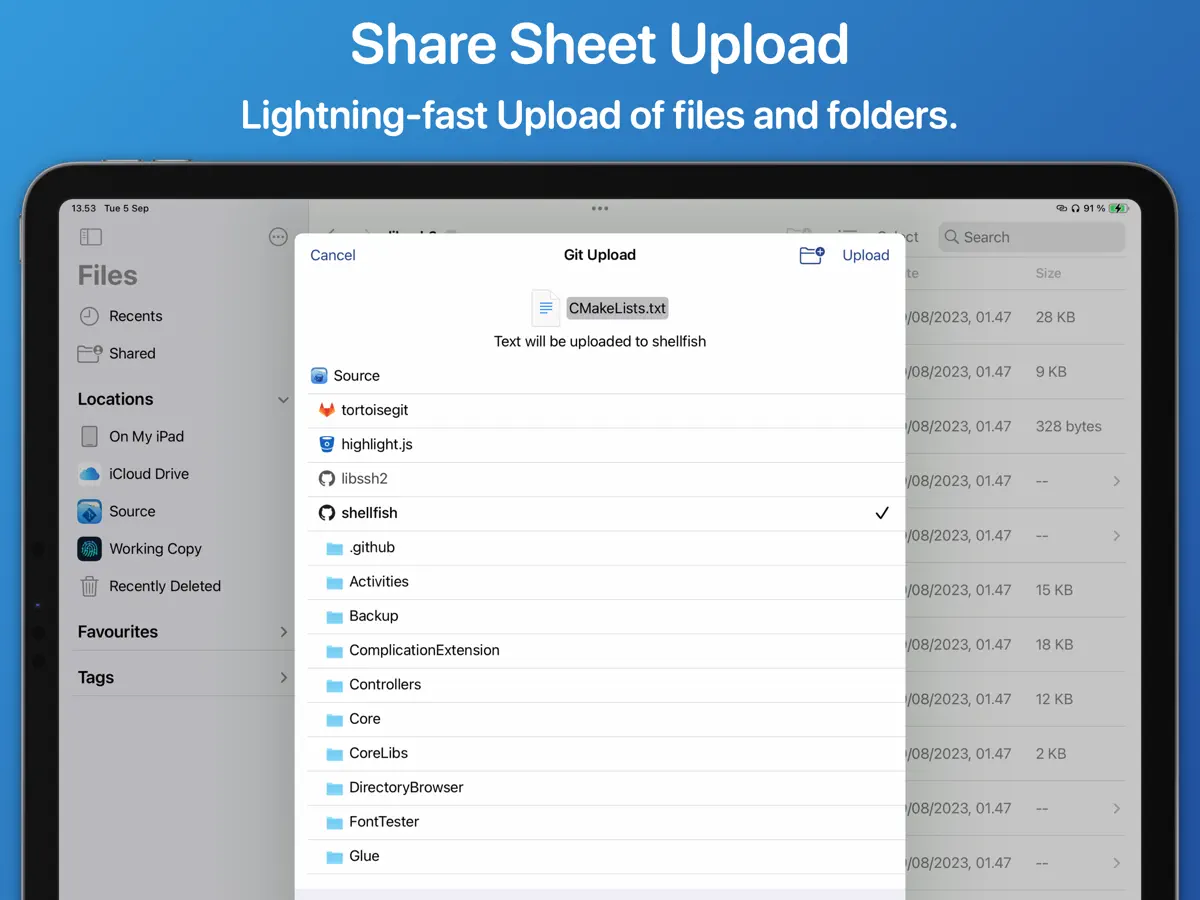
Source Files is a developer tool from Anders Borum, the maker of the Working Copy Git client. Instead of cloning a repository, it talks to GitHub, GitLab, Gitea and Bitbucket through their web APIs and shows the repository as a location in the Files app and the Finder. You drag a repository URL into Files, browse the folder that appears, and edit files in whatever app you prefer. Each saved file becomes its own commit, so the developer suggests working in a separate branch and merging through pull requests when a tidy history matters, and pointing to full Git clients for that kind of project. Shortcuts actions can list, download, upload and move files, and uploads are available from the share sheet and the Mac services menu, with the app remembering target folders by file type. It is free with one server; a Pro unlock for multiple servers is available as a one-time purchase or subscription, shared across iPhone, iPad and Mac. Usage is limited by each service's API quotas. Version 2026.39, released on October 13, 2026, added iPhone Duo support.
App Store descriptionWritten by the developer.
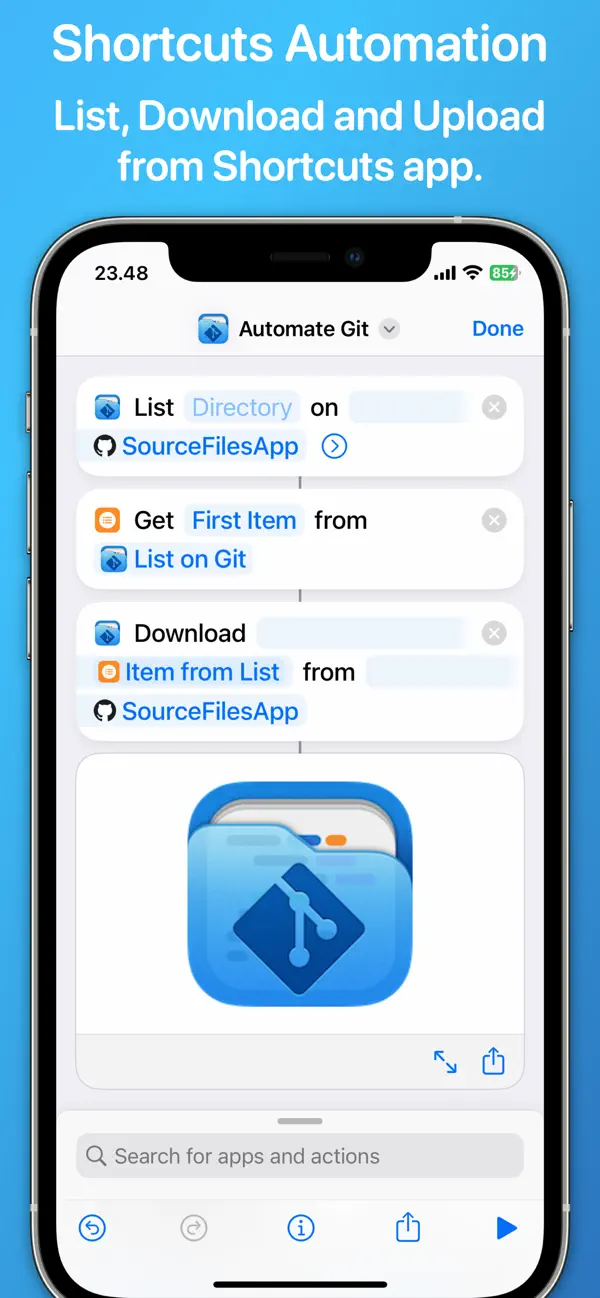
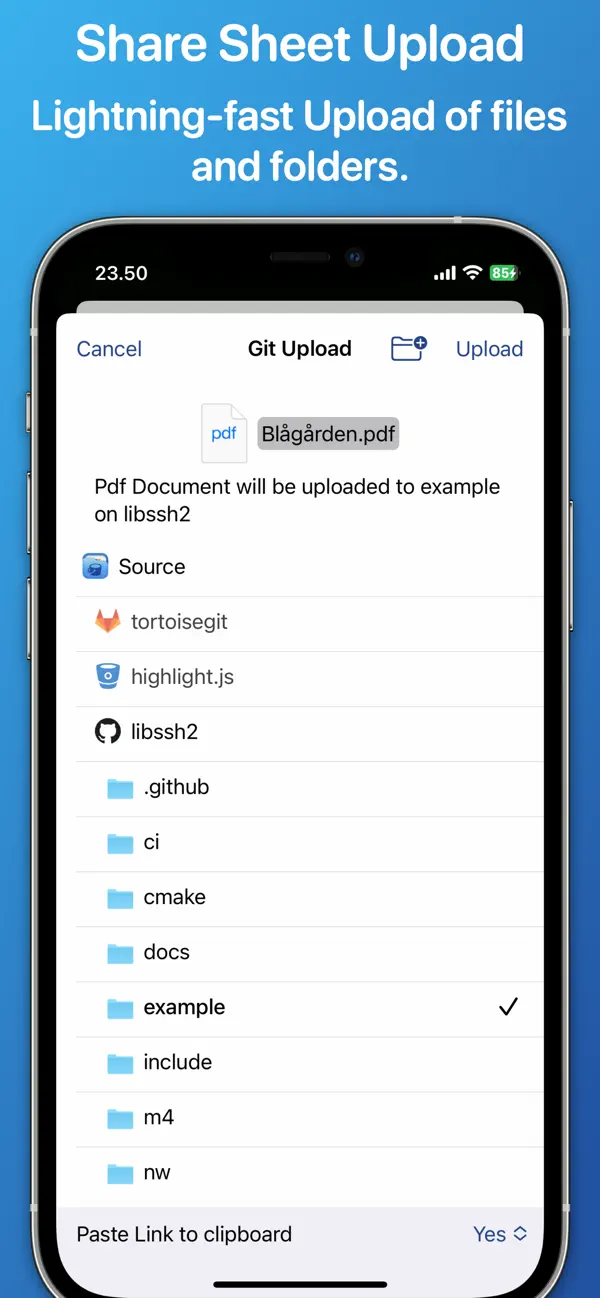
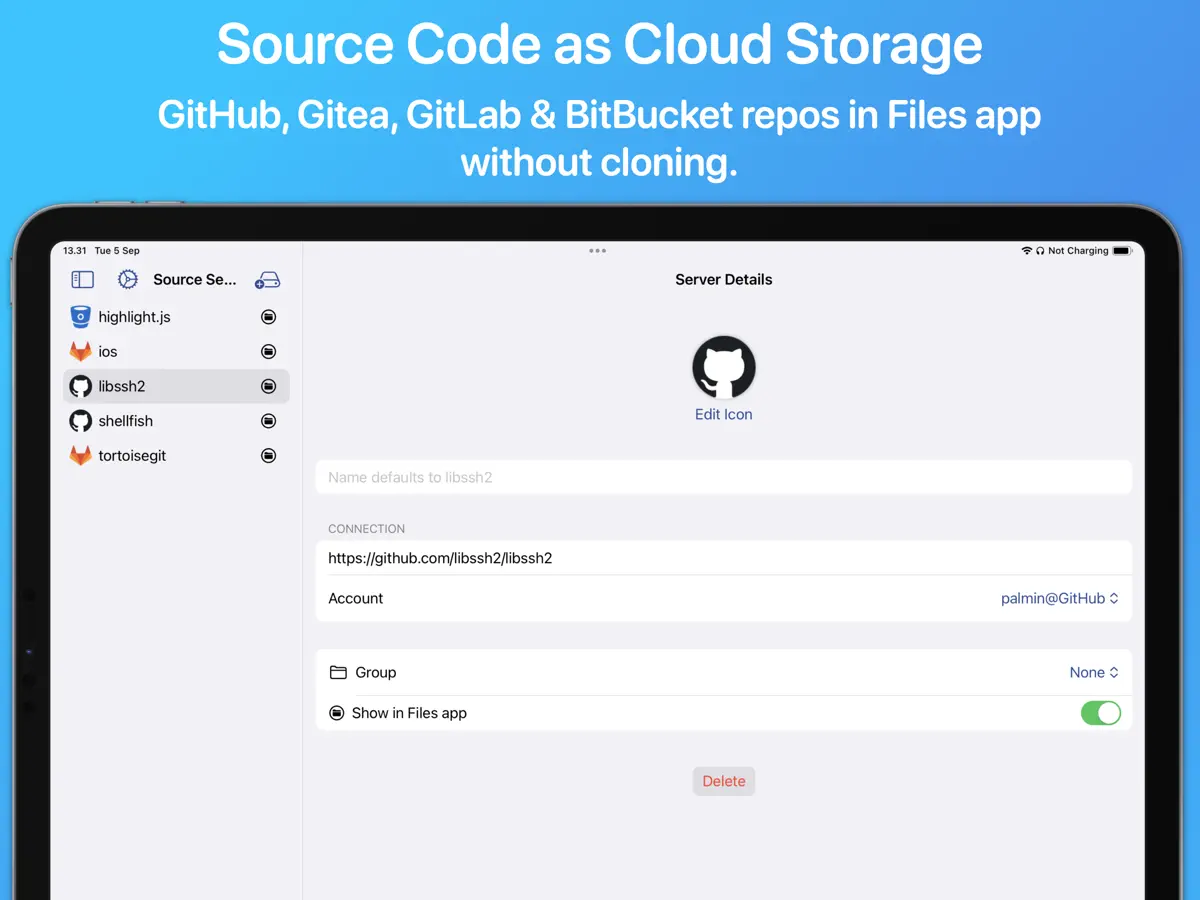
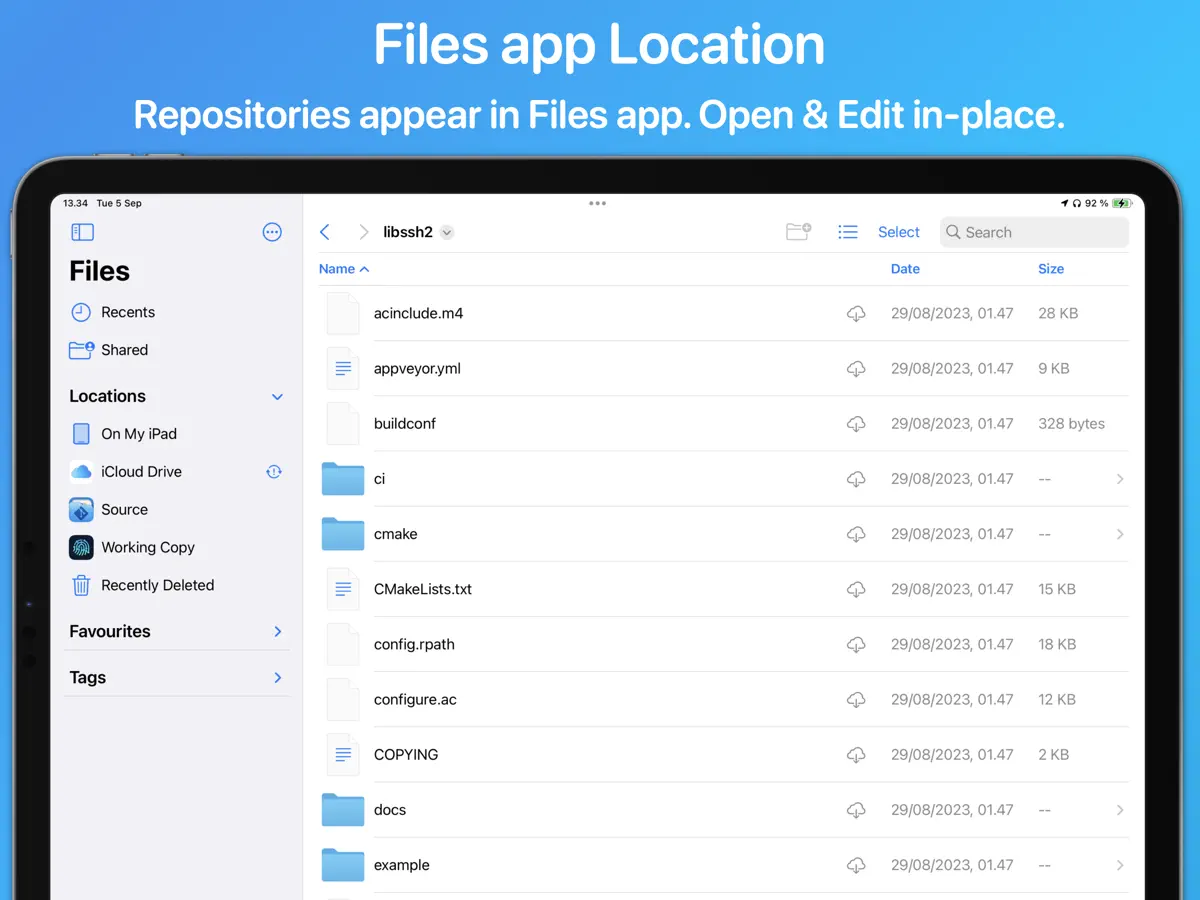
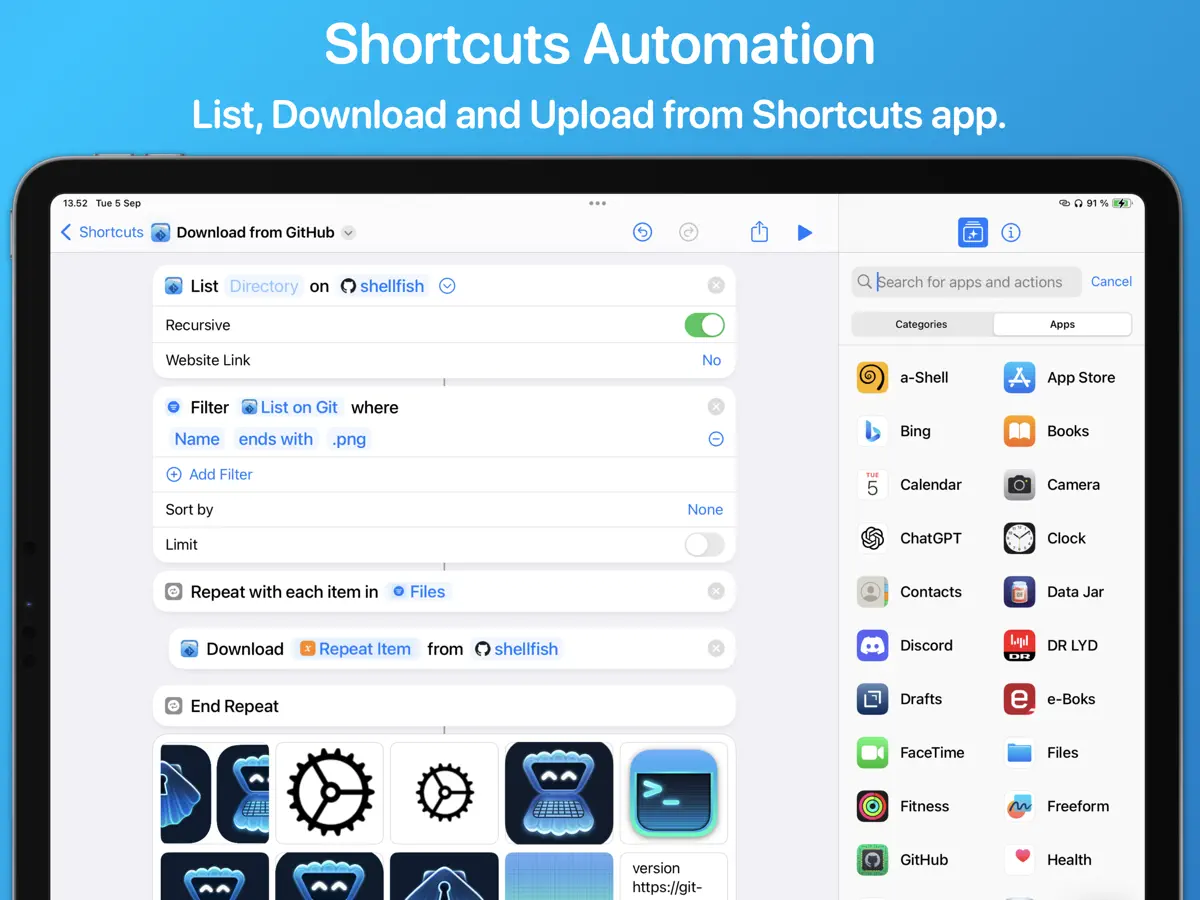
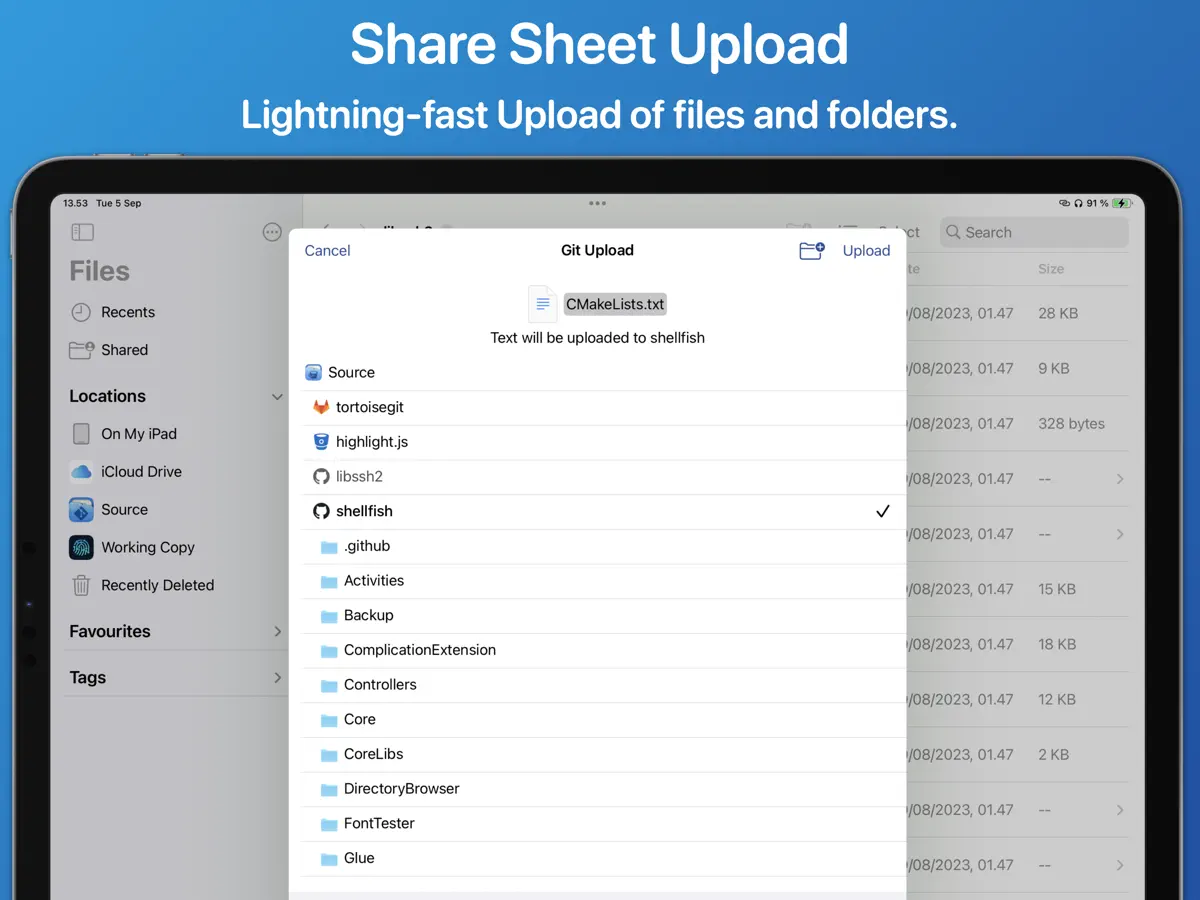
Source Files is a faster way to access GitHub, Gitea, GitLab and BitBucket from the Finder and Files app without having to clone repositories or commit changes. Using REST APIs instead of the traditional Git protocol you will be editing files in even the largest repositories in seconds: • Drag a repository URL to the Files app • Browse the directory that immediately appears • Open and Edit files in your favorite app Source Files is file oriented and making edits to 3 different files will result in 3 commits. It is possible to configure the app to work in a branch where a messy commit history is acceptable and merge changes back using pull requests. Consider using traditional Git clients like Working Copy or Tower for projects that need a tidy commit history in all branches. There is rich support for automation with Shortcuts actions to List, Download, Upload and Move files. Uploading files from the Mac services menu and share sheet is supported and very fast as target directories are remembered for different file types. The app is free to use with a single server. A Pro Unlock is required for multiple servers, available as a one-time purchase or a monthly subscription, with access shared across iPhone, iPad, and Mac. A one-week free trial allows users to evaluate Pro features before purchase. Source Files is restricted by GitHub, GitLab and BitBucket API quotas that depend on your account privileges.
Highlights
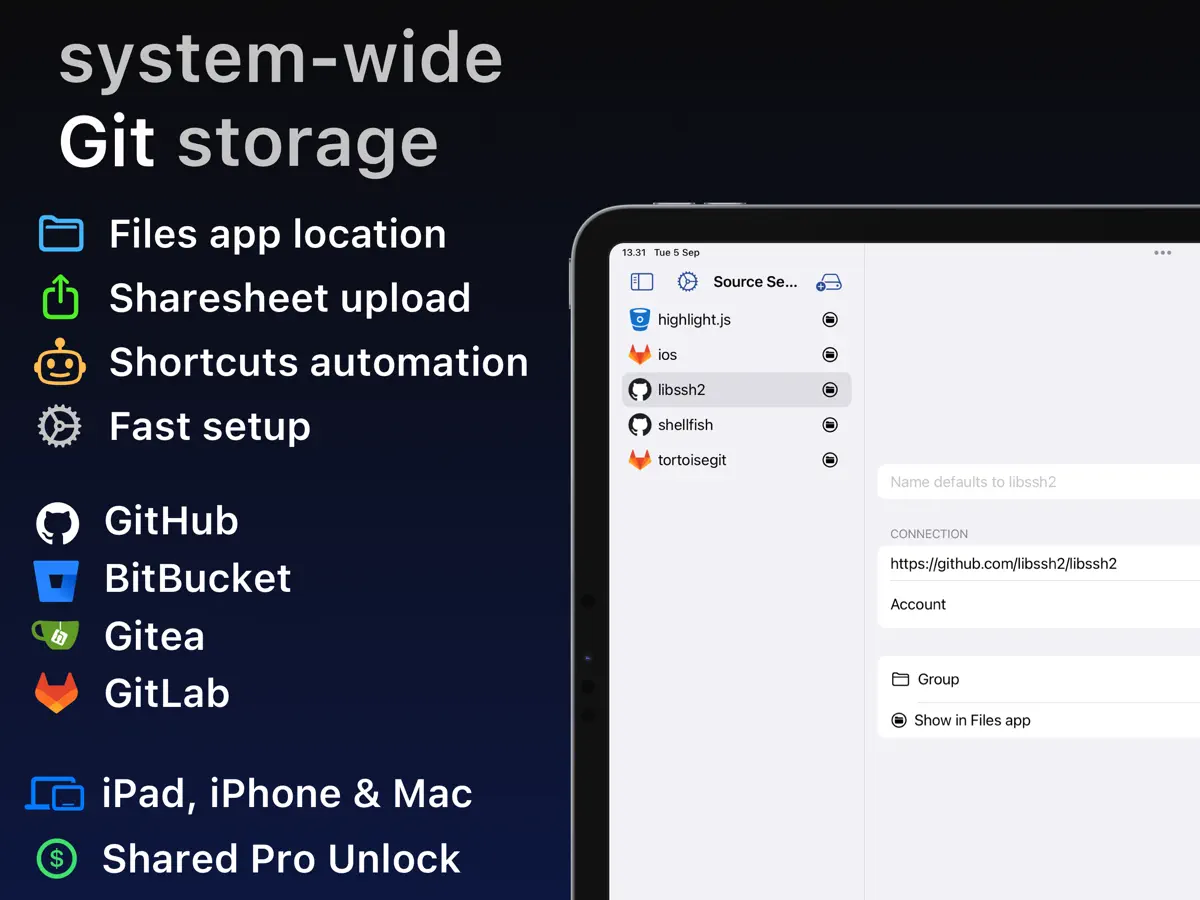
- Repositories appear as locations in the Files app
- Works with GitHub, GitLab, Gitea and Bitbucket
- Edits files through web APIs, no clone required
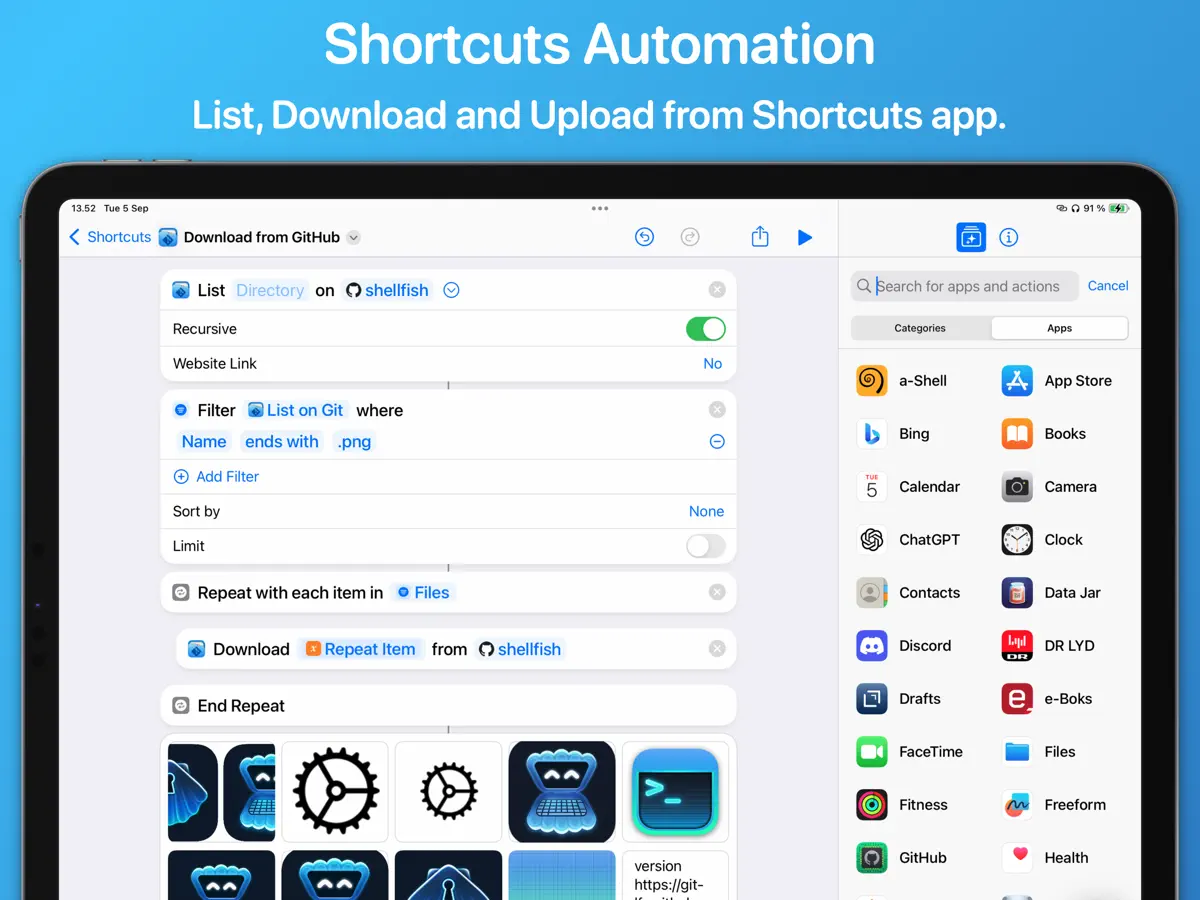
- Shortcuts actions to list, download, upload and move files
- Share sheet uploads that remember target folders
Source Files on iPhone Duo: FAQ
Is Source Files optimized for iPhone Duo?
Not yet. Source Files is Compatible: it runs unchanged with its phone layout. Verified on October 13, 2026 (Developer statement).
What does Source Files look like on iPhone Duo?
The App Store release notes for Source Files version 2026.39, dated October 13, 2026, read in full: "Support for iPhone Duo." No fold-specific behavior is described, so we list it as Compatible. We have not yet tested it on an iPhone Duo.
How much does Source Files cost?
Source Files costs Free · in-app purchases on the App Store.
More Utilities apps
See all ›
Ookla's internet speed test, with coverage maps and video streaming tests

Fuel, costs and maintenance logs for every vehicle you own
Minimalist calculator with themes, widgets and synced history

Third-party app for managing NextDNS profiles, logs and blocking settings

Apple's own app for troubleshooting, repairs and AppleCare

A feature-rich scientific calculator with RPN, conversions and a paper tape