NextDNS Remote
Third-party app for managing NextDNS profiles, logs and blocking settings
RocketScience IT · Utilities · Free · in-app purchases
iPhone screenshots
iPad screenshots
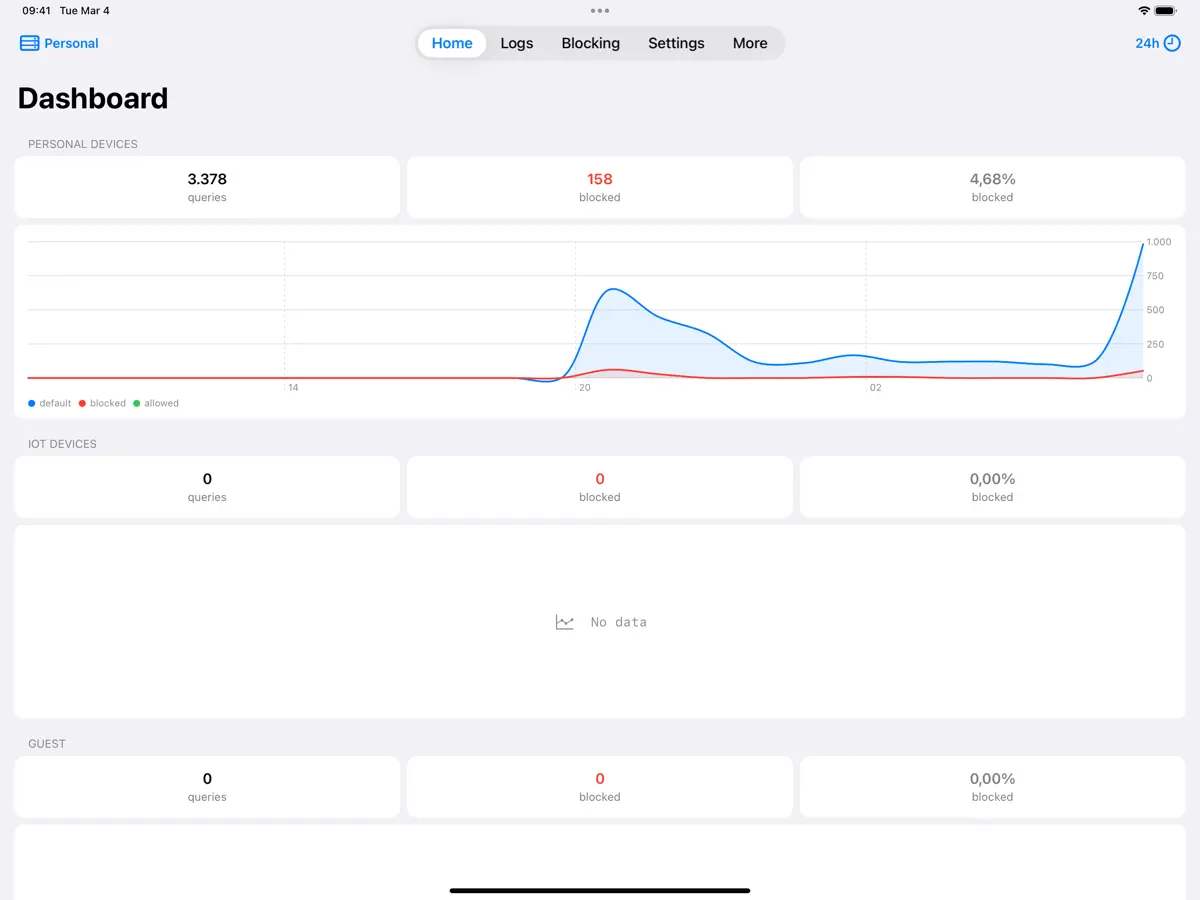
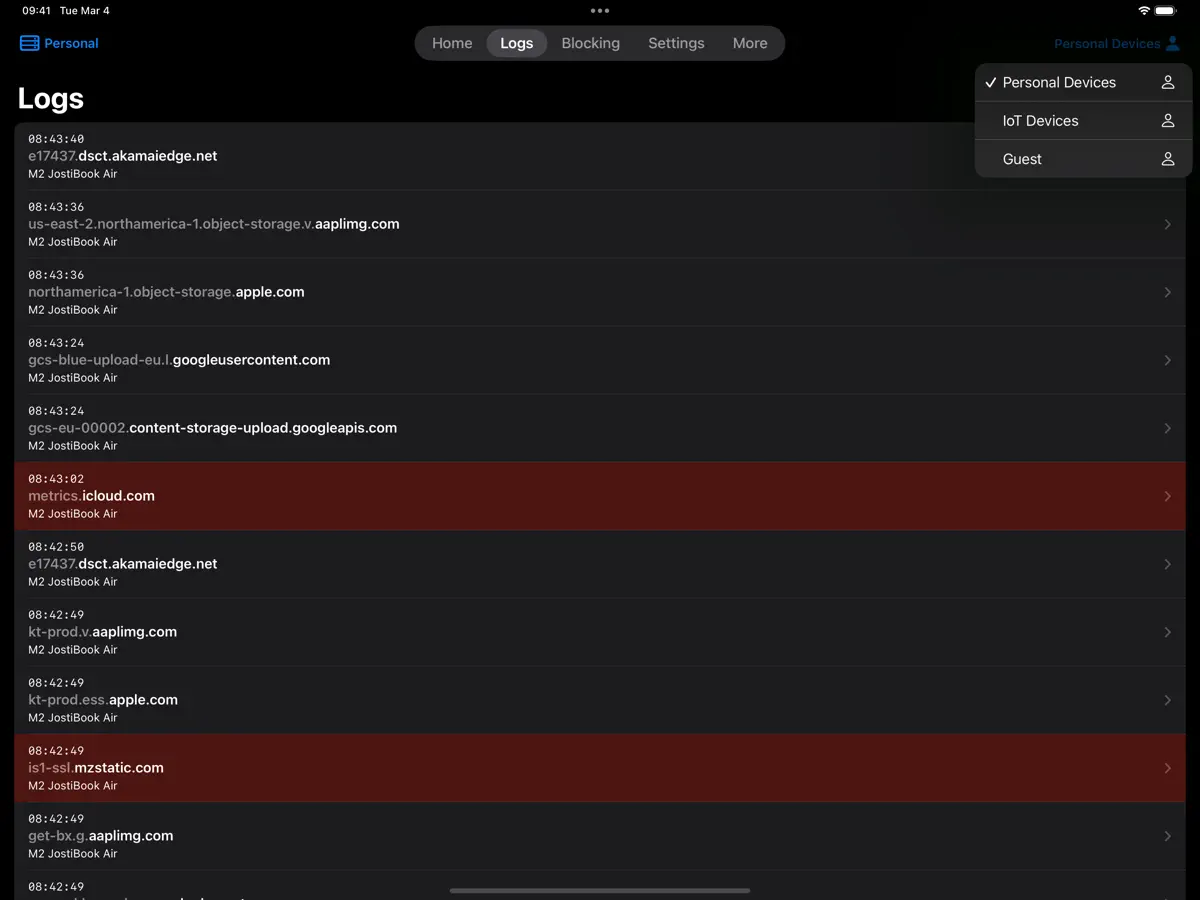
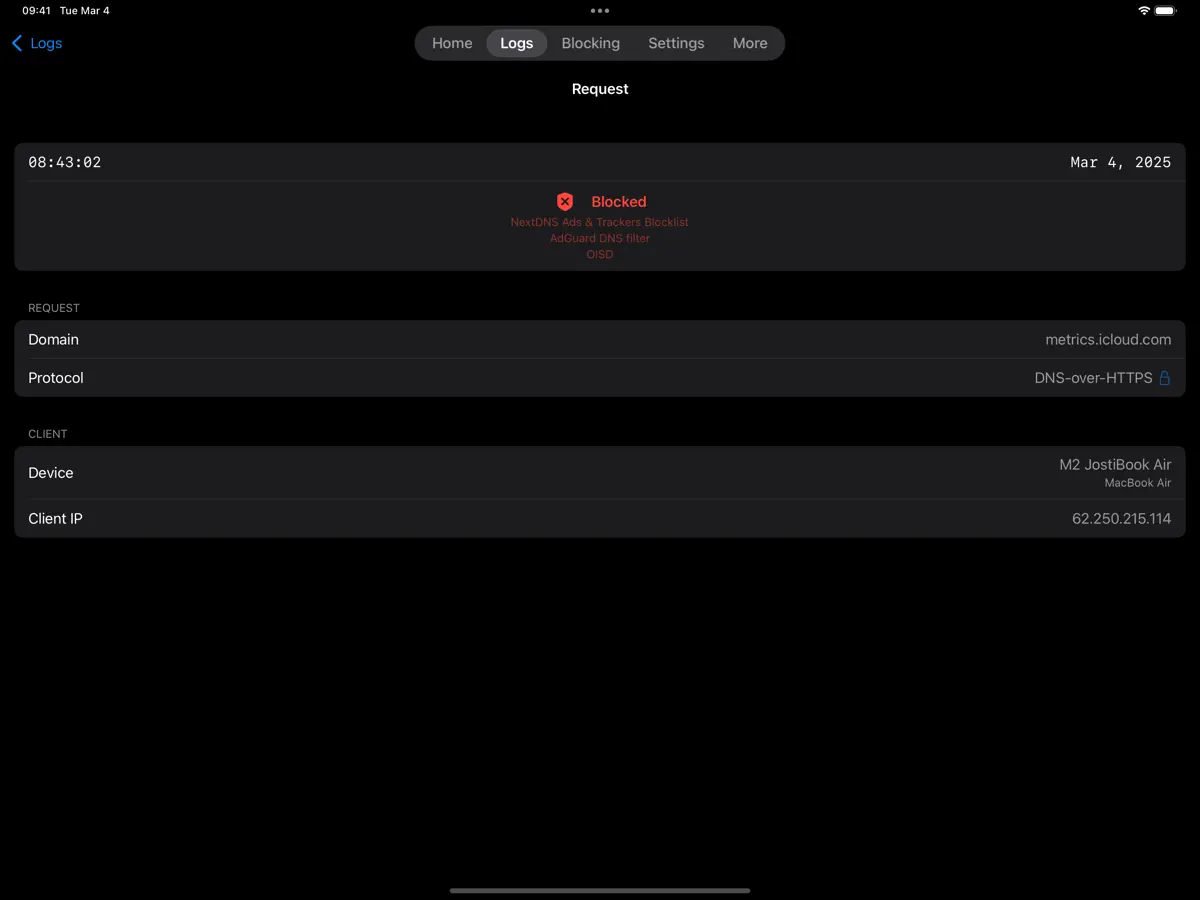
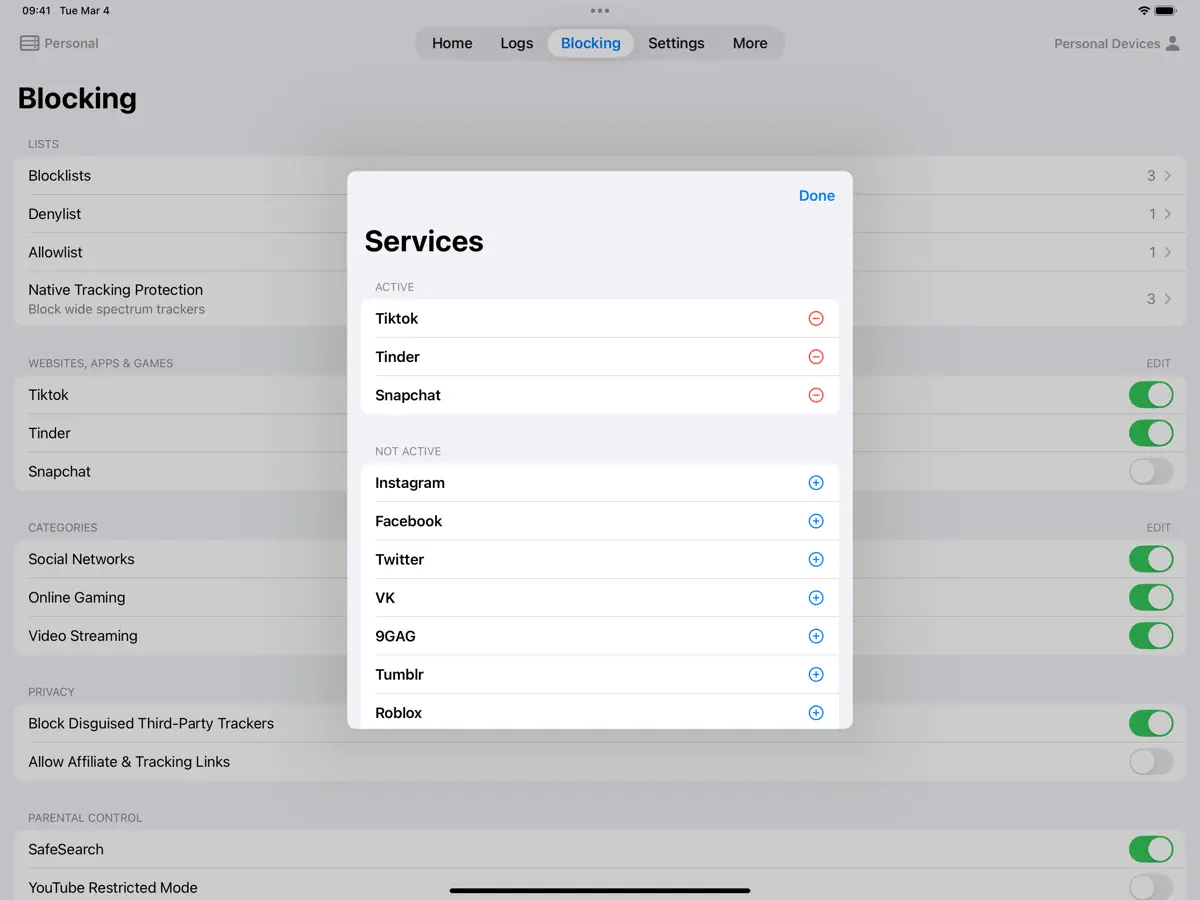
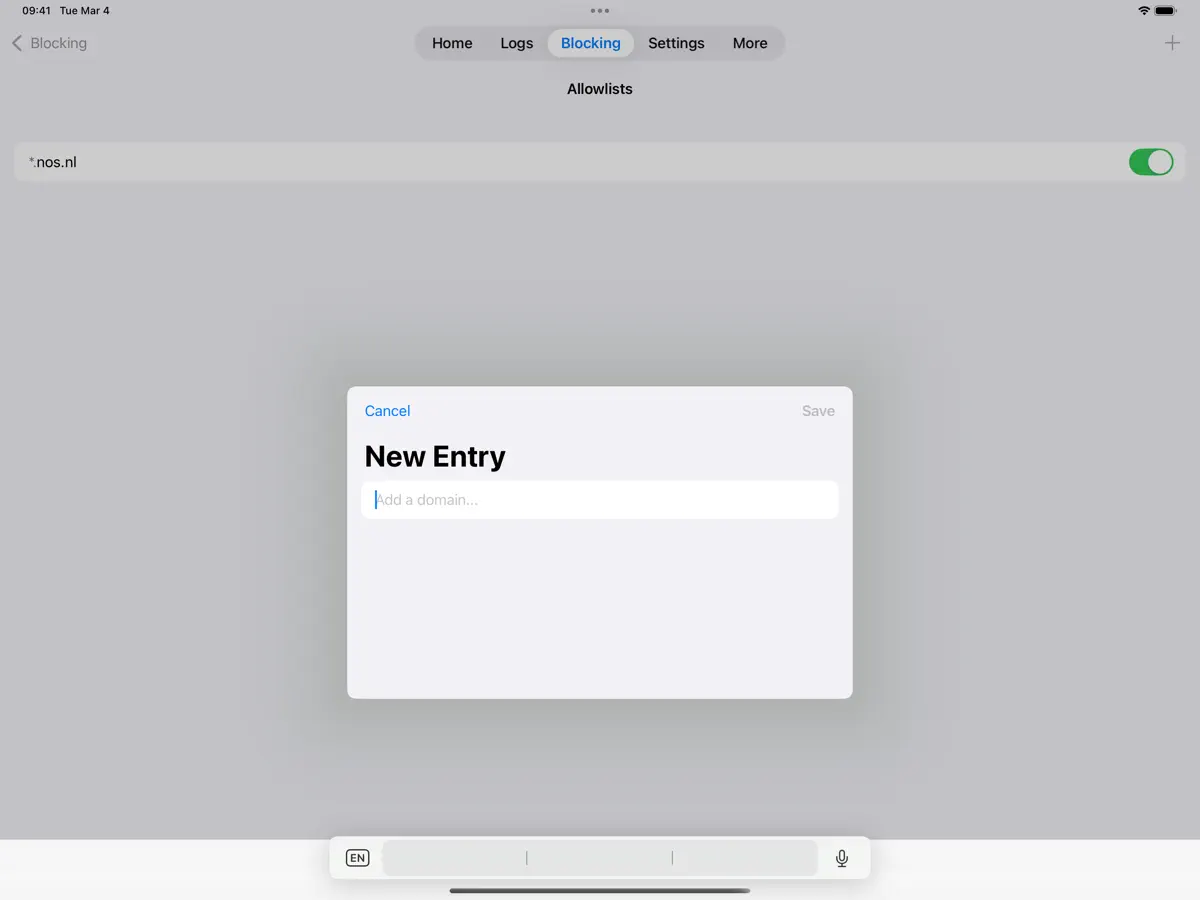
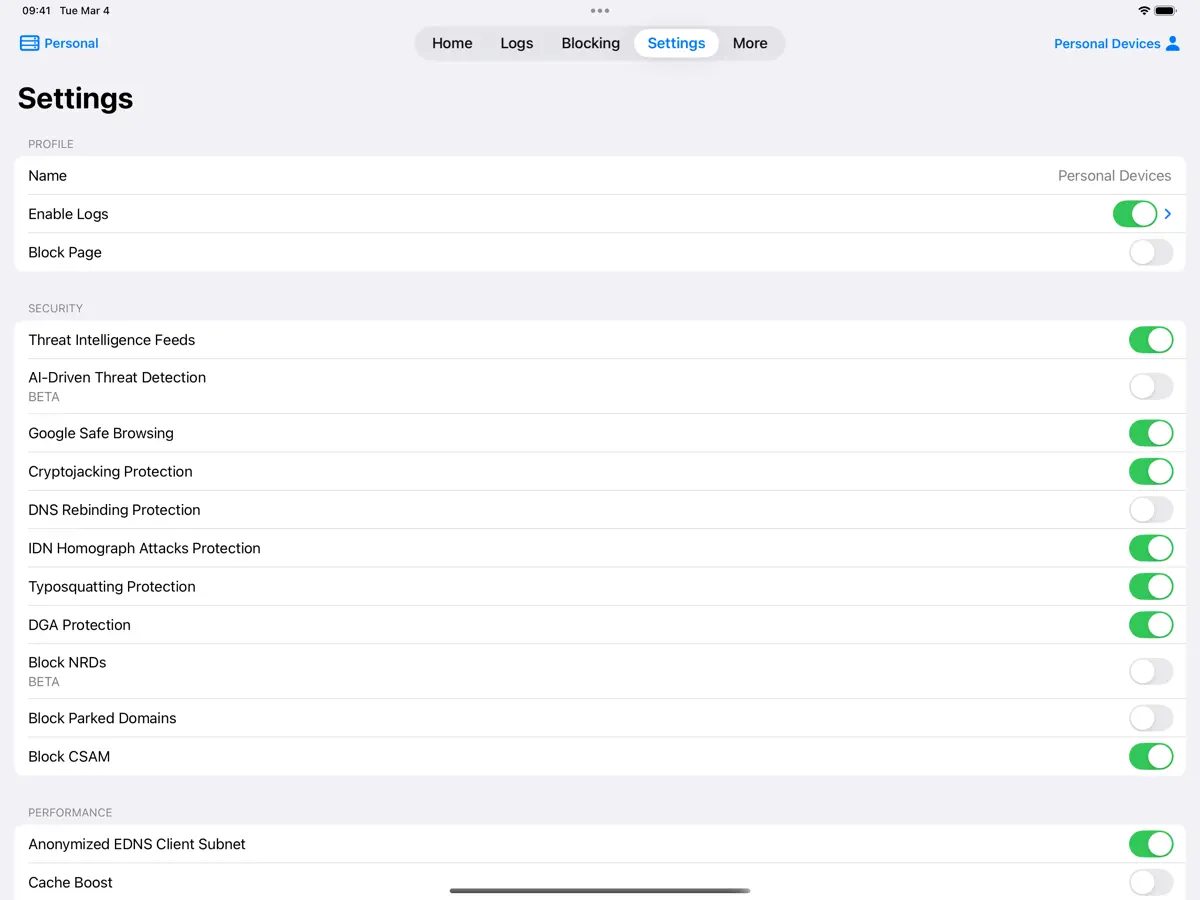
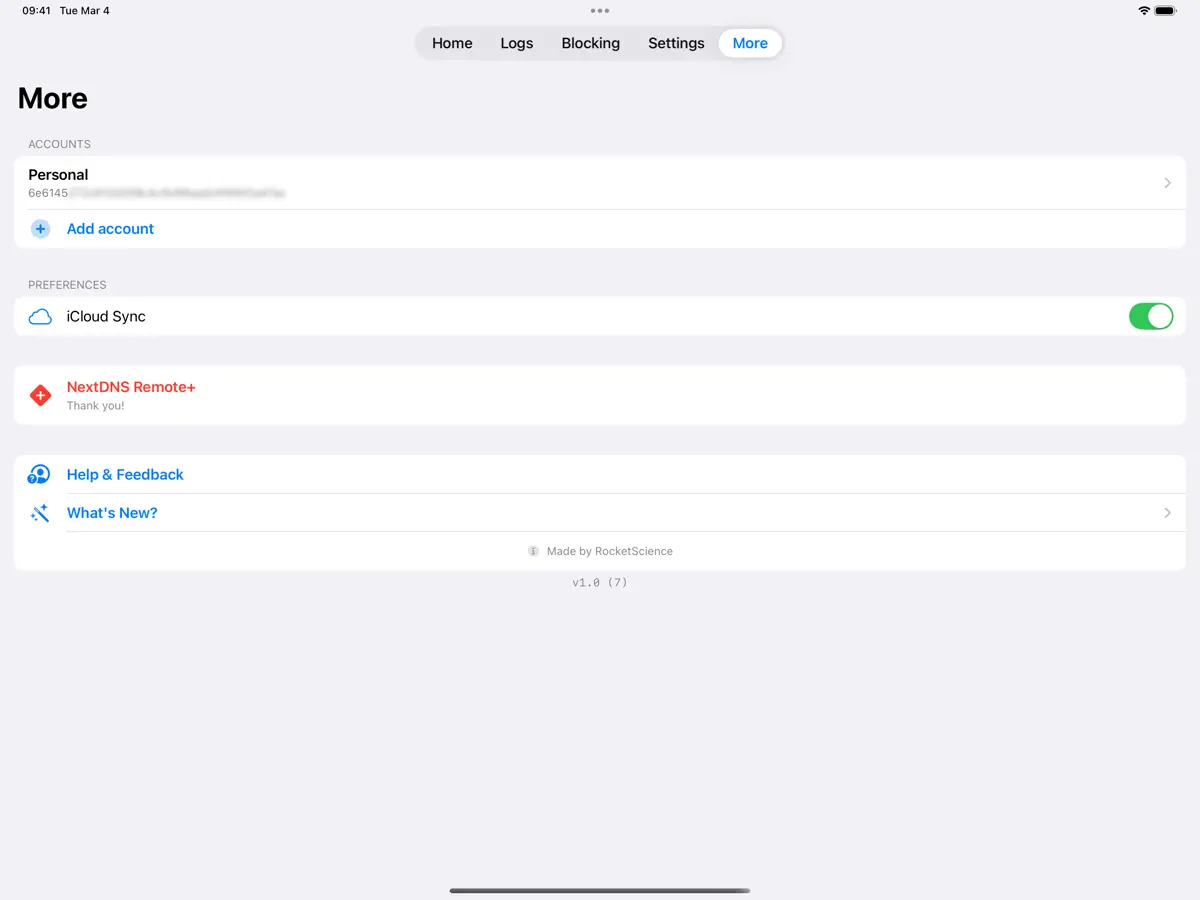
How it uses iPhone Duo
The version 3.9 release notes, published on the App Store on October 7, 2026, list "Support for iPhone Duo" and say you can now view logs and request details side by side on iPad and iPhone Duo. The side-by-side view is shared with iPad and no folded versus unfolded behavior is described, so we list it as Adapted. We have not yet tested it on an iPhone Duo.
What’s New
Version 3.9 ·
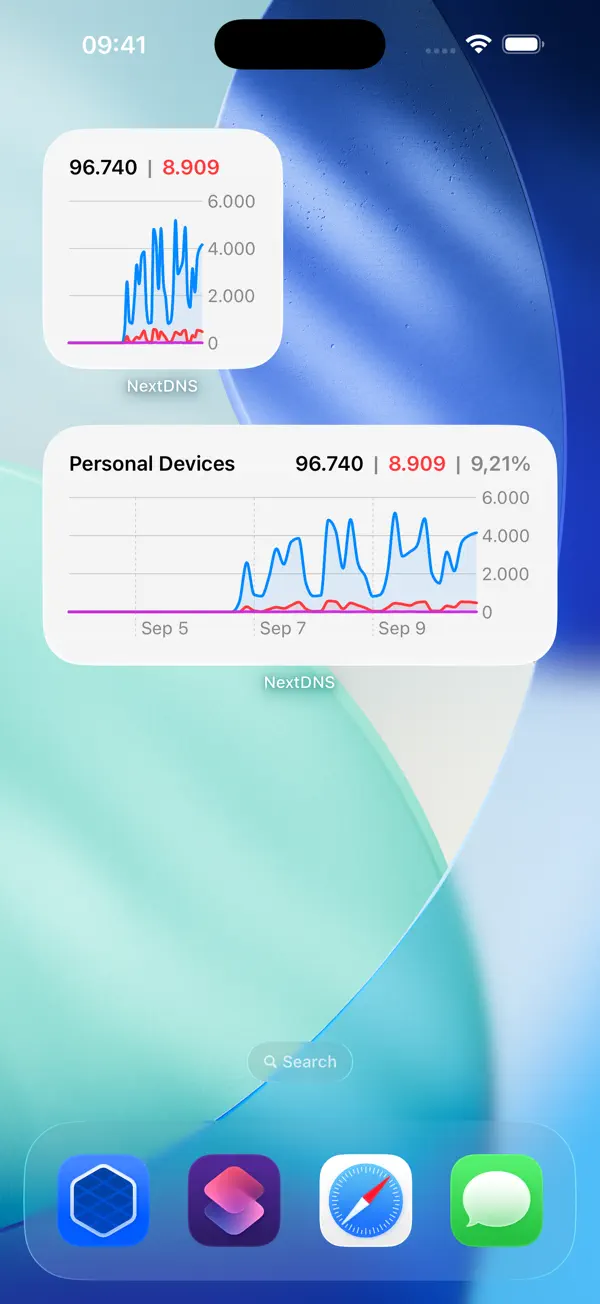
v3.9 brings support for iPhone Duo, a new 'Connection Status' widget, improved UI for iPad, and a whole round of other improvements and fixes. New: - Support for iPhone Duo - New Connection Status widget for the Home Screen and Lock Screen shows whether this device is using NextDNS, with profile, server, or DNS resolver details - View logs and request details side by side on iPad and iPhone Duo - The app is now translated into Chinese (Simplified) Improved: - Profile updates now send only the settings you changed - More reliable handling of NextDNS errors when loading or saving settings - Removed detailed API payloads from diagnostic logging - Small UI improvements Fixed: - Fixed the Statistics widget showing a warning instead of it's content - Duplicated profiles now retain DNS rewrites and Recreation Time schedules - Fixed PlayStation Network blocking - Error queries now show the correct status in Logs - Fixed log searches containing special characters - Fixed service updates to preserve native tracking protection
About this app
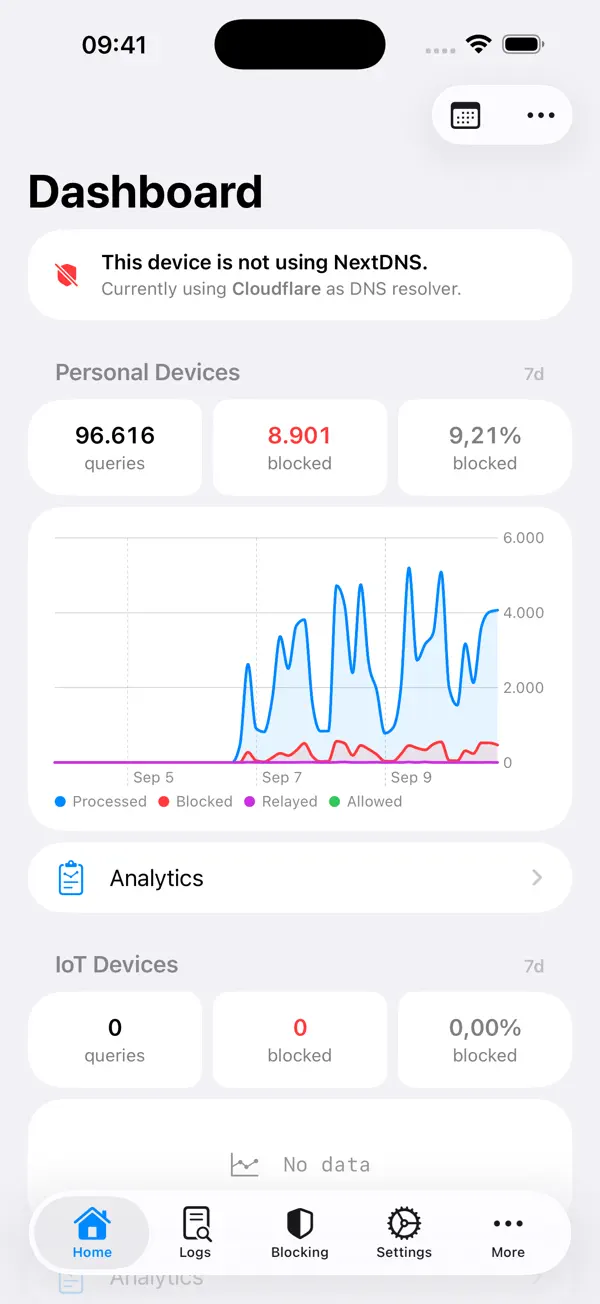
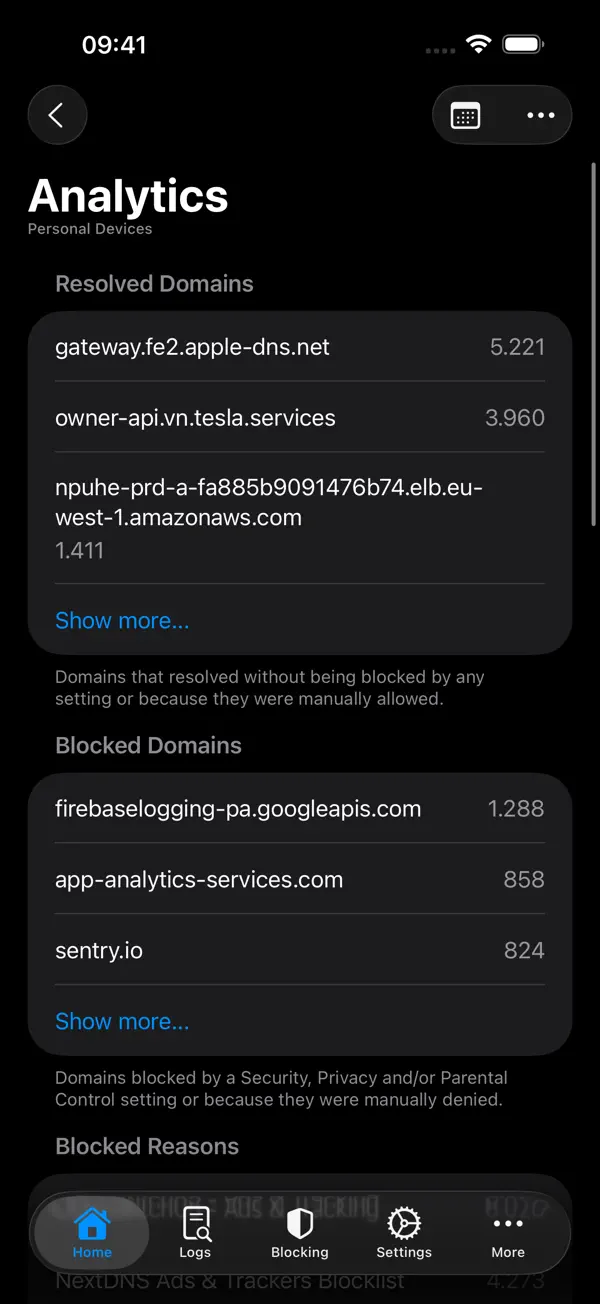
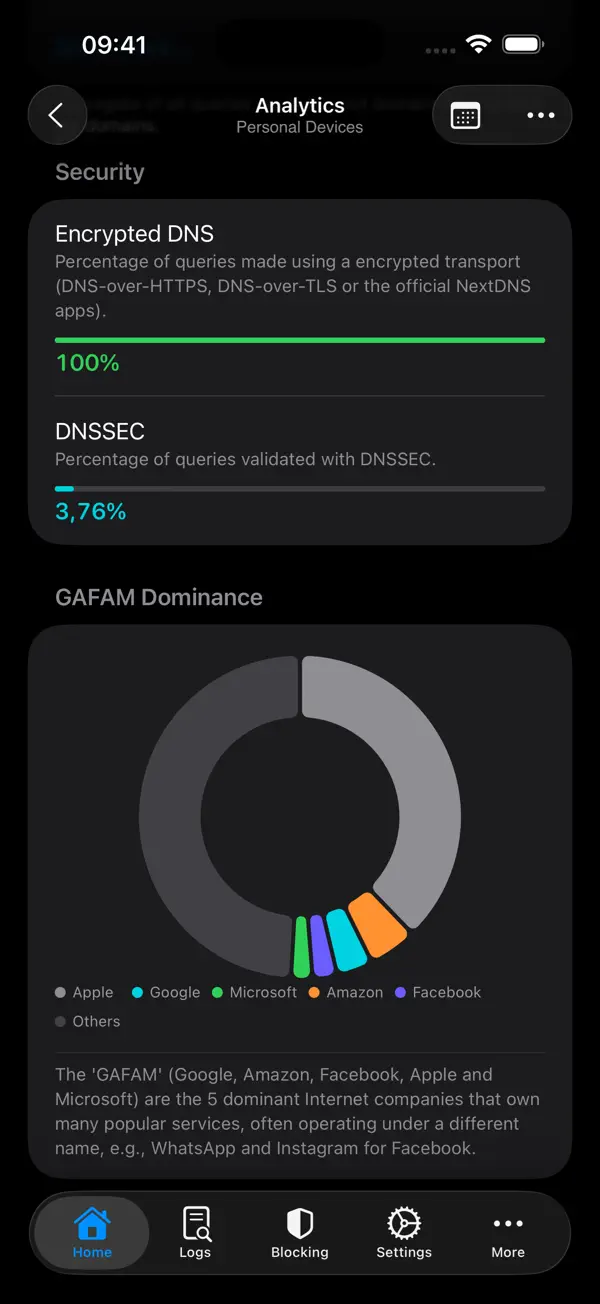
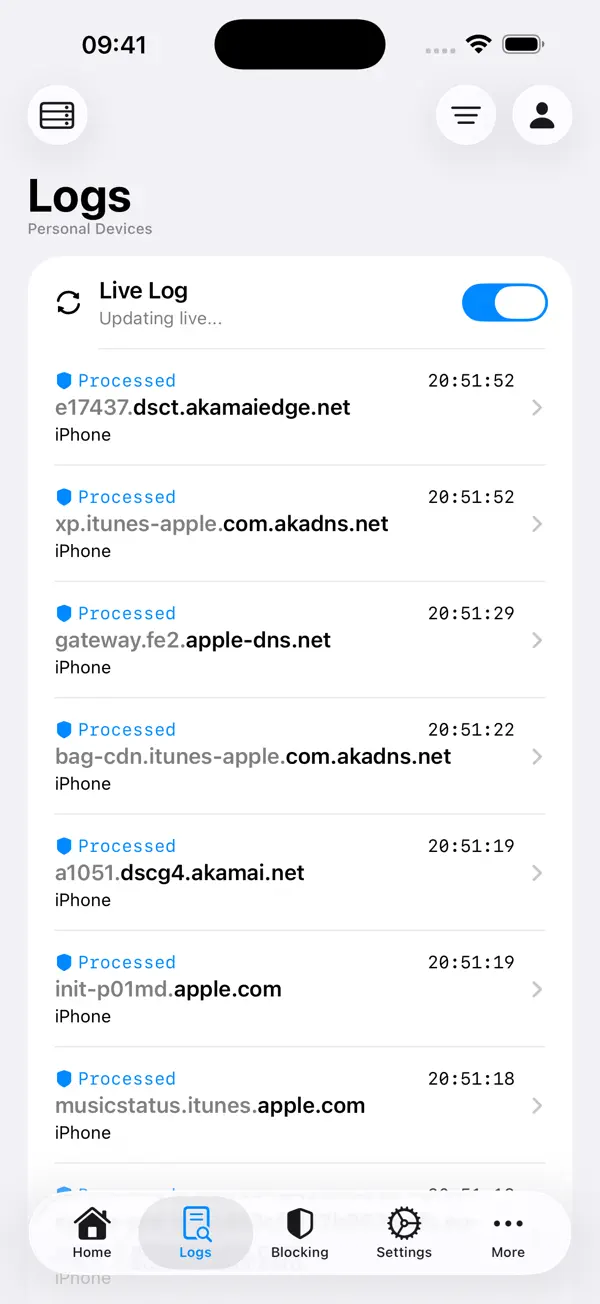
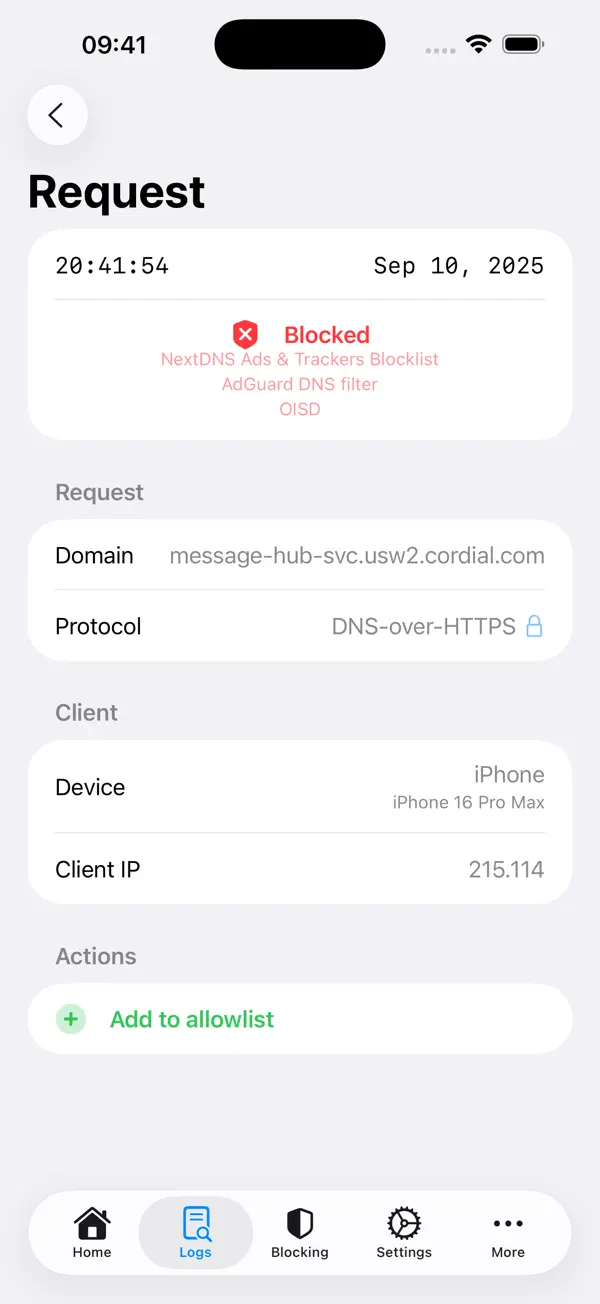
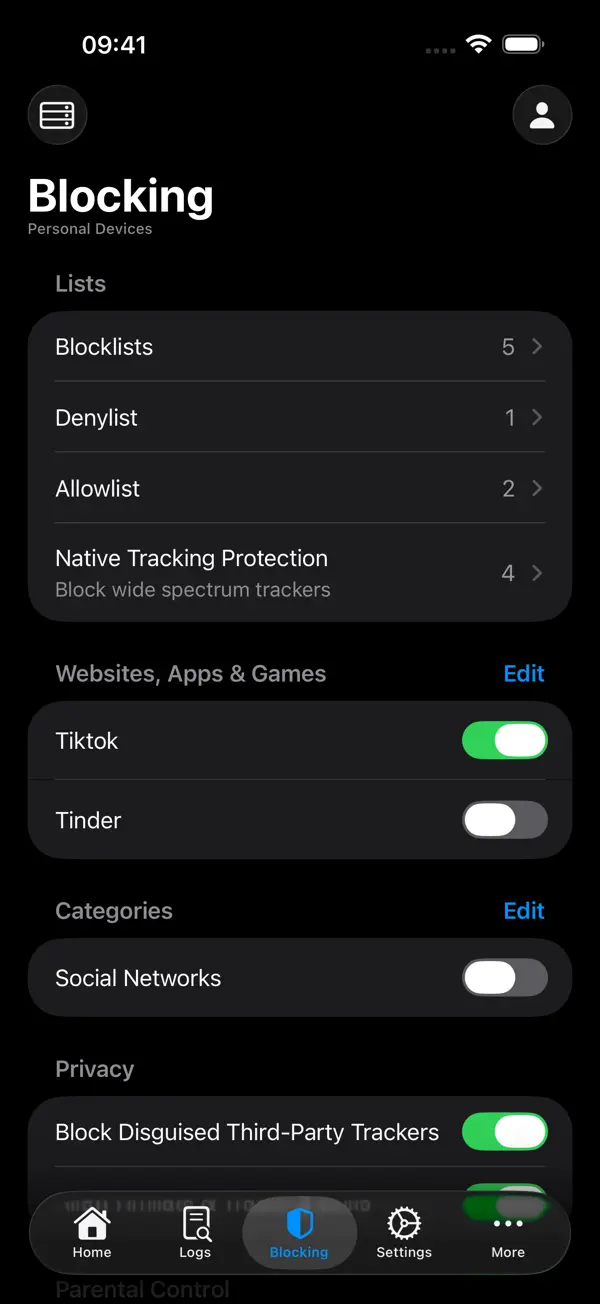
NextDNS Remote is an independent app from RocketScience IT for people who use the NextDNS filtering service and want to manage it from an iPhone or iPad. It connects through the NextDNS API and is not affiliated with NextDNS, and it requires a NextDNS account. The analytics view shows total and blocked queries with charts grouped by profile, plus breakdowns by domain, device and security, over a timespan you choose. The query log shows what your devices are requesting, including a live-updating mode, and explains why a given request was blocked. You can edit blocklists, deny and allow lists, native tracking protection and parental controls, toggle blocking for services and categories, and switch between several accounts and profiles. Viewing is free; a NextDNS+ one-time purchase or subscription unlocks changing settings, the live log, multiple accounts and higher limits. Version 3.9, released on October 7, 2026, added iPhone Duo support, a Connection Status widget for the Home Screen and Lock Screen, and a side-by-side view of logs and request details on iPad and iPhone Duo.
App Store descriptionWritten by the developer.
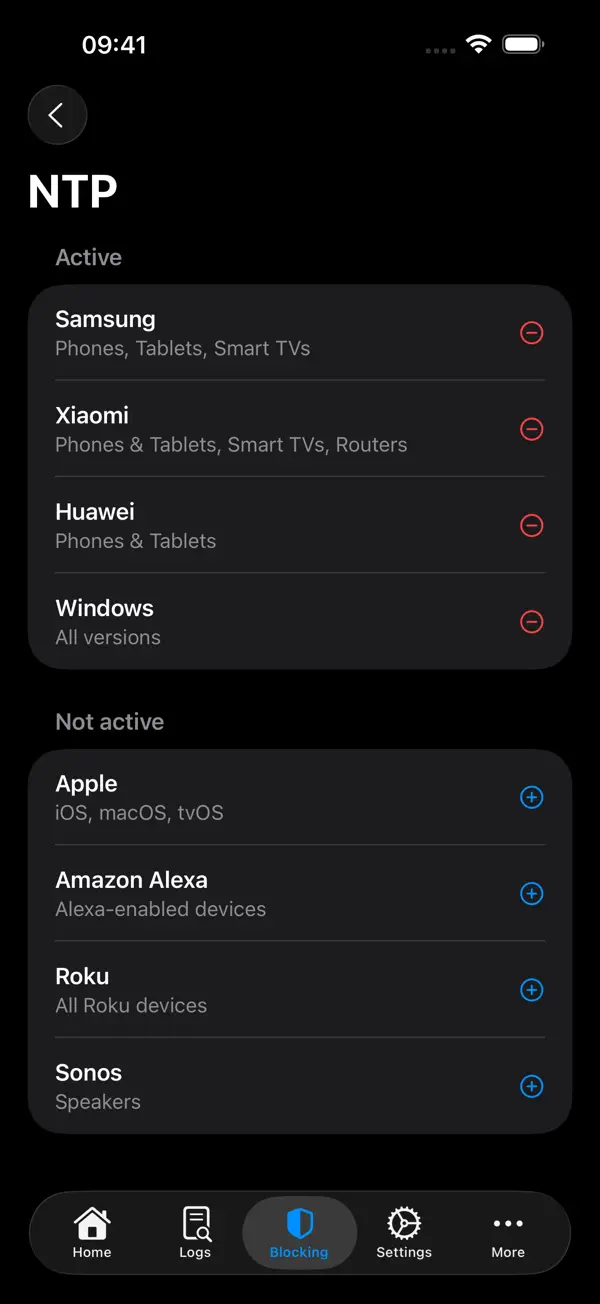
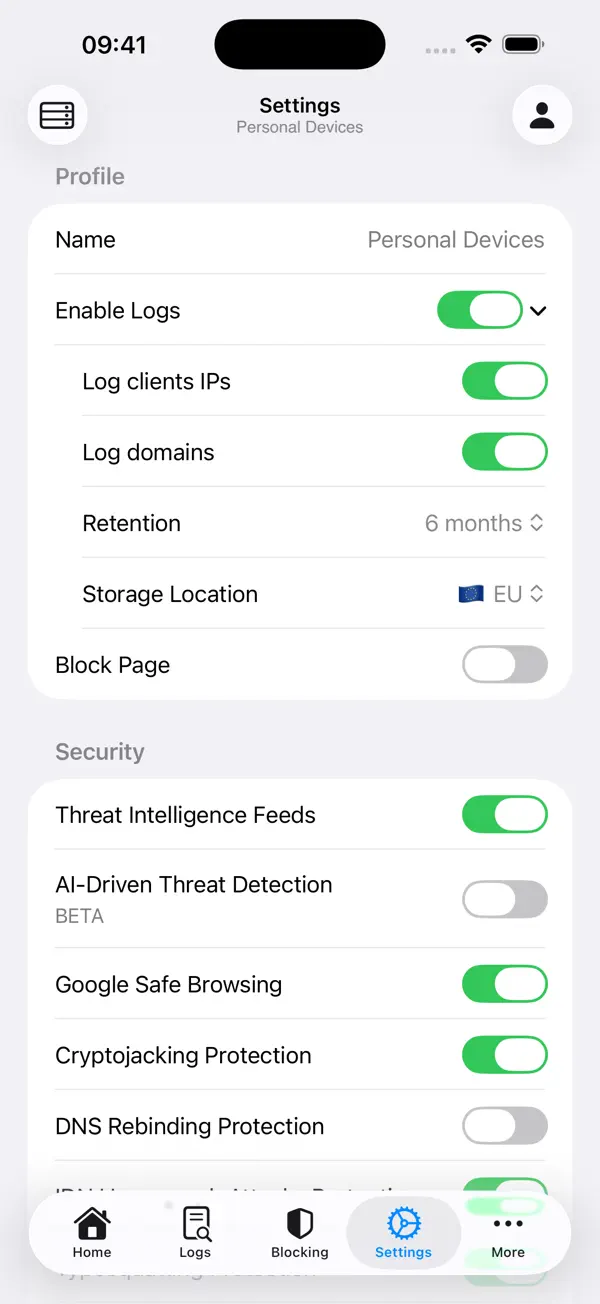
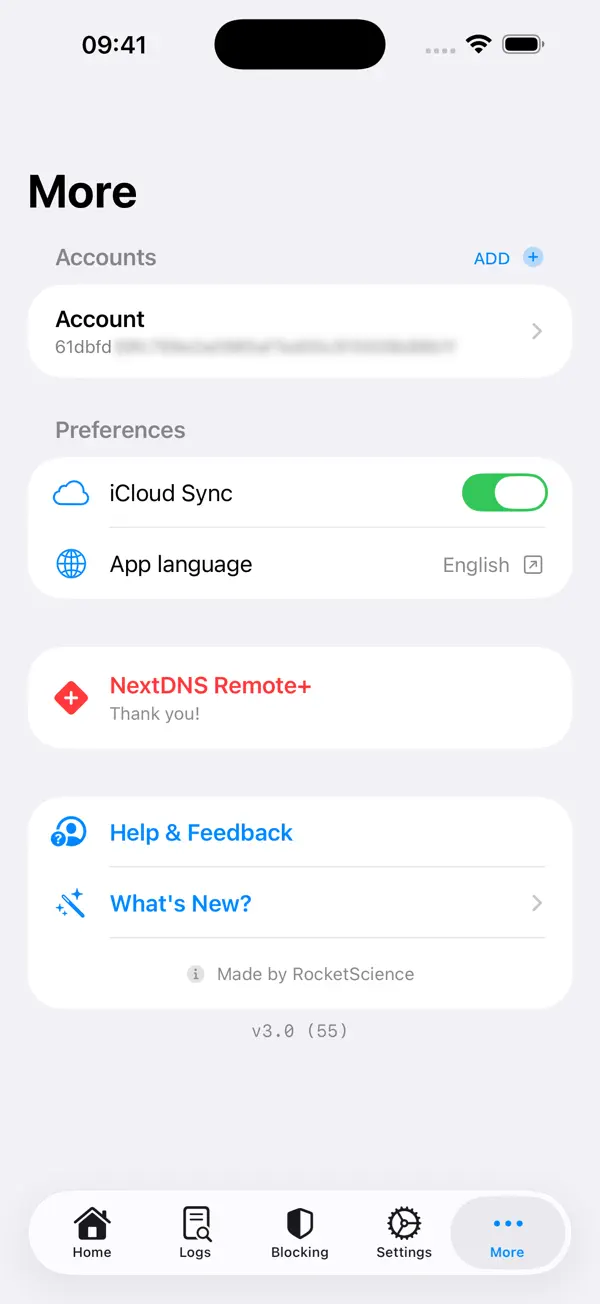
NextDNS Remote is a third party app for controlling your NextDNS setup. You can view statistics and logs, as well as change blocking settings and lists. *Analytics* See the number of (blocked) queries and a chart of your recent activity, grouped by profile. Furthermore, you can see different analytics about domains, devices, security, and more. The timespan of the charts & statistics is configurable. *Query Log* Explore what requests your devices make (including a 'live updating' feature), as well as see details about the query and device. For blocked queries you can find out why they're blocked. *Blocking* Edit your blocklist, deny & allowlist, native tracking protection, and more. Quickly toggle blocking for services and categories. *Settings* You have the ability to change all security, privacy, and parental control settings. *Multiple accounts* There's support for multiple NextDNS accounts and you can switch between them seamlessly. Multiple profiles are supported too: you can even create new profiles right from the app. A NextDNS+ purchase or subscription is required to use more than one account, the ability to do mutable actions (like changing settings or creating a profile), access the Live Log, remove limits, and more. You can get NextDNS+ with a one-time purchase or optional subscription. == Note: You need a NextDNS account for this app to function. NextDNS Remote is a third party app which uses the NextDNS API and is in no way affiliated with NextDNS. Find out more about NextDNS at https://nextdns.io/. This app offers a "NextDNS+" version with additional features, in the form of a lifetime purchase, a monthly subscription, or a yearly subscription. Subscriptions will automatically renew unless auto-renew is turned off at least 24 hours before the end of the current period and will be charged to your iTunes account. You can turn off auto-renew/manage subscriptions in your iTunes Account Settings after purchase. Terms of Use: https://www.apple.com/legal/internet-services/itunes/dev/stdeula/
Highlights
- Query statistics and charts grouped by profile
- Query log with live updates and block reasons
- Edit blocklists, allowlists and tracking protection
- Multiple NextDNS accounts and profiles
- Connection Status widget for Home Screen and Lock Screen
- Logs and request details side by side on iPad and iPhone Duo
NextDNS Remote on iPhone Duo: FAQ
Is NextDNS Remote optimized for iPhone Duo?
Partly. NextDNS Remote is Adapted: it fills the larger inner display, but it does not do anything special with the fold. Verified on October 7, 2026 (Developer statement).
What does NextDNS Remote look like on iPhone Duo?
The version 3.9 release notes, published on the App Store on October 7, 2026, list "Support for iPhone Duo" and say you can now view logs and request details side by side on iPad and iPhone Duo. The side-by-side view is shared with iPad and no folded versus unfolded behavior is described, so we list it as Adapted. We have not yet tested it on an iPhone Duo.
How much does NextDNS Remote cost?
NextDNS Remote costs Free · in-app purchases on the App Store.
More Utilities apps
See all ›
Ookla's internet speed test, with coverage maps and video streaming tests

Fuel, costs and maintenance logs for every vehicle you own
Minimalist calculator with themes, widgets and synced history

Apple's own app for troubleshooting, repairs and AppleCare

A feature-rich scientific calculator with RPN, conversions and a paper tape
Open GitHub, GitLab, Gitea and Bitbucket repos in the Files app without cloning