Numerical³
Minimalist calculator with themes, widgets and synced history
Andrew J Clark · Utilities · Free
iPhone screenshots
iPad screenshots
How it uses iPhone Duo
The App Store release notes for Numerical³ version 3.0.16, dated October 17, 2026, say the app is "Optimized for iPhone Duo". The notes do not describe fold-specific features, so we list it as Adapted. We have not yet tested it on an iPhone Duo.
What’s New
Version 3.0.16 ·
What's new in 3.0.16: • Optimized for iPhone Duo • Performance improvements
About this app
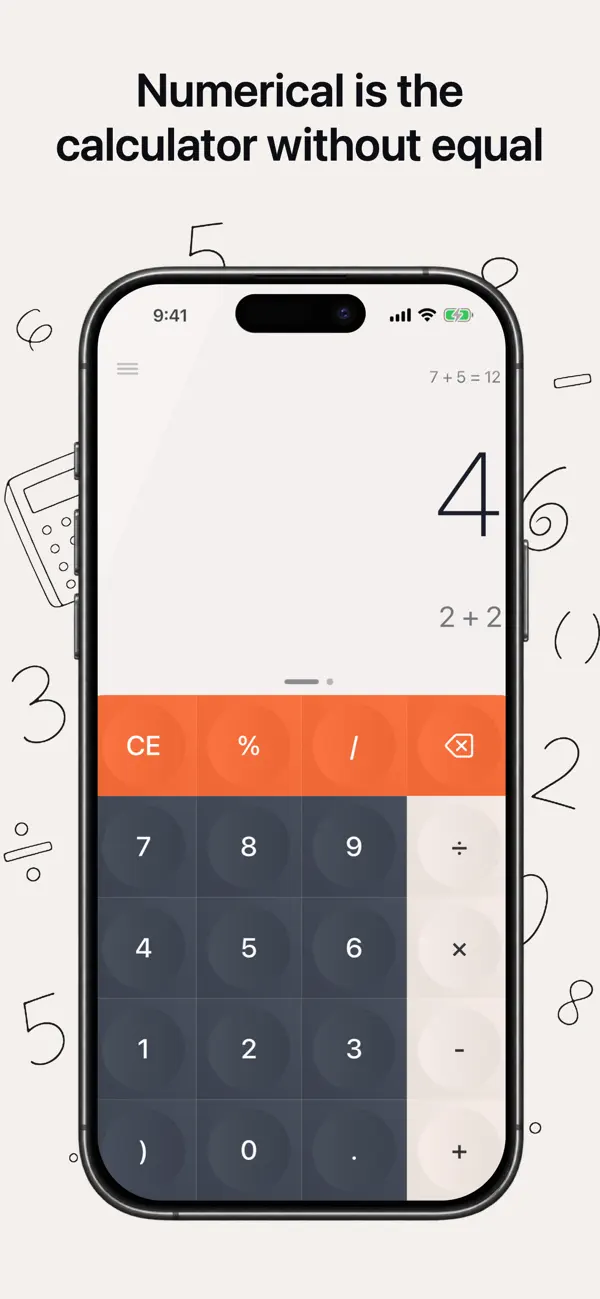
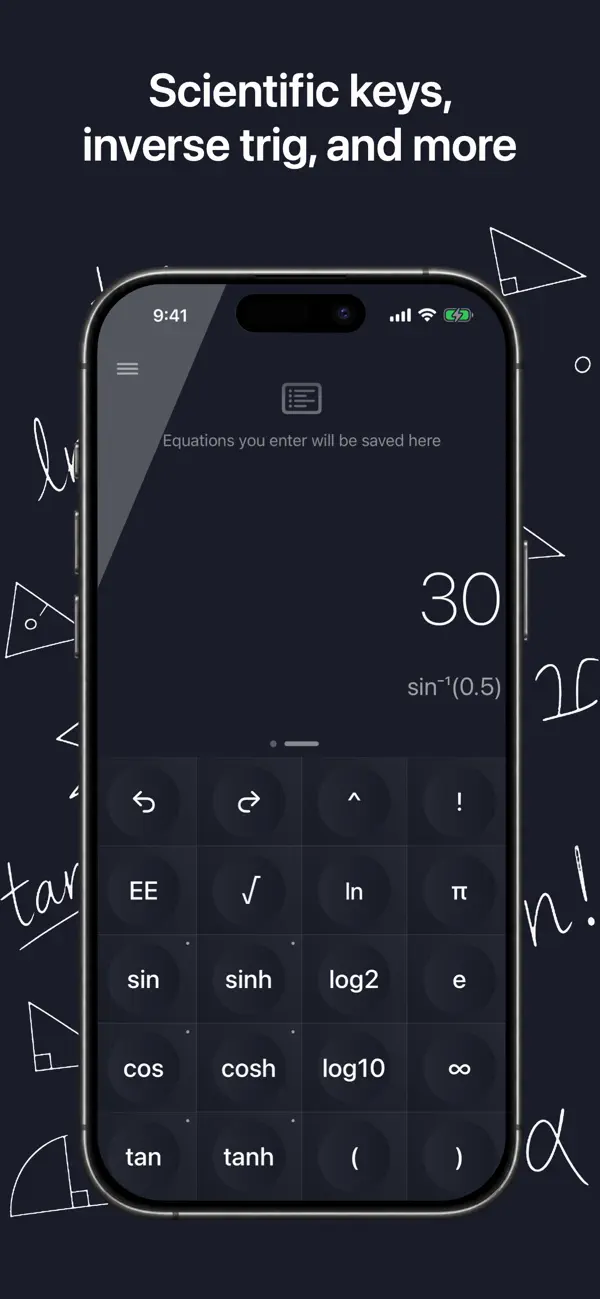
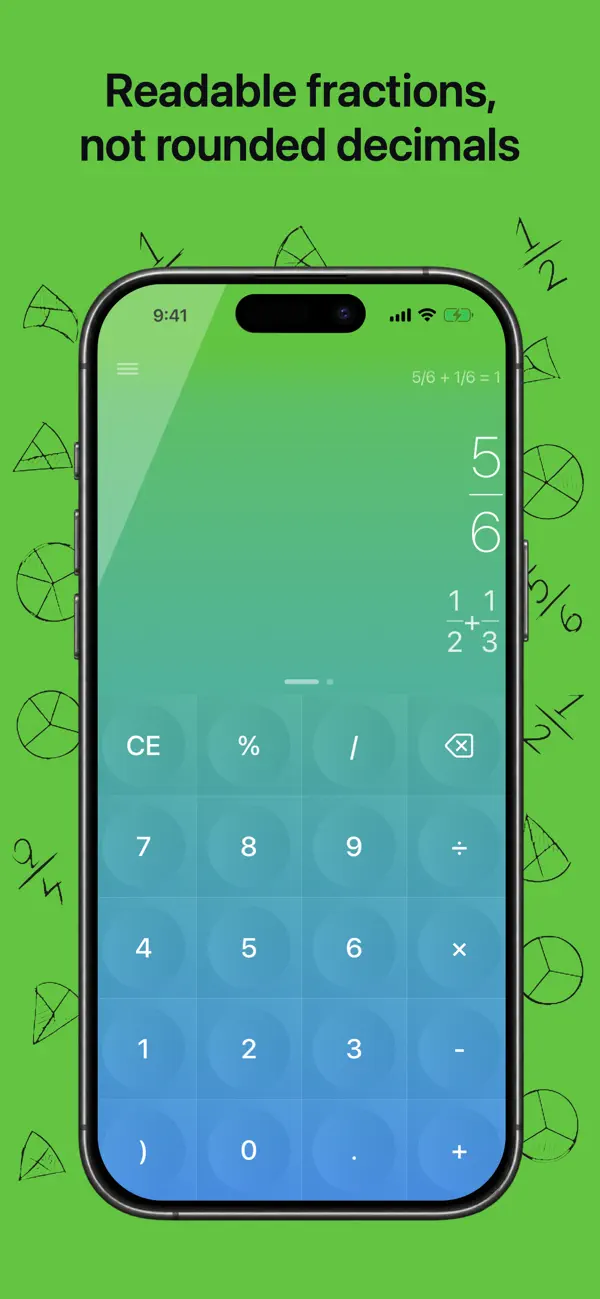
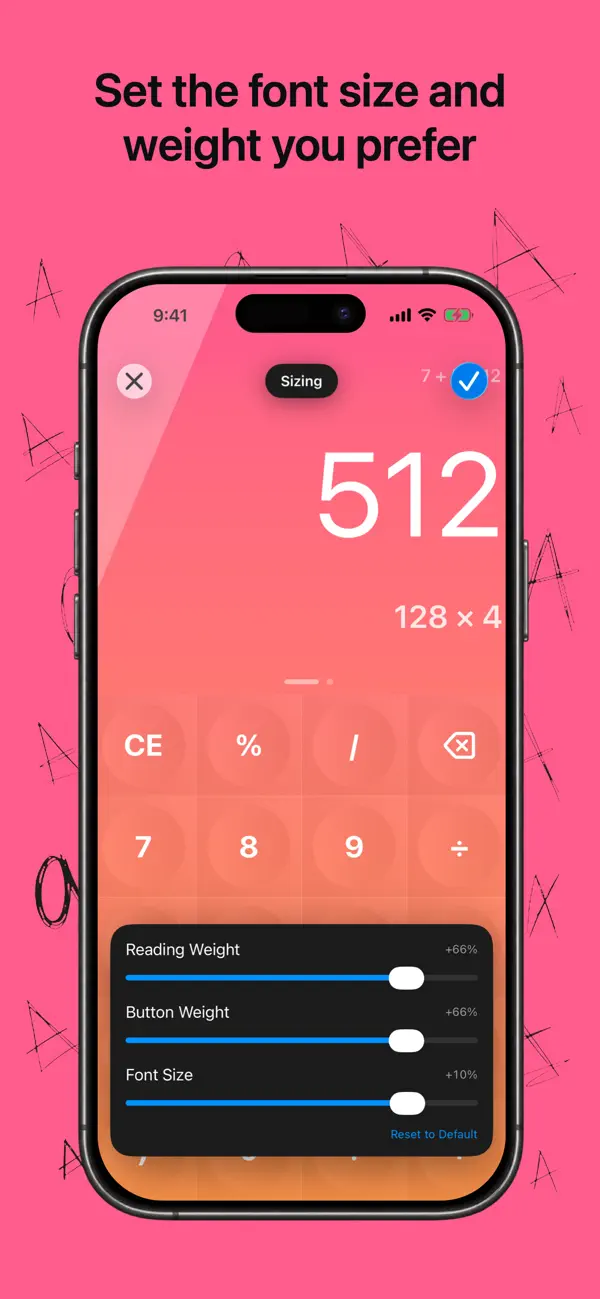
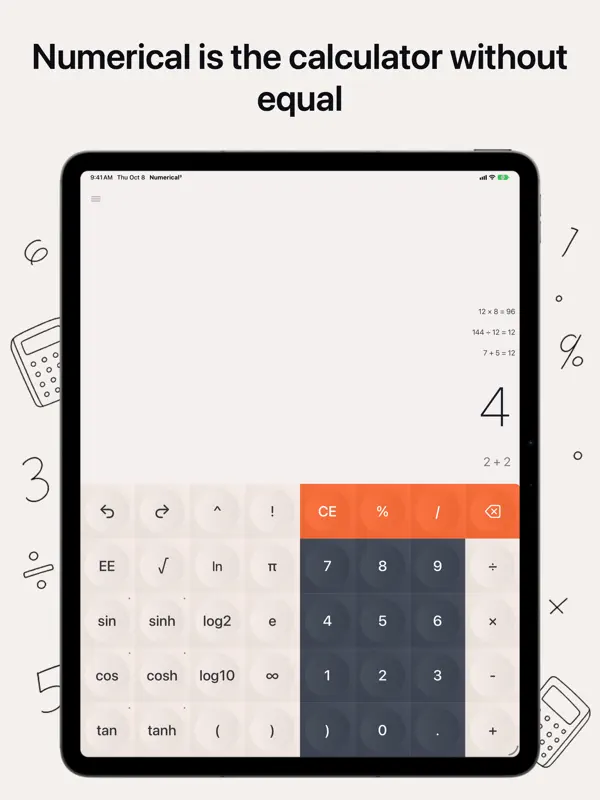
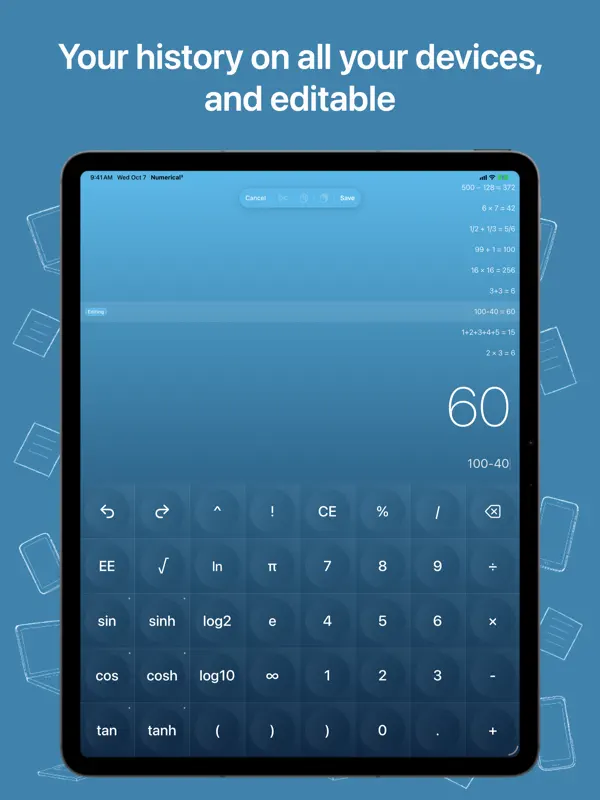
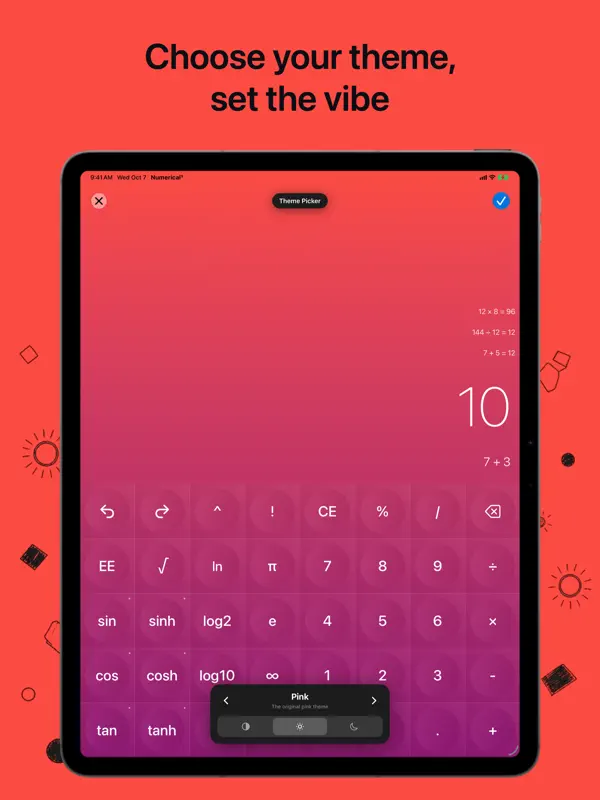
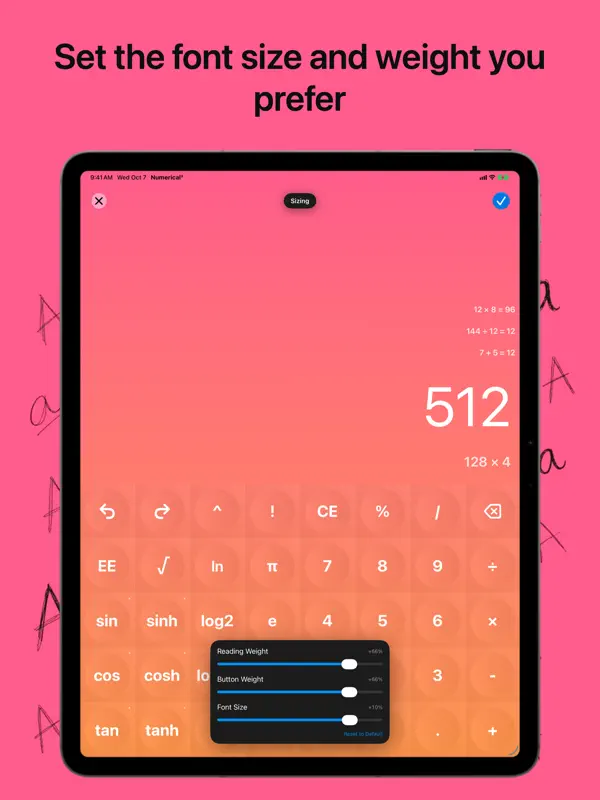
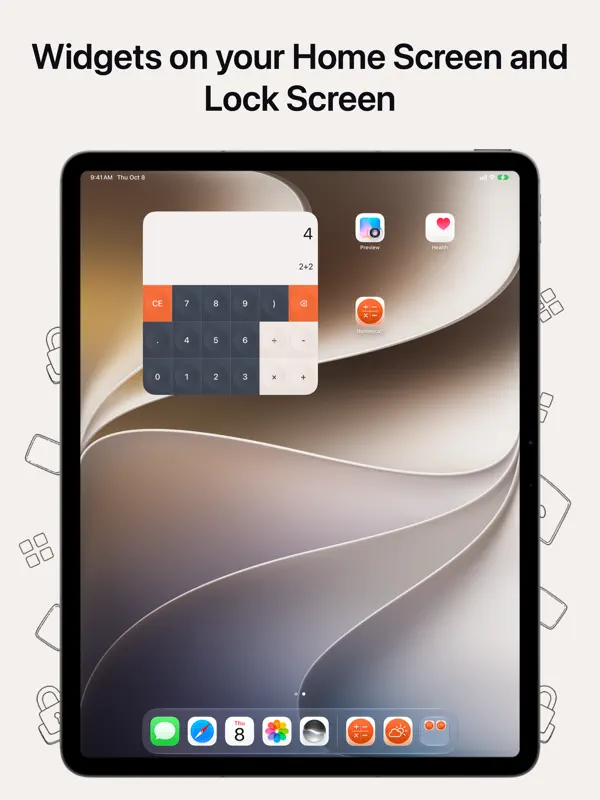
Numerical³ is the third major version of Numerical, a minimalist calculator first released in 2014 by Andrew J Clark under the Mana Machines name. It keeps your equations on screen as you work, above the keypad on an iPhone in portrait and alongside it on iPad and Mac, and iCloud syncs that history across devices. The app offers a set of themes, including neo-morphic designs, each with light and dark variants that follow the system appearance, and matching Home Screen icons. There are Lock Screen and Home Screen widgets, full external keyboard support with familiar shortcuts, optional sounds, and haptics on iPhone. The app is localized into more than 14 languages with local digits and number formats, and a native Mac version runs with multiple windows and tabs. It is free to download and suits people who want a clean calculator rather than a scientific one. Version 3.0.16, released on October 17, 2026, lists being optimized for iPhone Duo alongside performance improvements.
App Store descriptionWritten by the developer.
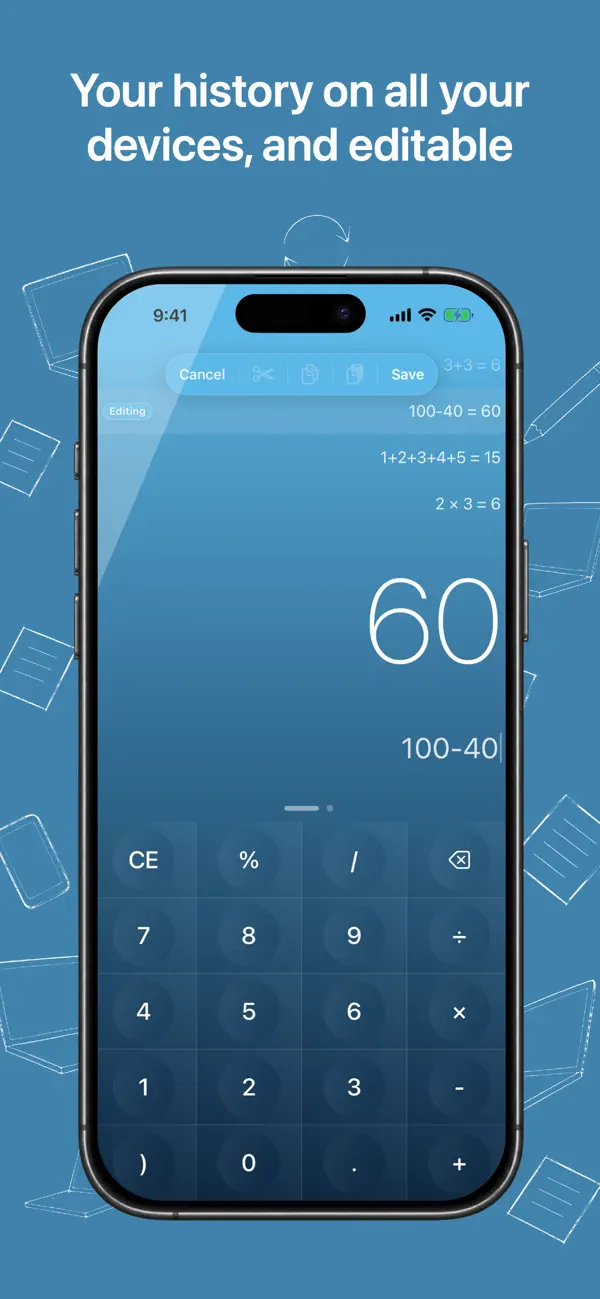
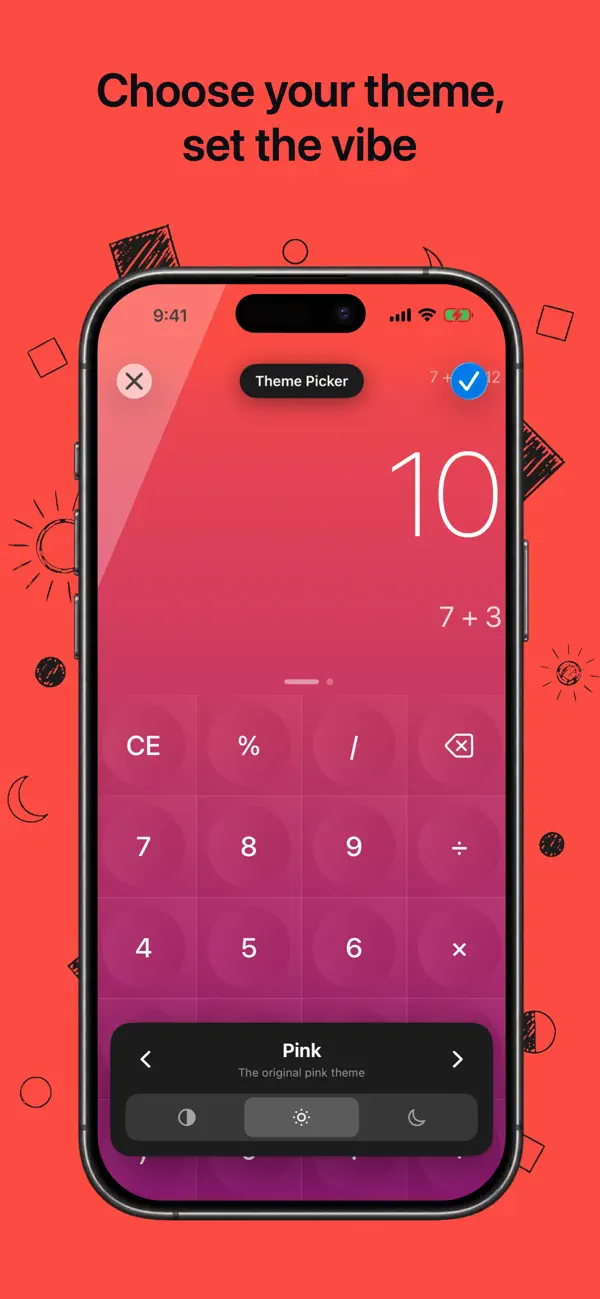
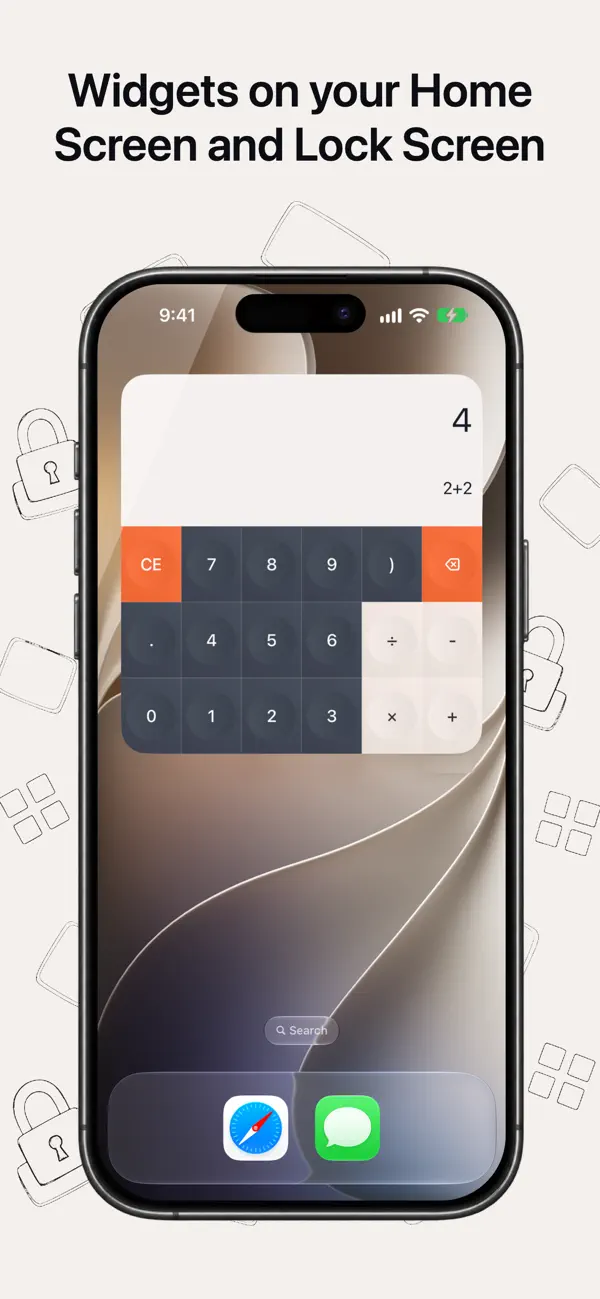
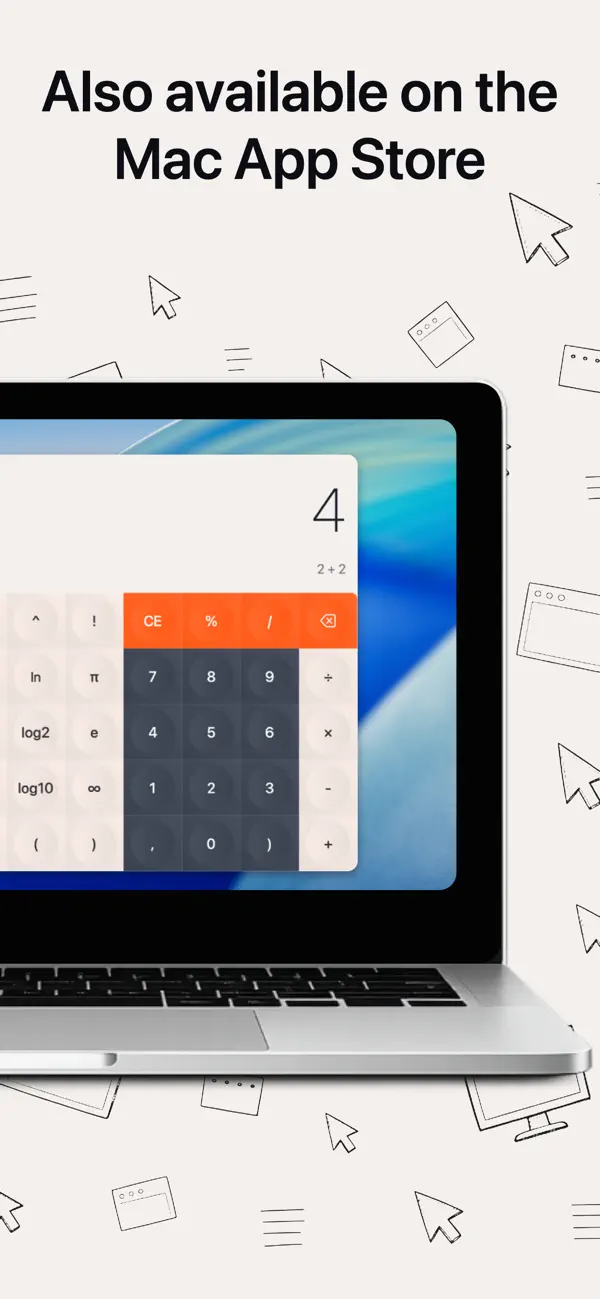
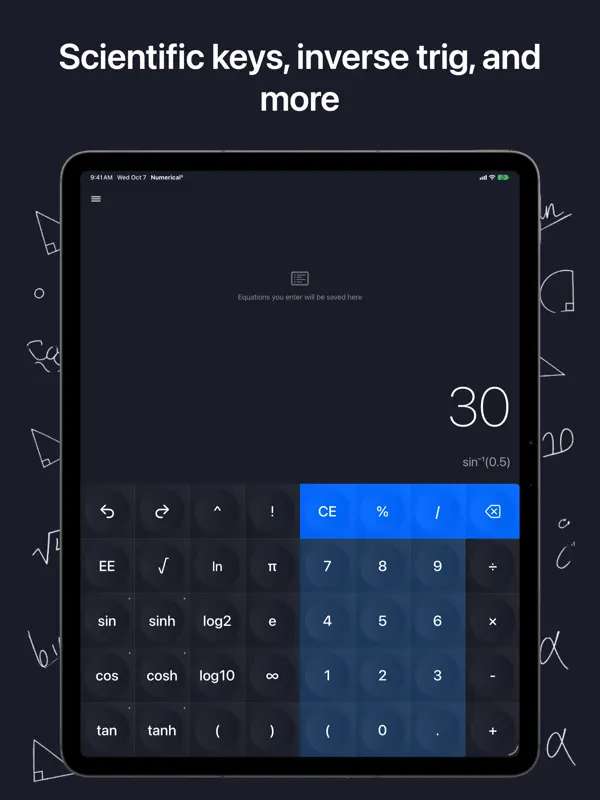
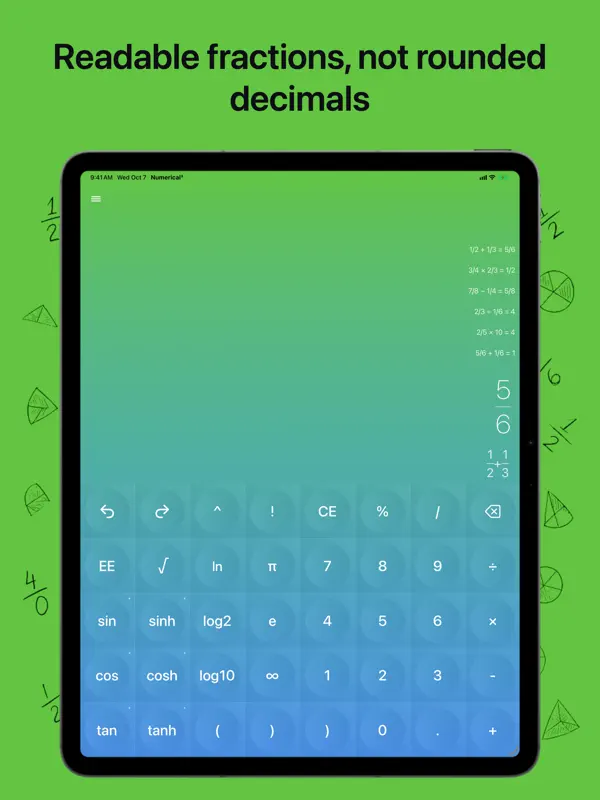
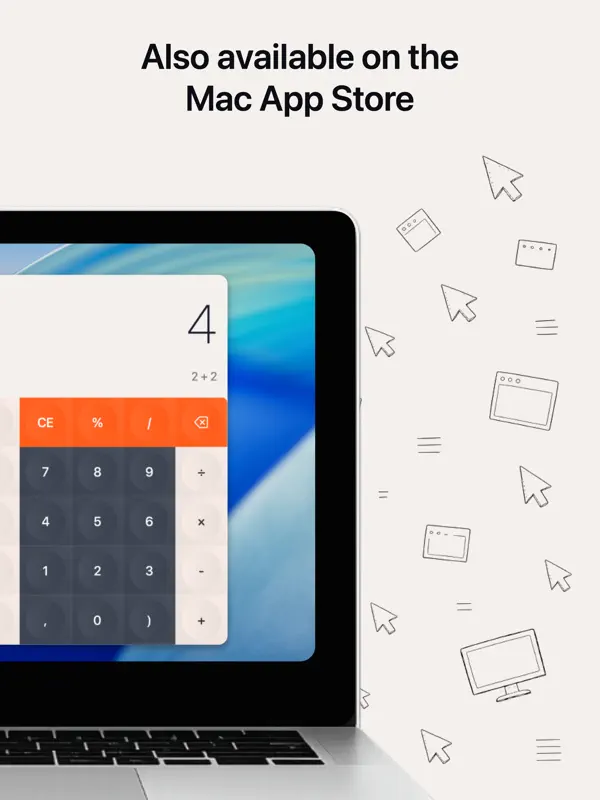
Numerical³ is still the calculator without equal. The first Numerical shipped in 2014—v3 brings long-requested improvements and the same focus on delightful, minimalist utility apps.MAC TOONumerical runs natively on macOS: multiple windows, tabs, resizing, desktop widgets, full keyboard support, and synced history. Download it on the Mac App Store.WIDGETSLock screen and Home Screen widgets—modernized on iPhone and iPad.THEMESBrand-new neo-morphic themes alongside our most popular picks—each with light and dark variants that follow your iOS appearance settings. Use the Theme Picker to preview them all.ICONSTheme Home Screen icons match iOS 26 with glass effects, Dark Mode, and tints.HISTORYYour equations stay visible on screen—above the keyboard on iPhone (portrait) and to the side on iPad and Mac. iCloud keeps history in sync across iPhone, iPad, and Mac.KEYBOARDSExternal keyboards are fully supported on iPhone, iPad, and macOS—including the shortcuts you expect.SOUND FXSounds and clicky feedback on iPhone, iPad, and Mac. Haptics on iPhone.14+ LANGUAGESThe entire app is localized in 14+ languages—including Japanese, Chinese, Korean, and Russian—with international digits and formats. Missing yours? Let us know.Mana Machines—Numerical³ and upcoming apps from a studio focused on delightful, minimal, human-centered utilities. More on the way.Questions or feedback: manamachineventures@gmail.comDeveloped by Andrew J Clark. Designed by Andrew J Clark & Alex Vanderzon. Terms of Use: https://www.manamachineventures.com/terms
Highlights
- Equation history kept on screen, synced with iCloud
- Themes with light and dark variants
- Lock Screen and Home Screen widgets
- External keyboard support with shortcuts
- Optional sound effects and haptics
- Localized in 14+ languages
Numerical³ on iPhone Duo: FAQ
Is Numerical³ optimized for iPhone Duo?
Partly. Numerical³ is Adapted: it fills the larger inner display, but it does not do anything special with the fold. Verified on October 17, 2026 (Developer statement).
What does Numerical³ look like on iPhone Duo?
The App Store release notes for Numerical³ version 3.0.16, dated October 17, 2026, say the app is "Optimized for iPhone Duo". The notes do not describe fold-specific features, so we list it as Adapted. We have not yet tested it on an iPhone Duo.
How much does Numerical³ cost?
Numerical³ is free to download on the App Store.
More Utilities apps
See all ›
Ookla's internet speed test, with coverage maps and video streaming tests

Fuel, costs and maintenance logs for every vehicle you own

Third-party app for managing NextDNS profiles, logs and blocking settings

Apple's own app for troubleshooting, repairs and AppleCare

A feature-rich scientific calculator with RPN, conversions and a paper tape

Open GitHub, GitLab, Gitea and Bitbucket repos in the Files app without cloning