
Speedtest
Ookla's internet speed test, with coverage maps and video streaming tests
Ookla · Utilities · Free · in-app purchases
iPhone screenshots
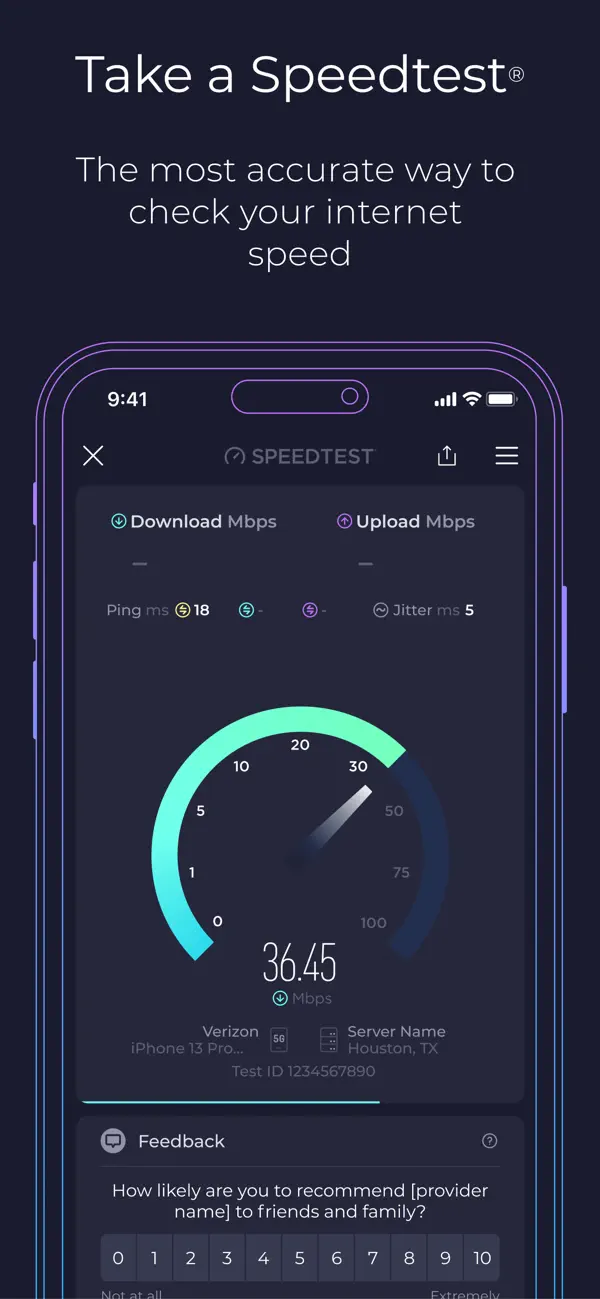
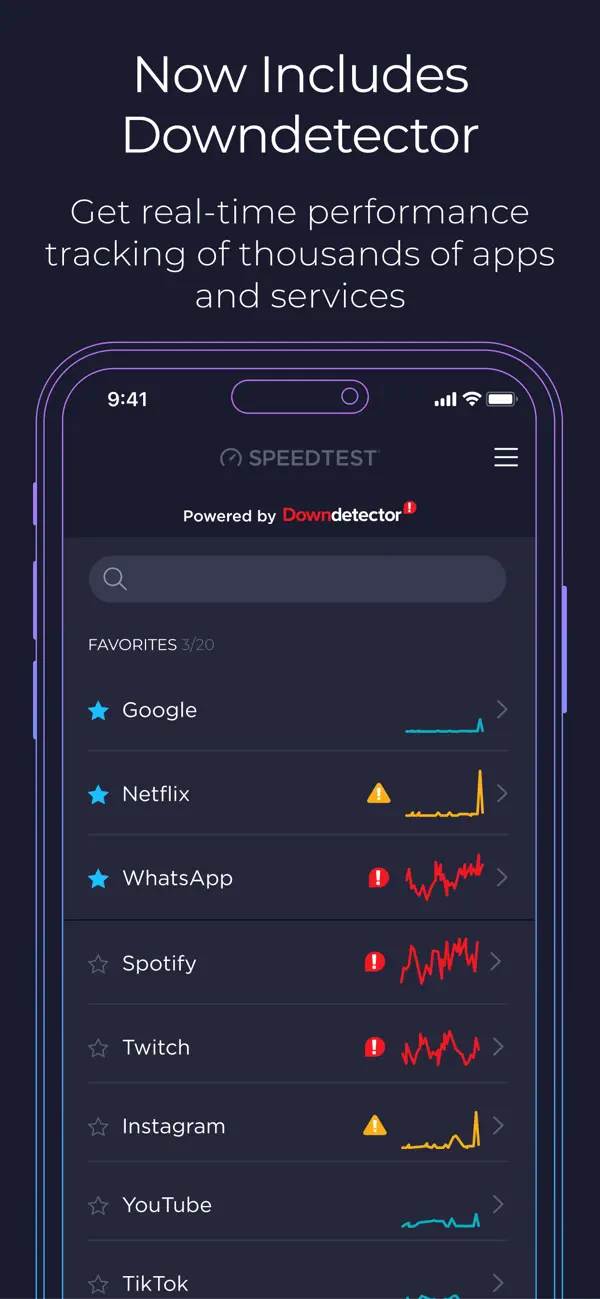
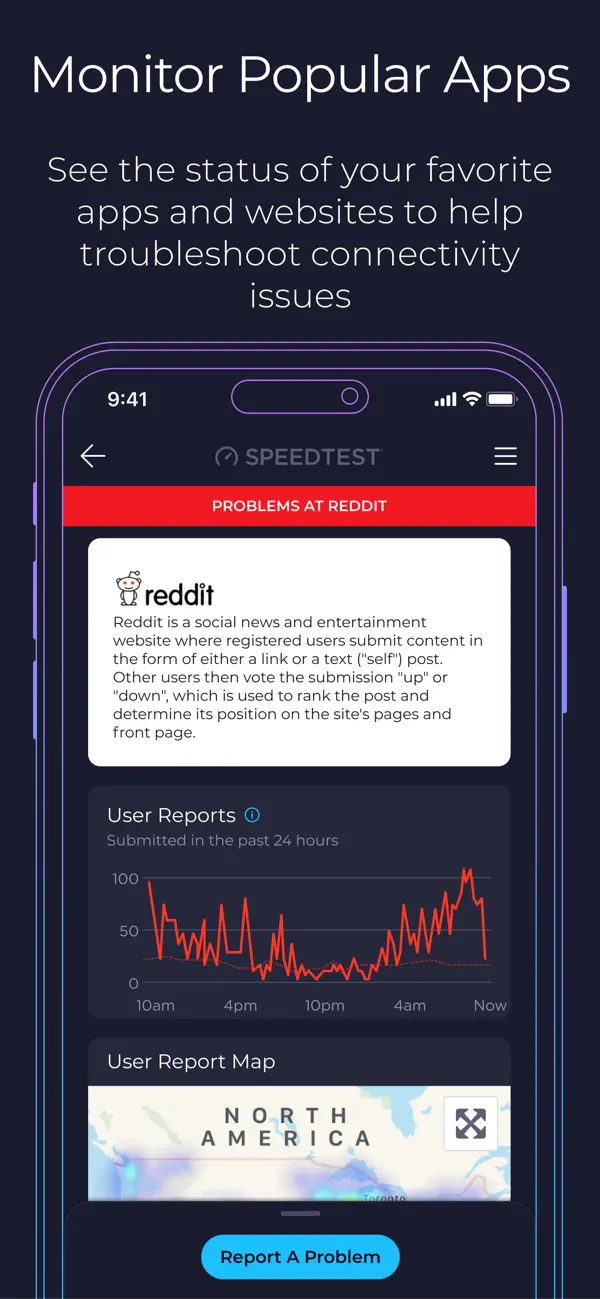
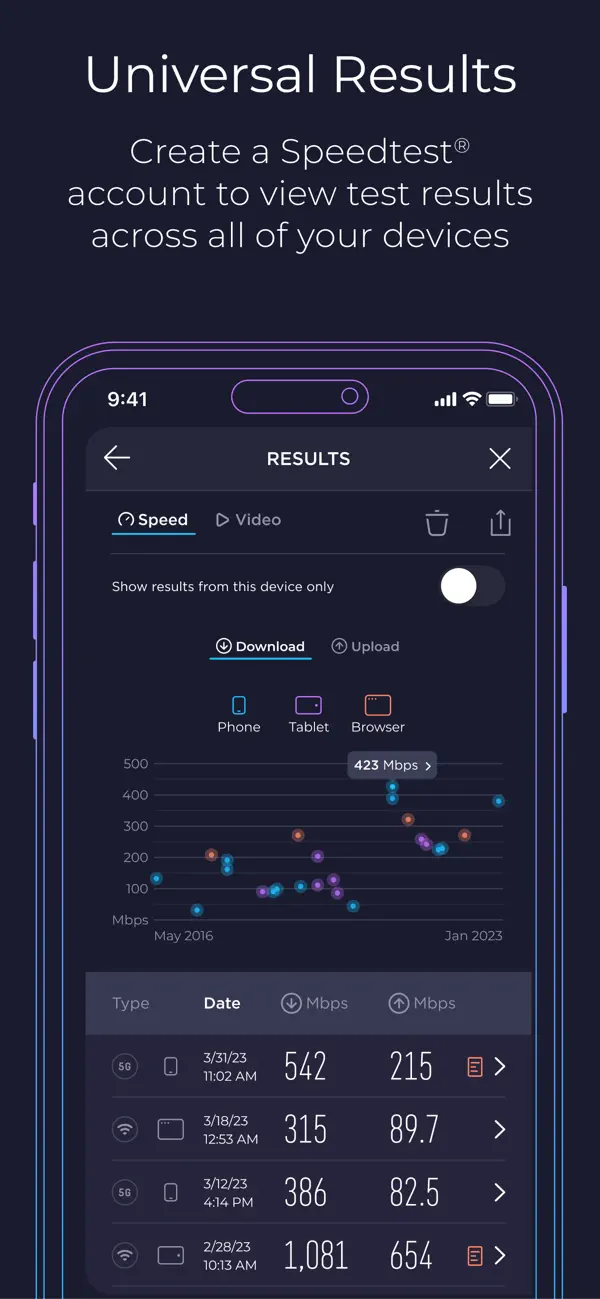
iPad screenshots
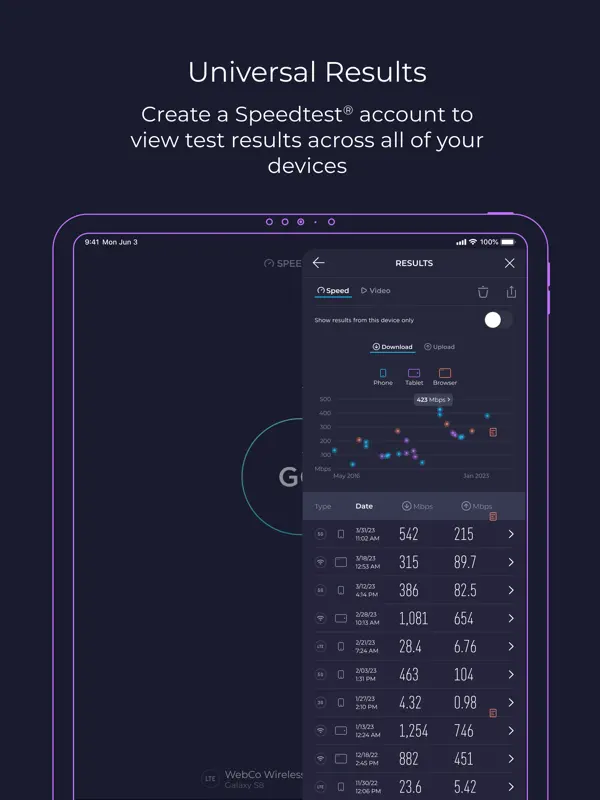
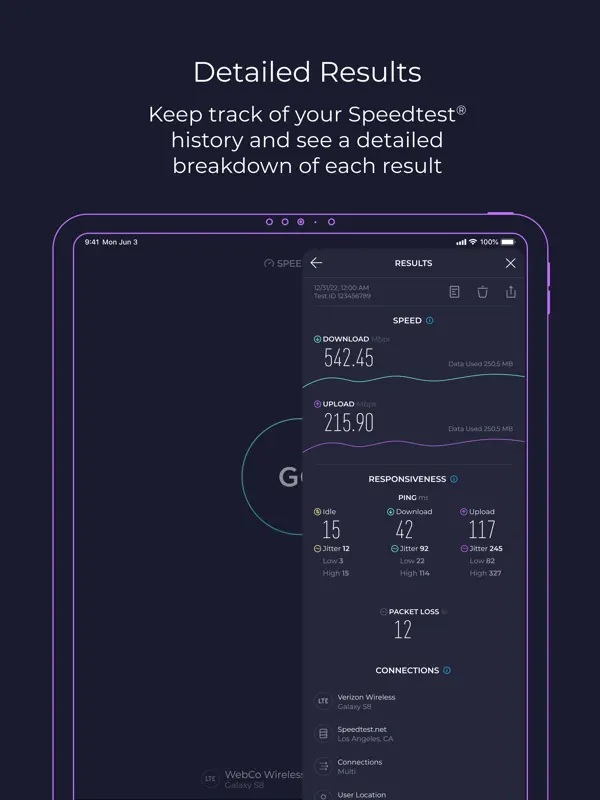
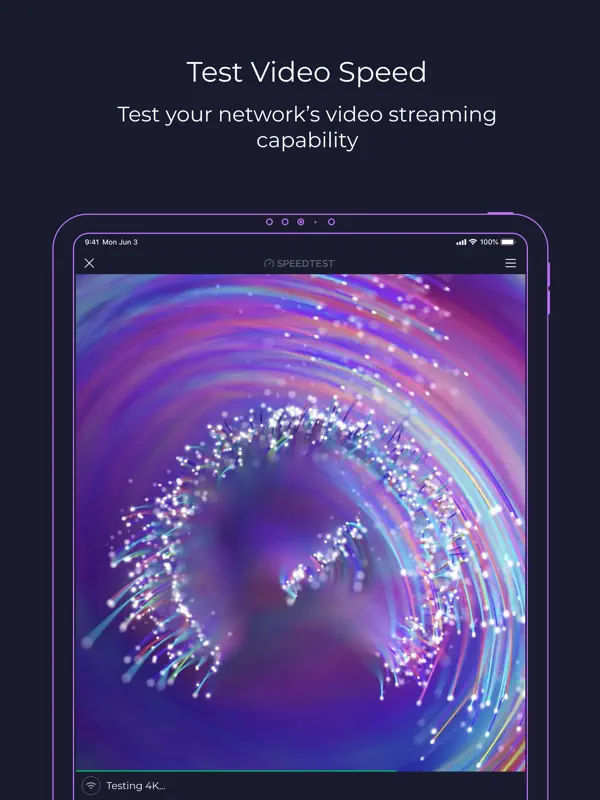
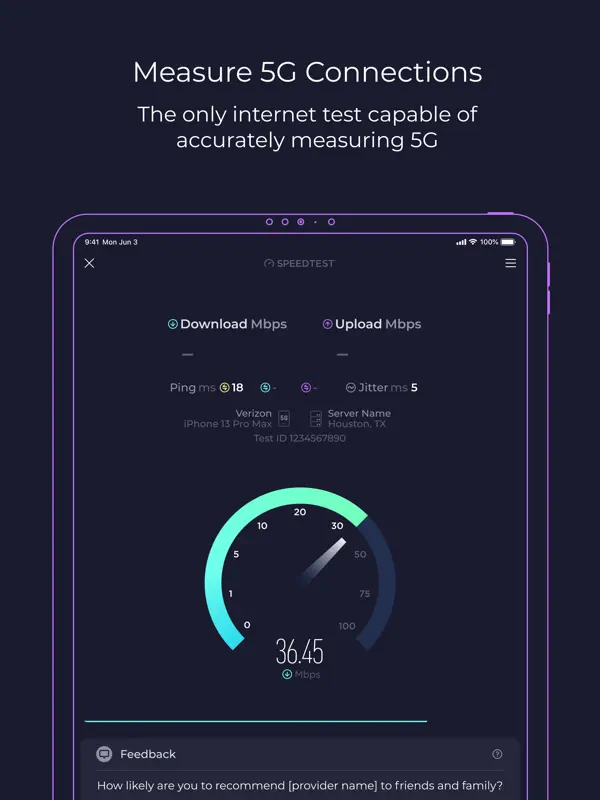
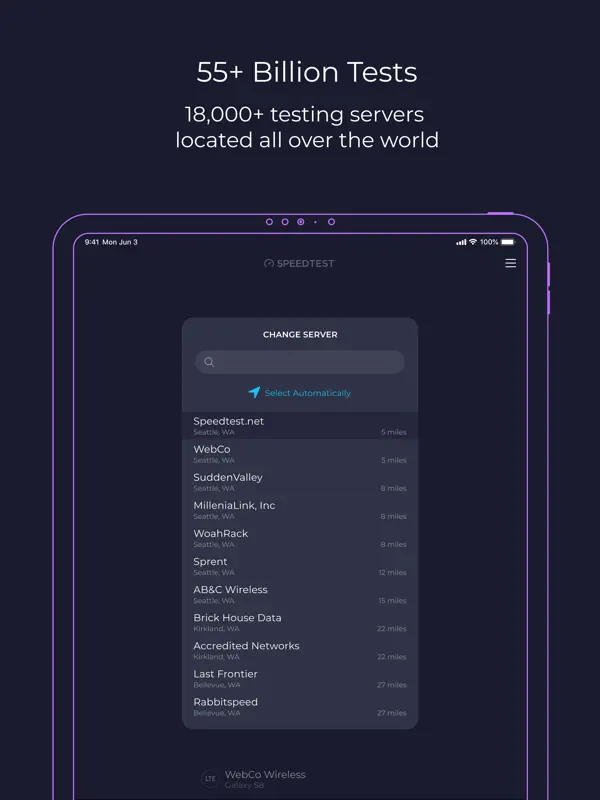
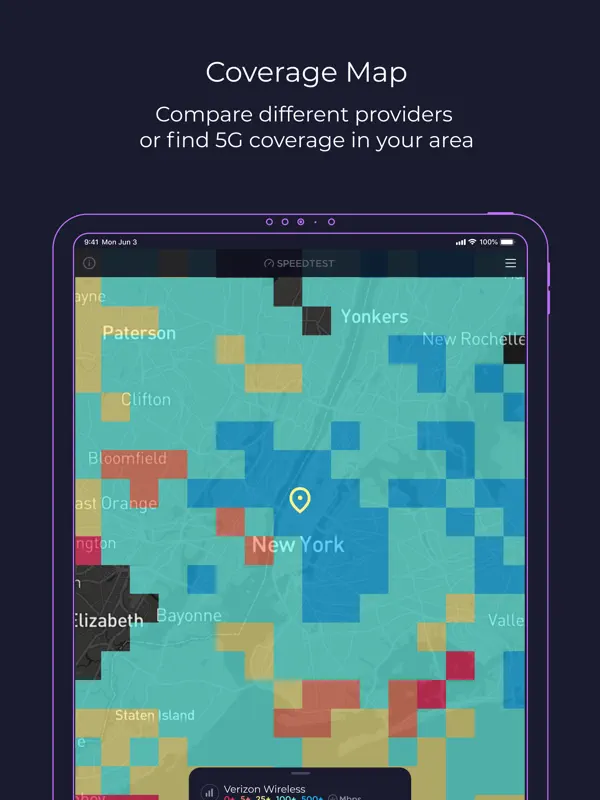
How it uses iPhone Duo
Ookla's release notes for Speedtest version 7.1.2, published on the App Store on October 21, 2026, list "Enhancements and support for iPhone Duo". The notes do not describe a fold-specific layout or feature, so we list it as Adapted. We have not yet tested it on an iPhone Duo.
What’s New
Version 7.1.2 ·
We've added a few updates to make the Speedtest app even better. Please give us a star rating or write us a review to let us know what you think. In this update: Enhancements and support for iPhone Duo General stability improvements and bug fixes Thanks and happy testing!
About this app
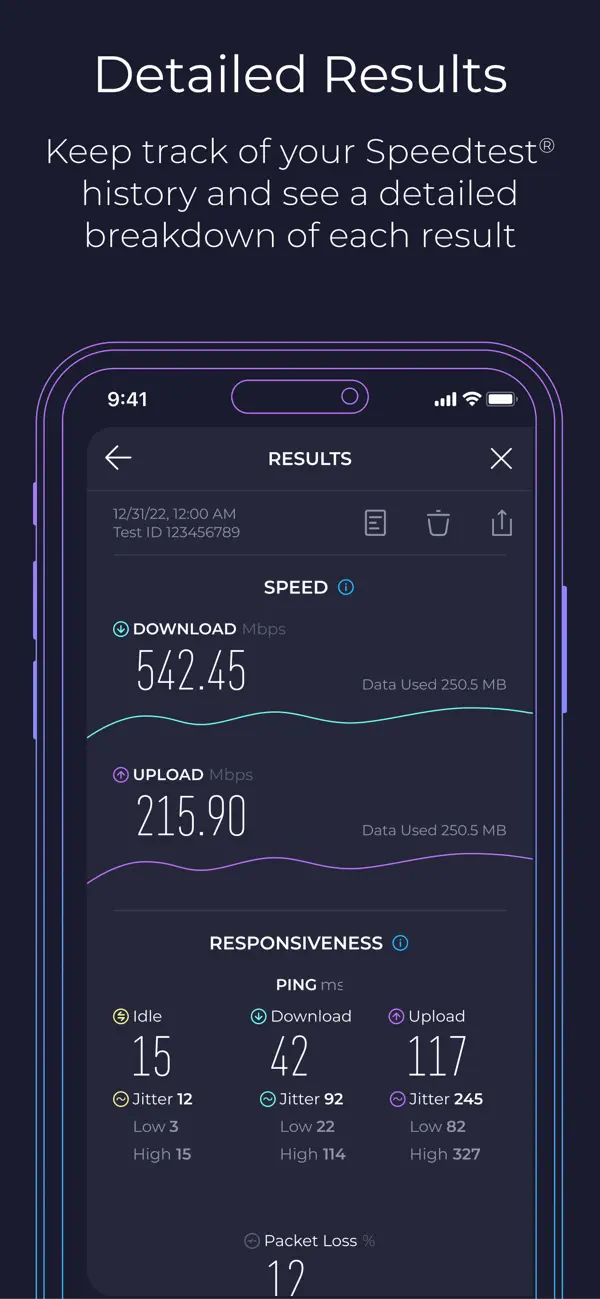
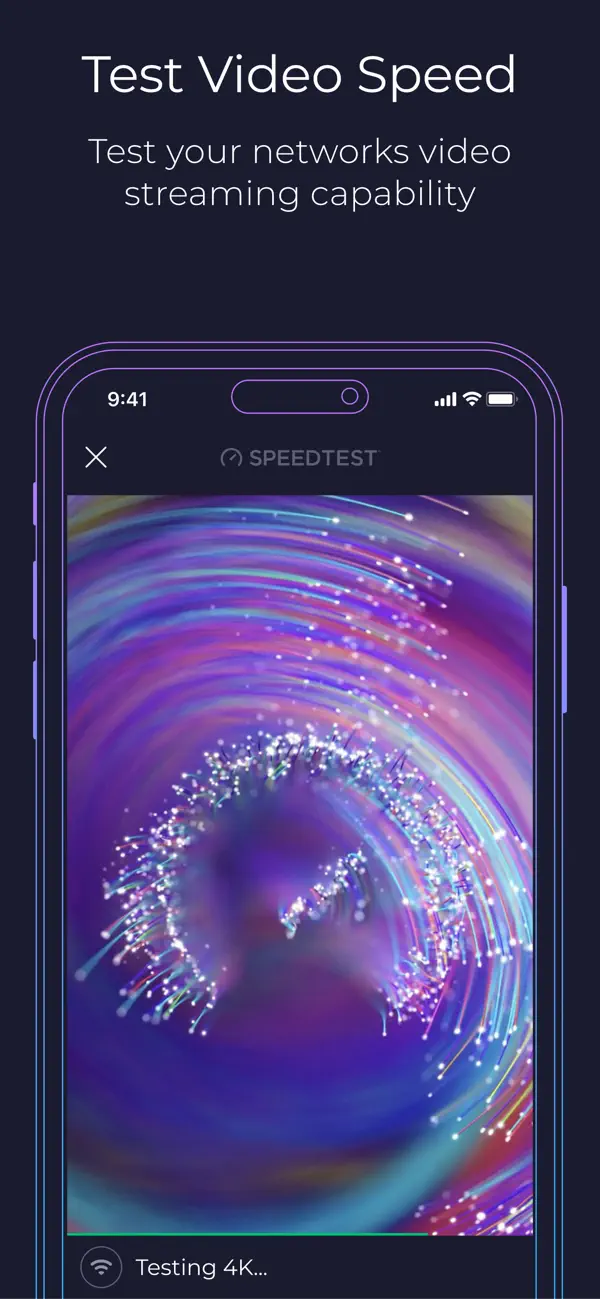
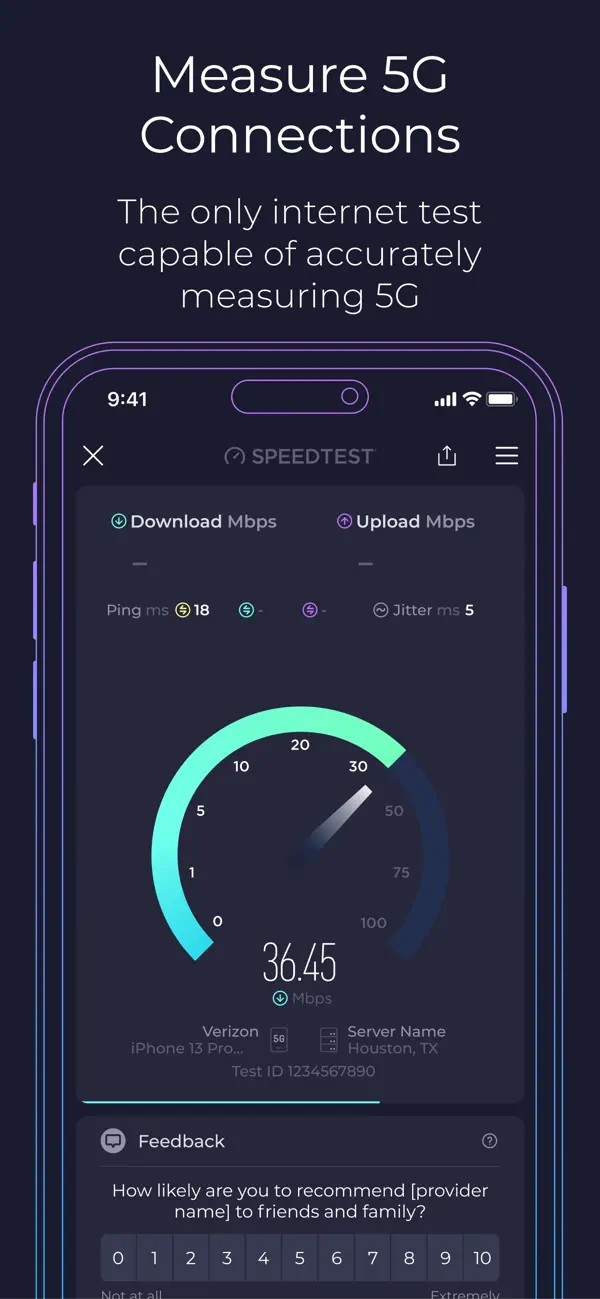
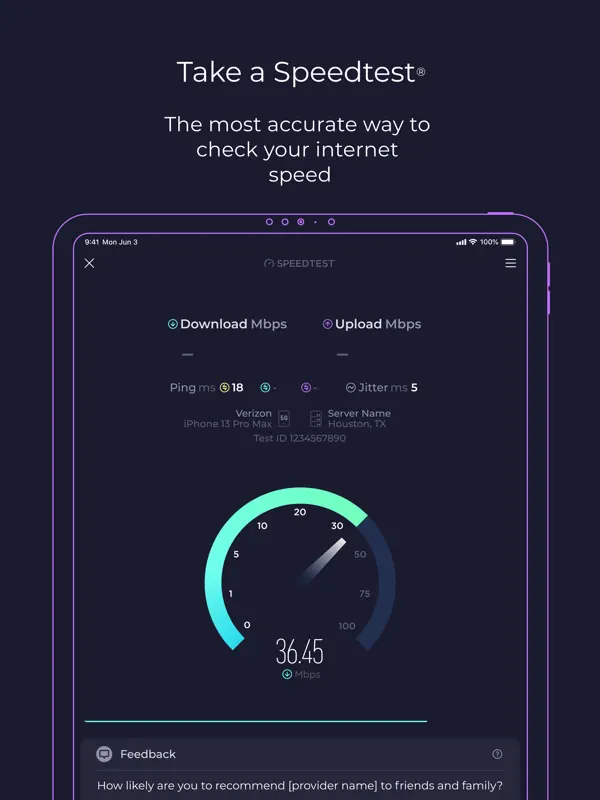
Speedtest by Ookla measures the speed of your current internet connection using Ookla's global network of test servers. A single tap runs a test that reports download and upload speeds, jitter, and ping measured at three stages: idle, during download and during upload. Real-time graphs show how steady the connection is, and you can choose between a single connection, which mimics downloading one file, and multiple connections, which show the maximum available speed. Speedtest Maps lets you compare mobile carrier coverage by provider and region, built from data gathered by the app. A separate video test checks the highest streaming resolution your connection can handle, along with load time and buffering. It is a general-purpose tool for checking home Wi-Fi, mobile data or a new connection against what a provider promised. Past results are kept with detailed reports and can be shared. The app is free with ads, and a one-time in-app purchase removes them. Version 7.1.2, released on October 21, 2026, lists enhancements and support for iPhone Duo.
App Store descriptionWritten by the developer.
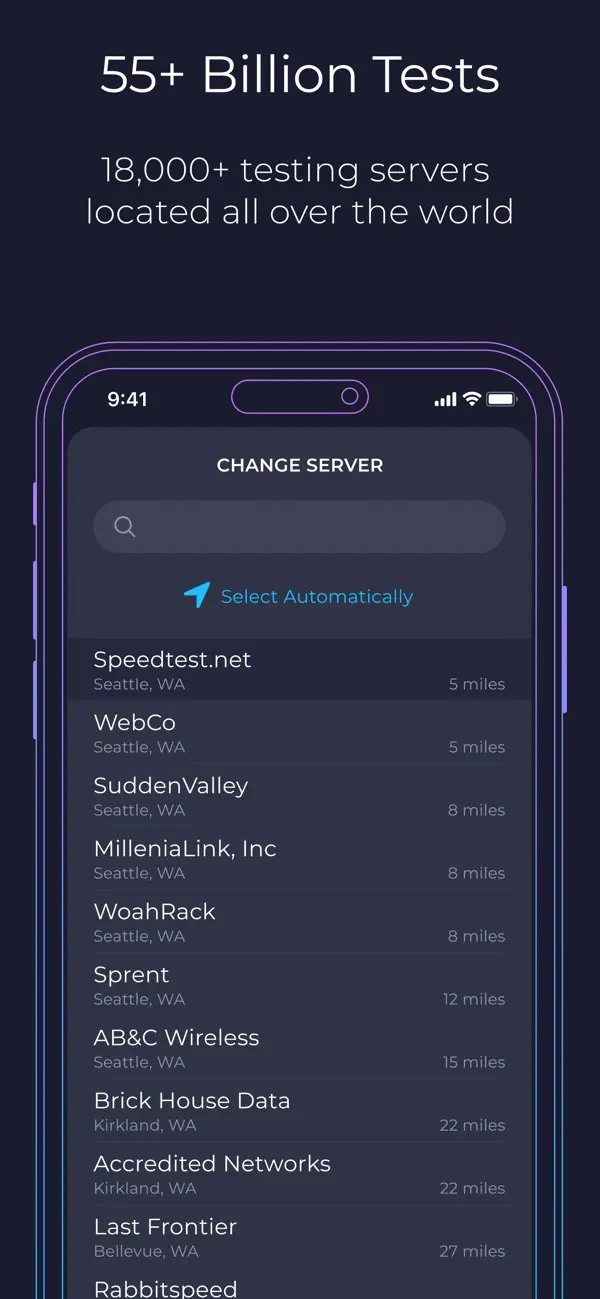
Use Speedtest® for a quick, easy, one-tap connection internet speed test—accurate anywhere thanks to our global server network. Explore mobile network coverage with Speedtest Maps based on real-world data gathered by the Speedtest app. See performance by provider to find out where you’re likely to experience strong connectivity. Easily switch between providers and regions to compare coverage in the locations you frequent. Video testing empowers you with a real-time assessment of your network’s current streaming quality. Take a video test to get actionable insights that help you optimize your online video experience. Millions of users have made Speedtest the #1 app for testing internet speed, and it’s trusted daily by professionals throughout the industry: - Discover your download, upload, and jitter - Measure ping at 3 stages: idle, download, and upload - View mobile carrier coverage with Speedtest Maps - Take a video test to measure your max resolution, load time, and buffering - Real-time graphs show connection consistency - Test with a single connection to simulate downloading a file or multiple connections to understand max speed - Troubleshoot or verify the speed you were promised - Track past tests with detailed reporting - Easily share your results Go ad free! If you’d like to enjoy Speedtest without ads, we provide the option of removing ads from Speedtest for $0.99. Privacy Policy: https://www.speedtest.net/about/privacy Terms of Use: https://www.speedtest.net/about/terms Do not sell my info: https://www.speedtest.net/about/ccpa
Highlights
- One-tap download, upload and jitter test
- Ping measured while idle, downloading and uploading
- Single- and multi-connection test modes
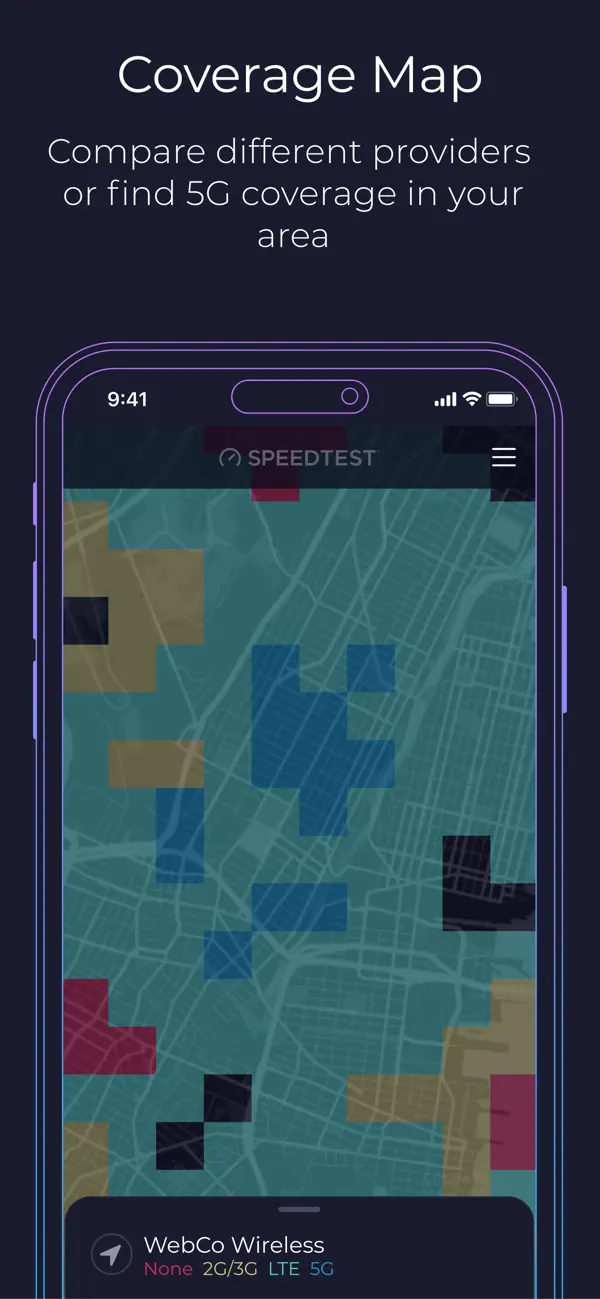
- Speedtest Maps for mobile carrier coverage
- Video test for streaming resolution and buffering
- History of past tests with shareable results
Speedtest on iPhone Duo: FAQ
Is Speedtest optimized for iPhone Duo?
Partly. Speedtest is Adapted: it fills the larger inner display, but it does not do anything special with the fold. Verified on October 21, 2026 (Developer statement).
What does Speedtest look like on iPhone Duo?
Ookla's release notes for Speedtest version 7.1.2, published on the App Store on October 21, 2026, list "Enhancements and support for iPhone Duo". The notes do not describe a fold-specific layout or feature, so we list it as Adapted. We have not yet tested it on an iPhone Duo.
How much does Speedtest cost?
Speedtest costs Free · in-app purchases on the App Store.
More Utilities apps
See all ›
Fuel, costs and maintenance logs for every vehicle you own
Minimalist calculator with themes, widgets and synced history

Third-party app for managing NextDNS profiles, logs and blocking settings

Apple's own app for troubleshooting, repairs and AppleCare

A feature-rich scientific calculator with RPN, conversions and a paper tape

Open GitHub, GitLab, Gitea and Bitbucket repos in the Files app without cloning