
iPhone 스크린샷
iPhone Duo 활용 방식
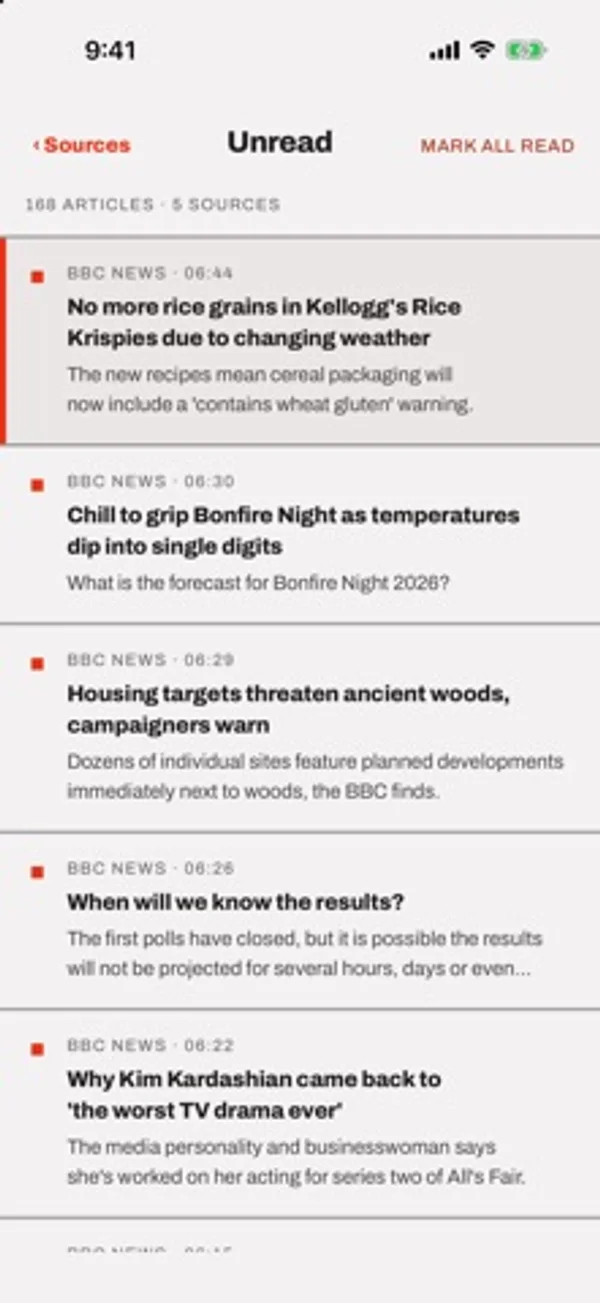
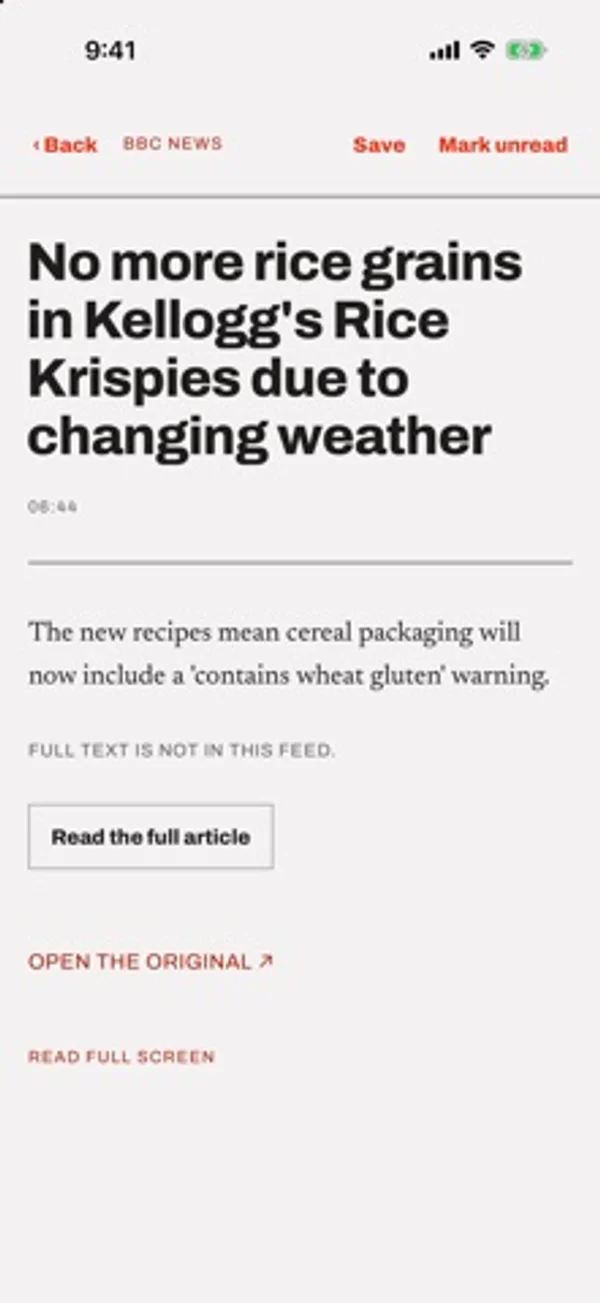
겉 화면에서는 한 패널을, 안쪽에서는 구독 목록·글 목록·본문을 나란히 보여 줍니다.
App Store 설명개발자가 작성한 내용입니다.
Tilde shows new posts from the blogs, news sites and newsletters you follow. That's all it does. No account, no ads, nothing recommended to you, and your reading list stays on your iPhone. When you've read everything new, the list is empty and it tells you so. It doesn't fill itself back up. Adding a site is easy: paste its address and Tilde looks for the feed. Coming from another reader? Import your OPML file and your folders come along as groups. Every article you open is saved in full, so you can search for it later, even if the original page is gone. When a feed only gives you a line and a link, tap "Read the full article" and Tilde pulls the text from the page for you. There are no analytics or trackers. Remote images stay off unless you turn them on, since images are a common way to track readers. Made for iPhone Duo too. The outer display shows one pane at a time. Open the phone and the inner display has room for your sources, the list and the article side by side. Some other things: - Feeds come straight from each site, not through a server of mine - Works offline once articles are downloaded - Older feeds in odd character sets show up as proper text - Group your sources, each group with its own unread count - RSS, Atom and RDF A new install doesn't subscribe you to anything. You get a short list of popular feeds to pick from, or you can add your own. Tilde is free, with no in-app purchases or subscriptions.
iPhone Duo에서의 Tilde: RSS Reader: 자주 묻는 질문
Tilde: RSS Reader은(는) iPhone Duo에 최적화되어 있나요?
부분적으로요. Tilde: RSS Reader은(는) 화면 대응 앱으로, 더 넓은 내부 디스플레이를 꽉 채웁니다. 다만 폴딩 전용 기능은 없습니다. 2026년 11월 8일 확인(개발자 발표).
iPhone Duo에서 Tilde: RSS Reader은(는) 어떻게 보이나요?
겉 화면에서는 한 패널을, 안쪽에서는 구독 목록·글 목록·본문을 나란히 보여 줍니다.
Tilde: RSS Reader의 가격은 얼마인가요?
Tilde: RSS Reader은(는) App Store에서 무료로 다운로드할 수 있습니다.
다른 독서 및 뉴스 앱
모두 보기 ›
폴더나 calibre 서재의 DRM 없는 EPUB·PDF를 읽고 기기 간 읽던 위치를 동기화합니다.

개인 EPUB와 CHM 책을 읽고 서식과 책장을 꾸밉니다.

문제와 플래시카드, 모의시험으로 FAA 자가용 조종사 지식시험을 준비합니다.

실제 종이접기를 시뮬레이션해 접는 선을 자유롭게 끌거나 단계별 안내로 학, 비행기, 병아리를 접습니다.

답을 얼마나 드러냈는지로 카드 복습 시점을 정하고 난이도는 평가하지 않는다.

iPhone Duo를 접고 펼칠 때마다 화면이 바뀌는, 요약 기능을 갖춘 RSS 리더