
Ask Watch AI
支持 Apple Watch、iPhone 和 CarPlay 的语音 AI 助手,使用你自己的 AI 密钥
mobilComm Ltd · 效率 · 免费 · 含 App 内购买
iPhone 截图
iPad 截图
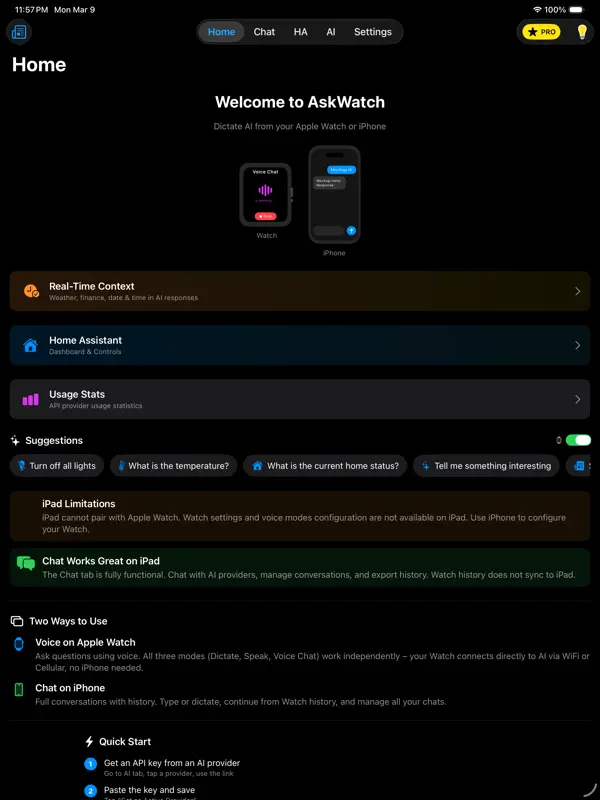
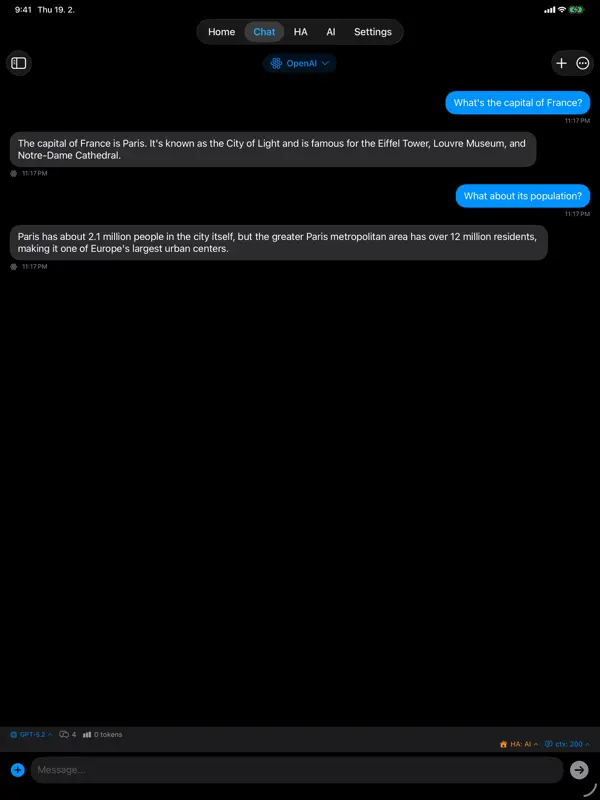
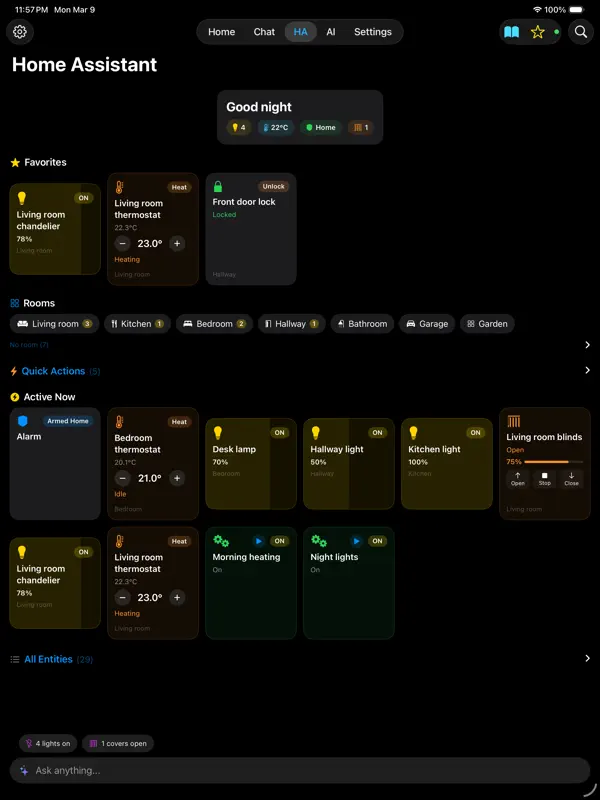
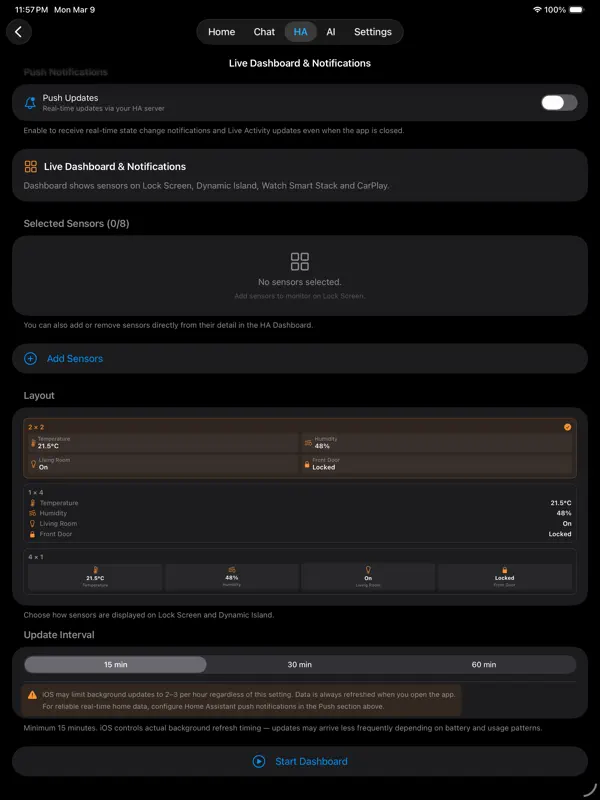
在 iPhone Duo 上的表现
根据 2.2.44 版(2026 年 10 月 18 日)的更新说明,聊天、主页、笔记、设置、对比和实时对话在 iPhone Duo 展开的屏幕上「采用双栏布局」,因此 7.6 英寸内屏能同时显示更多内容。开发者没有介绍具体的外屏或半开布局。我们尚未在真机上测试 Ask Watch AI。
新功能
版本 2.2.44 ·
• Maps and location — tell your AI where you want to go and it opens Apple Maps for you; it can also use where you are to answer. Works in chat and voice on iPhone, Apple Watch, Mac and in CarPlay. Your location is shared only when you allow it, in Real-Time Context → Location & Maps for AI. • Notes work with more AI models — search and save your notes with models from xAI, Mistral, DeepSeek, Groq, OpenRouter, Perplexity and more, using your own key. • Azure AI Speech — a new voice for reading answers aloud on iPhone, CarPlay, Apple Watch, Apple TV and Mac. Add your own Azure key, pick a region and a voice. • iPhone Duo — Chat, Home, Notes, Settings, Compare and Live Conversation use two columns on the open screen. Previously in v2.2: • Perplexity with your own key works with newly created API keys again — AskWatch now uses Perplexity's new Agent API, with web sources as before. • Apple Watch is easier to use on small screens: larger tap areas in the Medium and Compact layouts, Templates as an icon next to the main button, Voice Chat shows "Listening…" in Compact and fits 40 and 41 mm watches in the Large layout, and a swipe to the right closes it. • OpenAI Live — the first true full-duplex voice model on your Apple Watch, iPhone, Mac and in CarPlay. It listens while it speaks: interrupt it mid-sentence, ask it to search the web, control your home or save a note, and the conversation keeps flowing. Make it your own — 13 voices, three GPT-5.6 models behind it and your own opening line — with your OpenAI key (BYOK). • Notes — a private notebook your AI can search, save to and edit by voice, on iPhone, Apple Watch, Mac and in CarPlay, and only with the models you allow. • Apple Watch complications work again on watchOS 10 and 11 (Series 4, Series 5 and SE 1st generation). • Gemini 3.8 Live — Live Conversation with Google on its newest real-time voice model, with Home Assistant control, notes and web search; automatic on a subscription, or pick it under Google → Live Conversation → Model with your own key. • Web search in Live Conversation — Gemini Live and Grok Voice search the web while you talk; one switch per provider and device. • An assistant that opens in your words — write your own greeting for Live Conversation, or leave it empty for the default in your language. • Z.ai — the 14th provider: nine GLM models with your own key; GLM 4.7 with Plus, GLM 5.2 with Ultra. • Sources under web answers — the numbered pages behind an answer, with Perplexity, OpenRouter, Anthropic and OpenAI. • Live Conversation — real-time voice chat with OpenAI, xAI (Grok) and Google (Gemini); bring your own key, pick your voice and model. • Grok voices — natural-sounding voices from xAI (Grok) to read AI answers aloud (BYOK) • Action Button — start AI from the iPhone side button or the Apple Watch Ultra Action Button • Model picker on Apple Watch — the watch keeps its own choice, and your pick travels between iPhone and Apple Watch • Live captions — OpenAI gpt-live-transcribe writes your words while you are still speaking (BYOK) • Piper Cloud in five more languages — Russian, Korean, Hindi, Indonesian and Hebrew, no API key needed • Exchange rates in your own currency — pick it in Settings → Finance • Apple CarPlay — voice AI assistant while driving
开发者尚未提供此内容的中文版本。
关于这款应用
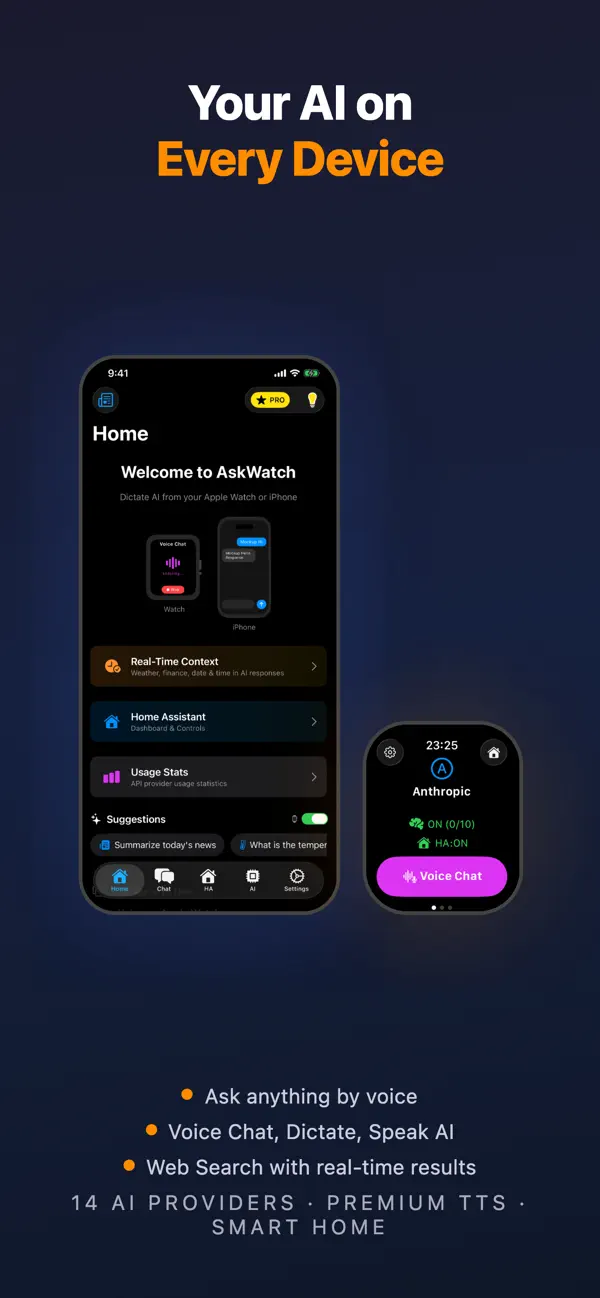
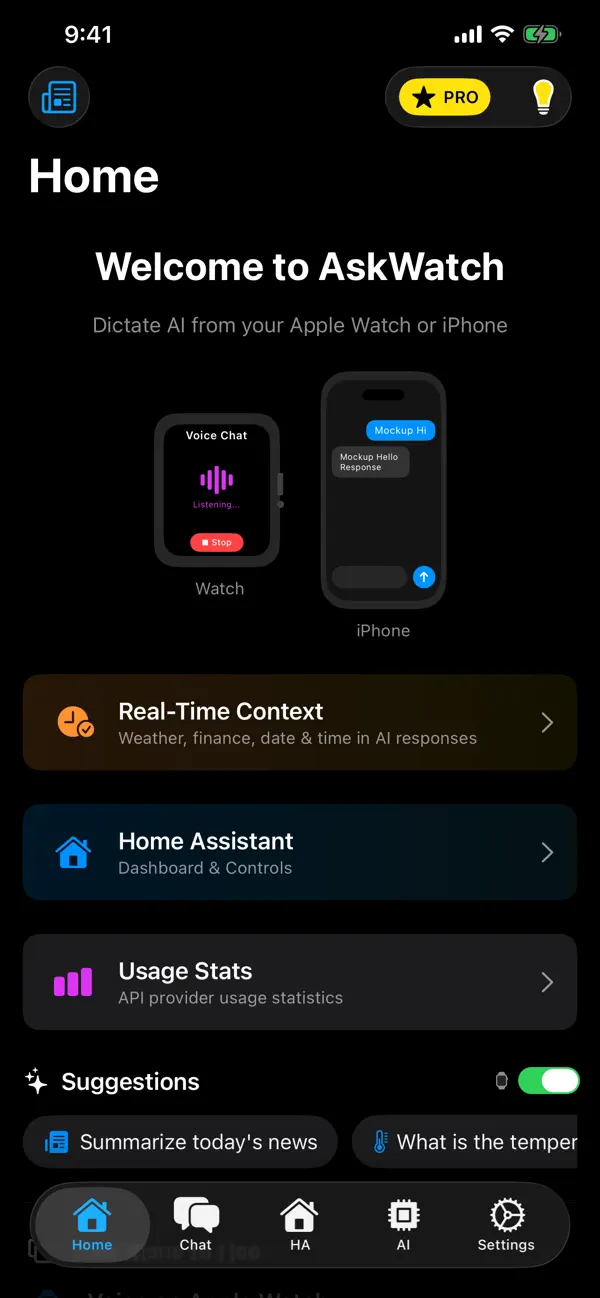
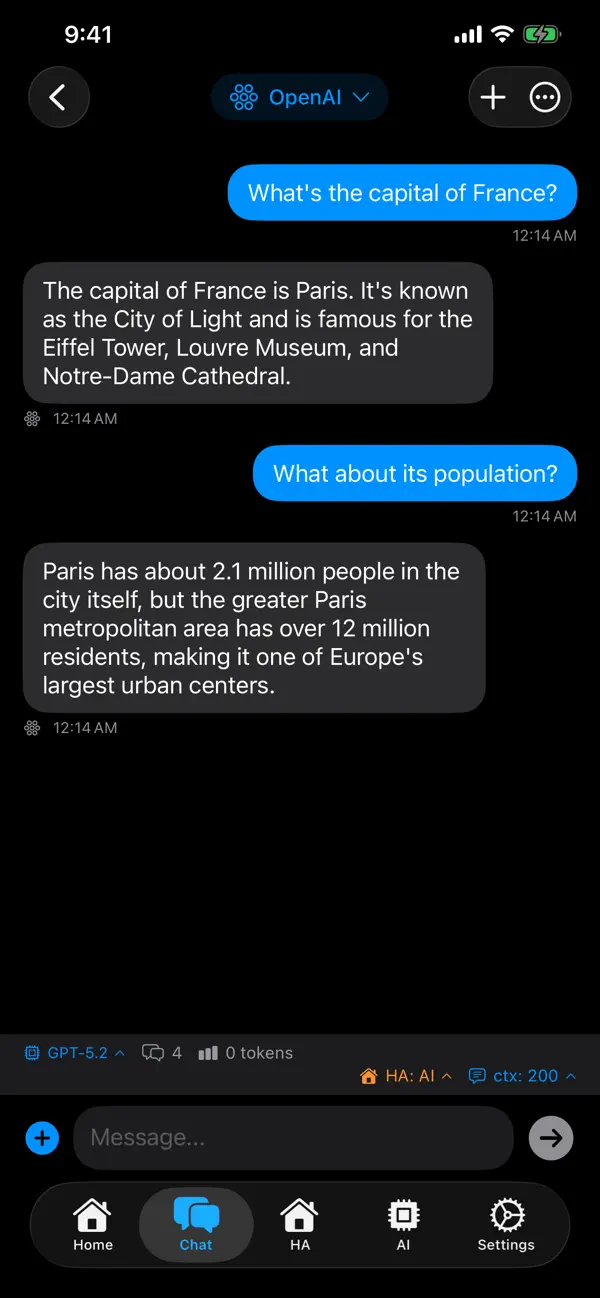
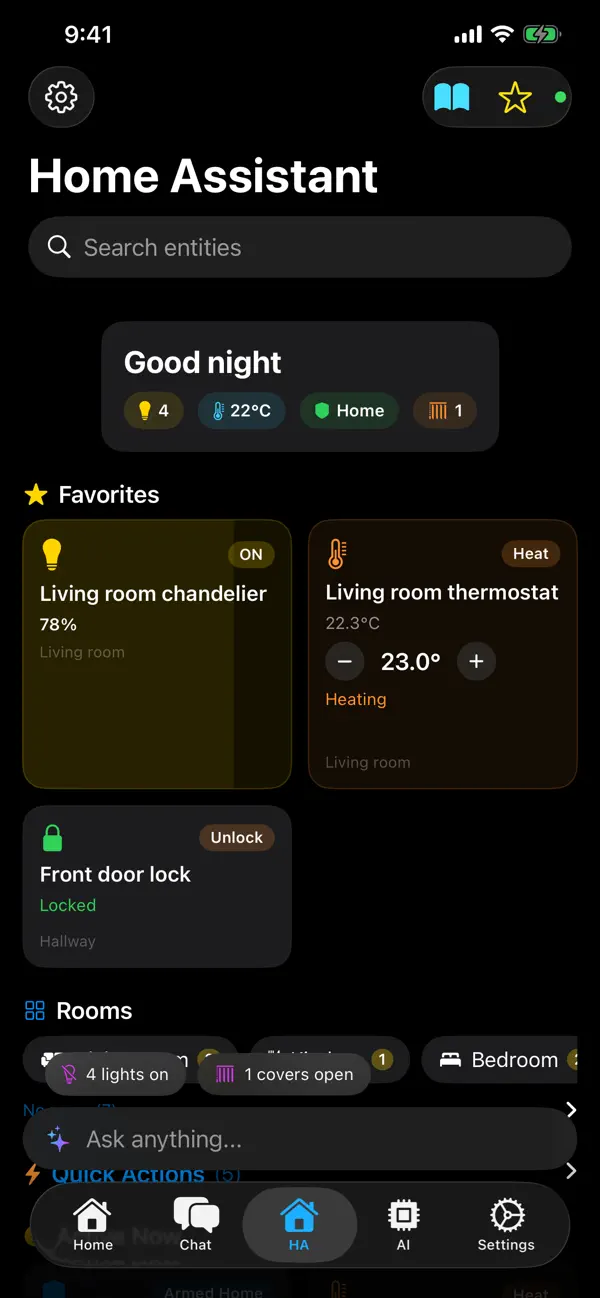
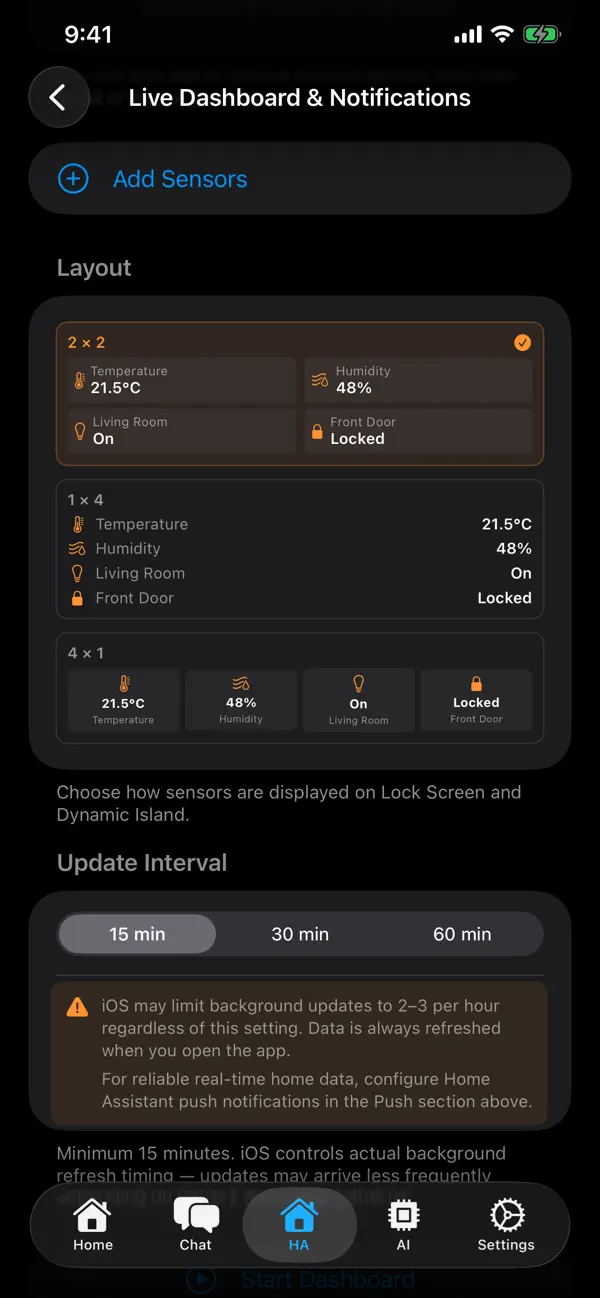
Ask Watch AI 由 mobilComm Ltd 开发,是一款以语音为先的 AI 助手,可在 Apple Watch、iPhone、Mac 和 CarPlay 中使用。它不会把你绑定在某一个模型上:你可以填入自己的 API 密钥,使用 OpenAI、Anthropic、Google、Mistral、Perplexity、xAI、Groq 和 DeepSeek 等服务商,也可以连接自己的 OpenAI 兼容服务器,例如 Ollama。 交流方式有三种:持续聆听的免提语音聊天、由你阅读回答的听写模式,以及按住说话。「实时对话」借助 OpenAI、Google 和 xAI 的模型提供实时语音。回答可用多种声音朗读,网络搜索可借助支持的服务商为回答补充带来源的信息。私人笔记功能让助手能搜索和保存笔记,「对比」视图则把同一个问题并排发给多个服务商。 它还可以作为 Home Assistant 遥控器,用语音控制灯光、空调和场景,并提供实时仪表盘;在你允许定位权限后,还能打开 Apple 地图查看路线。表盘复杂功能、小组件、Siri 快捷指令和操作按钮可帮你快速调用。 应用可免费下载,含内购项目;使用自己的密钥时,你直接向服务商支付用量费用。
本条目译自英文原文。
App Store 简介由开发者撰写。
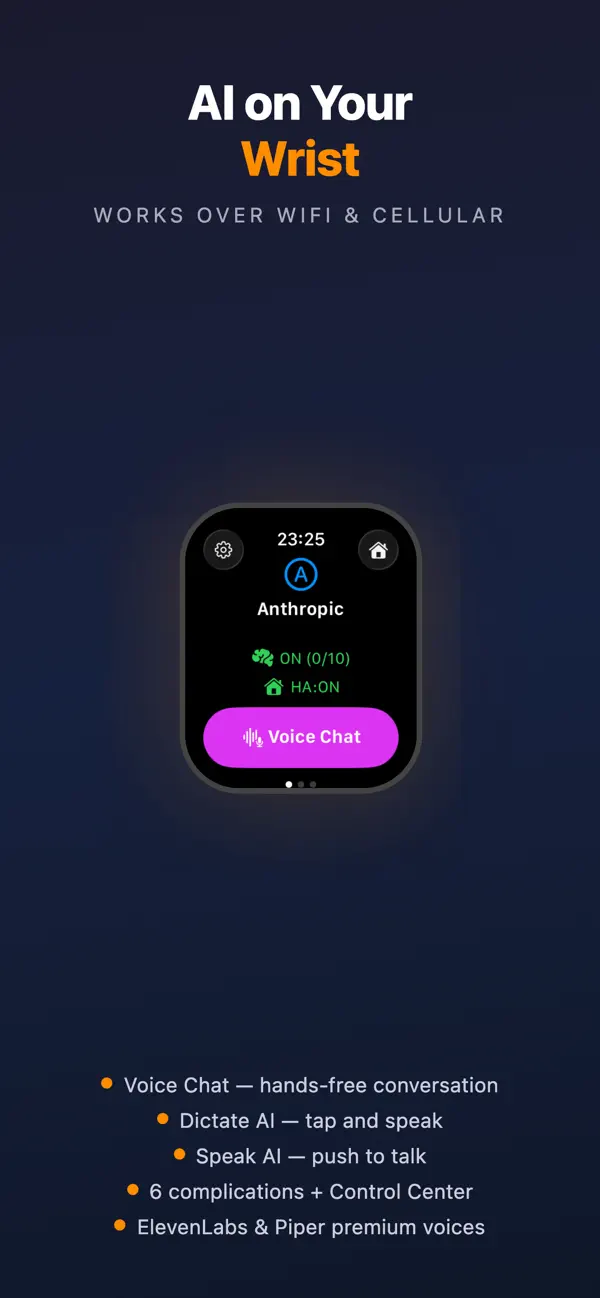
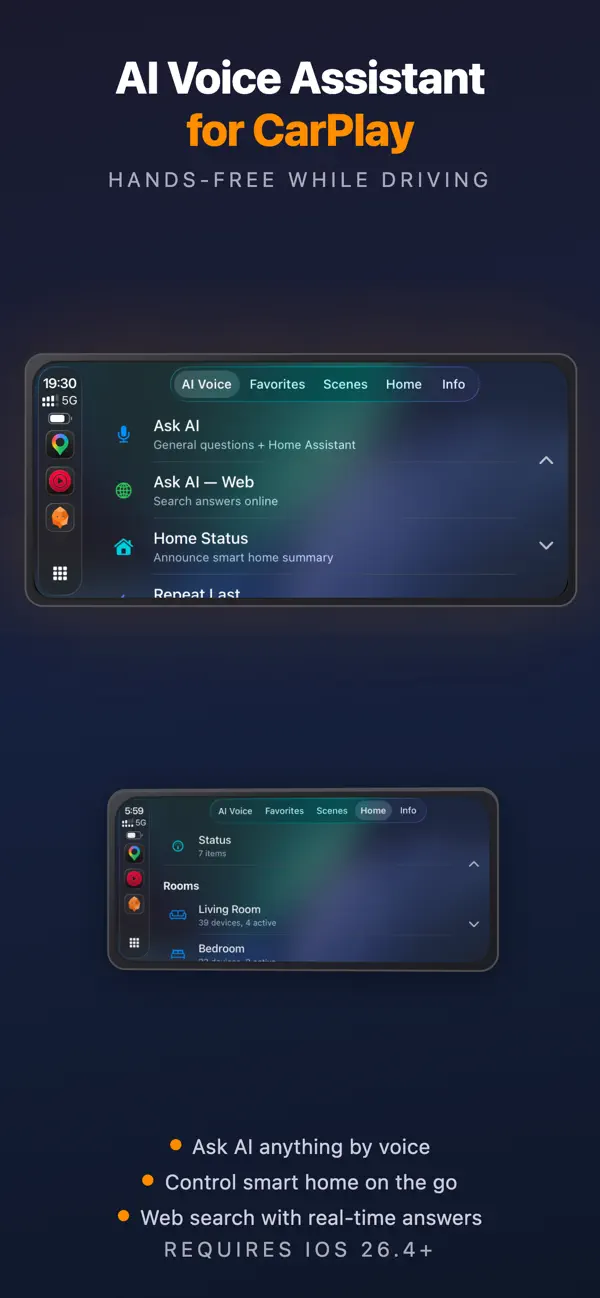
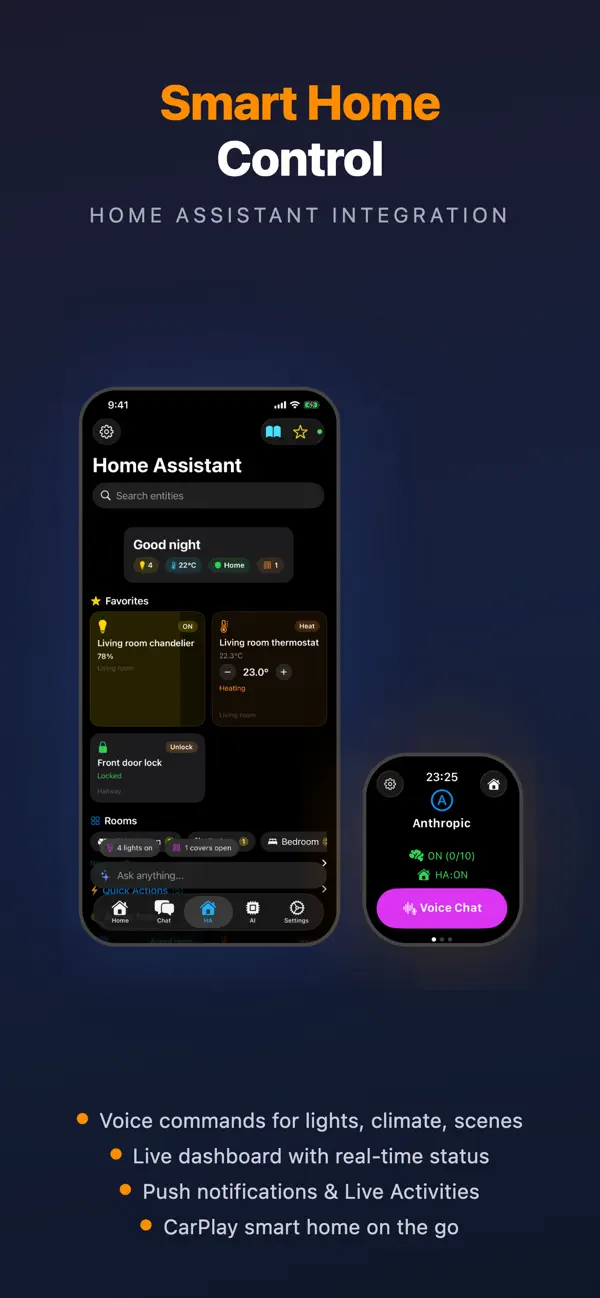
Ask Watch AI brings the power of 14 leading AI providers directly to your Apple Watch, iPhone and CarPlay. Use your voice to ask questions, get translations, summarize text, control your smart home — all from your wrist. THREE VOICE MODES • Voice Chat — hands-free continuous conversation. Talk naturally, AI responds with voice, then listens again • Dictate AI — tap, speak or type, read the answer • Speak AI — push-to-talk. Hold to speak, release for response 14 AI PROVIDERS + CUSTOM SERVER Use your own API keys with OpenAI (ChatGPT), Anthropic (Claude), Google (Gemini), Groq, Perplexity, xAI (Grok), Mistral, DeepSeek, OpenRouter, Cerebras, Cohere, Together AI, SiliconFlow, and Z.ai. Or connect your own server — Ollama, vLLM, or any OpenAI-compatible endpoint. Pay only for what you use. WEB SEARCH • AI answers enriched with real-time web results • Supported: Google, Anthropic, OpenAI, Groq, Perplexity PREMIUM TEXT-TO-SPEECH • ElevenLabs — 30+ premium voices with natural intonation • OpenAI gpt-4o-mini-tts — intelligent language control • Piper — free open-source cloud voices, no API key needed • Custom TTS — use your own speech server • Apple TTS — 30+ languages, works offline INSTANT ACCESS • Watch Face Complications, Control Center, iOS Widgets • Live Activities — smart home sensors on Lock Screen & Dynamic Island • Siri Shortcuts — "Hey Siri, Dictate AI" • Action Button (Watch Ultra), Double-tap (Series 9+) SMART FEATURES • Conversation Memory — natural follow-up questions • Real-time context — weather, exchange rates, stocks & crypto • Compare Providers — same question to multiple AIs side by side • Prompt Templates — Translate, Summarize, Explain + custom • History & Export — search, share, export conversations SMART HOME — HOME ASSISTANT • Voice control for lights, switches, climate, scenes, automations • Live dashboard with real-time entity states • Push notifications and Live Activities • AI-Enhanced mode — natural language smart home commands • Local + Cloud (Nabu Casa) with automatic fallback APPLE CARPLAY • Voice AI assistant while driving — hands-free • Smart home control from your car • TTS responses through car speakers PRIVACY & SECURITY • API keys in device Keychain with hardware encryption • Chat history AES-256 encrypted, stored only on device • Face ID / Touch ID / PIN protection • Direct HTTPS to AI providers — we never see your data Terms of Use: https://askwatch.app/en/terms.html Privacy Policy: https://askwatch.app/en/privacy.html
亮点
- 可在 Apple Watch、iPhone、Mac 和 CarPlay 上使用
- 自带密钥,支持 14 家 AI 服务商或自定义服务器
- 免提语音聊天、听写与按住说话
- 「实时对话」实时语音
- 对比不同服务商对同一问题的回答
- Home Assistant 语音控制与仪表盘
- 在 iPhone Duo 上:展开屏幕采用双栏布局
Ask Watch AI 在 iPhone Duo 上:常见问题
Ask Watch AI 针对 iPhone Duo 优化了吗?
部分优化。Ask Watch AI 属于「已适配」:它能铺满更大的内屏,但没有针对折叠做特别设计。核验于 2026年10月18日(开发者声明)。
Ask Watch AI 在 iPhone Duo 上是什么样子?
根据 2.2.44 版(2026 年 10 月 18 日)的更新说明,聊天、主页、笔记、设置、对比和实时对话在 iPhone Duo 展开的屏幕上「采用双栏布局」,因此 7.6 英寸内屏能同时显示更多内容。开发者没有介绍具体的外屏或半开布局。我们尚未在真机上测试 Ask Watch AI。
Ask Watch AI 多少钱?
Ask Watch AI 在 App Store 售价 免费 · 含 App 内购买。
更多效率应用
查看全部 ›
安静的待办清单与纸质风格计划本,按所需时长给任务分类

任务与项目管理,为 iPhone Duo 的两块屏幕分别优化布局

Readdle 的统一收件箱邮件应用,展开后收件箱与邮件并排显示

Cultured Code 的任务管理器,针对 iPhone Duo 每种姿态重新调整布局

展开 iPhone Duo 即可打开的私密手写风格笔记本

可视化时间线日程规划应用,专门为书本和桌面姿态设计了专注计时器