
iPhone 截图



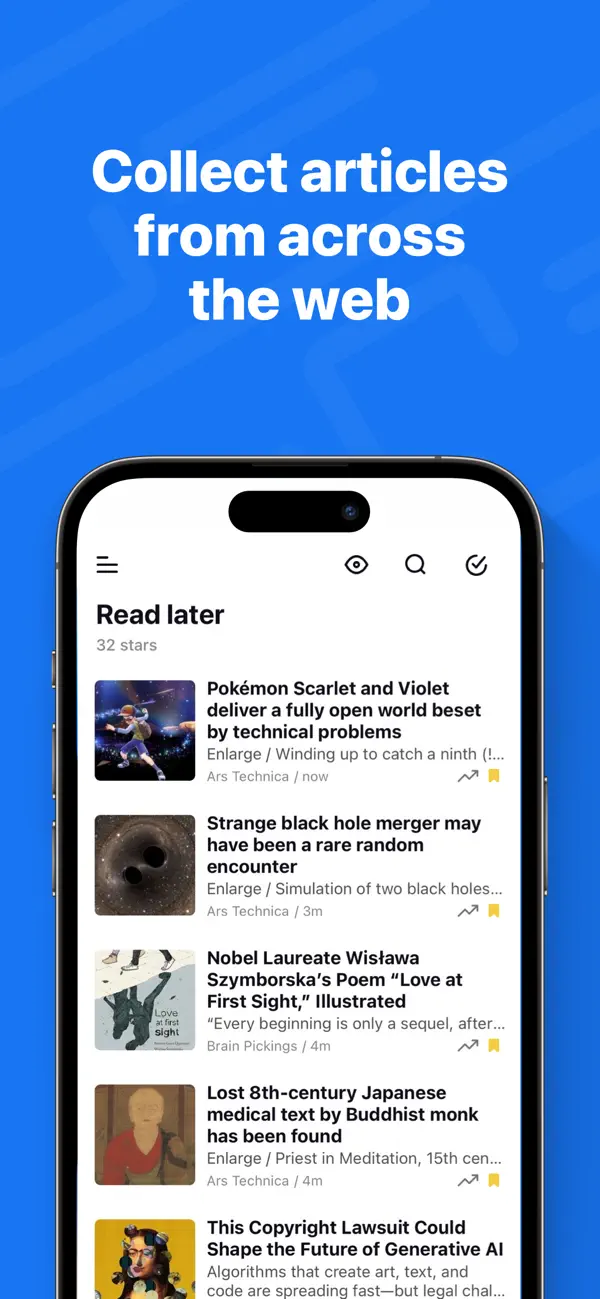

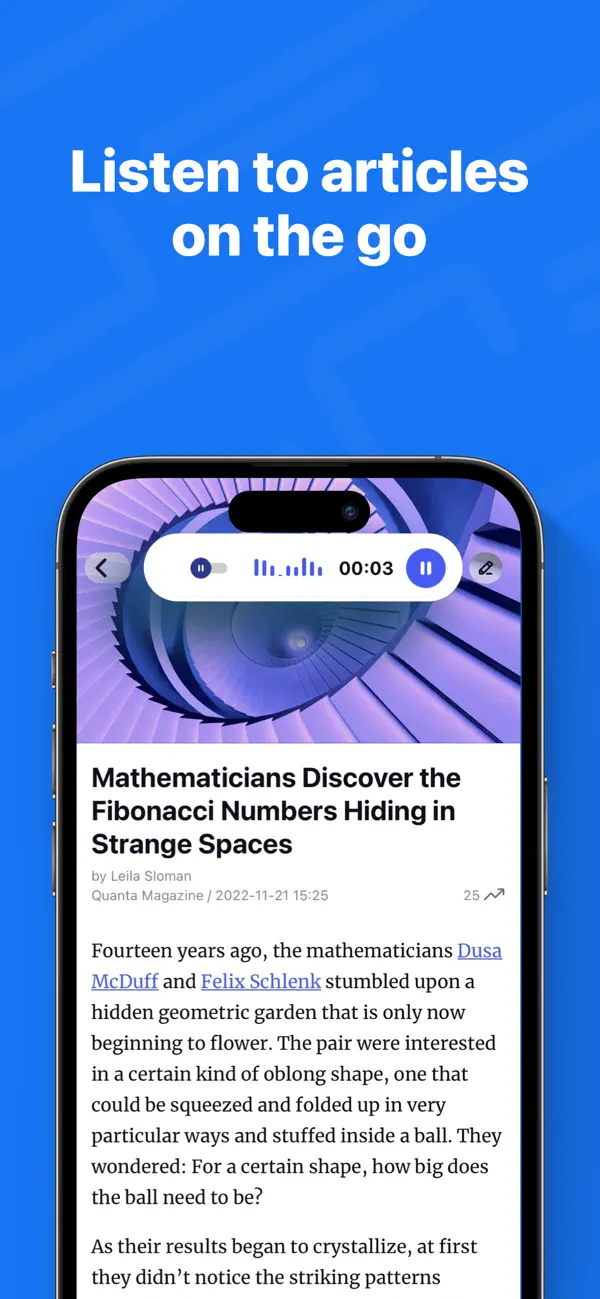
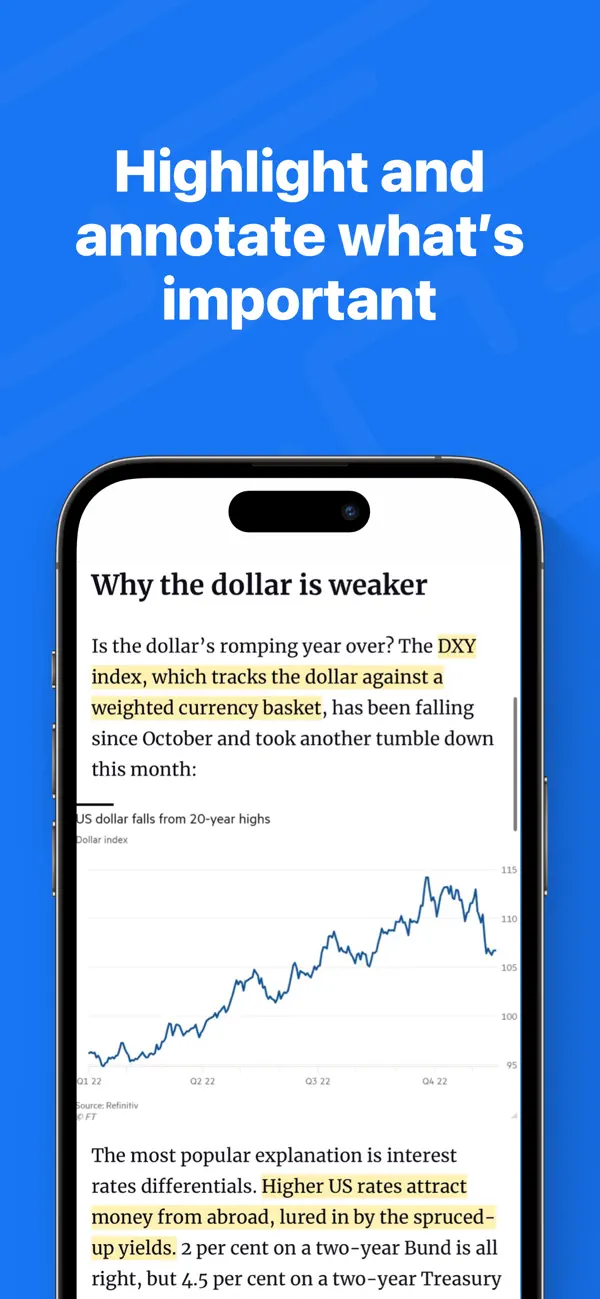
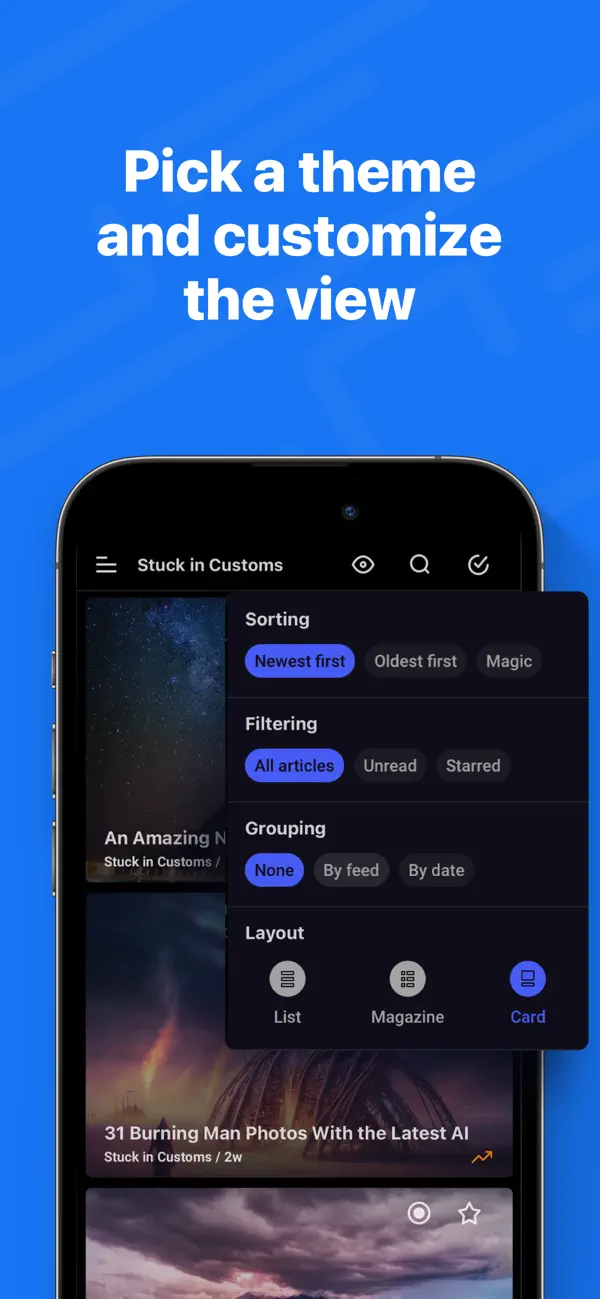
iPad 截图





在 iPhone Duo 上的表现
根据开发者 7.11 版本的更新说明,iPhone Duo 折叠时 Inoreader 使用熟悉的 iPhone 布局,展开时则切换为优化后的 iPad 布局,在竖屏和横屏下都将订阅源和文件夹放在文章旁边。说明称,折叠或展开时应用会保留你的位置,包括正在阅读的文章。与其他应用分屏并排运行时,它会切换到紧凑的移动布局。我们尚未在 iPhone Duo 上测试。
新功能
版本 7.11.3 ·
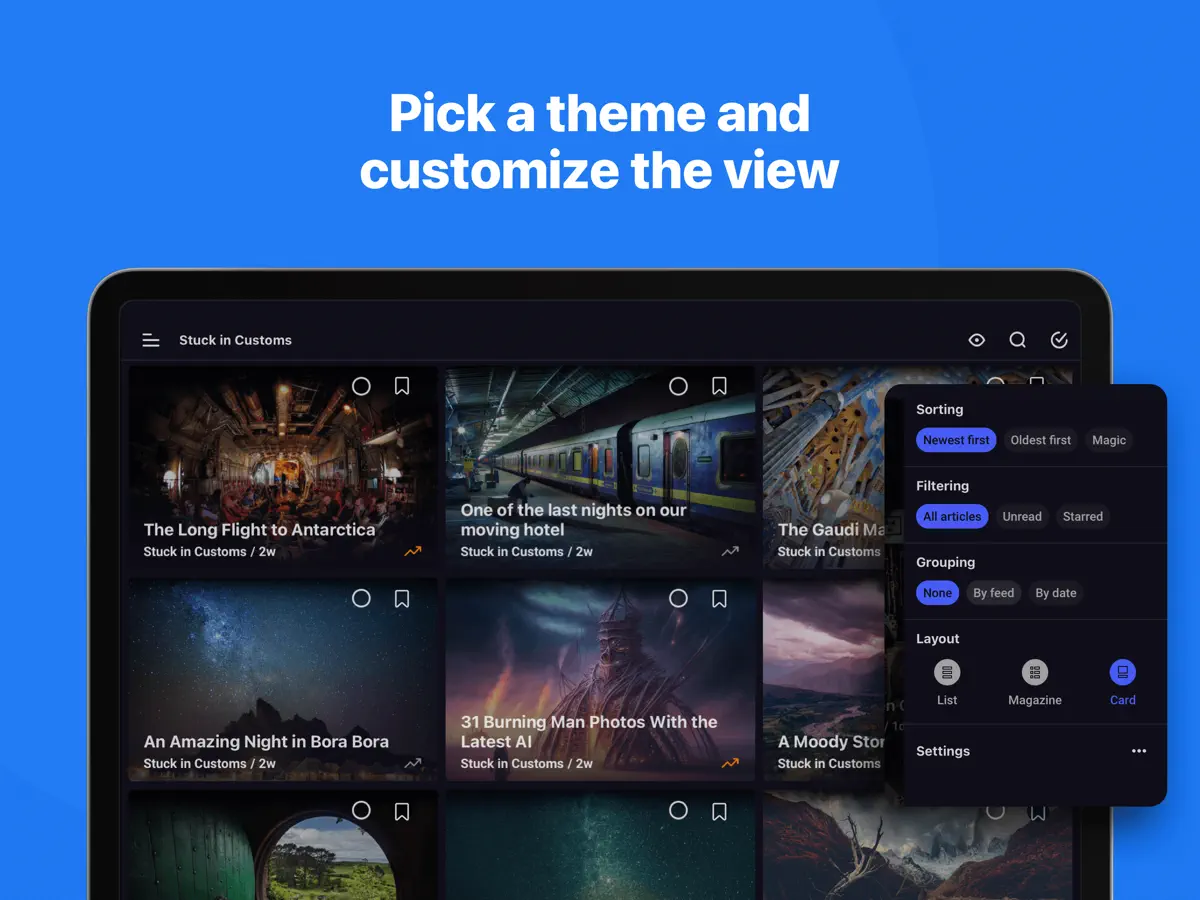
Inoreader now supports iPhone Duo, and this update adds larger text for article lists. iPhone Duo: • Inoreader adapts to both screens. Folded, you get the familiar iPhone layout. Unfolded, it switches to an optimized version of the iPad layout, with your feeds and folders alongside your articles in both portrait and landscape — and keeps your place, including the article you’re reading, when you fold or unfold. • In split-screen mode next to another app, Inoreader switches to its compact mobile layout so everything stays within easy reach. What’s new: • Article lists can now show larger text in the list, magazine and card views. Turn it on in Settings > Interface or under List font size in the eye menu. If you use a larger text size on your iPhone or iPad, Inoreader turns it on for you and makes article text one size bigger too. • YouTube: “Watch on YouTube” in embedded videos now opens the YouTube app. To open YouTube links in the internal browser instead, turn off “Open YouTube links in the YouTube app” in Settings > Miscellaneous, and they will follow your Browser setting. • Text-to-speech now highlights each sentence as it is read, so you can follow along in the article. • Article thumbnails now keep people’s faces in view instead of cropping them out, in the article list, card view and widgets. • Rules can now match a list of mentions, letting a single rule cover several people, brands or topics. • The app opens noticeably faster: the splash screen is gone, so you go straight to your articles. • Articles open faster, and your reading position is kept when you rotate the device or the theme switches automatically. • Monitored keywords are now called monitoring feeds. Fixes: • The eye menu no longer slips under the Dynamic Island. • Swiping between articles no longer gets stuck in feeds with wide pictures. • Renaming tags works again. • The X (Twitter) share button no longer worked and has been removed. • iOS 27.2: the buttons at the top of articles can be tapped again, and the iPad article list no longer goes blank. • The bottom action bar no longer covers the end of long articles. • iPad: keyboard shortcuts now work in Discover. Updated for iOS 27. Inoreader now requires iOS 15 or later.
开发者尚未提供此内容的中文版本。
关于这款应用
Inoreader 是 INNOLOGICA OOD 推出的新闻与 RSS 阅读器,适合更愿意关注自己选择的来源、而非算法推送的用户。你可以订阅网站、博客、新闻通讯和社交媒体订阅源,用文件夹和标签整理,并在同一处阅读或收听文章。应用偏向进阶用户,提供对新到文章执行操作的规则、可在全网追踪关键词的监控订阅源,以及便于在路上收听的文字转语音,同时对只想关注几个网站的用户也同样好用。7.11 版本新增了 iPhone Duo 支持,其更新说明描述了随设备变化的布局:折叠时是标准 iPhone 界面,展开时是 iPad 布局的一个版本,订阅源和文件夹显示在文章列表旁边。同一次更新还让文字转语音在朗读时逐句高亮,让规则可以匹配提及列表,并改进了缩略图裁剪,使人脸保持在画面内。随后的 7.11.1 版本修复了 iOS 27.2 上的布局问题。Inoreader 可免费下载,付费方案通过应用内购买提供。适合重度新闻读者、研究人员,以及订阅量很大、想利用 Duo 内屏同时查看来源和文章的用户。
本条目译自英文原文。
App Store 简介由开发者撰写。
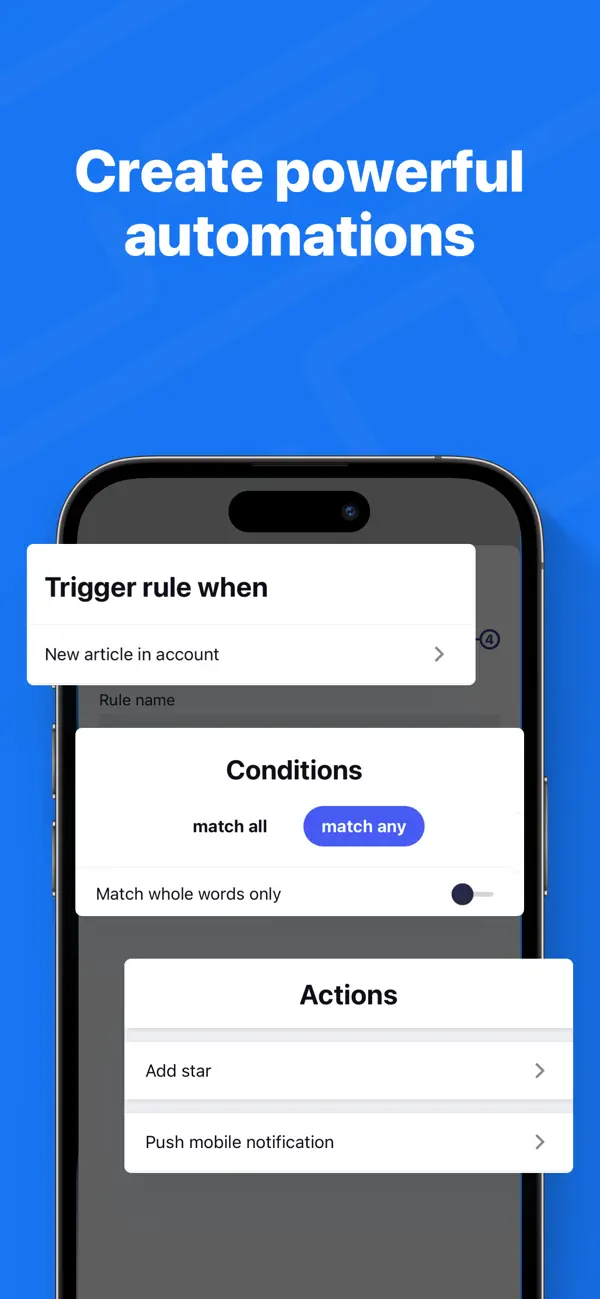
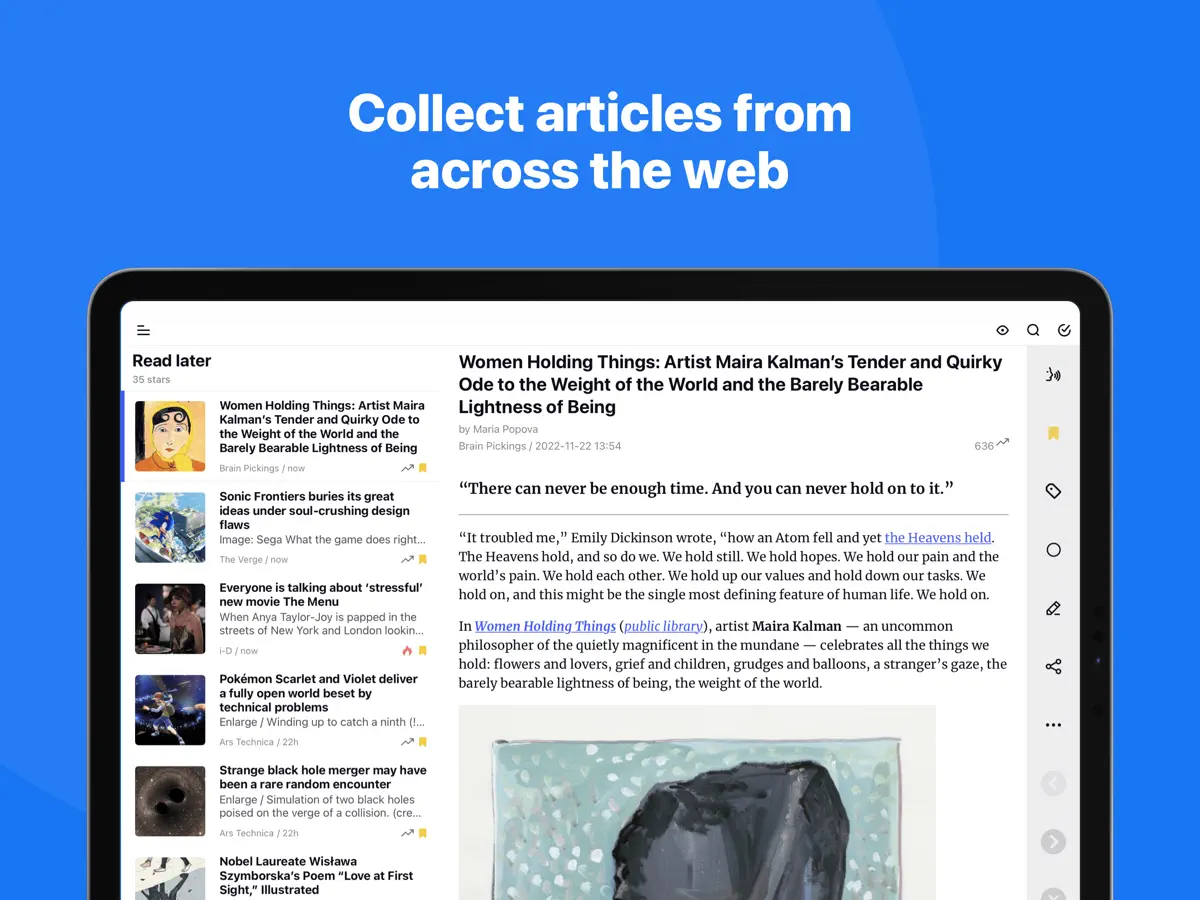
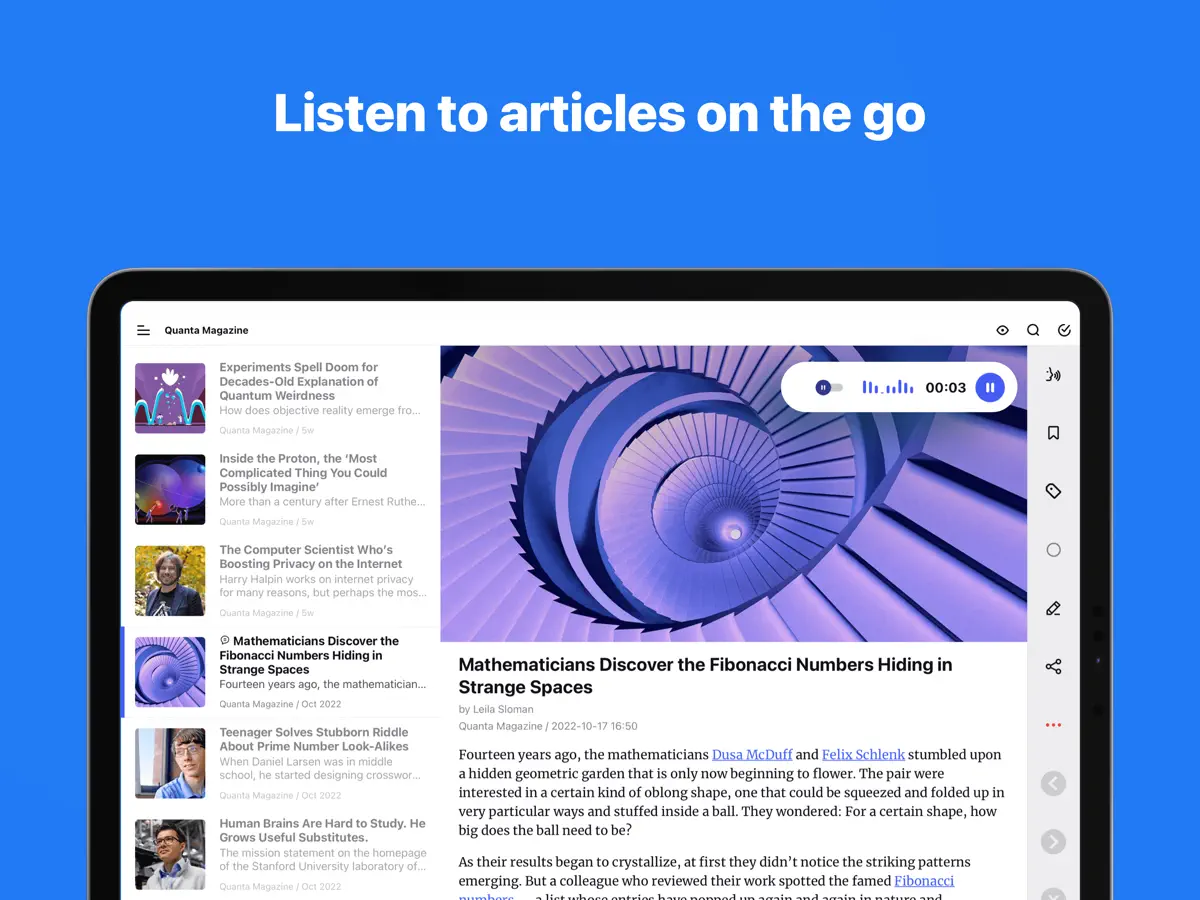
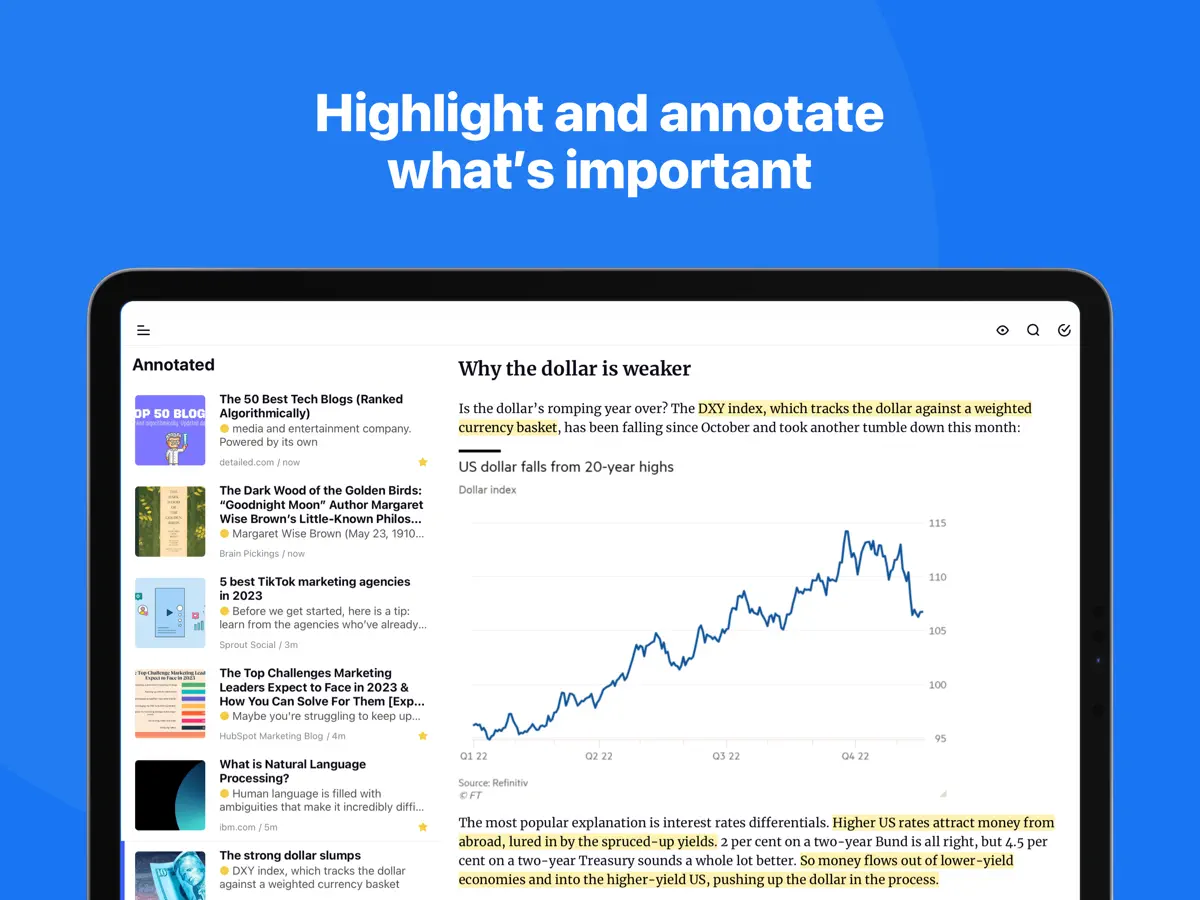
Take back control of your newsfeed and filter out the noise! With Inoreader, information comes straight to you the minute it’s available. Follow your favorite websites, content creators, newsletters, and social media feeds. Discover and collect articles from across the web, share and collaborate with others. No more algorithms and editorial picks – you decide what’s important to you. Read or listen on the go, mark the essential bits and customize your view for the best experience. Use our advanced features to set up powerful automation and let Inoreader do the work! ----- “Inoreader offers a well-designed interface, good search and discovery options, and a nice set of features that are beginner-friendly and offer plenty of options for advanced users.” – WIRED “If you're feeling media burnout from overfed social feeds, Inoreader is a news tool that still sparks joy. It's a research tool, intelligence briefing portal, and social media filtration system.” – CNET “Inoreader is one of the most feature-packed free RSS readers. A great tool for power users, but it's very accessible for beginners as well.” – Zapier ----- DISCOVER AND SHARE GREAT CONTENT • Follow your favorite websites, blogs, and creators • Collect articles from across the web and save them for future reading • Subscribe to newsletters with custom emails and declutter your inbox (Pro) • Explore collections curated by our team to feature the best sources • Follow Facebook pages and Telegram channels (Pro) • Subscribe to YouTube channels and listen to podcasts • Easily distribute content across social media and messaging apps • Stay up to date with breaking news and create monitoring feeds (Pro) BECOME A MINDFUL READER • Use automation tools to create rules and filter content (Pro) • Enhance your reading experience with custom layouts and themes • Curate your own content with folders and tags • Annotate the essential bits and keep them forever • Highlight keywords to speed up your reading • Translate articles in your language without additional extensions • Load and keep the full content of articles without leaving the app • Listen to the news on the go with our text-to-speech feature • Download articles for offline reading (Pro) • Save to Evernote, OneNote, Google Drive, and Dropbox ----- Features marked (Pro) need an Inoreader Pro subscription. Inoreader Pro is available with a monthly or annual subscription. You can subscribe and pay through your Apple account. Your subscription will automatically renew unless canceled at least 24 hours before the end of the current period. Auto-renew may be turned off after purchase. Terms of Use (EULA): https://www.apple.com/legal/internet-services/itunes/dev/stdeula/ Privacy Policy: https://www.inoreader.com/privacy_policy For questions, issues, or general feedback, you can reach us at support@inoreader.com.
亮点
- 通过 RSS 关注网站、新闻通讯和社交订阅源
- 用文件夹和标签整理订阅
- 对新到文章执行操作的规则
- 追踪关键词的监控订阅源
- 逐句高亮的文字转语音
- 主屏幕小组件
Inoreader 在 iPhone Duo 上:常见问题
Inoreader 针对 iPhone Duo 优化了吗?
是的。Inoreader 属于「专为 Duo 打造」:它利用了折叠形态、Split View 或外屏。核验于 2026年10月14日(开发者声明)。
Inoreader 在 iPhone Duo 上是什么样子?
根据开发者 7.11 版本的更新说明,iPhone Duo 折叠时 Inoreader 使用熟悉的 iPhone 布局,展开时则切换为优化后的 iPad 布局,在竖屏和横屏下都将订阅源和文件夹放在文章旁边。说明称,折叠或展开时应用会保留你的位置,包括正在阅读的文章。与其他应用分屏并排运行时,它会切换到紧凑的移动布局。我们尚未在 iPhone Duo 上测试。
Inoreader 多少钱?
Inoreader 在 App Store 售价 免费 · 含 App 内购买。
更多阅读资讯应用
查看全部 ›
内置摘要的 RSS 阅读器,随 iPhone Duo 折叠而重排布局

根据你关注的媒体定制的个性化新闻与故事杂志

以书堆和主屏幕小组件呈现书籍的阅读追踪应用

排版考究、支持手势与多种配色主题的 RSS 阅读器

把订阅源、视频、播客和社交动态合在一条时间线上

收藏网页文章,稍后离线阅读,界面清爽无干扰