
Inoreader
RSS and news reader that switches layouts as you fold and unfold
INNOLOGICA OOD · Reading & News · Free · in-app purchases
iPhone screenshots






iPad screenshots






How it uses iPhone Duo
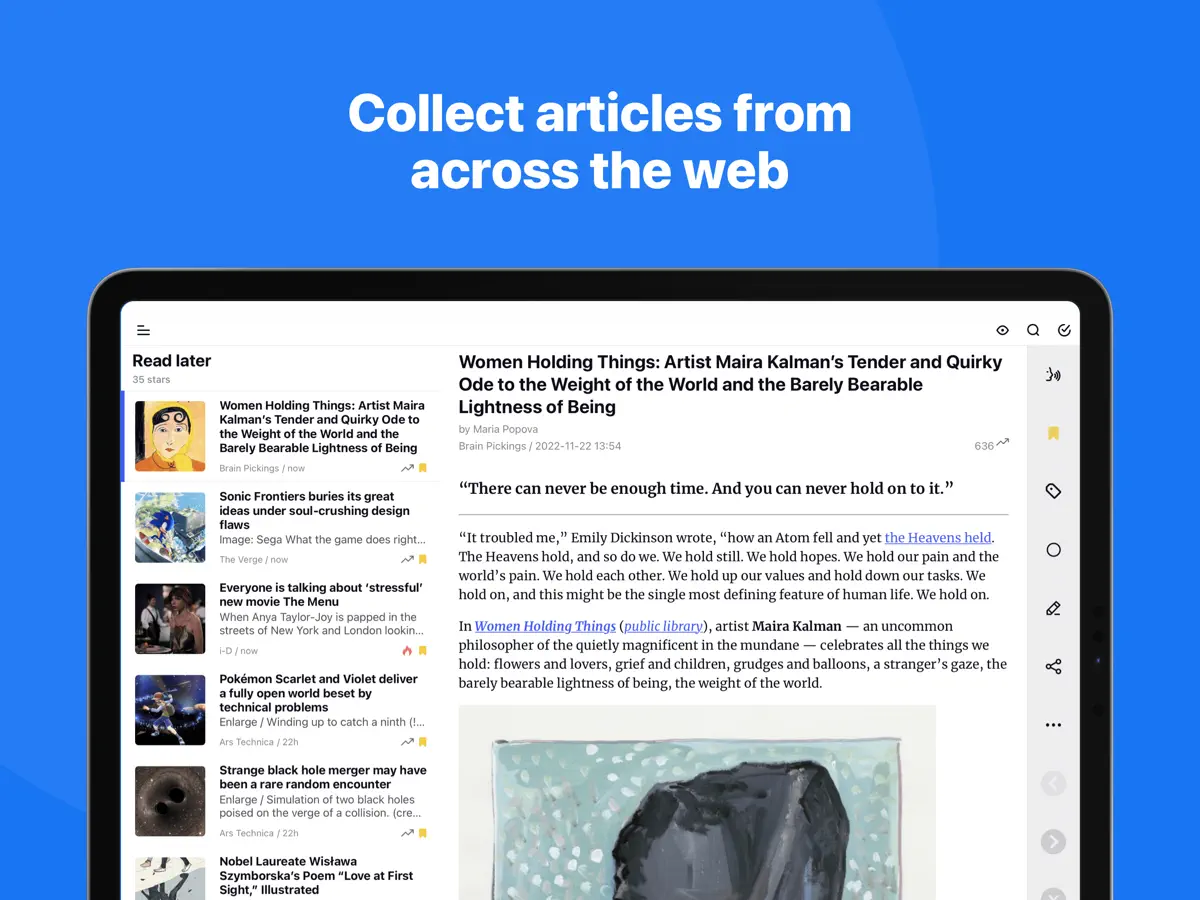
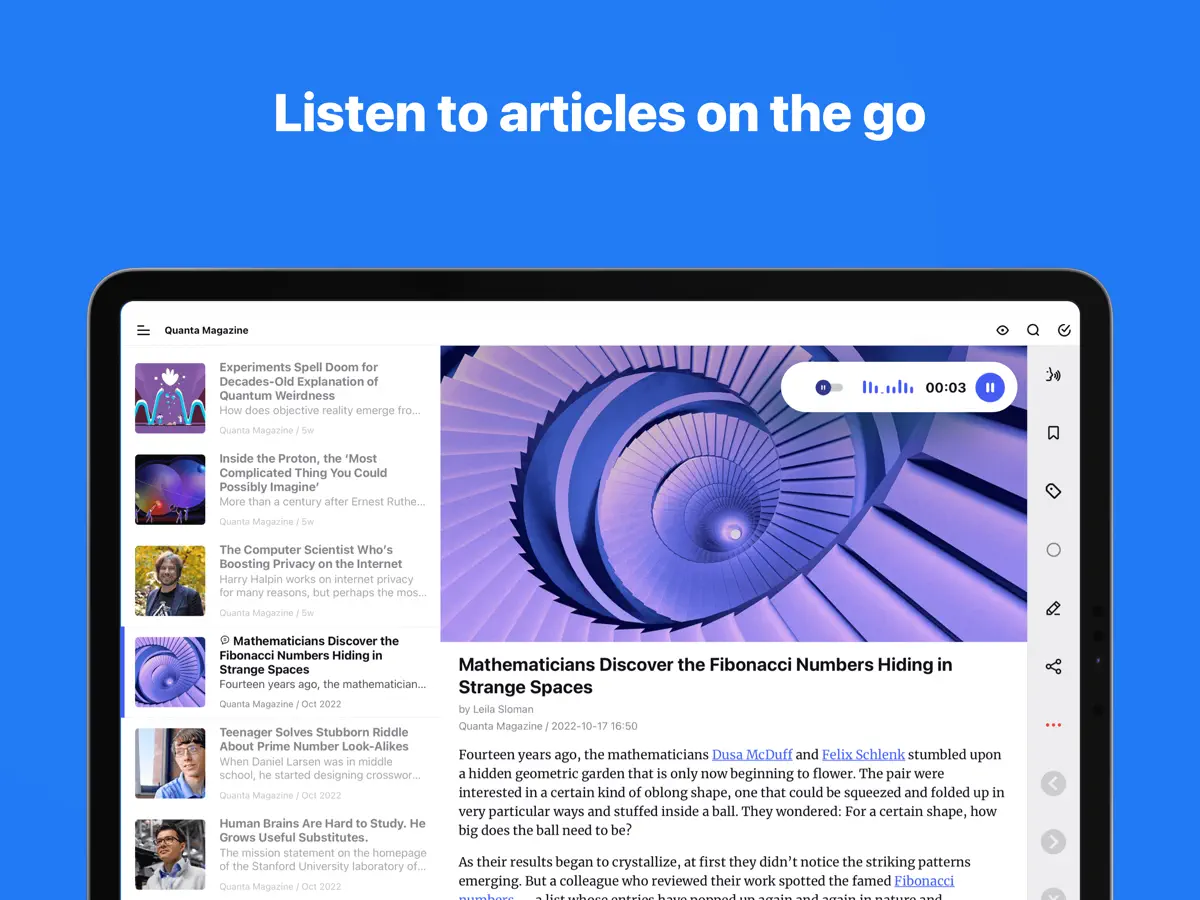
According to the developer's release notes for version 7.11, Inoreader uses the familiar iPhone layout when the iPhone Duo is folded and switches to an optimized version of its iPad layout when unfolded, placing feeds and folders alongside articles in portrait and landscape. The notes say the app keeps your place, including the article you are reading, when you fold or unfold. When running in split screen next to another app, it moves to its compact mobile layout. We have not yet tested it on an iPhone Duo.
What’s New
Version 7.11.3 ·
Inoreader now supports iPhone Duo, and this update adds larger text for article lists. iPhone Duo: • Inoreader adapts to both screens. Folded, you get the familiar iPhone layout. Unfolded, it switches to an optimized version of the iPad layout, with your feeds and folders alongside your articles in both portrait and landscape — and keeps your place, including the article you’re reading, when you fold or unfold. • In split-screen mode next to another app, Inoreader switches to its compact mobile layout so everything stays within easy reach. What’s new: • Article lists can now show larger text in the list, magazine and card views. Turn it on in Settings > Interface or under List font size in the eye menu. If you use a larger text size on your iPhone or iPad, Inoreader turns it on for you and makes article text one size bigger too. • YouTube: “Watch on YouTube” in embedded videos now opens the YouTube app. To open YouTube links in the internal browser instead, turn off “Open YouTube links in the YouTube app” in Settings > Miscellaneous, and they will follow your Browser setting. • Text-to-speech now highlights each sentence as it is read, so you can follow along in the article. • Article thumbnails now keep people’s faces in view instead of cropping them out, in the article list, card view and widgets. • Rules can now match a list of mentions, letting a single rule cover several people, brands or topics. • The app opens noticeably faster: the splash screen is gone, so you go straight to your articles. • Articles open faster, and your reading position is kept when you rotate the device or the theme switches automatically. • Monitored keywords are now called monitoring feeds. Fixes: • The eye menu no longer slips under the Dynamic Island. • Swiping between articles no longer gets stuck in feeds with wide pictures. • Renaming tags works again. • The X (Twitter) share button no longer worked and has been removed. • iOS 27.2: the buttons at the top of articles can be tapped again, and the iPad article list no longer goes blank. • The bottom action bar no longer covers the end of long articles. • iPad: keyboard shortcuts now work in Discover. Updated for iOS 27. Inoreader now requires iOS 15 or later.
About this app
Inoreader is a news and RSS reader from INNOLOGICA OOD for people who would rather follow sources they choose than an algorithmic feed. You can subscribe to websites, blogs, newsletters and social media feeds, organise them into folders and tags, and read or listen to articles from one place. The app leans toward power users with rules that act on incoming articles, monitoring feeds that track keywords across the web, and text-to-speech for listening on the go, while remaining usable for someone who only wants to follow a handful of sites. Version 7.11 added iPhone Duo support, and its release notes describe a layout that changes with the device: the standard iPhone interface when folded and a version of the iPad layout when unfolded, with feeds and folders shown next to the article list. The same update made text-to-speech highlight each sentence as it is read, let rules match a list of mentions, and improved thumbnail cropping so faces stay in view. Version 7.11.1 followed with layout fixes for iOS 27.2. Inoreader is free to download, with paid plans offered as in-app purchases. It suits heavy news readers, researchers and anyone who keeps a large number of subscriptions and wants to use the Duo's inner display to see sources and articles side by side.
App Store descriptionWritten by the developer.
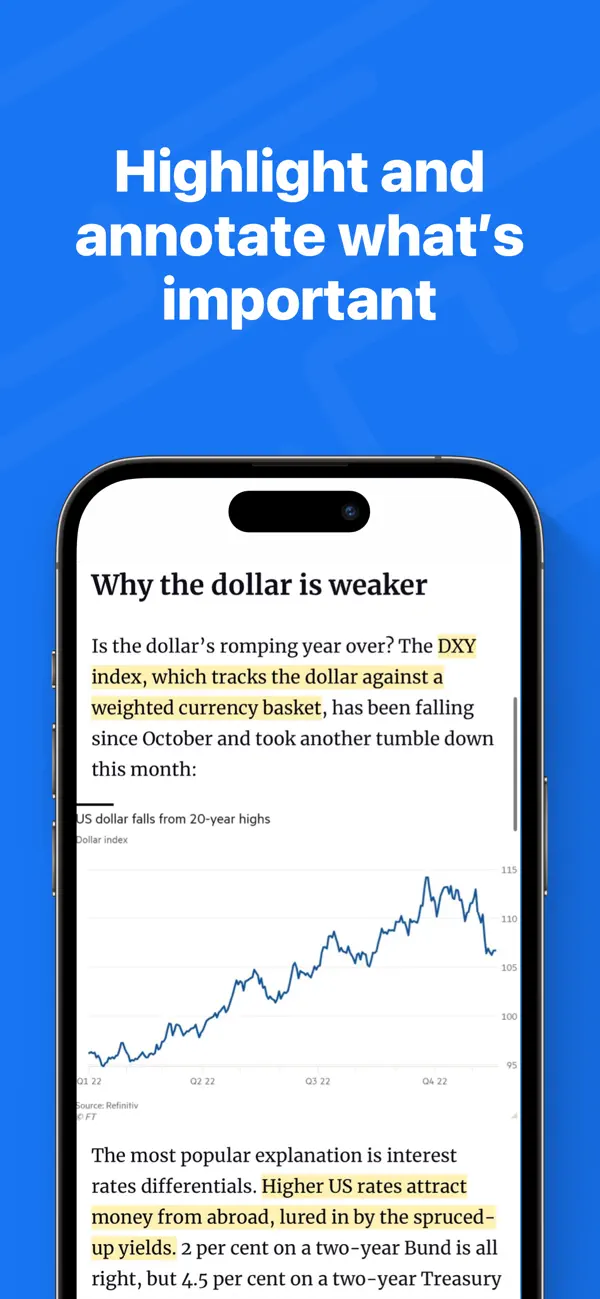
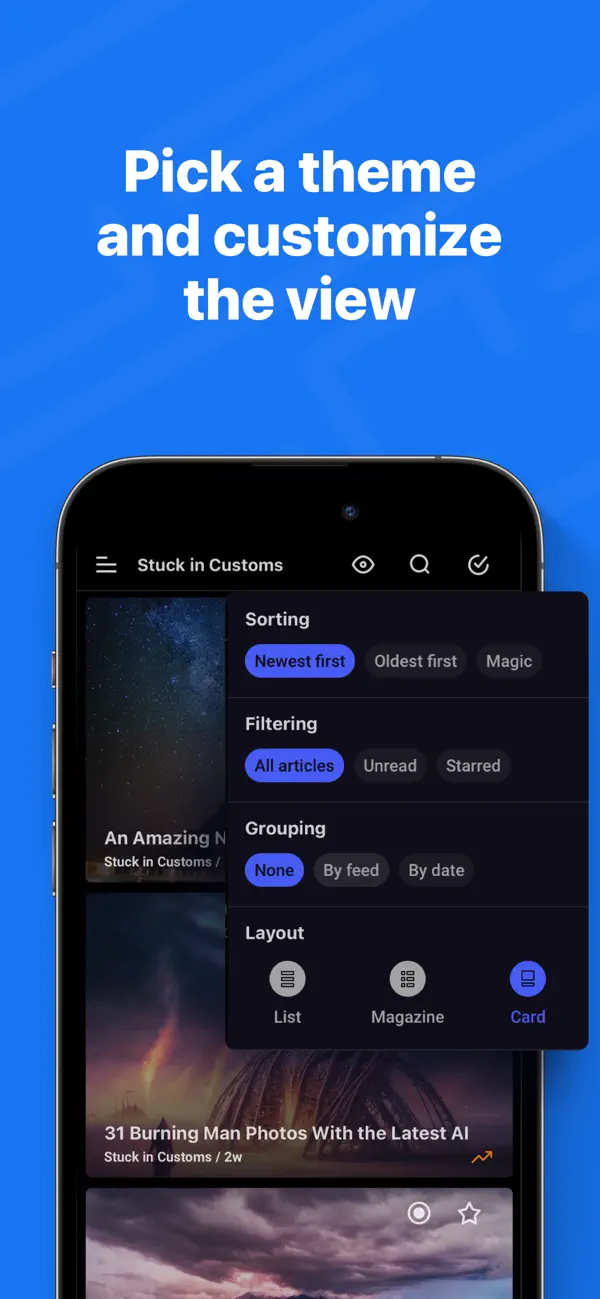
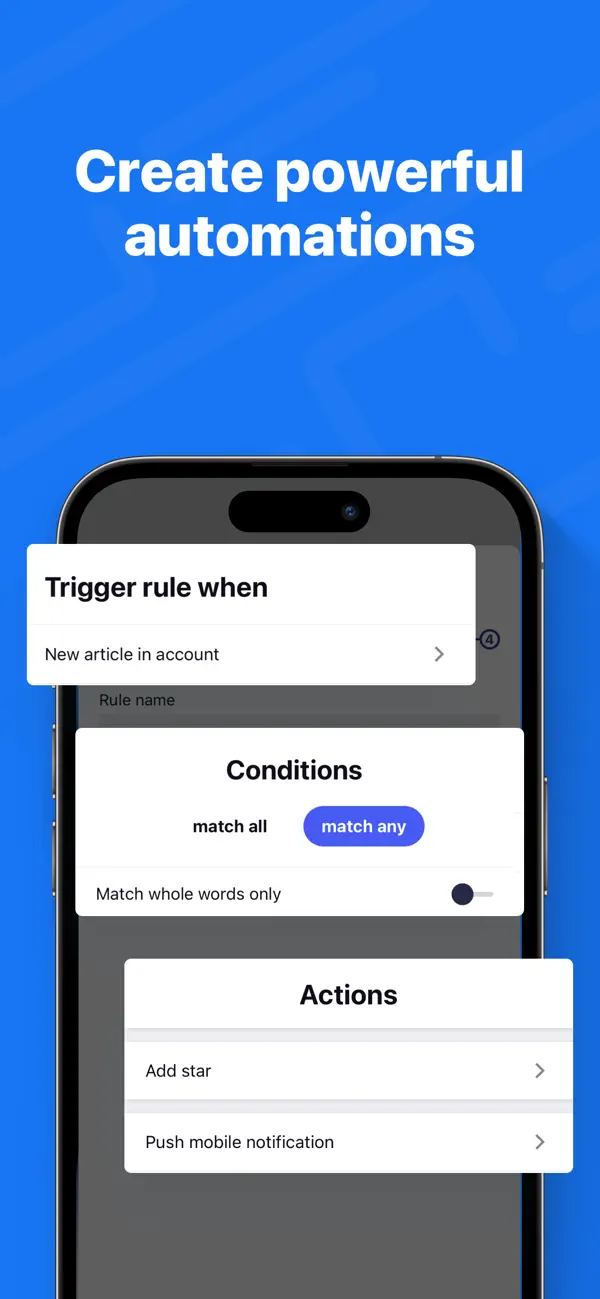
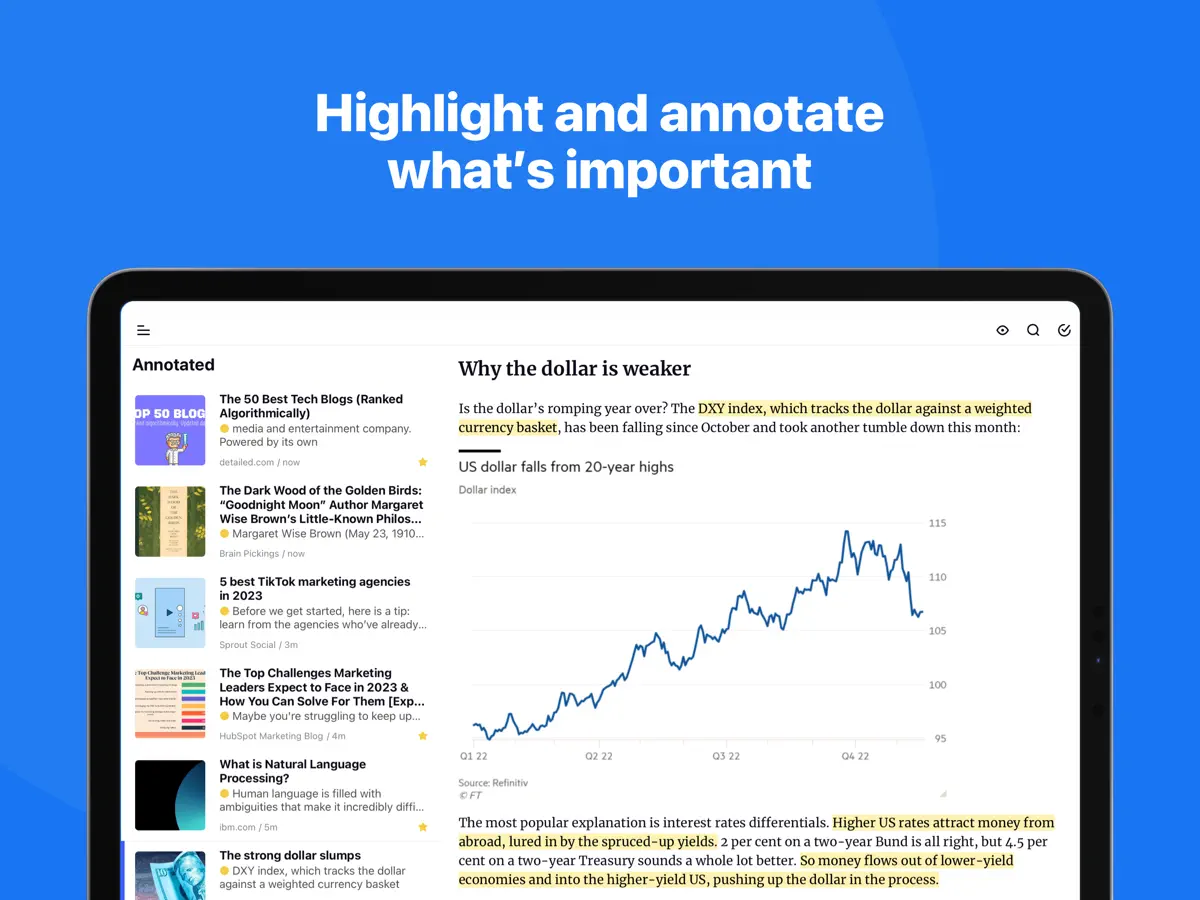
Take back control of your newsfeed and filter out the noise! With Inoreader, information comes straight to you the minute it’s available. Follow your favorite websites, content creators, newsletters, and social media feeds. Discover and collect articles from across the web, share and collaborate with others. No more algorithms and editorial picks – you decide what’s important to you. Read or listen on the go, mark the essential bits and customize your view for the best experience. Use our advanced features to set up powerful automation and let Inoreader do the work! ----- “Inoreader offers a well-designed interface, good search and discovery options, and a nice set of features that are beginner-friendly and offer plenty of options for advanced users.” – WIRED “If you're feeling media burnout from overfed social feeds, Inoreader is a news tool that still sparks joy. It's a research tool, intelligence briefing portal, and social media filtration system.” – CNET “Inoreader is one of the most feature-packed free RSS readers. A great tool for power users, but it's very accessible for beginners as well.” – Zapier ----- DISCOVER AND SHARE GREAT CONTENT • Follow your favorite websites, blogs, and creators • Collect articles from across the web and save them for future reading • Subscribe to newsletters with custom emails and declutter your inbox (Pro) • Explore collections curated by our team to feature the best sources • Follow Facebook pages and Telegram channels (Pro) • Subscribe to YouTube channels and listen to podcasts • Easily distribute content across social media and messaging apps • Stay up to date with breaking news and create monitoring feeds (Pro) BECOME A MINDFUL READER • Use automation tools to create rules and filter content (Pro) • Enhance your reading experience with custom layouts and themes • Curate your own content with folders and tags • Annotate the essential bits and keep them forever • Highlight keywords to speed up your reading • Translate articles in your language without additional extensions • Load and keep the full content of articles without leaving the app • Listen to the news on the go with our text-to-speech feature • Download articles for offline reading (Pro) • Save to Evernote, OneNote, Google Drive, and Dropbox ----- Features marked (Pro) need an Inoreader Pro subscription. Inoreader Pro is available with a monthly or annual subscription. You can subscribe and pay through your Apple account. Your subscription will automatically renew unless canceled at least 24 hours before the end of the current period. Auto-renew may be turned off after purchase. Terms of Use (EULA): https://www.apple.com/legal/internet-services/itunes/dev/stdeula/ Privacy Policy: https://www.inoreader.com/privacy_policy For questions, issues, or general feedback, you can reach us at support@inoreader.com.
Highlights
- Follow websites, newsletters and social feeds via RSS
- Folders and tags for organising subscriptions
- Rules that act on incoming articles
- Monitoring feeds that track keywords
- Text-to-speech with sentence highlighting
- Home Screen widgets
Inoreader on iPhone Duo: FAQ
Is Inoreader optimized for iPhone Duo?
Yes. Inoreader is Built for Duo: it uses the fold, Split View or the outer display. Verified on October 14, 2026 (Developer statement).
What does Inoreader look like on iPhone Duo?
According to the developer's release notes for version 7.11, Inoreader uses the familiar iPhone layout when the iPhone Duo is folded and switches to an optimized version of its iPad layout when unfolded, placing feeds and folders alongside articles in portrait and landscape. The notes say the app keeps your place, including the article you are reading, when you fold or unfold. When running in split screen next to another app, it moves to its compact mobile layout. We have not yet tested it on an iPhone Duo.
How much does Inoreader cost?
Inoreader costs Free · in-app purchases on the App Store.
More Reading & News apps
See all ›
An RSS reader with built-in summaries that reshapes as the iPhone Duo folds

A personalized magazine of news and stories from publications you follow

Reading tracker that shows your books as a stack and as Home Screen widgets

RSS reader with careful typography, gestures and colour themes

A unified timeline for feeds, videos, podcasts and social posts

Save web articles and read them later, offline and without clutter