
Unread
RSS reader with careful typography, gestures and colour themes
John Brayton · Reading & News · Free · in-app purchases
iPhone screenshots
iPad screenshots
How it uses iPhone Duo
The App Store release notes say the update "adds support for iPhone Duo." In a 28 September 2026 blog post, the developer wrote that when the iPhone Duo is open, Unread uses the additional screen space, and showed it sharing the screen in landscape with the Home Screen or another app. The post shows screenshots but does not describe a distinct unfolded layout in words. We have not yet tested it on an iPhone Duo.
What’s New
Version 5.1.1 ·
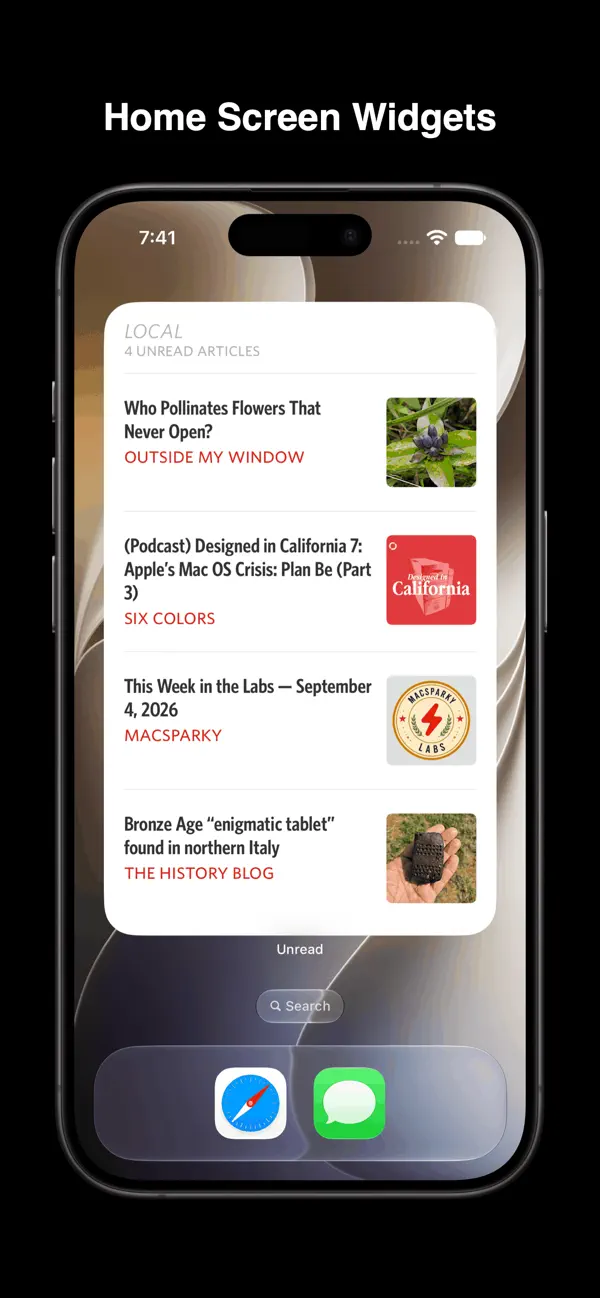
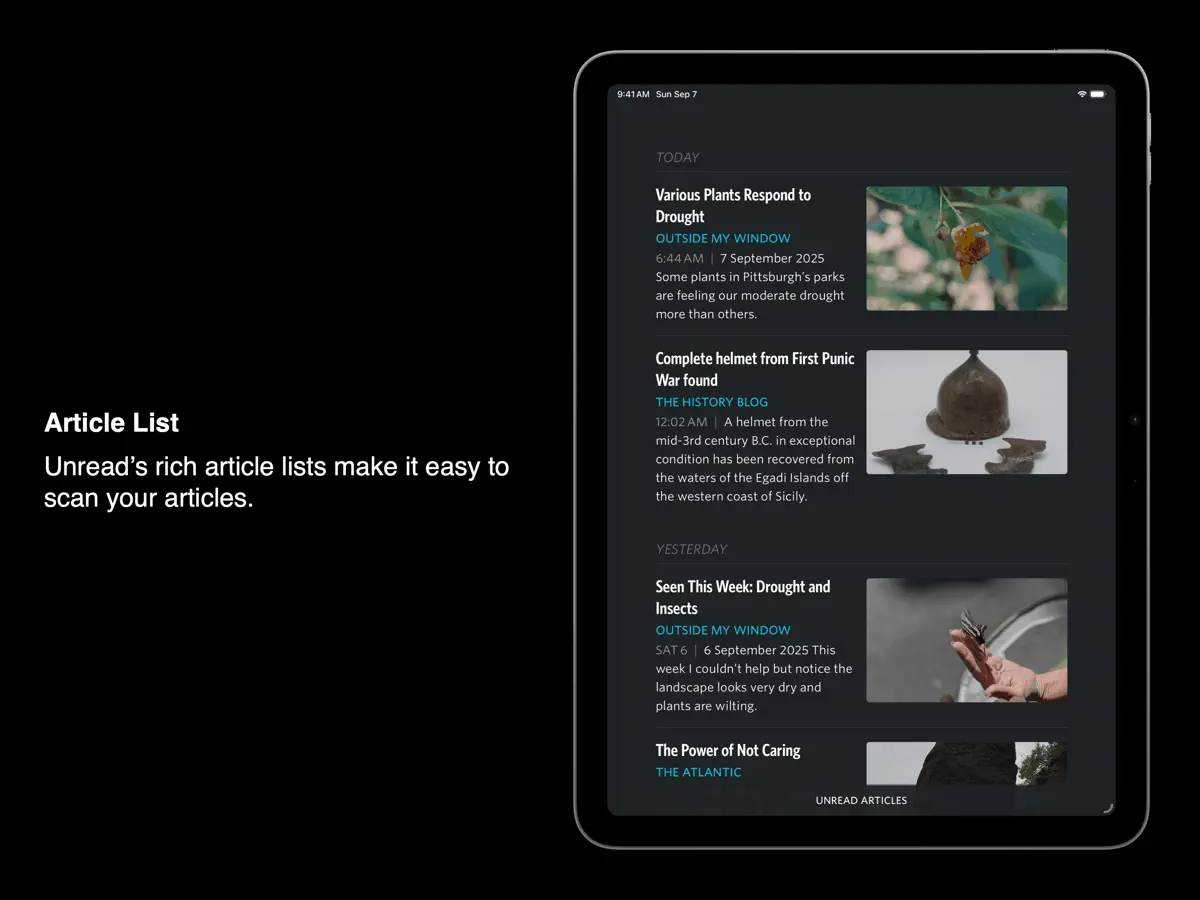
This update adds support for iPhone Duo. Other recent additions include: • Syncing with Birchfeed, FreshRSS, and Miniflux • Improvements around hero images, article list thumbnails, and widget thumbnails • The ability to quickly mark old articles read • A Quick Reads article action
About this app
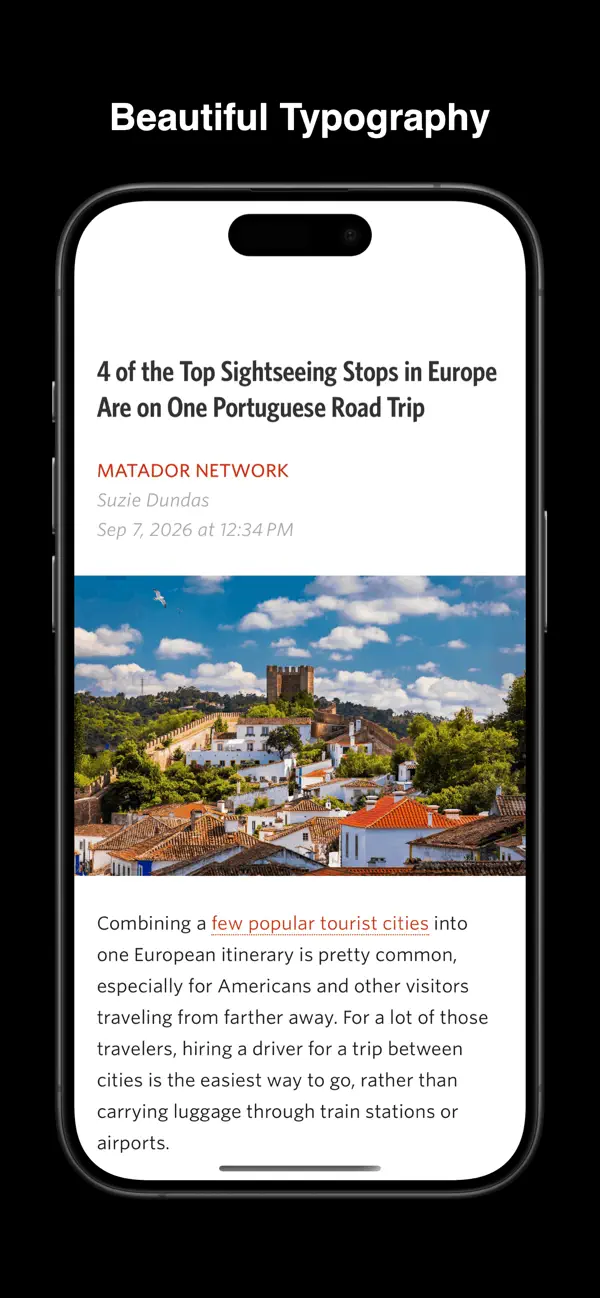
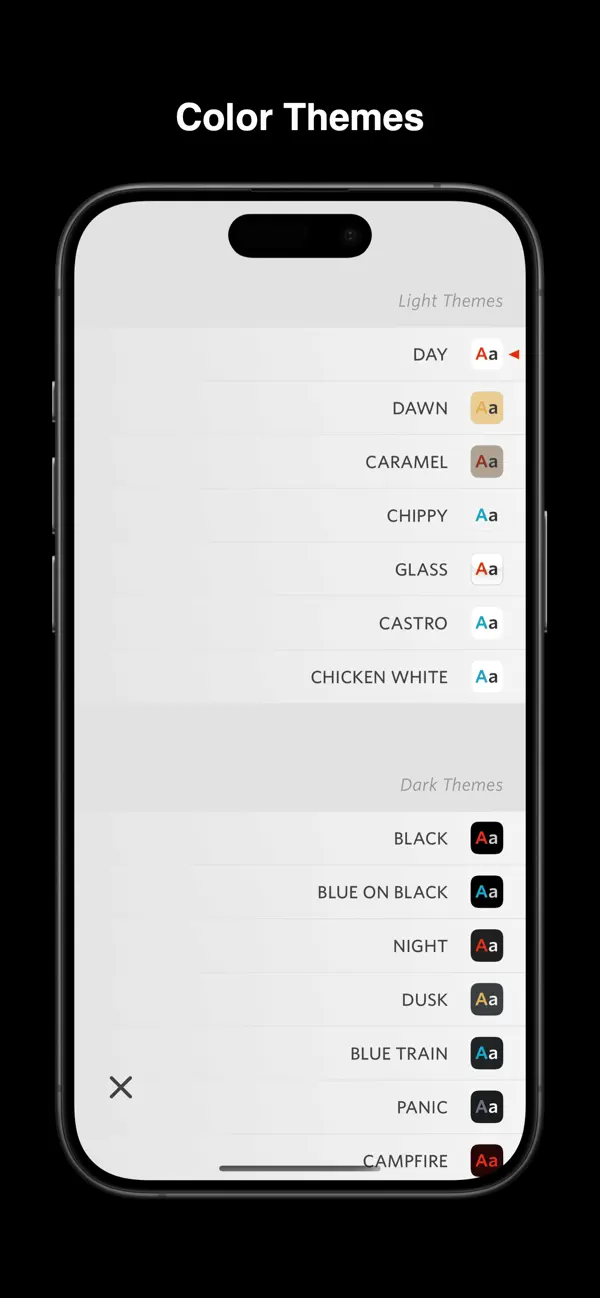
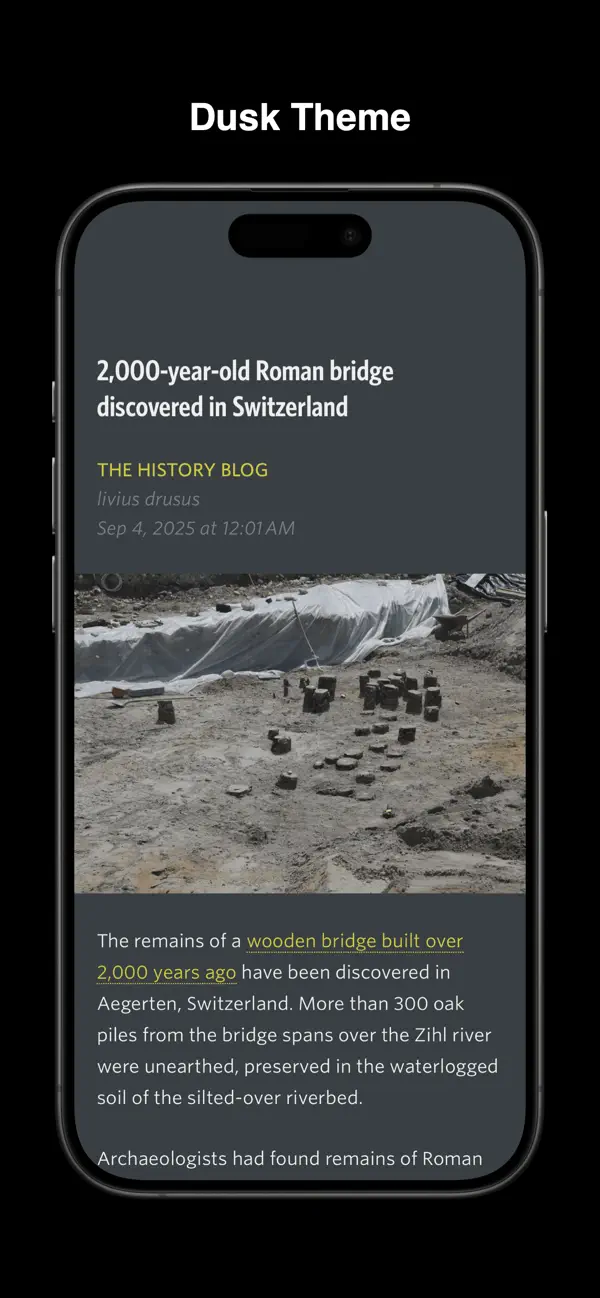
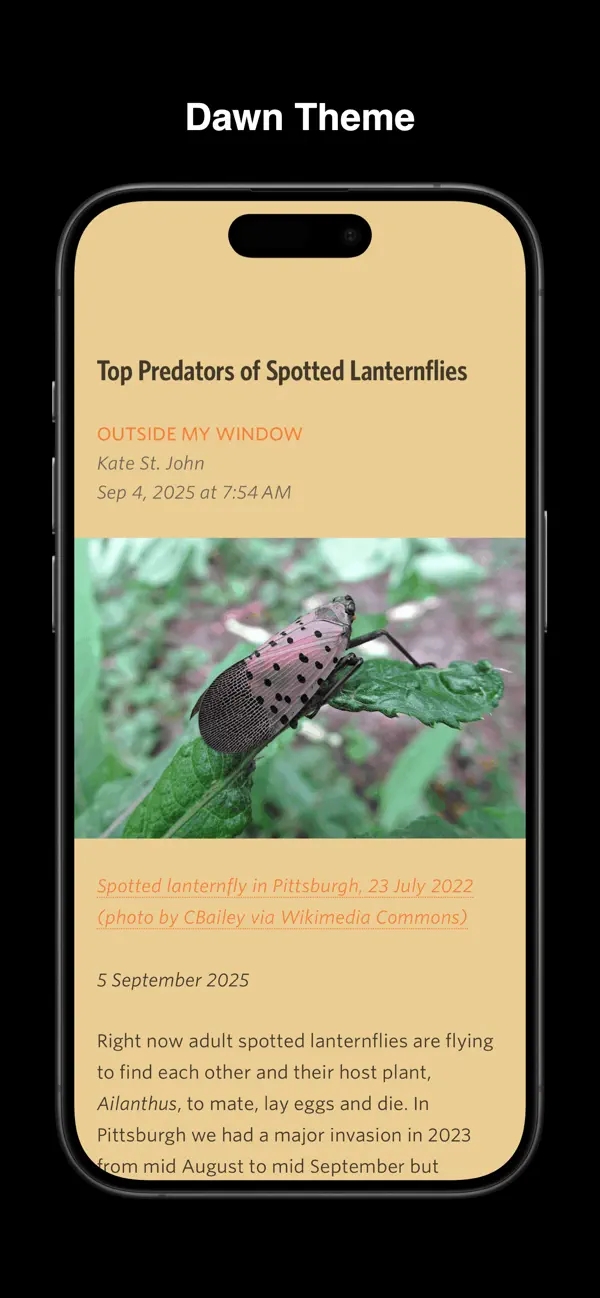
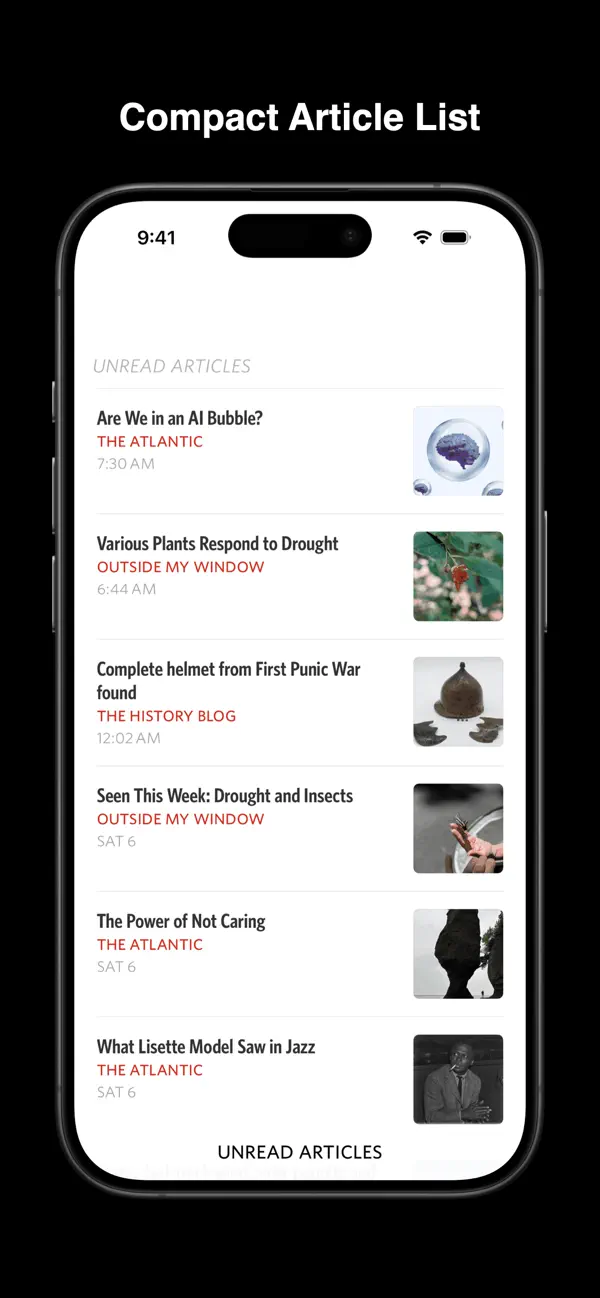
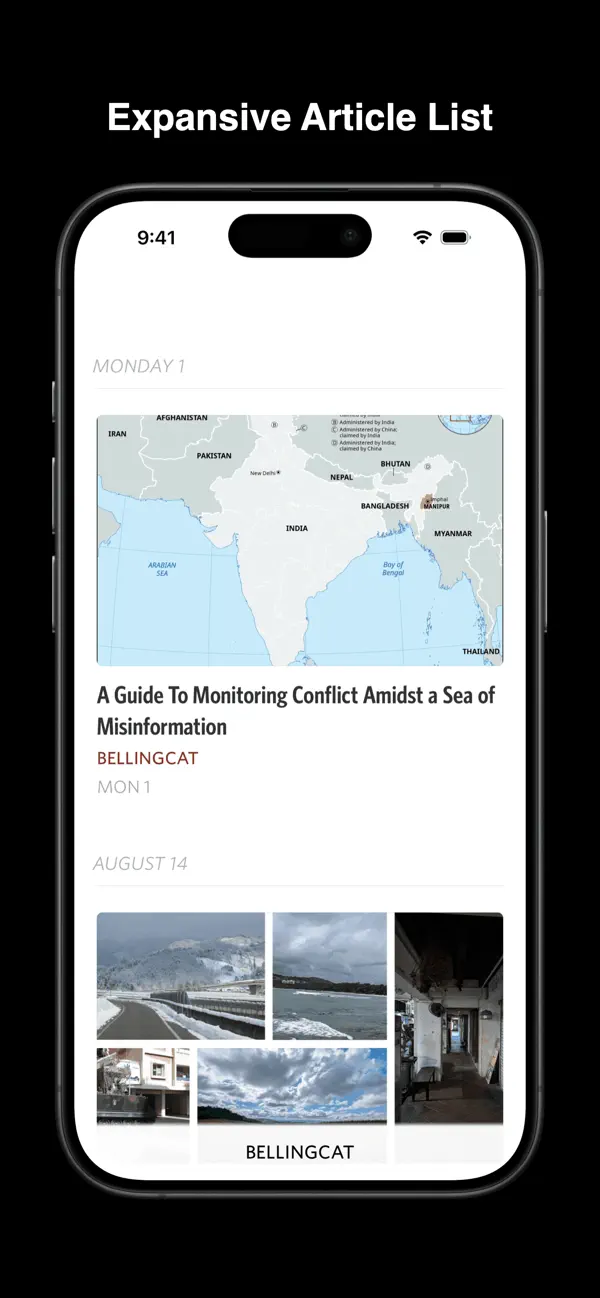
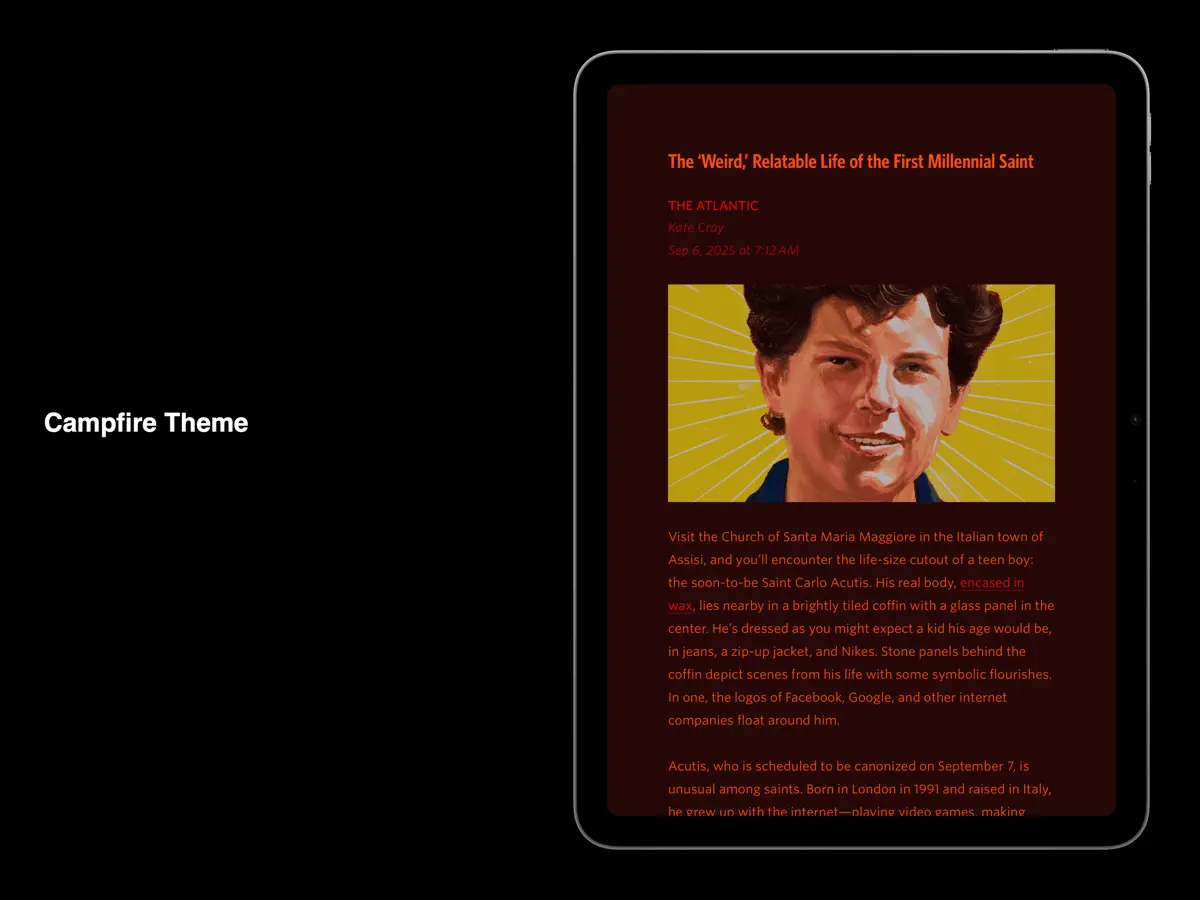
Unread is an RSS reader for iPhone, iPad and Mac from John Brayton of Golden Hill Software, built around comfortable reading: considered typography, gesture-based navigation and a range of colour themes, with separate choices for light and dark mode. Its free Unread Cloud service keeps devices in sync, and it also works with services including Feedbin, Feedly, Inoreader, NewsBlur, FreshRSS, Miniflux and Birchfeed. For feeds that only carry summaries, Unread can show the full article text from the webpage, including for news sites where you sign in with an account, and share sheet extensions let you subscribe to a site's feeds from a browser. A subscription adds offline caching of text and images, saving webpages as articles, actions for sending articles to read-later services and Shortcuts on articles. The app has full VoiceOver coverage. An October 2026 update added iPhone Duo support; in a blog post before release the developer showed the app on both the closed and open device and said it takes advantage of the extra space on the inner display. It suits people who read a lot of blogs and news sites and care about how articles look on screen.
App Store descriptionWritten by the developer.
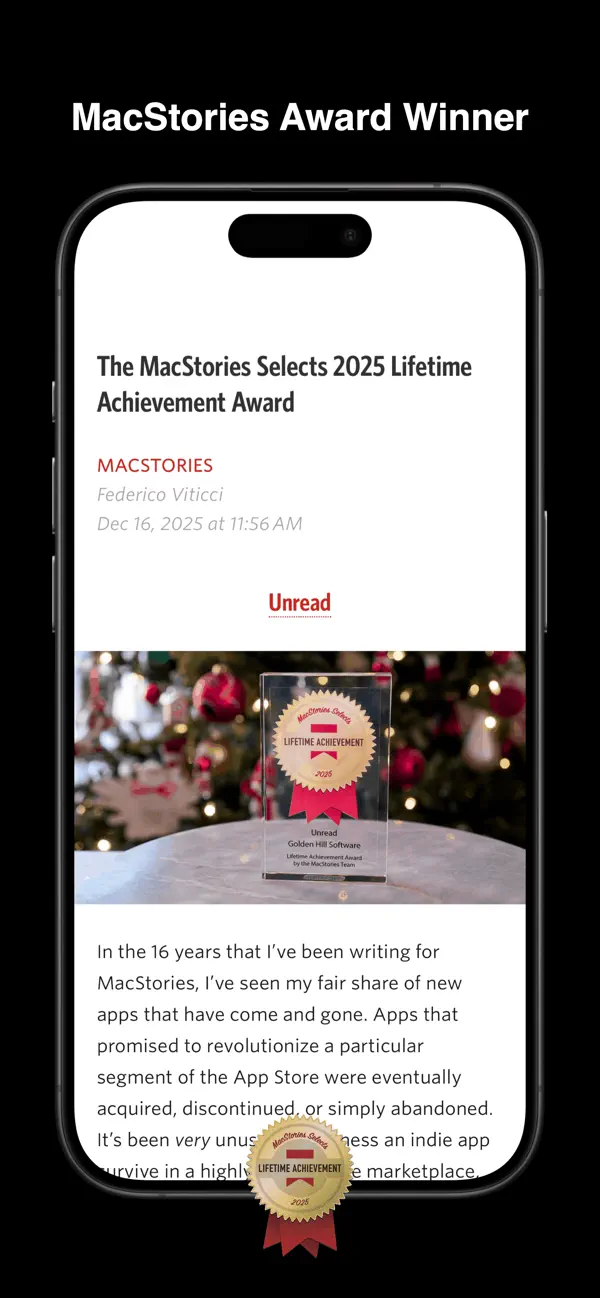
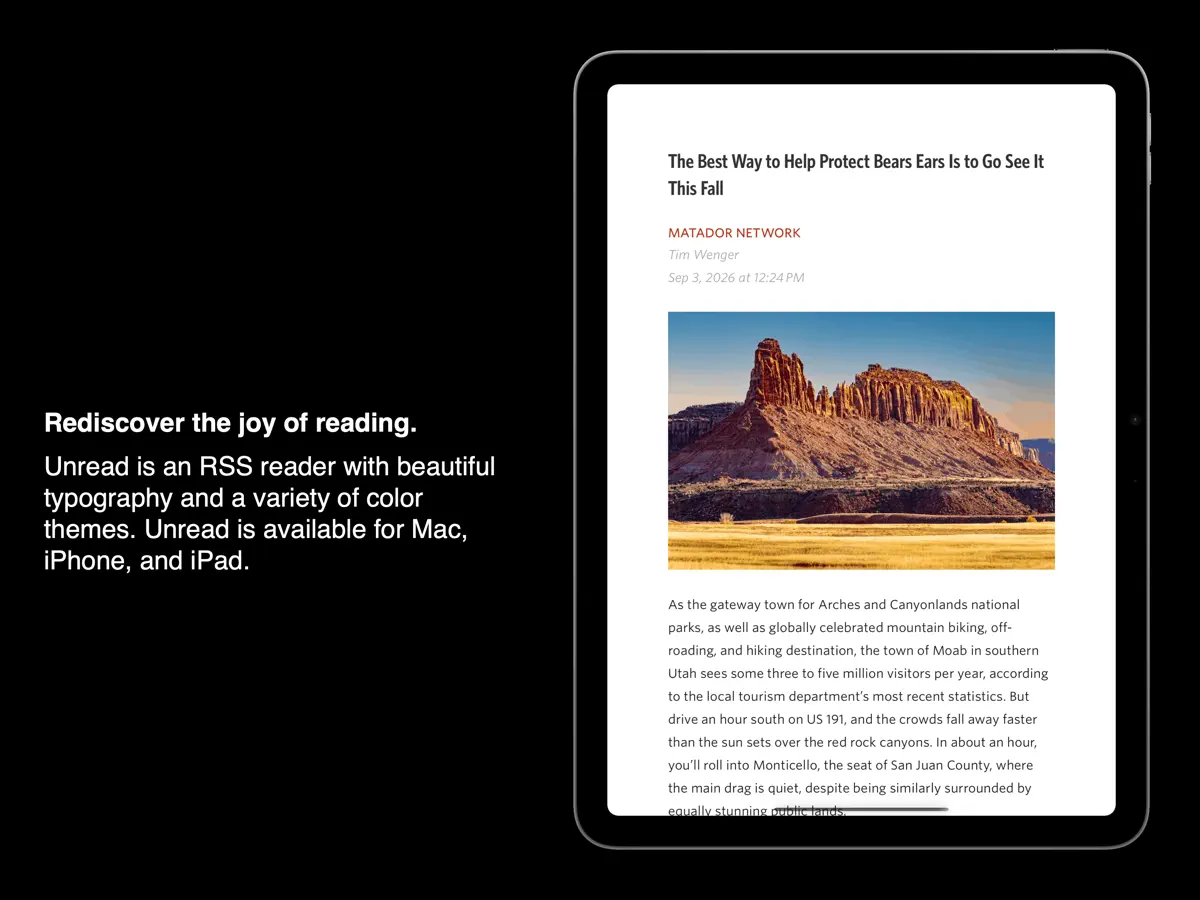
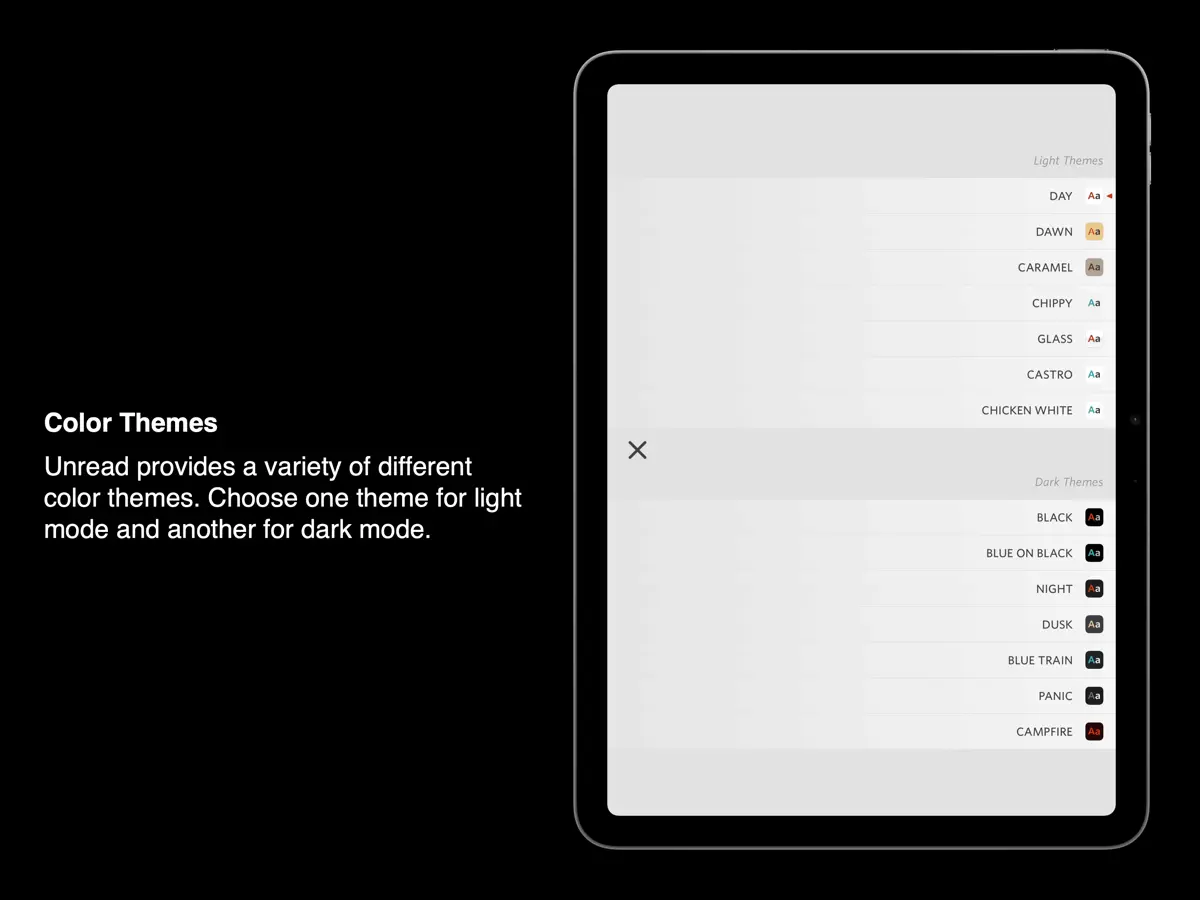
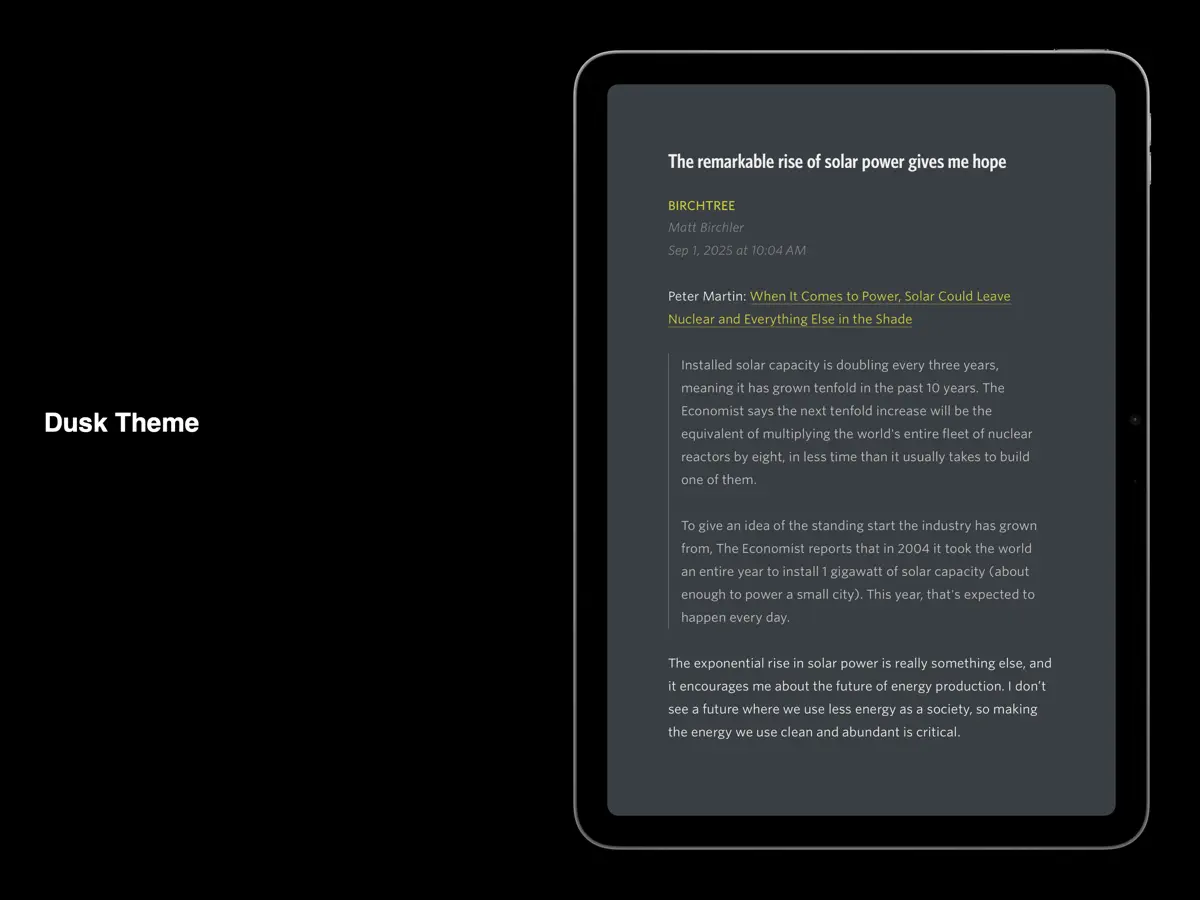
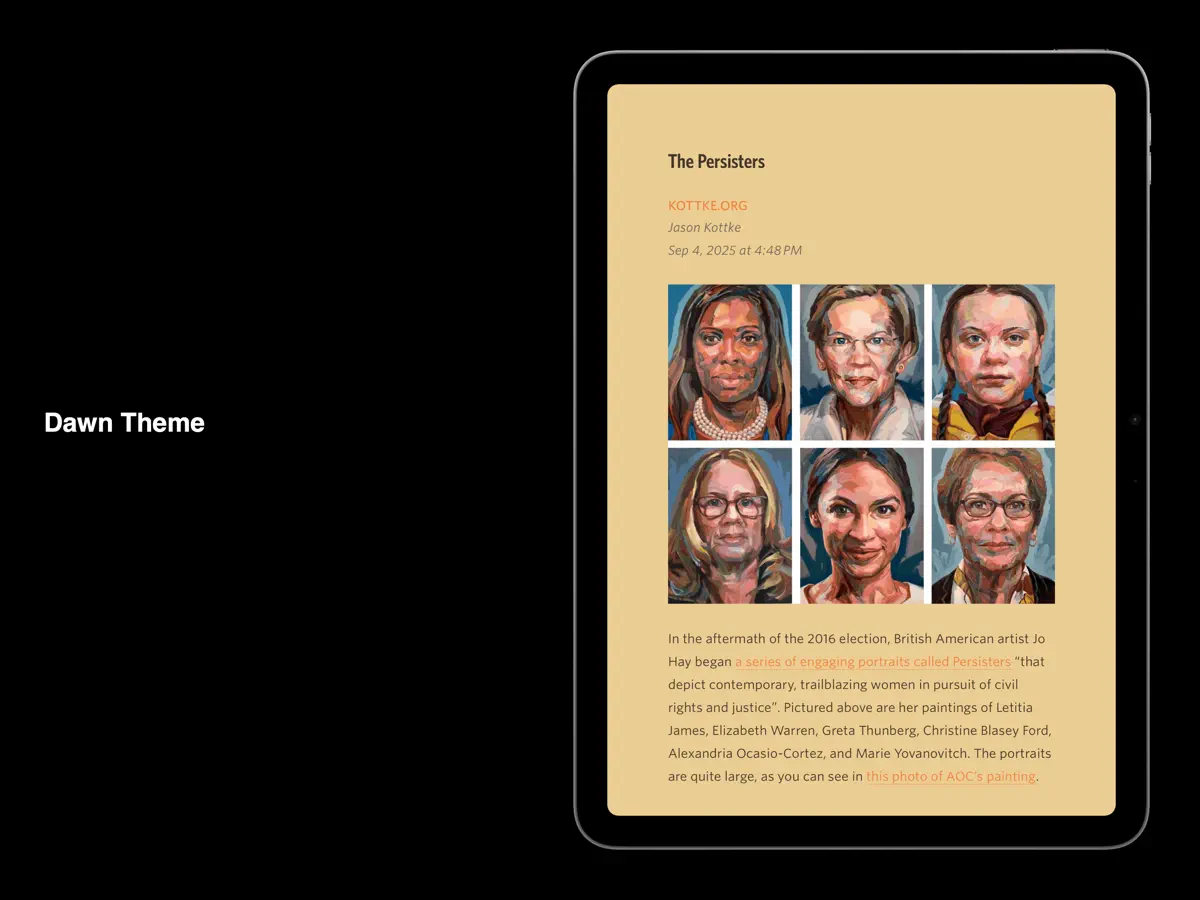
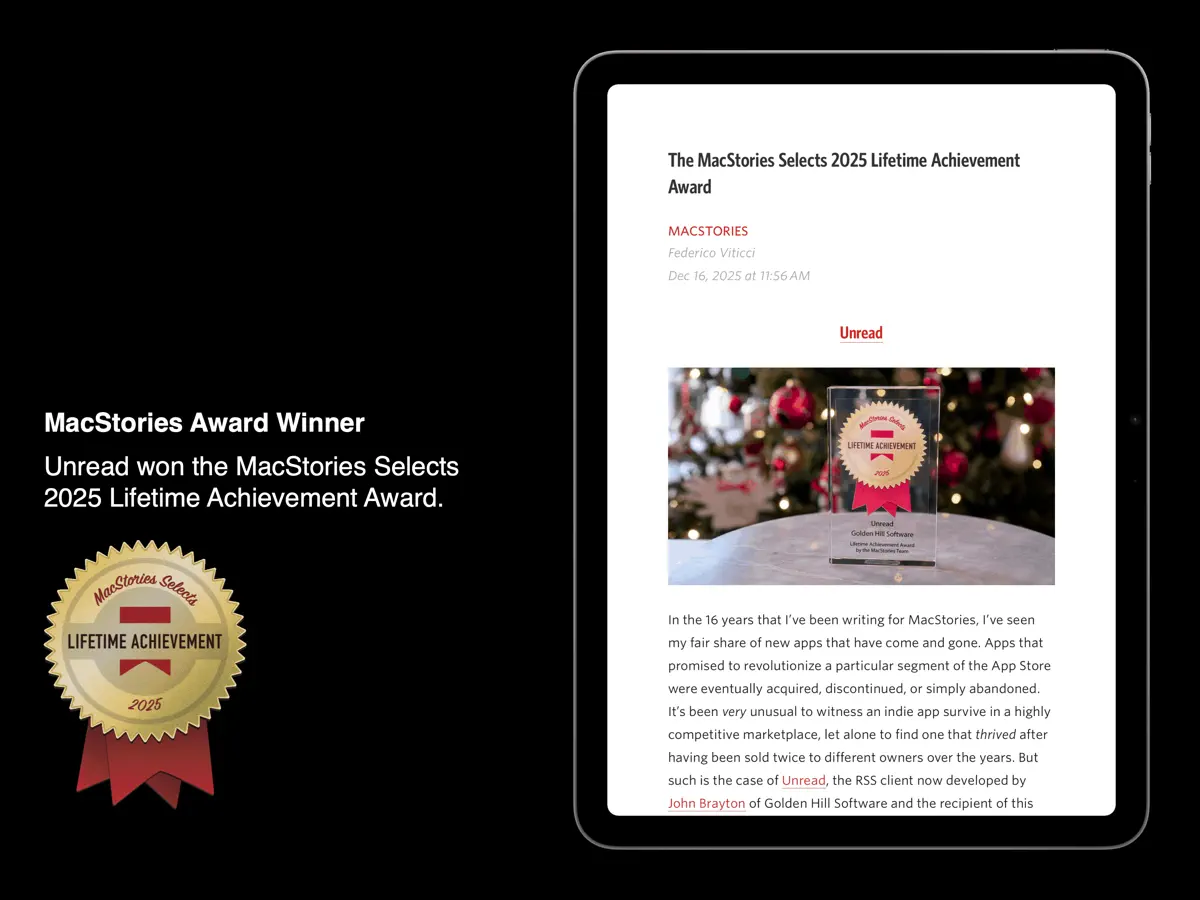
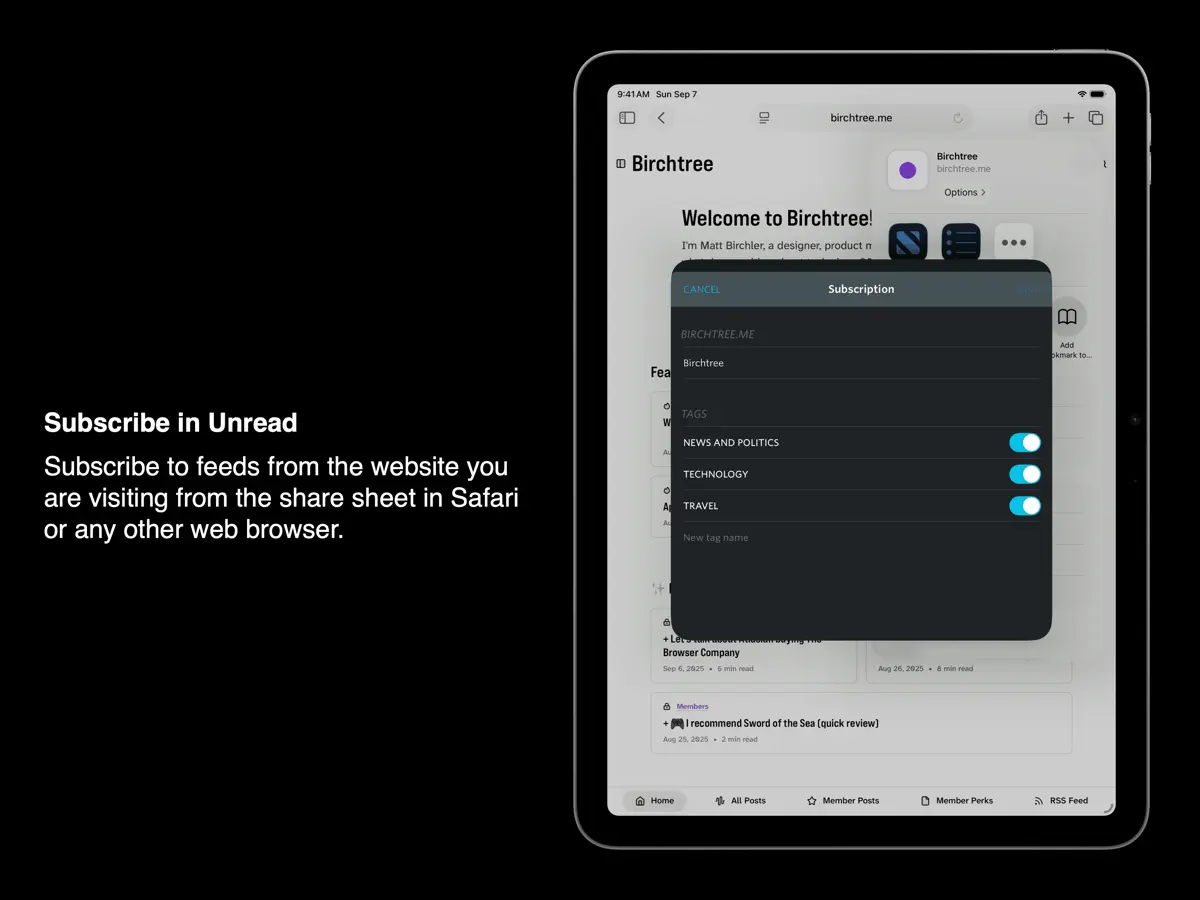
Rediscover the joy of reading your favorite writers and publications with Unread. Unread is an RSS reader with beautiful typography, comfortable gesture-based navigation, and a variety of color themes. Unread is available for iPhone, iPad, and Mac. Unread won the MacStories Selects 2025 Lifetime Achievement Award. Capabilities include: SYNCING: Our free Unread Cloud service keeps your devices in sync. Unread also syncs with Birchfeed, Feedbin, Feedly, Fever, FreshRSS, Gobbler, Inkwell, Inoreader, Miniflux, and NewsBlur. AUTOMATIC WEBPAGE TEXT: For feeds that contain only article summaries, Unread will display the full article text from the webpage. Easily switch between feed text and webpage text for any article, and change the default for individual feeds. WEBSITE ACCOUNTS: For news websites that require an account, sign in and get full webpage text. SUBSCRIBE IN UNREAD: This share sheet extension lets you subscribe to a website’s feeds while visiting that website from Safari or any other web browser. SAVE TO UNREAD: This share sheet extension creates an article in Unread with the contents of the webpage you are visiting from Safari or any other web browser. (Subscription required.) COLOR THEMES: Unread provides a variety of color themes. Choose one theme for light mode and another for dark mode. CACHING: Unread caches webpage text and images for instant loading and offline access. (Subscription required.) READ-LATER SERVICES: Unread can save articles to Anybox, Flyleaf, GoodLinks, Instapaper, Matter, Pinboard, Plinky, Quick Reads, Raindrop.io, Readwise, Safari Reading List, and wallabag. On a device with a hardware keyboard, assign a custom keyboard shortcut to each. (Subscription required.) SHORTCUTS: Perform shortcuts on articles and links inside articles. On a device with a hardware keyboard, assign a custom keyboard shortcut to each. (Subscription required.) --- “Just a gorgeous app.” – John Gruber, Daring Fireball “Most importantly, I should stress again how refreshing it feels to have such a great native experience with Unread. The app is really fast, even when it’s loaded up with hundreds of feeds.” — Niléane Dorffer, MacStories “It’s an RSS reader made with taste. It has great typography, themes, search, and compatibility with the usual suspects. I love having this app on my Mac.” — David Sparks, MacSparky --- Unread has full VoiceOver coverage. Every screen and every feature is available to users with vision impairments: • From any screen you can perform a magic tap, a two-finger double tap, to open a menu of options available for that screen. • When on an article list, there are actions available for each article in the list. After selecting an article, invoke the accessibility rotor and then select “Actions”. There is an action to mark the article read or unread, an action to share the article, and many others. • Use the VoiceOver escape gesture, a two-finger “Z”, to back out of the current screen. --- UNREAD SUBSCRIPTION Unread is a free app. Additional functionality is available with a $29.99 (USD)/year auto-renewing subscription: • Article actions for sending articles directly to supported bookmarking and read later services, and for sharing via email or iMessage. • Ability to execute shortcuts on articles and links. • Caching of webpage text and images. • Widget customization options. • Save to Unread share sheet extension. • Custom app icons. • Premium support. A subscription automatically renews unless it is canceled at least 24 hours before the end of the current period. Your account will be charged for renewal within 24 hours prior to the end of the current period. You can manage and cancel your subscriptions by going to your account settings on the App Store after purchase. Unread’s Terms of Use are available at: https://www.goldenhillsoftware.com/unread/terms-of-use/
Highlights
- Free Unread Cloud sync
- Sync with Feedbin, Feedly, Inoreader, NewsBlur and others
- Full webpage text for summary-only feeds
- Colour themes for light and dark mode
- Share sheet extensions for subscribing and saving
- Full VoiceOver coverage
Unread on iPhone Duo: FAQ
Is Unread optimized for iPhone Duo?
Partly. Unread is Adapted: it fills the larger inner display, but it does not do anything special with the fold. Verified on September 28, 2026 (Developer statement).
What does Unread look like on iPhone Duo?
The App Store release notes say the update "adds support for iPhone Duo." In a 28 September 2026 blog post, the developer wrote that when the iPhone Duo is open, Unread uses the additional screen space, and showed it sharing the screen in landscape with the Home Screen or another app. The post shows screenshots but does not describe a distinct unfolded layout in words. We have not yet tested it on an iPhone Duo.
How much does Unread cost?
Unread costs Free · in-app purchases on the App Store.
More Reading & News apps
See all ›
An RSS reader with built-in summaries that reshapes as the iPhone Duo folds

RSS and news reader that switches layouts as you fold and unfold

A personalized magazine of news and stories from publications you follow
Reading tracker that shows your books as a stack and as Home Screen widgets

A unified timeline for feeds, videos, podcasts and social posts

Save web articles and read them later, offline and without clutter