
A personalized magazine of news and stories from publications you follow
Flipboard, Inc. · Reading & News · Free
iPhone screenshots

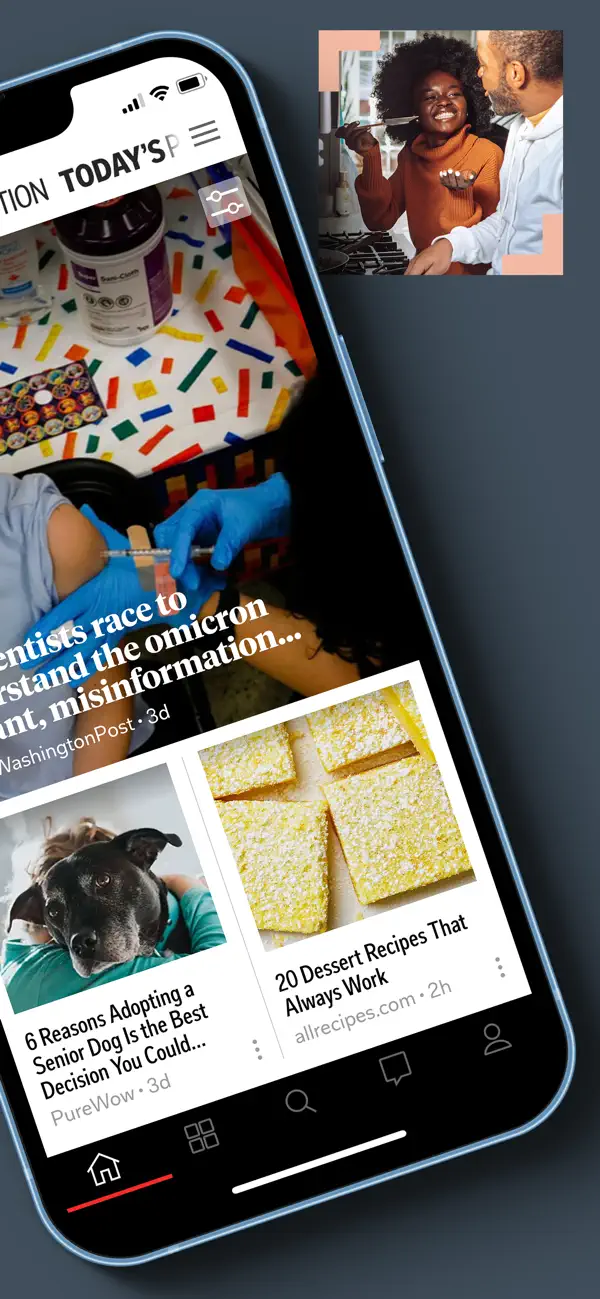
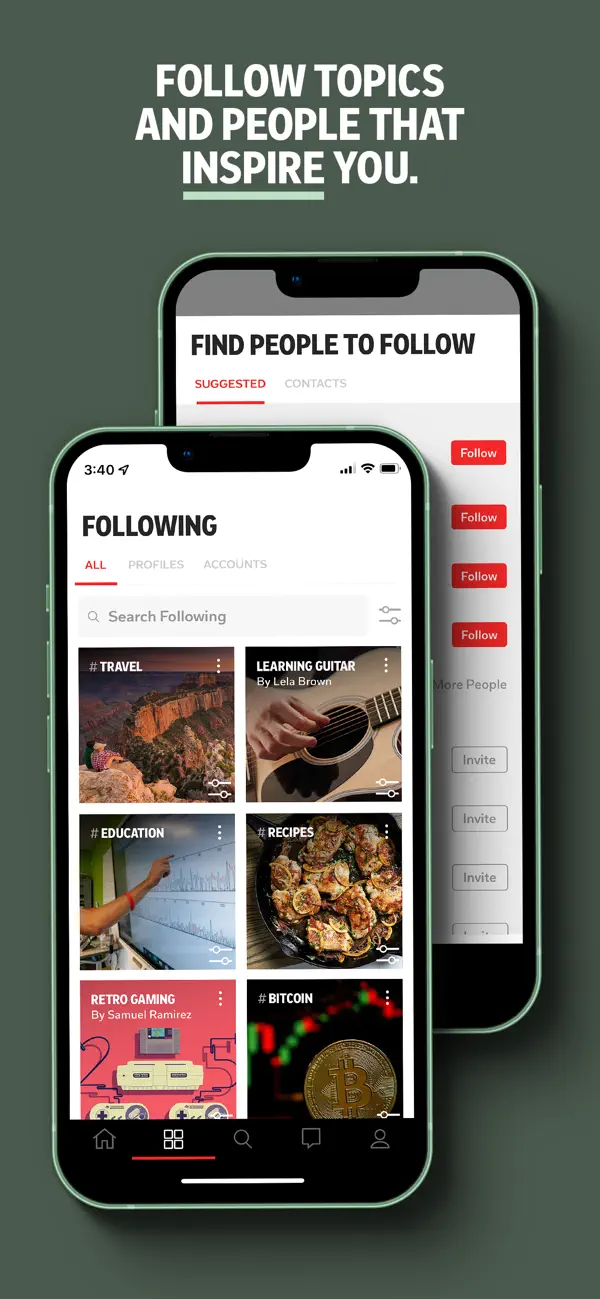
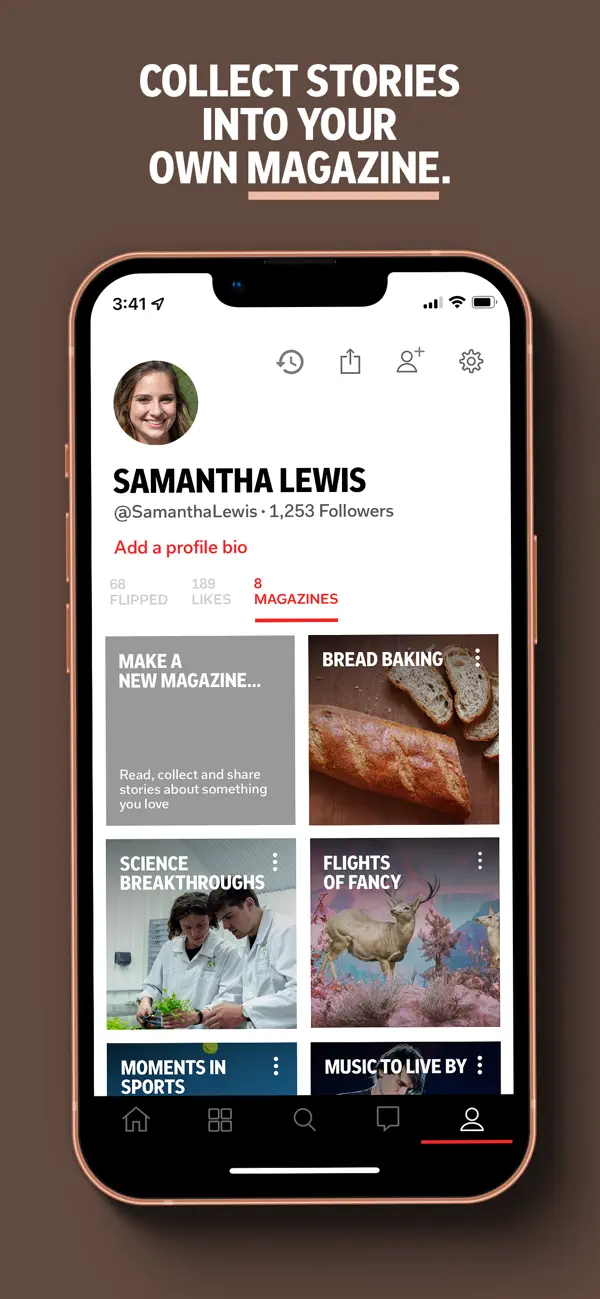
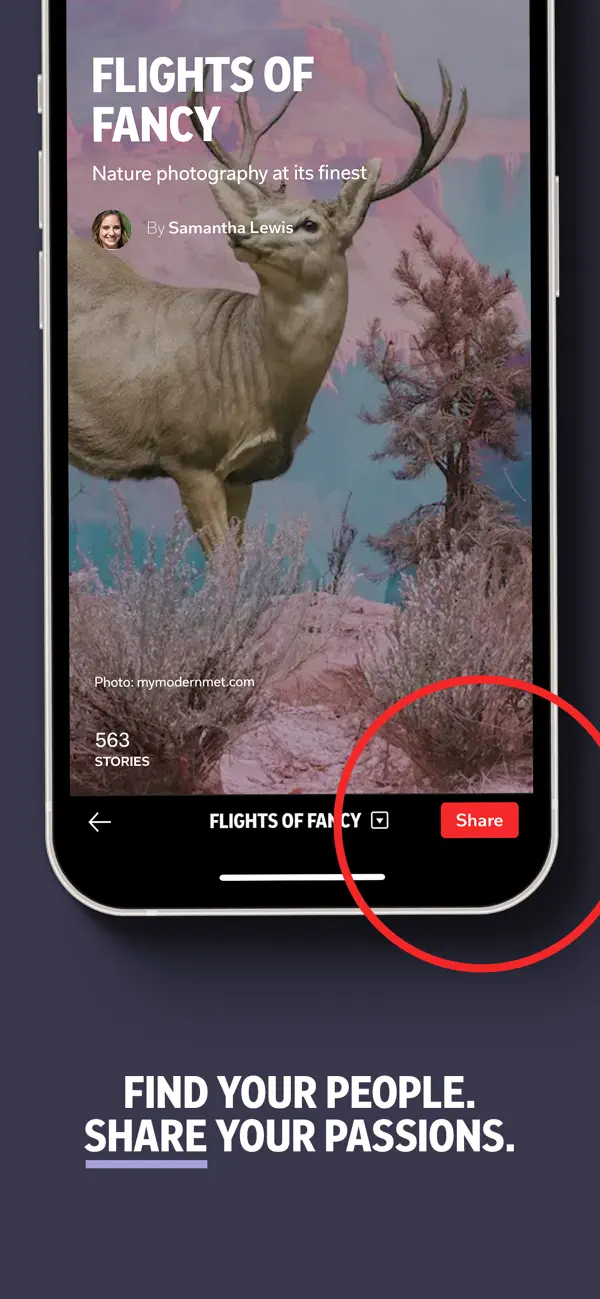
iPad screenshots
How it uses iPhone Duo
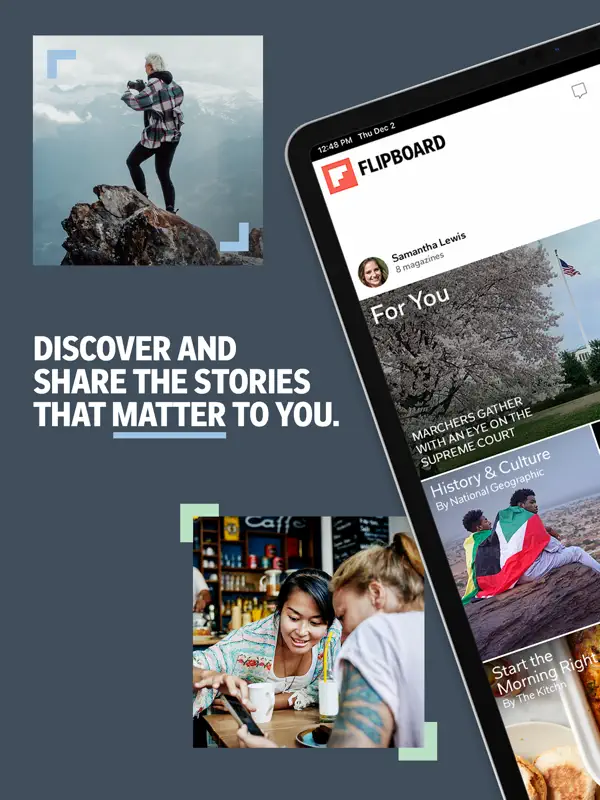
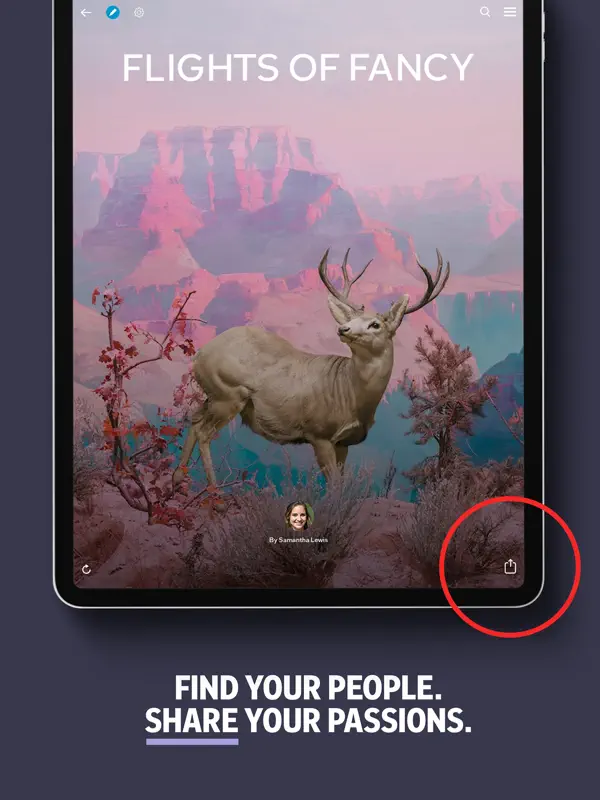
Flipboard's App Store release notes for version 4.3.73 (October 21, 2026) say the app is now available on iPhone Duo and that stories spread across the screen with full-bleed imagery, dual-pane layouts and continuous transitions. The previous release, 4.3.72, listed iPhone Duo support. No outer-display or half-open feature is described. We have not yet tested it on an iPhone Duo.
What’s New
Version 4.3.73 ·
- Now available on iPhone Duo! Stories unfold across the screen with full-bleed imagery, dual-pane layouts and continuous flow transitions. The joy of the flip, reimagined. - Open Explore to find publications and collections to follow across news, tech, business, science, travel, style and more. - Tap the tune icon at the top right of For You to personalize your feed.
About this app
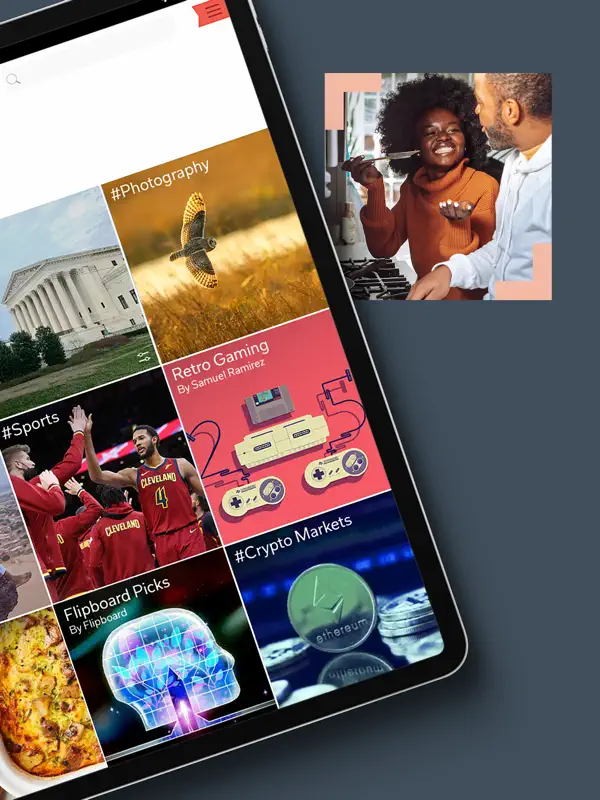
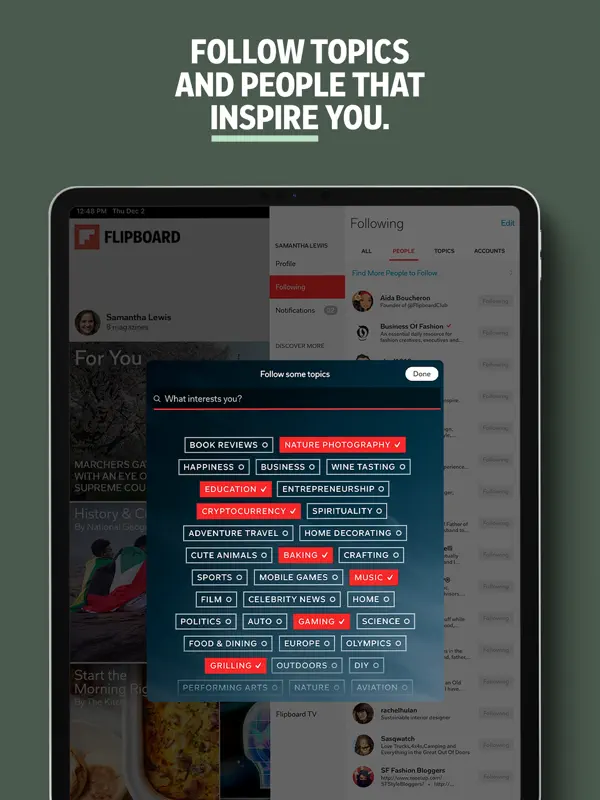
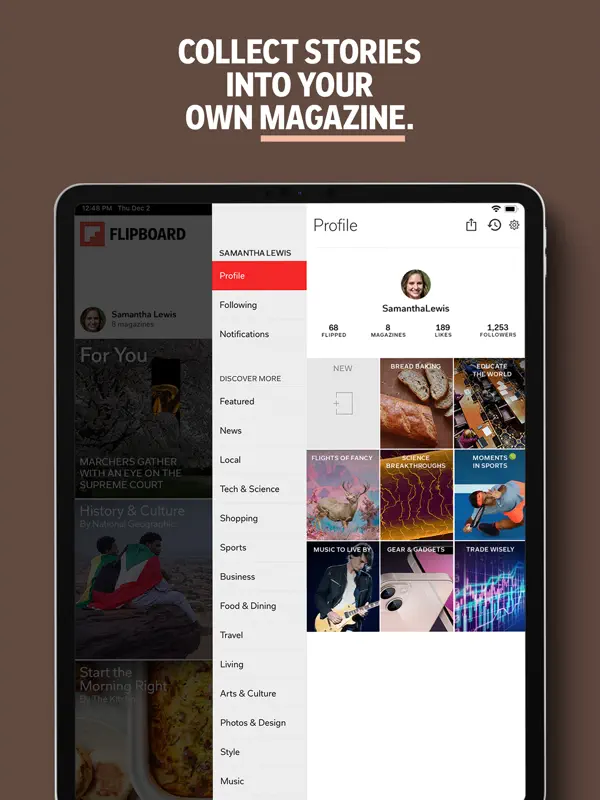
Flipboard is a long-running news and magazine app that gathers stories from publications, creators and other readers into a feed you can page through with its signature flip gesture. You follow topics, publications and curated collections, and the For You feed is shaped by what you choose to follow. An Explore section helps you find sources across areas such as news, technology, business, science, travel and style, and a tuning control at the top of For You lets you adjust what the feed shows. Readers can also save stories into their own magazines and share them with others, which is where the app's social side comes in. It suits people who want a single place to skim headlines and longer reads from many outlets without managing RSS feeds themselves. The app is free to download. On iPhone Duo, Flipboard's latest App Store update (version 4.3.73, released October 21, 2026) announces that the app is now available on the device, with stories presented across the larger screen using full-bleed images and dual-pane layouts. The developer has not described a separate folded or half-open experience, so we list it as adapted to the Duo's inner display.
App Store descriptionWritten by the developer.
Get the day's headlines, deep dives and trending stories with the award-winning Flipboard app. Curated from world-renowned publishers, local outlets and creators, Flipboard brings you trusted content to jumpstart your day or let you catch-up in the evening. Known for its beautiful layouts and clean designs, download the app and start flipping through the pages of Flipboard. Pick from hundreds of topics and Flipboard creates a beautiful, always-updated news magazine experience. You can always further personalize by following more topics, Magazines or profiles you discover. If you’re looking for inspiration, browse topics by category in the Explore tab. You’ll find everything from business, health, tech, sports, cooking, travel and more. You can even follow local news and events by selecting ‘add local content’ in your Profile settings. If you find articles or videos you want to collect, use the + (plus) button on any story in Flipboard to add it to your own Magazine. Make your Magazine public to share ideas and interesting stories with an ever-growing community curating on Flipboard. USE FLIPBOARD TO: - Keep up on all your interests with the latest stories from leading national publishers including Associate Press, The Washington Post, ESPN, National Geographic, NPR, TIME, The Atlantic, BBC, CBS, NBC and thousands more. - Follow your city for local updates, regional news, weather, commute, sports, and dining. - Curate stories you find informative or inspiring and share with others: Use the + (plus) button on any article to save it to your own Flipboard Magazine. - Follow other experts and enthusiasts who are curating about topics you love. - Turn on notifications and use the Flipboard widget to get stories delivered to you everyday. GET FLIPBOARD IN YOUR INBOX: Enjoy 10 for Today, our flagship newsletter packed with highlights to inform and inspire your day, plus themed roundups in tech, travel, politics and beyond. Human editors handpick every story, focusing on quality publications and creators. Browse the full lineup at flipboard.com/newsletters. KEEP UP WITH FLIPBOARD: For product updates, the latest from our blog, and tips on how to use Flipboard, follow us on Flipboard and other social platforms: https://flipboard.com/@flipboard https://bsky.app/profile/flipboard.com https://www.threads.com/@flipboard https://flipboard.social/@Flipboard https://www.linkedin.com/company/flipboard-inc/ We’d love to hear what you think! Reach out to our support team under Settings > Help & Feedback. For any other technical issues or questions, contact us at http://flip.it/help.
Highlights
- Personalized For You feed
- Follow topics, publications and collections
- Explore section for discovering sources
- Feed tuning control
- Save and share stories in your own magazines
- Dual-pane layouts on iPhone Duo
Flipboard on iPhone Duo: FAQ
Is Flipboard optimized for iPhone Duo?
Partly. Flipboard is Adapted: it fills the larger inner display, but it does not do anything special with the fold. Verified on October 21, 2026 (Developer statement).
What does Flipboard look like on iPhone Duo?
Flipboard's App Store release notes for version 4.3.73 (October 21, 2026) say the app is now available on iPhone Duo and that stories spread across the screen with full-bleed imagery, dual-pane layouts and continuous transitions. The previous release, 4.3.72, listed iPhone Duo support. No outer-display or half-open feature is described. We have not yet tested it on an iPhone Duo.
How much does Flipboard cost?
Flipboard is free to download on the App Store.
More Reading & News apps
See all ›
An RSS reader with built-in summaries that reshapes as the iPhone Duo folds

RSS and news reader that switches layouts as you fold and unfold
Reading tracker that shows your books as a stack and as Home Screen widgets

RSS reader with careful typography, gestures and colour themes

A unified timeline for feeds, videos, podcasts and social posts

Save web articles and read them later, offline and without clutter