
iPhone スクリーンショット
iPad スクリーンショット
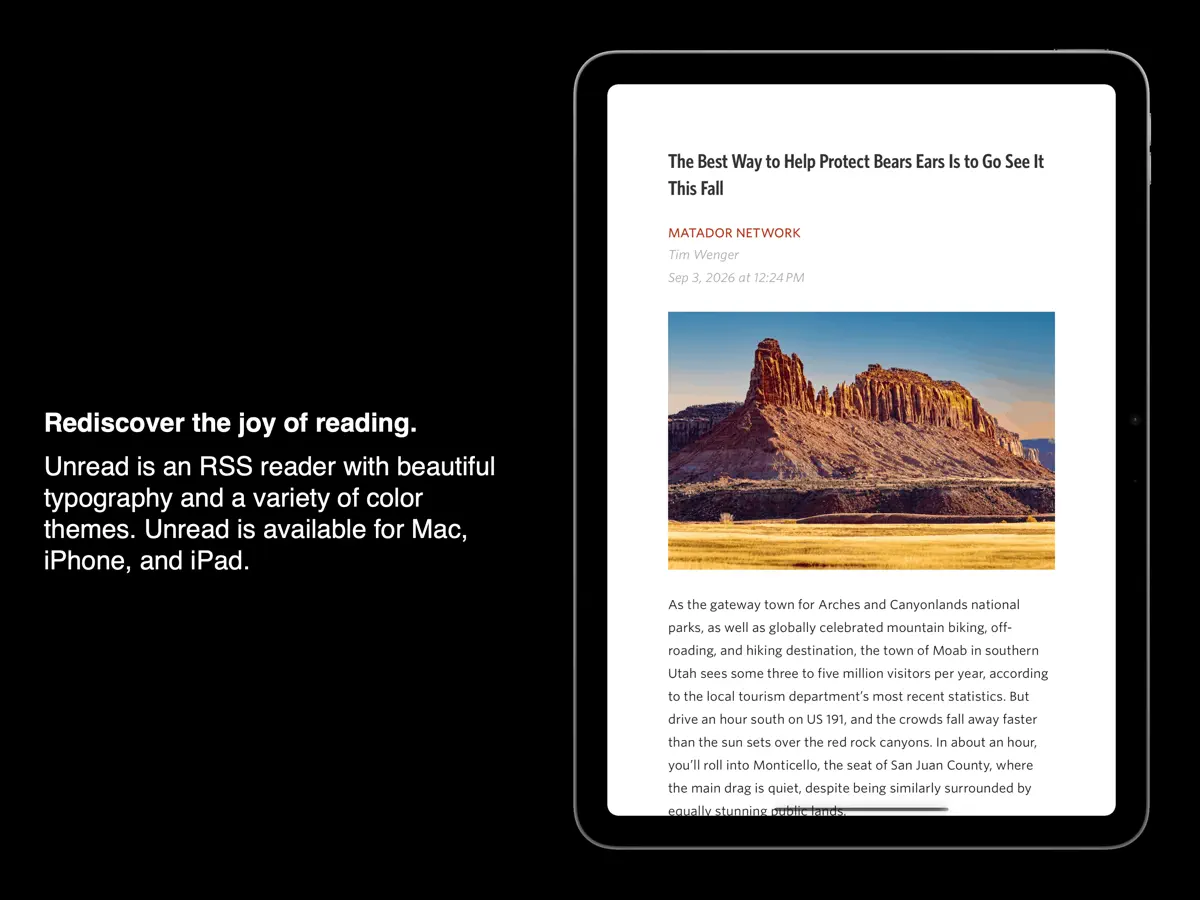
iPhone Duo での活用
App Storeのリリースノートには、このアップデートで「iPhone Duoに対応した」と記されています。開発者は2026年9月28日のブログ記事で、iPhone Duoを開いた状態ではUnreadが追加の画面スペースを活用すると述べ、横向きでホーム画面や別のアプリと画面を分け合っている様子を紹介しました。記事にはスクリーンショットが載っていますが、展開時のレイアウトを言葉で具体的に説明してはいません。当サイトではまだiPhone Duoの実機でテストしていません。
新機能
バージョン 5.1.1 ·
This update adds support for iPhone Duo. Other recent additions include: • Syncing with Birchfeed, FreshRSS, and Miniflux • Improvements around hero images, article list thumbnails, and widget thumbnails • The ability to quickly mark old articles read • A Quick Reads article action
開発者はこの内容を日本語化していません。
このアプリについて
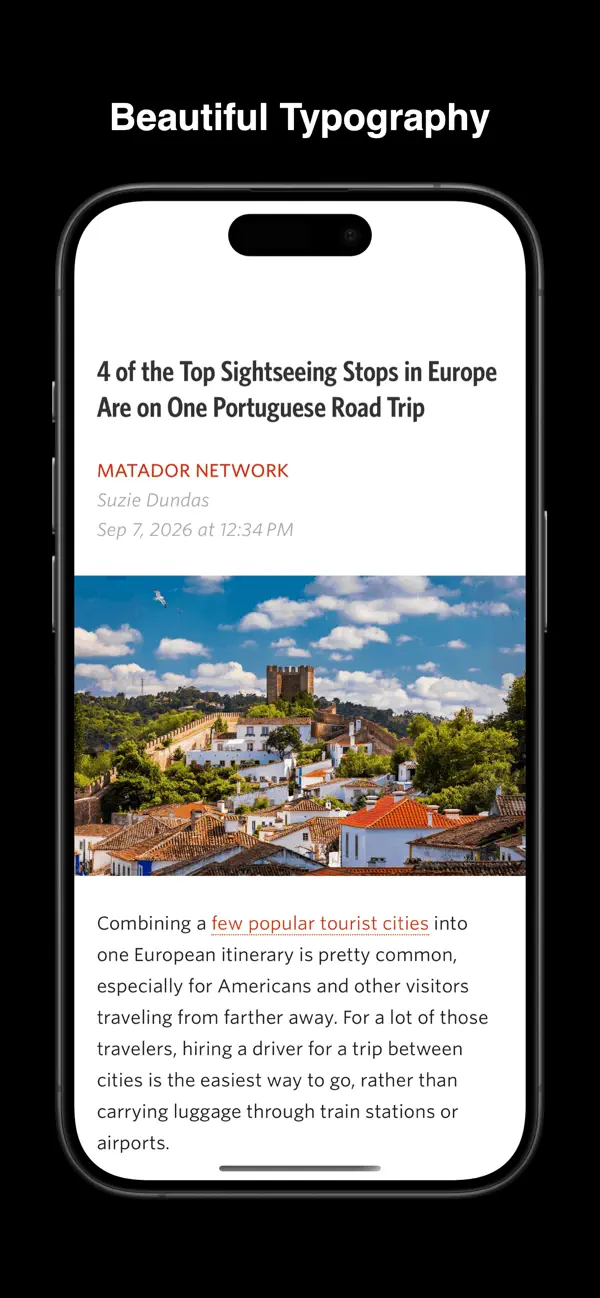
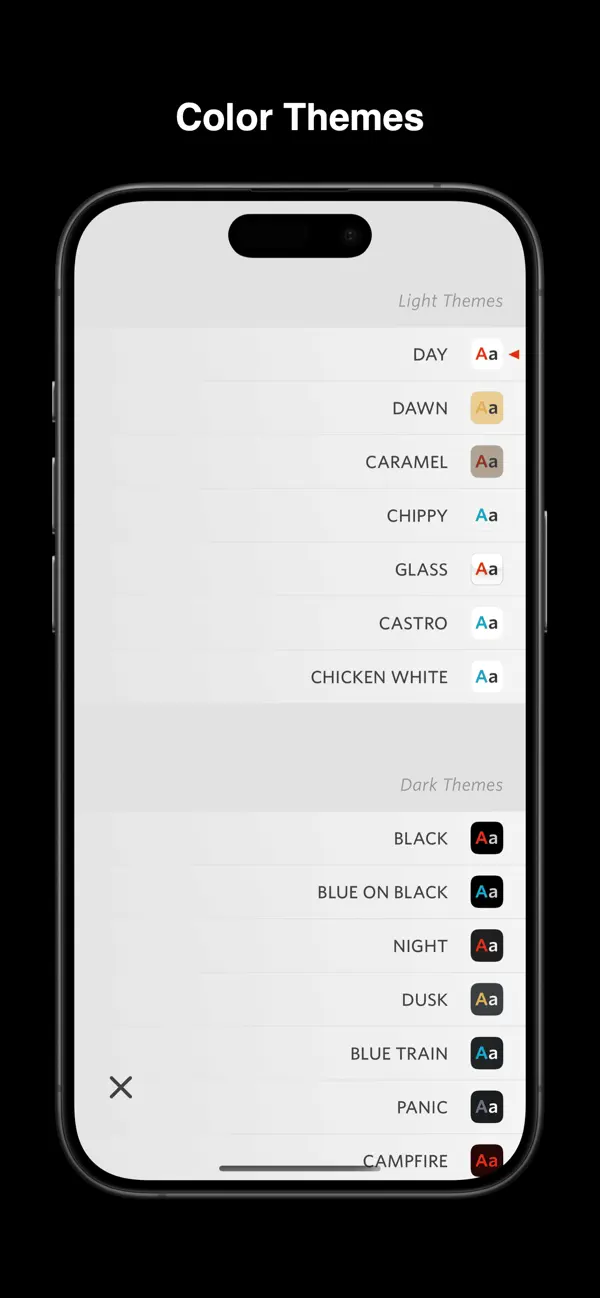
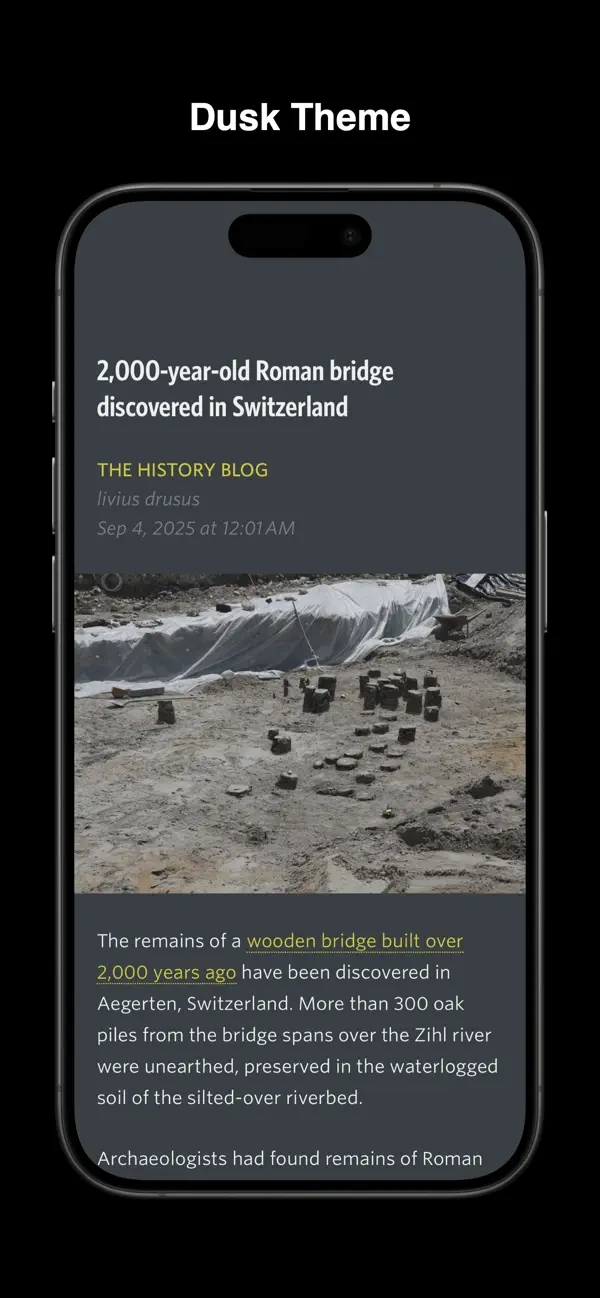
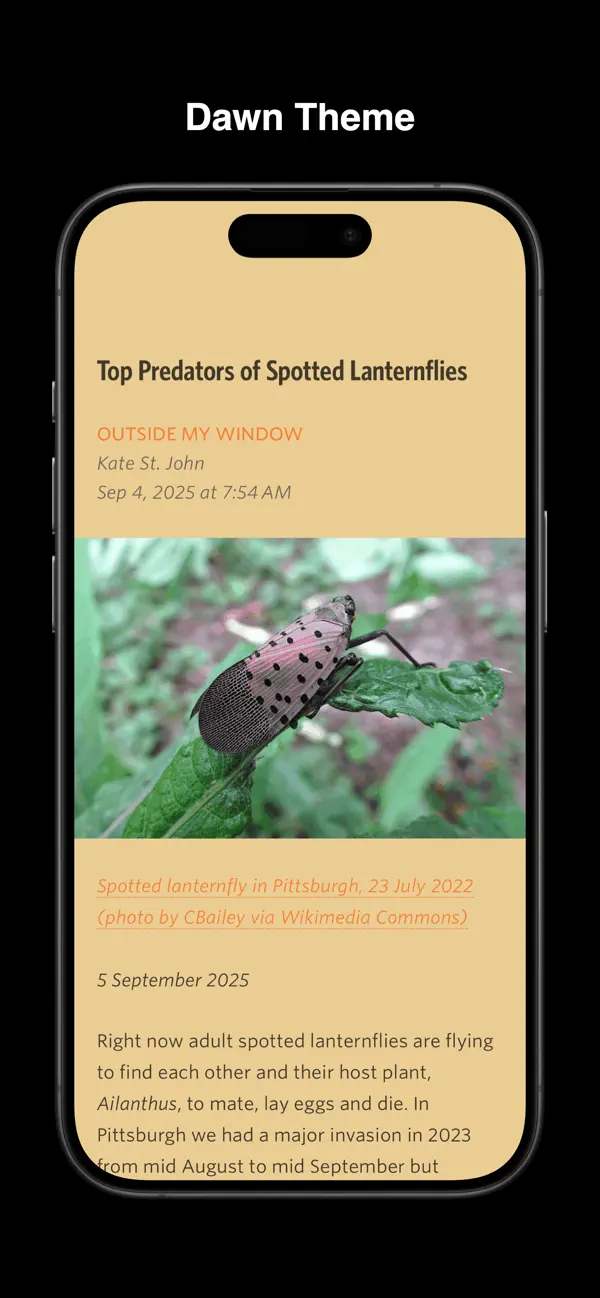
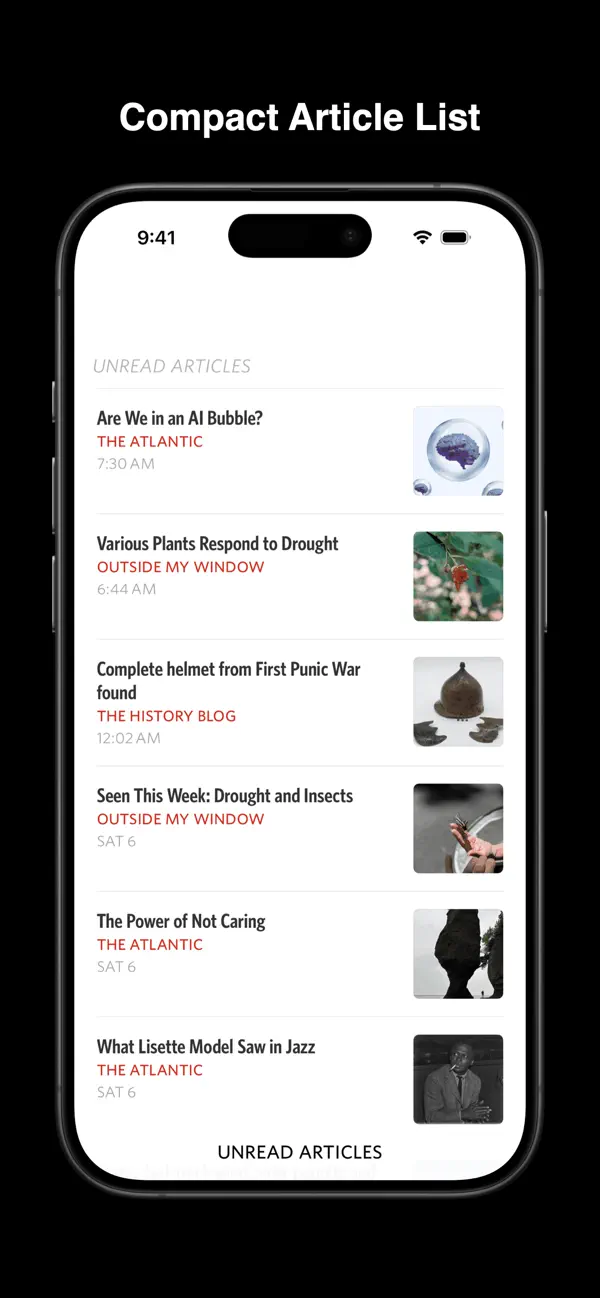
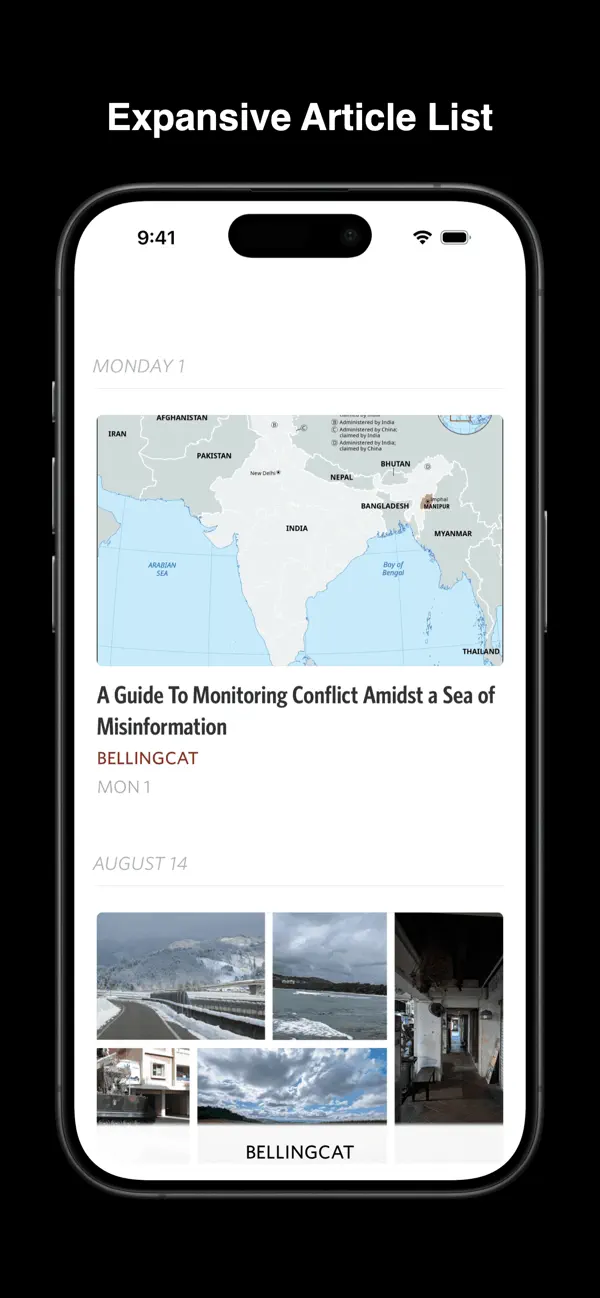
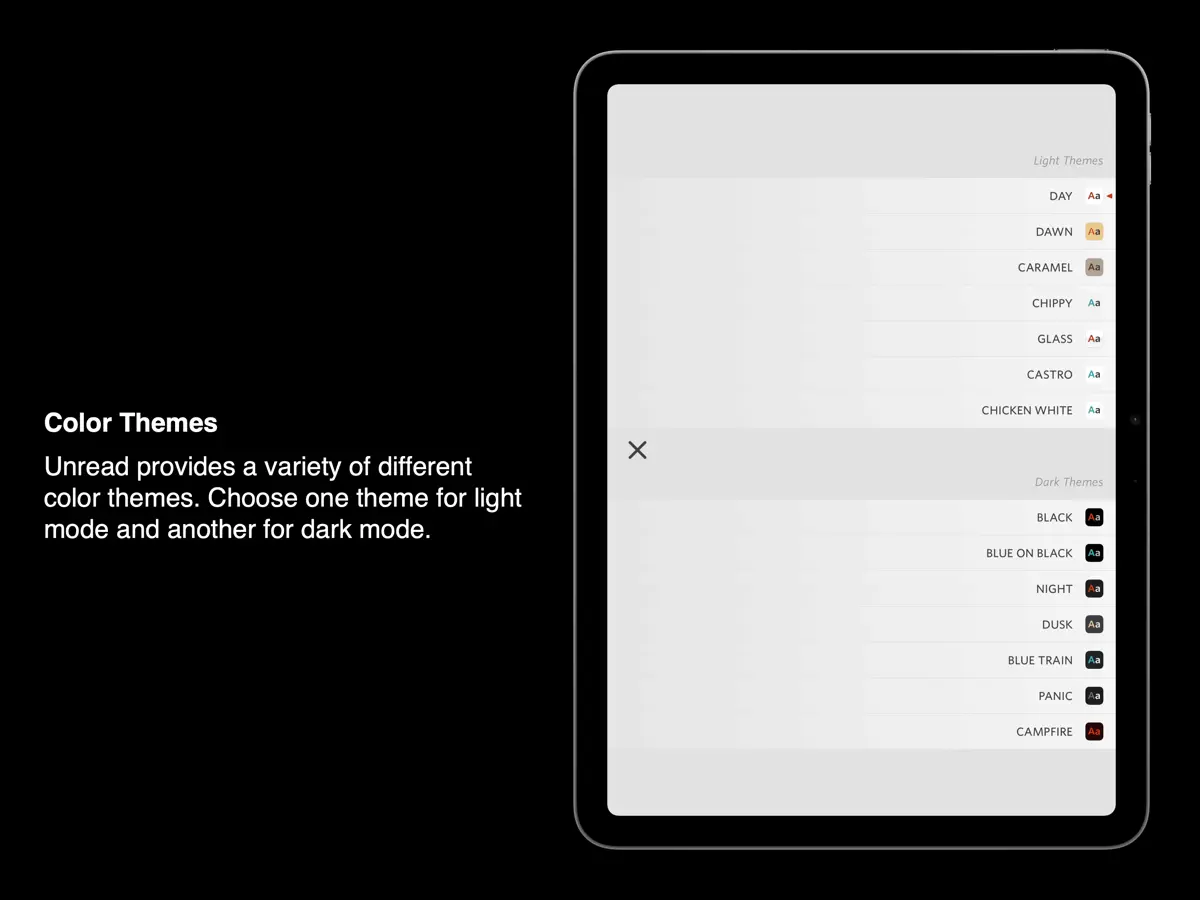
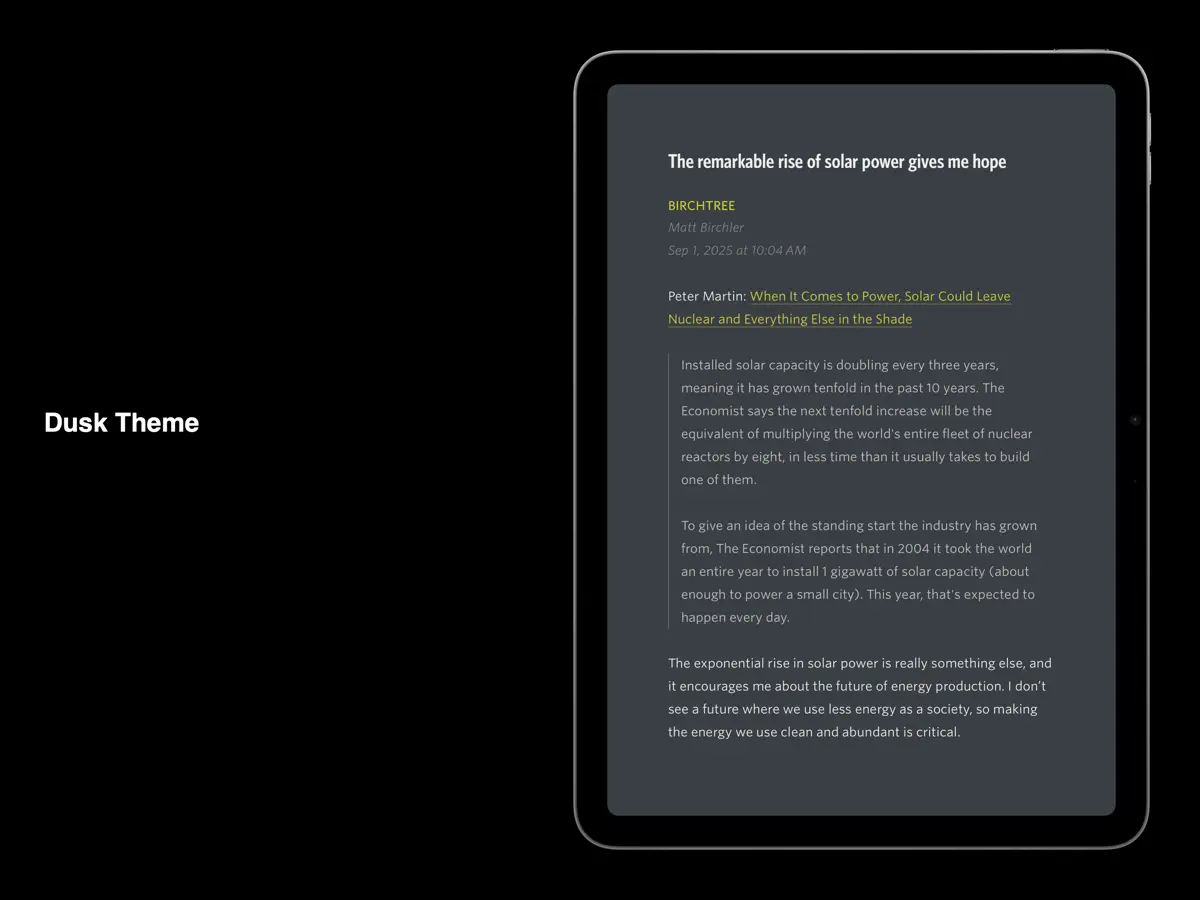
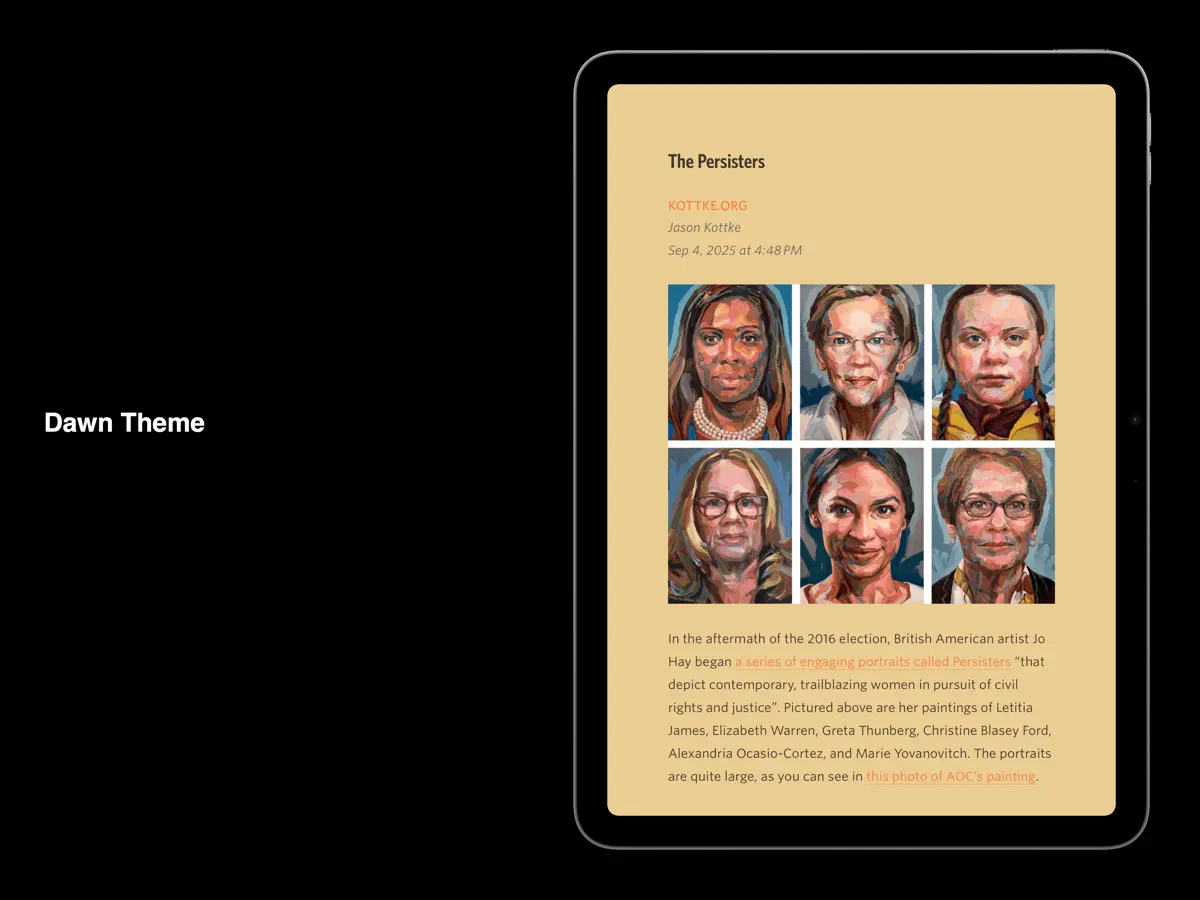
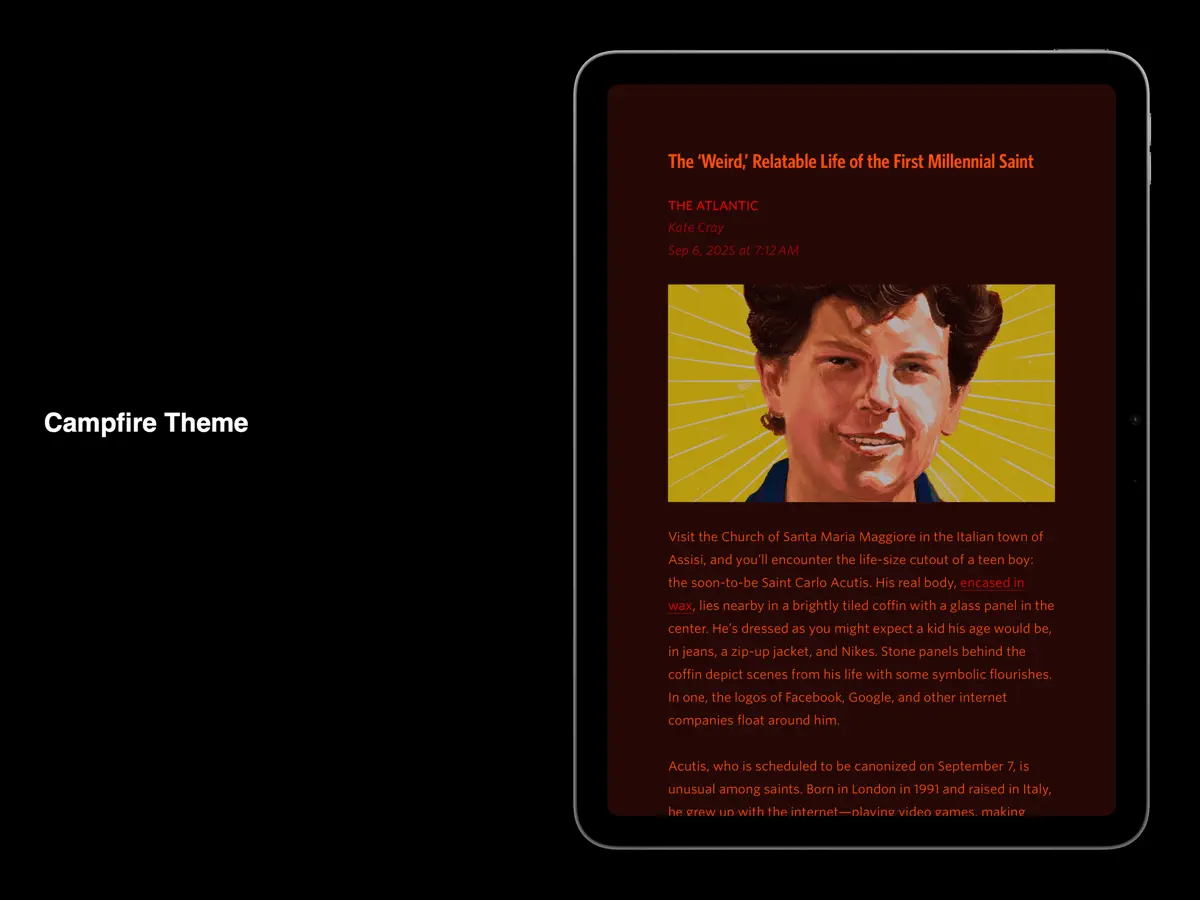
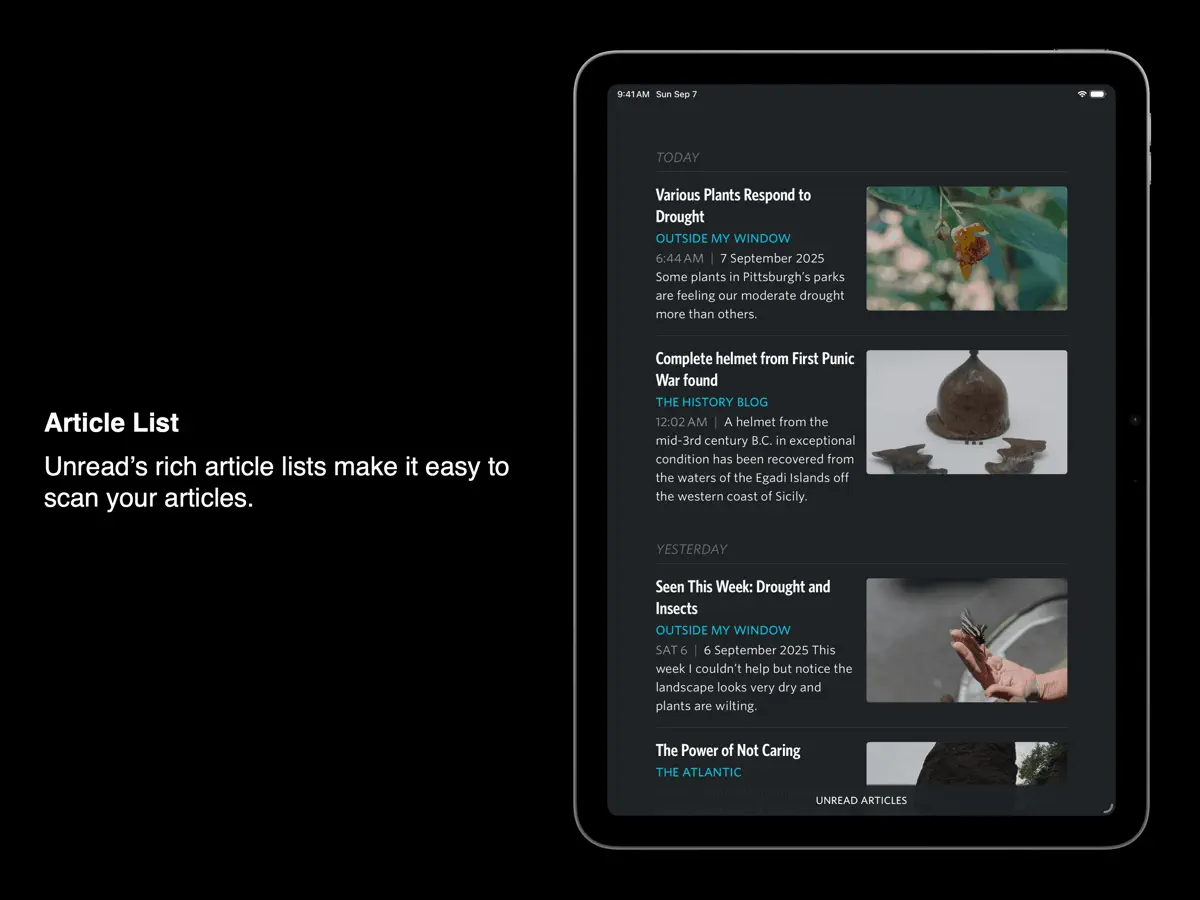
Unreadは、Golden Hill SoftwareのJohn Brayton氏が手がける、iPhone、iPad、Mac向けのRSSリーダーです。読みやすさを重視し、考え抜かれたタイポグラフィ、ジェスチャーによる操作、ライトモードとダークモードで別々に選べる多彩なカラーテーマを備えています。無料のUnread Cloudで端末間の同期ができるほか、Feedbin、Feedly、Inoreader、NewsBlur、FreshRSS、Miniflux、Birchfeedなどのサービスとも連携します。要約しか配信しないフィードでは、Webページから記事の全文を表示でき、アカウントでサインインするニュースサイトにも対応します。共有シートの機能拡張を使えば、ブラウザからサイトのフィードを購読できます。サブスクリプションに加入すると、テキストと画像のオフラインキャッシュ、Webページの記事としての保存、記事を後で読むサービスへ送るアクション、記事に対するShortcutsが使えます。VoiceOverにも全面的に対応しています。2026年10月のアップデートでiPhone Duoに対応しました。開発者はリリース前のブログ記事で、閉じた状態と開いた状態の両方でアプリを紹介し、内側ディスプレイの追加スペースを活用すると説明しています。ブログやニュースサイトを多く読み、画面上での記事の見え方にこだわる方に向いています。
英語版の掲載内容を翻訳しています。
App Store の説明開発者による説明です。
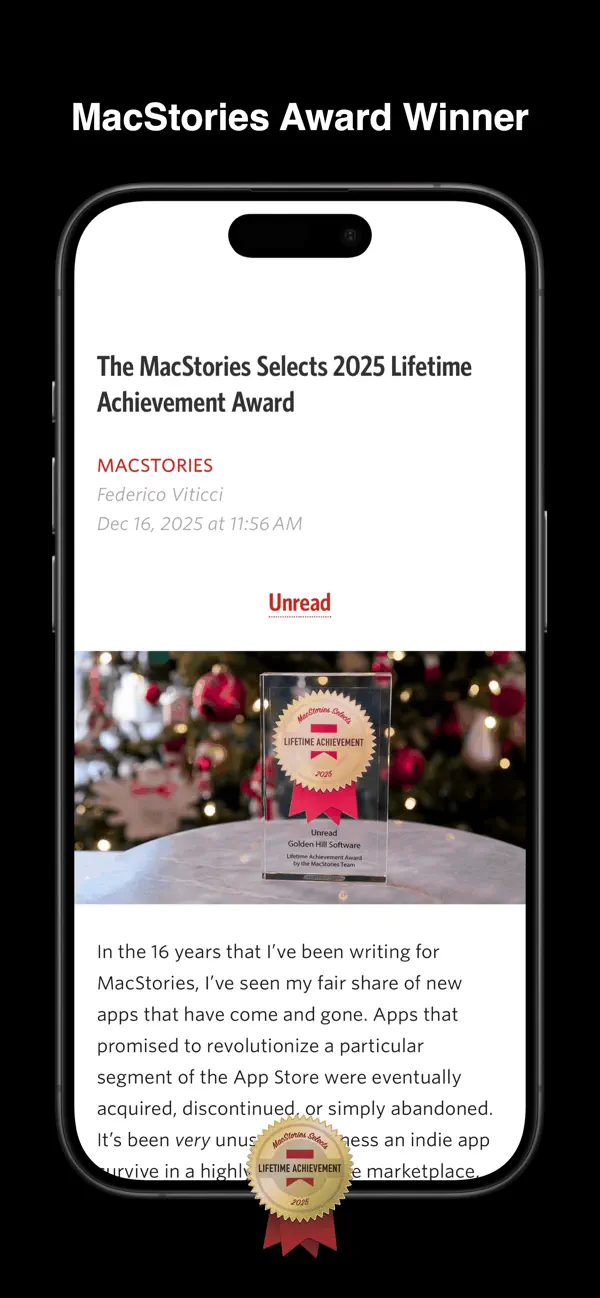
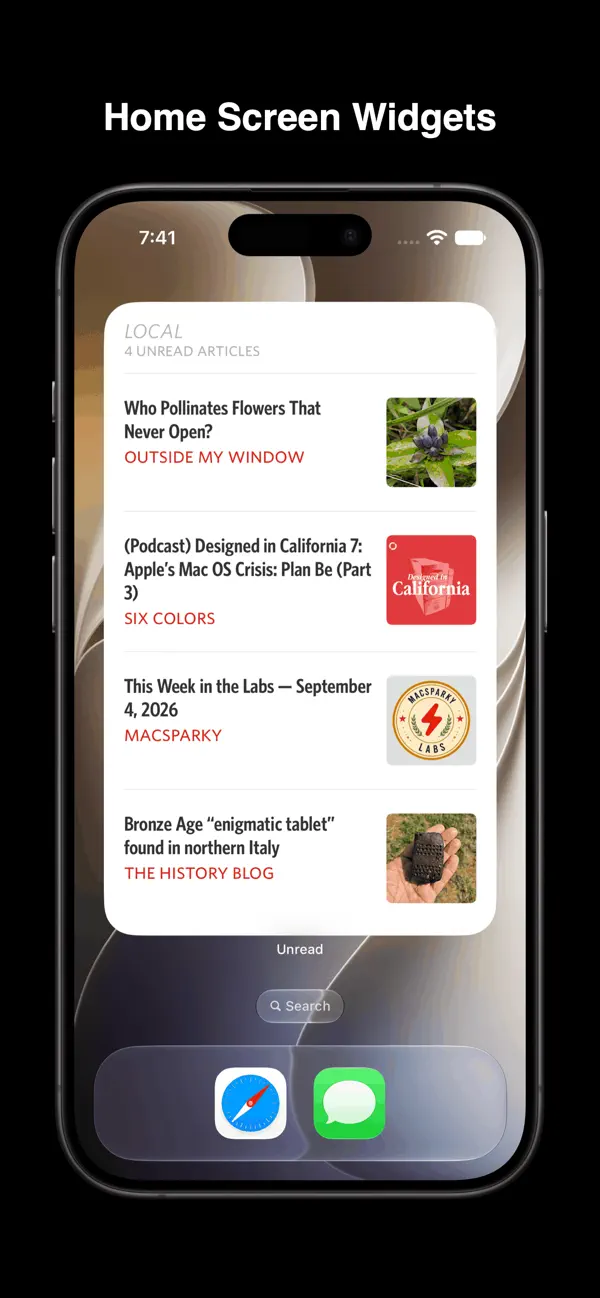
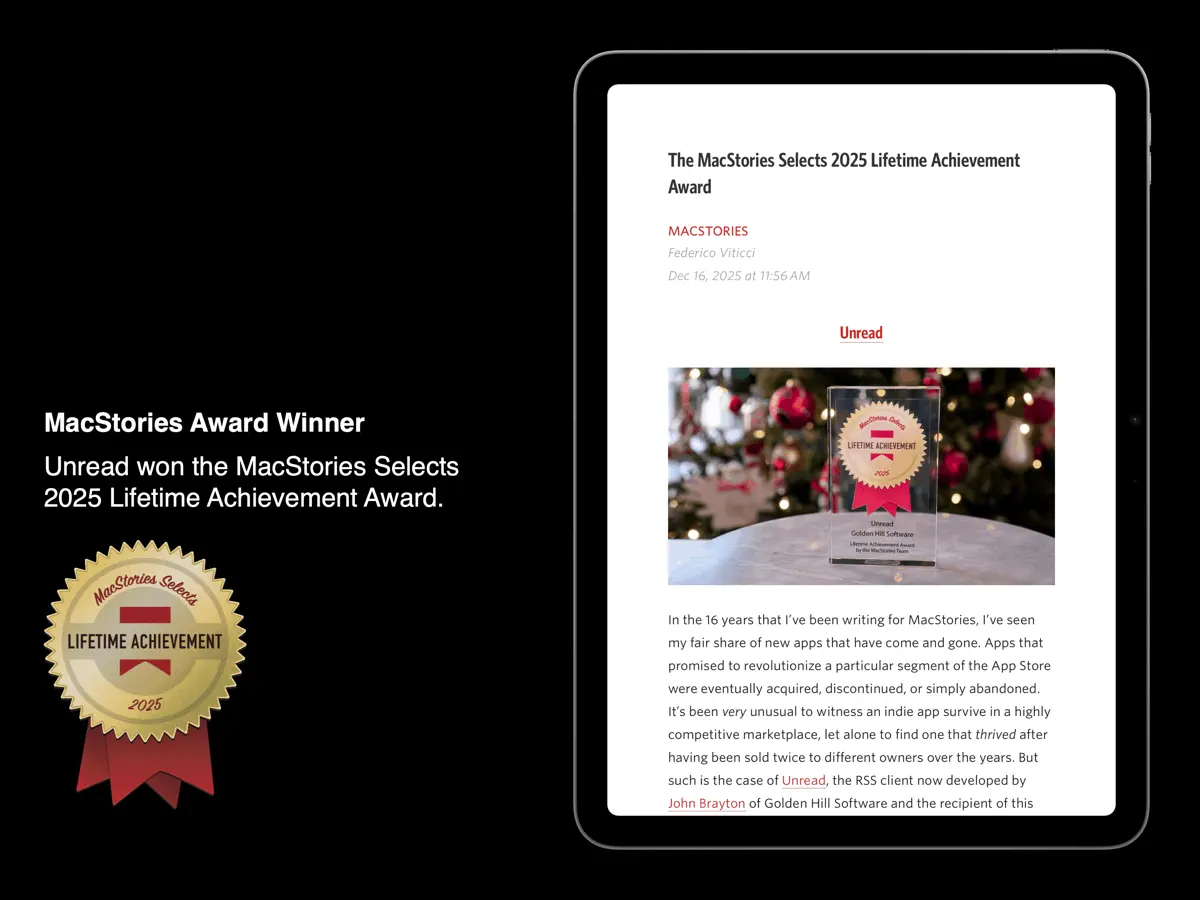
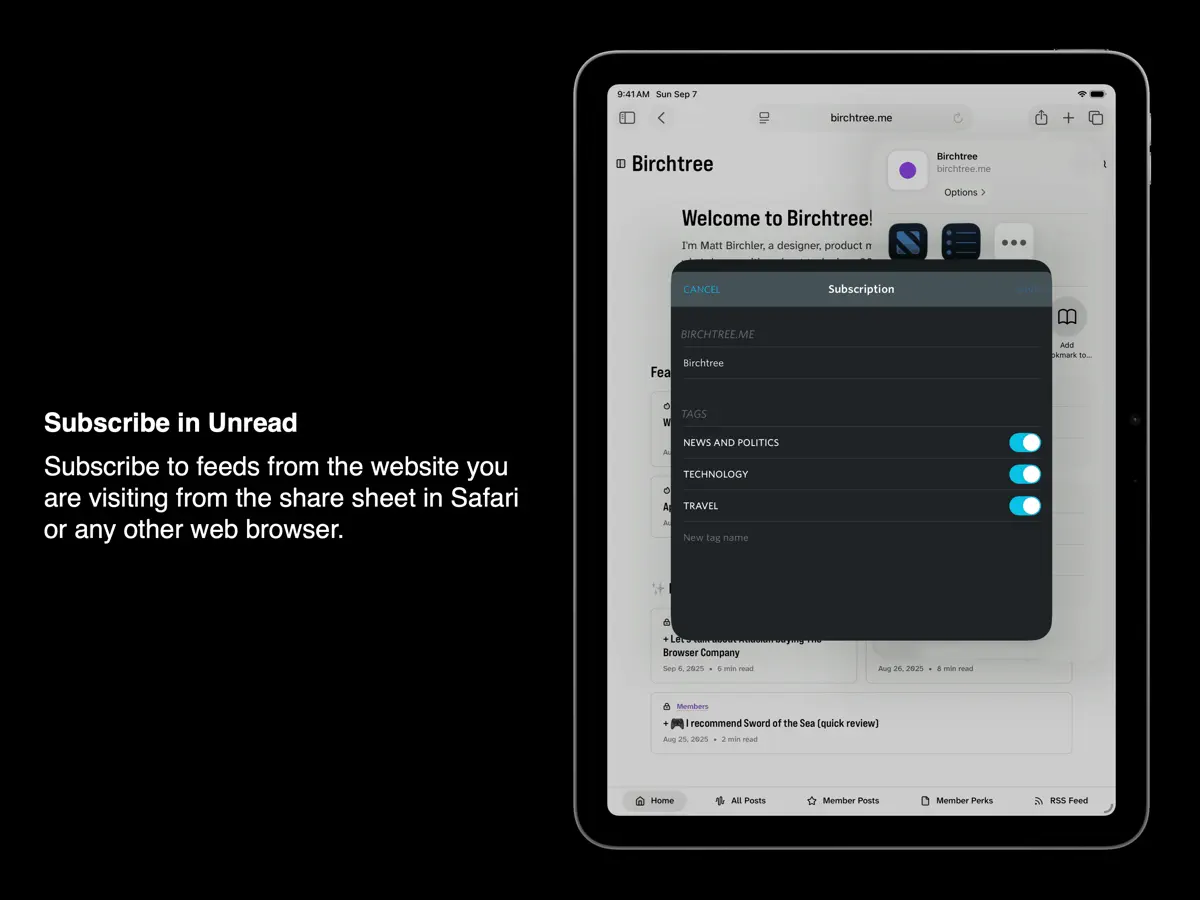
Rediscover the joy of reading your favorite writers and publications with Unread. Unread is an RSS reader with beautiful typography, comfortable gesture-based navigation, and a variety of color themes. Unread is available for iPhone, iPad, and Mac. Unread won the MacStories Selects 2025 Lifetime Achievement Award. Capabilities include: SYNCING: Our free Unread Cloud service keeps your devices in sync. Unread also syncs with Birchfeed, Feedbin, Feedly, Fever, FreshRSS, Gobbler, Inkwell, Inoreader, Miniflux, and NewsBlur. AUTOMATIC WEBPAGE TEXT: For feeds that contain only article summaries, Unread will display the full article text from the webpage. Easily switch between feed text and webpage text for any article, and change the default for individual feeds. WEBSITE ACCOUNTS: For news websites that require an account, sign in and get full webpage text. SUBSCRIBE IN UNREAD: This share sheet extension lets you subscribe to a website’s feeds while visiting that website from Safari or any other web browser. SAVE TO UNREAD: This share sheet extension creates an article in Unread with the contents of the webpage you are visiting from Safari or any other web browser. (Subscription required.) COLOR THEMES: Unread provides a variety of color themes. Choose one theme for light mode and another for dark mode. CACHING: Unread caches webpage text and images for instant loading and offline access. (Subscription required.) READ-LATER SERVICES: Unread can save articles to Anybox, Flyleaf, GoodLinks, Instapaper, Matter, Pinboard, Plinky, Quick Reads, Raindrop.io, Readwise, Safari Reading List, and wallabag. On a device with a hardware keyboard, assign a custom keyboard shortcut to each. (Subscription required.) SHORTCUTS: Perform shortcuts on articles and links inside articles. On a device with a hardware keyboard, assign a custom keyboard shortcut to each. (Subscription required.) --- “Just a gorgeous app.” – John Gruber, Daring Fireball “Most importantly, I should stress again how refreshing it feels to have such a great native experience with Unread. The app is really fast, even when it’s loaded up with hundreds of feeds.” — Niléane Dorffer, MacStories “It’s an RSS reader made with taste. It has great typography, themes, search, and compatibility with the usual suspects. I love having this app on my Mac.” — David Sparks, MacSparky --- Unread has full VoiceOver coverage. Every screen and every feature is available to users with vision impairments: • From any screen you can perform a magic tap, a two-finger double tap, to open a menu of options available for that screen. • When on an article list, there are actions available for each article in the list. After selecting an article, invoke the accessibility rotor and then select “Actions”. There is an action to mark the article read or unread, an action to share the article, and many others. • Use the VoiceOver escape gesture, a two-finger “Z”, to back out of the current screen. --- UNREAD SUBSCRIPTION Unread is a free app. Additional functionality is available with a $29.99 (USD)/year auto-renewing subscription: • Article actions for sending articles directly to supported bookmarking and read later services, and for sharing via email or iMessage. • Ability to execute shortcuts on articles and links. • Caching of webpage text and images. • Widget customization options. • Save to Unread share sheet extension. • Custom app icons. • Premium support. A subscription automatically renews unless it is canceled at least 24 hours before the end of the current period. Your account will be charged for renewal within 24 hours prior to the end of the current period. You can manage and cancel your subscriptions by going to your account settings on the App Store after purchase. Unread’s Terms of Use are available at: https://www.goldenhillsoftware.com/unread/terms-of-use/
主な機能
- 無料のUnread Cloud同期
- Feedbin、Feedly、Inoreader、NewsBlurなどとの同期
- 要約のみのフィードでWebページ全文を表示
- ライト/ダークモード別のカラーテーマ
- 購読や保存のための共有シート機能拡張
- VoiceOverに全面対応
iPhone Duo での Unread:よくある質問
Unread は iPhone Duo に最適化されていますか?
一部対応しています。Unread は「画面対応済み」で、大きな内側ディスプレイいっぱいに表示されます。ただし折りたたみ専用の機能はありません。2026年9月28日 に確認(開発者の発表)。
iPhone Duo での Unread はどう見えますか?
App Storeのリリースノートには、このアップデートで「iPhone Duoに対応した」と記されています。開発者は2026年9月28日のブログ記事で、iPhone Duoを開いた状態ではUnreadが追加の画面スペースを活用すると述べ、横向きでホーム画面や別のアプリと画面を分け合っている様子を紹介しました。記事にはスクリーンショットが載っていますが、展開時のレイアウトを言葉で具体的に説明してはいません。当サイトではまだiPhone Duoの実機でテストしていません。
Unread の価格は?
Unread は App Store で 無料 · アプリ内課金あり です。
その他の読書/ニュースアプリ
すべて見る ›
折りたたみに合わせてレイアウトが変わる、要約機能内蔵の RSS リーダー

折りたたみ・展開に合わせてレイアウトが切り替わるRSS/ニュースリーダー

フォローした媒体のニュースや記事が並ぶ、自分だけのマガジン

本を積み重ねた山とホーム画面ウィジェットで読書を記録するトラッカー

フィード、動画、ポッドキャスト、SNS 投稿をまとめた統合タイムライン

Web記事を保存して、オフラインで余計な要素なしに後から読める