
iPhone スクリーンショット




iPad スクリーンショット





iPhone Duo での活用
開発元によるバージョン7.11のリリースノートによると、Inoreaderは、iPhone Duoを折りたたんだ状態では使い慣れたiPhoneのレイアウトを使い、開いた状態ではiPadレイアウトを最適化したものに切り替わり、縦向きでも横向きでもフィードやフォルダを記事の横に並べて表示します。折りたたんだり開いたりしても、読んでいる記事を含め現在の位置が保持されるとのことです。別のアプリと並べて分割表示にしている場合は、コンパクトなモバイルレイアウトに切り替わります。当サイトではまだiPhone Duoの実機でテストしていません。
新機能
バージョン 7.11.3 ·
Inoreader now supports iPhone Duo, and this update adds larger text for article lists. iPhone Duo: • Inoreader adapts to both screens. Folded, you get the familiar iPhone layout. Unfolded, it switches to an optimized version of the iPad layout, with your feeds and folders alongside your articles in both portrait and landscape — and keeps your place, including the article you’re reading, when you fold or unfold. • In split-screen mode next to another app, Inoreader switches to its compact mobile layout so everything stays within easy reach. What’s new: • Article lists can now show larger text in the list, magazine and card views. Turn it on in Settings > Interface or under List font size in the eye menu. If you use a larger text size on your iPhone or iPad, Inoreader turns it on for you and makes article text one size bigger too. • YouTube: “Watch on YouTube” in embedded videos now opens the YouTube app. To open YouTube links in the internal browser instead, turn off “Open YouTube links in the YouTube app” in Settings > Miscellaneous, and they will follow your Browser setting. • Text-to-speech now highlights each sentence as it is read, so you can follow along in the article. • Article thumbnails now keep people’s faces in view instead of cropping them out, in the article list, card view and widgets. • Rules can now match a list of mentions, letting a single rule cover several people, brands or topics. • The app opens noticeably faster: the splash screen is gone, so you go straight to your articles. • Articles open faster, and your reading position is kept when you rotate the device or the theme switches automatically. • Monitored keywords are now called monitoring feeds. Fixes: • The eye menu no longer slips under the Dynamic Island. • Swiping between articles no longer gets stuck in feeds with wide pictures. • Renaming tags works again. • The X (Twitter) share button no longer worked and has been removed. • iOS 27.2: the buttons at the top of articles can be tapped again, and the iPad article list no longer goes blank. • The bottom action bar no longer covers the end of long articles. • iPad: keyboard shortcuts now work in Discover. Updated for iOS 27. Inoreader now requires iOS 15 or later.
開発者はこの内容を日本語化していません。
このアプリについて
Inoreaderは、INNOLOGICA OODが提供するニュース/RSSリーダーで、アルゴリズムが選ぶフィードよりも、自分で選んだ情報源を追いたい方に向いています。Webサイト、ブログ、ニュースレター、ソーシャルメディアのフィードを購読し、フォルダやタグで整理して、1か所で記事を読んだり聞いたりできます。受信した記事に自動で処理を行うルール、キーワードをWeb全体から追跡するモニタリングフィード、移動中に聞けるテキスト読み上げなど、パワーユーザー向けの機能が充実している一方、数サイトだけ追いたい方にも使いやすい設計です。バージョン7.11でiPhone Duo対応が加わり、リリースノートによると、折りたたんだ状態では標準のiPhoneインターフェイス、開いた状態ではiPadレイアウトのバージョンに切り替わり、フィードとフォルダが記事リストの横に表示されます。同じアップデートでは、テキスト読み上げが読んでいる文を1文ずつハイライトするようになり、ルールでメンションのリストに一致させられるようになり、顔が見切れないようサムネイルの切り抜きも改善されました。続くバージョン7.11.1では、iOS 27.2向けのレイアウト修正が行われました。Inoreaderは無料でダウンロードでき、有料プランがアプリ内課金で提供されています。大量のニュースを読む方、リサーチャー、多くの購読を抱えていてDuoの内側ディスプレイで情報源と記事を並べて見たい方に向いています。
英語版の掲載内容を翻訳しています。
App Store の説明開発者による説明です。
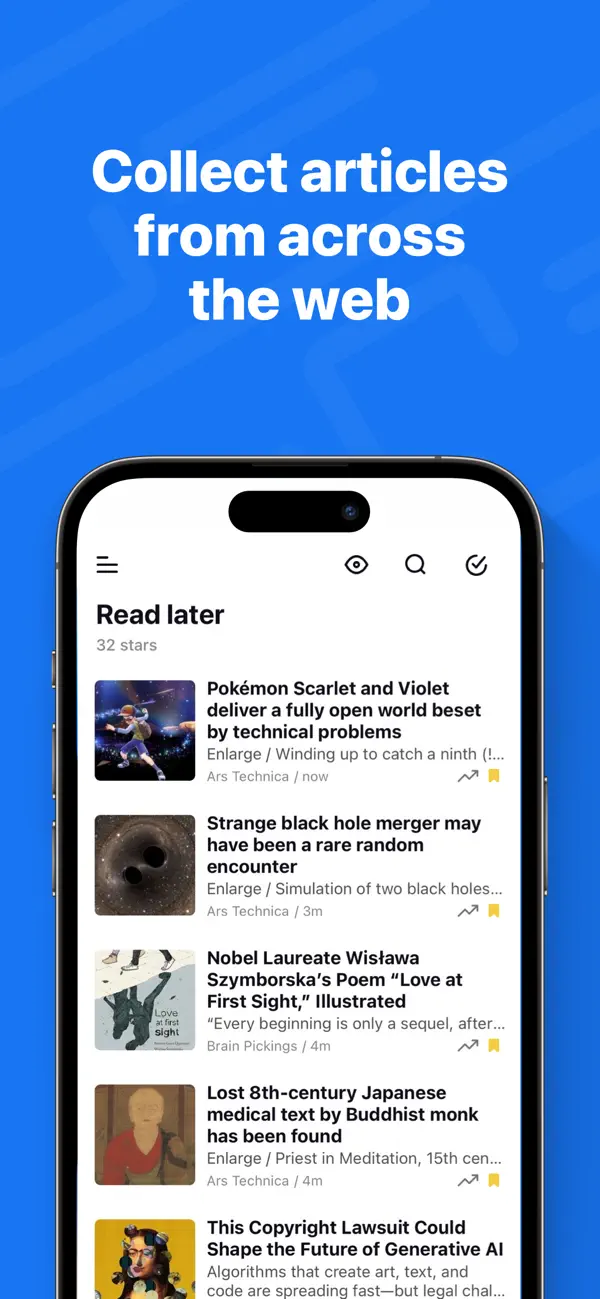
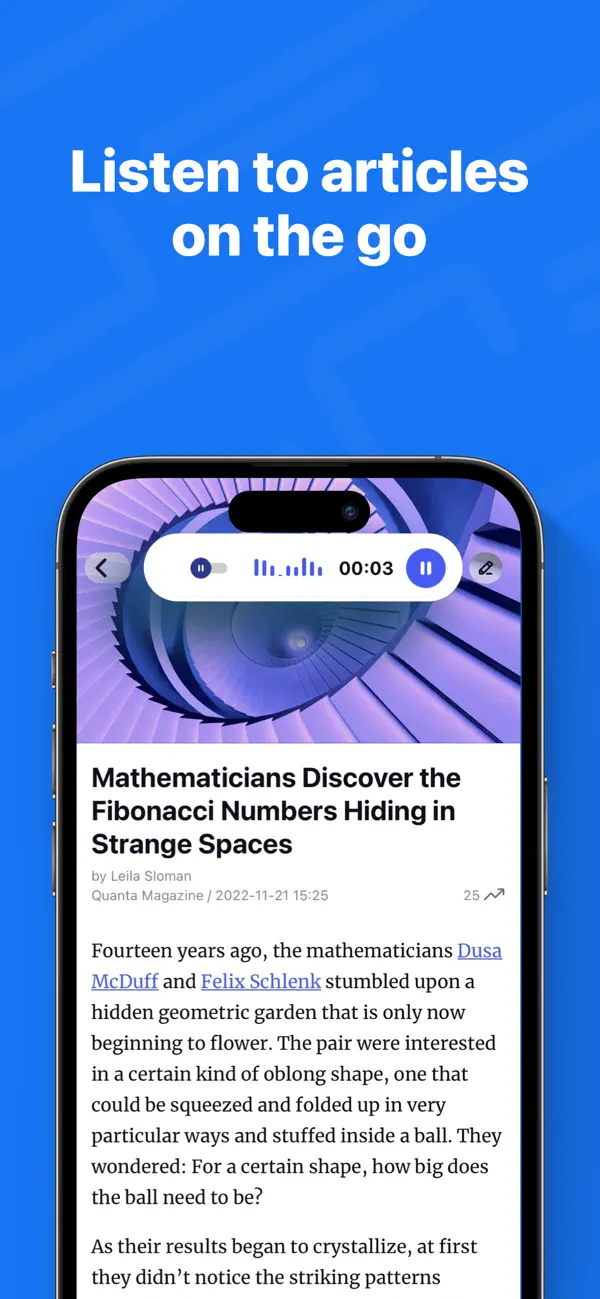
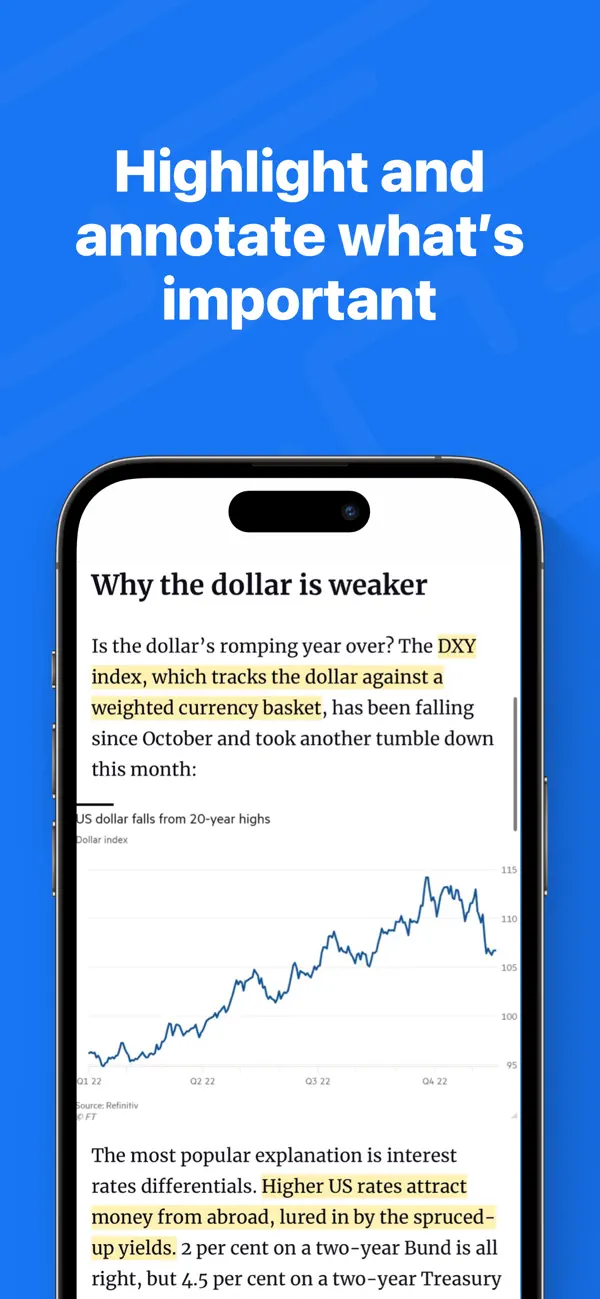
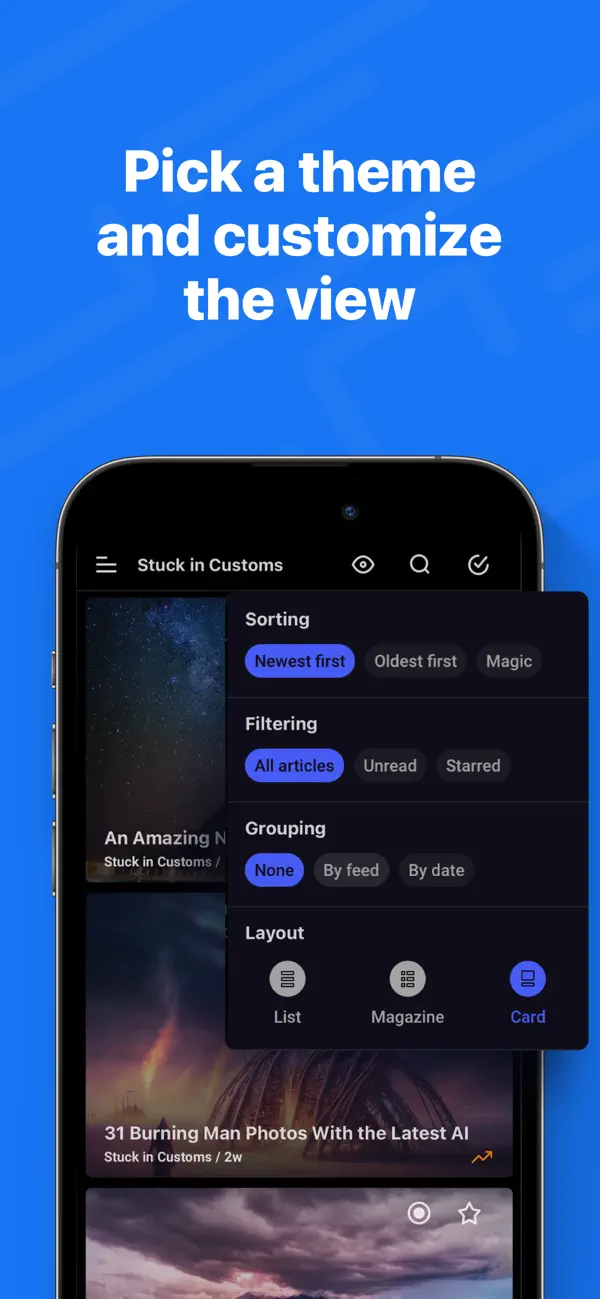
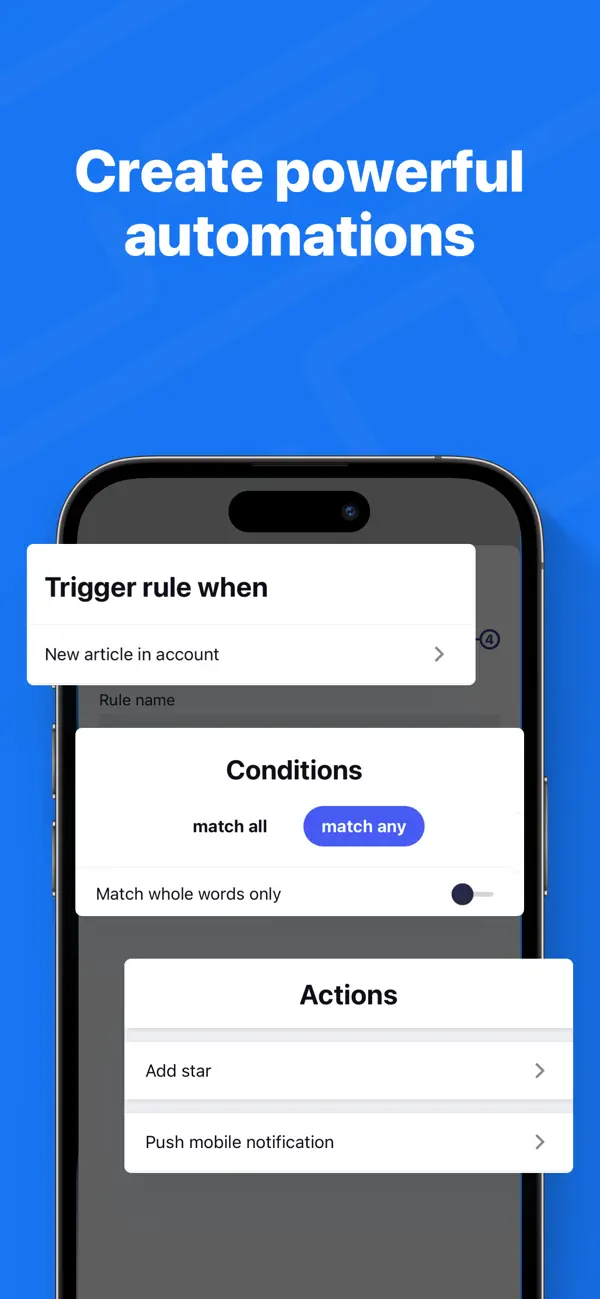
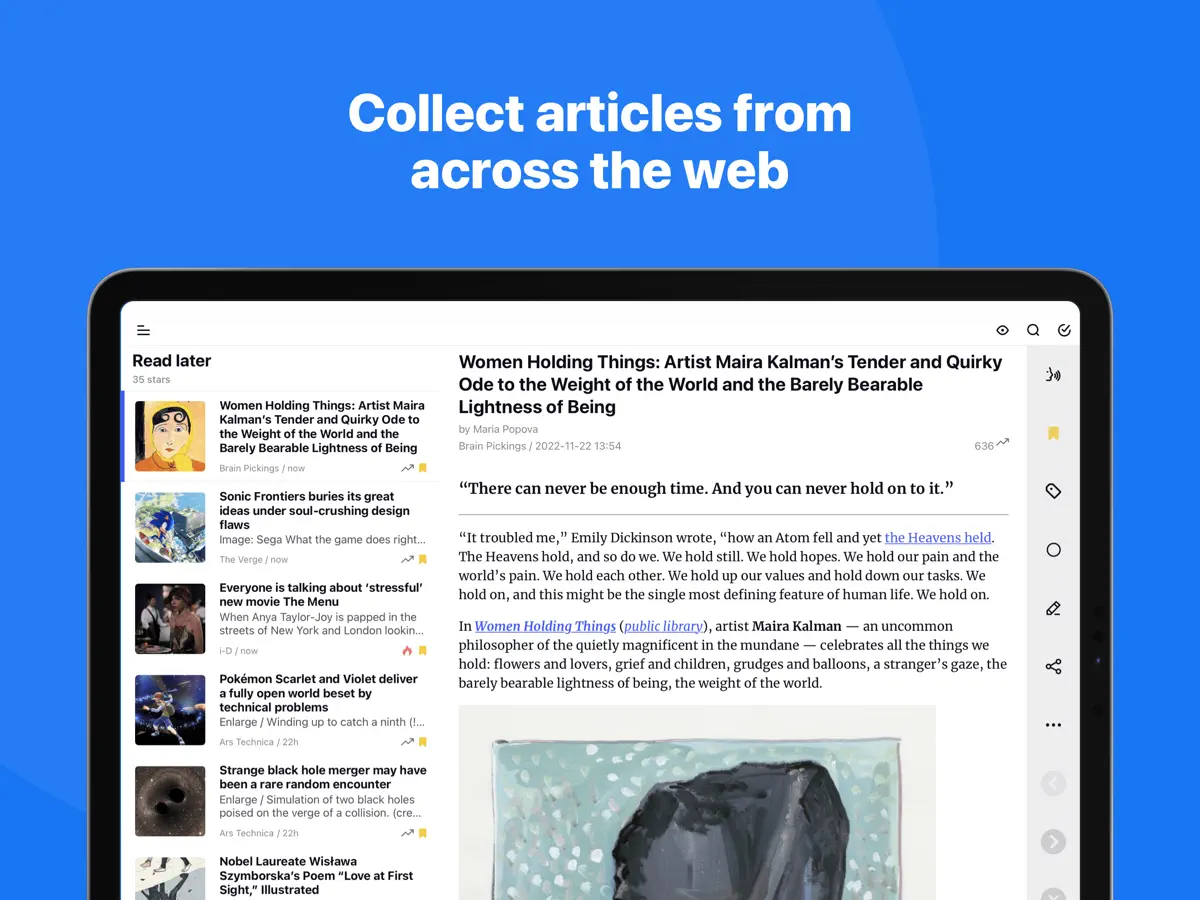
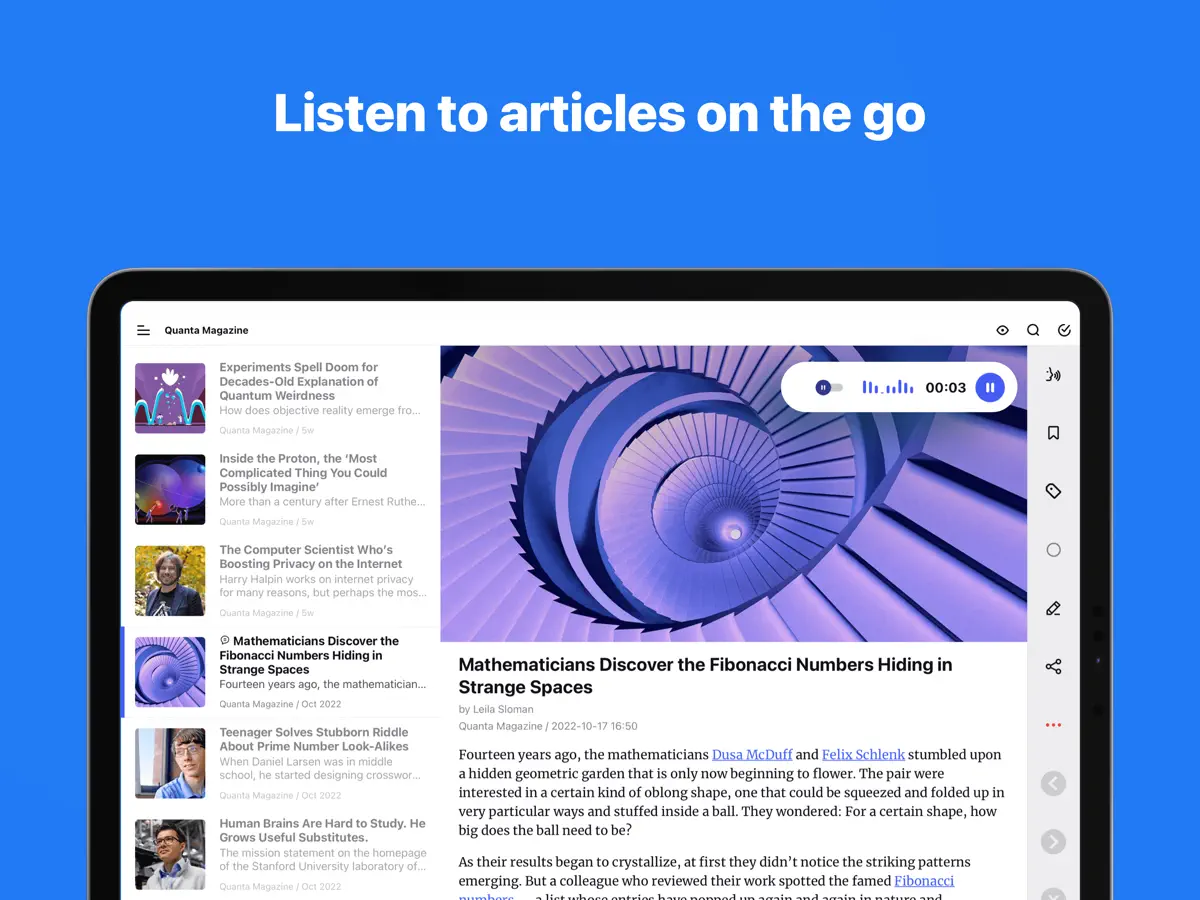
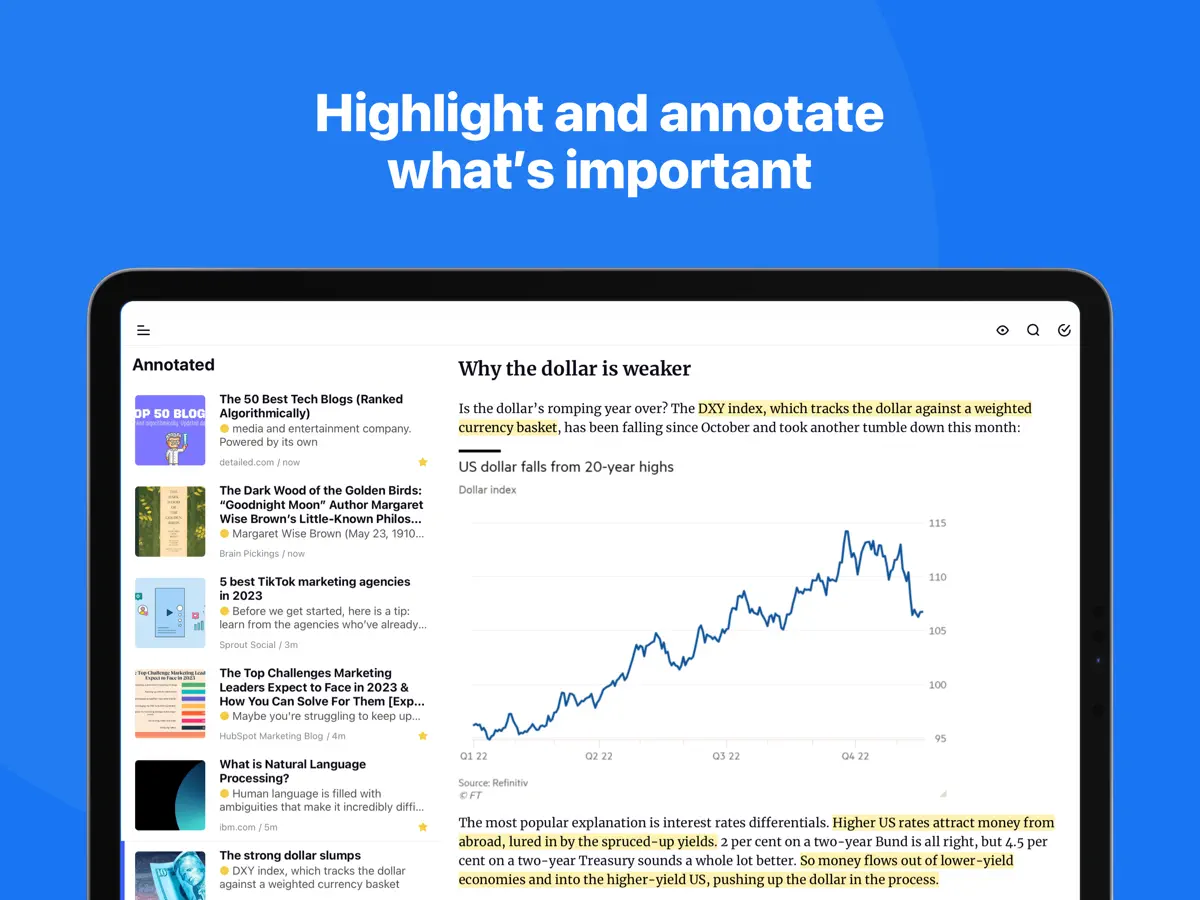
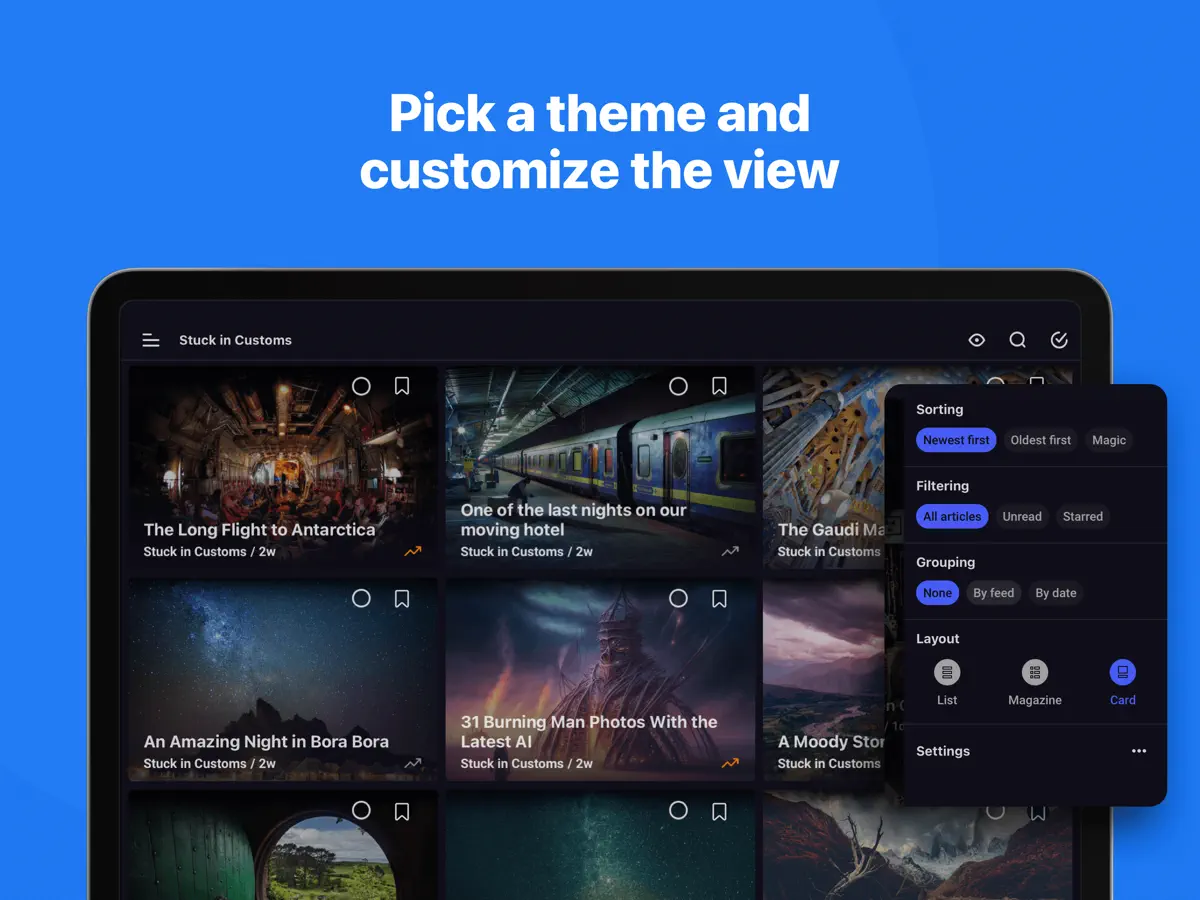
Take back control of your newsfeed and filter out the noise! With Inoreader, information comes straight to you the minute it’s available. Follow your favorite websites, content creators, newsletters, and social media feeds. Discover and collect articles from across the web, share and collaborate with others. No more algorithms and editorial picks – you decide what’s important to you. Read or listen on the go, mark the essential bits and customize your view for the best experience. Use our advanced features to set up powerful automation and let Inoreader do the work! ----- “Inoreader offers a well-designed interface, good search and discovery options, and a nice set of features that are beginner-friendly and offer plenty of options for advanced users.” – WIRED “If you're feeling media burnout from overfed social feeds, Inoreader is a news tool that still sparks joy. It's a research tool, intelligence briefing portal, and social media filtration system.” – CNET “Inoreader is one of the most feature-packed free RSS readers. A great tool for power users, but it's very accessible for beginners as well.” – Zapier ----- DISCOVER AND SHARE GREAT CONTENT • Follow your favorite websites, blogs, and creators • Collect articles from across the web and save them for future reading • Subscribe to newsletters with custom emails and declutter your inbox (Pro) • Explore collections curated by our team to feature the best sources • Follow Facebook pages and Telegram channels (Pro) • Subscribe to YouTube channels and listen to podcasts • Easily distribute content across social media and messaging apps • Stay up to date with breaking news and create monitoring feeds (Pro) BECOME A MINDFUL READER • Use automation tools to create rules and filter content (Pro) • Enhance your reading experience with custom layouts and themes • Curate your own content with folders and tags • Annotate the essential bits and keep them forever • Highlight keywords to speed up your reading • Translate articles in your language without additional extensions • Load and keep the full content of articles without leaving the app • Listen to the news on the go with our text-to-speech feature • Download articles for offline reading (Pro) • Save to Evernote, OneNote, Google Drive, and Dropbox ----- Features marked (Pro) need an Inoreader Pro subscription. Inoreader Pro is available with a monthly or annual subscription. You can subscribe and pay through your Apple account. Your subscription will automatically renew unless canceled at least 24 hours before the end of the current period. Auto-renew may be turned off after purchase. Terms of Use (EULA): https://www.apple.com/legal/internet-services/itunes/dev/stdeula/ Privacy Policy: https://www.inoreader.com/privacy_policy For questions, issues, or general feedback, you can reach us at support@inoreader.com.
主な機能
- RSSでWebサイト、ニュースレター、ソーシャルフィードを購読
- 購読を整理するフォルダとタグ
- 受信記事に自動処理を行うルール
- キーワードを追跡するモニタリングフィード
- 文単位でハイライトされるテキスト読み上げ
- ホーム画面ウィジェット
iPhone Duo での Inoreader:よくある質問
Inoreader は iPhone Duo に最適化されていますか?
はい。Inoreader は「Duo 専用設計」で、折りたたみ、Split View、外側ディスプレイを活用しています。2026年10月14日 に確認(開発者の発表)。
iPhone Duo での Inoreader はどう見えますか?
開発元によるバージョン7.11のリリースノートによると、Inoreaderは、iPhone Duoを折りたたんだ状態では使い慣れたiPhoneのレイアウトを使い、開いた状態ではiPadレイアウトを最適化したものに切り替わり、縦向きでも横向きでもフィードやフォルダを記事の横に並べて表示します。折りたたんだり開いたりしても、読んでいる記事を含め現在の位置が保持されるとのことです。別のアプリと並べて分割表示にしている場合は、コンパクトなモバイルレイアウトに切り替わります。当サイトではまだiPhone Duoの実機でテストしていません。
Inoreader の価格は?
Inoreader は App Store で 無料 · アプリ内課金あり です。
その他の読書/ニュースアプリ
すべて見る ›
折りたたみに合わせてレイアウトが変わる、要約機能内蔵の RSS リーダー

フォローした媒体のニュースや記事が並ぶ、自分だけのマガジン

本を積み重ねた山とホーム画面ウィジェットで読書を記録するトラッカー

丁寧なタイポグラフィ、ジェスチャー操作、カラーテーマを備えたRSSリーダー

フィード、動画、ポッドキャスト、SNS 投稿をまとめた統合タイムライン

Web記事を保存して、オフラインで余計な要素なしに後から読める