
iPhone 截图
iPad 截图
在 iPhone Duo 上的表现
Phrase 的 1.5.0 版本更新说明(2026 年 9 月 27 日)称应用现已支持 iPhone Duo,1.6.0 和 1.7.0 版本则提到针对 iPhone Duo 等新设备优化了布局。开发者网站称,Phrase 在 iPhone Duo 的两块屏幕上都能使用,无论折叠还是展开,折叠或展开手机时你的浏览位置不会丢失,音频也会继续播放。网站上的一张图片显示,折叠的外屏上是一条会议笔记,播放控制按钮竖排在其旁边。我们尚未在 iPhone Duo 上测试 Phrase。
新功能
版本 1.7.0 ·
Refined the UI and improved the overall experience, with optimized layouts for new devices like iPhone Duo.
开发者尚未提供此内容的中文版本。
关于这款应用
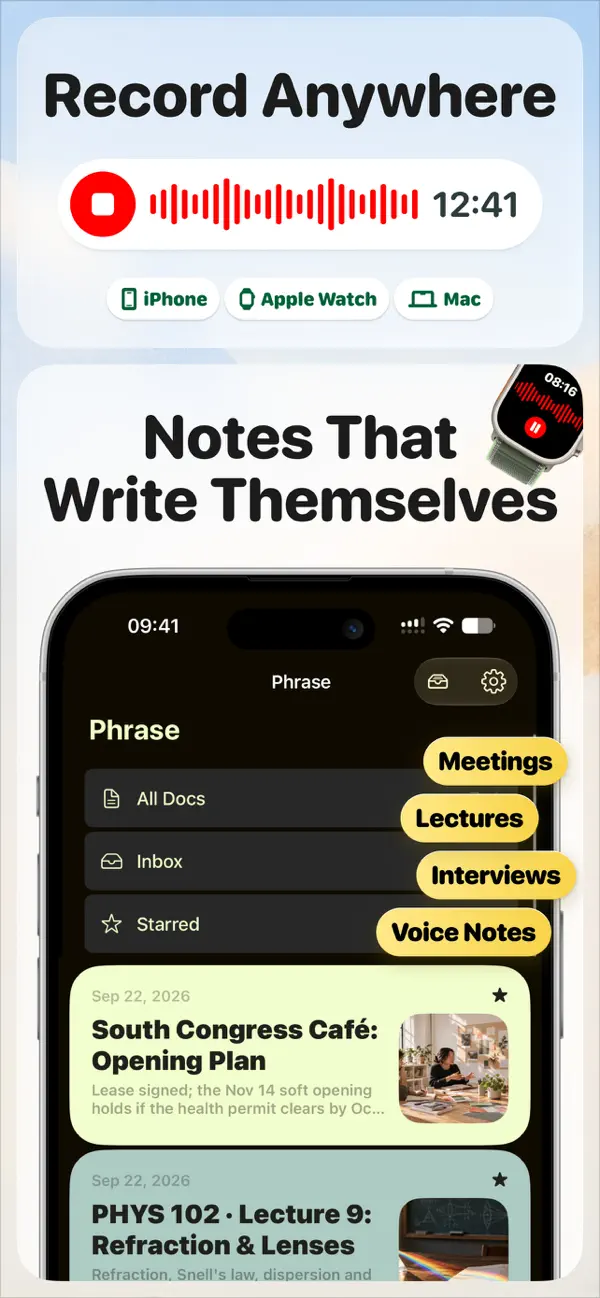
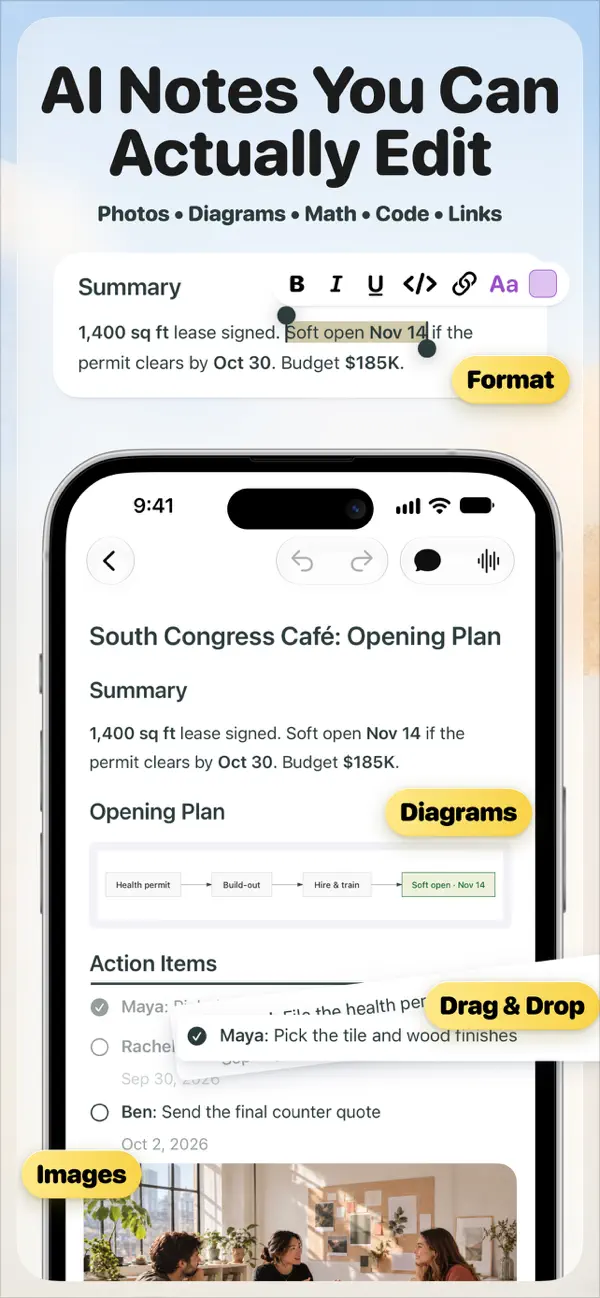
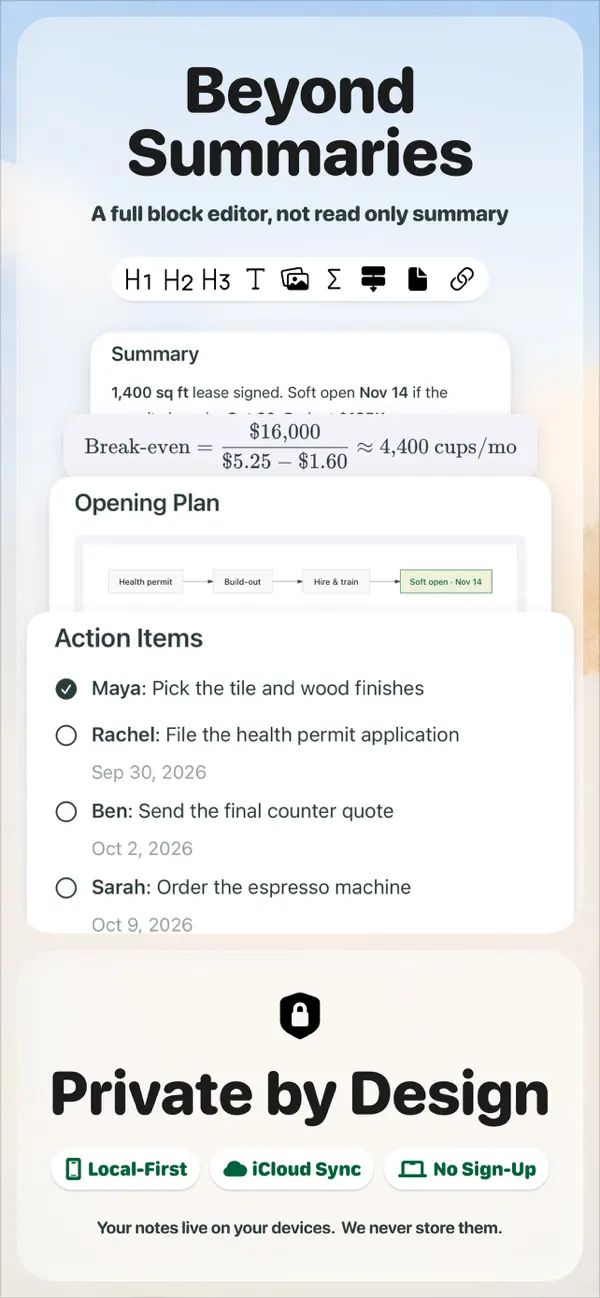
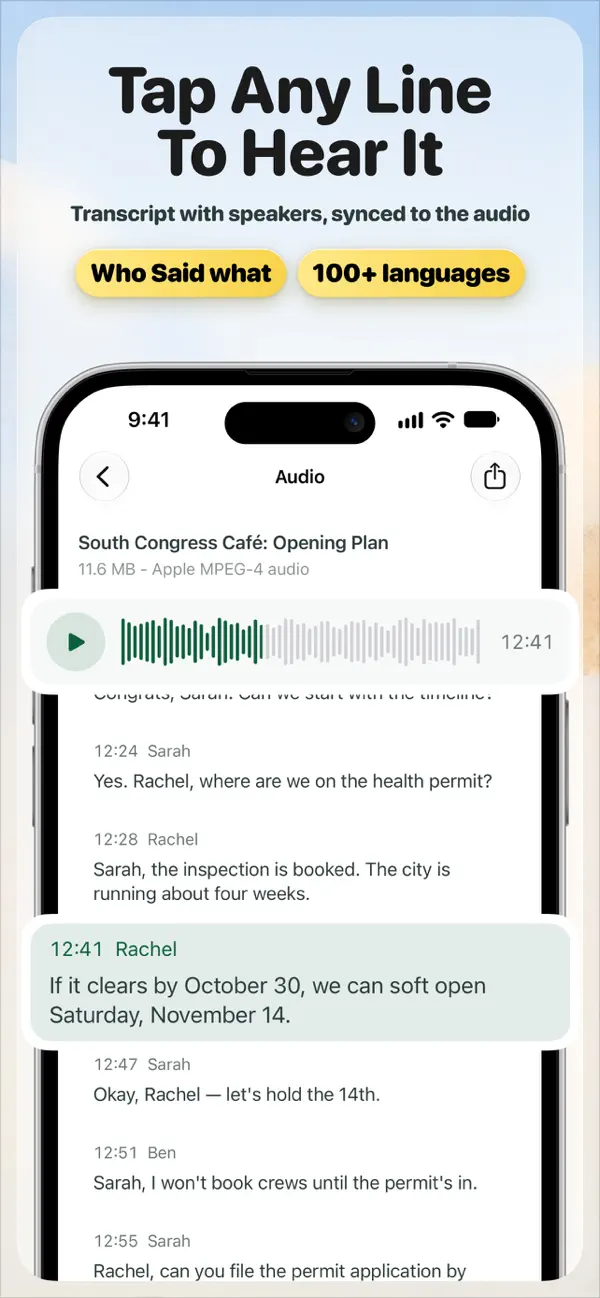
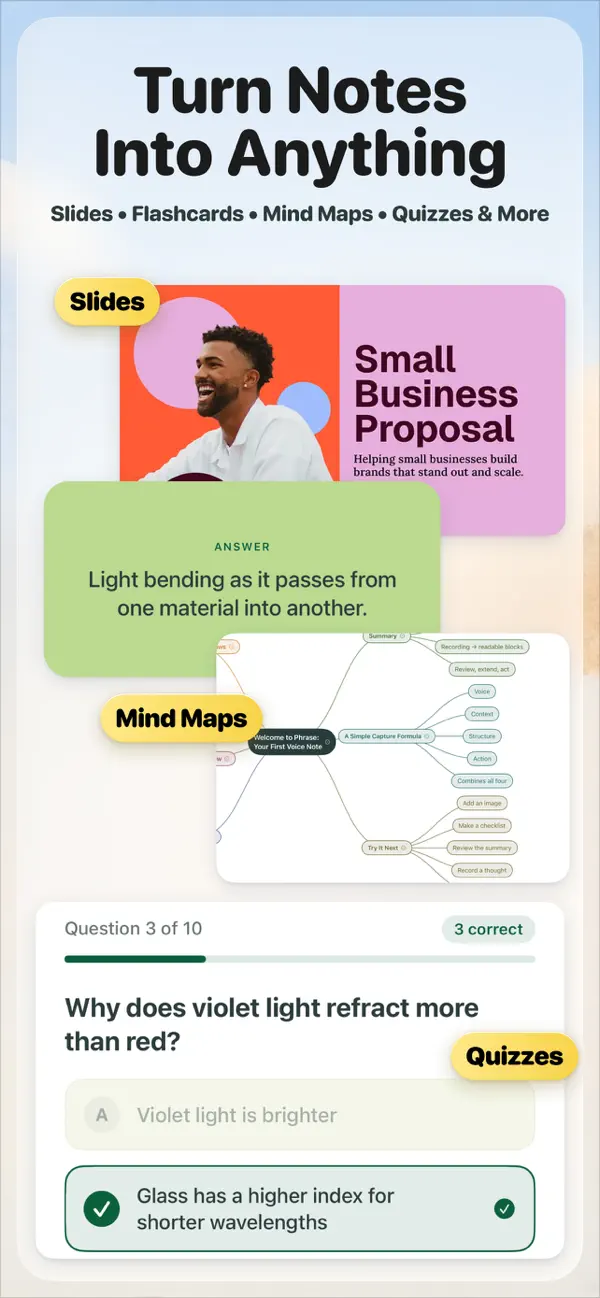
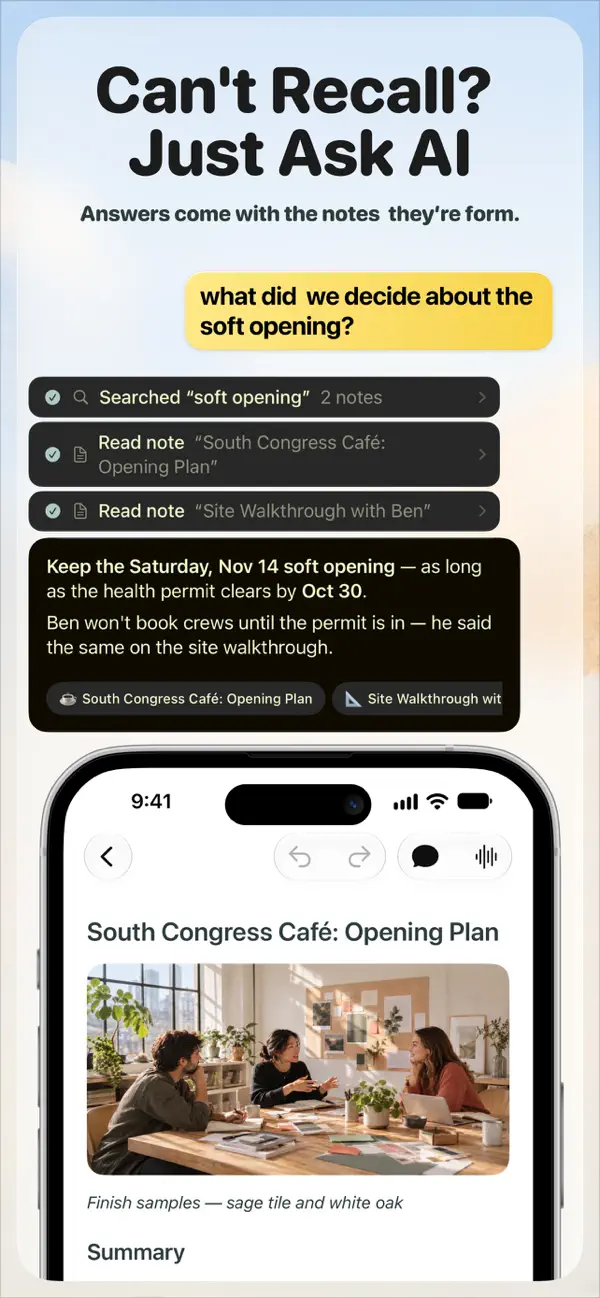
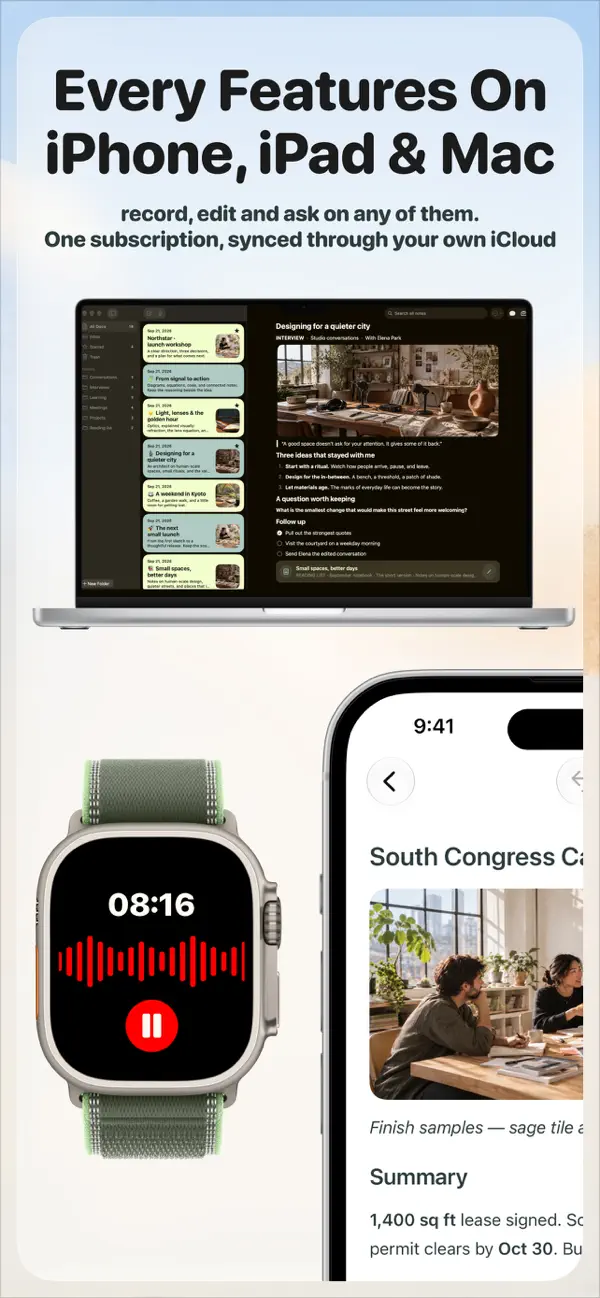
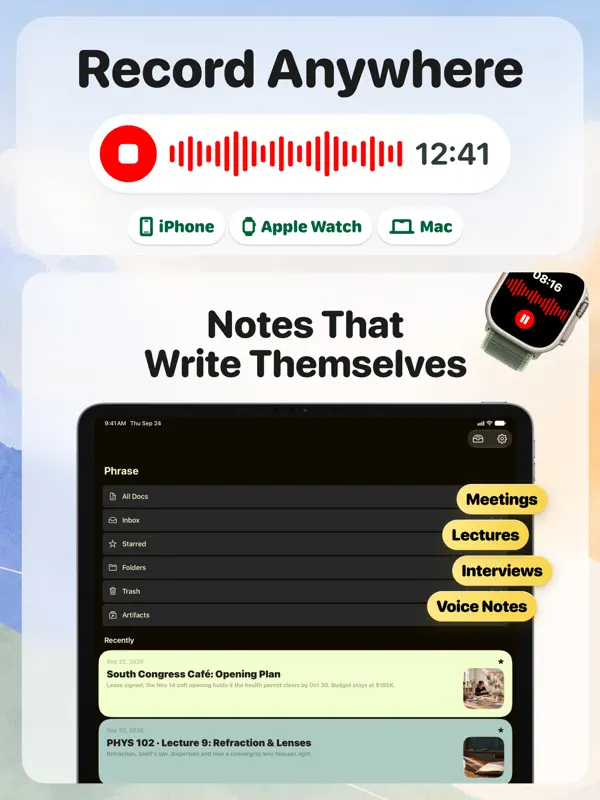
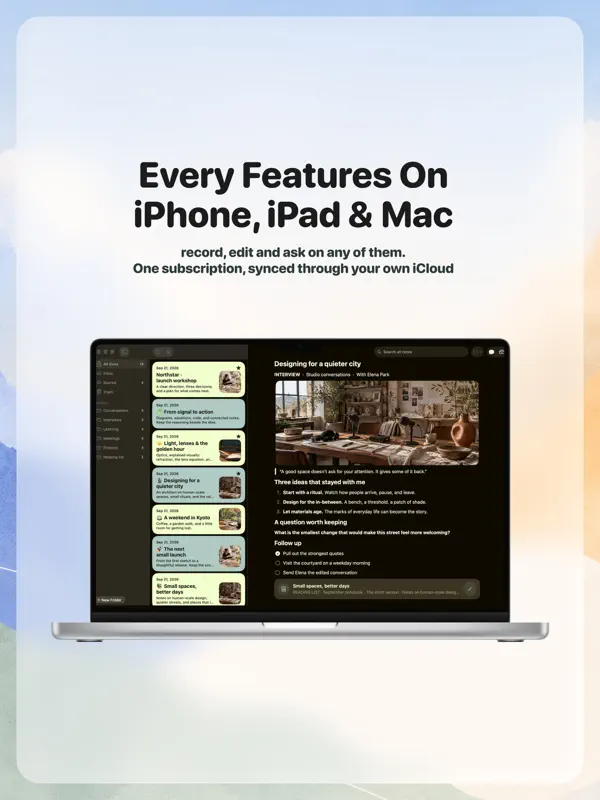
Phrase 由 Eversight Studio 推出,可录制或导入音频,并将其转为文字稿和结构化笔记。它主要面向两类人:一类是常开会、希望把决定和行动事项记录下来的人,另一类是想把讲座录音变成学习资料的学生。录音在设备本机完成,因此不会有机器人加入通话,应用还接受 PDF、幻灯片和最多八张白板照片作为生成笔记的素材。转写支持 100 多种语言,文字稿带着时间戳和说话人标签附在笔记上,因此任何一句话都可以对照原始音频核实。笔记是普通的可编辑文档,而非固定的摘要。Phrase 无需账号;笔记存储在本地,Pro 订阅增加 iCloud 同步、可跨笔记搜索的助手、闪卡、测验、幻灯片,以及将待办事项添加到“提醒事项”等操作(应用会在执行前先行确认)。同一订阅涵盖 iPhone、iPad 和原生 Mac 应用,另有用于录音的 Apple Watch 应用。在 iPhone Duo 上,1.5.0 版本(2026 年 9 月 27 日)是首个声明提供支持的版本,开发者网站称应用在两块屏幕上都能使用,无论折叠还是展开,折叠或展开手机时都会保留你的位置和音频播放。
本条目译自英文原文。
App Store 简介由开发者撰写。
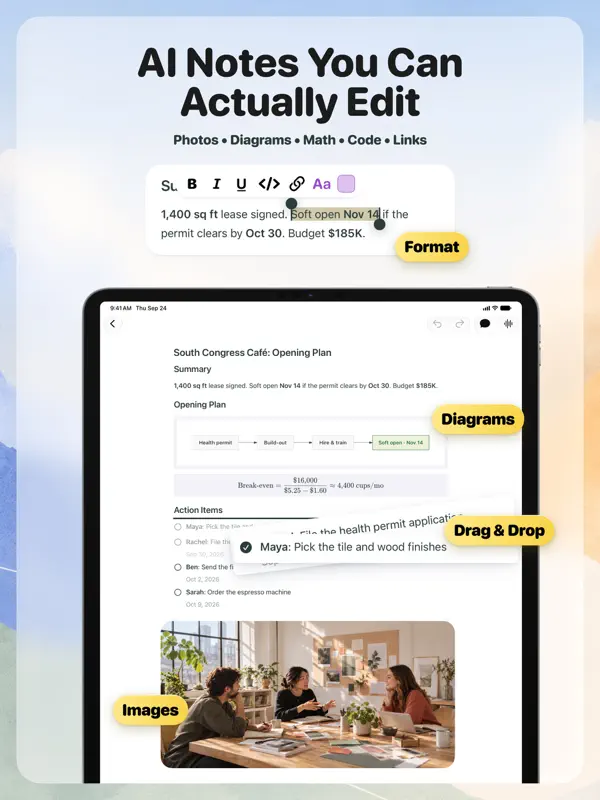
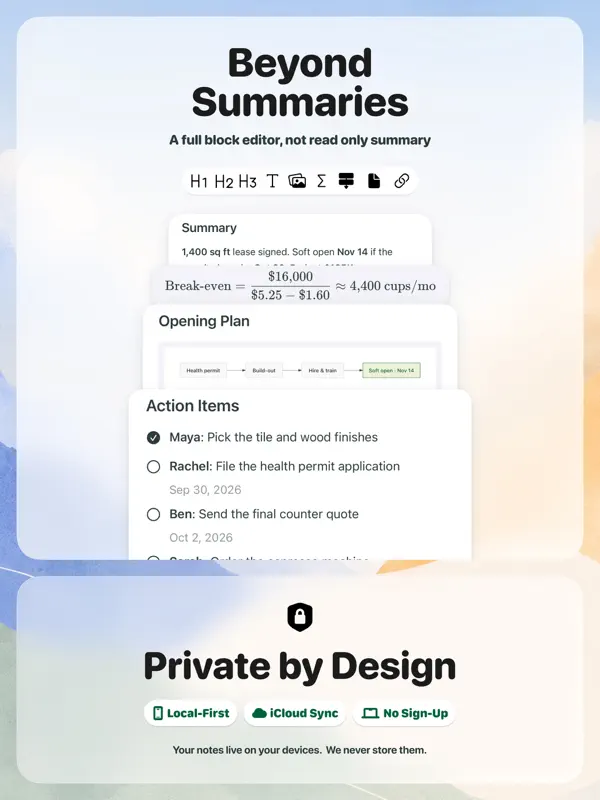
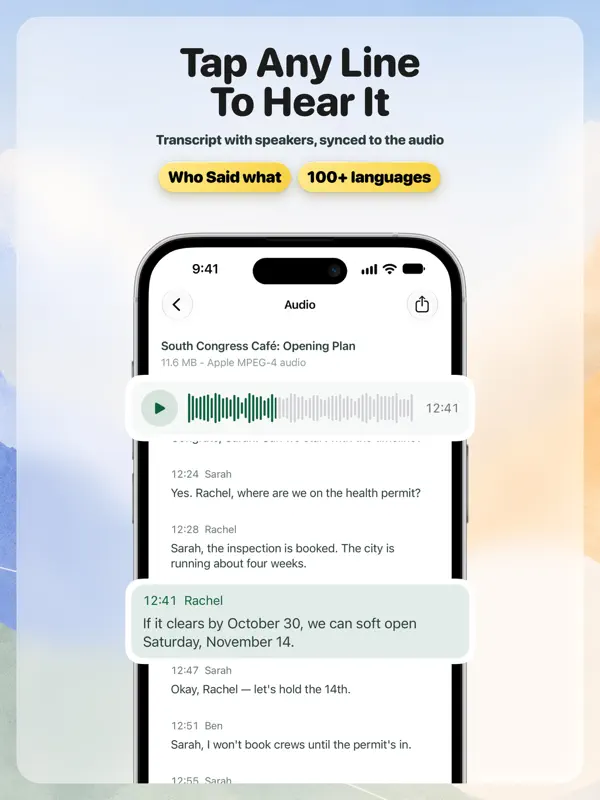
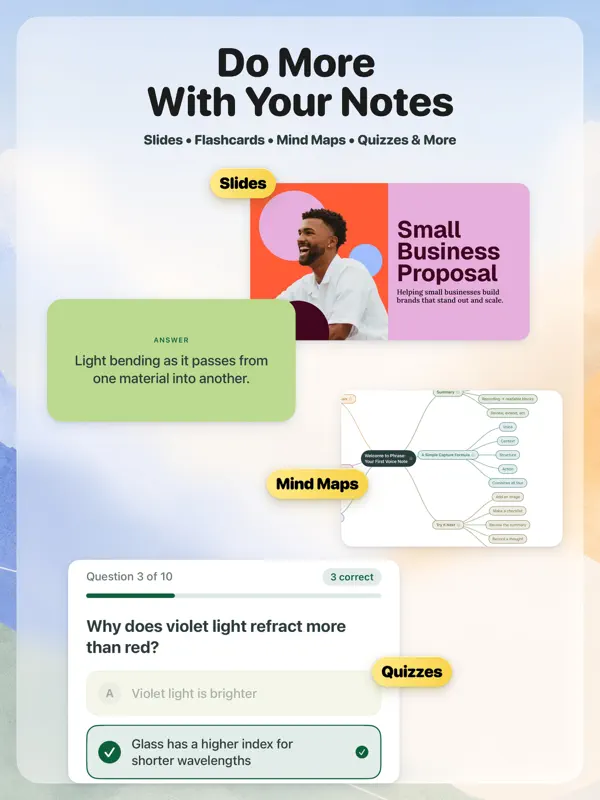
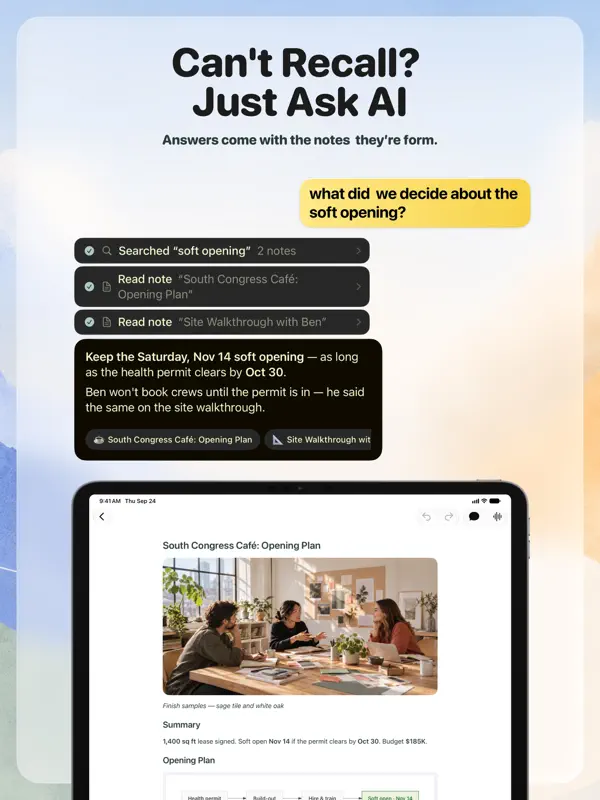
Phrase is an AI note taker for meetings, lectures, and voice notes on iPhone, iPad, Mac, and Apple Watch. Record or import audio, get a transcript in 100+ languages and a clear summary, then edit any part of the note. At work, meetings become notes with the decisions and to-dos. With Pro, Phrase adds them to Reminders and drafts the recap, and it asks first. In class, lectures become study notes. With Pro, turn them into flashcards and quizzes. FOR WORK • Meeting notes and minutes: a summary, the decisions, and action items with owners and due dates when they're mentioned. • Record in-person meetings, 1:1s, client meetings, interviews, and research sessions. It's bot-free: nothing joins your meeting. • With Pro, ask Phrase to add action items to Reminders, put the next meeting on your Calendar, or draft a recap email or message. Phrase asks for your OK first and never sends anything on its own. • With Pro, ask the assistant across all your notes, like "What did we decide about pricing?" Answers show the notes they came from. FOR STUDENTS • Lectures and classes become study notes: key ideas, terms and definitions, examples, and assignments. • Turn a PDF, lecture slides, or up to 8 photos of the whiteboard into one organized note. • With Pro, review with flashcards, quizzes, and mind maps made from your own notes. USE IT FOR Team meetings, 1:1s, client meetings, interviews, lectures, seminars, study groups, research, brainstorms, sermons and talks, voice memos, and audio or video files you already have. AI NOTES YOU CAN ACTUALLY EDIT Every note is a document you can edit, not a read-only summary. Retype a line, drag a section, check off to-dos, and add headings, colors, images, code, math, or diagrams. Undo any change. With Pro, ask Phrase to rewrite a section, see exactly what changed, and undo it in one tap. CHECK THE SOURCE The original stays attached. Play the audio with a timestamped, speaker-labeled transcript that follows along, and tap any line to jump to that moment. Phrase transcribes 100+ languages and keeps up when a conversation switches languages. TURN NOTES INTO SOMETHING NEW With Pro, ask for a slide deck, a one-page brief, a dashboard, flashcards, a quiz, or a mind map. Present decks on an external display or export them as PDF. PRIVATE BY DESIGN No sign-up and no Phrase account. Phrase is local-first: your notes live on your iPhone, iPad, and Mac, and with Pro they sync through your own iCloud. We never store your notes. QUICK ANSWERS • Does a bot join my meeting? No. Phrase records the room from your iPhone, iPad, Mac, or Apple Watch. • Does it work on Mac? Yes. Phrase is a native Mac app with the same features, recording included, and one subscription covers iPhone, iPad, and Mac. • How do I start recording fast? Jump straight to a new recording from Control Center, the Lock Screen, or Siri, or start one on Apple Watch. • Do I need an account? No. There's no sign-up, and your notes stay on your devices and in your own iCloud. PHRASE PRO Phrase Pro unlocks more AI notes from recordings and files, Ask AI, the assistant, flashcards, decks and other Artifacts, iCloud sync, and unlimited notes. AI features have usage limits. One subscription works on iPhone, iPad, and Mac. Payment is charged to your Apple Account at confirmation of purchase. Subscriptions renew automatically unless auto-renew is turned off at least 24 hours before the end of the current period. You can manage or cancel subscriptions in your App Store account settings. Please get consent before you record other people. Phrase is made by Eversight Studio LLC. Website: https://phrase.so Privacy Policy: https://phrase.so/privacy Terms of Use: https://phrase.so/terms
亮点
- 录制或导入音频,生成文字稿和摘要笔记
- 支持 100 多种语言转写,带说话人标签和时间戳
- 用 PDF、幻灯片或最多 8 张白板照片生成笔记
- 笔记是与原始音频关联的完全可编辑文档
- 无需账号,笔记存储在本地,Pro 提供 iCloud 同步
- 在 iPhone Duo 两块屏幕上均可使用,折叠时保留位置和音频
- 一份订阅涵盖 iPhone、iPad、Mac 和 Apple Watch 应用
Phrase 在 iPhone Duo 上:常见问题
Phrase 针对 iPhone Duo 优化了吗?
是的。Phrase 属于「专为 Duo 打造」:它利用了折叠形态、Split View 或外屏。核验于 2026年9月27日(开发者声明)。
Phrase 在 iPhone Duo 上是什么样子?
Phrase 的 1.5.0 版本更新说明(2026 年 9 月 27 日)称应用现已支持 iPhone Duo,1.6.0 和 1.7.0 版本则提到针对 iPhone Duo 等新设备优化了布局。开发者网站称,Phrase 在 iPhone Duo 的两块屏幕上都能使用,无论折叠还是展开,折叠或展开手机时你的浏览位置不会丢失,音频也会继续播放。网站上的一张图片显示,折叠的外屏上是一条会议笔记,播放控制按钮竖排在其旁边。我们尚未在 iPhone Duo 上测试 Phrase。
Phrase 多少钱?
Phrase 在 App Store 售价 免费 · 含 App 内购买。
更多效率应用
查看全部 ›
安静的待办清单与纸质风格计划本,按所需时长给任务分类

任务与项目管理,为 iPhone Duo 的两块屏幕分别优化布局

Readdle 的统一收件箱邮件应用,展开后收件箱与邮件并排显示

Cultured Code 的任务管理器,针对 iPhone Duo 每种姿态重新调整布局

展开 iPhone Duo 即可打开的私密手写风格笔记本

可视化时间线日程规划应用,专门为书本和桌面姿态设计了专注计时器