
iPhone 截图
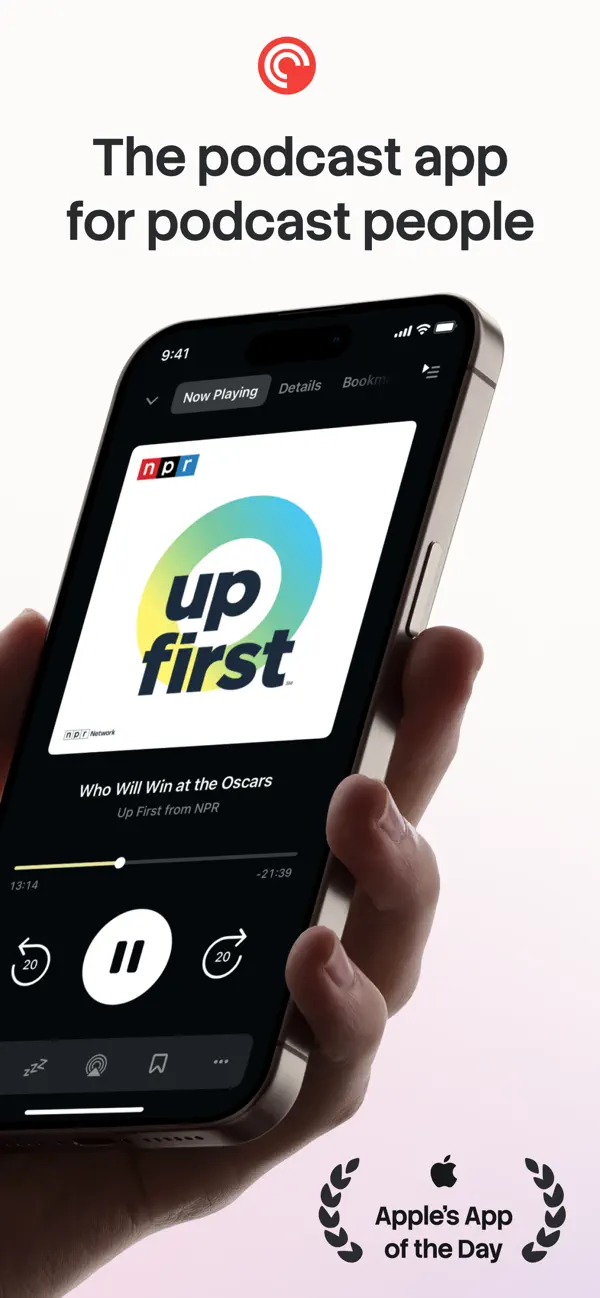
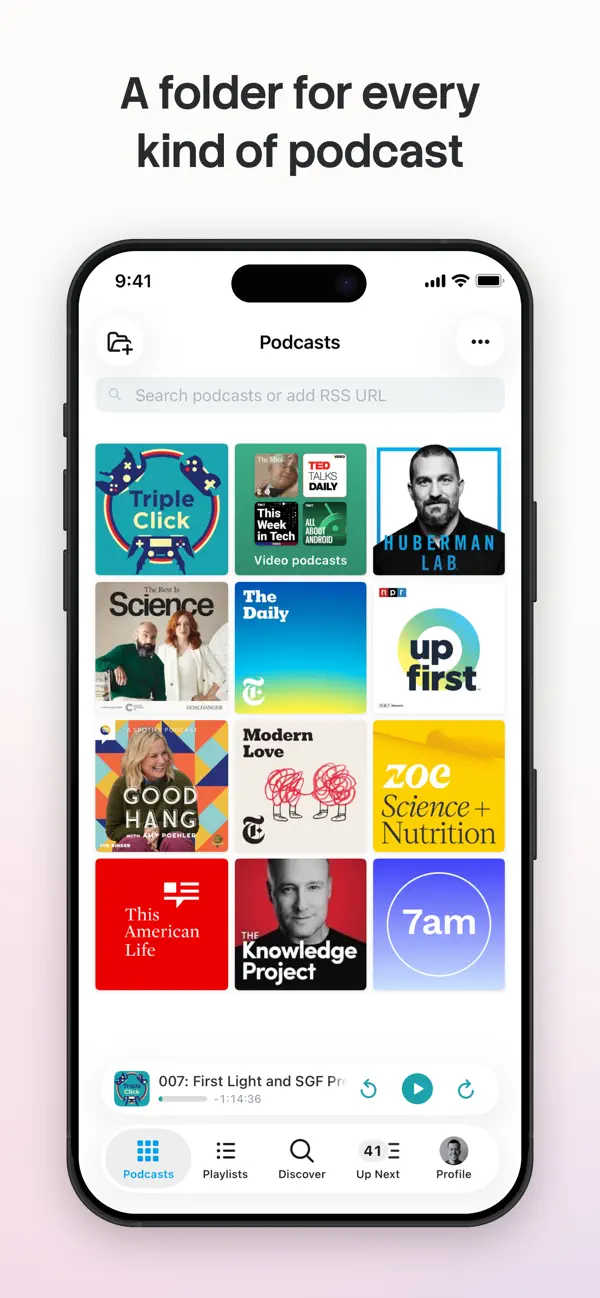
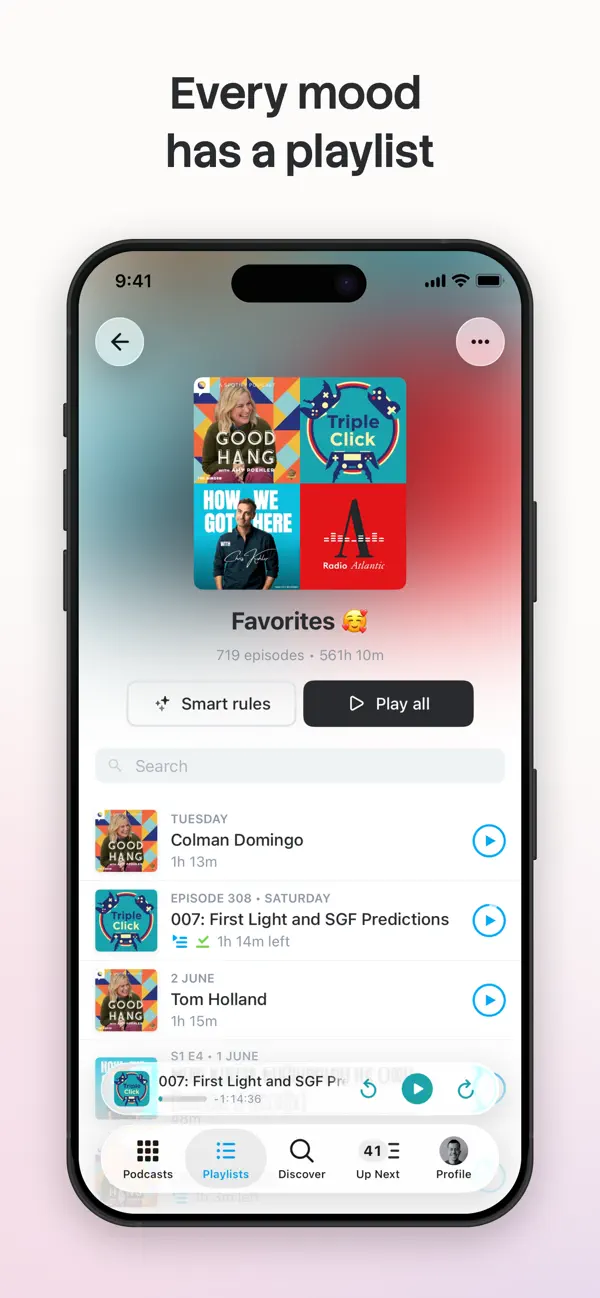
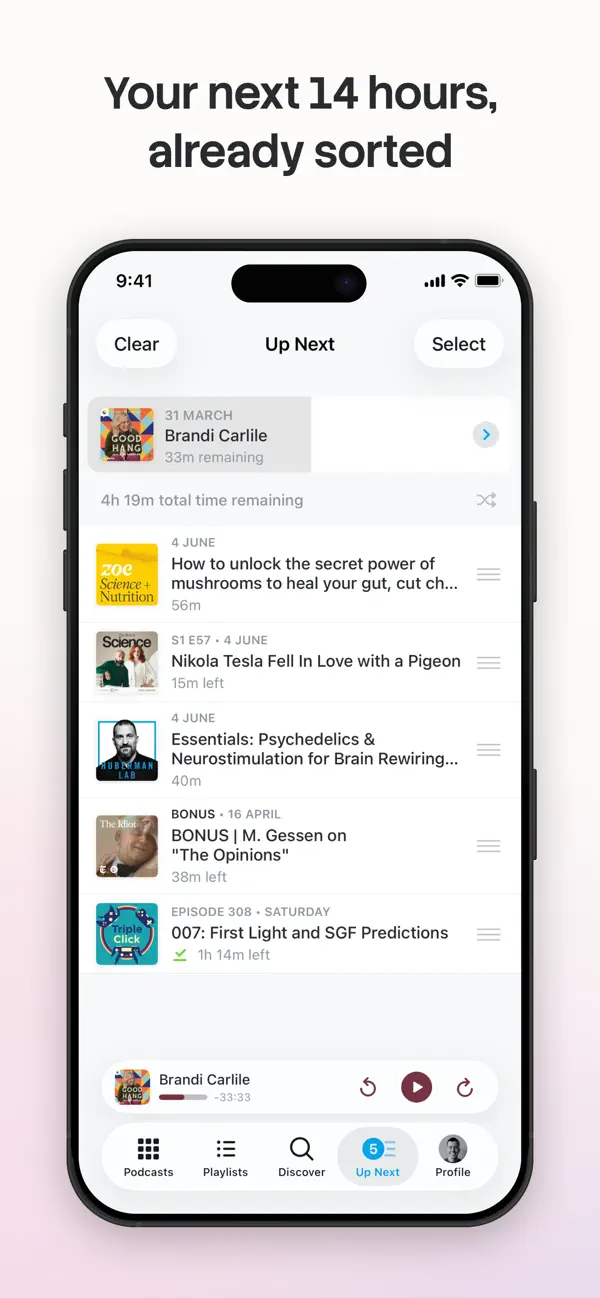

iPad 截图
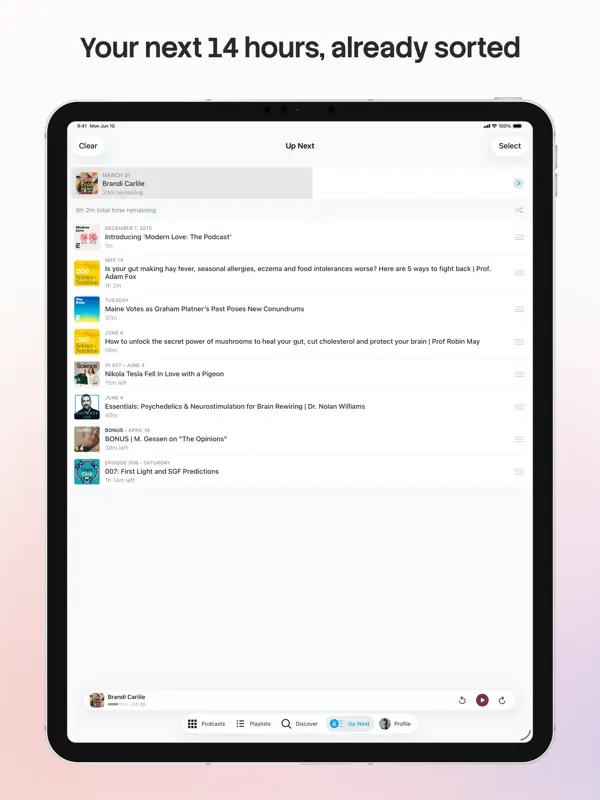
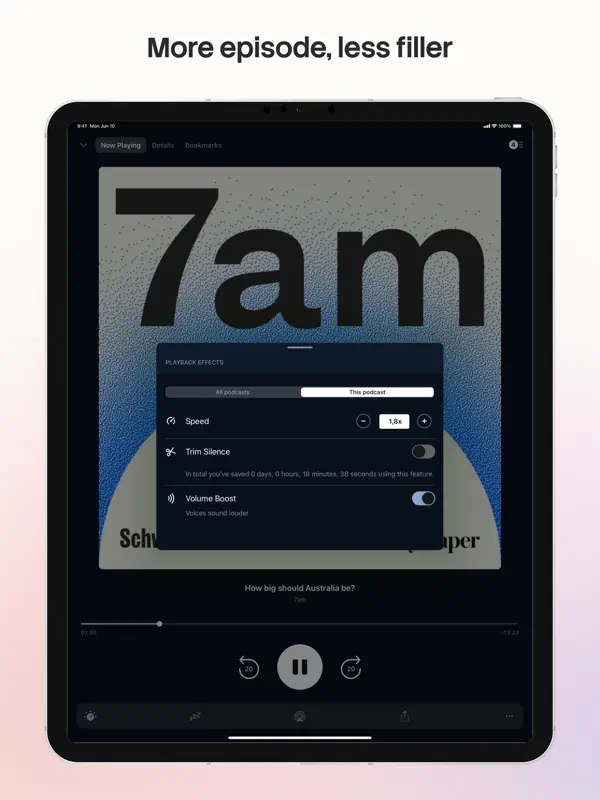
在 iPhone Duo 上的表现
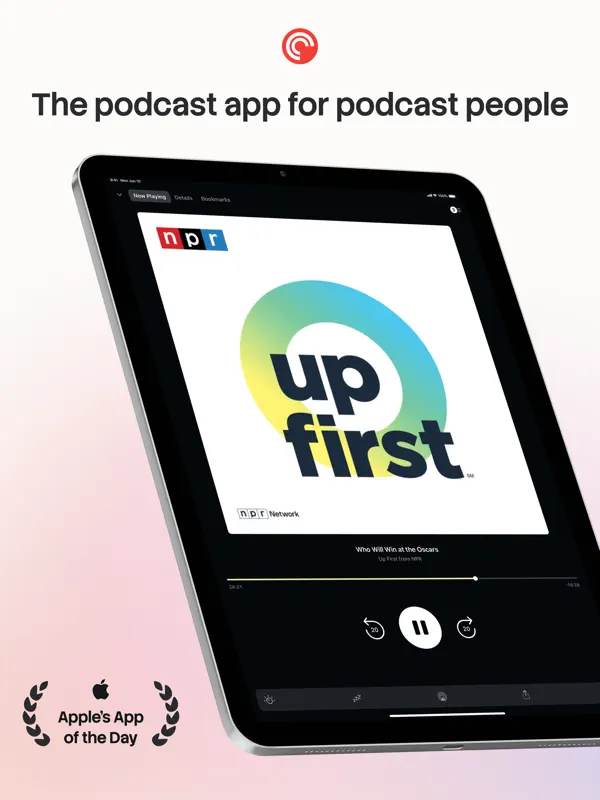
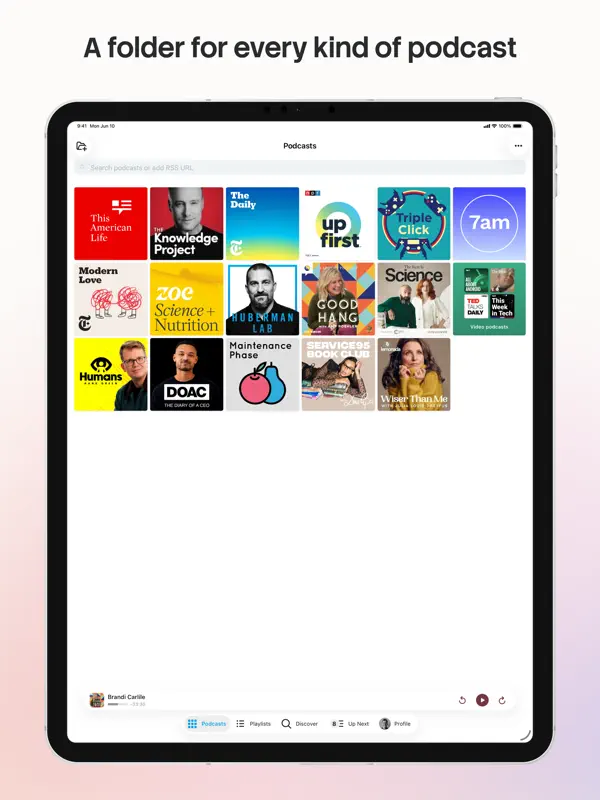
开发者在 8.23.1 版(2026 年 10 月 21 日)的更新说明中写道,Pocket Casts「正在为 iPhone Duo 做准备」,并介绍了为更好利用大屏幕所做的工作:「发现」页现在以多栏显示播客,全屏播放器在受支持的设备上采用并排布局。说明没有介绍折叠与展开时各自的行为,也没有外屏体验,因此归入「已适配」。我们尚未在真机上测试。
新功能
版本 8.23.2 ·
Pocket Casts is getting ready for the iPhone Duo! We’ve been working on making better use of larger screens, with improvements for iPad users too. Discover now shows multiple columns of podcasts, while the full-screen player gets a new side-by-side layout on supported devices. We’ve also improved CarPlay playback, fixed an issue that could clear your Apple Watch’s Up Next queue, and made sure skipped chapters no longer count towards your remaining listening time. We’ve folded in plenty of other little fixes too. And before you get snappy about all these puns, just know we’re only getting warmed up!
开发者尚未提供此内容的中文版本。
关于这款应用
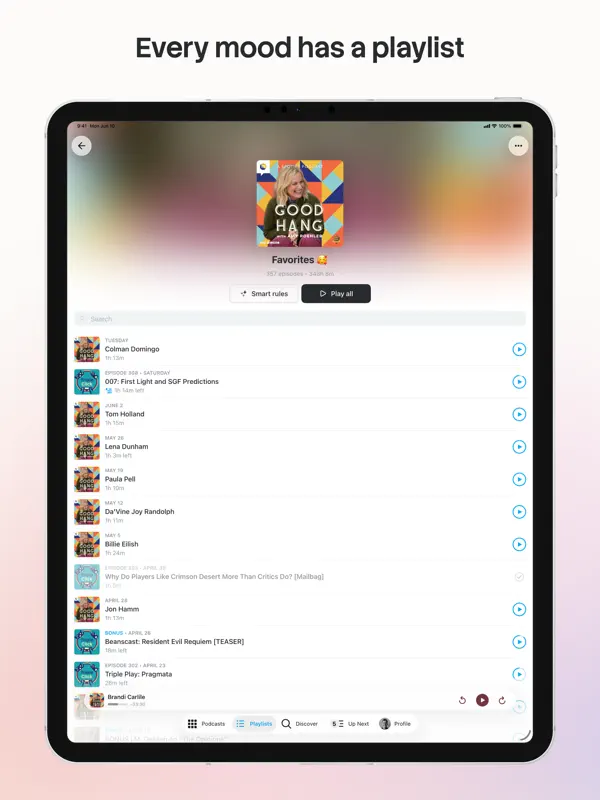
Pocket Casts 是 Automattic 推出的播客播放器,适用于 iPhone、iPad、Apple Watch 和 CarPlay。它把播放器与搜索和发现工具(包括人工精选推荐)结合在一起,你登录后可建立「待播」队列并在各设备间同步。其「播放列表」功能允许你混合不同节目的单集,包括你没有关注的节目;智能播放列表(原有「筛选器」的继任者)则会根据发布日期、时长或下载状态等规则自动更新。播放可通过 AirPlay、Chromecast 和 Sonos 投送,应用提供浅色、深色以及适用于 OLED 屏幕的超深色主题。iPad 版支持 Slide Over、Split View 和画中画。Pocket Casts 可免费下载,付费层级通过内购提供。2026 年 10 月 21 日发布的 8.23.1 版被开发者定位为 iPhone Duo 的准备工作,相关布局改进面向更大的屏幕:多栏的「发现」视图,以及受支持设备上并排的全屏播放器。同一次更新还改进了 CarPlay 播放,并修复了 Apple Watch 待播队列的一个问题。
本条目译自英文原文。
App Store 简介由开发者撰写。
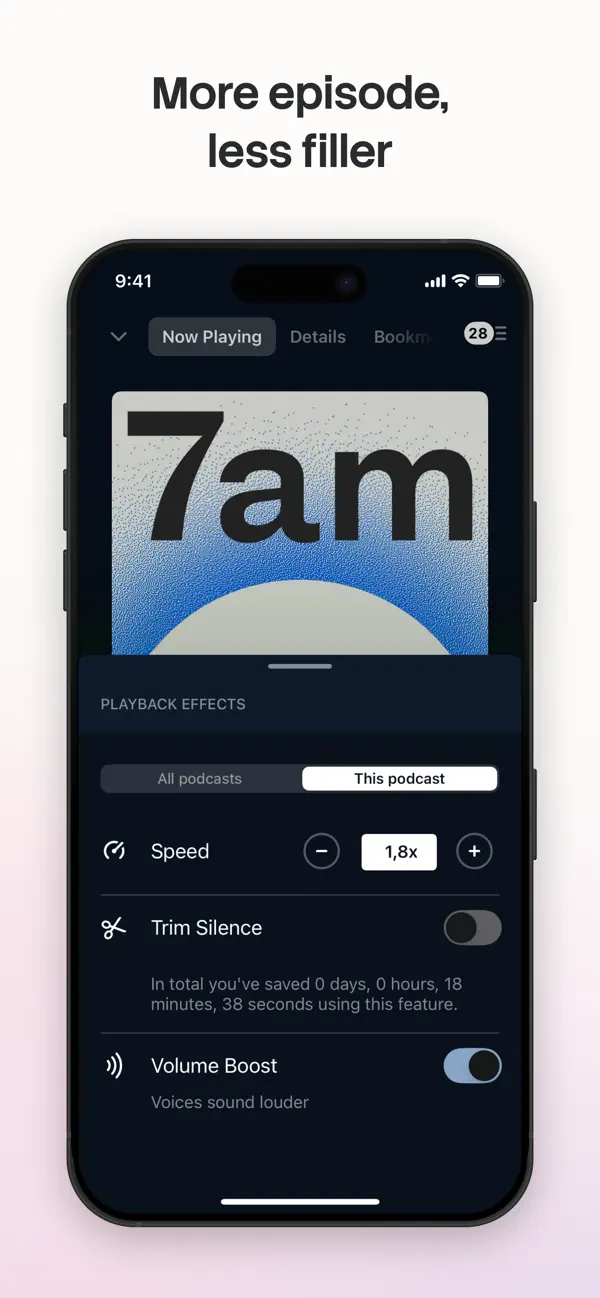
Pocket Casts is the world's most powerful podcast platform, an app by listeners, for listeners. Our podcast player provides next-level listening, search and discovery tools. Find your next obsession with our hand-curated podcast recommendations for easy discovery, and seamlessly enjoy your favorite shows without the hassle of subscribing. Here's what the press has to say: • Wired: "Pocket Casts Is the Podcast App Every iPhone User Needs" • iMore: "Pocket Casts is the best podcast app for iPhone" PLAYLISTS Your listening, your way. Organize your episodes with our powerful Playlists feature: - Playlists: Curate your perfect mix. Combine episodes from different podcasts, build collections around specific themes or guests, and even add episodes from podcasts you don't follow. - Smart Playlists: We’ve upgraded our famous Filters. Build lists that automatically update based on rules you set, like release date, duration, or download status. WE SWEAT THE DETAILS • Design: Easily listen to, manage and find new podcasts. • Themes: Dark, light, and an Extra Dark theme for those of you on OLED screens. • Universal: Custom but familiar iPad interface, supporting Slide Over, Split View and Picture in Picture. • Everywhere: CarPlay, AirPlay, Chromecast and Sonos. Listen to your podcasts in more places than ever before. POWERFUL PLAYBACK • Up next: Automatically build a playback queue from your favorite shows. Sign in and have that Up Next queue sync to all your devices. • Trim silence: Cut silences from episodes so you finish them faster, saving hours. • Variable speed: Change the play speed from anywhere between 0.5 to 3x. • Volume boost: Increase the volume of voices, while decreasing background noise. • Stream: Play episodes on the fly. • Chapters: Jump between chapters easily, and enjoy embedded artwork that the author has added (we support MP3 and M4A chapter formats). • Audio & video: Play all of your favorite episodes, toggle video to audio. • Skip playback: Skip episode intros, jump through episodes with custom skip intervals. • Apple Watch: Control playback, volume and effects from our Apple Watch app, without ever touching your phone. • Sleep timer: We'll pause your episode so you can rest your weary head. SMART TOOLS • Sync: Subscriptions, Up Next, listening history, playback and filters are all securely stored in the cloud. You can pick up where you left off on another device and even the web. • Refresh: Let our servers check for new episodes, so you can get on with your day. • Notifications: We'll let you know when new episodes arrive, if you like. • Auto download: Automatically download episodes for offline playback. • Storage: All the tools you need to keep your podcasts tamed. ALL YOUR FAVORITES • Discover: Subscribe to any podcast on Apple Podcasts and more. Browse by charts, networks and categories. • Share: Spread the word with podcast and episode sharing. • OPML: Jump on board without any hassle with OPML import. Export your collection at any time. Visit pocketcasts.com for more info about the web and other platforms supported by Pocket Casts. Terms of Use: https://support.pocketcasts.com/article/terms-of-use Privacy Policy: https://support.pocketcasts.com/article/privacy-policy
亮点
- 大屏幕上的多栏「发现」页
- 受支持设备上并排的全屏播放器
- 播放列表与基于规则的智能播放列表
- 跨设备同步的待播队列
- AirPlay、Chromecast、Sonos 与 CarPlay
- Apple Watch 应用
Pocket Casts 在 iPhone Duo 上:常见问题
Pocket Casts 针对 iPhone Duo 优化了吗?
部分优化。Pocket Casts 属于「已适配」:它能铺满更大的内屏,但没有针对折叠做特别设计。核验于 2026年10月21日(开发者声明)。
Pocket Casts 在 iPhone Duo 上是什么样子?
开发者在 8.23.1 版(2026 年 10 月 21 日)的更新说明中写道,Pocket Casts「正在为 iPhone Duo 做准备」,并介绍了为更好利用大屏幕所做的工作:「发现」页现在以多栏显示播客,全屏播放器在受支持的设备上采用并排布局。说明没有介绍折叠与展开时各自的行为,也没有外屏体验,因此归入「已适配」。我们尚未在真机上测试。
Pocket Casts 多少钱?
Pocket Casts 在 App Store 售价 免费 · 含 App 内购买。
更多音乐音频应用
查看全部 ›
复古音乐播放器,可播放自己的音乐和流媒体音乐库

横跨 iPhone Duo 铰链的古典钢琴节奏游戏

垒球和棒球的比赛日登场音乐,为 Duo 的每种姿态定制布局

Duo 展开时可沿折痕分屏的节拍器与调音器

有声书播放器,支持自己的 Plex、Audiobookshelf 或本地媒体库

用一个应用控制你的 Sonos 音箱和流媒体服务