
Pocket Casts
Podcast player with playlists, sync and new large-screen layouts
Automattic · Music & Audio · Free · in-app purchases
iPhone screenshots
iPad screenshots
How it uses iPhone Duo
In the release notes for version 8.23.1 (October 21, 2026), the developer wrote that Pocket Casts "is getting ready for the iPhone Duo" and described work on making better use of larger screens: Discover now shows podcasts in multiple columns, and the full-screen player gets a side-by-side layout on supported devices. The notes do not describe separate folded and unfolded behaviour or an outer-display experience, so it is listed as Adapted. We have not yet tested it on a device.
What’s New
Version 8.23.2 ·
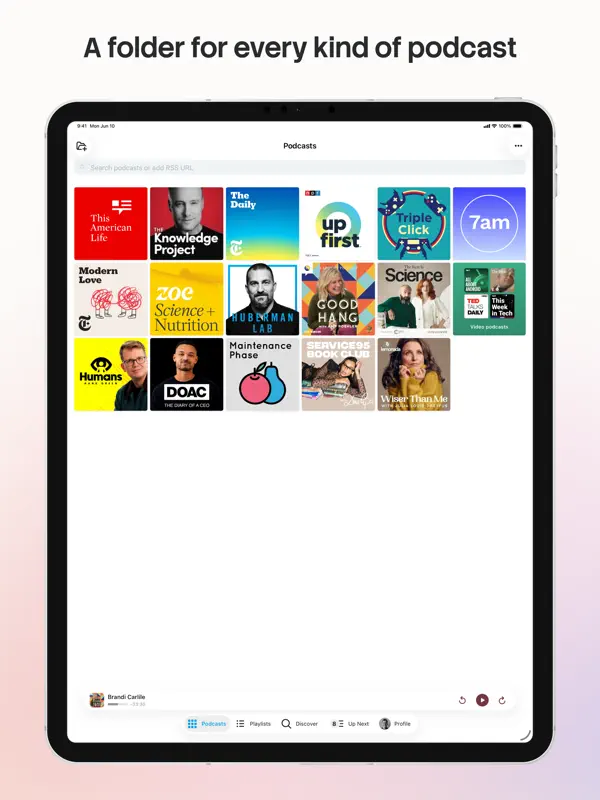
Pocket Casts is getting ready for the iPhone Duo! We’ve been working on making better use of larger screens, with improvements for iPad users too. Discover now shows multiple columns of podcasts, while the full-screen player gets a new side-by-side layout on supported devices. We’ve also improved CarPlay playback, fixed an issue that could clear your Apple Watch’s Up Next queue, and made sure skipped chapters no longer count towards your remaining listening time. We’ve folded in plenty of other little fixes too. And before you get snappy about all these puns, just know we’re only getting warmed up!
About this app
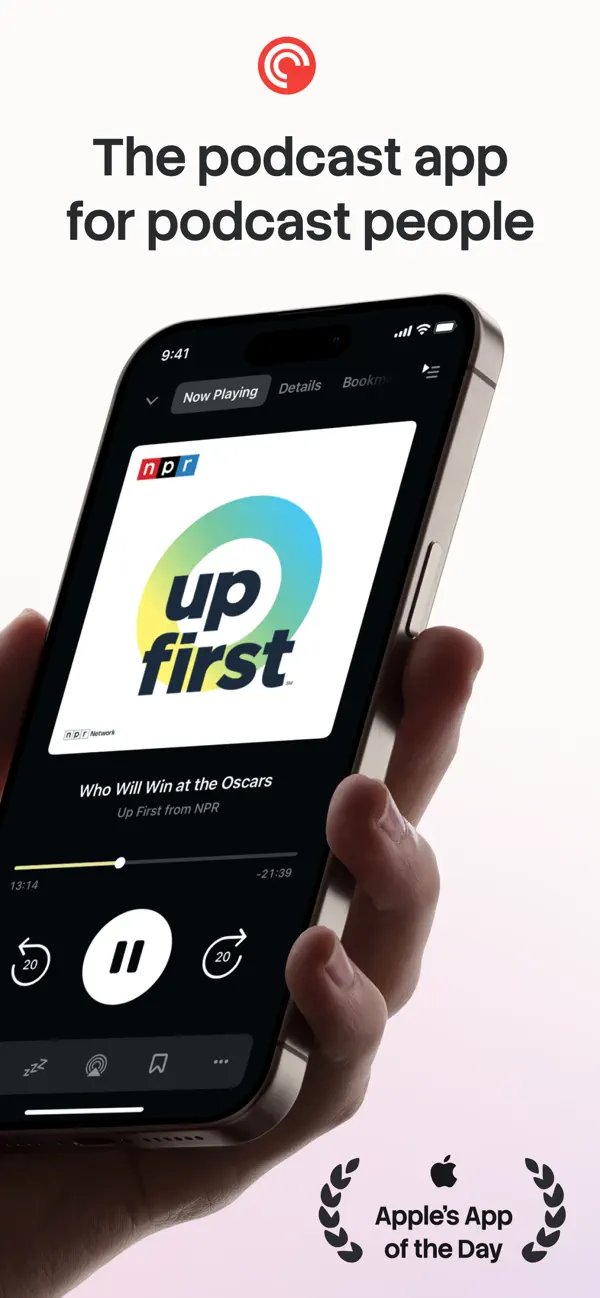
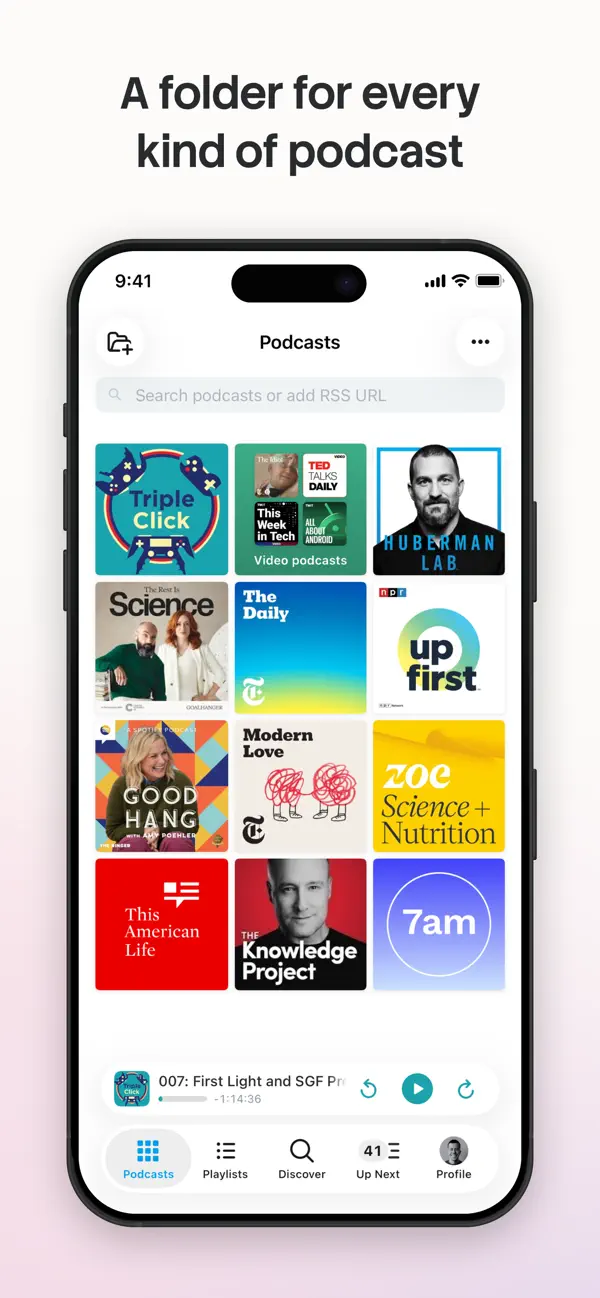
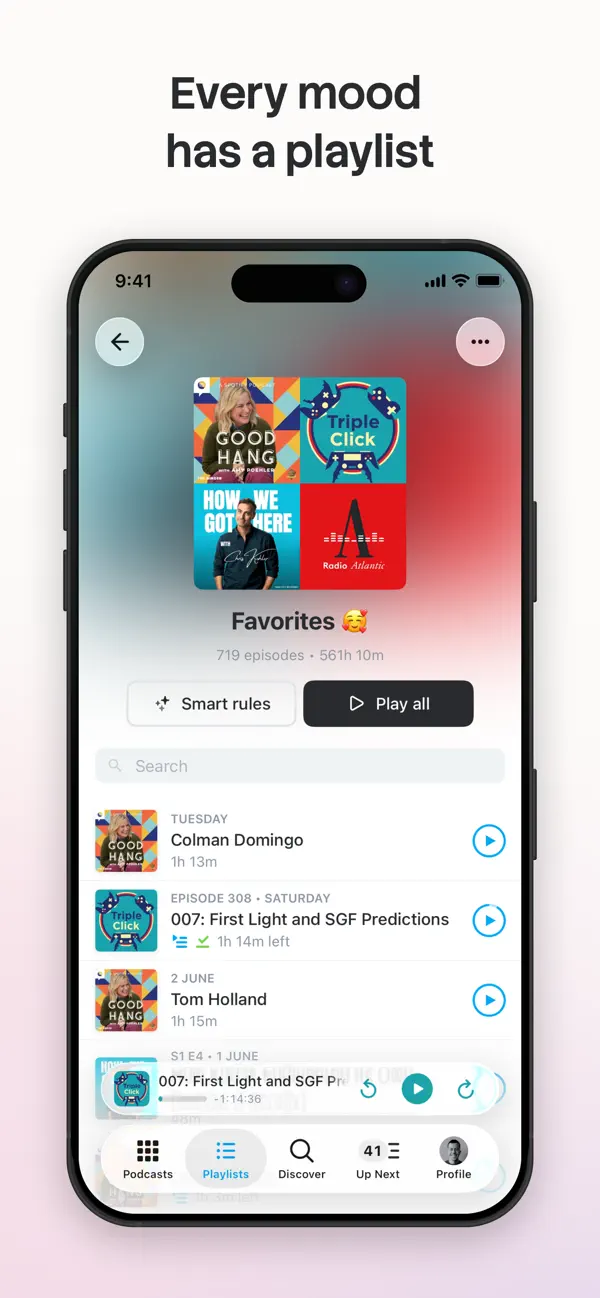
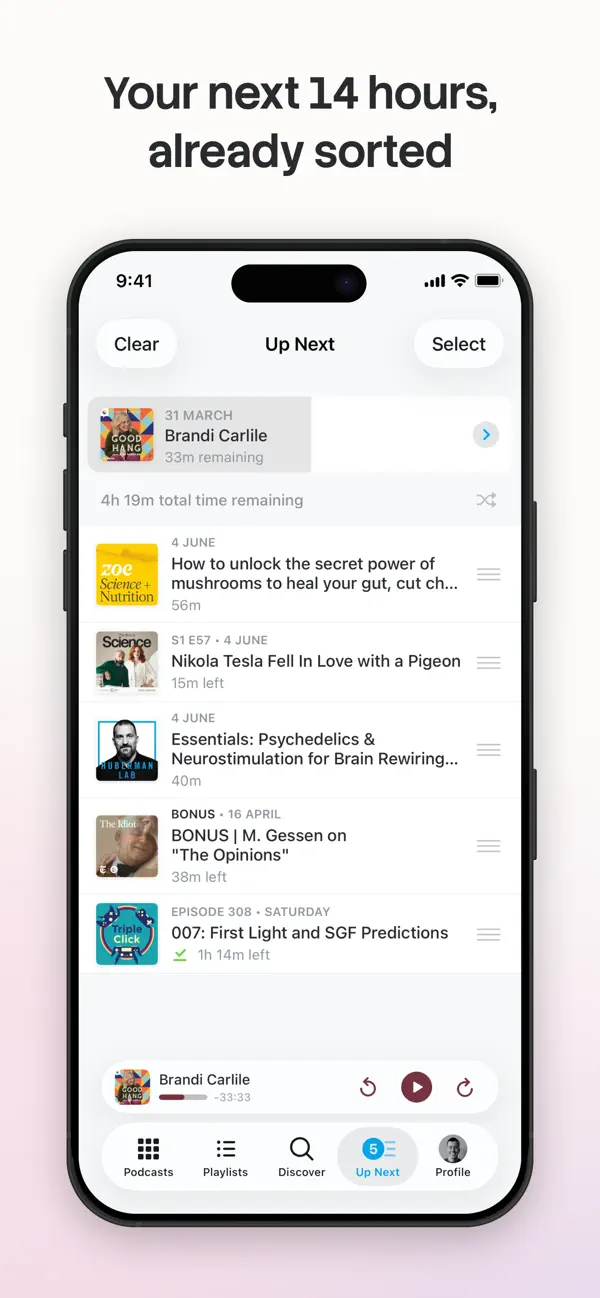
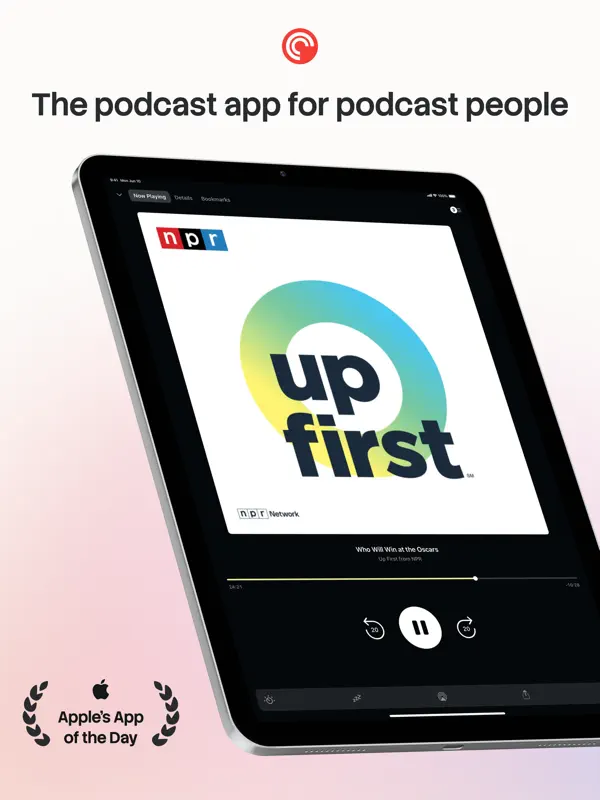
Pocket Casts is a podcast player from Automattic, available on iPhone, iPad, Apple Watch and CarPlay. It combines a player with search and discovery tools, including hand-picked recommendations, and lets you build an Up Next queue that syncs across your devices when you sign in. Its Playlists feature lets you mix episodes from different shows, including shows you don't follow, while Smart Playlists, the successor to the app's Filters, update automatically from rules such as release date, duration or download status. Playback can be sent through AirPlay, Chromecast and Sonos, and the app offers light, dark and an extra-dark theme for OLED screens. The iPad version supports Slide Over, Split View and Picture in Picture. Pocket Casts is free to download, with in-app purchases for its paid tier. Version 8.23.1, released on October 21, 2026, was framed by the developer as preparation for iPhone Duo, with layout work aimed at larger screens: a multi-column Discover view and a side-by-side full-screen player on supported devices. The same update improved CarPlay playback and fixed an issue with the Apple Watch Up Next queue.
App Store descriptionWritten by the developer.
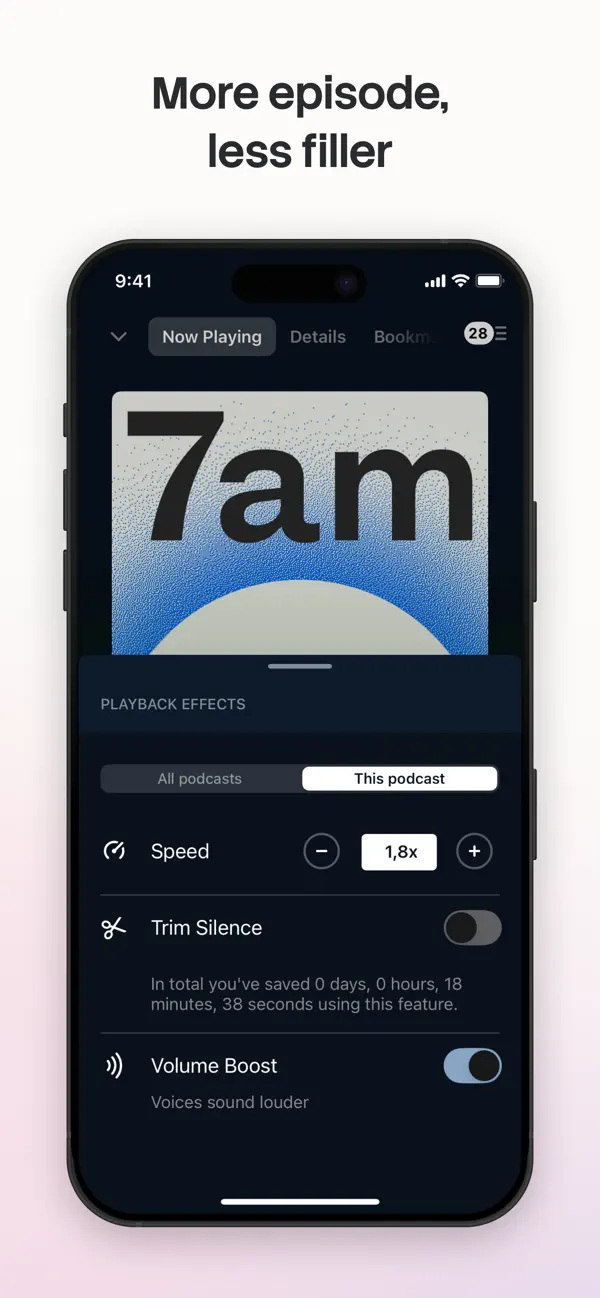
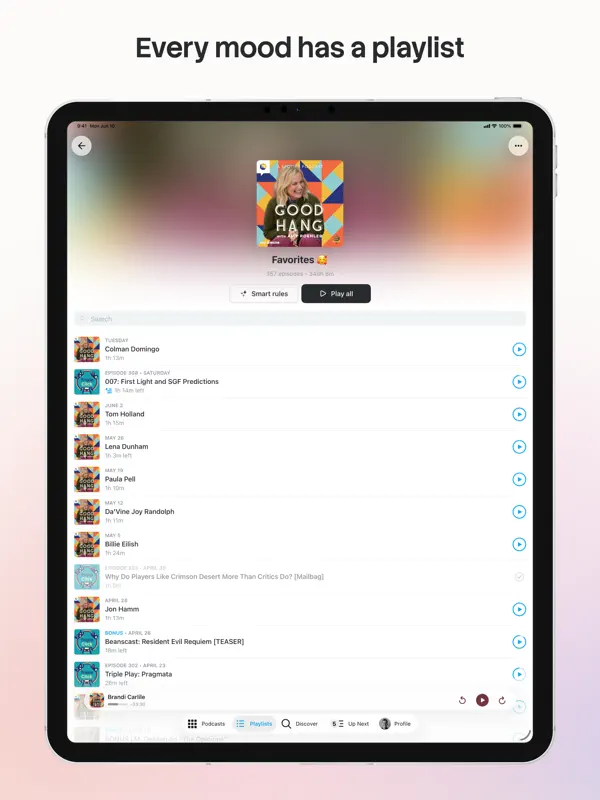
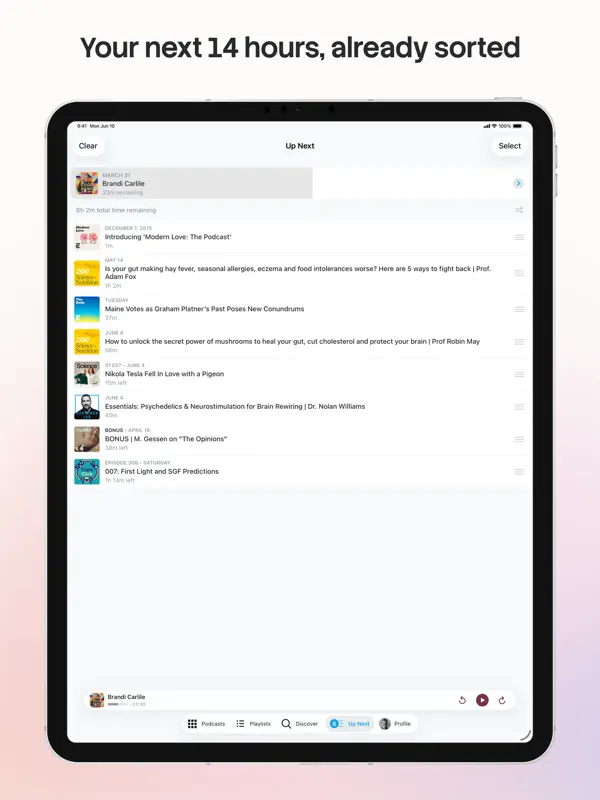
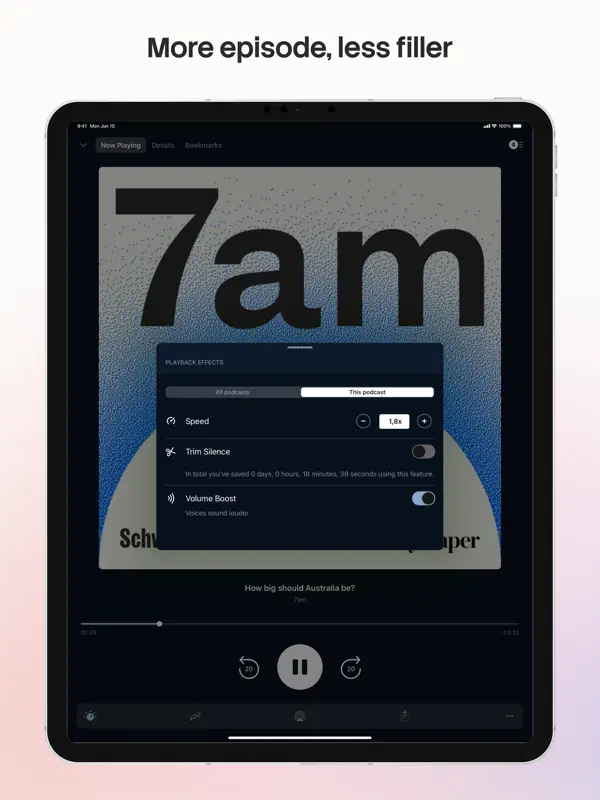
Pocket Casts is the world's most powerful podcast platform, an app by listeners, for listeners. Our podcast player provides next-level listening, search and discovery tools. Find your next obsession with our hand-curated podcast recommendations for easy discovery, and seamlessly enjoy your favorite shows without the hassle of subscribing. Here's what the press has to say: • Wired: "Pocket Casts Is the Podcast App Every iPhone User Needs" • iMore: "Pocket Casts is the best podcast app for iPhone" PLAYLISTS Your listening, your way. Organize your episodes with our powerful Playlists feature: - Playlists: Curate your perfect mix. Combine episodes from different podcasts, build collections around specific themes or guests, and even add episodes from podcasts you don't follow. - Smart Playlists: We’ve upgraded our famous Filters. Build lists that automatically update based on rules you set, like release date, duration, or download status. WE SWEAT THE DETAILS • Design: Easily listen to, manage and find new podcasts. • Themes: Dark, light, and an Extra Dark theme for those of you on OLED screens. • Universal: Custom but familiar iPad interface, supporting Slide Over, Split View and Picture in Picture. • Everywhere: CarPlay, AirPlay, Chromecast and Sonos. Listen to your podcasts in more places than ever before. POWERFUL PLAYBACK • Up next: Automatically build a playback queue from your favorite shows. Sign in and have that Up Next queue sync to all your devices. • Trim silence: Cut silences from episodes so you finish them faster, saving hours. • Variable speed: Change the play speed from anywhere between 0.5 to 3x. • Volume boost: Increase the volume of voices, while decreasing background noise. • Stream: Play episodes on the fly. • Chapters: Jump between chapters easily, and enjoy embedded artwork that the author has added (we support MP3 and M4A chapter formats). • Audio & video: Play all of your favorite episodes, toggle video to audio. • Skip playback: Skip episode intros, jump through episodes with custom skip intervals. • Apple Watch: Control playback, volume and effects from our Apple Watch app, without ever touching your phone. • Sleep timer: We'll pause your episode so you can rest your weary head. SMART TOOLS • Sync: Subscriptions, Up Next, listening history, playback and filters are all securely stored in the cloud. You can pick up where you left off on another device and even the web. • Refresh: Let our servers check for new episodes, so you can get on with your day. • Notifications: We'll let you know when new episodes arrive, if you like. • Auto download: Automatically download episodes for offline playback. • Storage: All the tools you need to keep your podcasts tamed. ALL YOUR FAVORITES • Discover: Subscribe to any podcast on Apple Podcasts and more. Browse by charts, networks and categories. • Share: Spread the word with podcast and episode sharing. • OPML: Jump on board without any hassle with OPML import. Export your collection at any time. Visit pocketcasts.com for more info about the web and other platforms supported by Pocket Casts. Terms of Use: https://support.pocketcasts.com/article/terms-of-use Privacy Policy: https://support.pocketcasts.com/article/privacy-policy
Highlights
- Multi-column Discover on larger screens
- Side-by-side full-screen player on supported devices
- Playlists and rule-based Smart Playlists
- Up Next queue synced across devices
- AirPlay, Chromecast, Sonos and CarPlay
- Apple Watch app
Pocket Casts on iPhone Duo: FAQ
Is Pocket Casts optimized for iPhone Duo?
Partly. Pocket Casts is Adapted: it fills the larger inner display, but it does not do anything special with the fold. Verified on October 21, 2026 (Developer statement).
What does Pocket Casts look like on iPhone Duo?
In the release notes for version 8.23.1 (October 21, 2026), the developer wrote that Pocket Casts "is getting ready for the iPhone Duo" and described work on making better use of larger screens: Discover now shows podcasts in multiple columns, and the full-screen player gets a side-by-side layout on supported devices. The notes do not describe separate folded and unfolded behaviour or an outer-display experience, so it is listed as Adapted. We have not yet tested it on a device.
How much does Pocket Casts cost?
Pocket Casts costs Free · in-app purchases on the App Store.
More Music & Audio apps
See all ›
Retro music player for your own music and streaming libraries.

A classical piano rhythm game that plays across the iPhone Duo's hinge

Game-day walk-up music for softball and baseball, laid out for every Duo pose
Metronome and tuner that split across the fold when the Duo is open

Audiobook player for your own Plex, Audiobookshelf or local library

Control your Sonos speakers and streaming services from one app