
Sonos
Control your Sonos speakers and streaming services from one app
Sonos, Inc. · Music & Audio · Free · in-app purchases
iPhone screenshots
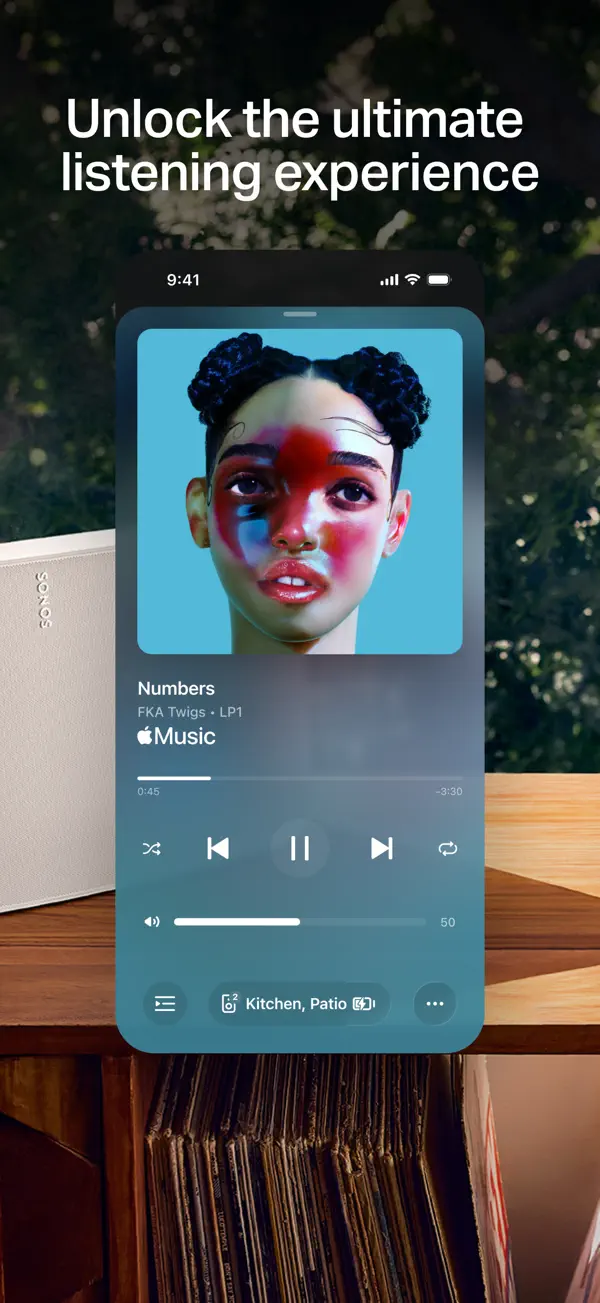
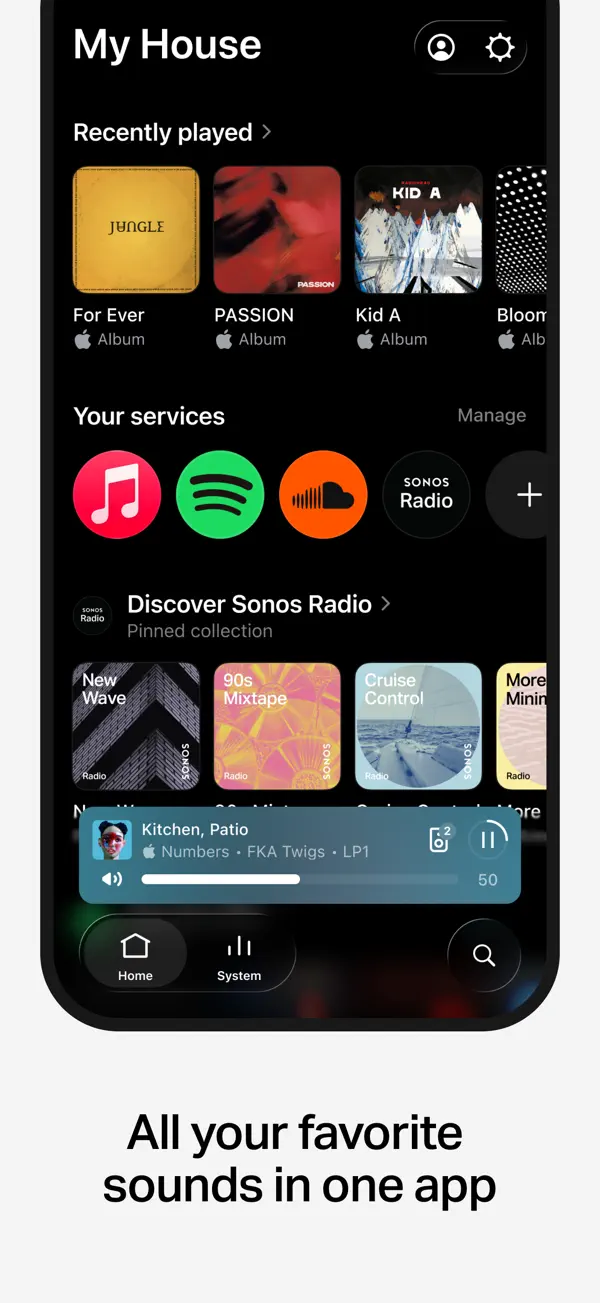
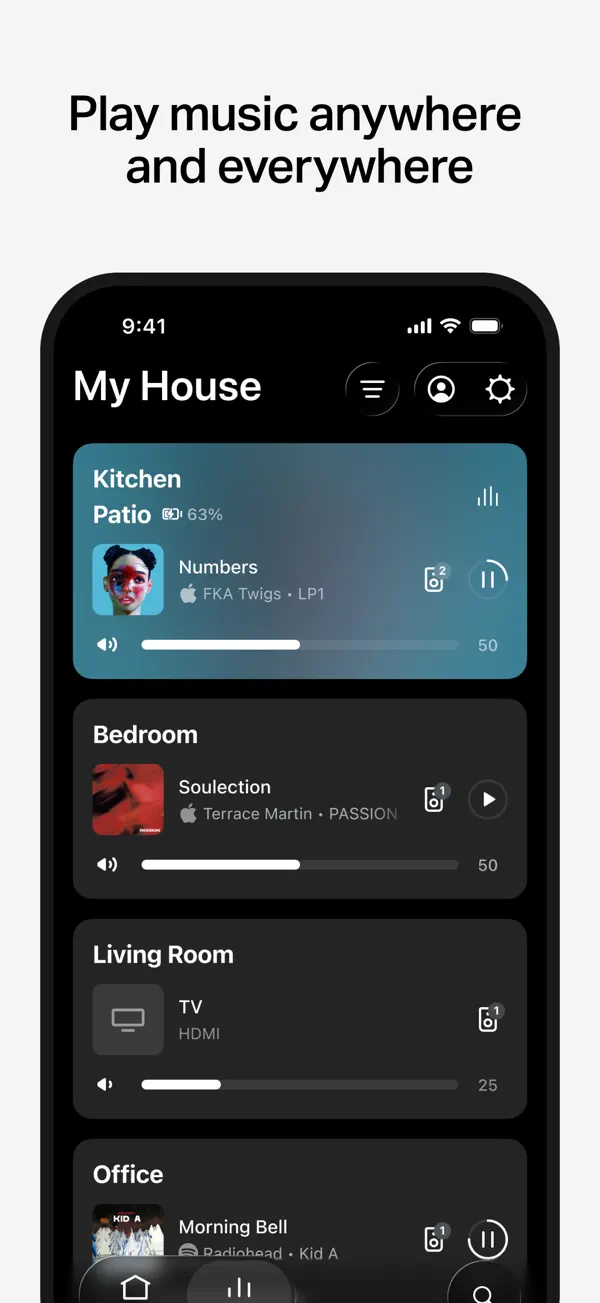
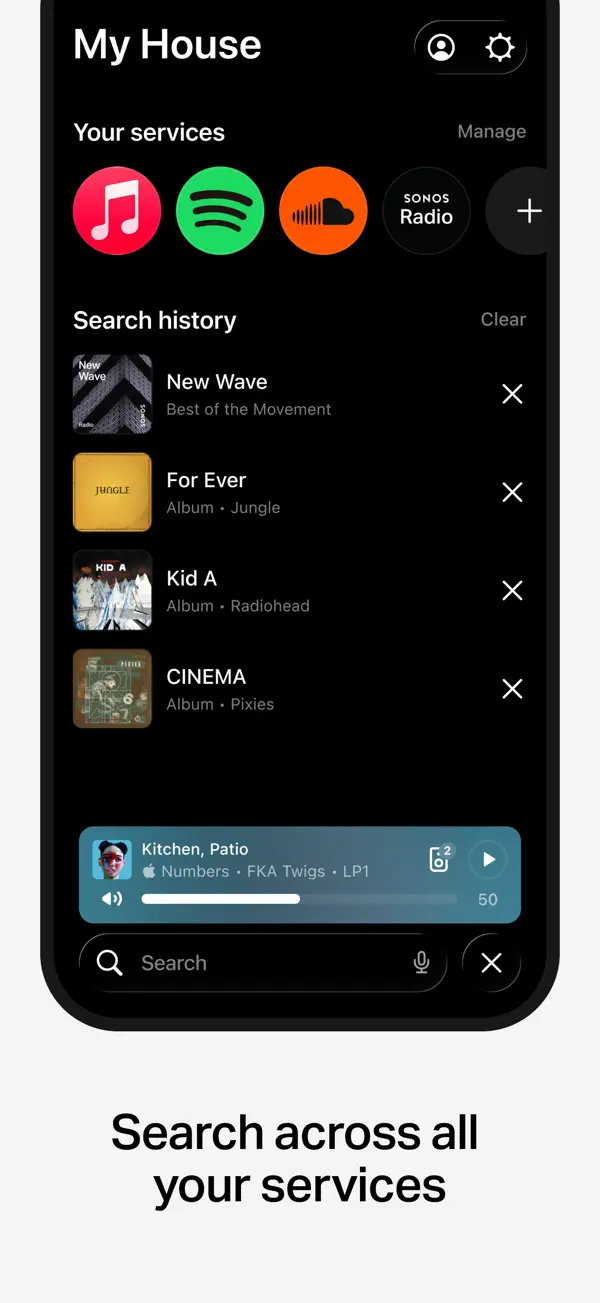
iPad screenshots
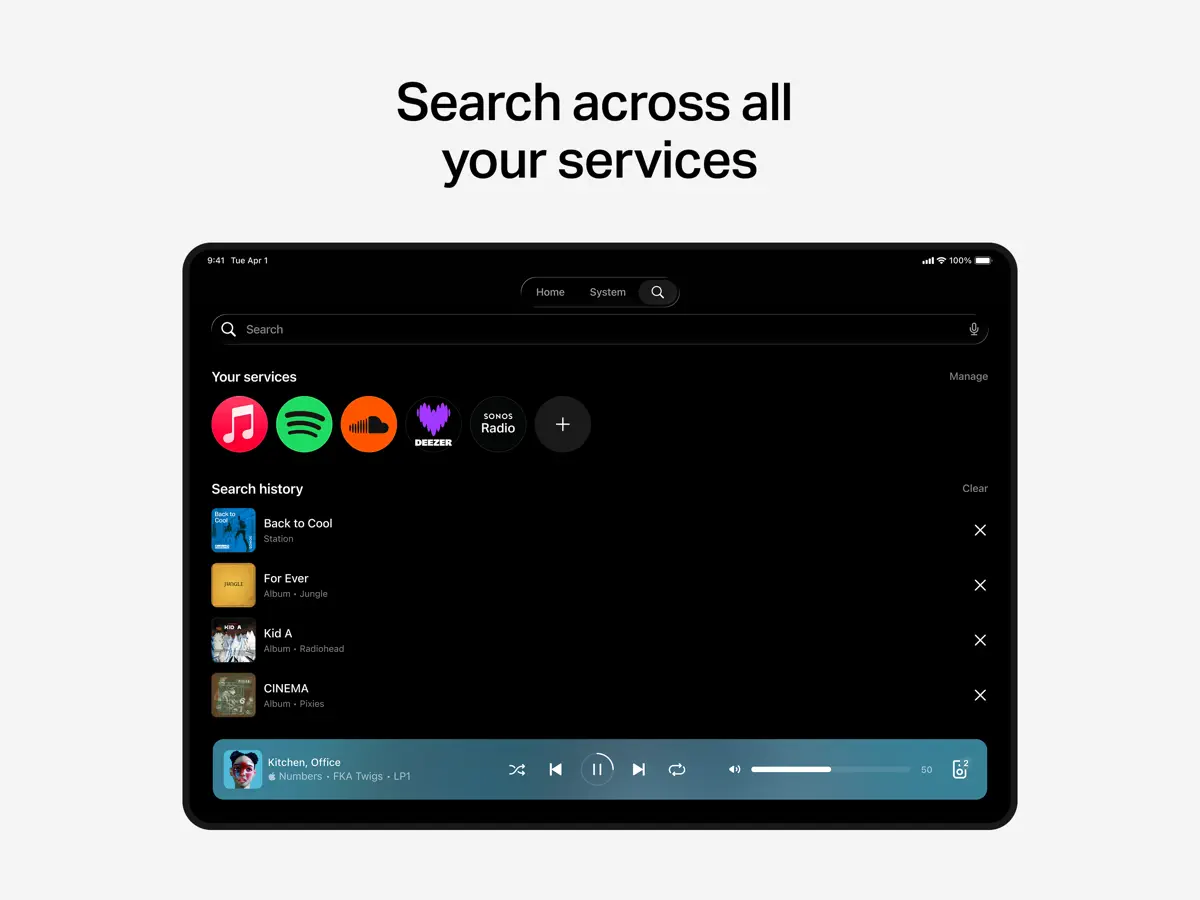
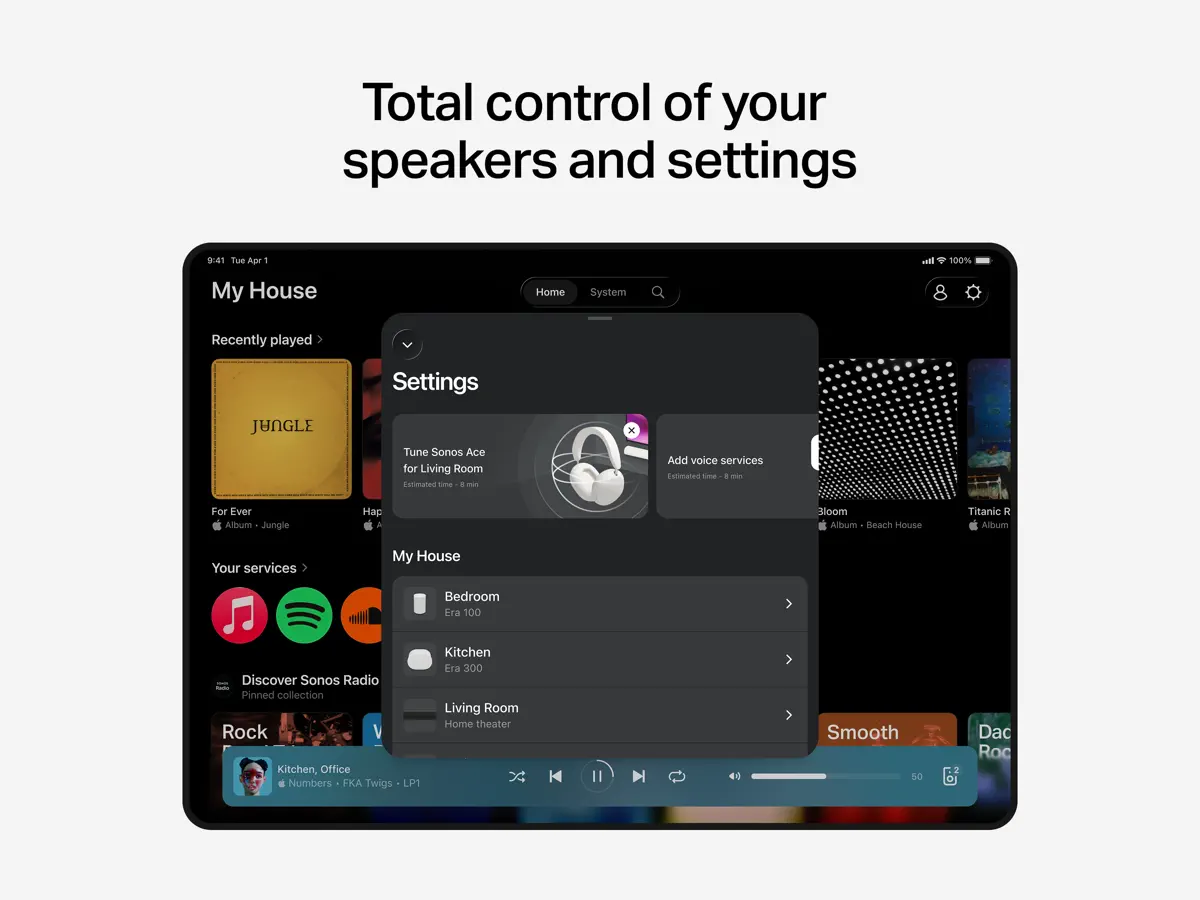
How it uses iPhone Duo
The release notes for the Sonos app version 90.1 (Sonos 27.2), published October 15, 2026, consist of a single line: "UI support for iPhone Duo". Sonos has not described what changes on the inner or outer display, and no fold-specific feature has been announced, so it is listed as Adapted. We have not yet tested it on a device.
What’s New
Version 90.1 ·
Sonos 27.2 ———————— UI support for iPhone Duo
About this app
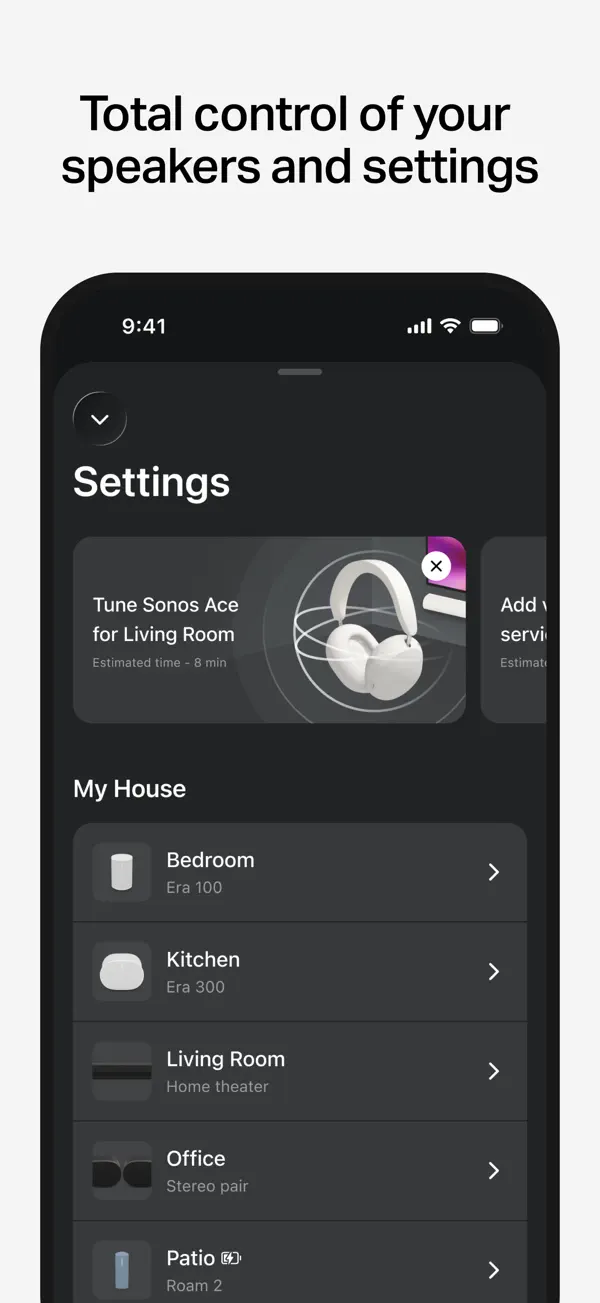
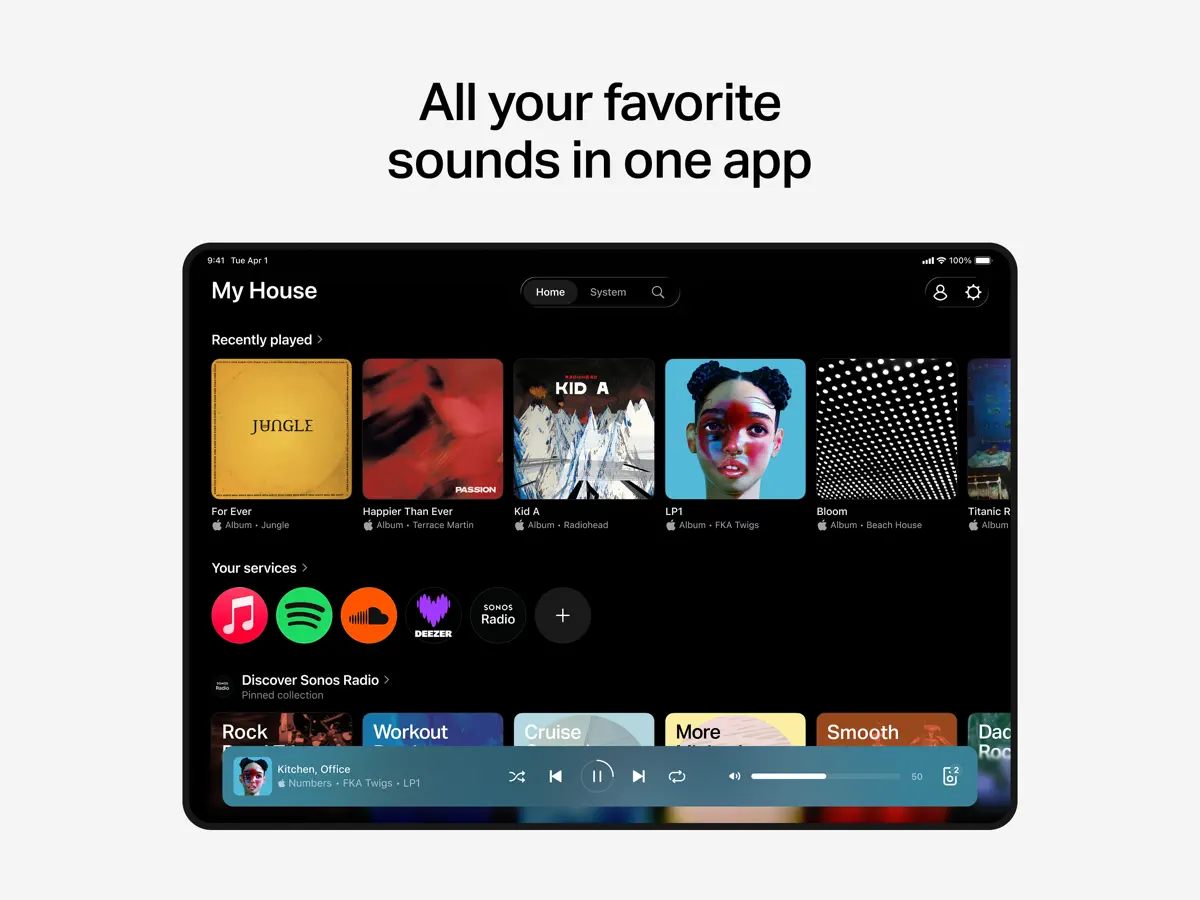
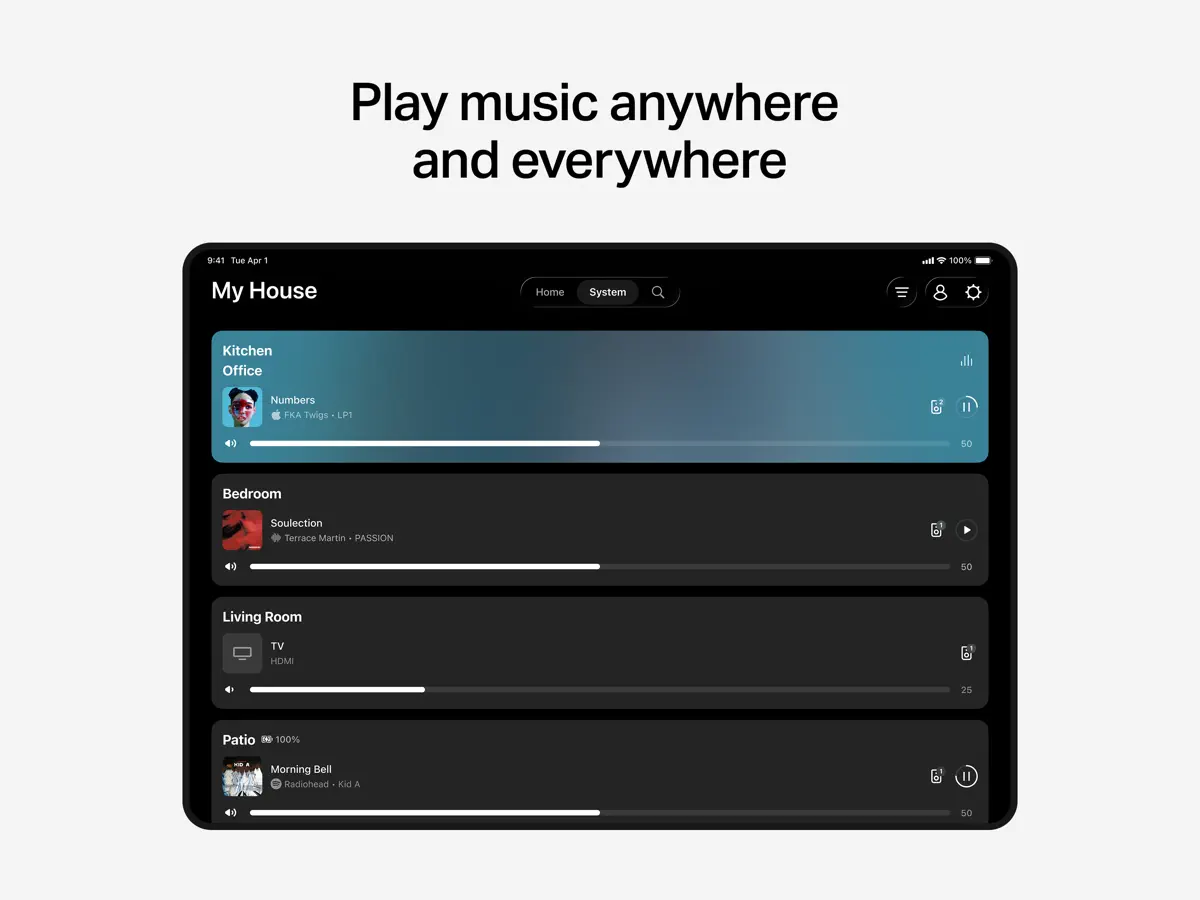
The Sonos app is the control center for Sonos speakers, soundbars and other Sonos products. Its Home screen collects recent favorites and controls, and you can browse, search and play from many streaming services in one place, including Spotify, Apple Music, Amazon Music, Pandora, TIDAL, Audible, Deezer, iHeartRadio and SiriusXM. You can play different audio in each room or group rooms to play the same thing everywhere, and save artists, albums, playlists and stations to Sonos Favorites. The app also handles setup: it detects Sonos products on your network, and walks you through creating stereo pairs, building a surround system and adding speakers to more rooms. Trueplay tuning adjusts products to the room they sit in, and Sonos Voice Control can be enabled on voice-capable products. It is aimed at anyone with Sonos hardware at home; it is not useful without it. The app is free to download, and the App Store lists in-app purchases. Version 90.1, released on October 15, 2026 and labelled Sonos 27.2 in its notes, adds interface support for iPhone Duo.
App Store descriptionWritten by the developer.
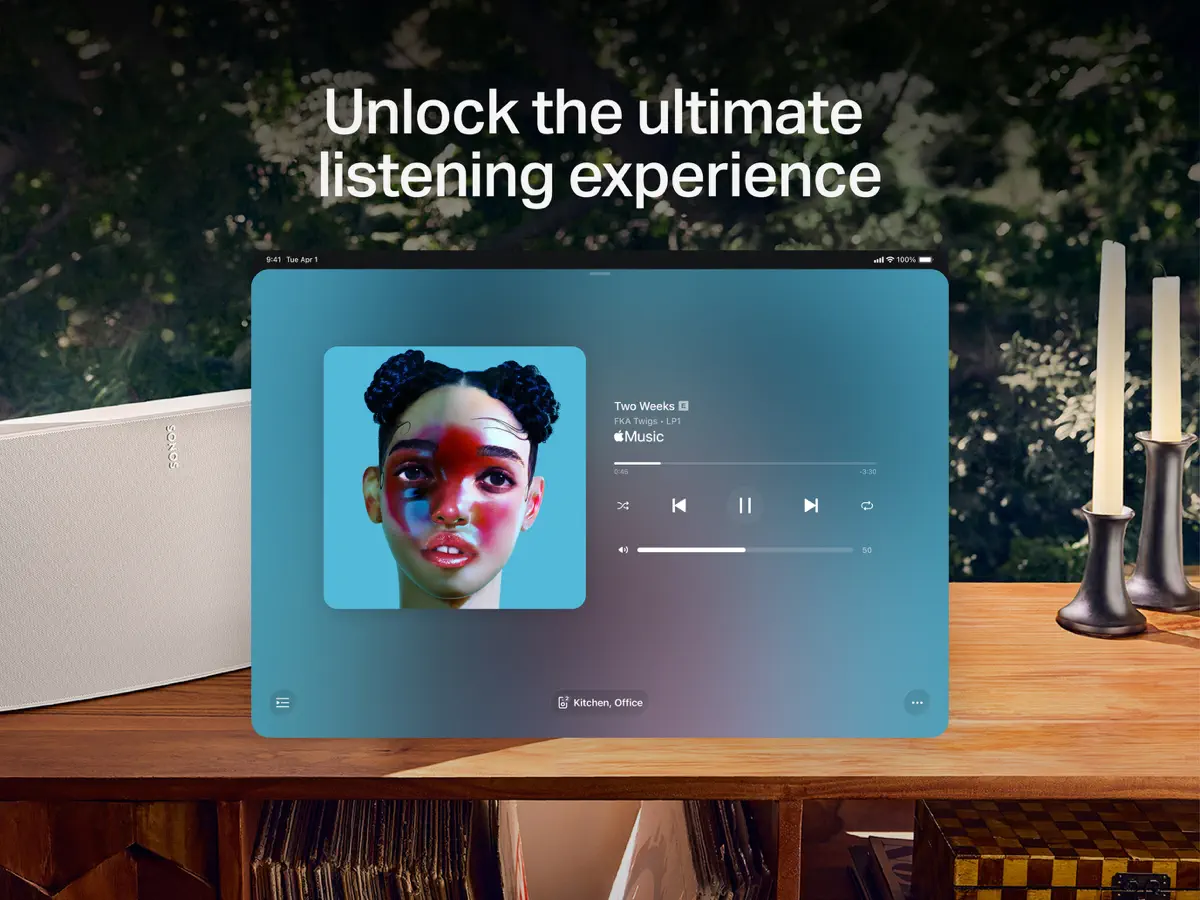
The Sonos app brings all your content and settings together in one place for effortless control of your Sonos products and listening experience. ONE TAP TO ALL YOUR FAVORITE SOUNDS The Home screen puts all your content and controls right at your fingertips. Quickly jump back into your recent favorites, discover new music, and fill your home with Sonos sound. STREAMING STREAMLINED Browse, search, and play content from all your services with a single app, including Spotify, Apple Music, Amazon Music, Pandora, TIDAL, Audible, Deezer, iHeartRadio, and SiriusXM. WHOLE-HOME CONTROL Play something different in every part of your home or the same thing everywhere. The Sonos app gives you complete control of your Sonos products and listening experience from any room. PERSONALIZED LISTENING Create your ultimate music library by saving go-to artists, albums, playlists, and stations to Sonos Favorites. Fine-tune products for your space with Trueplay™. And adjust settings for your needs and preferences. EASY SETUP The app automatically detects your Sonos products, then it’s only a few taps to incredible sound. Easily set up a stereo pair, create a cinematic surround sound system, and add speakers to more rooms. GET THE MOST OUT OF YOUR SONOS EXPERIENCE Enable Sonos Voice Control to play music and control your system with hands-free ease and unheard-of privacy.* Explore helpful tips and recommendations in your Message Center. *Requires a voice-enabled Sonos product. Sonos Voice Control not available in all languages and countries.
Highlights
- Control Sonos speakers room by room or grouped
- Browse and play from many streaming services
- Sonos Favorites library
- Product setup, stereo pairs and surround
- Trueplay room tuning
- Sonos Voice Control on supported products
Sonos on iPhone Duo: FAQ
Is Sonos optimized for iPhone Duo?
Partly. Sonos is Adapted: it fills the larger inner display, but it does not do anything special with the fold. Verified on October 15, 2026 (Developer statement).
What does Sonos look like on iPhone Duo?
The release notes for the Sonos app version 90.1 (Sonos 27.2), published October 15, 2026, consist of a single line: "UI support for iPhone Duo". Sonos has not described what changes on the inner or outer display, and no fold-specific feature has been announced, so it is listed as Adapted. We have not yet tested it on a device.
How much does Sonos cost?
Sonos costs Free · in-app purchases on the App Store.
More Music & Audio apps
See all ›
Retro music player for your own music and streaming libraries.
A classical piano rhythm game that plays across the iPhone Duo's hinge
Game-day walk-up music for softball and baseball, laid out for every Duo pose
Metronome and tuner that split across the fold when the Duo is open
Audiobook player for your own Plex, Audiobookshelf or local library

Podcast player with playlists, sync and new large-screen layouts