
DP8
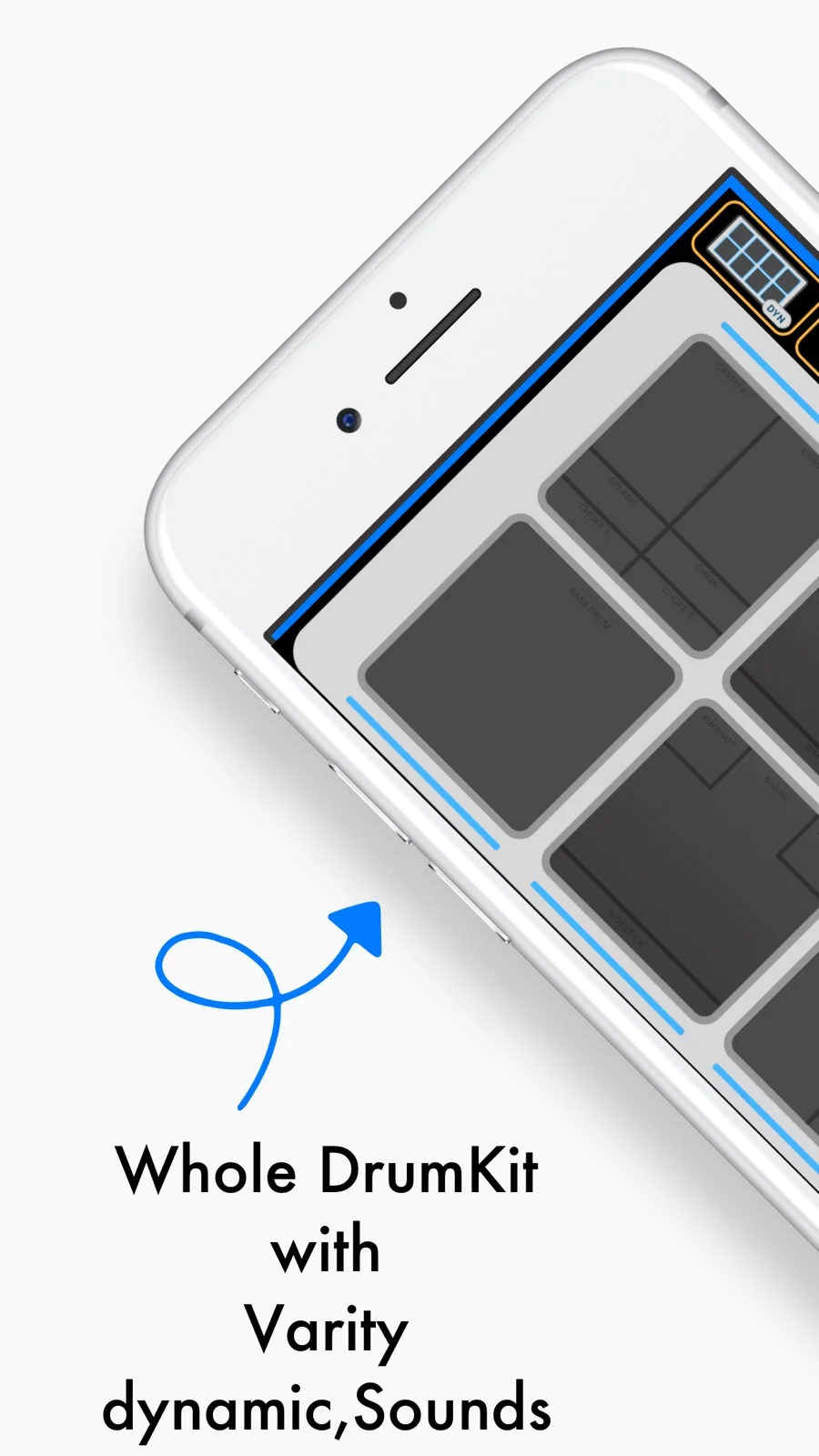
Play a virtual drum kit and practice along with videos, local clips and backing music.
MingChun Chien · Music & Audio · Free
iPhone screenshots
How it uses iPhone Duo
On the open inner display, portrait separates video above from drums below; landscape overlays translucent pads on the video. Closing returns to a compact kit, and the cover offers a drum-output VU meter.
What’s New
Version 1.4 ·
A bigger stage for iPhone Duo, plus the new Video mode. • Duo adoption: redesigned inner and outer display layouts, portrait video/drum separation, translucent pads over landscape video, adjustable pad height and collapsible controls. The outer display adds a drum-output VU meter. • Video practice on unfolded Duo and iPad: open supported websites or videos from Photos and Files. Seek and practice local clips at 1×, 0.75× or 0.5×. On iPad, maximize video behind the playable pads. • A clearer Options screen, in-app language switching and a guide to new features. • Fixes for silent pads after loading and an audio-engine crash during rapid rolls; improved backing/drum balance, limiting, iPad toolbar icons and video layouts. • Built with Xcode 27.1.
App Store descriptionWritten by the developer.
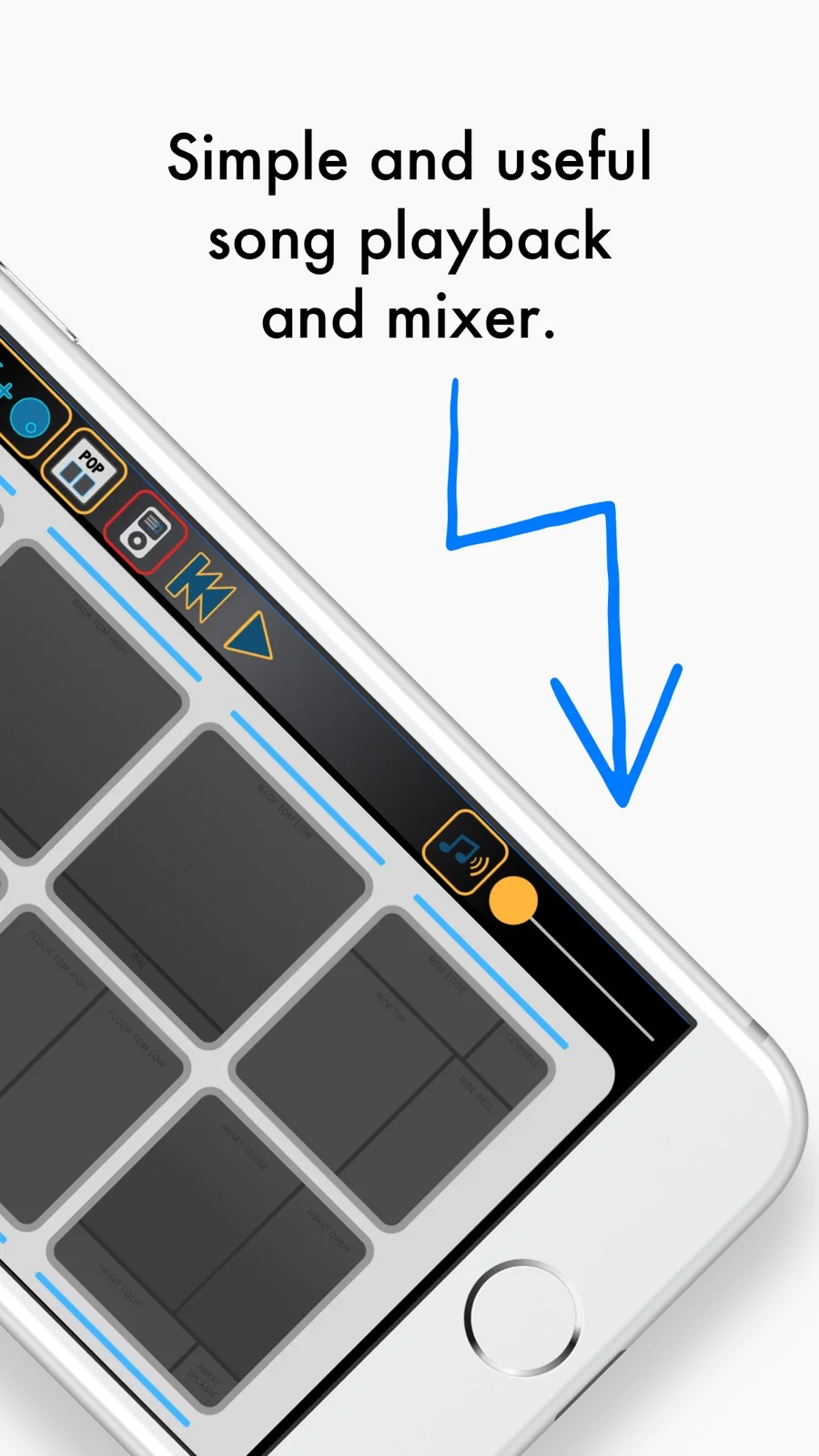
Unfold a bigger stage for your rhythm. Drum Pad 8 brings a playable drum kit, expressive sounds and video practice together on iPhone and iPad. MADE FOR iPHONE DUO Open the inner display for a spacious playing surface. In portrait, keep the video above and the drums below; in landscape, play translucent pads over the video. Adjust pad height, hide the toolbar for more space, and return to the compact landscape kit when you close Duo. The outer display also offers a VU meter for the drum output. WATCH AND PLAY ALONG Video mode on iPhone Duo's unfolded inner display and iPad lets you open supported video websites or choose your own clips from Photos or Files. Local videos include seeking and 1×, 0.75× and 0.5× practice speeds. On iPad, maximize the video into a full-screen background while keeping the pads playable. Website playback depends on the provider, content and connection. Demo videos shown in screenshots are illustrative and are not included. YOUR KIT, YOUR SOUND • Play Pop, Rock and Jazz drum sounds. • Use dynamic or loud pad response and optional crash/bass-drum sync. • Practice with streaming music from another app or supported local songs. • Adjust drum and backing levels with the controls available for each mode. • Explore the guided introduction and switch the app language in Options. DRUM PAD 8 PRO A one-time in-app purchase removes ads and unlocks the AUv3 drum instrument. Play through MIDI or its 4×2 pads in a compatible AUv3 host, with velocity layers, hi-hat choking, presets and host state saving.
Highlights
- Pop, Rock and Jazz drum kits
- Video practice with playback speed controls
- Optional AUv3 drum instrument
DP8 on iPhone Duo: FAQ
Is DP8 optimized for iPhone Duo?
Partly. DP8 is Adapted: it fills the larger inner display, but it does not do anything special with the fold. Verified on October 27, 2026 (App Store text).
What does DP8 look like on iPhone Duo?
On the open inner display, portrait separates video above from drums below; landscape overlays translucent pads on the video. Closing returns to a compact kit, and the cover offers a drum-output VU meter.
How much does DP8 cost?
DP8 is free to download on the App Store.
More Music & Audio apps
See all ›
Retro music player for your own music and streaming libraries.

Turns your iPhone into a squeezable accordion that plays notes as you pump the bellows.

Turns your iPhone into a cassette deck that plays your music with reels and keys.

Plays your Apple Music and local albums as retro cassette tapes with mechanical sounds.

Turns the Duo into an accordion: pumping the hinge works the bellows, keys on the right.

Sync your Discogs collection, scan records, and view your vinyl in 3D.