
GetFlicked: Movie Picker
Find your next movie or TV show with random picks, mood filters and watchlists.
Rachel Larralde · Entertainment · Free · in-app purchases
iPhone screenshots
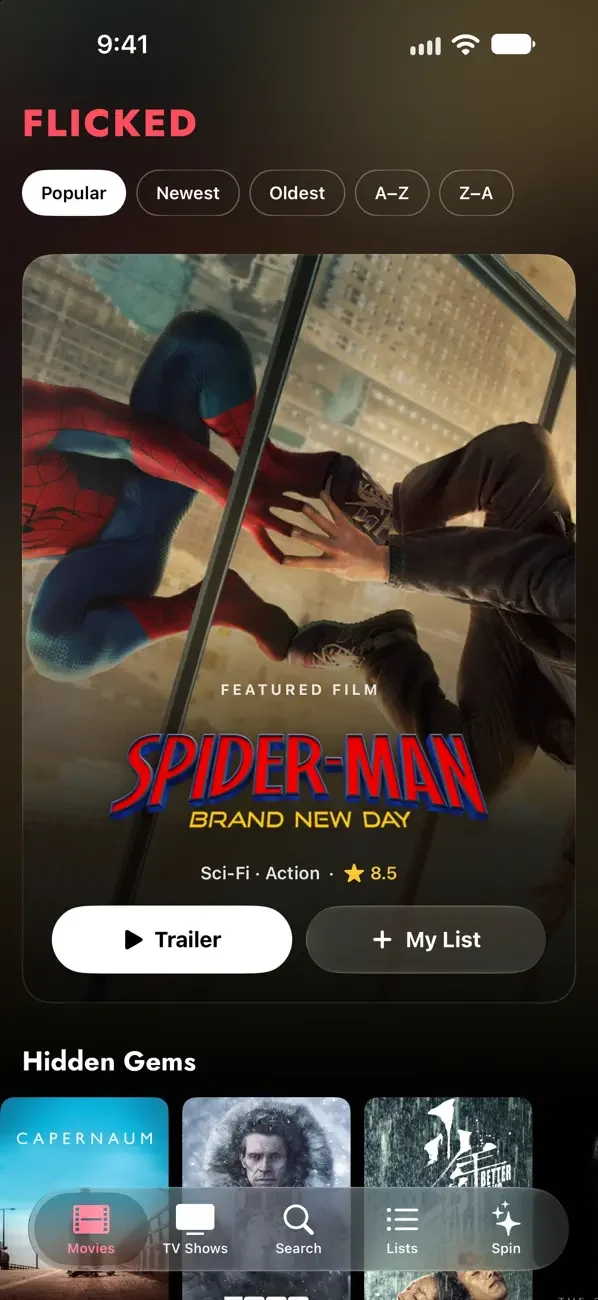
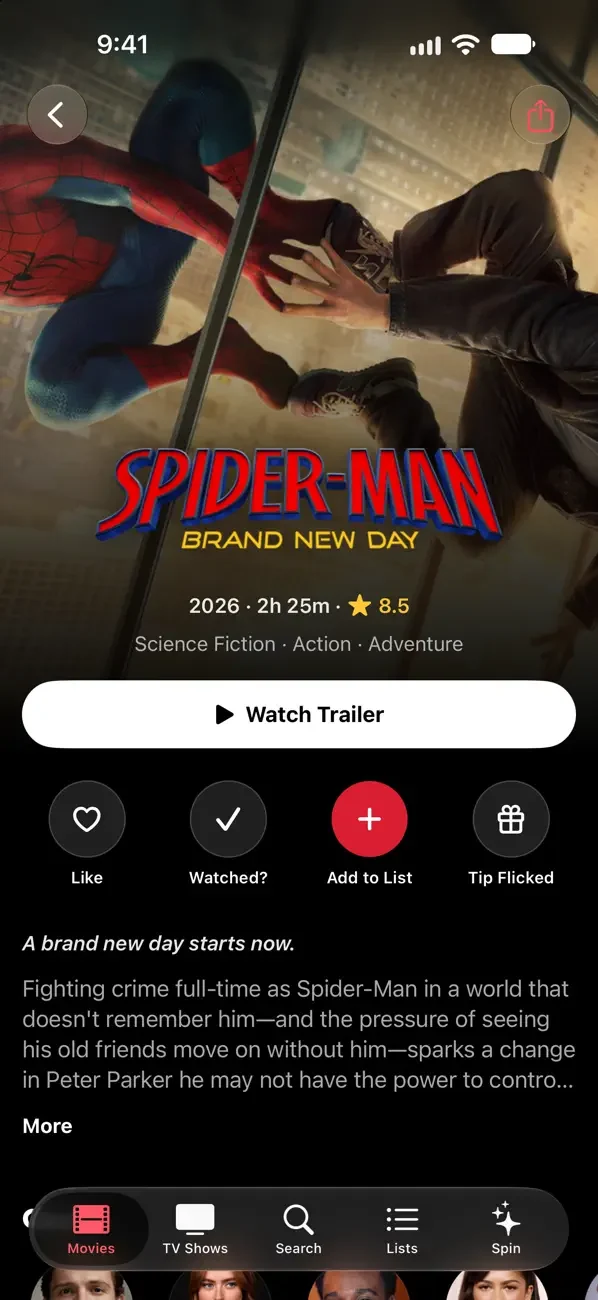
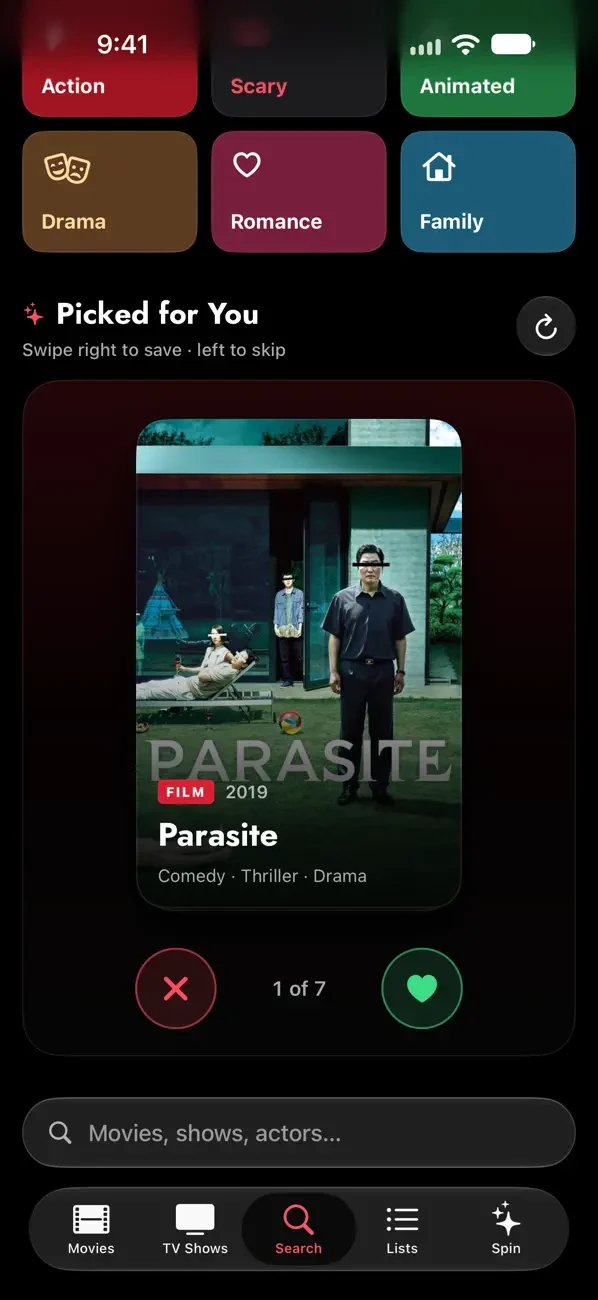
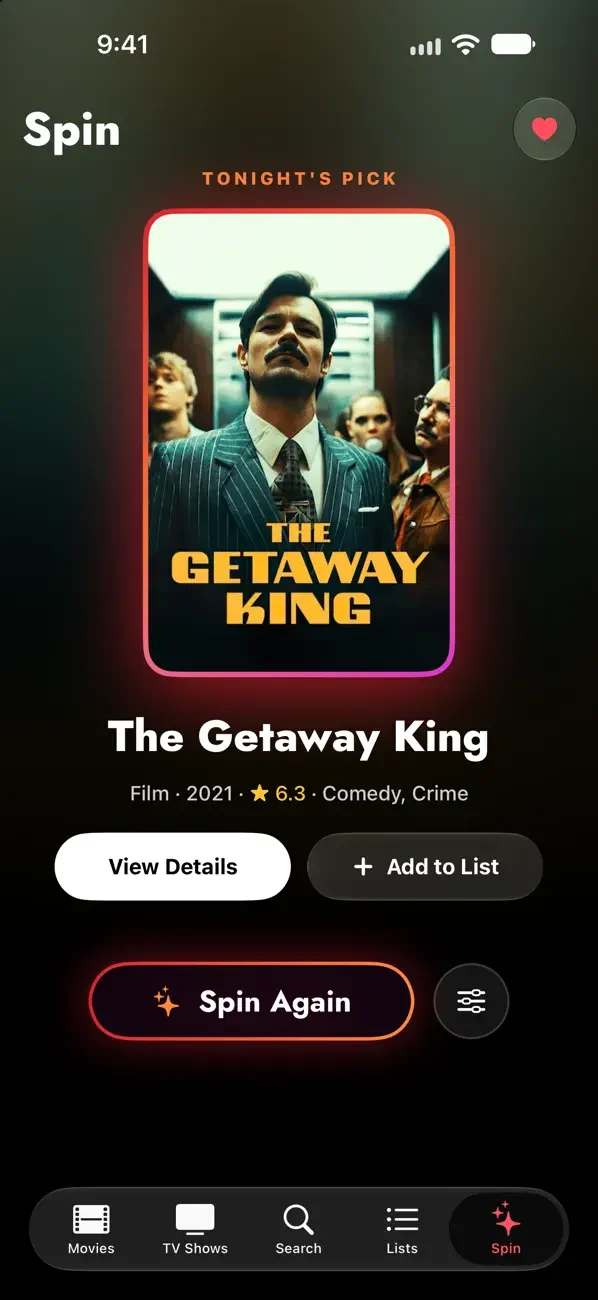
How it uses iPhone Duo
Developer release notes describe an inner-display sidebar, two-pane movie details, and Spin filters beside the picker, with quick selection on the outer display.
What’s New
Version 2.1.0 ·
A whole new look - Flicked has been redesigned from top to bottom, with a cinematic home screen, big featured picks, Top 10 rows and rich movie and TV pages. - Sort movies with one tap, see cast, trailers and where to watch at a glance, and spin for tonight's pick on a brand new Spin tab. - Refreshed lists, search, social and home screen widget. Built for iPhone Duo - Flicked adapts to both screens. Browse with a sidebar on the big inner display, or pick something fast on the outer screen. - Unfold it and pages split into two panes: details on one side, cast and where to watch on the other. Spin shows its filters right beside you. - Picked for You and Browse by Mood fit any screen size, so your swipe deck stays in view.
About this app
Find movies and TV shows with random picks, mood-based discovery and watchlists. Check cast, trailers and streaming availability in one place. Version 2.1.0 adds developer-described Duo layouts with an inner-screen sidebar, two-pane details and filters beside the Spin picker.
App Store descriptionWritten by the developer.
Tired of spending forever deciding what to watch? GetFlicked helps you find your perfect movie in seconds with smart random picks, personalized recommendations, and tracking for everything you watch. Discover movies across Netflix, Hulu, Disney+, Prime Video, and 100+ streaming services.
Highlights
- Random movie and TV picks
- Personalized and mood-based discovery
- Shareable watchlists
- Cast, trailers and streaming-provider information
- Duo sidebar and two-pane layout (developer claim)
GetFlicked: Movie Picker on iPhone Duo: FAQ
Is GetFlicked: Movie Picker optimized for iPhone Duo?
Yes. GetFlicked: Movie Picker is Built for Duo: it uses the fold, Split View or the outer display. Verified on October 28, 2026 (App Store text).
What does GetFlicked: Movie Picker look like on iPhone Duo?
Developer release notes describe an inner-display sidebar, two-pane movie details, and Spin filters beside the picker, with quick selection on the outer display.
How much does GetFlicked: Movie Picker cost?
GetFlicked: Movie Picker costs Free · in-app purchases on the App Store.
More Entertainment apps
See all ›
Build a virtual aquarium with fish, scenery, feeding and lighting controls.

Perform a digital puppet show while the camera records the audience’s reactions.

Reveals a stored answer as you unfold your phone, for questions you keep to yourself.

Paint on half the page, fold it shut, rub, then peel open to reveal a mirrored paint print.

Drop ink, fold the phone to press a blot, then get a written reading of what you see.

Makes paint-blot prints by folding the phone to press and peel colors apart.