
InTransit
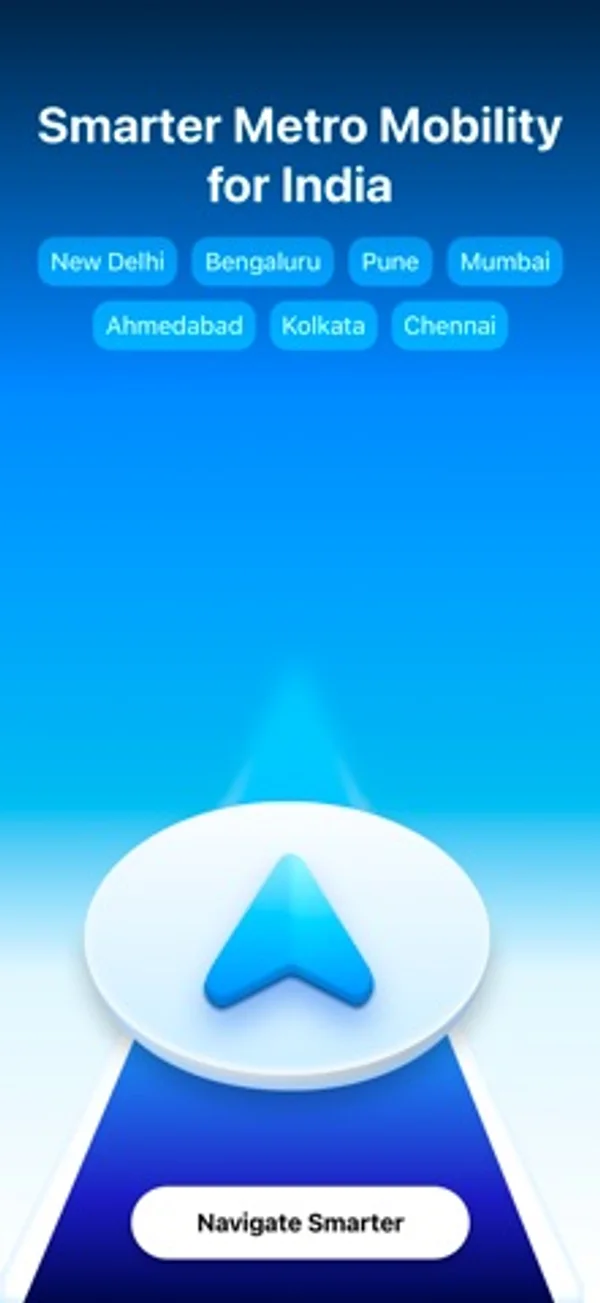
Plan metro journeys in Indian cities and follow stops and trip updates.
Nikhil Nigade · Travel · Free
iPhone screenshots
How it uses iPhone Duo
On an open Duo held sideways, destination changes and settings open in an edge panel.
What’s New
Version 2026.11.1 ·
2026.11.1 Improvements • The app now gets its list of interchanges from InTransit's servers. Before, it found an interchange only when two stations had the same name and were close together. • When a trip runs on two lines, the route now shows each line and a change at the interchange. Before, it could show the trip as one train. For example, in Ahmedabad, a trip from Old High Court to GIFT City changes at Motera Stadium and at GNLU. 2026.11.0 New • A redesigned InTransit. One map and one sheet for each step of your trip: Explore, Station, Plan, Ready, In transit and Arrived. Explore filters stations by line. Settings, Travelogue and your pass are in one group of buttons on the map. • Travelogue shows your trips on a shelf of 3D miniatures. You can now log out below your recent trips. Your trips stay on this device. • While you ride, the map zooms in, tilts and follows the direction you face. After the trip, it is flat and points north again. • In transit gives your route more room. The header shows the next stop, the next change and your arrival in clearer type. A new "Change destination" row lets you ride on to a later stop. • Stations that are not in service show as grey markers. You cannot select them, and they do not count as stops in your journey. Improvements • Line colours now match the line badges on the map, in Travelogue, on share cards and in Change destination. Yellow lines have dark yellow text. • All sheets use the glass of the system. From and To show in one row each. • The Live Activity and the Dynamic Island are easier to read. The train on the track is now a location pin in the colour of the line, the expanded island has no card with a black border, and its countdown is no longer cut off. • At the largest text sizes, the Ready sheet, the route and the trip bar no longer break words or numbers. • iPhone Duo: Onboarding, the trip screen and the In transit bar now follow the status bar at the side of the display. On the unfolded display held sideways, Change destination and Settings open as a panel at the leading edge. • Pune: Civil Court is now District Court.
App Store descriptionWritten by the developer.
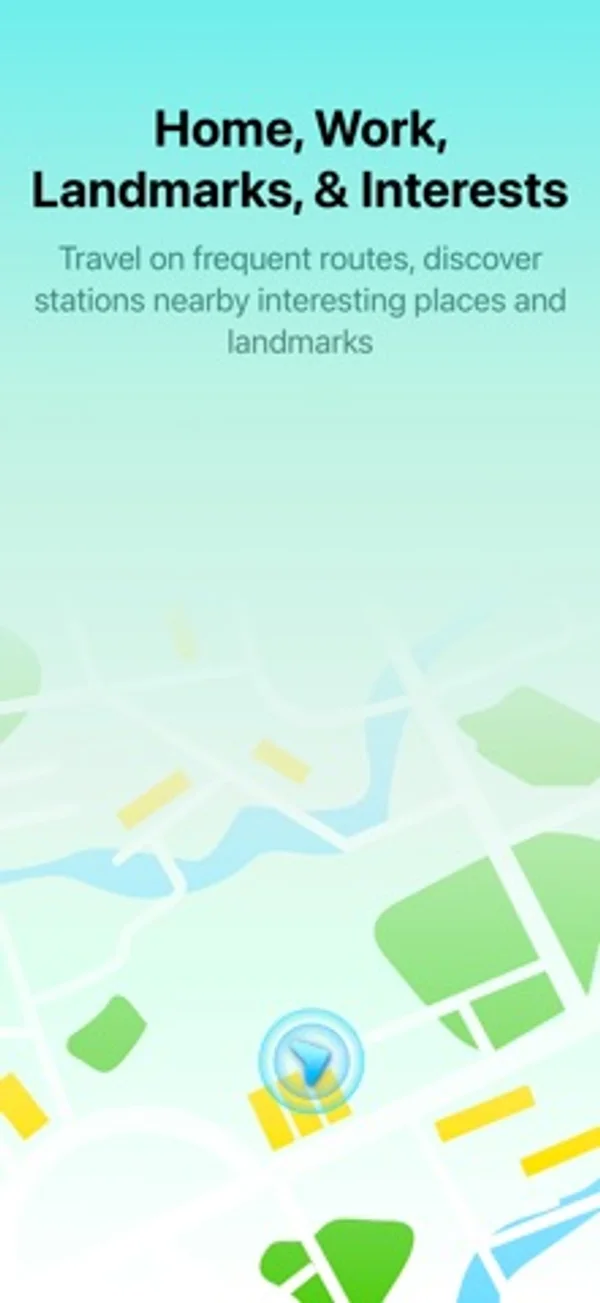
InTransit is a metro mobility app designed specifically for India, with regional coverage including Pune, Mumbai, New Delhi, Bengaluru, Chennai, Kolkata, Ahmedabad, Hyderabad, and more cities coming soon. - Comprehensive metro routes, lines, stations, and accessibility reports support. - Station Information, Landmarks lookup, routing & line information - Live Activities brings real-time navigational support right to your lock screen and Smart Stack on your Apple Watch. - Travelogue: Track your journeys, check the environmental impact you create by using greener modes of mass transit systems - Gain medals to show off based on distance travelled - Private first: InTransit has been designed to be private. Locations, transit and route information never leaves your device. Your travelogue is synced using randomised identifiers which cannot track you. Terms of Use: https://www.apple.com/legal/internet-services/itunes/dev/stdeula/ Privacy Policy: https://intransit.app/privacy Please use turn by turn directions at your own risk.
InTransit on iPhone Duo: FAQ
Is InTransit optimized for iPhone Duo?
Partly. InTransit is Adapted: it fills the larger inner display, but it does not do anything special with the fold. Verified on November 4, 2026 (Developer statement).
What does InTransit look like on iPhone Duo?
On an open Duo held sideways, destination changes and settings open in an edge panel.
How much does InTransit cost?
InTransit is free to download on the App Store.
More Travel apps
See all ›
Turns your photo library into a private travel passport with a world map, stamps and stats.

Live flight tracking with delay alerts and pilot-grade data

Discovers nearby places and plays audio guides telling their history and secrets.

Counts days spent in each country against Schengen, visa and residence rules.

Reads place and time in your photos to draw an ordered trip route you can share by QR code.

Search and book flights, manage reservations and retrieve your boarding pass.