
iPhone スクリーンショット
iPhone Duo での活用
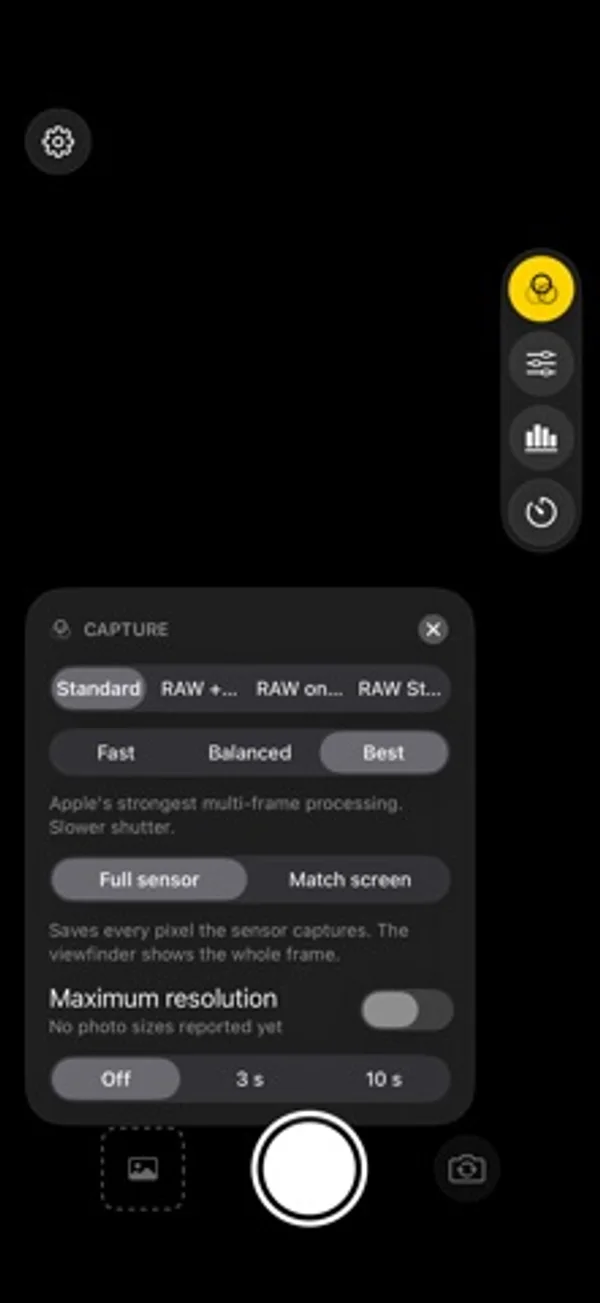
操作を右端に置いてファインダーを空け、内外画面でセンサー全体か画面比率に合わせた保存を選べます。
新機能
バージョン 1.0.1 ·
• Face exposure: keeps a person's face from blowing out or sinking into shadow, without changing skin tone. Switch it off in the Capture card if you prefer. • In portrait, the side controls tuck away after a few seconds. Tap the small tab at the screen edge to bring them back (Settings has a switch). • A clearer unlock screen while the price loads. • The two front cameras are now labelled Front and Front Wide. • Fixes and polish.
開発者はこの内容を日本語化していません。
App Store の説明開発者による説明です。
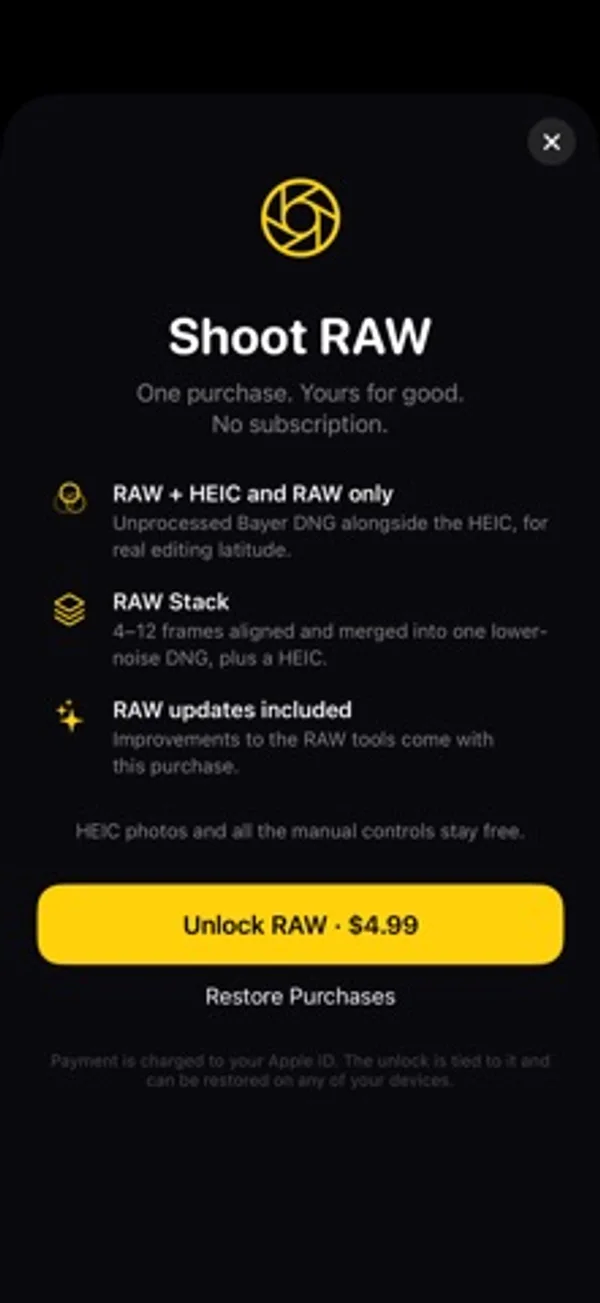
DuoFrame Pro is a camera app built around the sensor in your phone, with extra care for foldables like the iPhone Duo. FREE • HEIC photos with Apple's multi-frame processing • Manual exposure: ISO, shutter, exposure compensation • Manual focus and white balance • Live histogram • Every lens: 0.5×, 1× and the front cameras • Self timer • Your settings are remembered between launches RAW UNLOCK (one purchase, no subscription) • RAW and RAW + HEIC capture as DNG files • RAW Stack: captures a burst of RAW frames, aligns them and merges them before the picture is developed, so you get less noise and a real DNG you can edit in Lightroom, Photos and other editors • Low-light boost for dim scenes BUILT FOR THE FOLD • Controls sit on the right edge so the viewfinder stays clear • Choose Full sensor to keep every pixel, or Match screen to fill the display and save what you see • Opens correctly on the cover screen and the inner display No account. No ads. No tracking. Photos are saved straight to your library and nothing leaves your phone.
iPhone Duo での DuoFrame Pro:よくある質問
DuoFrame Pro は iPhone Duo に最適化されていますか?
はい。DuoFrame Pro は「Duo 専用設計」で、折りたたみ、Split View、外側ディスプレイを活用しています。2026年11月9日 に確認(開発者の発表)。
iPhone Duo での DuoFrame Pro はどう見えますか?
操作を右端に置いてファインダーを空け、内外画面でセンサー全体か画面比率に合わせた保存を選べます。
DuoFrame Pro の価格は?
DuoFrame Pro は App Store で無料でダウンロードできます。
その他のクリエイティブアプリ
すべて見る ›
紙の半分に絵を描き、折って開くと柔らかくにじんだ鏡像のプリントが現れます。

ウエストレベルのファインダーで正方形の写真を撮り、フィルムとコンタクトシートにまとめます。

前後のカメラを同時に撮影し、動かせる小窓やプロンプターを使えます。

部屋の写真と好みのスタイルから、内装のアイデアを生成します。

複数のiPhoneカメラを同時に使い、Vlogやインタビューを撮影します。

動画の反転、スロー、区間リピートで振り付けを練習できます。