
DuoFrame Pro
Shoot photos with manual exposure and focus, with an optional RAW capture and stacking upgrade.
Chris Henely · Creative · Free
iPhone screenshots
How it uses iPhone Duo
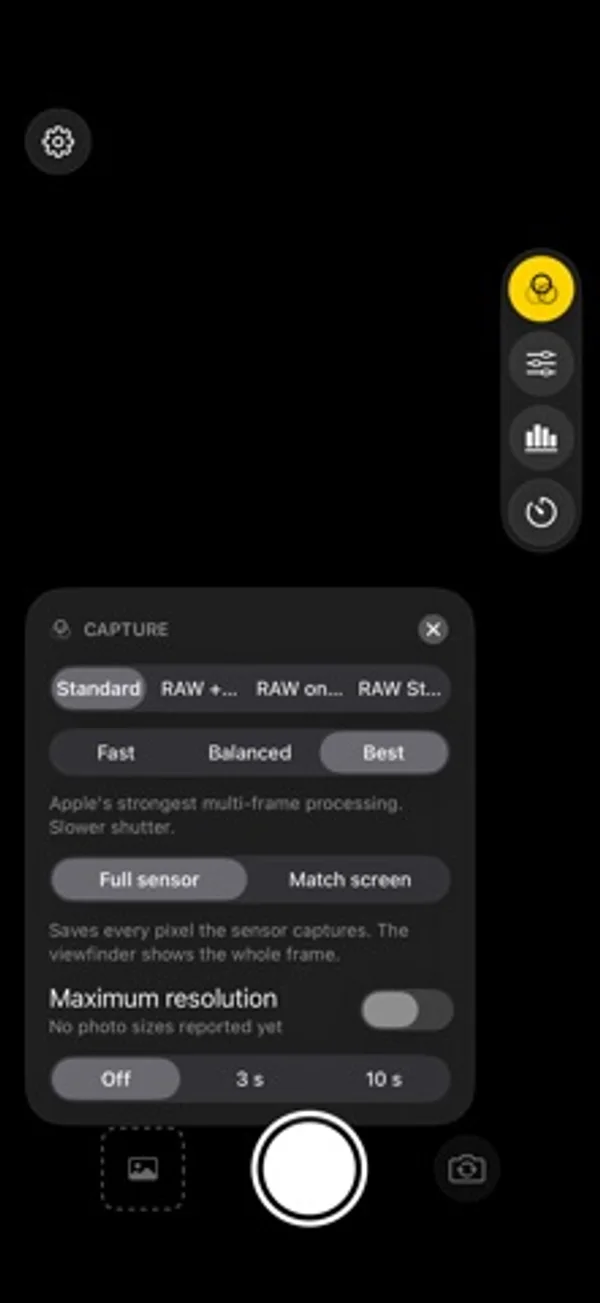
Controls occupy the right edge to leave a clear viewfinder; choose full-sensor framing or a saved crop matching the display, on the outer and inner screens.
What’s New
Version 1.0.1 ·
• Face exposure: keeps a person's face from blowing out or sinking into shadow, without changing skin tone. Switch it off in the Capture card if you prefer. • In portrait, the side controls tuck away after a few seconds. Tap the small tab at the screen edge to bring them back (Settings has a switch). • A clearer unlock screen while the price loads. • The two front cameras are now labelled Front and Front Wide. • Fixes and polish.
App Store descriptionWritten by the developer.
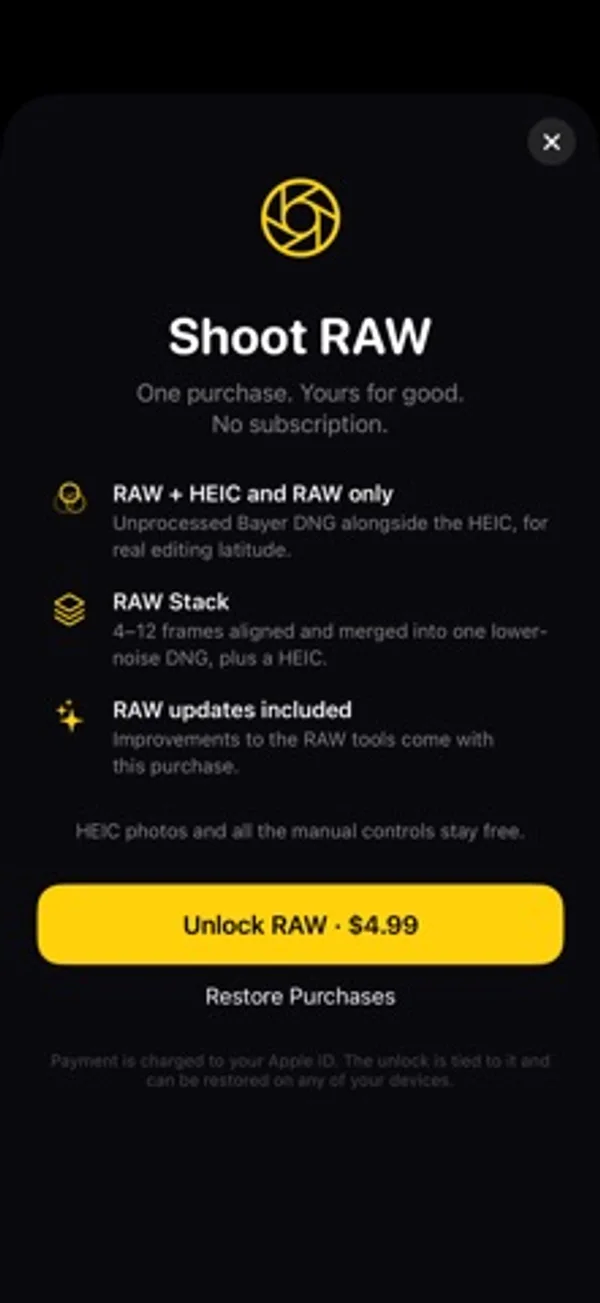
DuoFrame Pro is a camera app built around the sensor in your phone, with extra care for foldables like the iPhone Duo. FREE • HEIC photos with Apple's multi-frame processing • Manual exposure: ISO, shutter, exposure compensation • Manual focus and white balance • Live histogram • Every lens: 0.5×, 1× and the front cameras • Self timer • Your settings are remembered between launches RAW UNLOCK (one purchase, no subscription) • RAW and RAW + HEIC capture as DNG files • RAW Stack: captures a burst of RAW frames, aligns them and merges them before the picture is developed, so you get less noise and a real DNG you can edit in Lightroom, Photos and other editors • Low-light boost for dim scenes BUILT FOR THE FOLD • Controls sit on the right edge so the viewfinder stays clear • Choose Full sensor to keep every pixel, or Match screen to fill the display and save what you see • Opens correctly on the cover screen and the inner display No account. No ads. No tracking. Photos are saved straight to your library and nothing leaves your phone.
DuoFrame Pro on iPhone Duo: FAQ
Is DuoFrame Pro optimized for iPhone Duo?
Yes. DuoFrame Pro is Built for Duo: it uses the fold, Split View or the outer display. Verified on November 9, 2026 (Developer statement).
What does DuoFrame Pro look like on iPhone Duo?
Controls occupy the right edge to leave a clear viewfinder; choose full-sensor framing or a saved crop matching the display, on the outer and inner screens.
How much does DuoFrame Pro cost?
DuoFrame Pro is free to download on the App Store.
More Creative apps
See all ›
Paint half a sheet and reveal a softly mirrored print by folding and reopening it.

Shoot square vintage-style photos with a waist-level finder, film rolls and contact sheets.

Record front and rear cameras together, with movable picture-in-picture and a teleprompter.

Generate room-design ideas from a photo and a chosen interior style.

Record multiple iPhone cameras together for vlogs, reactions and interviews.

Practice choreography by mirroring, slowing and looping sections of a chosen video.