
Foldprint: Butterfly Painting
Paint half a sheet and reveal a softly mirrored print by folding and reopening it.
Mustafa Ergisi · Creative · Free
iPhone screenshots
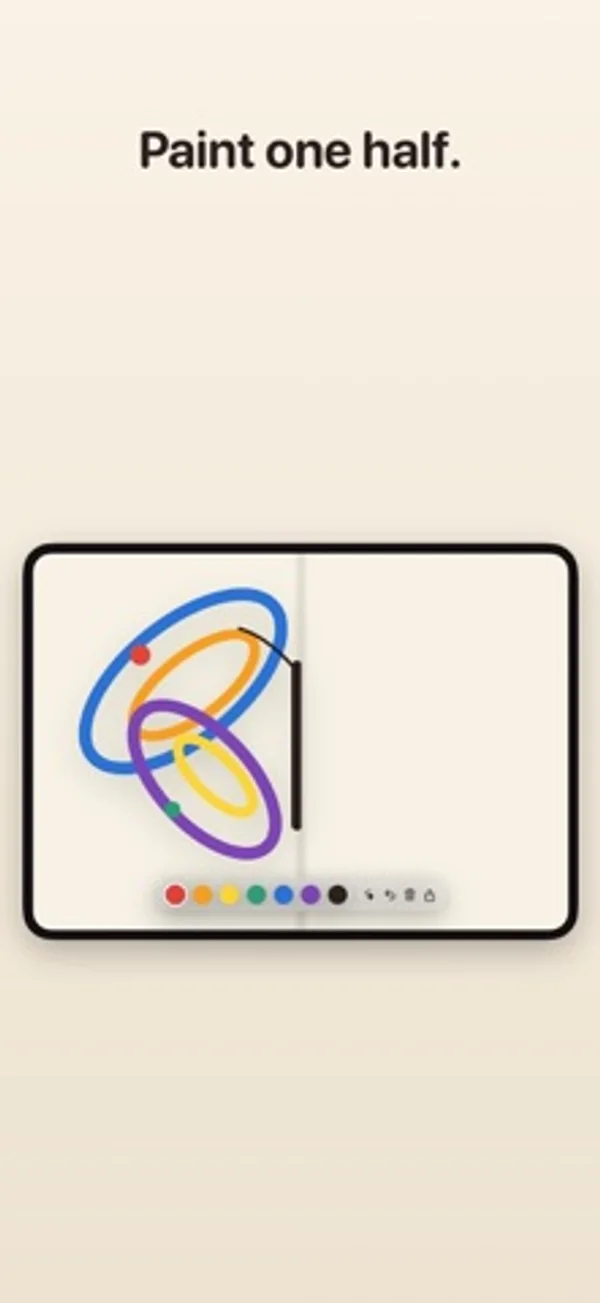
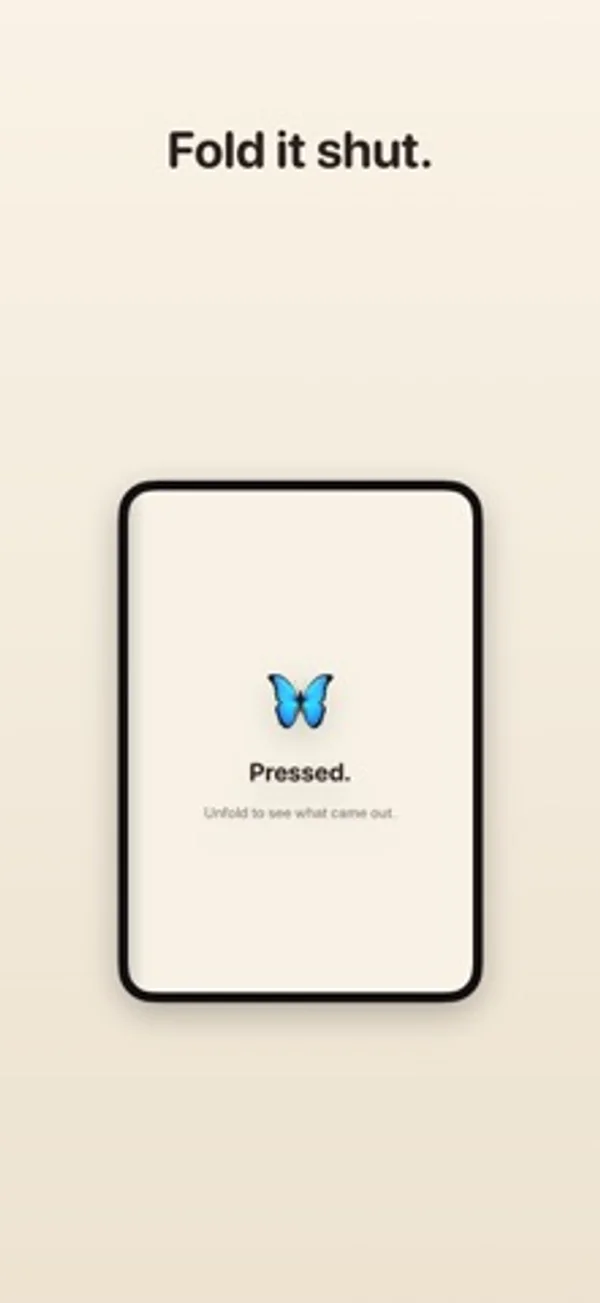
How it uses iPhone Duo
Closing a foldable phone presses the virtual paint; opening reveals the mirrored print. Other iPhones use a Fold button.
App Store descriptionWritten by the developer.
Remember folding a sheet of paper over wet paint, pressing it flat, and opening it to find a butterfly? Foldprint brings that back. Paint on one half of the page. Fold it shut. Open it again, and whatever you painted has pressed across the crease as a mirror print, a little softer and a little smudged, the way real paint does. HOW IT WORKS • Paint one half with your finger • Fold the page • Unfold to reveal the print MADE FOR FOLDING On a foldable iPhone the fold is real: close your phone to press the paint, open it to see what came out. On any other iPhone, tap Fold and the page closes for you. READY-MADE HALVES Not sure where to start? Load a butterfly, a heart, a tree or a face, and fold it to see the other half appear. SHARE YOUR PRINTS Save your print to Photos or send it to a friend. No accounts, no ads, no data collected. Just paint and paper.
Foldprint: Butterfly Painting on iPhone Duo: FAQ
Is Foldprint: Butterfly Painting optimized for iPhone Duo?
Yes. Foldprint: Butterfly Painting is Built for Duo: it uses the fold, Split View or the outer display. Verified on November 2, 2026 (Developer statement).
What does Foldprint: Butterfly Painting look like on iPhone Duo?
Closing a foldable phone presses the virtual paint; opening reveals the mirrored print. Other iPhones use a Fold button.
How much does Foldprint: Butterfly Painting cost?
Foldprint: Butterfly Painting is free to download on the App Store.
More Creative apps
See all ›
Shoot square vintage-style photos with a waist-level finder, film rolls and contact sheets.

Record front and rear cameras together, with movable picture-in-picture and a teleprompter.

Generate room-design ideas from a photo and a chosen interior style.

Record multiple iPhone cameras together for vlogs, reactions and interviews.

Practice choreography by mirroring, slowing and looping sections of a chosen video.

Compose and share interactive clock and photo designs with movable blocks and fold animations.